What's New in Xmind
What's New

in Xmind
Discover the latest features, improvements, and smarter ways to organize your ideas.

All updates
Jun 11, 2026
Chat with Xmind AI in Your Map
NEW FEATURE
The New Xmind AI
Xmind AI now lives as a panel inside your map. It can read your map, search the web, pull in your own files, grow a single branch, or reshape the whole map at once — all through chats. With built-in connectors, your finished thinking flows straight into the tools your work already lives in — no copy-paste, no detour. Available on Xmind Web.

Jun 11, 2026
Chat with Xmind AI in Your Map
NEW FEATURE
The New Xmind AI
Xmind AI now lives as a panel inside your map. It can read your map, search the web, pull in your own files, grow a single branch, or reshape the whole map at once — all through chats. With built-in connectors, your finished thinking flows straight into the tools your work already lives in — no copy-paste, no detour. Available on Xmind Web.
Jun 11, 2026
Chat with Xmind AI in Your Map
NEW FEATURE
The New Xmind AI
Xmind AI now lives as a panel inside your map. It can read your map, search the web, pull in your own files, grow a single branch, or reshape the whole map at once — all through chats. With built-in connectors, your finished thinking flows straight into the tools your work already lives in — no copy-paste, no detour. Available on Xmind Web.
Apr 21, 2026
Feels Native. Works Smarter.
NEW FEATURE
Visual Refresh
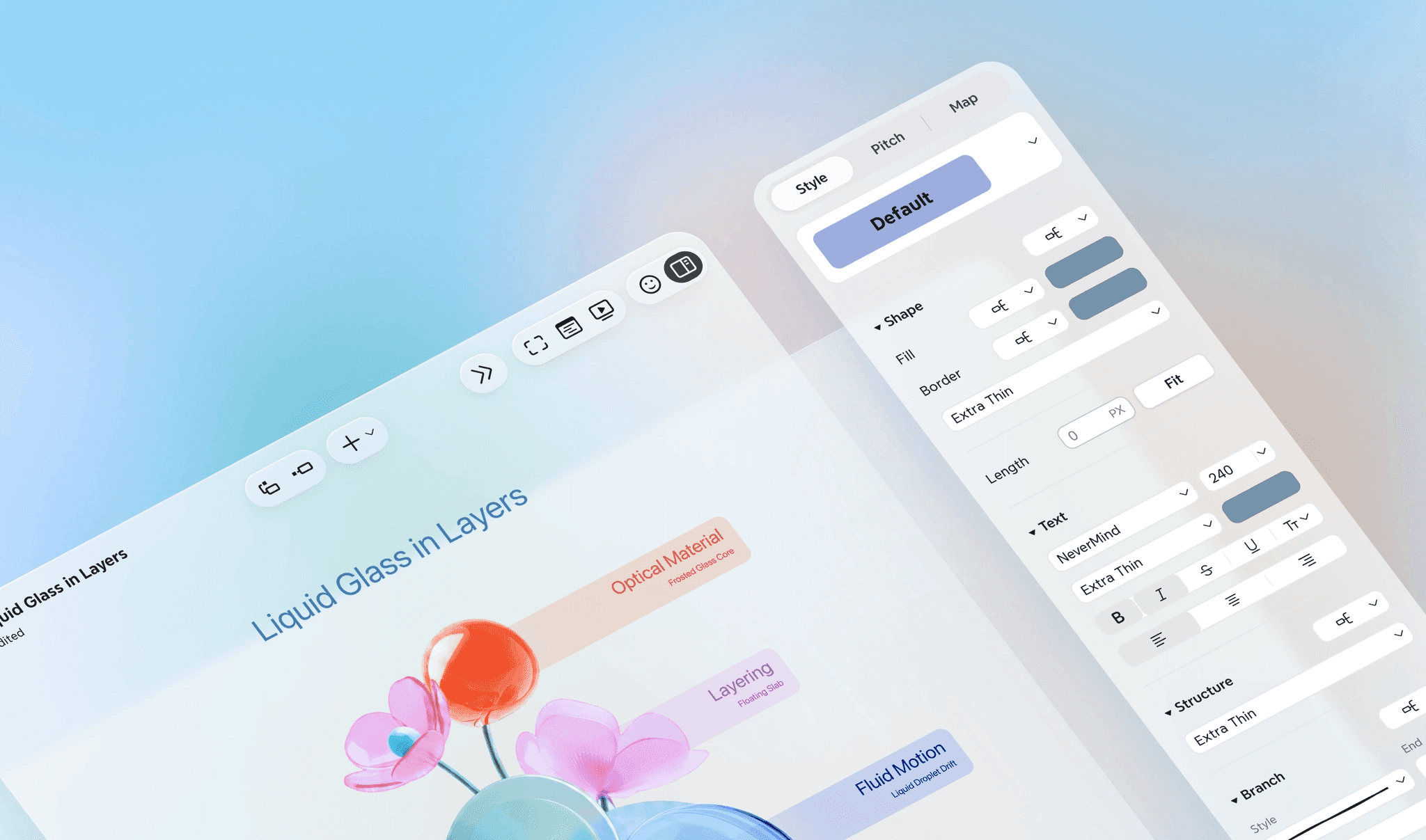
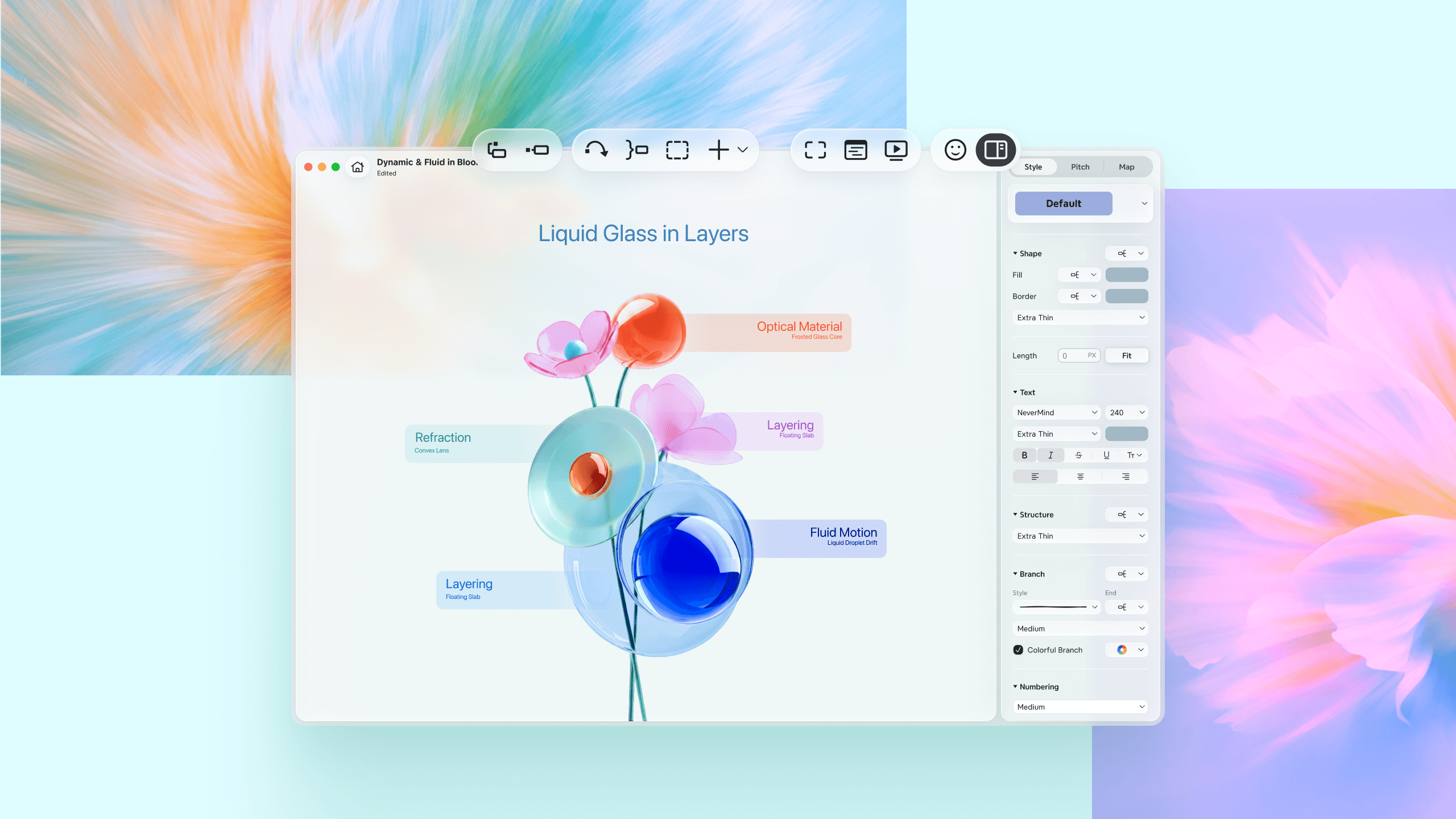
Xmind’s redesigned interface brings a more native experience across Mac, Windows, and Android. With refined controls, clearer layouts, richer materials, and platform-tailored motion, Xmind feels more natural on each platform while staying familiar and consistent wherever you work.
NEW FEATURE
Xmind AI
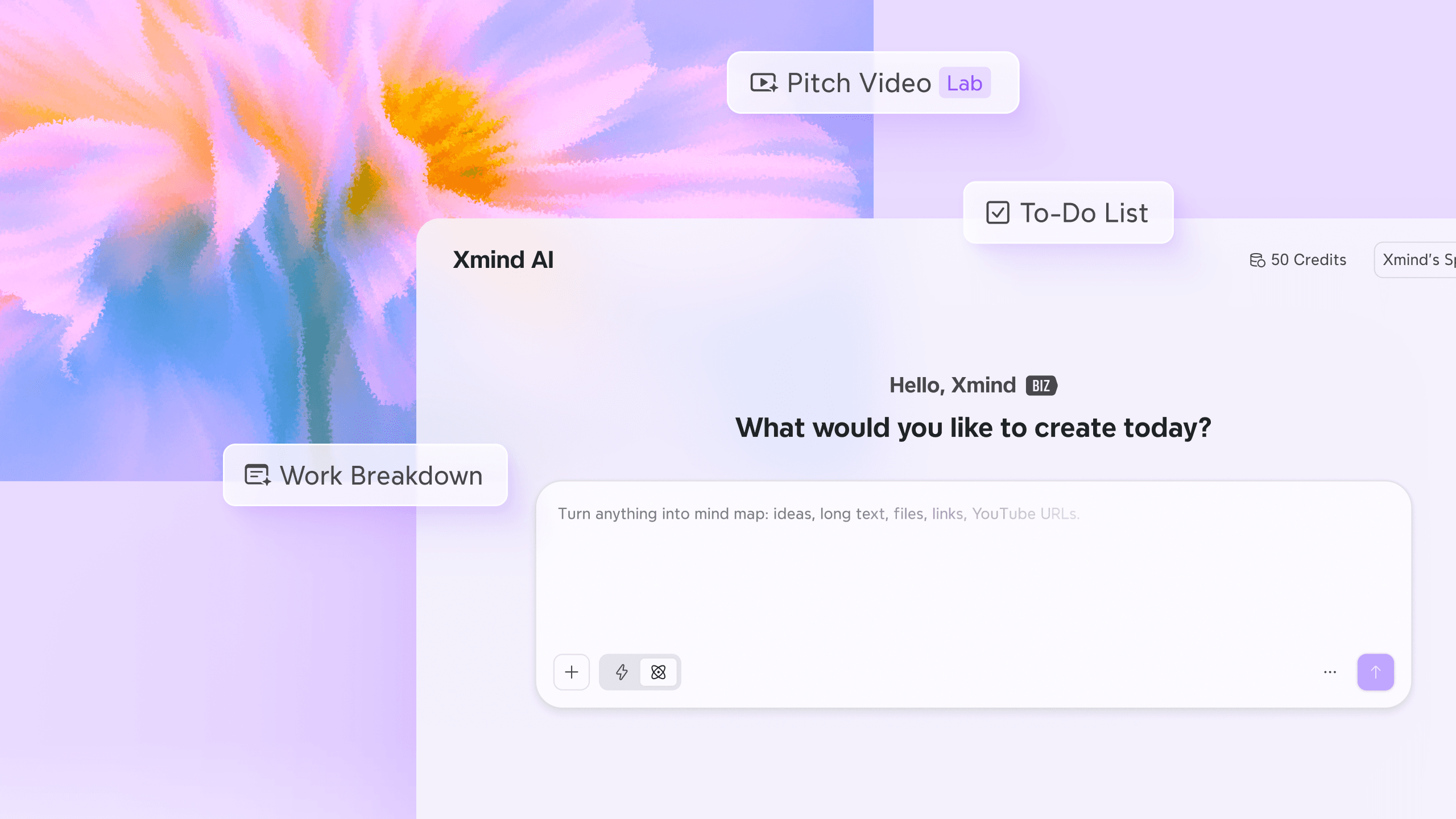
Xmind AI on web has evolved from a pop-up to a dedicated space, where templates are always in view, modes are one tap away, and your AI credits are never a mystery. Clear layout, more ways to start, faster from spark to mind maps.
NEW FEATURE
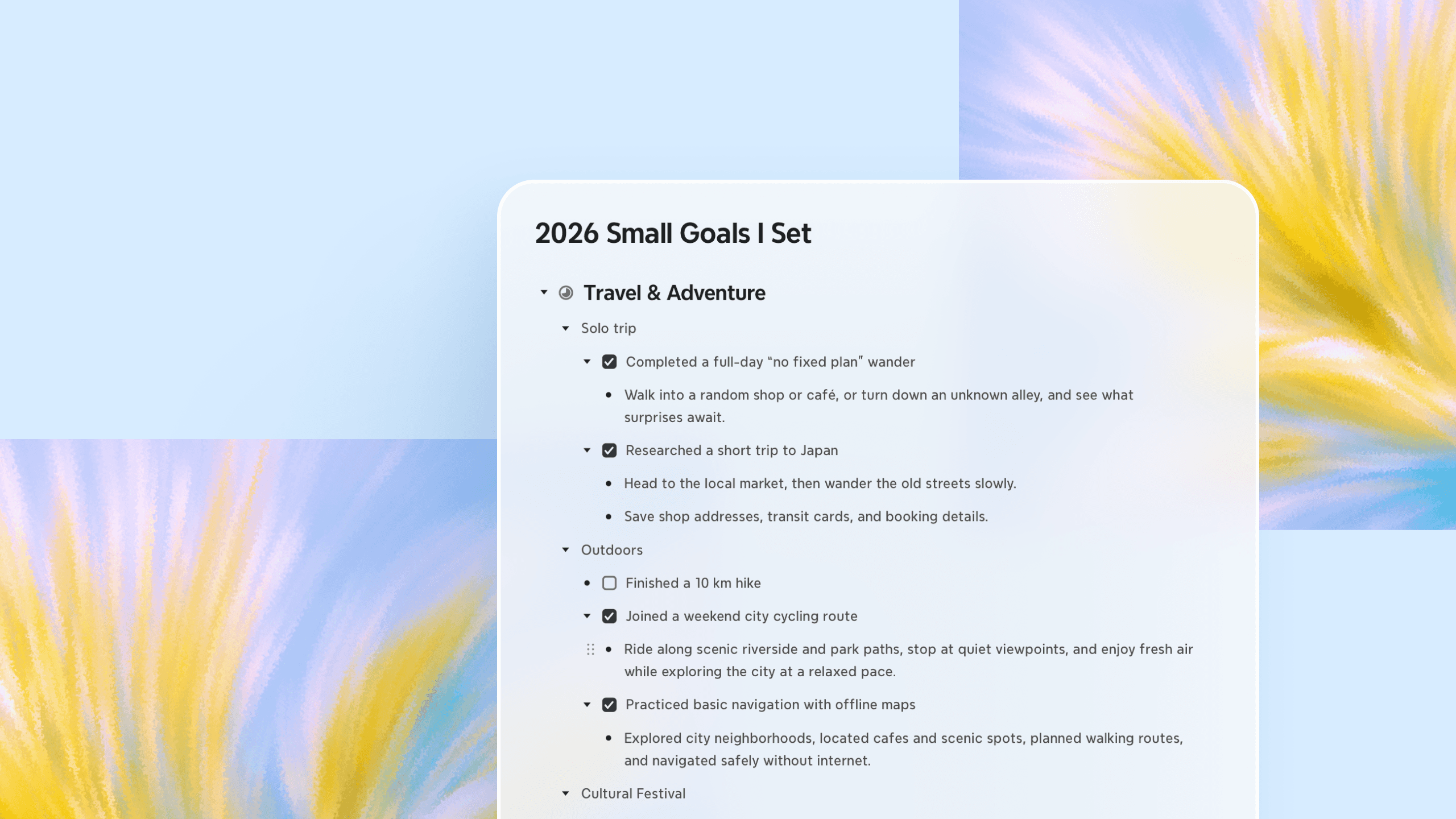
Outliner
Work with your teammates in real time and freely switch between Mind Map and Outliner. Browse every node in a clean linear list, edit faster with your keyboard, drag to restructure, and enrich each node with more context in one place.
IMPROVEMENT
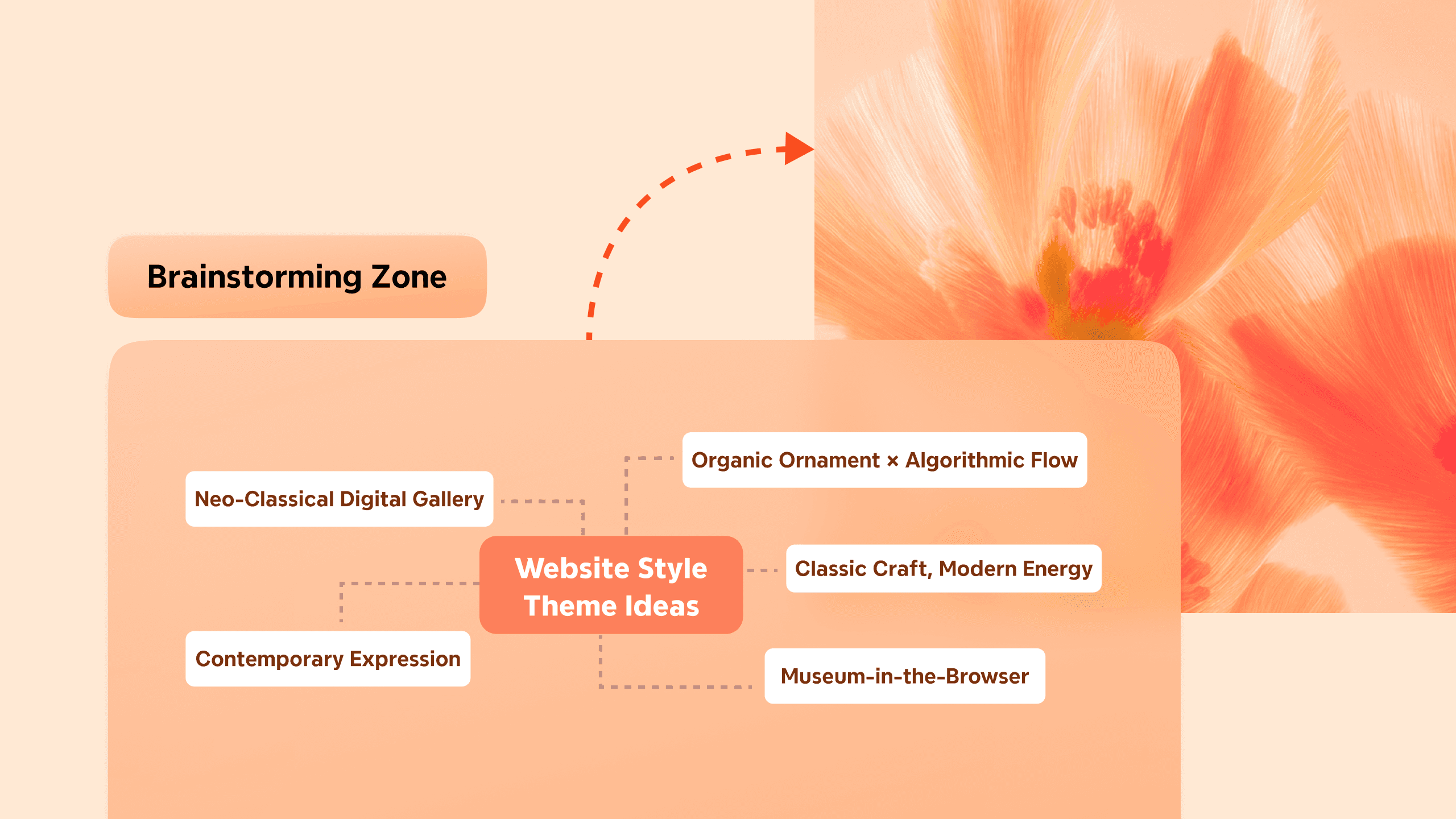
Enhanced Zone
Zones can now connect to other elements across your map, grow with your content, and style every detail to match your vision. The mind map captures your thinking more fully than ever with Zones.
Apr 21, 2026
Feels Native. Works Smarter.
NEW FEATURE
Visual Refresh
Xmind’s redesigned interface brings a more native experience across Mac, Windows, and Android. With refined controls, clearer layouts, richer materials, and platform-tailored motion, Xmind feels more natural on each platform while staying familiar and consistent wherever you work.
NEW FEATURE
Xmind AI
Xmind AI on web has evolved from a pop-up to a dedicated space, where templates are always in view, modes are one tap away, and your AI credits are never a mystery. Clear layout, more ways to start, faster from spark to mind maps.
NEW FEATURE
Outliner
Work with your teammates in real time and freely switch between Mind Map and Outliner. Browse every node in a clean linear list, edit faster with your keyboard, drag to restructure, and enrich each node with more context in one place.
IMPROVEMENT
Enhanced Zone
Zones can now connect to other elements across your map, grow with your content, and style every detail to match your vision. The mind map captures your thinking more fully than ever with Zones.
Apr 21, 2026
Feels Native. Works Smarter.
NEW FEATURE
Visual Refresh
Xmind’s redesigned interface brings a more native experience across Mac, Windows, and Android. With refined controls, clearer layouts, richer materials, and platform-tailored motion, Xmind feels more natural on each platform while staying familiar and consistent wherever you work.
NEW FEATURE
Xmind AI
Xmind AI on web has evolved from a pop-up to a dedicated space, where templates are always in view, modes are one tap away, and your AI credits are never a mystery. Clear layout, more ways to start, faster from spark to mind maps.
NEW FEATURE
Outliner
Work with your teammates in real time and freely switch between Mind Map and Outliner. Browse every node in a clean linear list, edit faster with your keyboard, drag to restructure, and enrich each node with more context in one place.
IMPROVEMENT
Enhanced Zone
Zones can now connect to other elements across your map, grow with your content, and style every detail to match your vision. The mind map captures your thinking more fully than ever with Zones.
Mar 16, 2026
Capture anything. Turn it into ideas.
NEW FEATURE
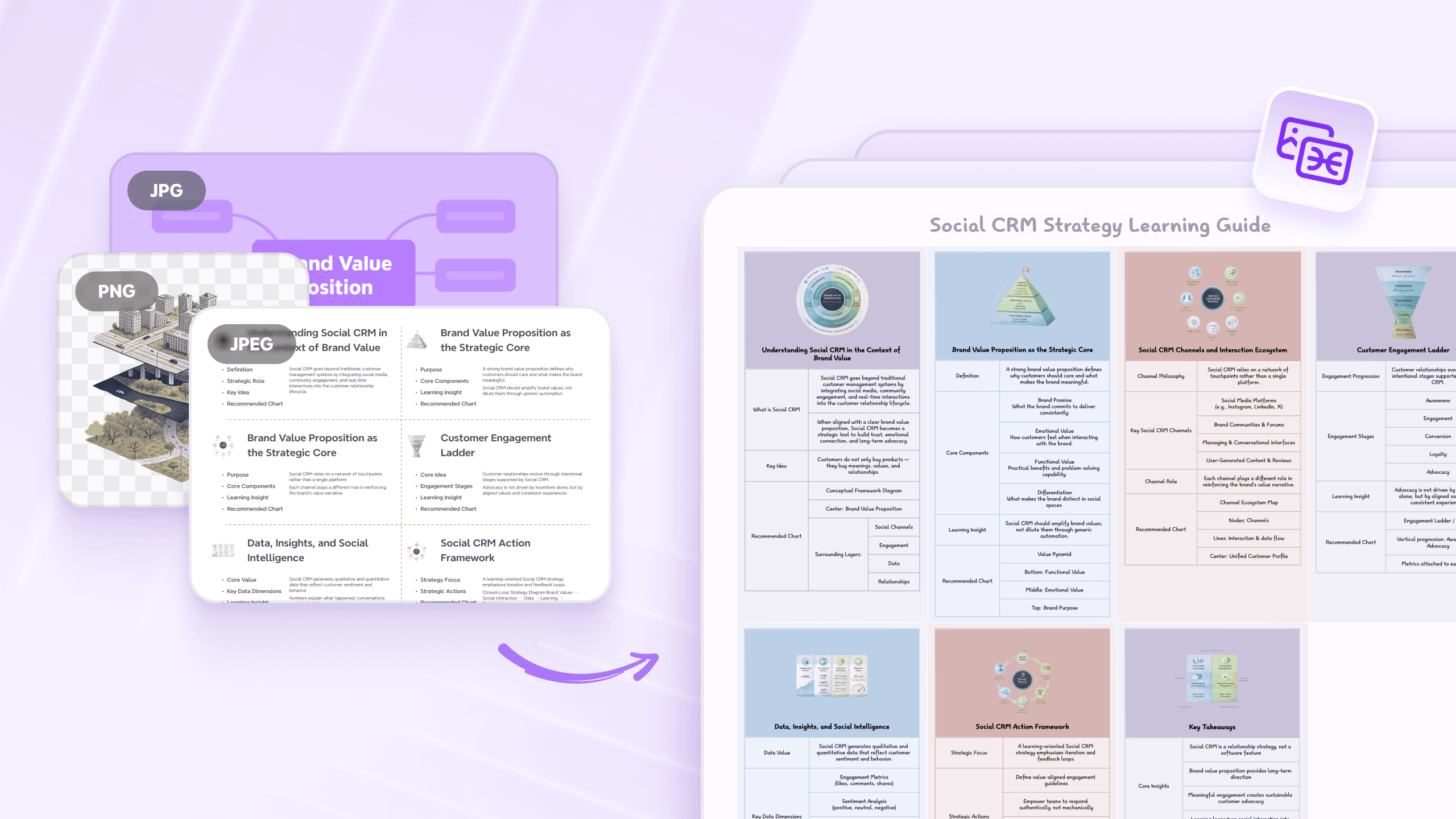
Image to Mind Map
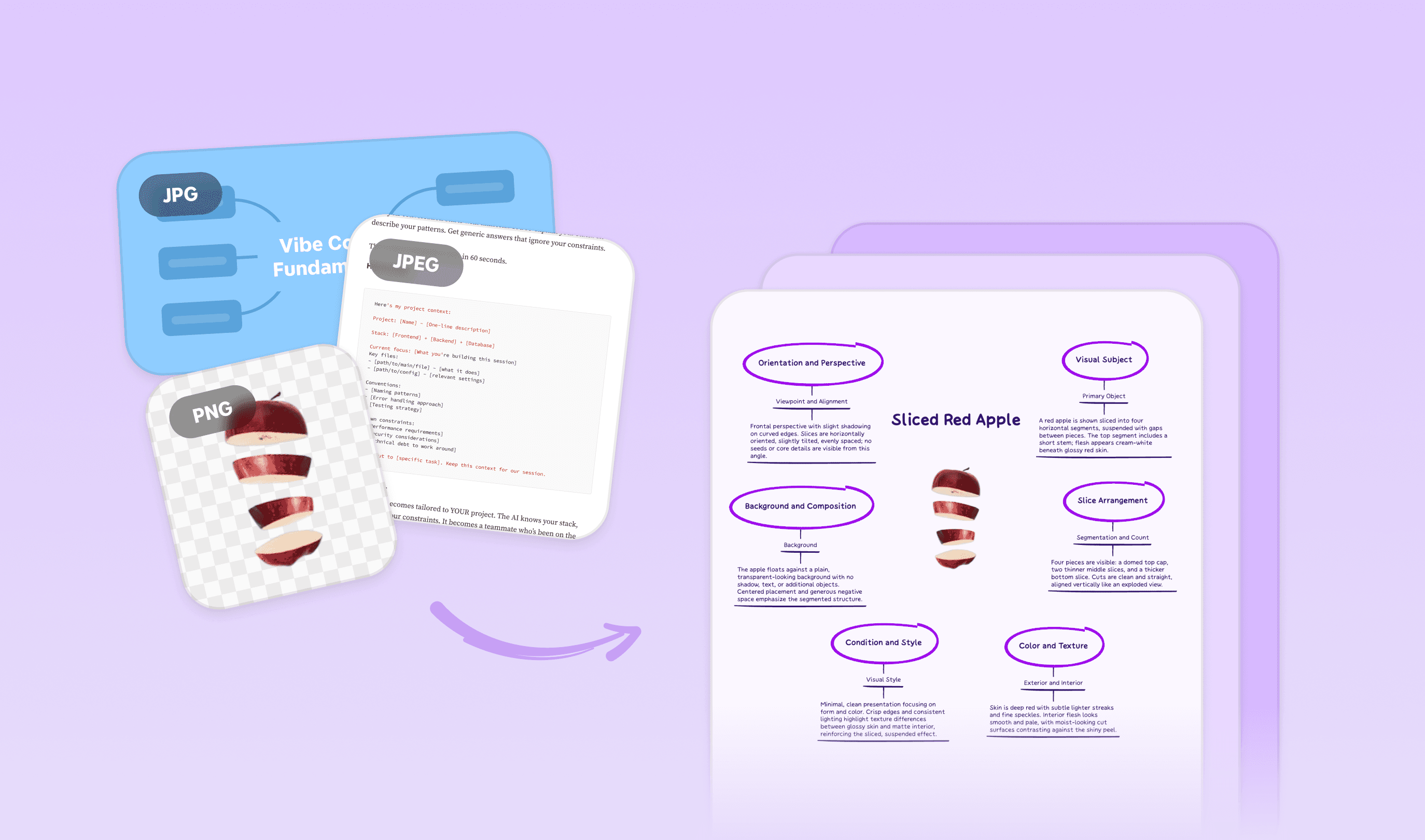
Image to Mind Map converts any screenshots, photos, and posters into structured, editable mind maps. Even images without text can be turned into knowledge-based mind maps, with key attributes and contextual information generated automatically.
Mar 16, 2026
Capture anything. Turn it into ideas.
NEW FEATURE
Image to Mind Map
Image to Mind Map converts any screenshots, photos, and posters into structured, editable mind maps. Even images without text can be turned into knowledge-based mind maps, with key attributes and contextual information generated automatically.
Mar 16, 2026
Capture anything. Turn it into ideas.
NEW FEATURE
Image to Mind Map
Image to Mind Map converts any screenshots, photos, and posters into structured, editable mind maps. Even images without text can be turned into knowledge-based mind maps, with key attributes and contextual information generated automatically.
Load more
Resource guide