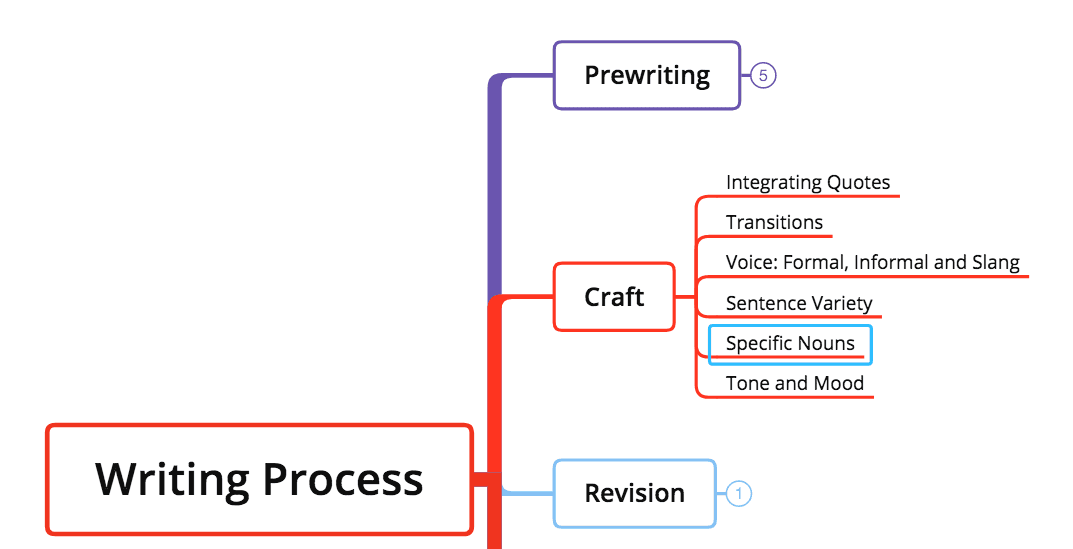
メニュー...

オーディオノートがあなたの手を解放します

Loading...

Audio Note は間違いなく必要です。効果的でありながら、手間なく入力できる方法です。

Audio Noteとは? 画像やコンテキストとは異なり、Audio Noteは録音で構成されています。テキストとマインドマップ上で同期できるあらゆるトピックに対応し、関連するトピックをさらに詳しく補足できます。

User interface design featuring a microphone icon and various app function buttons on a colorful background.Why Audio Note?

入力効率は、特にモバイルデバイスでマインドマップを作成するうえで重要な鍵です。ひらめきはいつも一瞬で過ぎ去るため、すぐに記録できることが解決策になります。私たちはiOS版XMindにAudio Noteを追加し、入力効率を大幅に向上させました。その後、AppleもiOS 12で同様の操作を実装しました。

3 Steps for Audio Note
Audio Note is available on XMind for iOS and XMind: ZEN Desktop.

iOS版XMind:

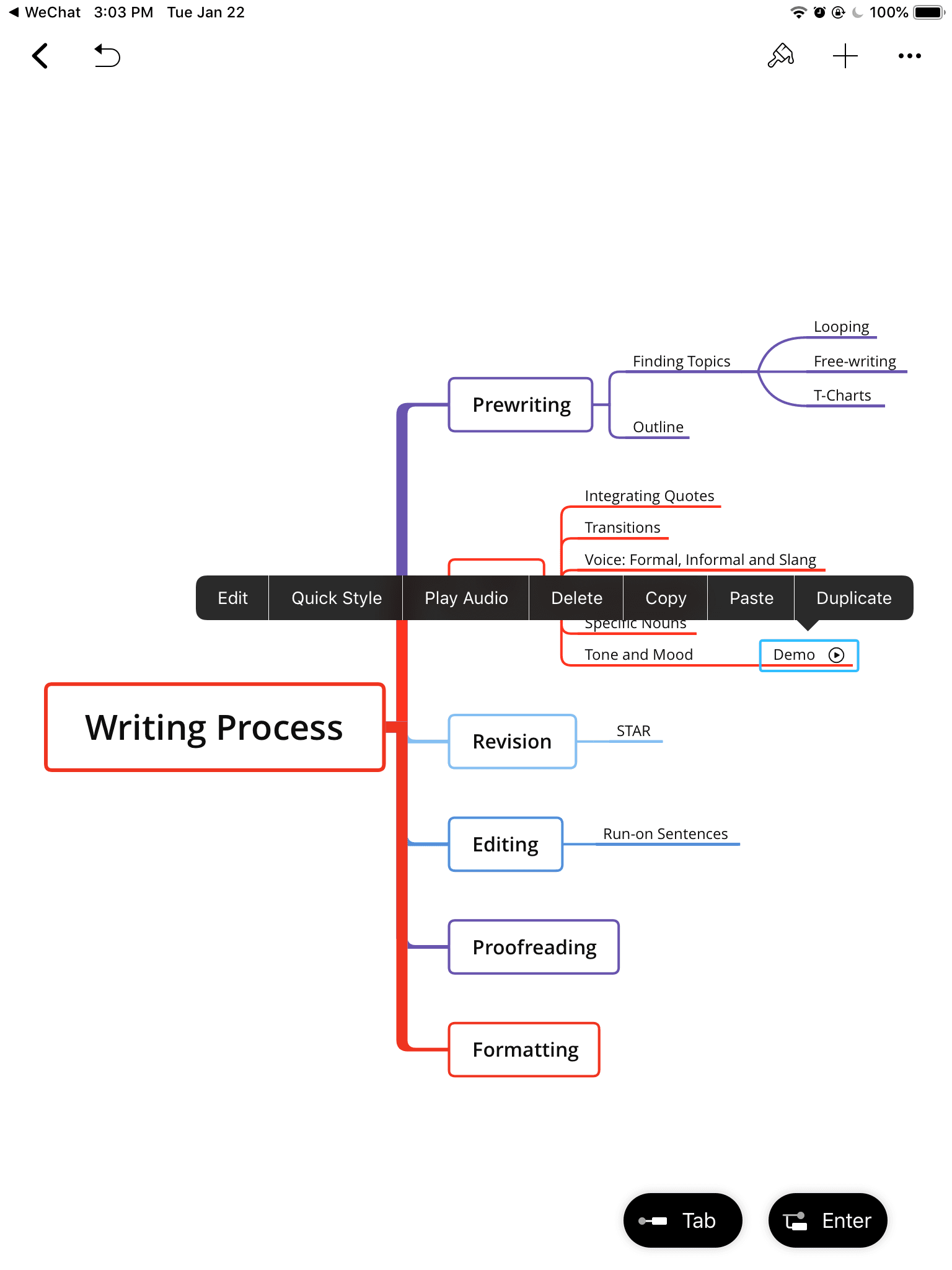
1. トピックを選択し、右上の追加アイコンをクリックします
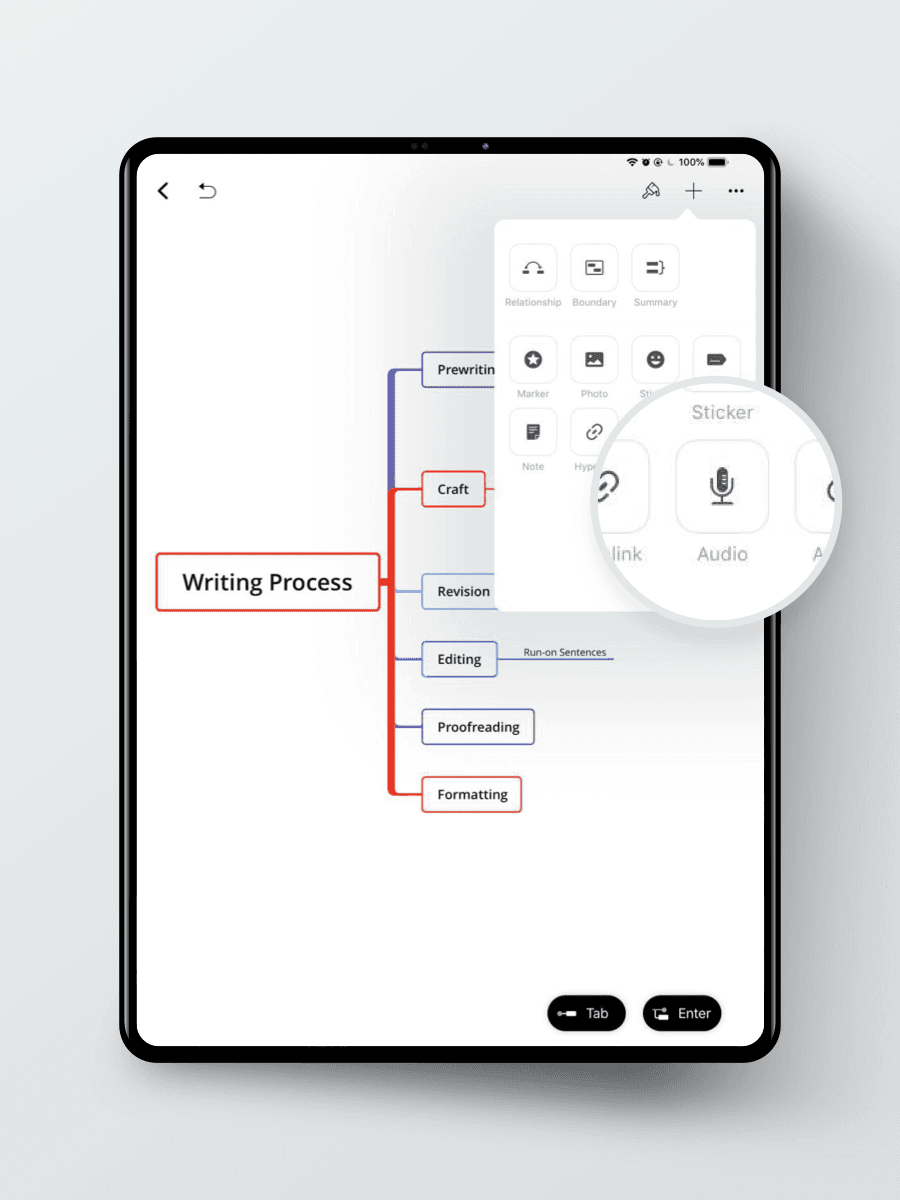
Mind map displaying the writing process with stages: prewriting, craft, revision, editing, proofreading, and formatting.
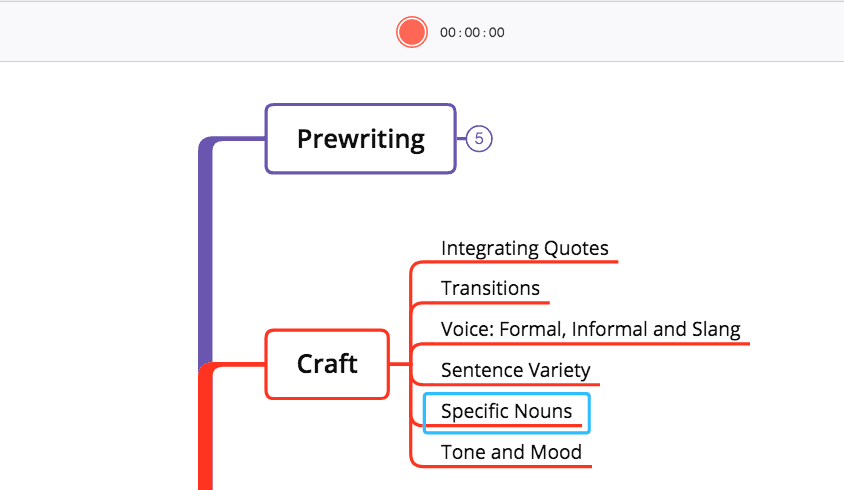
  1. 録音アイコンをクリックして録音を開始します

3. Audio Noteにトピック名を付けます
XMind: ZEN Desktop (Mac/Windows)
1. Select the TopicMind map illustrating the writing process, covering prewriting, craft elements, and revision techniques.
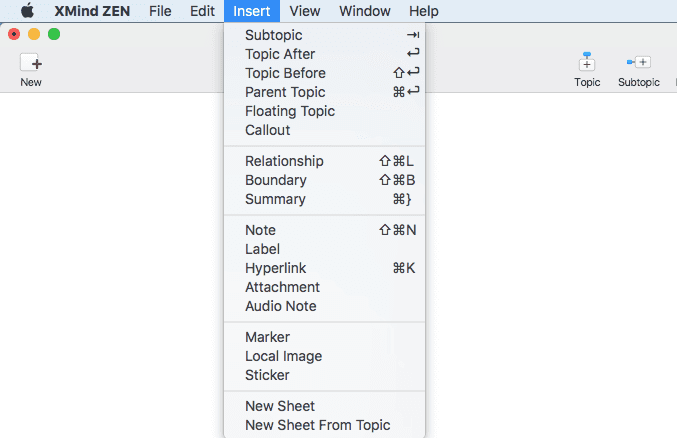
  1. 「Insert Audio Note」をクリックします

Dropdown menu from XMind ZEN software showing various insert options for topics and notes.
  1. 録音アイコンをクリックして録音を開始します

Try Audio Note in meeting, lecture or simply at the inspiration knocks the door. Set your hands free and focus on what matters most.

もっと投稿