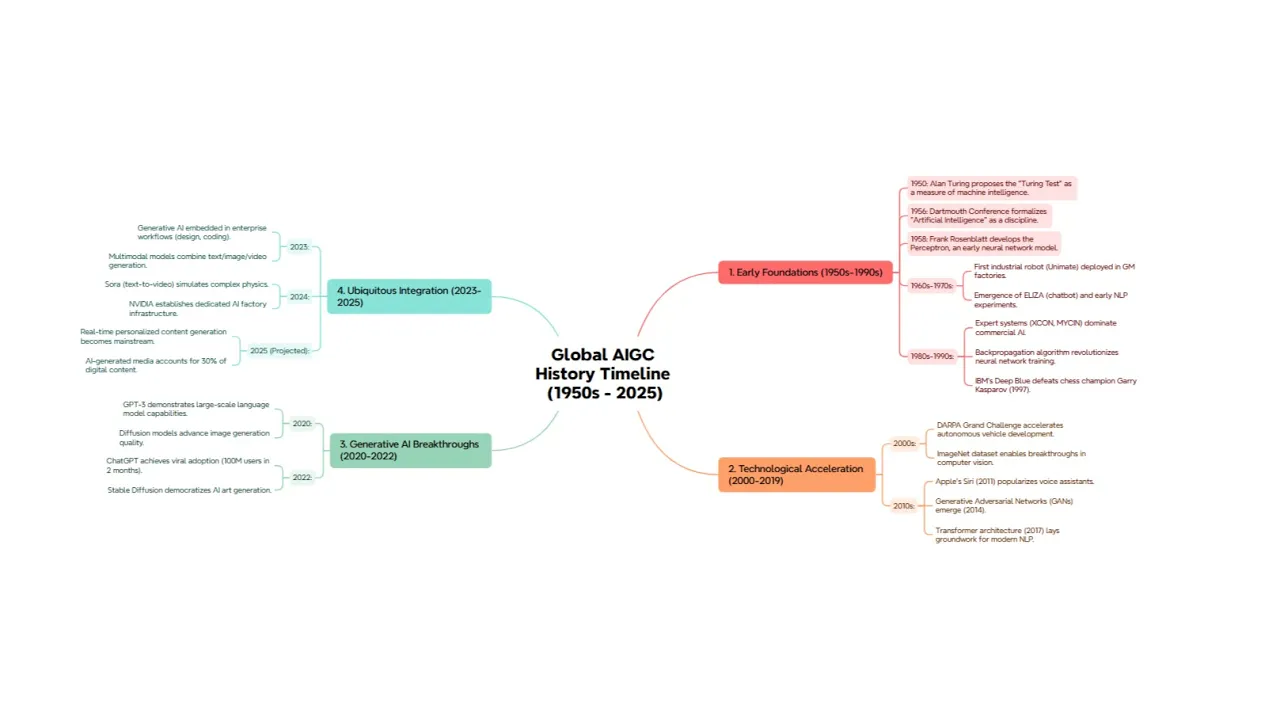
Textbundle 轉心智圖



TextBundle 轉
心智圖

立即將TextBundle文件轉換為結構化的思維導圖。無需設置。上傳您的TextBundle文件,將大綱轉換為可視化的思維導圖。
如何使用 TextBundle 轉心智圖工具?
上傳檔案
拖放您的 TextBundle 文件,或點擊上傳。
步驟 1
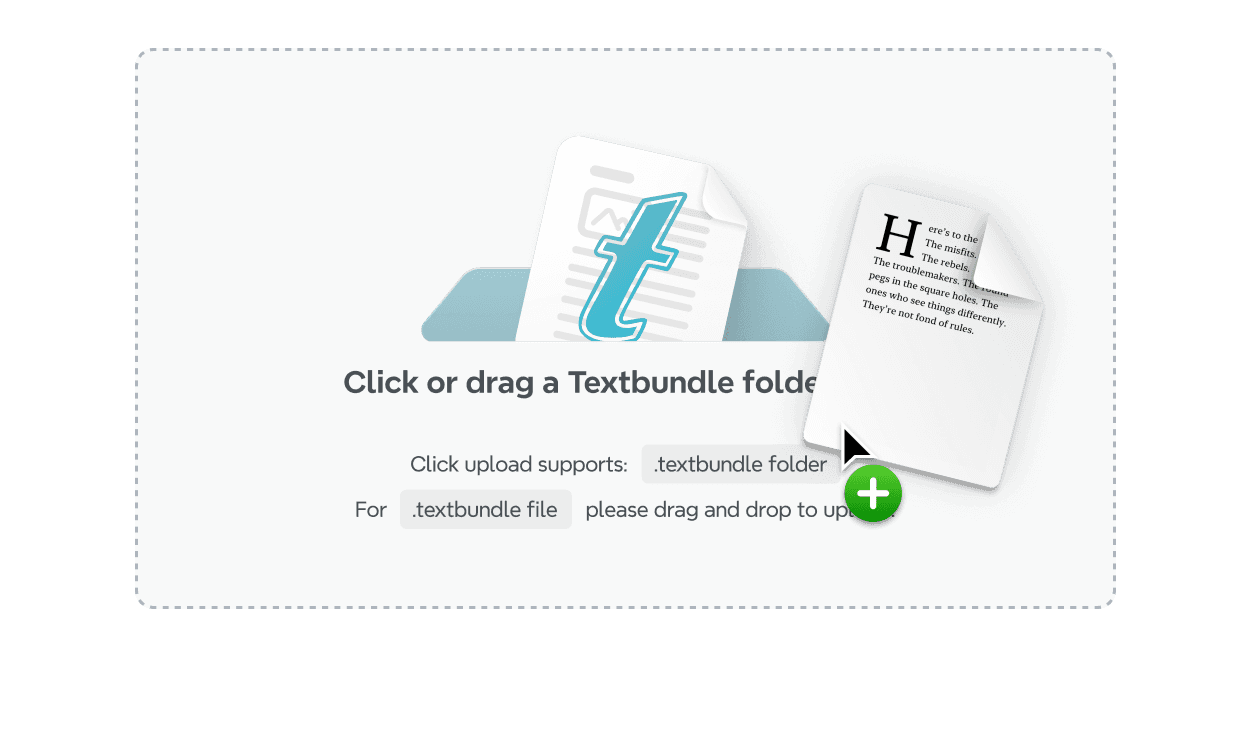
上傳檔案
拖放您的 TextBundle 文件,或點擊上傳。
步驟 1
轉換
將文件輕鬆轉換為思維導圖,使您的筆記在幾秒鐘內輕鬆探索。
步驟 2
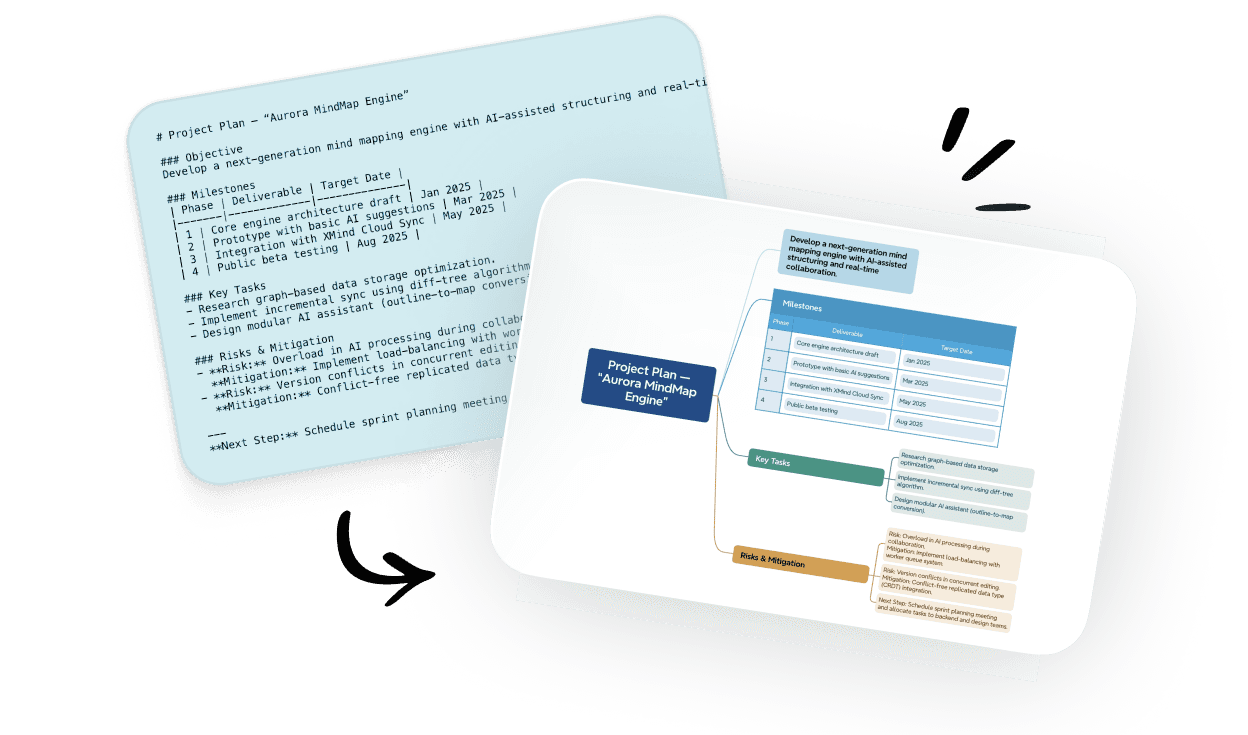
轉換
將文件輕鬆轉換為思維導圖,使您的筆記在幾秒鐘內輕鬆探索。
步驟 2
下載或分享
將地圖匯出為 PNG、PDF,或透過連結與協作者分享。
步驟 3

下載或分享
將地圖匯出為 PNG、PDF,或透過連結與協作者分享。
步驟 3
聆聽我們 Xmind 家族的心聲

4.8/5

App Store

95%
使用者滿意度

100M+
全球用戶
免費 Textbundle 轉心智圖工具
為什麼將 TextBundle 轉換為心智圖?
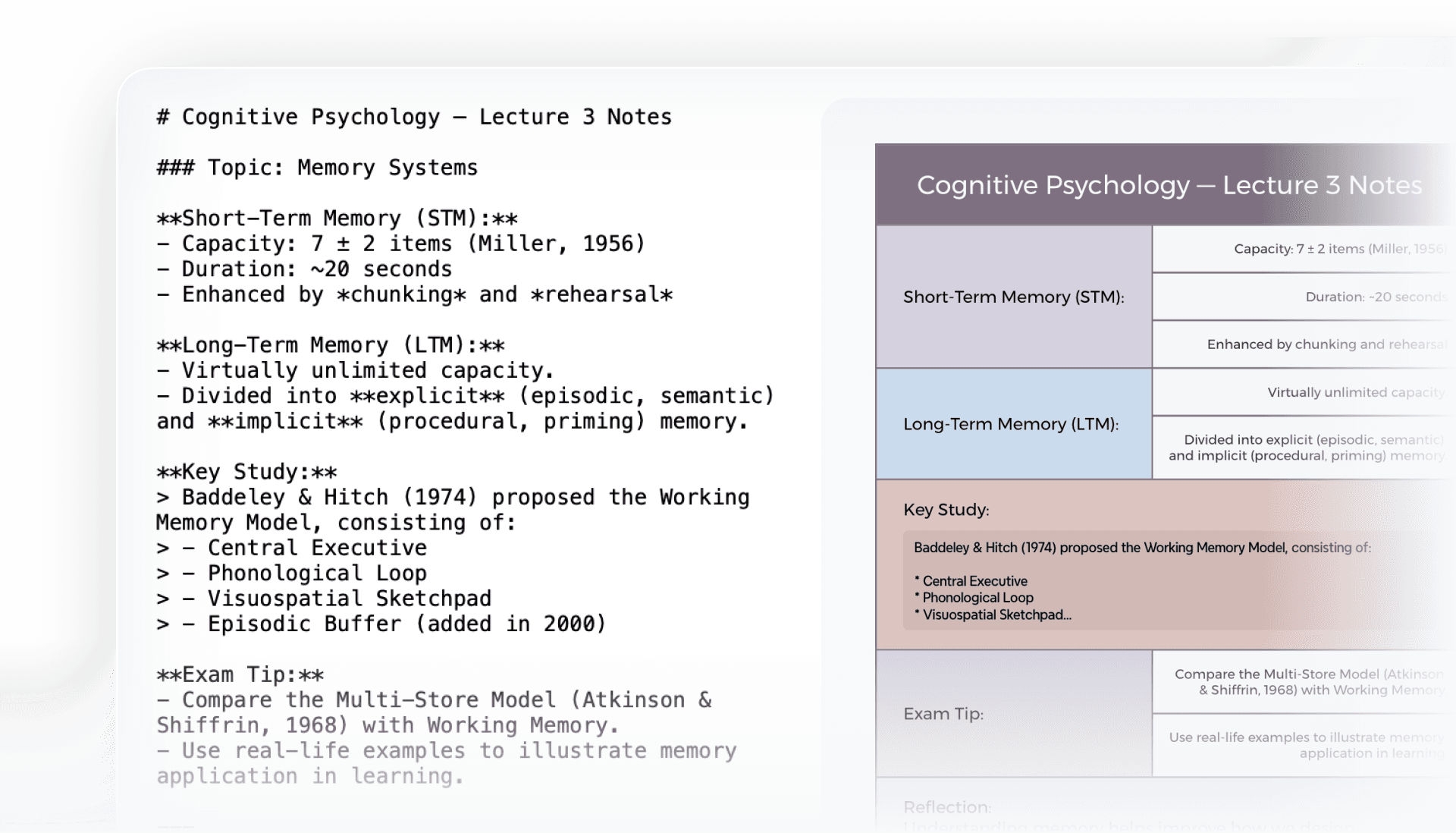
更專注
將文本和嵌入資源集成在一個結構化的視圖中,以確保相關內容保持清晰且易於訪問。
更專注
將文本和嵌入資源集成在一個結構化的視圖中,以確保相關內容保持清晰且易於訪問。
更專注
將文本和嵌入資源集成在一個結構化的視圖中,以確保相關內容保持清晰且易於訪問。
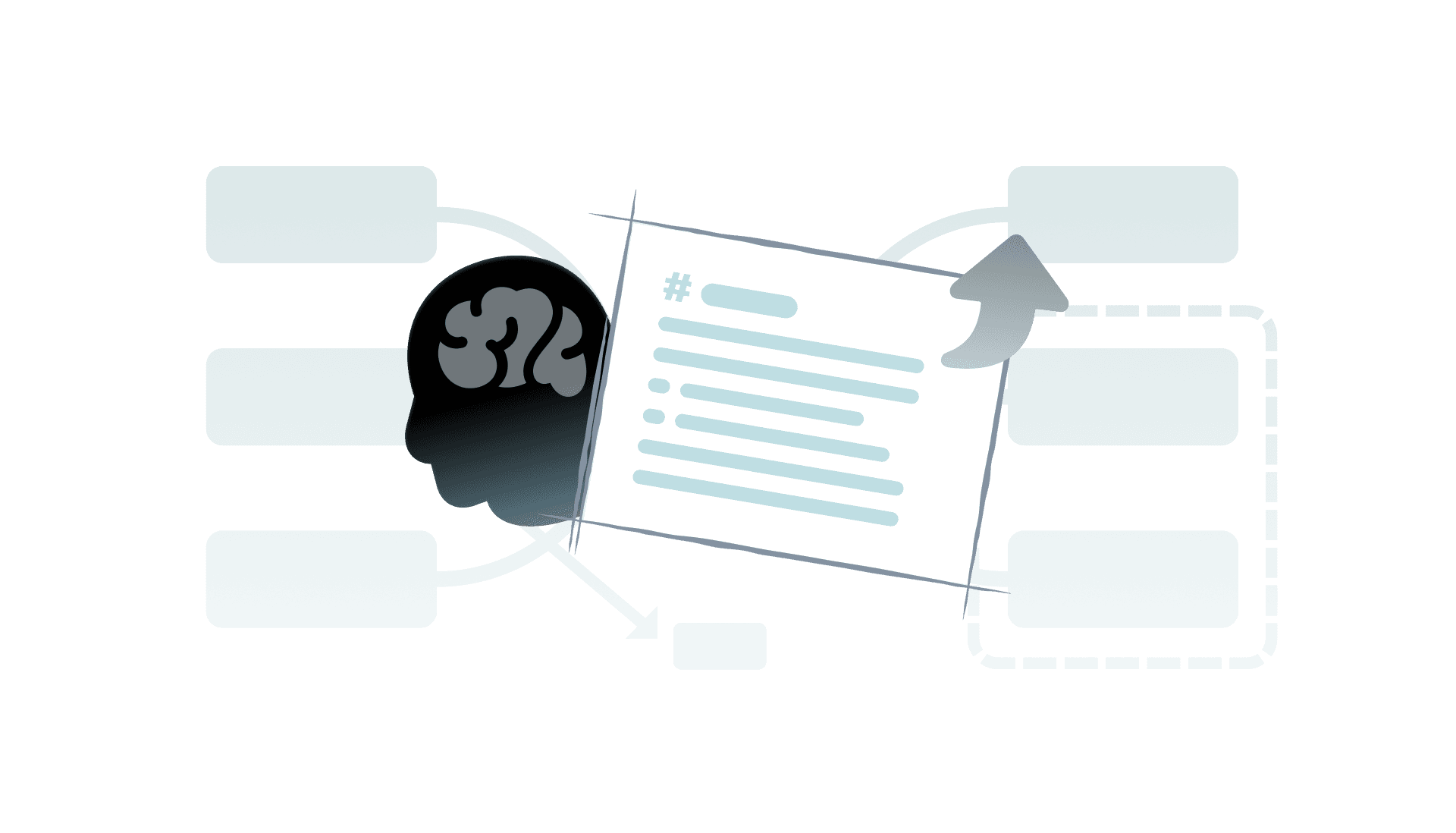
更清晰的理解
視覺地圖讓綑綁的筆記更容易跟隨和回憶,有助於您快速連接段落、附件和想法。
更清晰的理解
視覺地圖讓綑綁的筆記更容易跟隨和回憶,有助於您快速連接段落、附件和想法。
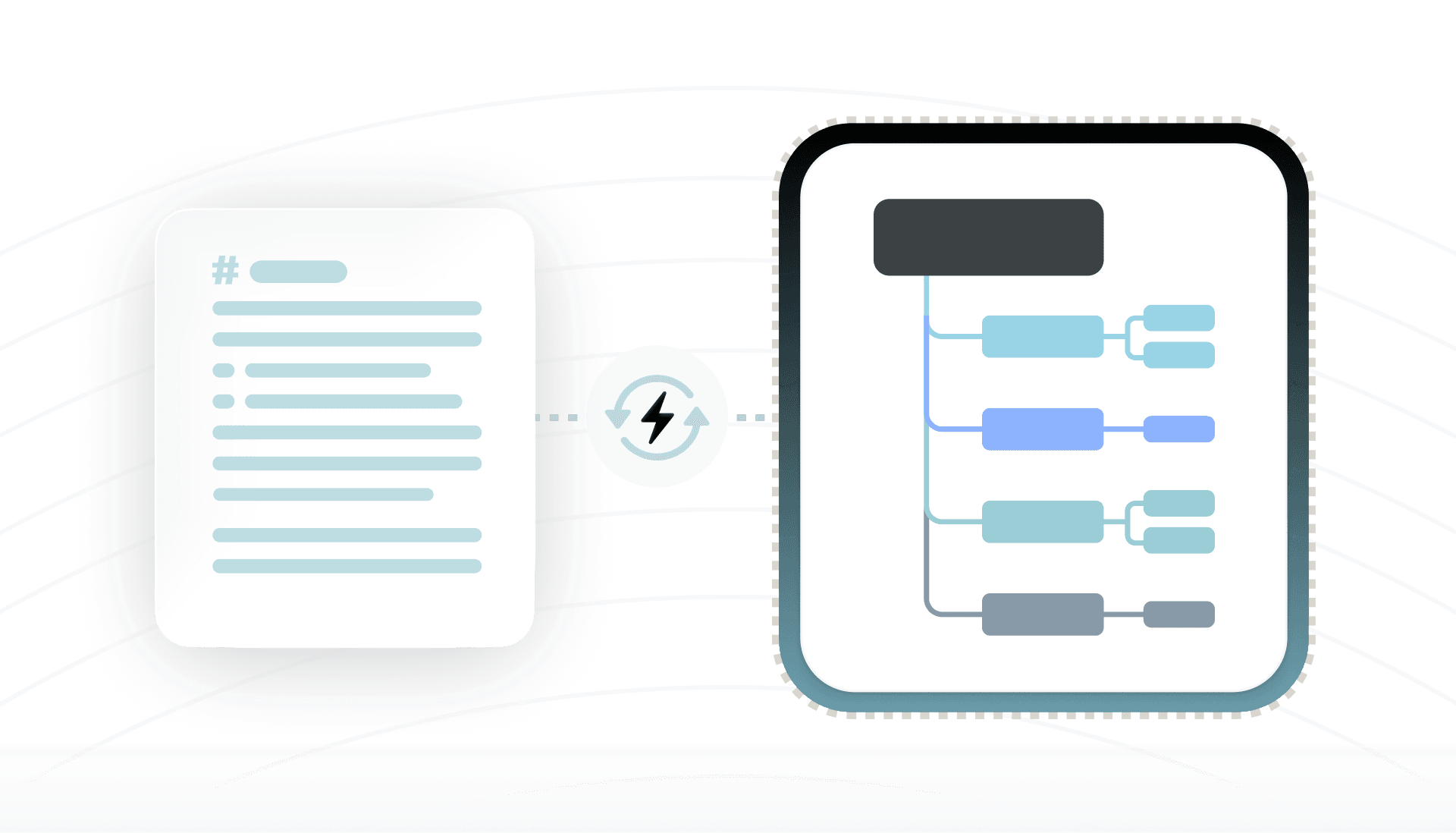
有條不紊的流程
將文本和嵌入資源集成在一個結構化的視圖中,以確保相關內容保持清晰且易於訪問。
有條不紊的流程
將文本和嵌入資源集成在一個結構化的視圖中,以確保相關內容保持清晰且易於訪問。
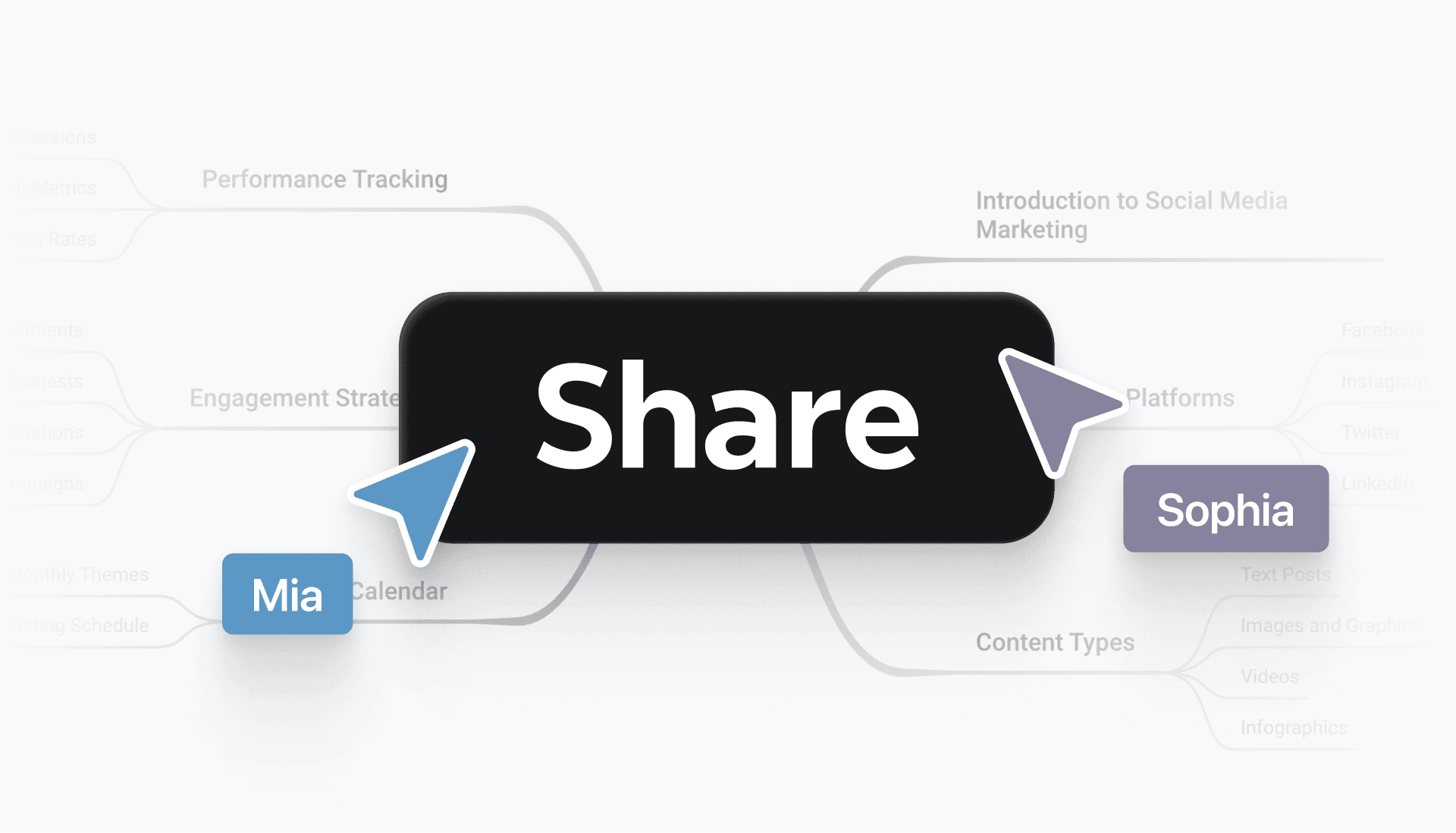
無縫分享
分享心智圖而不是原始捆綁,這樣可以加快團隊或協作者的審閱和調整速度。
無縫分享
分享心智圖而不是原始捆綁,這樣可以加快團隊或協作者的審閱和調整速度。
無縫分享
分享心智圖而不是原始捆綁,這樣可以加快團隊或協作者的審閱和調整速度。
TextBundle 轉思維導圖適用於各種情境
創意寫作
將草稿轉換成心智圖,以更清晰地規劃故事和章節。
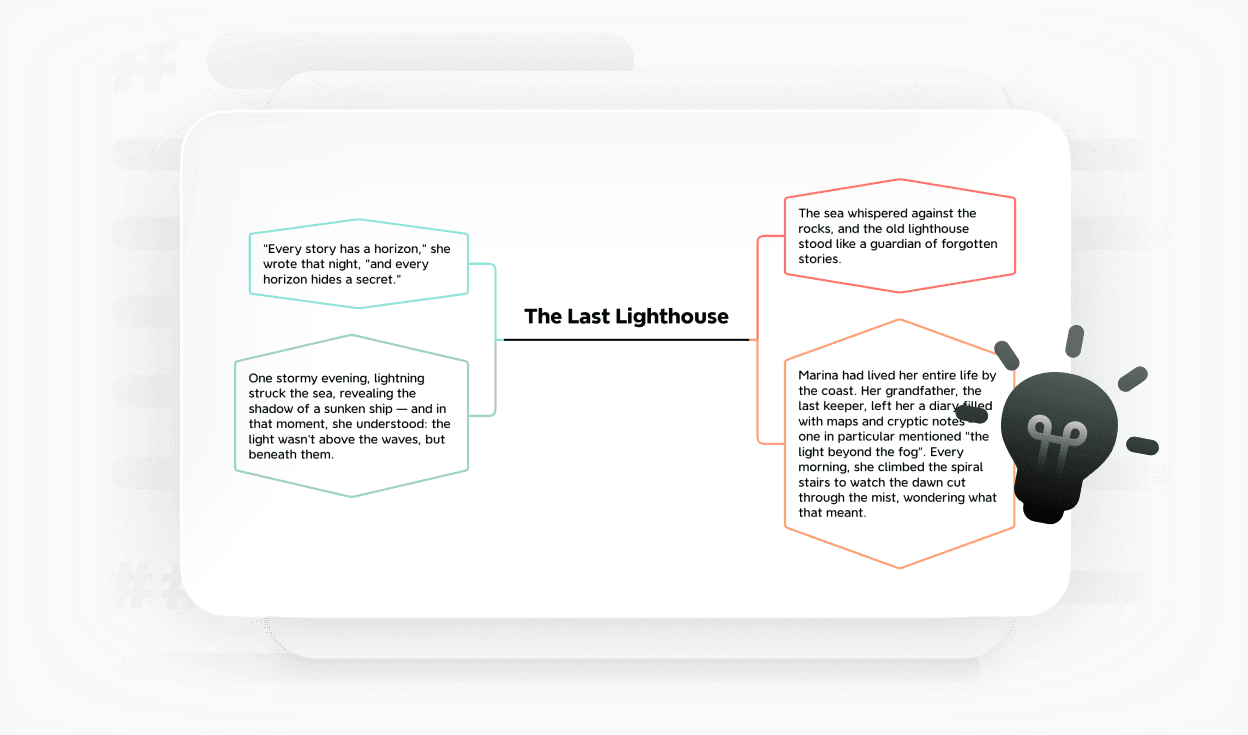
創意寫作
將草稿轉換成心智圖,以更清晰地規劃故事和章節。
創意寫作
將草稿轉換成心智圖,以更清晰地規劃故事和章節。
專案規劃
將大綱轉換為視覺地圖,以便與您的團隊分享和討論。
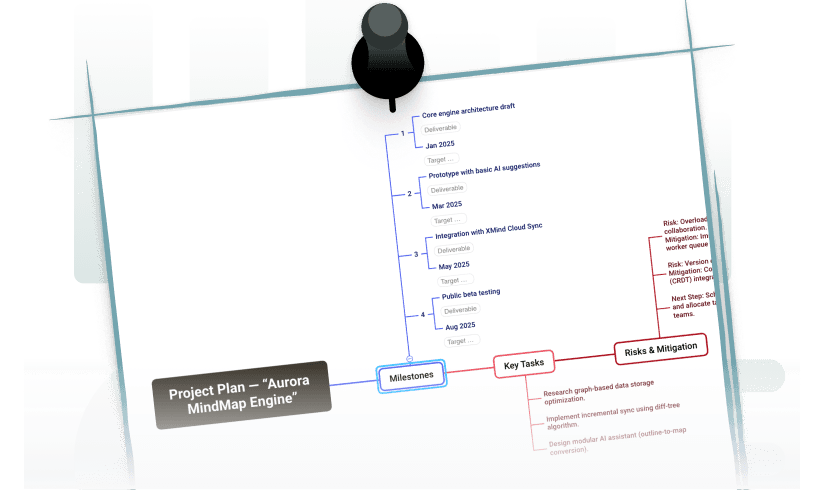
專案規劃
將大綱轉換為視覺地圖,以便與您的團隊分享和討論。
研究筆記
用文字和圖片製作學習筆記,以便更輕鬆地復習。
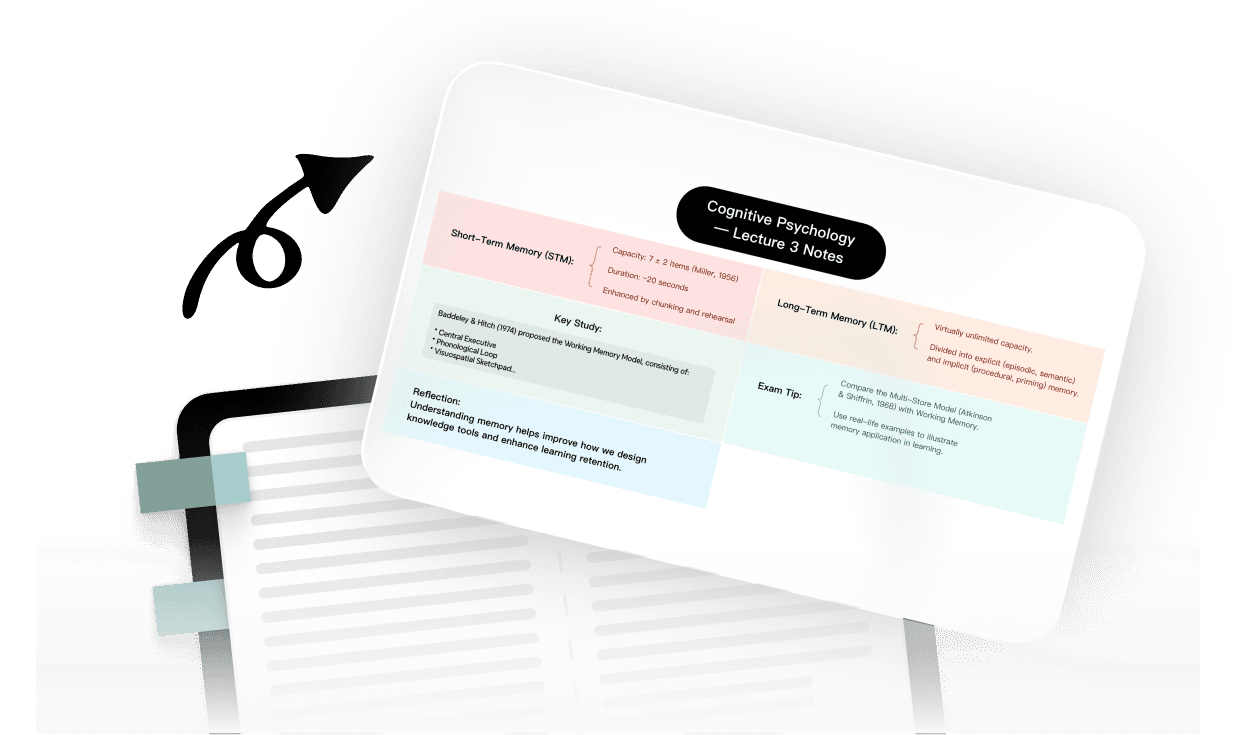
研究筆記
用文字和圖片製作學習筆記,以便更輕鬆地復習。
研究筆記
用文字和圖片製作學習筆記,以便更輕鬆地復習。
常見問題
什麼是 TextBundle?
TextBundle 是一種檔案格式,將純文字內容(通常為 Markdown)與相關資產(例如圖片)打包在一起。它將所有內容整理在單一封裝中,讓結構化的筆記和文件更容易管理。
What is TextBundle?
Upload your TextBundle file and the tool converts the contained notes into a mind map automatically. The structure becomes visual, so you can scan and reorganize content quickly.
如何將 Textbundle 檔案轉換為心智圖?
上傳您的 TextBundle 檔案,工具會自動將其中的筆記轉換為心智圖。結構會變得更具視覺化,因此您可以快速瀏覽並重新整理內容。
What is TextBundle?
Upload your TextBundle file and the tool converts the contained notes into a mind map automatically. The structure becomes visual, so you can scan and reorganize content quickly.
為什麼要將 TextBundle 轉換為心智圖?
將 TextBundle 轉換為心智圖可幫助您:
更清楚地視覺化複雜內容
快速理解結構與層級
提升腦力激盪與點子整理
將筆記轉化為可執行的洞察
What is TextBundle?
Upload your TextBundle file and the tool converts the contained notes into a mind map automatically. The structure becomes visual, so you can scan and reorganize content quickly.
我應該在什麼時候使用 TextBundle 轉換成心智圖?
您可能會在以下情況發現這很有用:
檢閱長篇筆記或文件
從書面內容中激發想法
整理研究或知識庫
準備簡報或規劃專案
What is TextBundle?
Upload your TextBundle file and the tool converts the contained notes into a mind map automatically. The structure becomes visual, so you can scan and reorganize content quickly.
TextBundle 轉換有檔案大小限制嗎?
大多數 TextBundle 檔案都能順利轉換。包含許多筆記或資產的大型套件可能需要較長時間,但此工具可因應輕量與大型專案。
Is there a file size limit for TextBundle conversions?
Most TextBundle files convert without issue. Large bundles with many notes or assets may take longer, but the tool is built to handle both light and heavy projects.
我該如何匯出或分享轉換後的心智圖?
您可以將導圖匯出為 Xmind 檔案、PDF 或圖片,或透過連結分享。這有助於您以視覺化方式在不同工具與團隊之間呈現草稿和研究內容。
How do I export or share the converted mind map?
You can export the map as an Xmind file, PDF, or image, or share it via link. This helps you present drafts and research visually across tools and teams.
TextBundle 轉心智圖工具可以免費使用嗎?
是的。它免費且可在瀏覽器中使用,無需安裝任何軟體,也不需要帳戶。您可以立即將 TextBundle 筆記轉換為導圖。
Is the TextBundle to Mind Map tool free to use?
Yes. It’s free and works in the browser, with no software to install and no account needed. You can convert TextBundle notes into maps immediately.
我的資料安全嗎?
是的。您的檔案會安全處理,轉換後不會儲存,也絕不會分享。您的筆記與附件在整個過程中都會保持私密。
Is my data secure?
Yes. Your files are processed securely, not stored after conversion, and never shared. Your notes and attachments remain private during the entire process.




