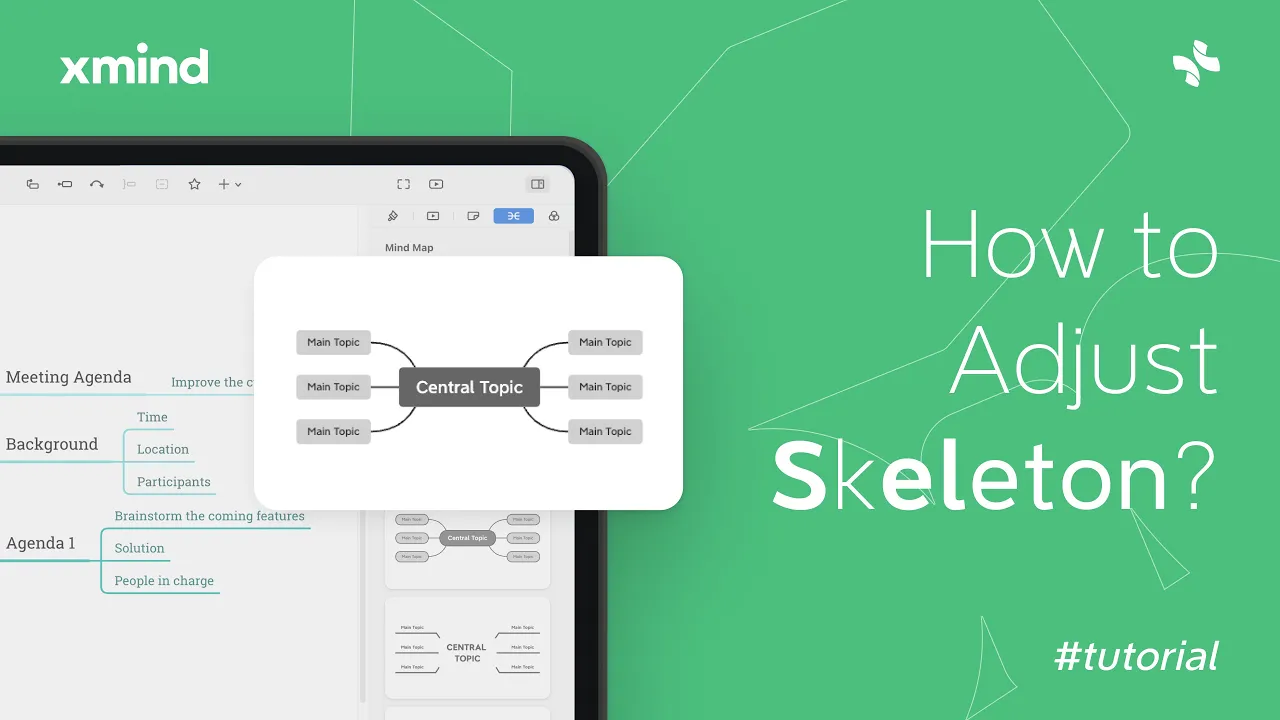
Adjust Map Structure in Xmind | Feature Tutorial
Adjust the Structure in Xmind
Adjust the structure in Xmind lets you change the skeleton of your mind map so ideas flow clearly. Use it to switch layouts, change branch direction, and tidy spacing.
To use Adjust the Structure, select a topic or the central topic, open the Structure menu or format panel, and choose a different layout or direction. Changes can apply to a single branch or the entire map.
Select a topic, then pick a layout like Mind Map, Logic Chart, or Org Chart to change the skeleton.
Use branch direction and spacing options to balance left/right or compact nodes; drag topics to fine-tune placement.
Apply to the whole map for a consistent look, or to a branch when you need a different layout for one section.
Adjusting the structure helps organize complex ideas and improves readability. Try switching layouts and spacing as you build your map to find the clearest arrangement.