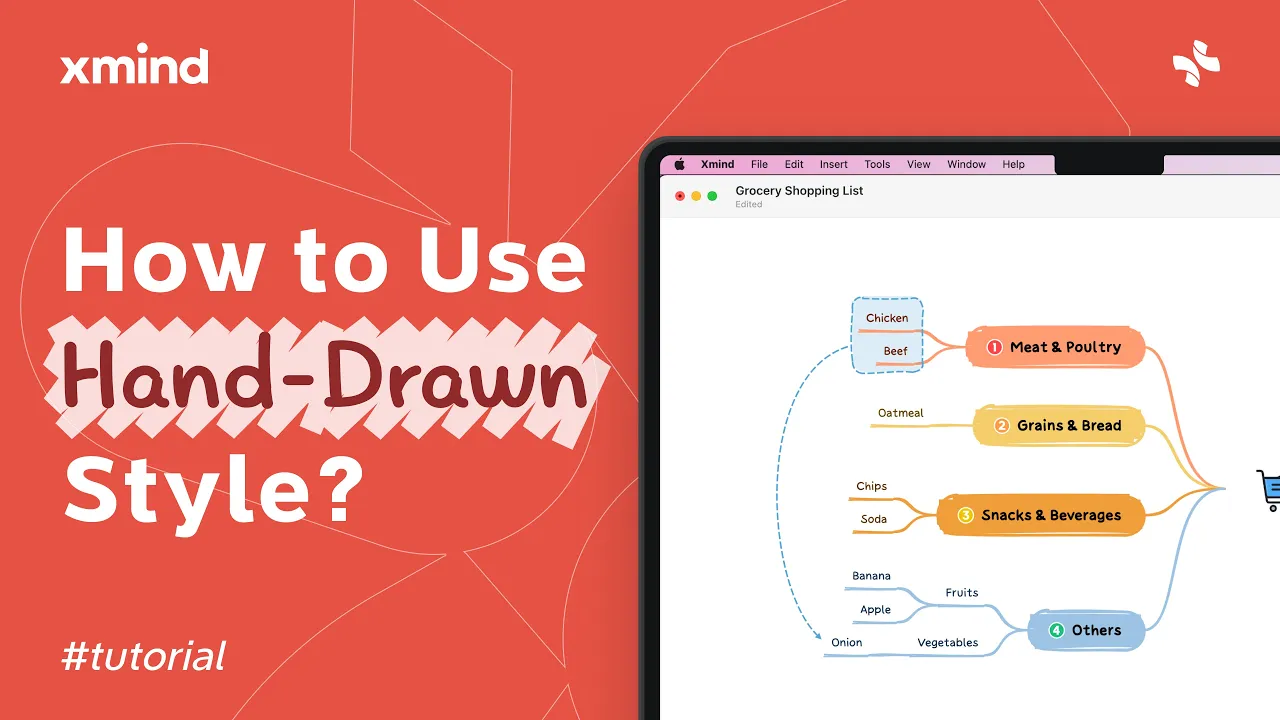
Xmind Hand-Drawn Style Tutorial
Hand-Drawn Style in Xmind
The Hand-Drawn style in Xmind gives your mind maps a casual, doodle-like look that highlights ideas and makes maps more approachable. Use it for sketches, brainstorming, and creative note taking across desktop and web versions.
Open a map, select a node or the root, and choose Themes or Style in the toolbar. Pick Hand-Drawn from the available styles to change branch strokes, shapes, and fonts; the effect applies immediately and can be edited further in the Format panel.
Select the whole map or specific branches before applying the style so only desired areas get the sketch look.
Use Format options to adjust line width, color, corner radius, and text font to make the hand-drawn effect stronger or subtler.
Combine with icons, stickers, or freehand sketches, then export as PNG or PDF for sharing or presentations.
Hand-Drawn style is ideal for informal presentations, creative workshops, and personal notes where a relaxed look helps ideas stand out. It is quick to apply, easy to customize, and works well when you want a friendly, approachable map.