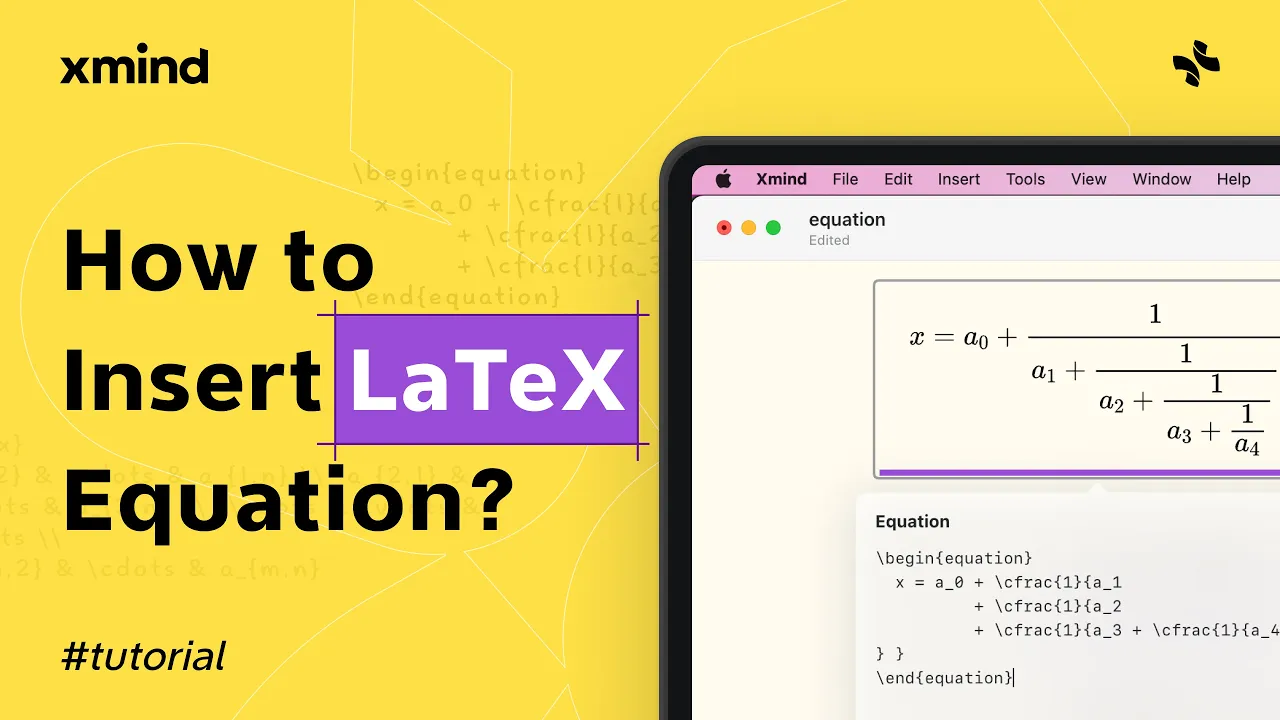
Insert LaTeX Equation in Xmind - Quick Tutorial
Insert LaTeX Equation in Xmind
The Insert LaTeX Equation feature lets you add mathematical formulas directly into your mind maps. Use it to display equations, symbols, and formatted math within topics and notes. This is useful for students, teachers, and anyone working with technical content.
Open the toolbar, choose the equation tool, then type LaTeX code into the editor. Preview the rendered formula and insert it into a topic or note. You can edit the LaTeX later by selecting the equation and reopening the editor.
Step 1: Click the toolbar equation icon to open the LaTeX editor.
Step 2: Enter LaTeX syntax and use the preview to check formatting.
Tip: Place equations in topic labels or notes for clearer study or presentations.
Using the Insert LaTeX Equation feature keeps math clear and consistent across your map. It is ideal for study notes, technical outlines, or sharing precise formulas without exporting to another app.