Xmind Outliner Tutorial - Notes to Mind Map
Outliner in Xmind
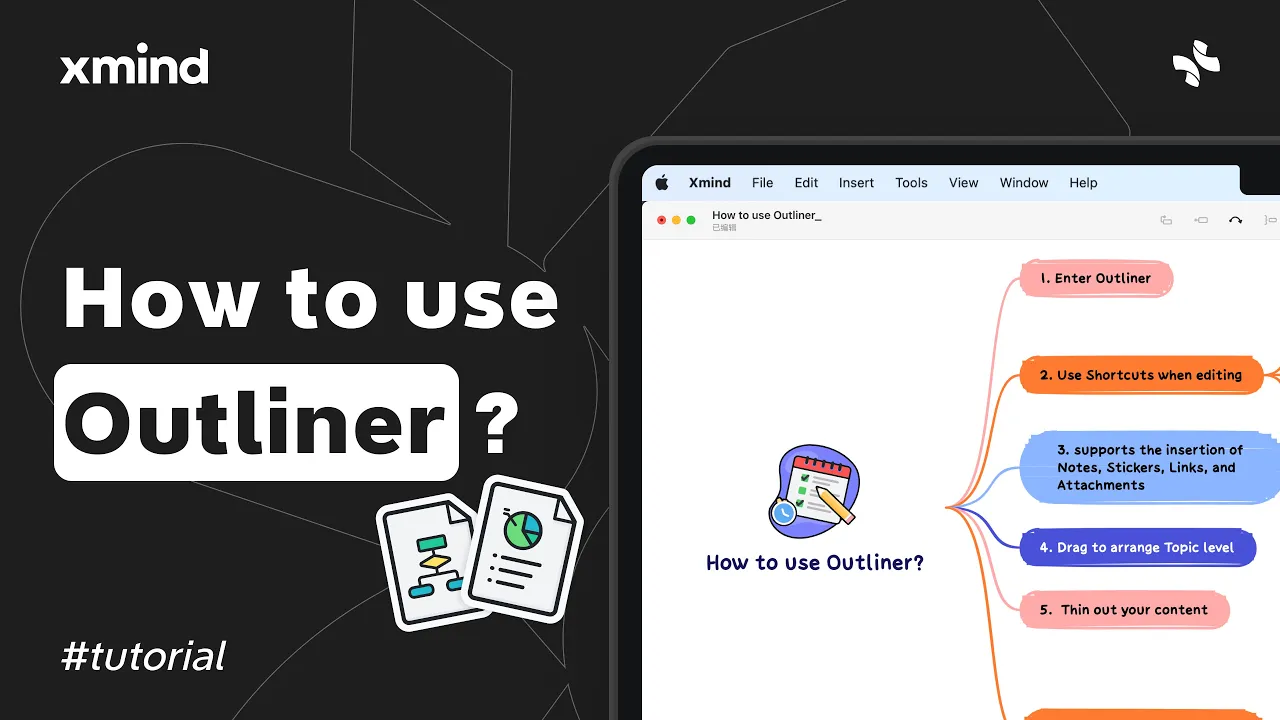
The Outliner lets you write and organize notes in a linear list and convert them into a mind map with one click. Use it to capture ideas quickly, apply structure with indents, and add details like notes or attachments.
Open Outliner from the sheet bar, type to add items, press Enter for a new line, Tab to indent, and Shift+Tab to unindent. Use the Insert menu to add notes, stickers, links, or file attachments.
Convert an outline into a mind map or create a new map from any topic to expand ideas visually.
Drag items to reorder or change levels with the mouse or trackpad for quick structure edits.
Right-click a topic and choose Show Branch Only to focus on one section while editing.
Outliner in Xmind is best for drafting, planning, and preparing content before visual mapping. It speeds up note-taking and keeps ideas organized so you can switch to a mind map when ready.