Customize Color Theme in Xmind | Feature Tutorial
Customize a Color Theme in Xmind
The Color Theme feature lets you create and reuse custom color palettes for a map. It helps match colors to content or brand and keeps styling consistent across projects.
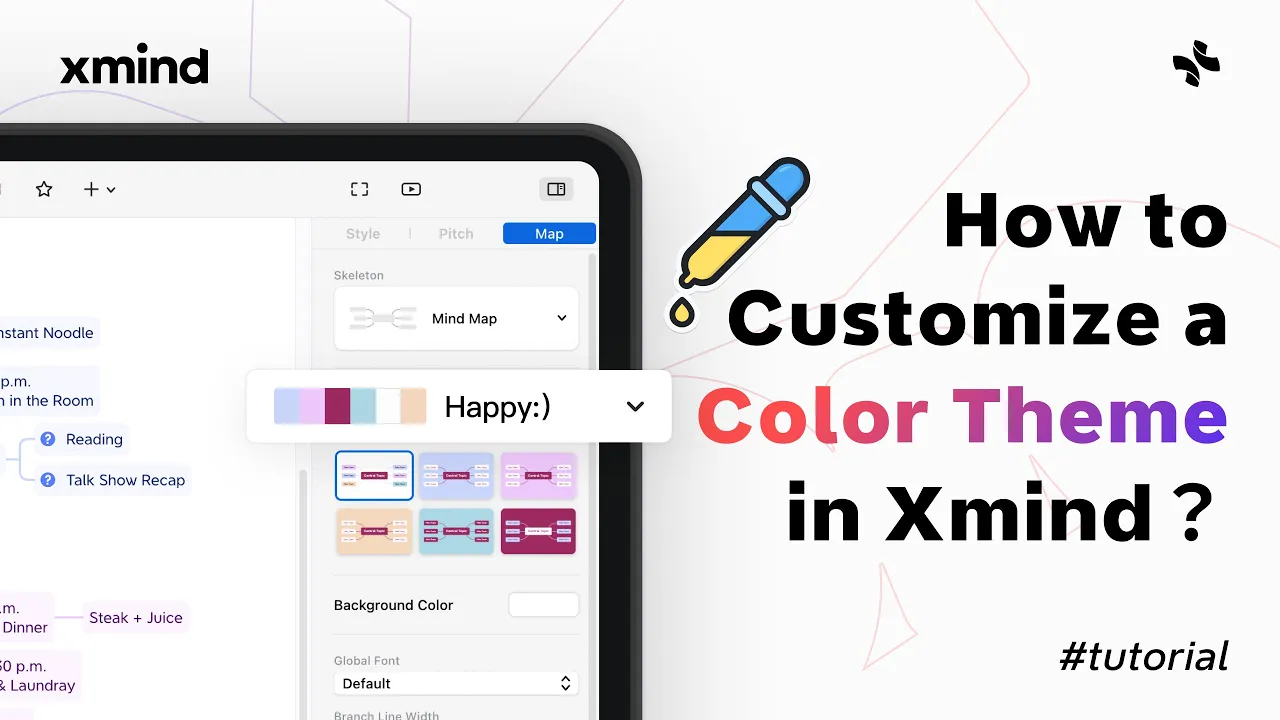
Open the Format panel, select Map, then Color Theme and click the plus icon to create a new theme. You can pick six colors using the rainbow color bar and let Xmind generate complementary schemes automatically, or switch to the color model to enter exact color values for brand-accurate themes.
Quick pick: choose any six colors from the rainbow bar and save to generate a matching palette.
Precision: use the color model to input hex, RGB, or other values for exact brand colors.
Manage themes: right-click a custom theme to rename, duplicate, or delete it for easy updates.
Saved themes appear in My Color and can be applied to future maps to keep visual consistency and speed up styling. Use custom color themes when you need consistent branding or to make complex maps easier to read.