Audio-Notiz ermöglicht es Ihnen, die Hände frei zu haben

Sie brauchen Audio Note auf jeden Fall – eine effektive und zugleich mühelose Art der Eingabe.
Was ist Audio Note? Anders als Bilder und Kontext besteht Audio Note aus Aufnahmen. Es kann jedes Thema sein, das mit Text in mind maps synchronisiert wird, um entsprechende Themen weiter auszuführen.

Eingabeeffizienz ist der Schlüssel beim Erstellen von mind maps, besonders auf mobilen Geräten. Inspiration ist immer flüchtig, und sofortiges Erfassen ist die Lösung. Wir haben Audio Note in XMind für iOS hinzugefügt und die Eingabeeffizienz deutlich verbessert. Später hat Apple eine ähnliche Interaktion auch in iOS 12 umgesetzt.

XMind für iOS:
1. Wählen Sie das Topic aus und tippen Sie oben rechts auf das Symbol "Hinzufügen"
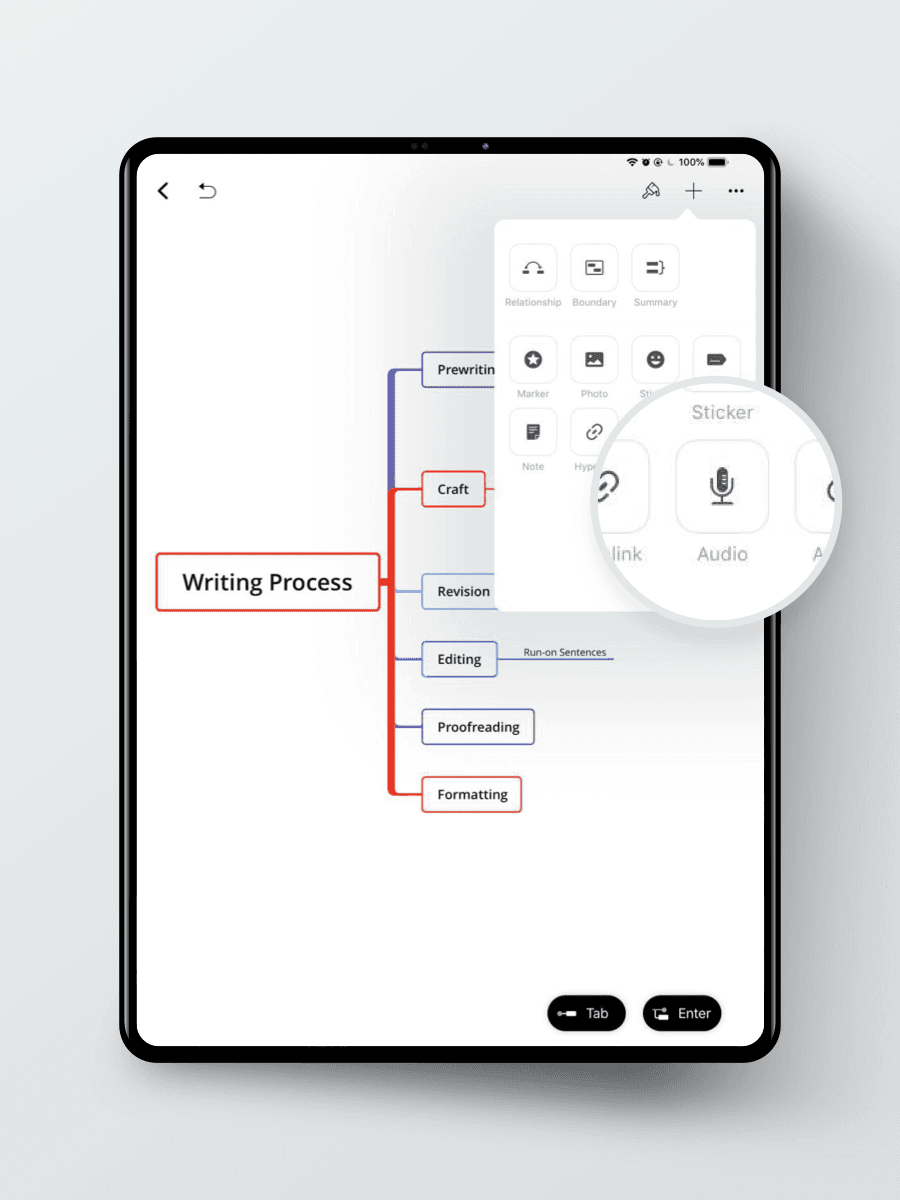
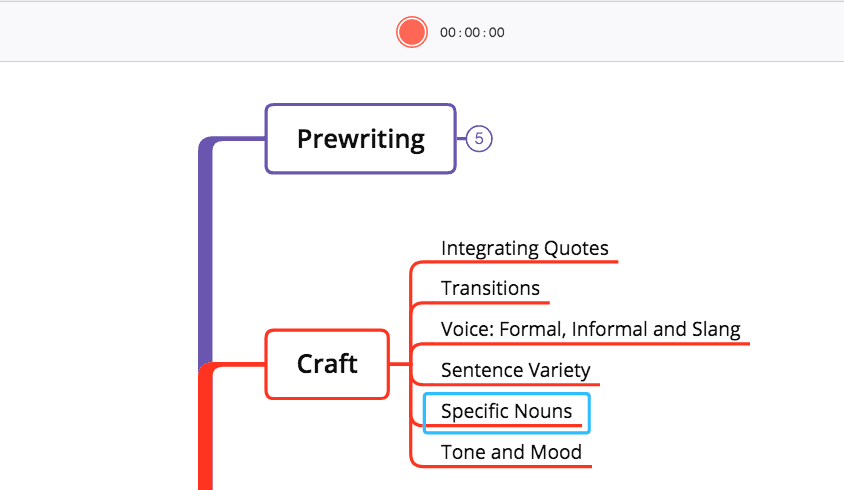
Klicken Sie auf das Record-Symbol, um die Aufnahme zu starten
3. Benennen Sie die Audio Note als Topic
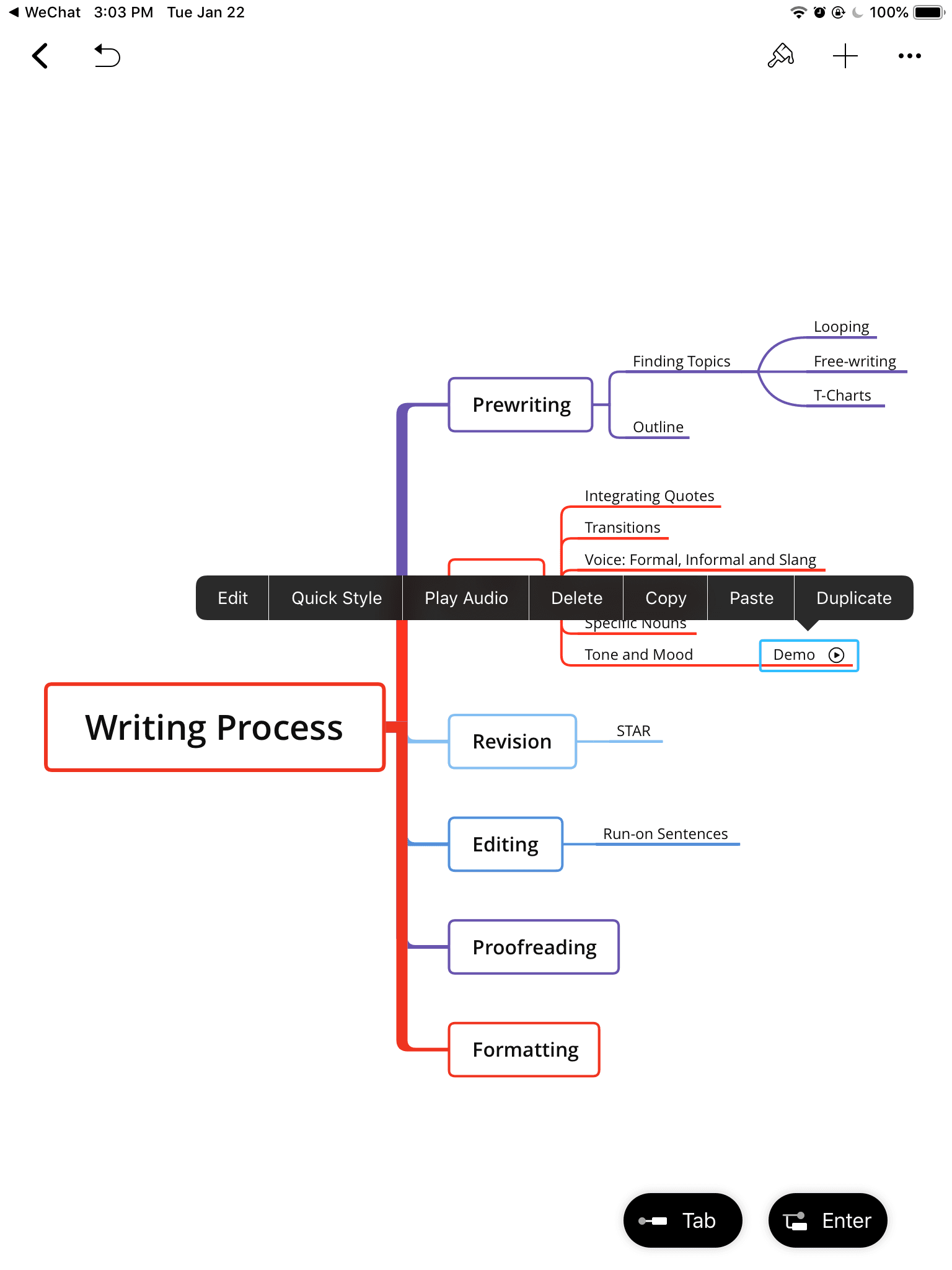
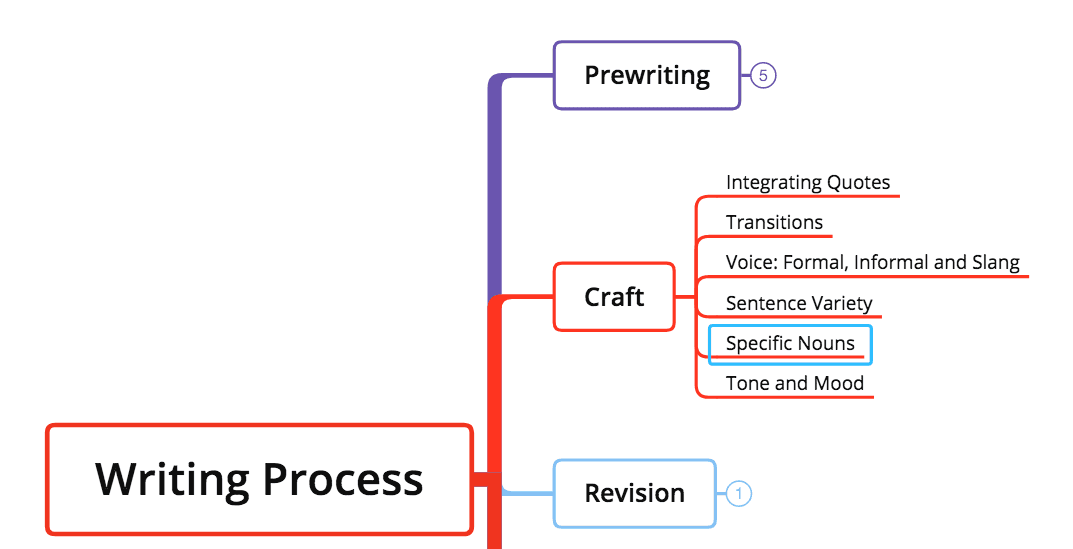
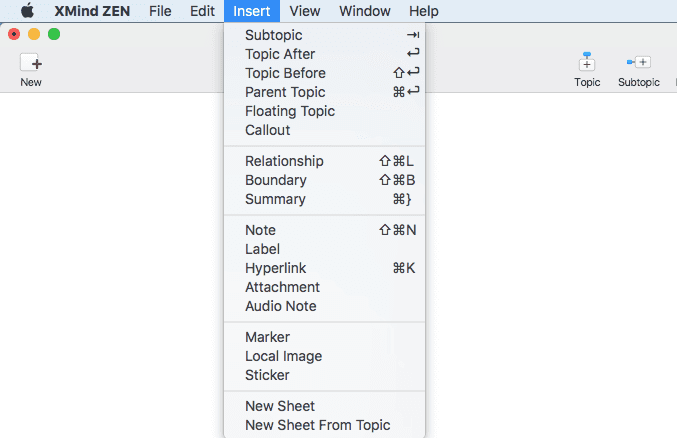
Klicken Sie auf Insert Audio Note
Klicken Sie auf das Record-Symbol, um die Aufnahme zu starten