From static maps to cinematic stories: Meet Xmind’s new Pitch Video feature

Hannah

Have you ever spent hours meticulously crafting a brilliant mind map, only to realize that sharing it feels… flat? You send a PDF, and your boss gets lost in the nodes. You present your screen live, and the constant zooming and dragging make your audience dizzy.
The gap between having a great idea and delivering a persuasive pitch has always been a hurdle for visual thinkers. Traditional tools force non-linear ideas into rigid, boring slides. That ends today. With the launch of the Xmind Pitch Video feature, we aren't just giving you a new tool; we’re giving your ideas a voice, a rhythm, and a cinematic stage.
Why "good enough" presentations are failing your ideas
We’ve all been there: a slide deck with 20 bullet points that everyone forgets the moment the laptop closes. While mind maps are scientifically proven to boost retention by up to 15% and improve project clarity for 67% of users, the delivery has always been the "missing link."
Traditional mind mapping software often tethers you to a mouse, forcing awkward pauses as you navigate between subtopics. This "dead time" kills the momentum of your pitch. Furthermore, the sheer scale of a complex map can overwhelm an audience, causing them to lose the "forest for the trees" as you jump from one branch to another.
Pitch Video: The ultimate bridge from brainstorming to storytelling
Automated cinematography for non-video editors
The biggest hurdle in video creation is often the technical learning curve. Xmind removes this by handling the "camera movement" for you. The feature automatically pans, zooms, and transitions between your nodes based on your map’s hierarchy. It creates a professional motion-graphics feel where the most important ideas stay front-and-center, ensuring your audience’s eyes are always exactly where they need to be without you touching a single keyframe.
Seamless cross-platform storytelling
Ideas don’t just happen at your desk. Whether you are finalizing a strategy on the Web, reviewing a project on iOS, or preparing a quick update on Android, the Pitch Video engine is natively integrated across all platforms. This means you can brainstorm on your commute and generate a high-quality, shareable video presentation by the time you reach the office. It turns your mobile device into a portable production studio for your thoughts.
Tutorial: Pitching a "2026 marketing strategy" in 3 minutes
To show you how this works, let’s imagine you are a Marketing Lead. You’ve mapped out a complex 12-month strategy, and you need to get the executive team on board—fast. Here is how you turn that map into a professional pitch video without touching a single piece of editing software.
Step 1: Architect your narrative flow
Before hitting "Export," look at your map. In a Pitch Video, your Main Topics become your "scenes." For our Marketing Strategy, ensure your map flows logically: Market Analysis → Goals → Campaign Creative → Budget. > Pro Tip: If you're starting from scratch, use Xmind AI to generate this structure from your raw notes or file attachments. It ensures your "script" is tight before the cameras (virtually) start rolling.
Step 2: Set the stage in the configuration panel
Once your map is ready, head to the director's booth. On the Web, navigate to Share > Export > Pitch Video. On iOS or Android, tap Share > Create Pitch Video.
Now, customize the "vibe":
Theme Selection: Choose "Corporate Sleek" for the boardroom or "Creative Bold" for a brand brainstorm.
Aspect Ratio: Choose 16:9 for standard screens, or 9:16 if you’re sharing this strategy update via mobile apps like Slack or Instagram.
Duration: Set the pacing. Choose a 2-minute "High-Level Executive Summary" or a 5-minute "Deep Dive." Xmind automatically calculates the transitions to fit your time limit perfectly.
Step 3: Add the emotional "hook" with background music
A strategy feels more urgent when it has a beat. After your video renders, you aren't stuck with silence. Browse the library to find a track that matches your tone. A driving, upbeat track for a growth-focused strategy can keep your stakeholders nodding along, while something ambient works best for educational content or project post-mortems.
Step 4: Review and deploy your standalone masterpiece
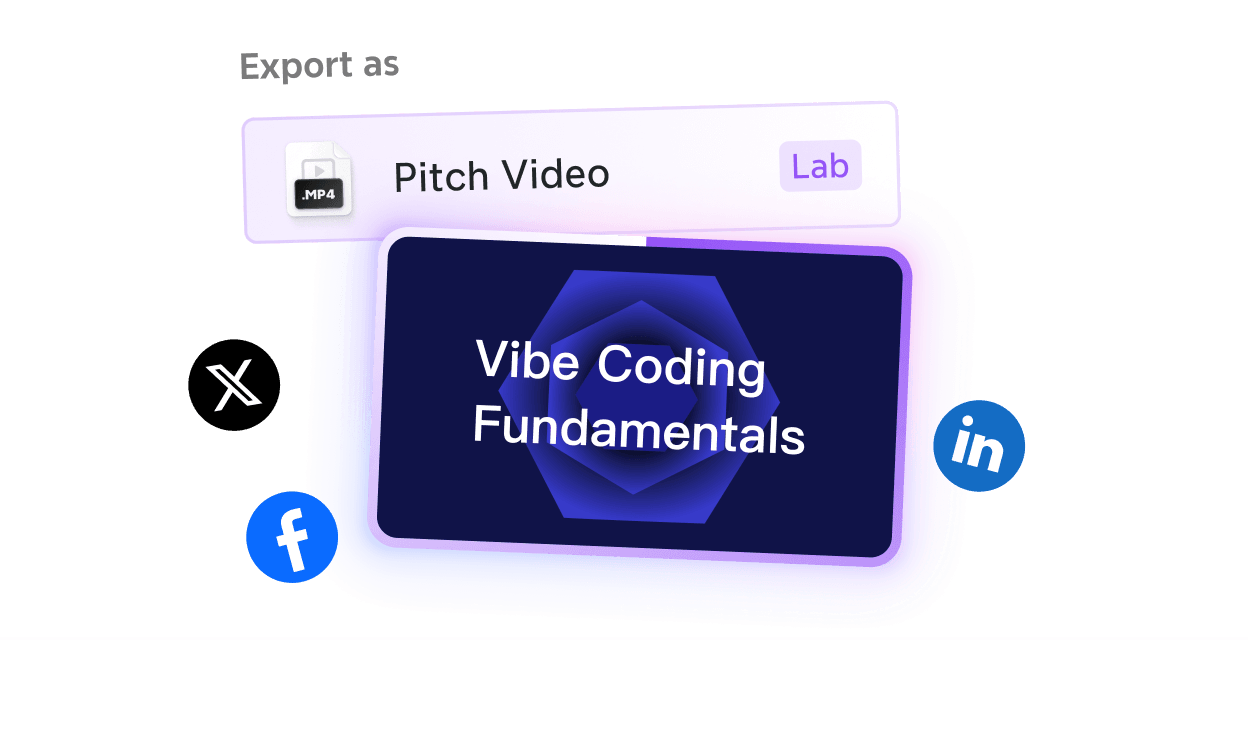
Unlike the standard Pitch Mode (which is for live, click-through slideshows), the Pitch Video is a finished, shareable file. Preview the transitions—does the flow feel natural? Once satisfied, download the file or share it directly to social media. Your team can now watch your "pitch" on their own time, on any device, without you having to say a word.
Conclusion: The "what you think is what you present" philosophy
At Xmind, we believe the tool should never get in the way of the spark. By integrating video creation directly into your workflow, we’ve eliminated the need for complex third-party editors or the "Death by PowerPoint" trap.
Whether you are a student defending a thesis, a founder pitching a startup, or a project manager aligning a remote team, your mind maps are now more than just diagrams—they are dynamic stories.
Ready to see your ideas in motion? Open your latest map in Xmind today and try the Pitch Video export. Your audience’s attention span will thank you.