Trusted by Fortune 500 and agile teams alike




Comparing distinctions between Xmind and Visio

Superior structured thinking
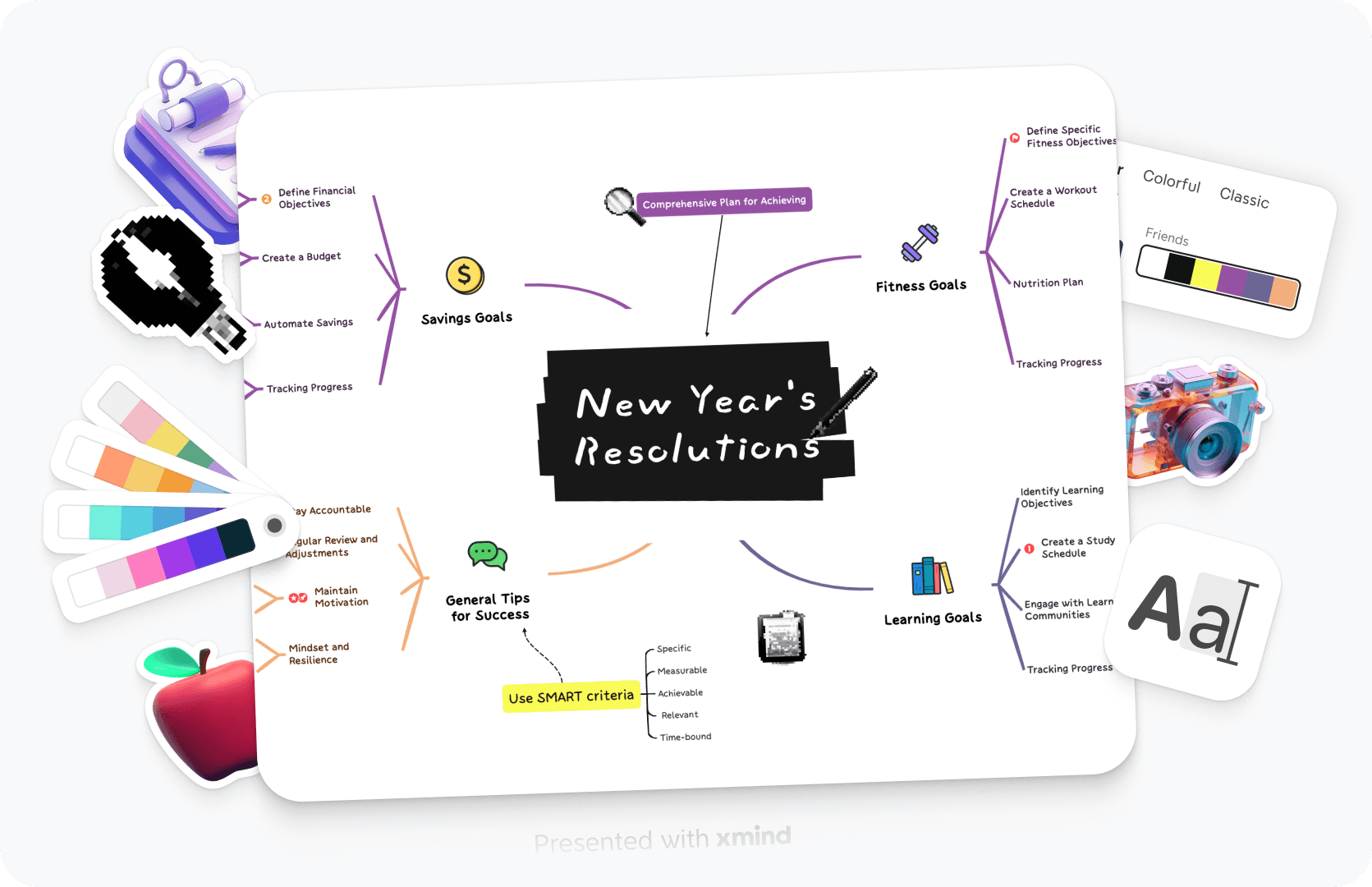
With built in layouts like Mind Map, Fishbone and Timeline, Xmind supports structured thinking as ideas evolve. By contrast, Visio emphasizes precise shapes and layouts, with structure defined early rather than discovered along the way.
Simple and intuitive to use
In Xmind, capturing ideas, reorganizing structure, and switching layouts feels natural from the start. Visio is built for professional diagramming and often requires setup and learning before work begins.
Cross-platform collaboration
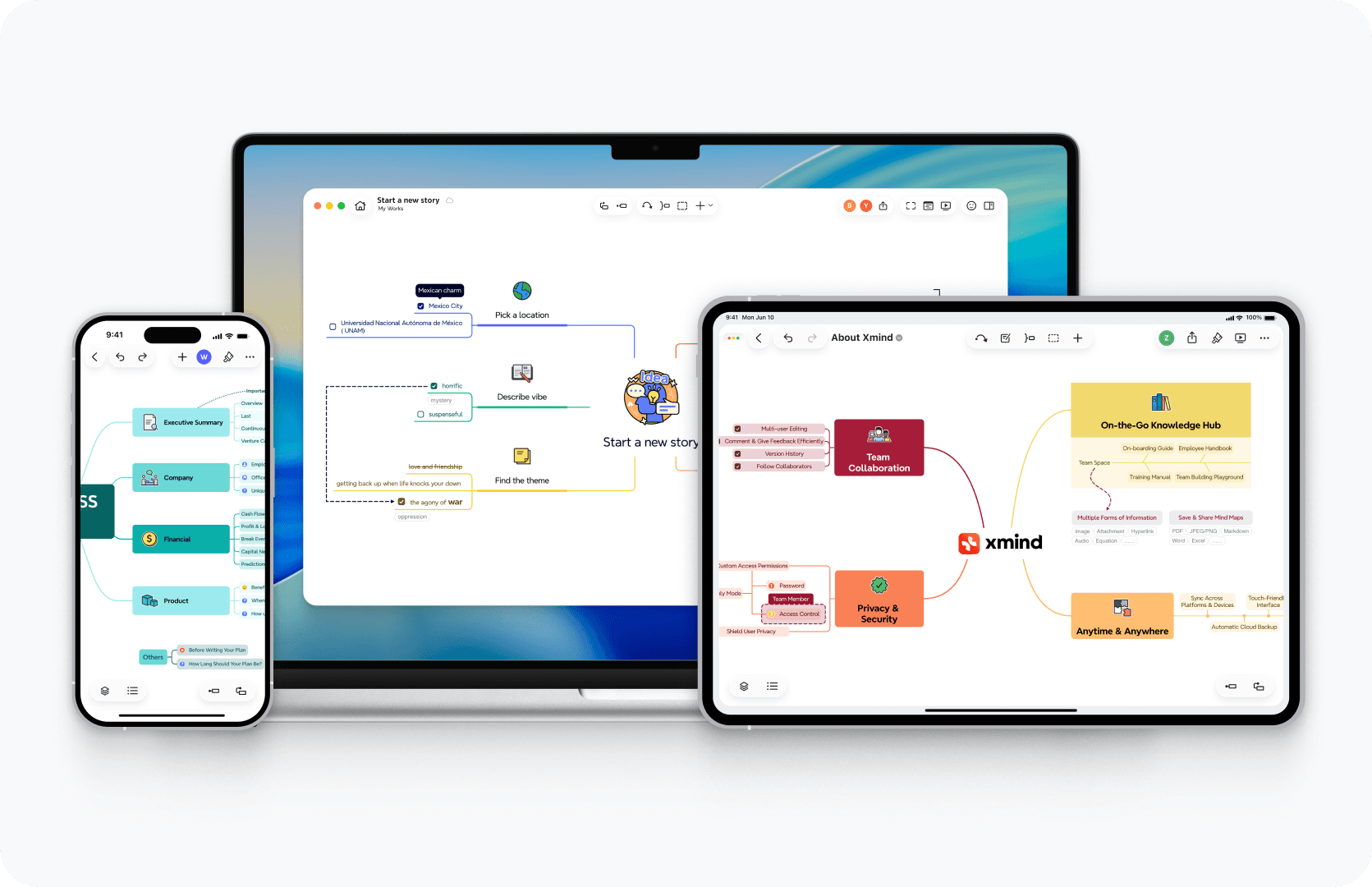
Xmind enables collaboration across desktop and mobile, so work continues wherever teams are. Visio remains primarily desktop centered, which can limit flexibility for modern workflows.
Powerful, integrated AI features
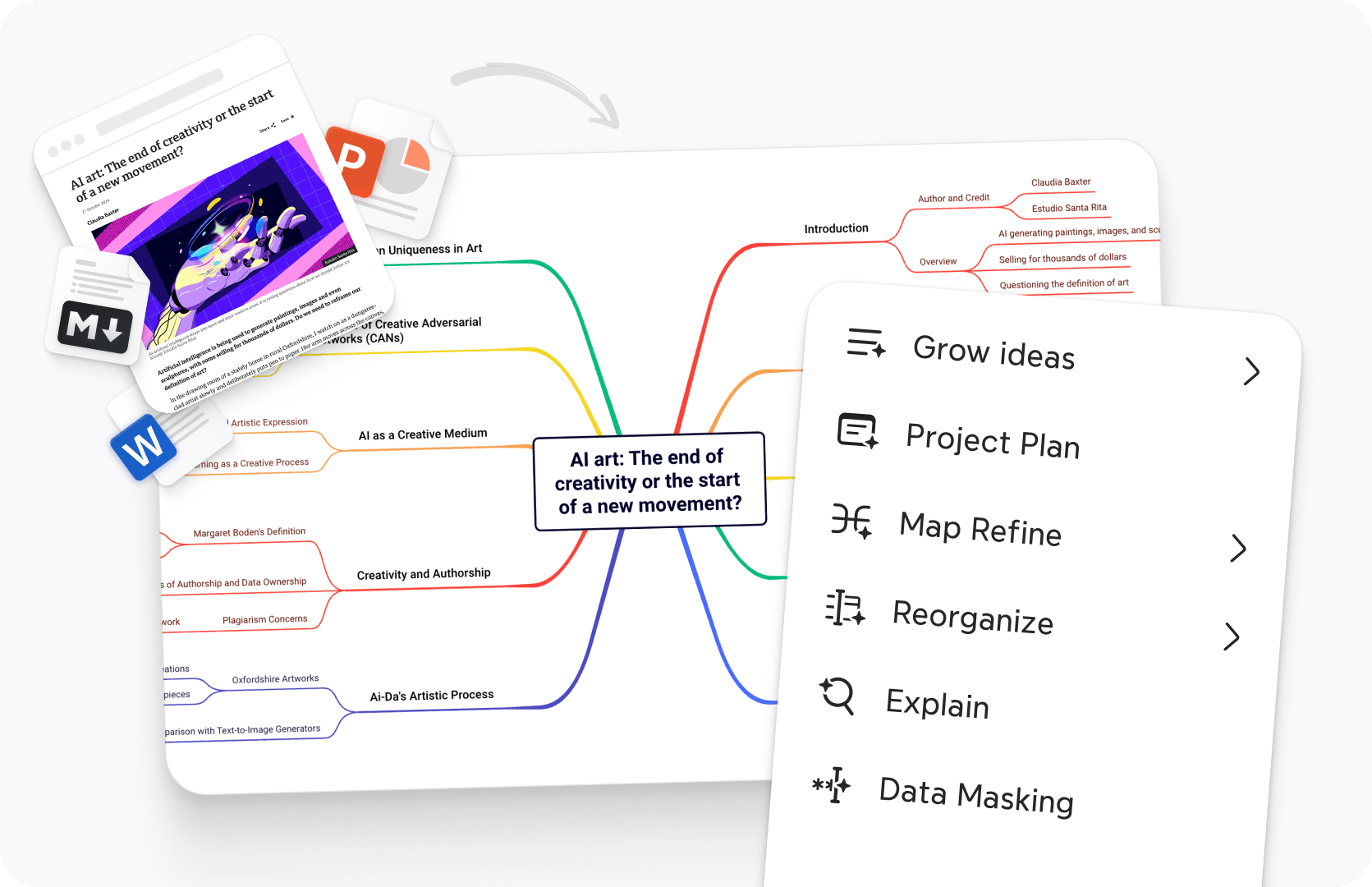
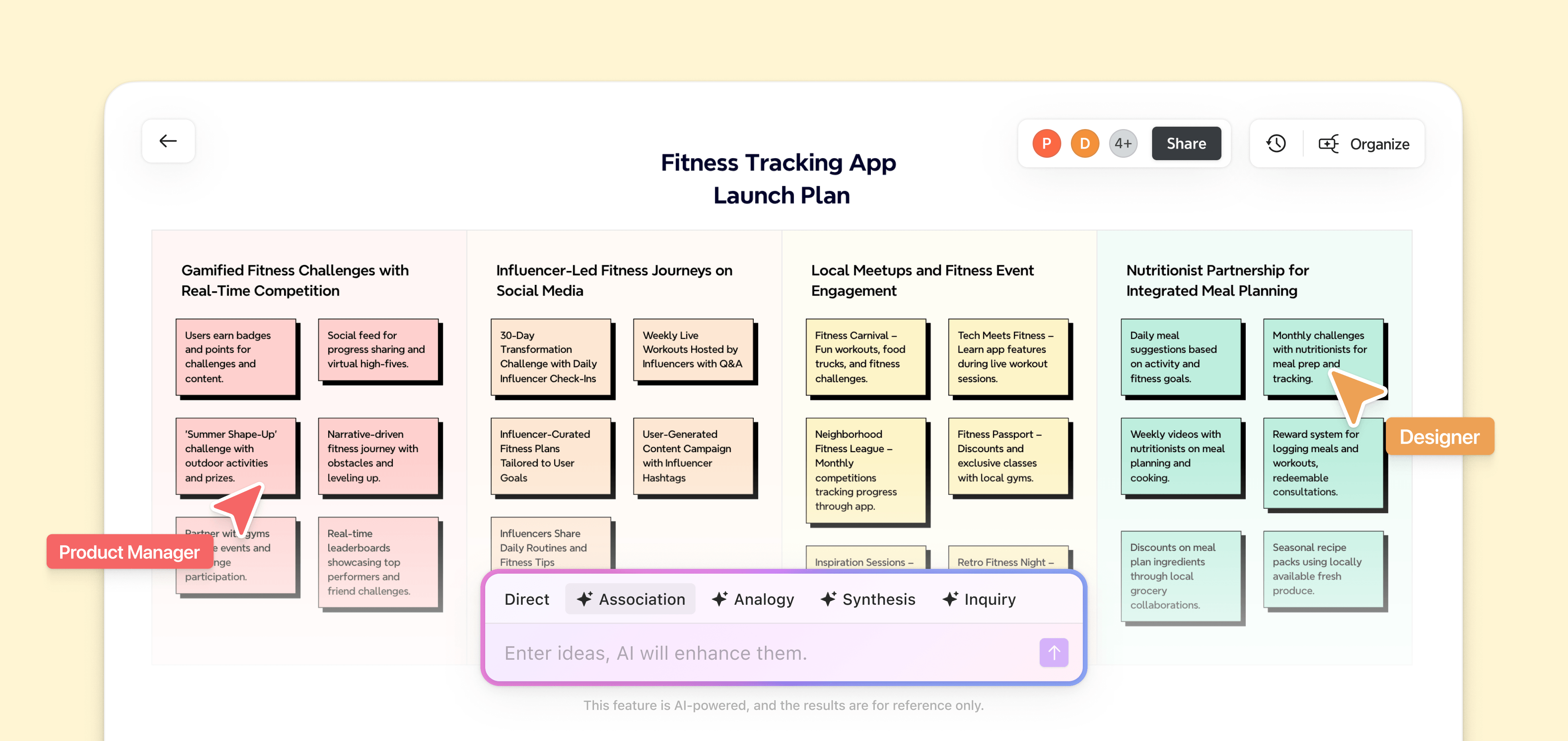
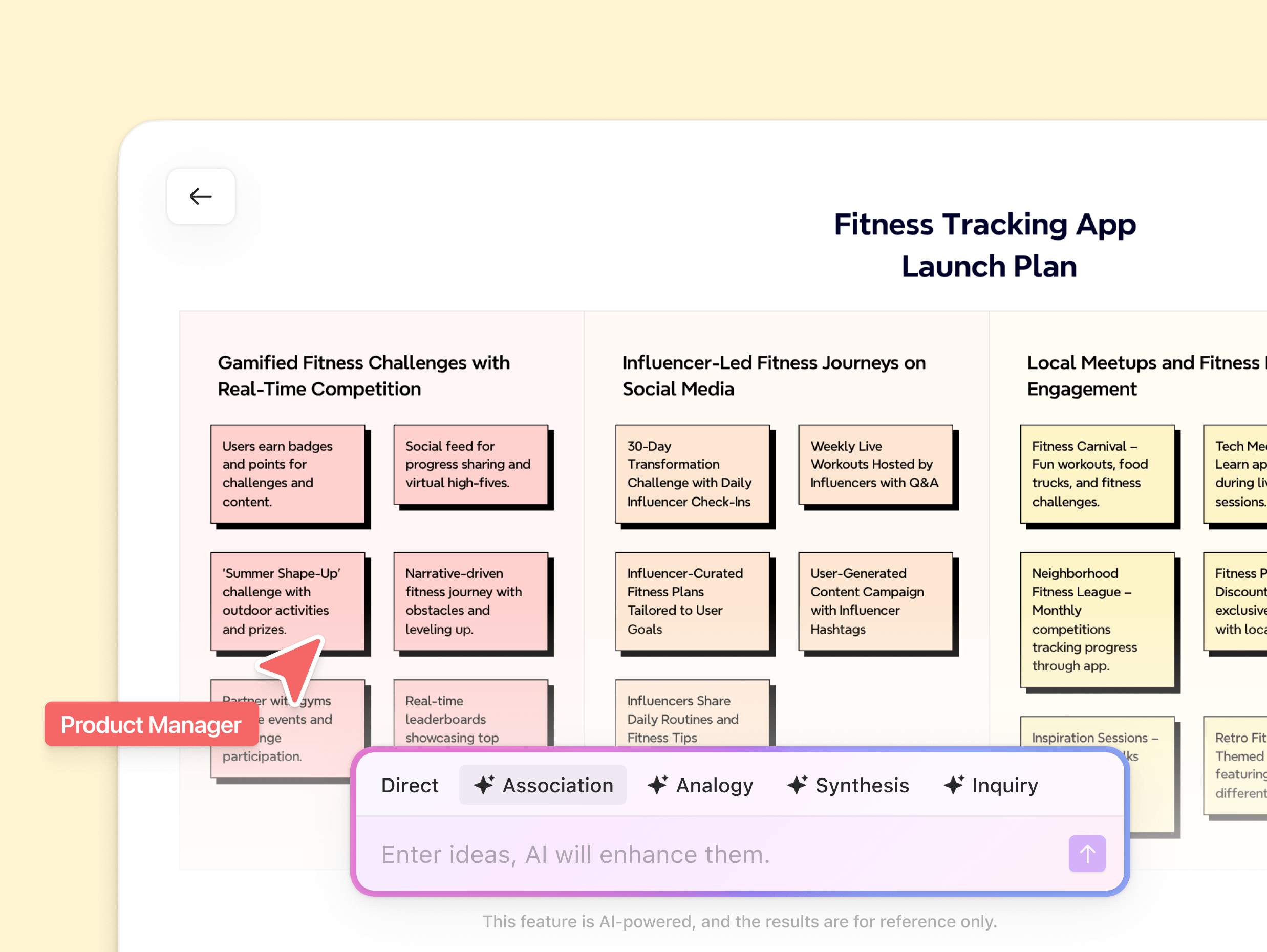
AI features in Xmind support idea generation, expansion, and structure building directly within the map. These capabilities are not native to Visio and usually require manual work.
Xmind vs Visio at a glance
Xmind combines mind mapping, outlining, AI, and lightweight project management into one seamless thinking tool. Visio provides traditional diagramming for documenting processes.


From ideas to execution, all in one platform
From raw ideas to complex systems—Xmind adapts to your thinking and helps you move from ideas to execution.




No credit card required · Works on web, desktop, and mobile.
Join millions who think with Xmind

4.8/5

App Store

95%
User satisfaction rate

100M+
Users worldwide










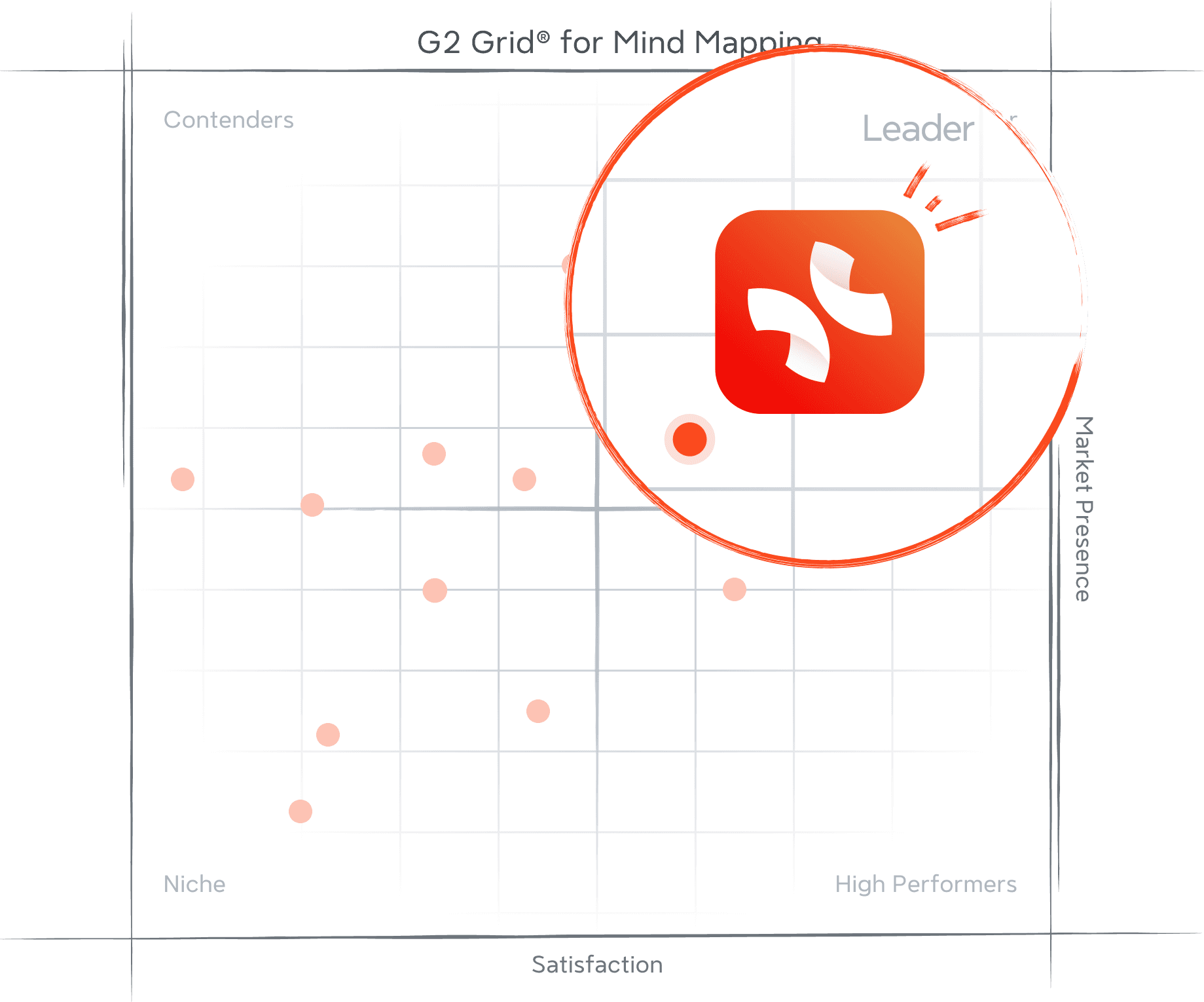
Recognized by G2 for what teams value most
These G2 awards reflect consistent recognition from real users—affirming our commitment to usability, performance, and product excellence across the board.






Frequently Asked Questions
Does Xmind work on mobile?
Xmind is available on both iOS and Android with full-featured mobile apps. Your work stays synced across desktop, mobile, and web, making it easy to capture and develop ideas anywhere.
Can I collaborate using Xmind?
Real-time collaboration is supported in Xmind, allowing multiple people to work on the same map simultaneously. Teams can brainstorm, edit, and share ideas together in a smooth, cross-platform workflow.
Is Xmind a good Visio alternative?
For idea-driven work, Xmind is a strong alternative to Visio. It focuses on mind mapping, structured thinking, and AI-assisted ideation, while Visio is primarily designed for technical diagramming and process documentation.

Visualize your ideas. Unlock your thinking power with Xmind.
Whether you’re studying, planning, or creating—Xmind helps you think in every direction.



