Xmind vs ClickUp
Xmind vs ClickUp
Xmind vs ClickUp
Xmind vs ClickUp
Structure your vision, don’t just pile up tasks
Stop getting lost in ClickUp’s clutter. Xmind turns chaotic thoughts into actionable plans and presentation-ready logic.


Trusted by Fortune 500 and agile teams alike

Why choose Xmind over ClickUp?

Advanced structures for systematic thinking
Master complexity with professional frameworks like Fishbone, Matrix, and Timeline. Unlike the basic node-and-line views in ClickUp, Xmind’s structural depth ensures your most intricate projects remain logically organized and easy to navigate at any scale.


Fuel your creativity with AI
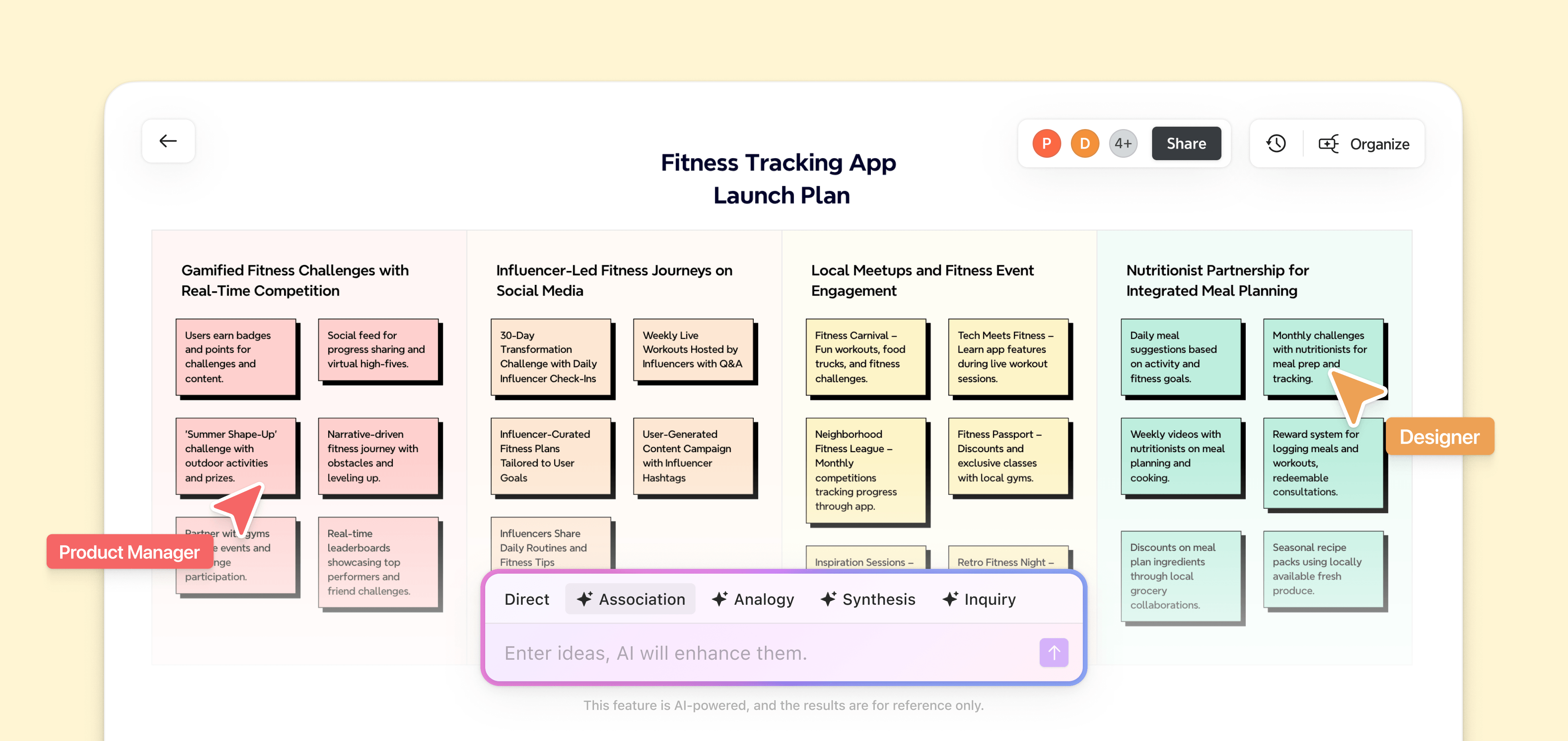
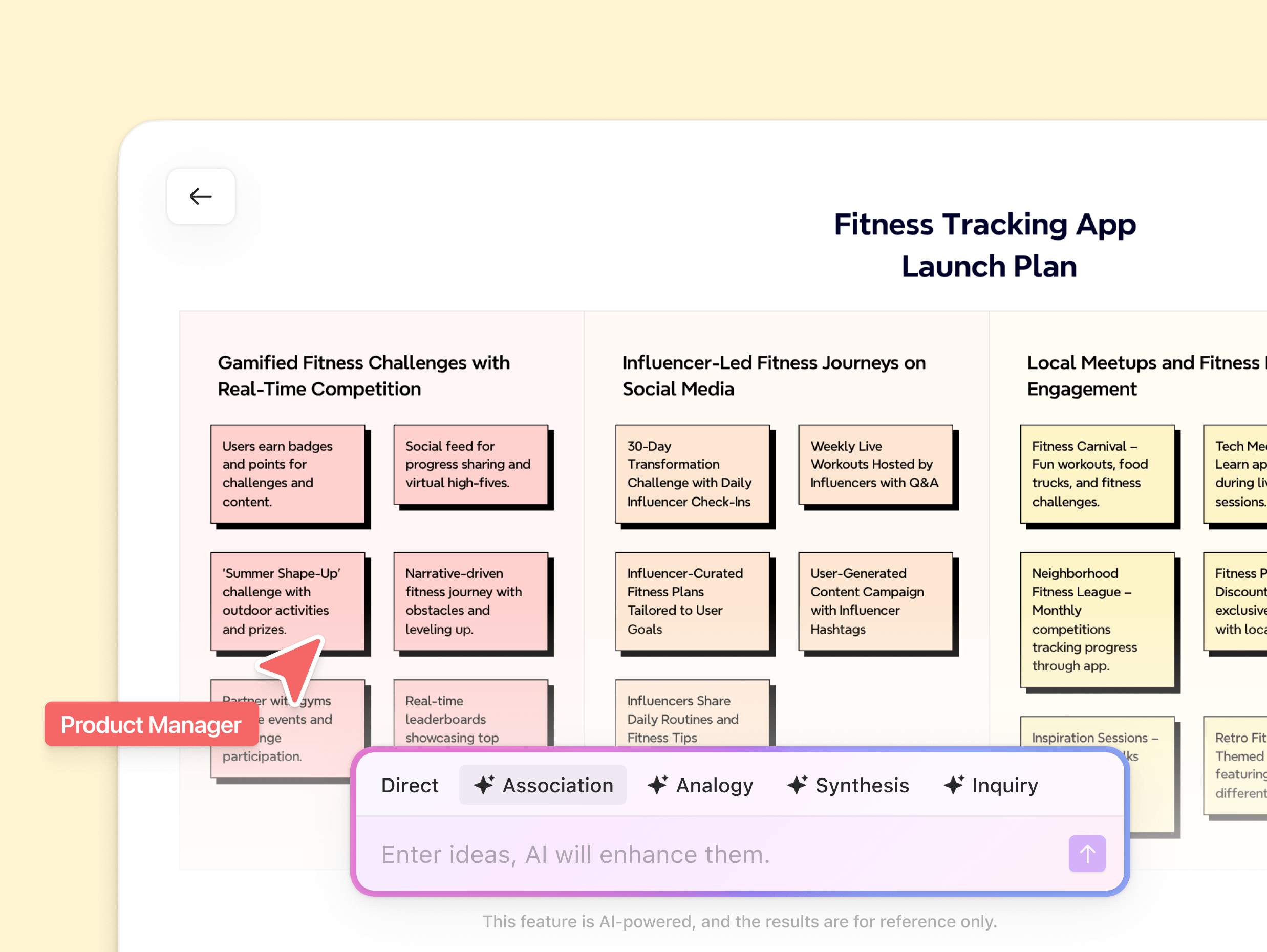
Xmind AI transforms a single prompt into a full-scale strategy in seconds. While ClickUp AI focuses on administrative summaries and task drafting, Xmind serves as a true brainstorming partner, helping you break mental blocks and expand your core ideas with generative intelligence.
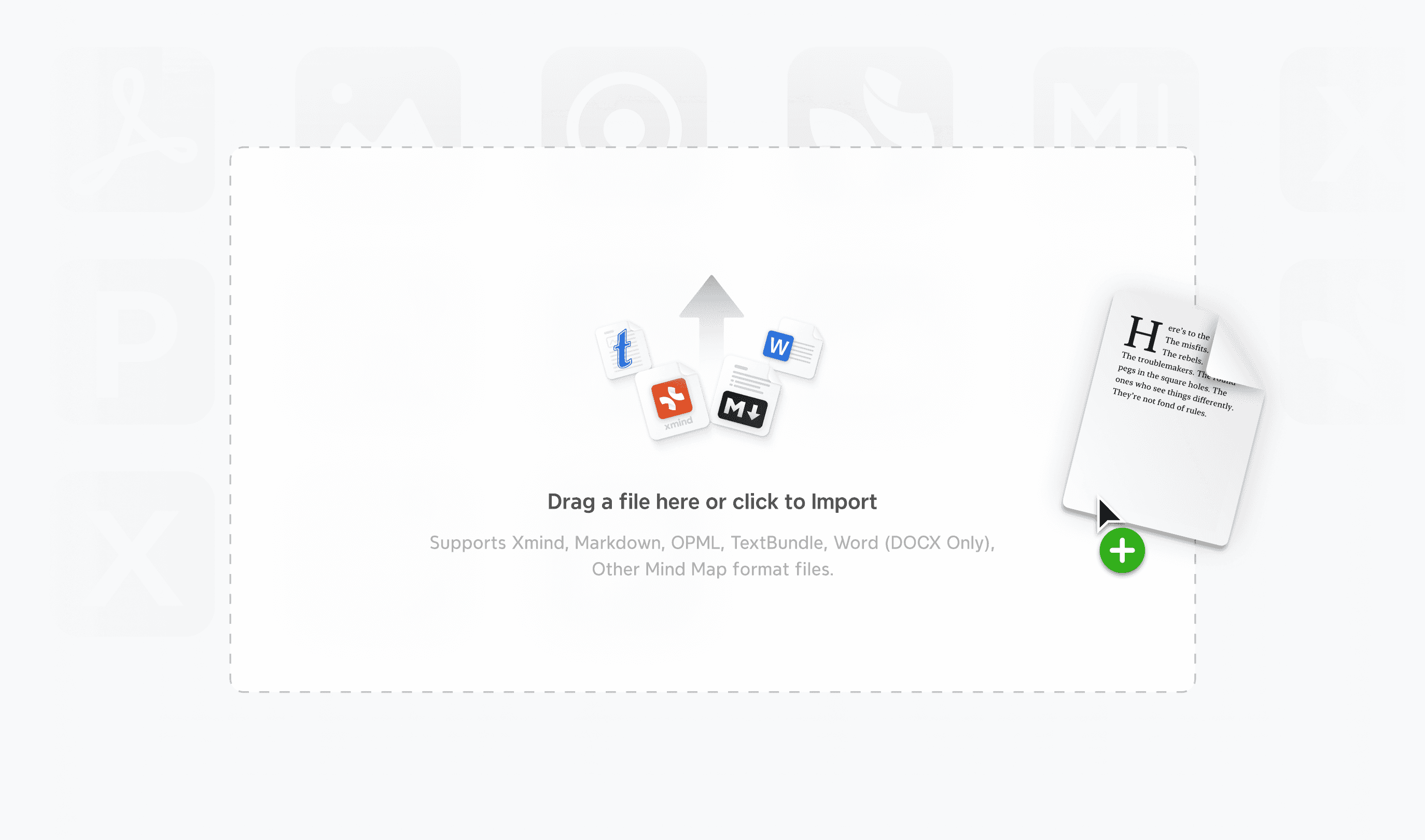


Diverse imports for a seamless start
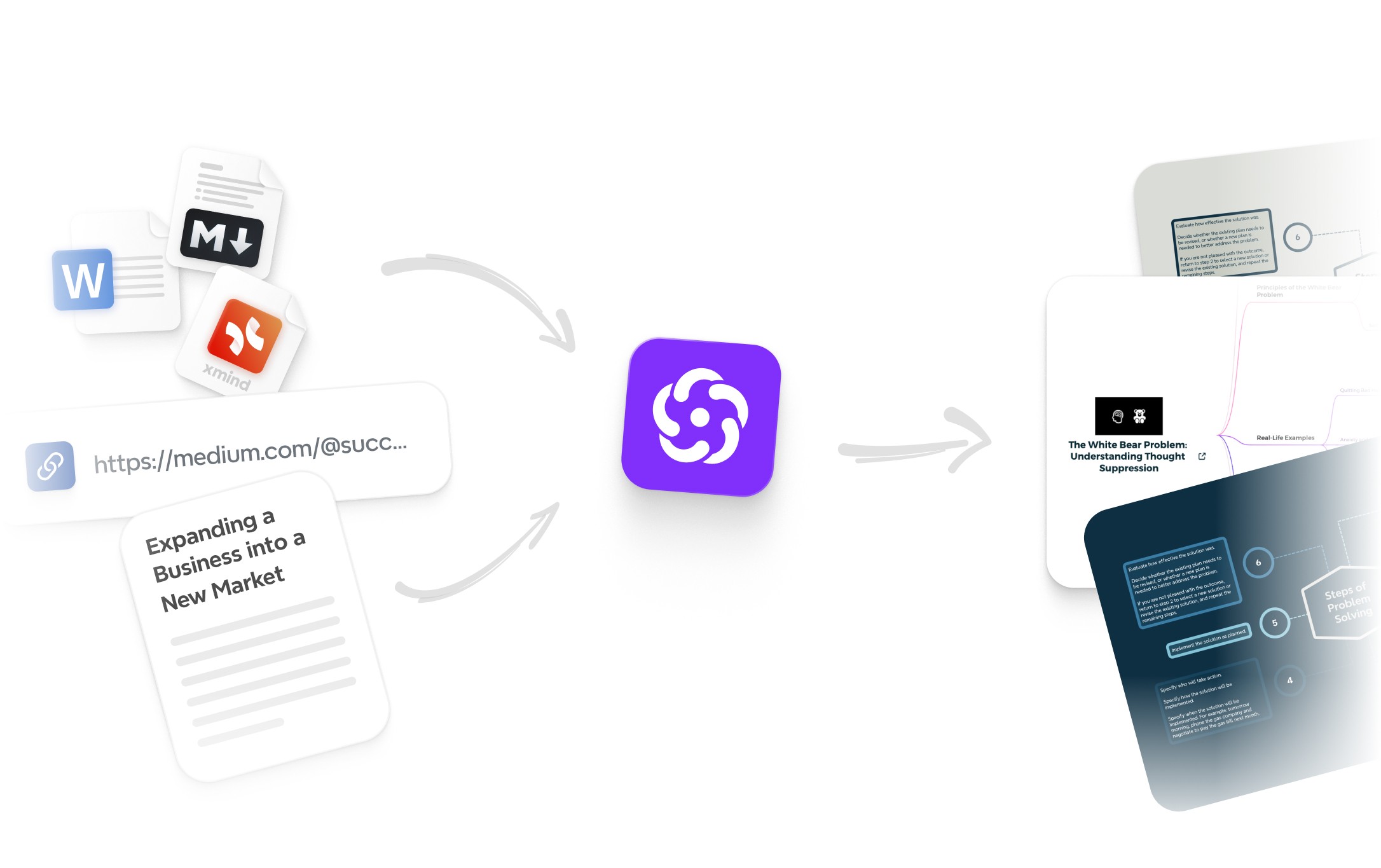
Don't let your ideas get trapped in rigid lists. While ClickUp silos data into administrative tasks, Xmind’s versatile imports set your projects free. Move from ClickUp’s constraints into a flexible environment that bridges the gap between concept and execution.
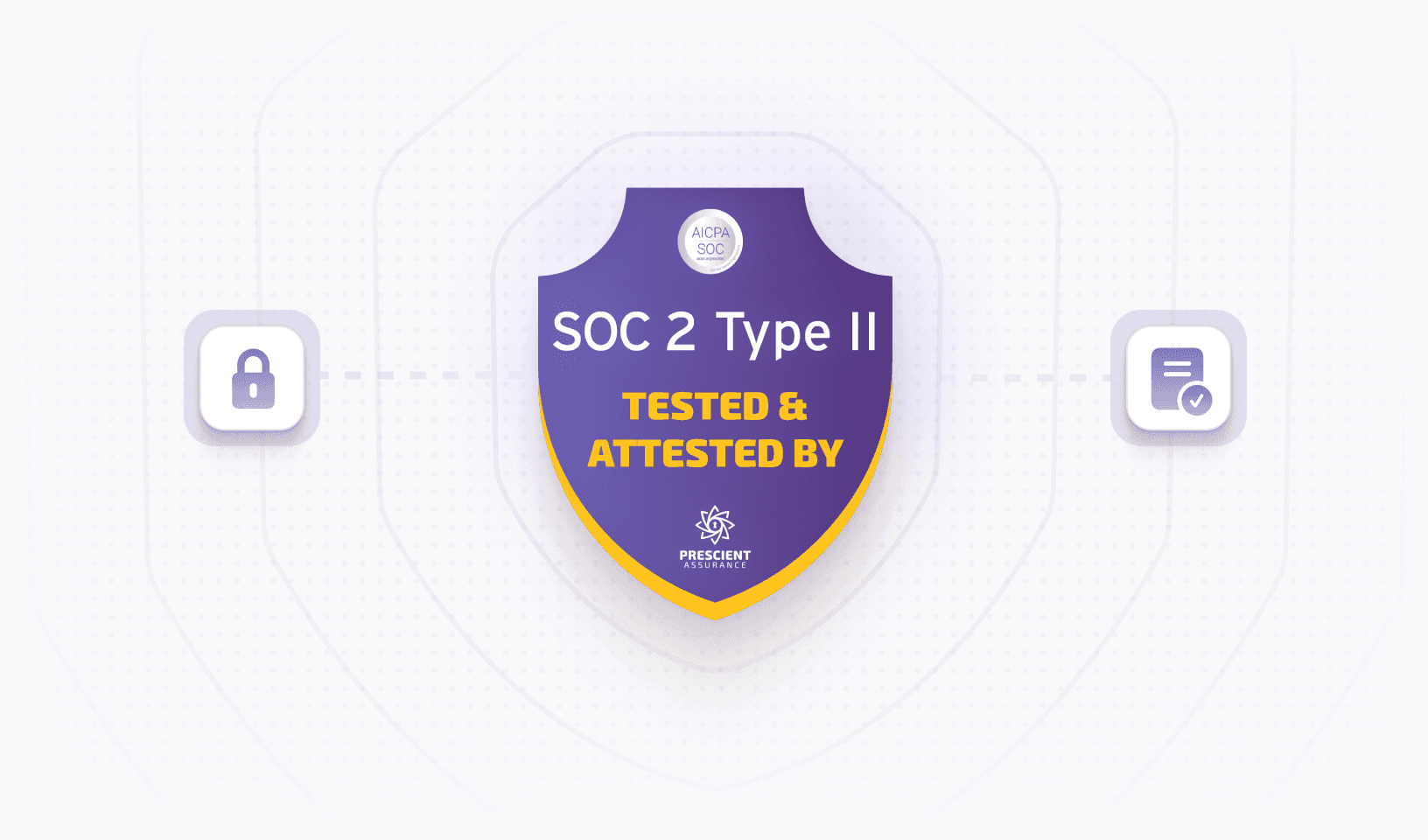


Protect your data with top-tier security
Keep your sensitive strategy where it belongs—under your control. Xmind offers absolute privacy by allowing you to store files locally, ensuring your intellectual property stays secure. Avoid the risks of mandatory cloud hosting that cloud-only platforms like ClickUp require.
Xmind vs ClickUp at a glance
Xmind is a comprehensive thinking system from inspiration to execution. ClickUp is an all-in-one platform primarily designed for task management and project status.
Xmind vs ClickUp at a glance
Xmind is a comprehensive thinking system from inspiration to execution. ClickUp is an all-in-one platform primarily designed for task management and project status.
Xmind vs ClickUp at a glance
Xmind is a comprehensive thinking system from inspiration to execution. ClickUp is an all-in-one platform primarily designed for task management and project status.
Xmind vs ClickUp at a glance
Xmind is a comprehensive thinking system from inspiration to execution. ClickUp is an all-in-one platform primarily designed for task management and project status.
Xmind vs ClickUp at a glance
Xmind is a comprehensive thinking system from inspiration to execution. ClickUp is an all-in-one platform primarily designed for task management and project status.
Core purpose
Structured thinking and execution
Structured thinking engine
Task and project management
Visual collaboration hub
Professional structures


Pitch video


Outline view


Brainstorming hub


ZEN mode


Map refine


AI work breakdown


Export as markdown/textbundle


Ideal for
Personal deep work and project management


Team administration and tracking


Structured thinking, brainstorming, project management
Diagramming, process documentation
Structured thinking, brainstorming, project management
Diagramming, process documentation
Structured thinking, brainstorming, project management
Diagramming, process documentation


Limited mobile

Limited mobile

Limited mobile


Enterprise sharing

Enterprise sharing

Enterprise sharing


Easy
Medium–High
Easy
Medium–High
Easy
Medium–High
Free + affordable subscription
Subscription-only
Free + affordable subscription
Subscription-only
Free + affordable subscription
Subscription-only
Core purpose
Native mind map
Multiple structures
AI brainstorming
Grow ideas with AI
AI-generated to-do
Gantt chart
Outline mode
Export in all formats
Real-time collaboration
Cross-platform
Pitch mode
Ease of use
Pricing
From ideas to execution, all in one platform
From raw ideas to complex systems—Xmind adapts to your thinking and helps you move from ideas to execution.

From ideas to execution, all in one platform
From raw ideas to complex systems—Xmind adapts to your thinking and helps you move from ideas to execution.
From ideas to execution, all in one platform
From raw ideas to complex systems—Xmind adapts to your thinking and helps you move from ideas to execution.
From ideas to execution, all in one platform
From raw ideas to complex systems—Xmind adapts to your thinking and helps you move from ideas to execution.
From ideas to execution, all in one platform
From raw ideas to complex systems—Xmind adapts to your thinking and helps you move from ideas to execution.


Brainstorming

Learning

Planning

Creating

Organizing


Brainstorming

Learning

Planning

Creating

Organizing


Brainstorming

Learning

Planning

Creating

Organizing


Brainstorming

Learning

Planning

Creating

Organizing


Brainstorming

Learning

Planning

Creating

Organizing

No credit card required · Works on web, desktop, and mobile.
Join millions who think with Xmind

4.8/5

App Store

95%
User satisfaction rate

100M+
Users worldwide

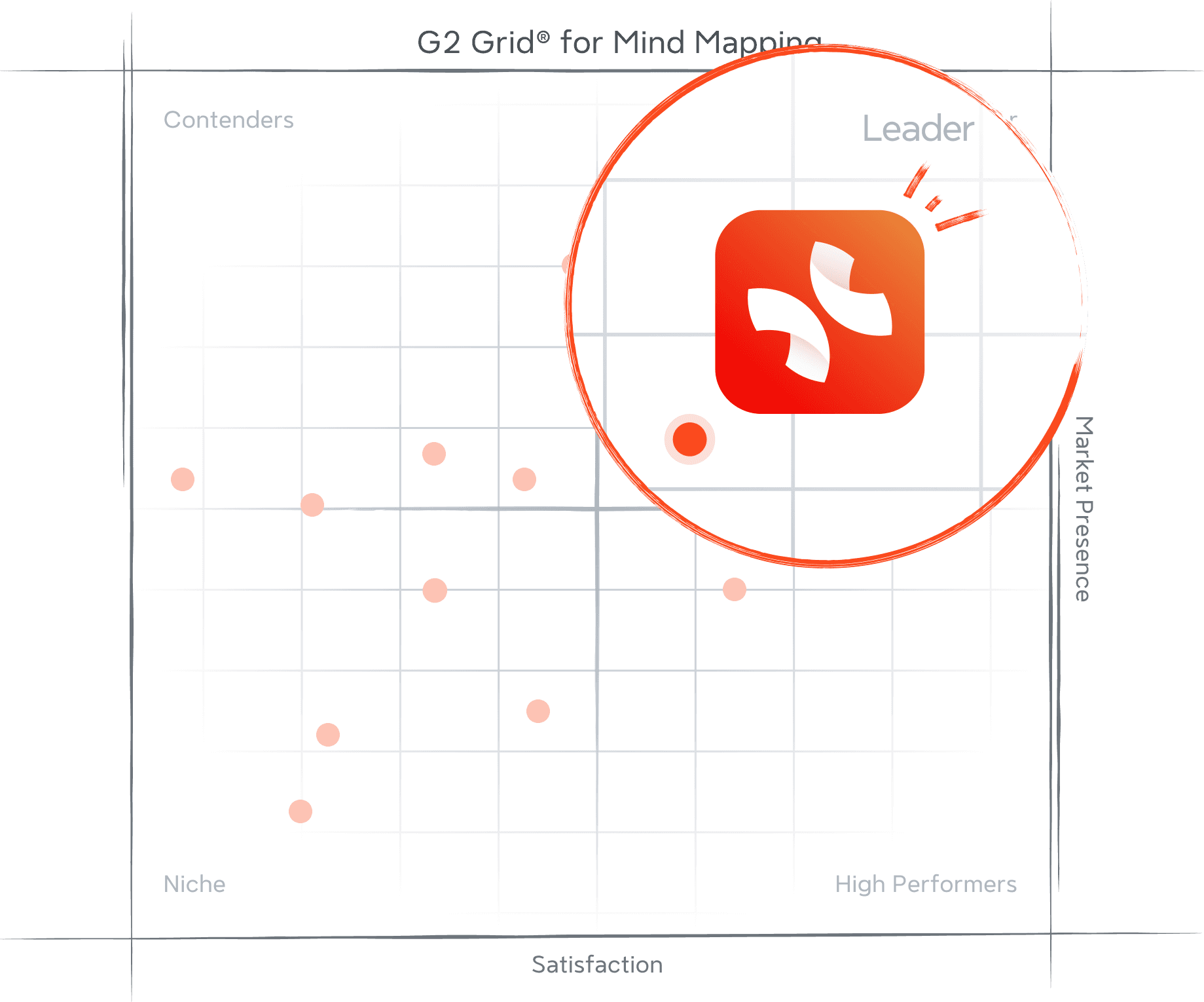
Recognized by G2 for what teams value most
These G2 awards reflect consistent recognition from real users—affirming our commitment to usability, performance, and product excellence across the board.

Frequently Asked Questions
Is Xmind free to use?
Yes. Xmind offers a free plan that lets you create and view mind maps across devices. You can upgrade to a paid plan anytime to unlock advanced features like AI tools, project planning, and extended export options.
Does Xmind work on mobile?
Xmind is available on both iOS and Android with full-featured mobile apps. Your work stays synced across desktop, mobile, and web, making it easy to capture and develop ideas anywhere.
Can I collaborate using Xmind?
Real-time collaboration is supported in Xmind, allowing multiple people to work on the same map simultaneously. Teams can brainstorm, edit, and share ideas together in a smooth, cross-platform workflow.
Is Xmind a good ClickUp alternative?
Yes. While ClickUp is built for task administration, Xmind is designed for strategic clarity. If ClickUp’s "feature bloat" feels overwhelming, Xmind provides a distraction-free environment to map out complex logic before committing to a rigid checklist. With seamless import options, you can easily migrate your ideas from ClickUp’s silos into a workspace optimized for deep thinking and professional execution.
Frequently Asked Questions
Is Xmind free to use?
Yes. Xmind offers a free plan that lets you create and view mind maps across devices. You can upgrade to a paid plan anytime to unlock advanced features like AI tools, project planning, and extended export options.
Does Xmind work on mobile?
Xmind is available on both iOS and Android with full-featured mobile apps. Your work stays synced across desktop, mobile, and web, making it easy to capture and develop ideas anywhere.
Can I collaborate using Xmind?
Real-time collaboration is supported in Xmind, allowing multiple people to work on the same map simultaneously. Teams can brainstorm, edit, and share ideas together in a smooth, cross-platform workflow.
Is Xmind a good ClickUp alternative?
Yes. While ClickUp is built for task administration, Xmind is designed for strategic clarity. If ClickUp’s "feature bloat" feels overwhelming, Xmind provides a distraction-free environment to map out complex logic before committing to a rigid checklist. With seamless import options, you can easily migrate your ideas from ClickUp’s silos into a workspace optimized for deep thinking and professional execution.
Frequently Asked Questions
Is Xmind free to use?
Yes. Xmind offers a free plan that lets you create and view mind maps across devices. You can upgrade to a paid plan anytime to unlock advanced features like AI tools, project planning, and extended export options.
Does Xmind work on mobile?
Xmind is available on both iOS and Android with full-featured mobile apps. Your work stays synced across desktop, mobile, and web, making it easy to capture and develop ideas anywhere.
Can I collaborate using Xmind?
Real-time collaboration is supported in Xmind, allowing multiple people to work on the same map simultaneously. Teams can brainstorm, edit, and share ideas together in a smooth, cross-platform workflow.
Is Xmind a good ClickUp alternative?
Yes. While ClickUp is built for task administration, Xmind is designed for strategic clarity. If ClickUp’s "feature bloat" feels overwhelming, Xmind provides a distraction-free environment to map out complex logic before committing to a rigid checklist. With seamless import options, you can easily migrate your ideas from ClickUp’s silos into a workspace optimized for deep thinking and professional execution.

Visualize your ideas. Unlock your thinking power with Xmind.
Whether you’re studying, planning, or creating—Xmind helps you think in every direction.


Visualize your ideas. Unlock your thinking power with Xmind.
Whether you’re studying, planning, or creating—Xmind helps you think in every direction.

Visualize your ideas. Unlock your thinking power with Xmind.
Whether you’re studying, planning, or creating—Xmind helps you think in every direction.

Visualize your ideas. Unlock your thinking power with Xmind.
Whether you’re studying, planning, or creating—Xmind helps you think in every direction.

Visualize your ideas. Unlock your thinking power with Xmind.
Whether you’re studying, planning, or creating—Xmind helps you think in every direction.