Xmind Business
Where teams think, plan, and grow together
Give your team one secure workspace to brainstorm with AI, plan visually, and ship projects together.
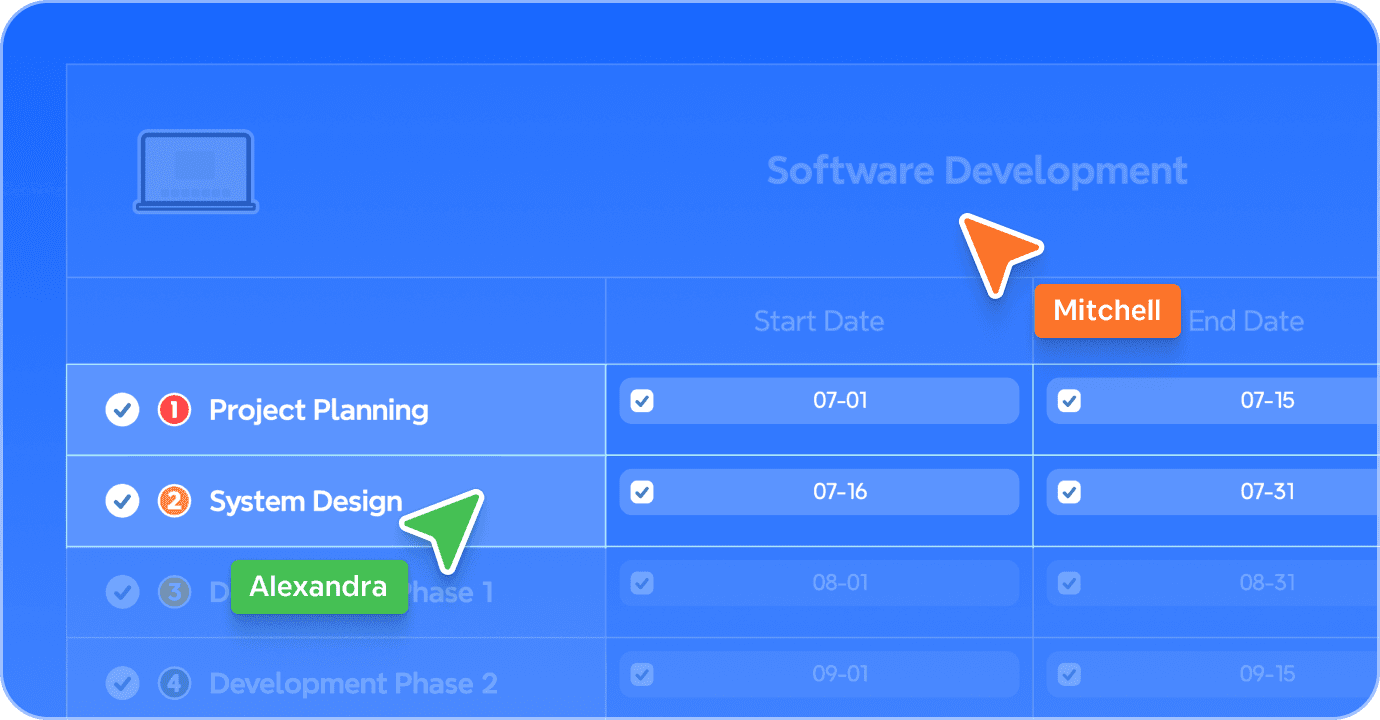
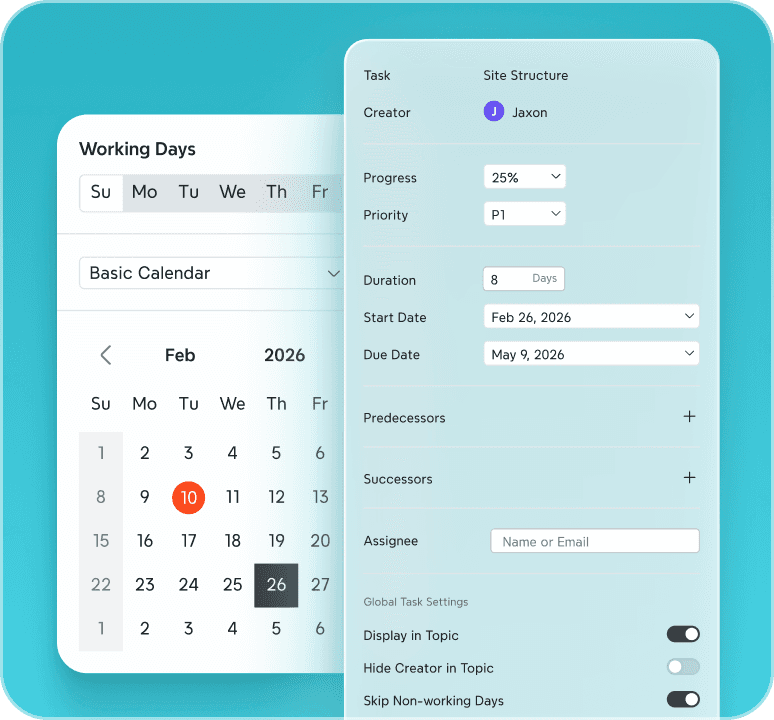

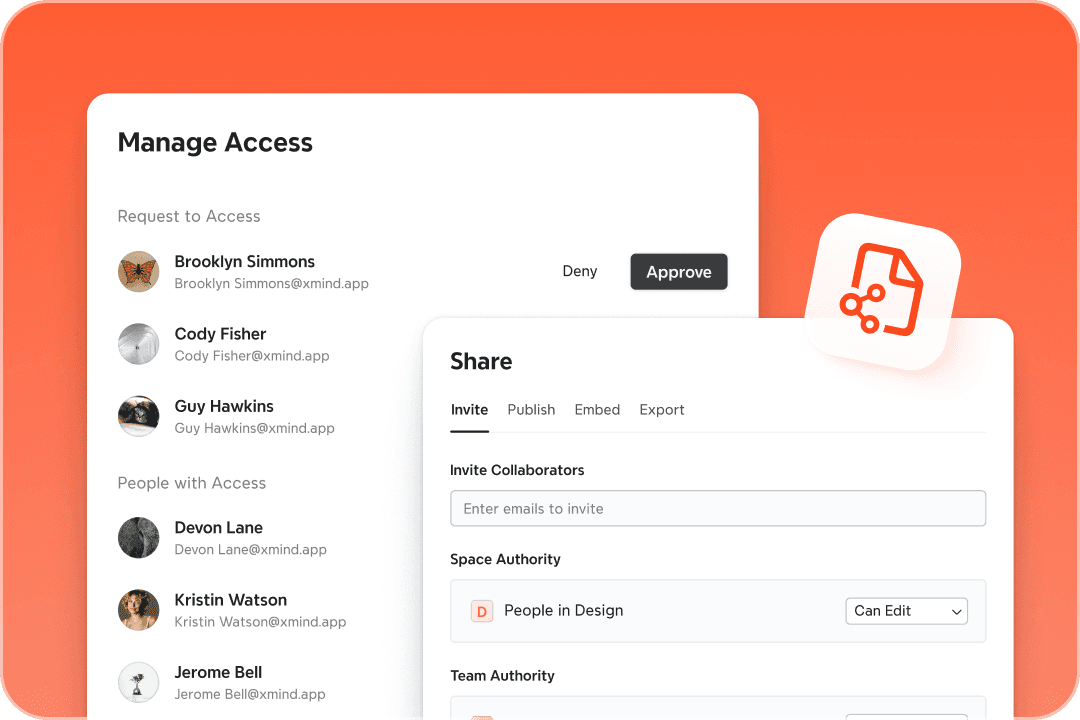

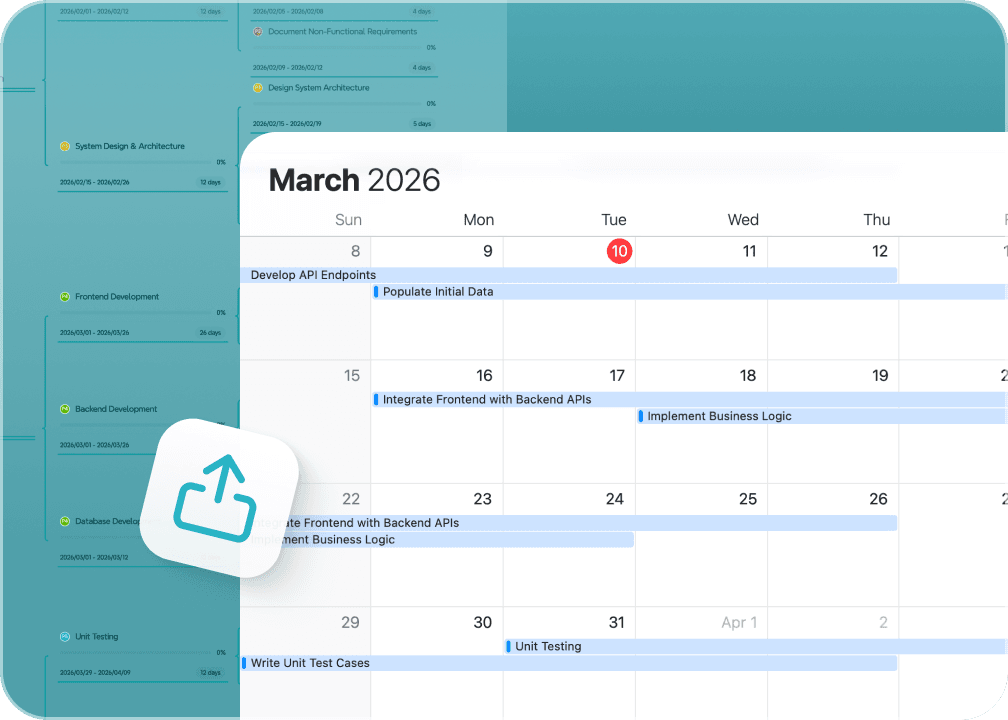
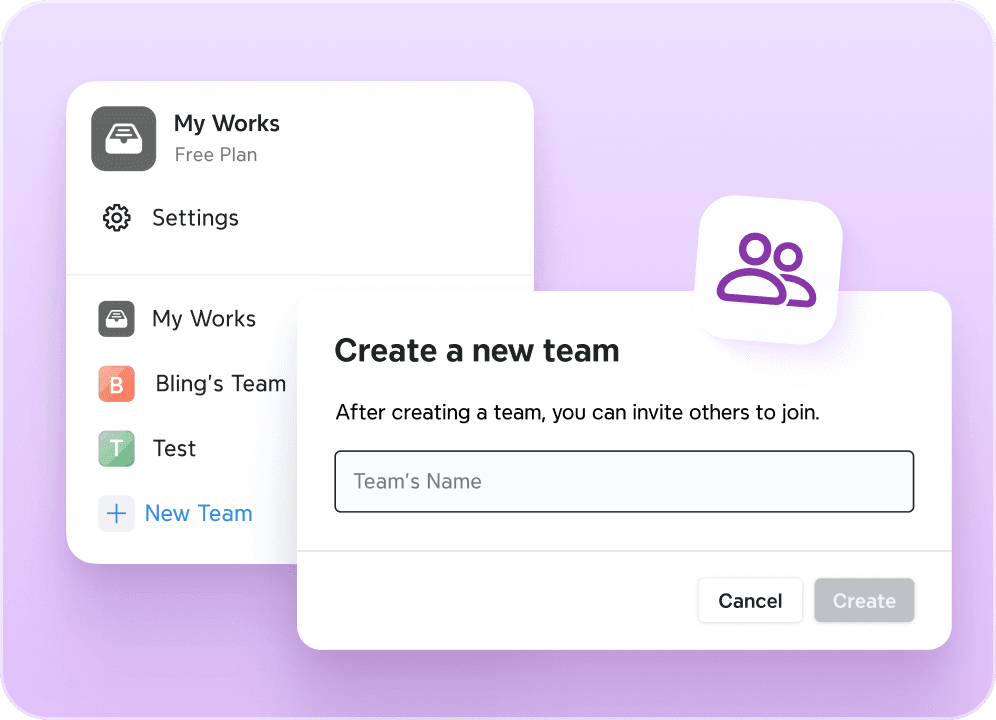

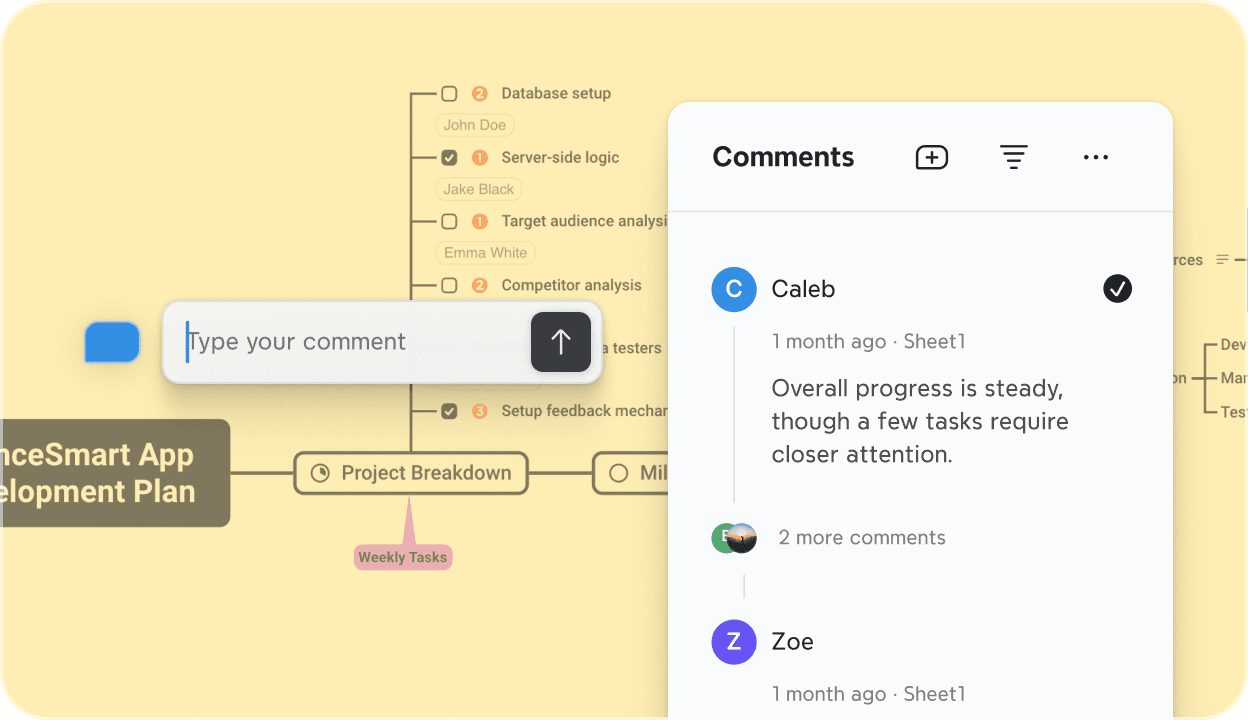
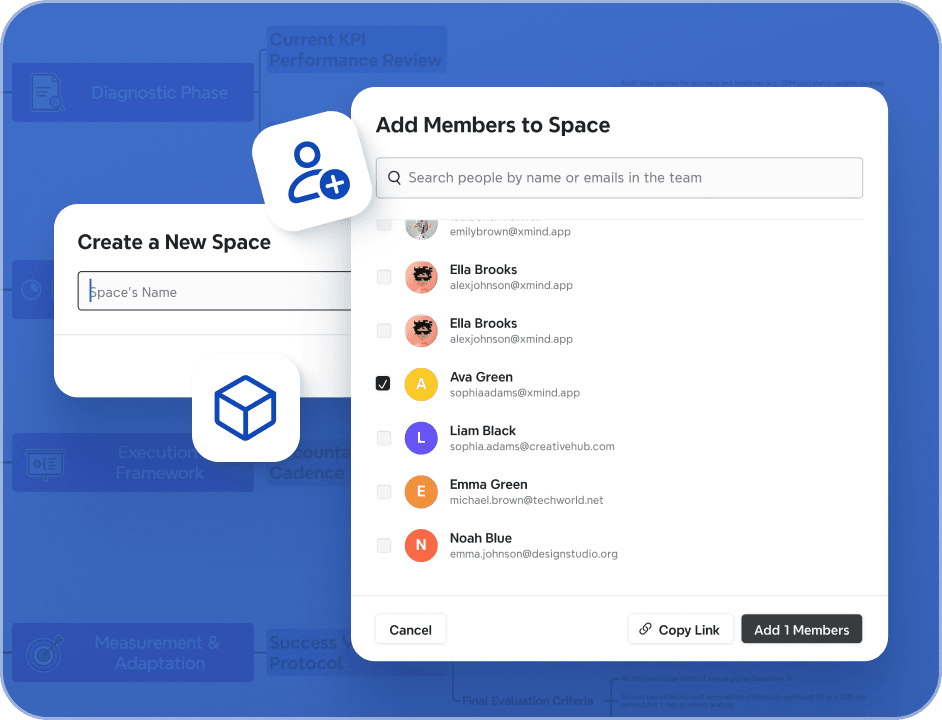




Why teams choose Xmind Business?
From scattered snapshots to synchronized execution. Teams choose Xmind to turn collective inspiration into structured, high-impact project plans—instantly.
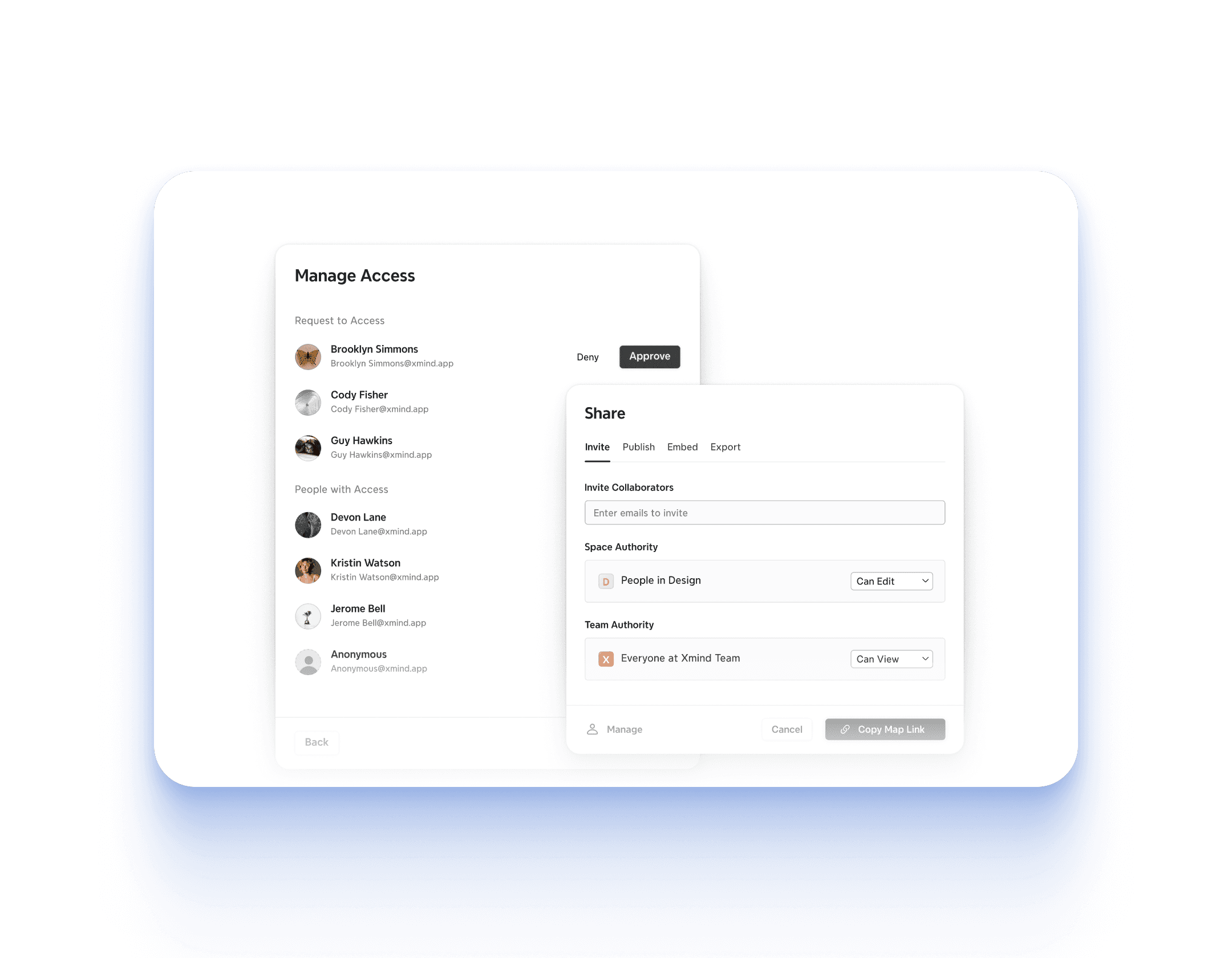
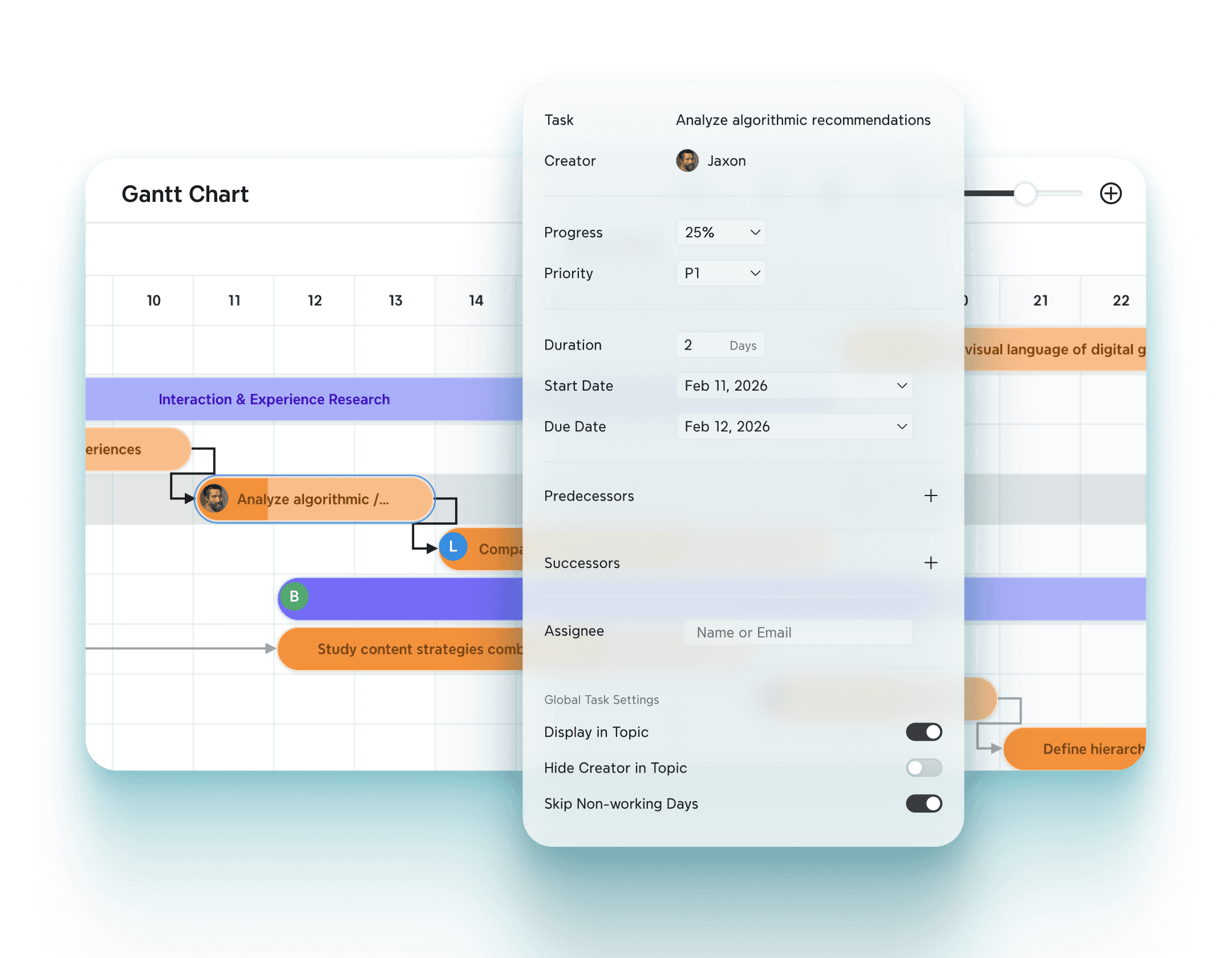
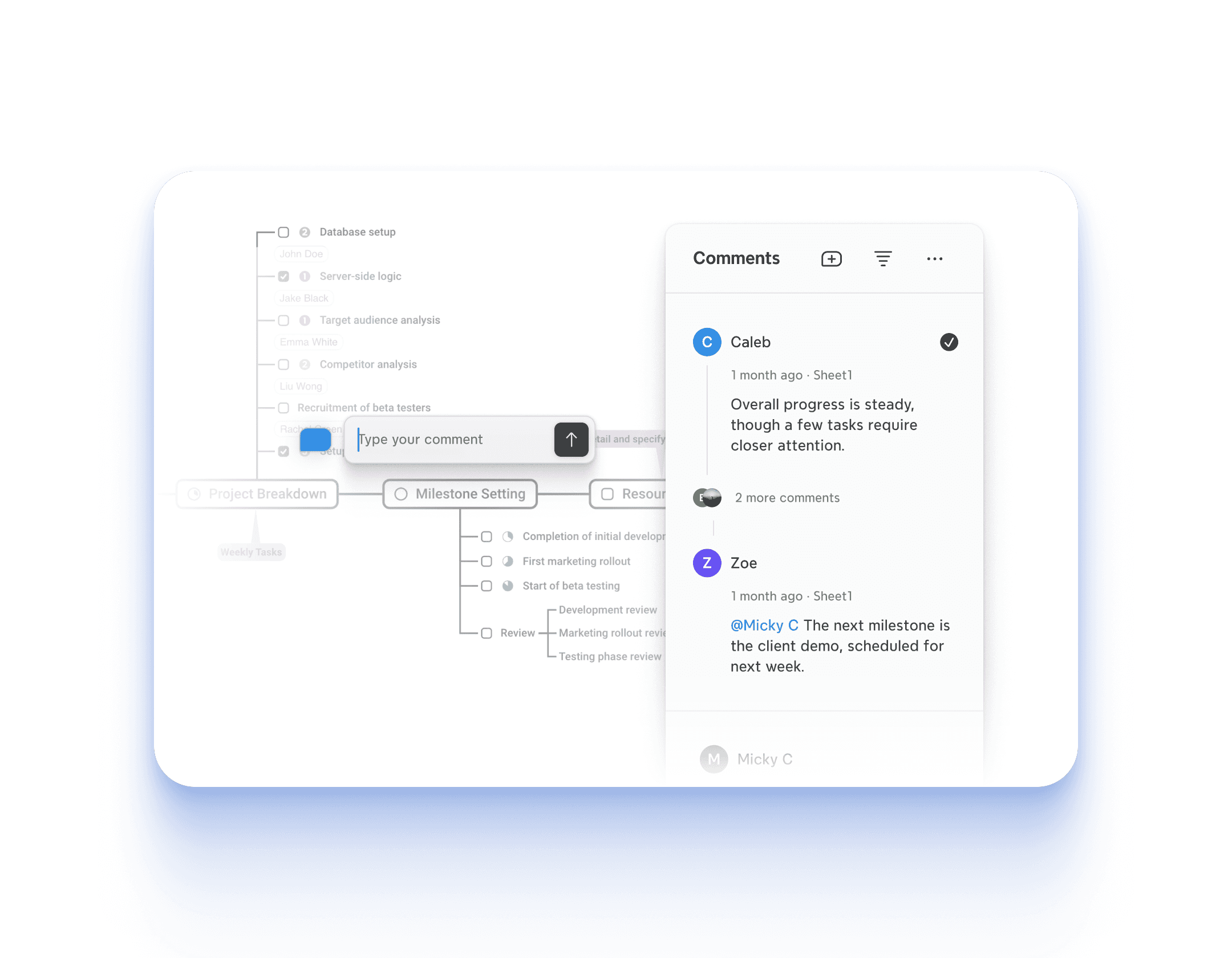
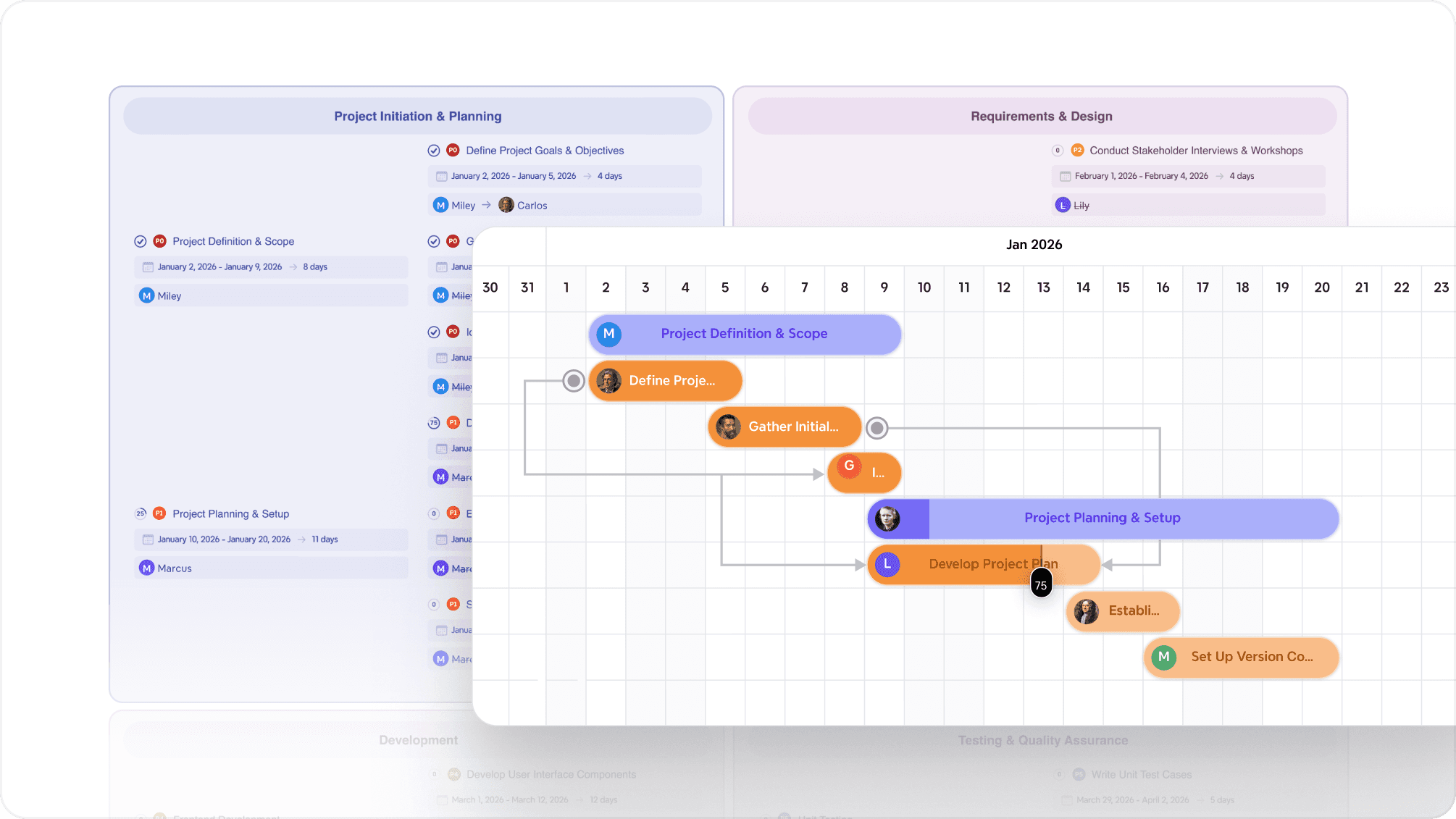
What you can get with Xmind Business





Ideal for every role in your organization
The choice for professional teams
From rapid setup to measurable impact, Xmind is the gold standard for teams who demand professional-grade productivity and strategic results.


















How can I get started with Xmind quickly?
You can explore our User Guide and Video Tutorial for more information. Additionally, our Template marketplace offers inspiring templates from other users that you can refer to for ideas.
What happens to my mind maps after my subscription expires?
Your mind maps will remain safely stored and accessible. However, you won’t be able to access all paid features until your subscription is renewed.
What should I do if I have questions?
If you have any questions, feel free to check our Help Center for helpful answers. If you still need assistance, don't hesitate to reach out to us at support@xmind.com—we're happy to help!
What is the Business plan?
The Premium Plan includes the original Xmind Pro and our brand-new features, such as real-time collaboration in application, cloud storage for mind maps, and more AI copilot to enhance inspiration and brainstorming.
How are team files managed, and who can access them?
Team files are securely stored in the cloud, making sharing and collaboration seamless. The mind map owner can manage sharing settings, while admins have control over team member access. Admins can assign roles, invite or remove users, and define whether members can only view maps or also edit and collaborate with others. This flexible control ensures smooth teamwork and effective management of resources.
Can I use Xmind Team on desktop, mobile, and web?
Yes! Xmind Team works seamlessly across desktop apps (Windows, macOS, Linux), mobile apps (iOS, Android), and the Web version. Just log in with your account to access all team features like real-time collaboration, task tracking, and shared project Spaces.
How does Xmind protect my team's data?
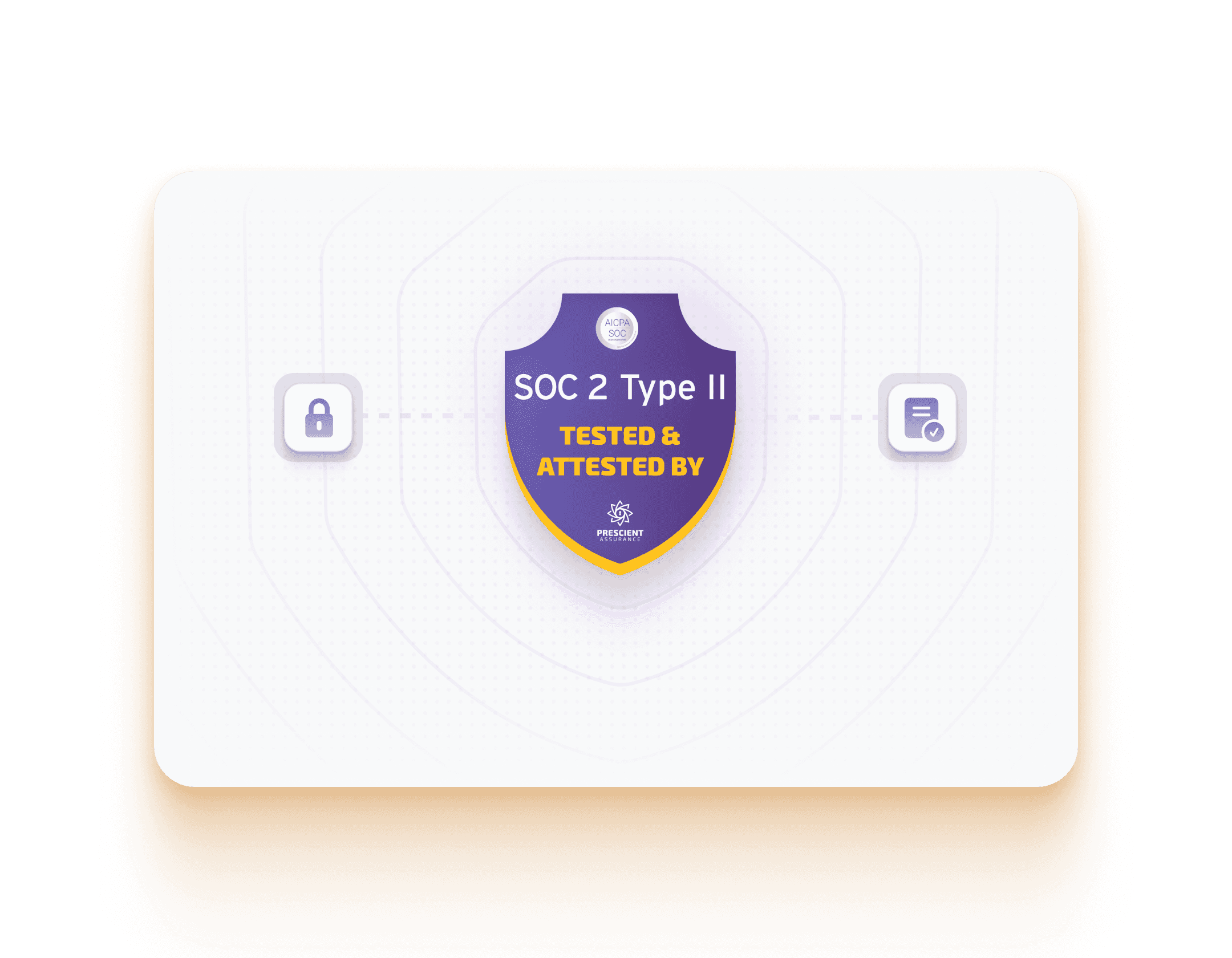
Xmind ensures your data is safe with HTTPS/SSL encryption in transit and AES-256 encryption at rest, all hosted on secure AWS infrastructure. We're also ISO/IEC 27001:2022 certified and SOC 2 Type II compliant, meeting the highest standards for data security and privacy.
How can I purchase the Business plan?
To purchase the Business Plan, simply visit the pricing page and select the plan that suits your needs.
Do you offer special discounts or customized plans?
Yes, we offer a 7-day free trial for the Business yearly plan. To get started, simply click here, or contact sales@xmind.com. If you need assistance with other plans, feel free to reach out to business@xmind.com.
Can I switch between plans?
We do not support downgrading plans once a higher-tier plan has been activated. You can upgrade from an individual plan to a Team plan (such as Business or Enterprise) by contacting us at business@xmind.com.
How do I cancel my subscription and request a refund?
The subscription automatically renews and can be canceled anytime. If you purchase Xmind Pro/Premium Yearly from our website, we offer a 7-day money-back guarantee, allowing you to use Xmind risk-free. If you are unsatisfied with Xmind, you can request a 100% refund within 7 days. Please send your order number or email account to support@xmind.com for a refund. For the monthly subscription and AI Credits Add-on, our policy does not support refunds.

