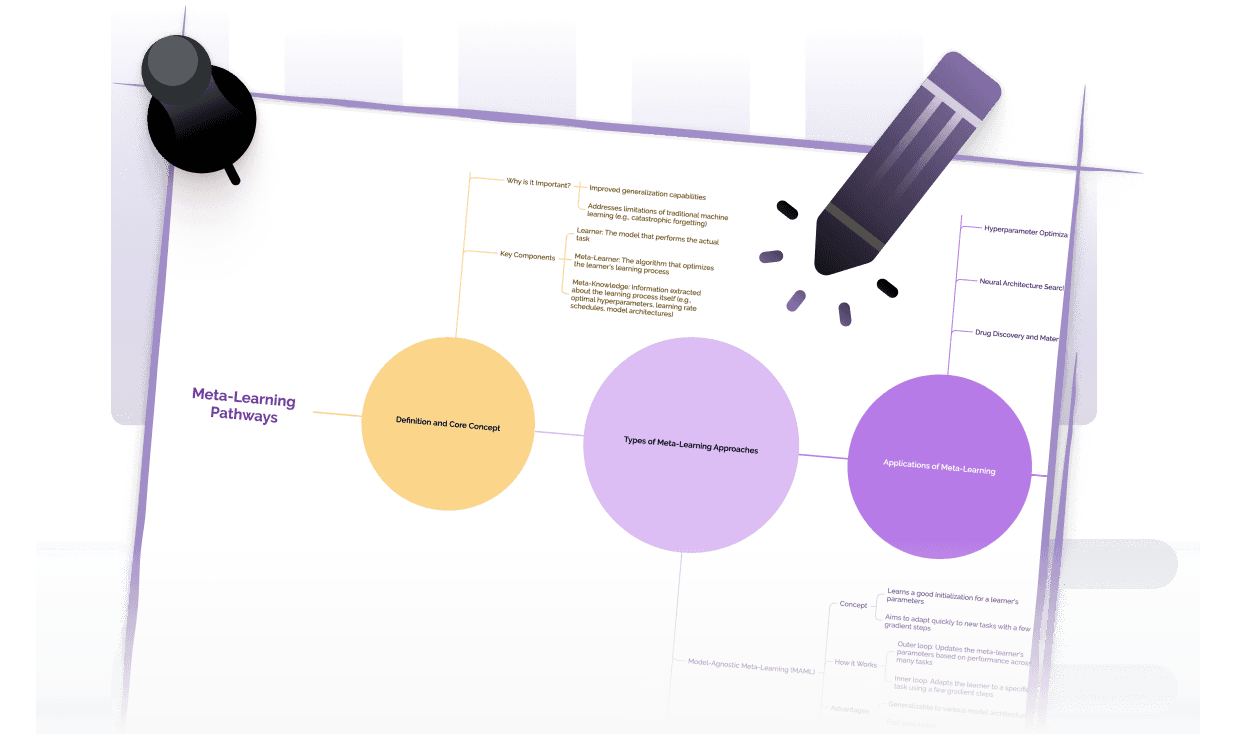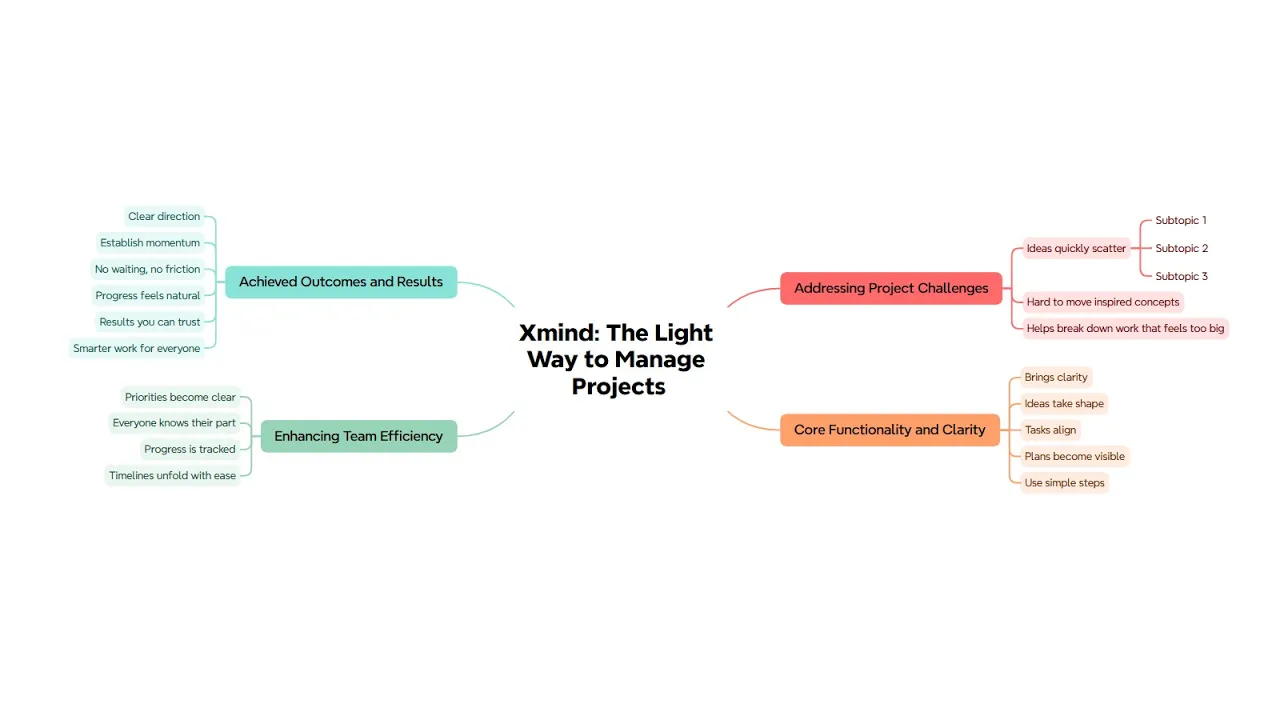




NotebookLM mind map extractor

Empty space with subtle gradients, creating a light and soft visual ambiance.
NotebookLM icon
Mind map diagram icon
NotebookLM icon
Mind map diagram icon
NotebookLM icon
Mind map diagram icon

NotebookLM

Mind Map

Extractor

Turn NotebookLM mind maps into editable, flexible visual mind maps whenever you need. Paste your NotebookLM mind map Markdown to create and refine your map online.

Loading toolโ€ฆ

How to use NotebookLM mind map extractor?

Step 1

Copy from NotebookLM

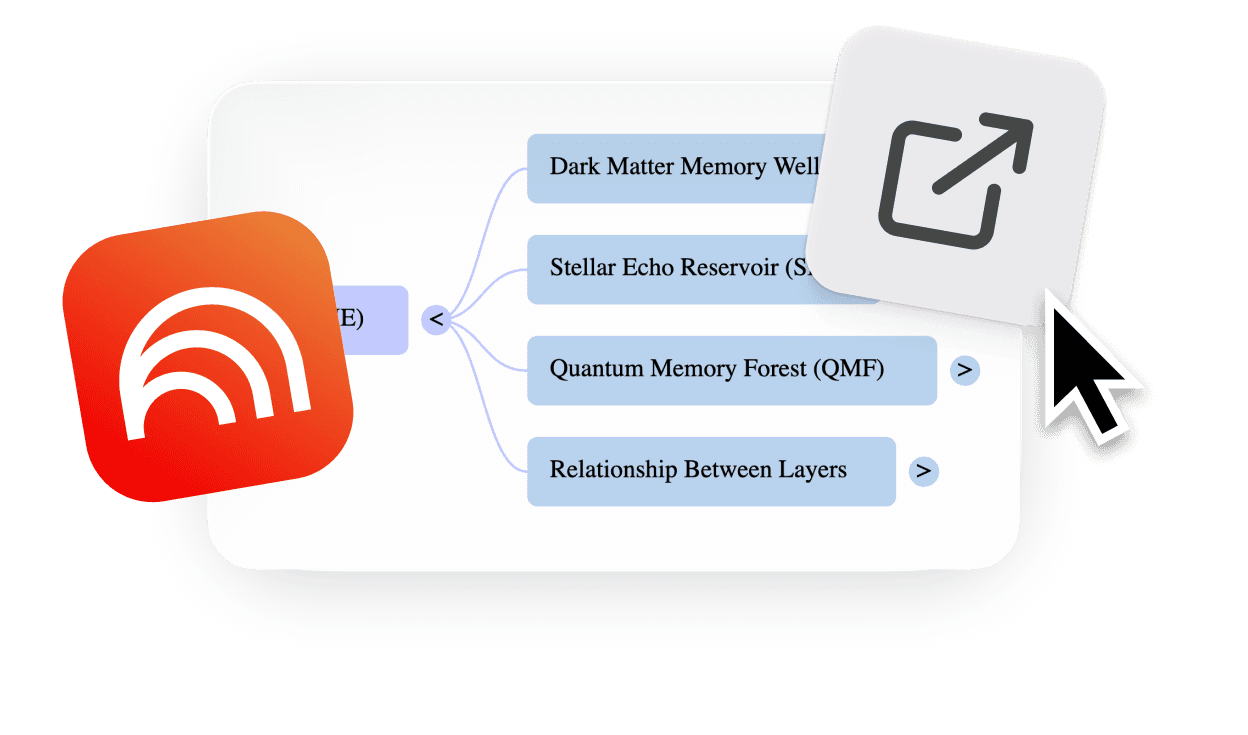
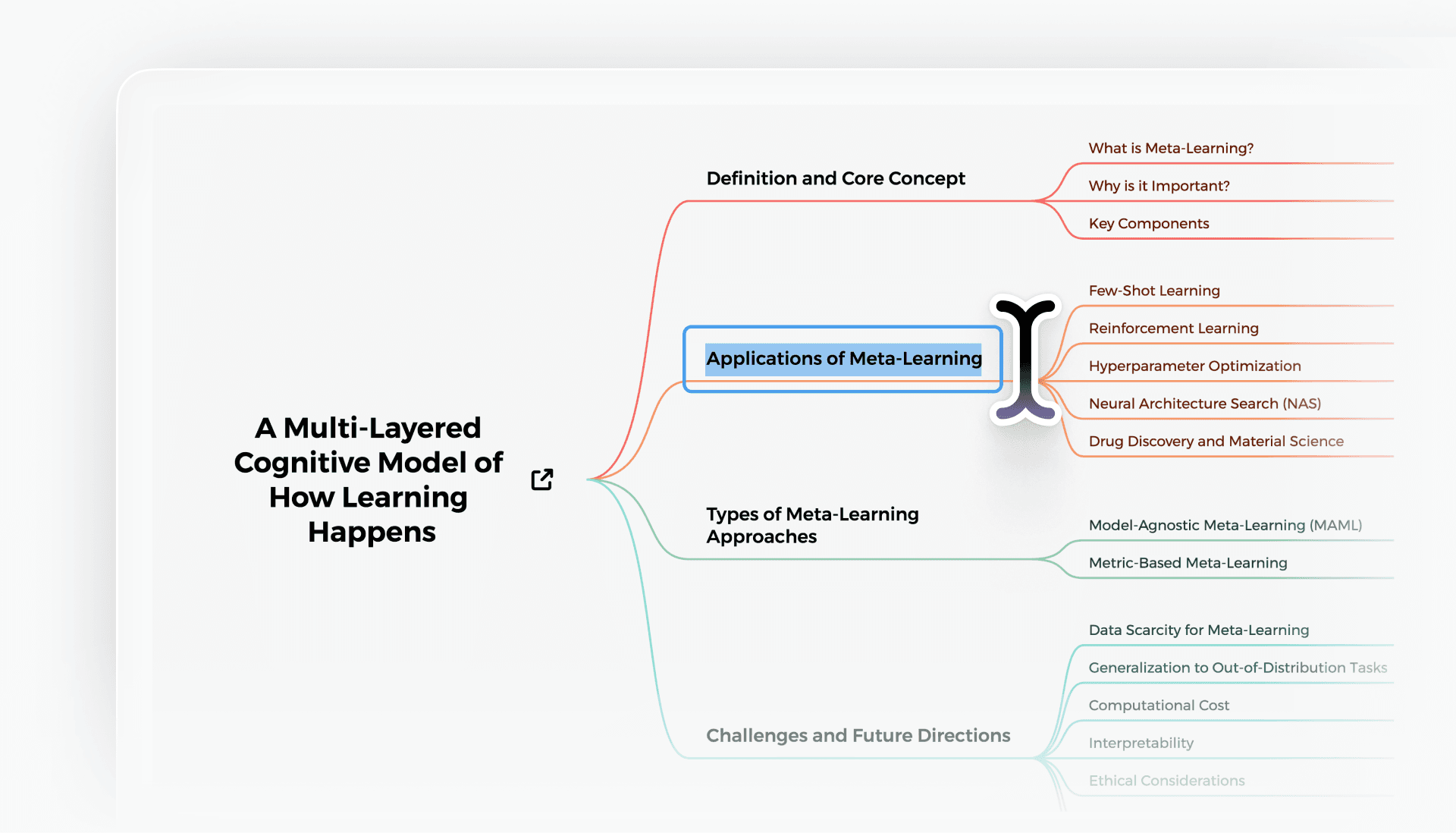
In NotebookLM, generate a mind map in your notebook. Use a Chrome extension to expand all branches and copy the mind map as Markdown.

NotebookLM mind map copying process using a Chrome extension to expand all branches and extract the mind map as structured content.

Paste & Convert

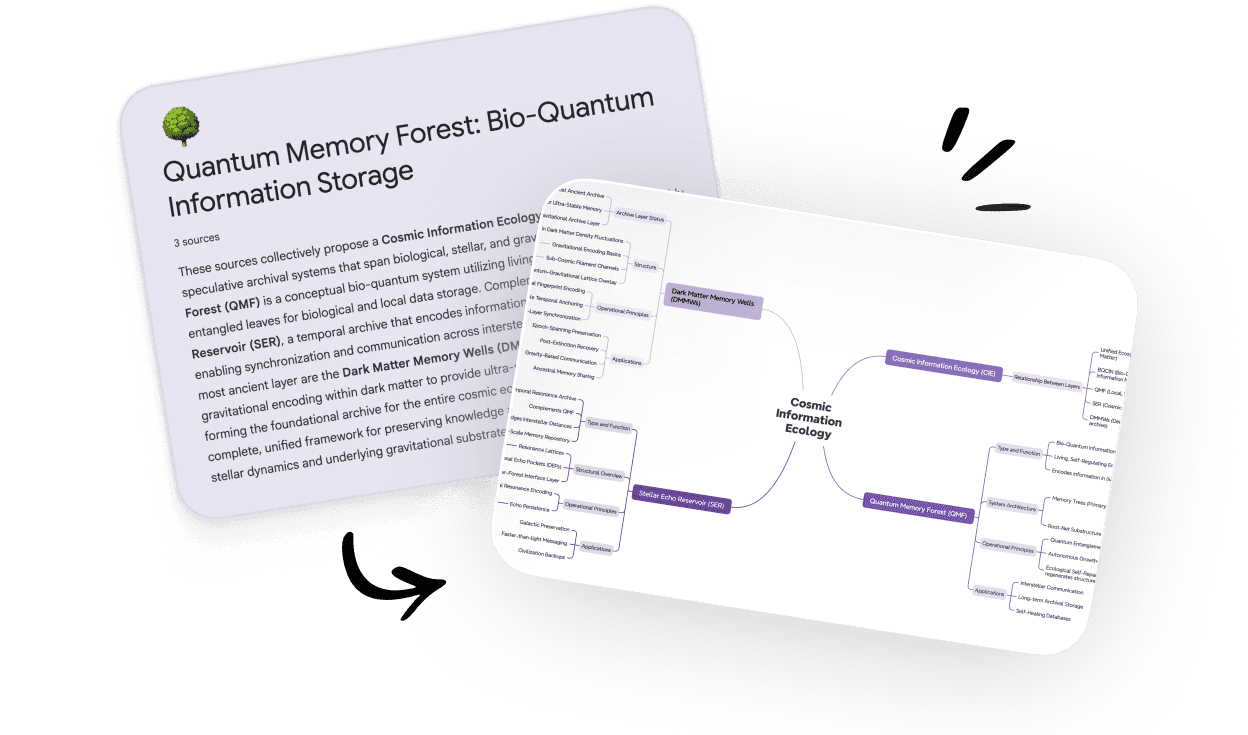
Paste the copied NotebookLM mind map Markdown into the extractor on this page. Your outline is instantly turned into an interactive mind map.

Step 2

Converting an extracted NotebookLM mind map into an editable mind map using the online NotebookLM mind map extractor.

Paste & Convert

Paste the copied NotebookLM mind map Markdown into the extractor on this page. Your outline is instantly turned into an interactive mind map.

Step 2

Converting an extracted NotebookLM mind map into an editable mind map using the online NotebookLM mind map extractor.

Paste & Convert

Paste the copied NotebookLM mind map Markdown into the extractor on this page. Your outline is instantly turned into an interactive mind map.

Step 2

Converting an extracted NotebookLM mind map into an editable mind map using the online NotebookLM mind map extractor.

Paste & Convert

Paste the copied NotebookLM mind map Markdown into the extractor on this page. Your outline is instantly turned into an interactive mind map.

Step 2

Converting an extracted NotebookLM mind map into an editable mind map using the online NotebookLM mind map extractor.

Paste & Convert

Paste the copied NotebookLM mind map Markdown into the extractor on this page. Your outline is instantly turned into an interactive mind map.

Step 2

Converting an extracted NotebookLM mind map into an editable mind map using the online NotebookLM mind map extractor.

Edit online, Download or Share

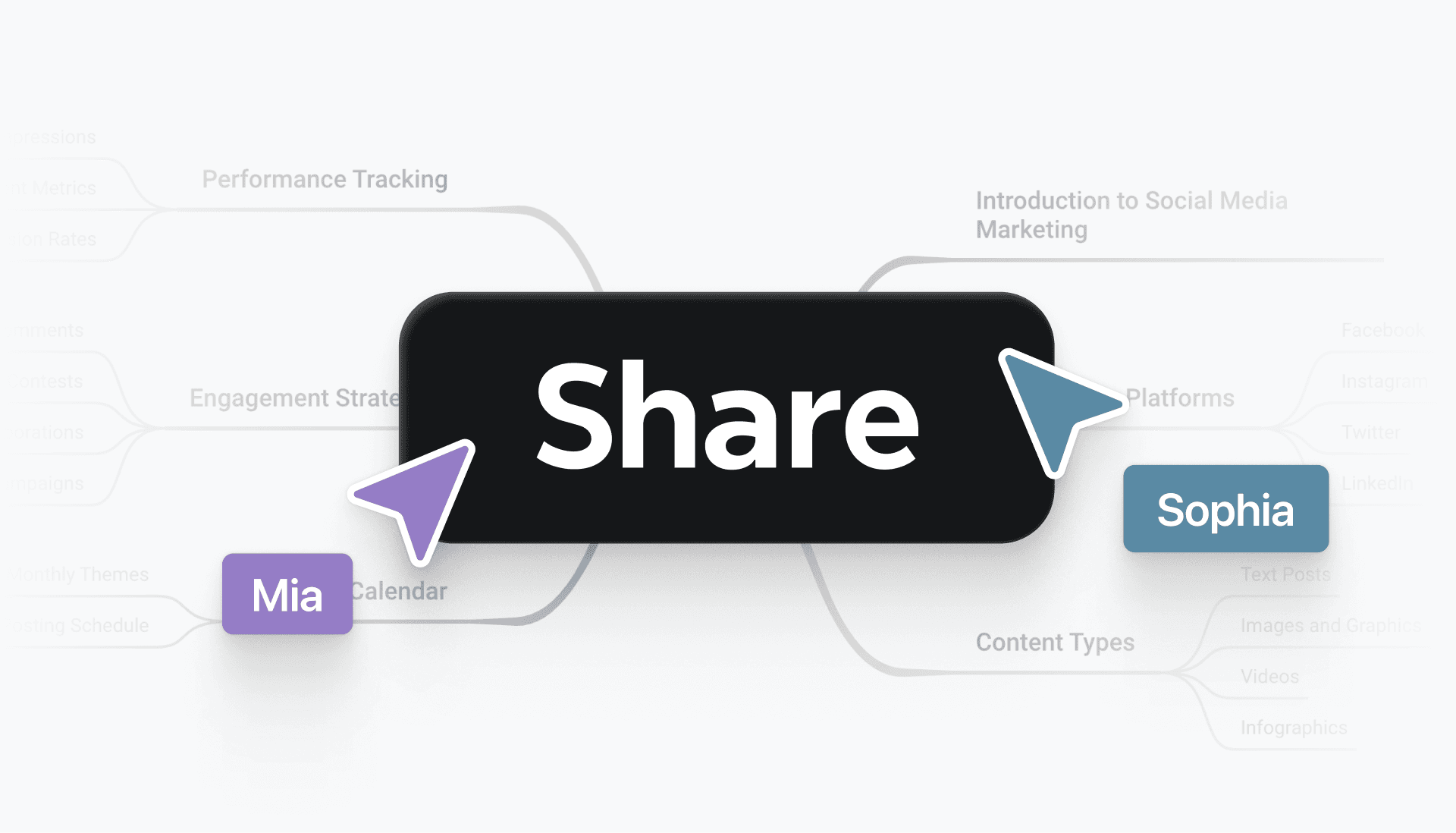
Refine your mind map directly in the editor. When you're ready, download or share your mind map as needed.

Step 3

Editing, downloading, and sharing an editable mind map created from a NotebookLM mind map using the online extractor tool.

Edit online, Download or Share

Refine your mind map directly in the editor. When you're ready, download or share your mind map as needed.

Step 3

Editing, downloading, and sharing an editable mind map created from a NotebookLM mind map using the online extractor tool.

Edit online, Download or Share

Refine your mind map directly in the editor. When you're ready, download or share your mind map as needed.

Step 3

Editing, downloading, and sharing an editable mind map created from a NotebookLM mind map using the online extractor tool.

Edit online, Download or Share

Refine your mind map directly in the editor. When you're ready, download or share your mind map as needed.

Step 3

Editing, downloading, and sharing an editable mind map created from a NotebookLM mind map using the online extractor tool.

Edit online, Download or Share

Refine your mind map directly in the editor. When you're ready, download or share your mind map as needed.

Step 3

Editing, downloading, and sharing an editable mind map created from a NotebookLM mind map using the online extractor tool.

Hear from our Xmind family

Hear from our Xmind family

Hear from our Xmind family

Hear from our Xmind family

Hear from our Xmind family

App store icon

4.8/5

Xmind App Store rating 4.8 out of 5 stars.

App Store

95% user satisfaction rate

95%

User satisfaction rate

Over 100 million users worldwide.

100M+

Users worldwide

Portrait of a graduate student using the NotebookLM mind map extractor to refine study materials.

Ethan Cole

Graduate Student

LinkedIn logo

โ€œ

Using NotebookLM to summarize papers is great, but turning those PNG mind maps into editable ones changes everything. The extractor lets me reorganize key points in seconds โ€” perfect for exam prep and research reviews.

โ€

Portrait of an instructional designer working with extracted NotebookLM mind maps.

Nadia Brooks

Instructional Designer

LinkedIn logo

โ€œ

I often ask NotebookLM to turn dense training materials into mind maps so I can understand the structure. But when everything comes out as PNG, the usefulness stops there. The extractor completely changes the workflow โ€” it gives me an editable, flexible map I can reshape for different courses, add examples, and reorganize based on learner needs. Watching a messy AI-generated mind map become a clean, usable blueprint is incredibly satisfying. This tool makes NotebookLM genuinely valuable in curriculum planning.

โ€

Portrait of a content strategist turning NotebookLM mind maps into editable formats.

Hannah Lee

Content Strategist

๐•/twitter logo

โ€œ

I rely on NotebookLM to digest long articles and client documents. The mind maps are useful, but theyโ€™re static. With this extractor, I can convert them into editable maps I can clean up, reorganize, and share with my team. It makes the AI output far more practical in real workflows.

โ€

Portrait of a product designer reorganizing an extracted NotebookLM mind map.

Marco Alvarez

Product Designer

LinkedIn logo

โ€œ

NotebookLM helps me break down complex briefs fast, but the mind maps export as images, which limits how I use them. This extractor gives me an editable version I can refine โ€” rearranging flows, adding notes, or merging ideas from multiple sources. Itโ€™s become my go-to step before creating concept diagrams or presenting early explorations to the team.

โ€

Portrait of a learning consultant editing an extracted NotebookLM mind map for training use.

Julien Moreau

Learning Consultant

LinkedIn logo

โ€œ

Jโ€™utilise NotebookLM pour rรฉsumer des documents complexes, mais les cartes mentales en PNG sont difficiles ร  exploiter. Avec cet extracteur, je peux enfin les modifier, les organiser et les intรฉgrer ร  mes supports. Cโ€™est un vrai gain de temps pour la prรฉparation de formations.

โ€

Portrait of an academic researcher refining NotebookLM mind maps for analysis.

Carolina Vega

Academic Researcher

๐•/twitter logo

โ€œ

NotebookLM me ayuda a sintetizar artรญculos y capรญtulos extensos, pero los mapas mentales en imagen no permiten profundizar. Con este extracteur, puedo convertirlos en mapas editables para reorganizar conceptos, aรฑadir notas y preparar presentaciones. Es una forma mรกs clara y flexible de trabajar con informaciรณn compleja.

โ€

Portrait of a graduate student using the NotebookLM mind map extractor to refine study materials.

Ethan Cole

Graduate Student

LinkedIn logo

โ€œ

Using NotebookLM to summarize papers is great, but turning those PNG mind maps into editable ones changes everything. The extractor lets me reorganize key points in seconds โ€” perfect for exam prep and research reviews.

โ€

Portrait of an instructional designer working with extracted NotebookLM mind maps.

Nadia Brooks

Instructional Designer

LinkedIn logo

โ€œ

I often ask NotebookLM to turn dense training materials into mind maps so I can understand the structure. But when everything comes out as PNG, the usefulness stops there. The extractor completely changes the workflow โ€” it gives me an editable, flexible map I can reshape for different courses, add examples, and reorganize based on learner needs. Watching a messy AI-generated mind map become a clean, usable blueprint is incredibly satisfying. This tool makes NotebookLM genuinely valuable in curriculum planning.

โ€

Portrait of a content strategist turning NotebookLM mind maps into editable formats.

Hannah Lee

Content Strategist

๐•/twitter logo

โ€œ

I rely on NotebookLM to digest long articles and client documents. The mind maps are useful, but theyโ€™re static. With this extractor, I can convert them into editable maps I can clean up, reorganize, and share with my team. It makes the AI output far more practical in real workflows.

โ€

Portrait of a product designer reorganizing an extracted NotebookLM mind map.

Marco Alvarez

Product Designer

LinkedIn logo

โ€œ

NotebookLM helps me break down complex briefs fast, but the mind maps export as images, which limits how I use them. This extractor gives me an editable version I can refine โ€” rearranging flows, adding notes, or merging ideas from multiple sources. Itโ€™s become my go-to step before creating concept diagrams or presenting early explorations to the team.

โ€

Portrait of a learning consultant editing an extracted NotebookLM mind map for training use.

Julien Moreau

Learning Consultant

LinkedIn logo

โ€œ

Jโ€™utilise NotebookLM pour rรฉsumer des documents complexes, mais les cartes mentales en PNG sont difficiles ร  exploiter. Avec cet extracteur, je peux enfin les modifier, les organiser et les intรฉgrer ร  mes supports. Cโ€™est un vrai gain de temps pour la prรฉparation de formations.

โ€

Portrait of an academic researcher refining NotebookLM mind maps for analysis.

Carolina Vega

Academic Researcher

๐•/twitter logo

โ€œ

NotebookLM me ayuda a sintetizar artรญculos y capรญtulos extensos, pero los mapas mentales en imagen no permiten profundizar. Con este extracteur, puedo convertirlos en mapas editables para reorganizar conceptos, aรฑadir notas y preparar presentaciones. Es una forma mรกs clara y flexible de trabajar con informaciรณn compleja.

โ€

Free NotebookLM mind map online extractor

Why extract NotebookLM mind maps?

Editable Structure  

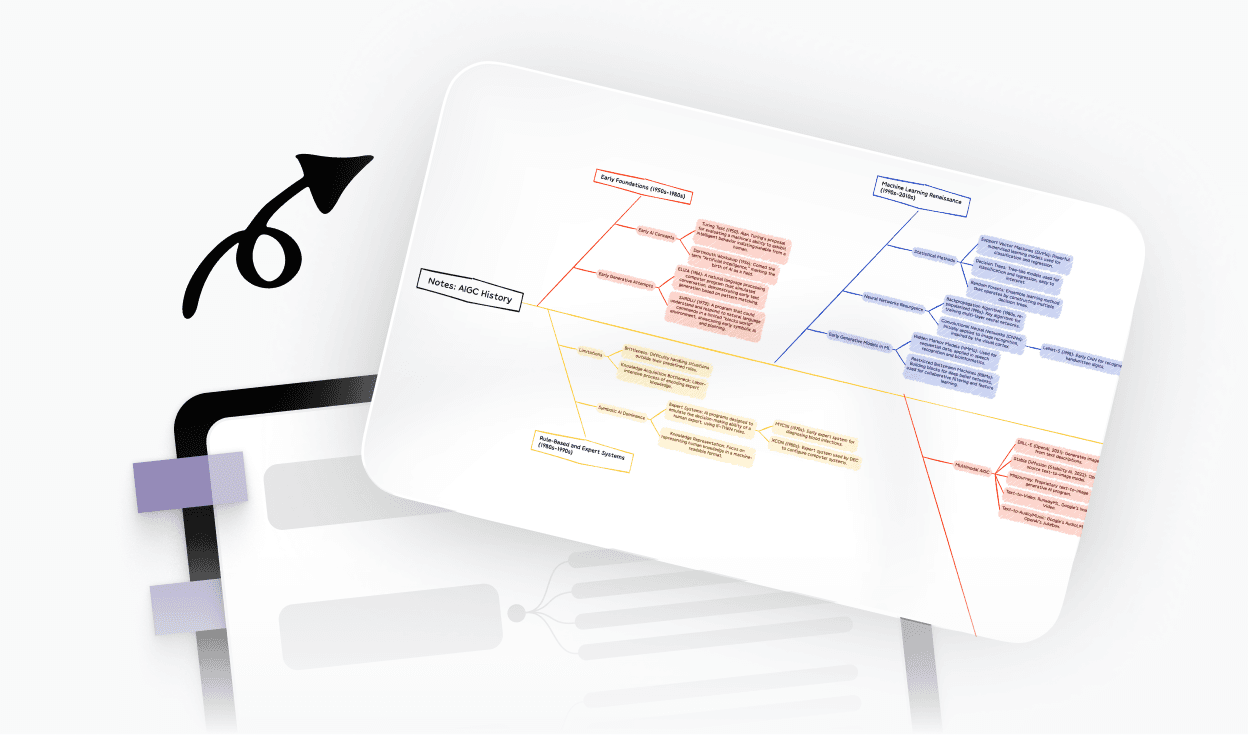
Turn a fixed NotebookLM mind map into one you can rearrange, expand, and refine whenever you need.

Illustration of a static NotebookLM mind map being extracted and converted into an editable mind map with adjustable branches.

Editable Structure  

Turn a fixed NotebookLM mind map into one you can rearrange, expand, and refine whenever you need.

Illustration of a static NotebookLM mind map being extracted and converted into an editable mind map with adjustable branches.

Editable Structure  

Turn a fixed NotebookLM mind map into one you can rearrange, expand, and refine whenever you need.

Illustration of a static NotebookLM mind map being extracted and converted into an editable mind map with adjustable branches.

Editable Structure  

Turn a fixed NotebookLM mind map into one you can rearrange, expand, and refine whenever you need.

Illustration of a static NotebookLM mind map being extracted and converted into an editable mind map with adjustable branches.

Editable Structure  

Turn a fixed NotebookLM mind map into one you can rearrange, expand, and refine whenever you need.

Illustration of a static NotebookLM mind map being extracted and converted into an editable mind map with adjustable branches.

Smoother Updates

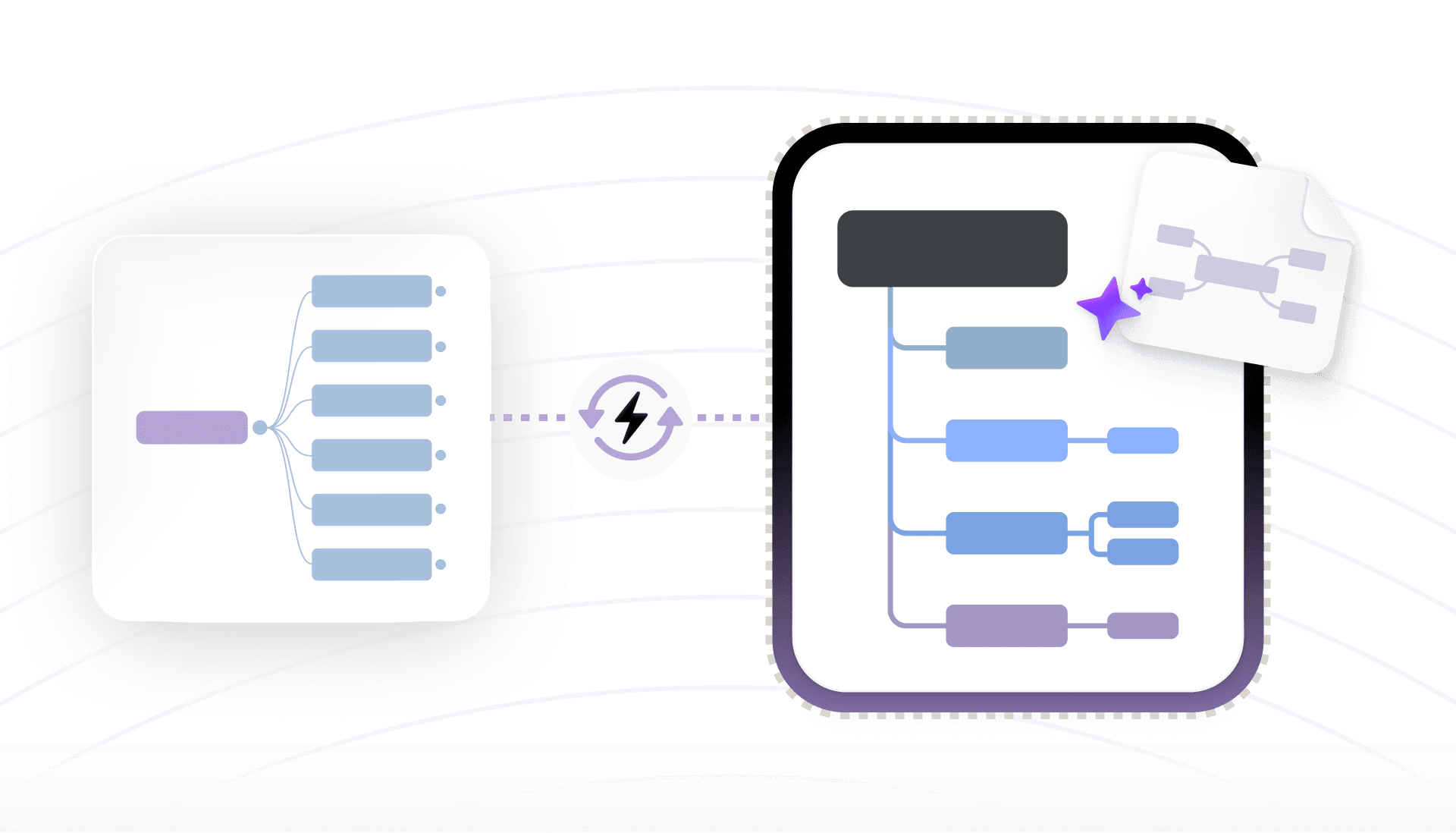
Keep improving the same extracted map as ideas change, instead of rebuilding it from screenshots.

Illustration showing an extracted NotebookLM mind map being refined and updated without rebuilding the structure.

Smoother Updates

Keep improving the same extracted map as ideas change, instead of rebuilding it from screenshots.

Illustration showing an extracted NotebookLM mind map being refined and updated without rebuilding the structure.

Smoother Updates

Keep improving the same extracted map as ideas change, instead of rebuilding it from screenshots.

Illustration showing an extracted NotebookLM mind map being refined and updated without rebuilding the structure.

Smoother Updates

Keep improving the same extracted map as ideas change, instead of rebuilding it from screenshots.

Illustration showing an extracted NotebookLM mind map being refined and updated without rebuilding the structure.

Smoother Updates

Keep improving the same extracted map as ideas change, instead of rebuilding it from screenshots.

Illustration showing an extracted NotebookLM mind map being refined and updated without rebuilding the structure.

Better Collaboration

Share an editable mind map so everyone can follow the flow, suggest changes, and update branches together.

Illustration of teammates collaborating on an editable mind map extracted from NotebookLM.

Better Collaboration

Share an editable mind map so everyone can follow the flow, suggest changes, and update branches together.

Illustration of teammates collaborating on an editable mind map extracted from NotebookLM.

Better Collaboration

Share an editable mind map so everyone can follow the flow, suggest changes, and update branches together.

Illustration of teammates collaborating on an editable mind map extracted from NotebookLM.

Better Collaboration

Share an editable mind map so everyone can follow the flow, suggest changes, and update branches together.

Illustration of teammates collaborating on an editable mind map extracted from NotebookLM.

Better Collaboration

Share an editable mind map so everyone can follow the flow, suggest changes, and update branches together.

Illustration of teammates collaborating on an editable mind map extracted from NotebookLM.

Move Ideas Forward

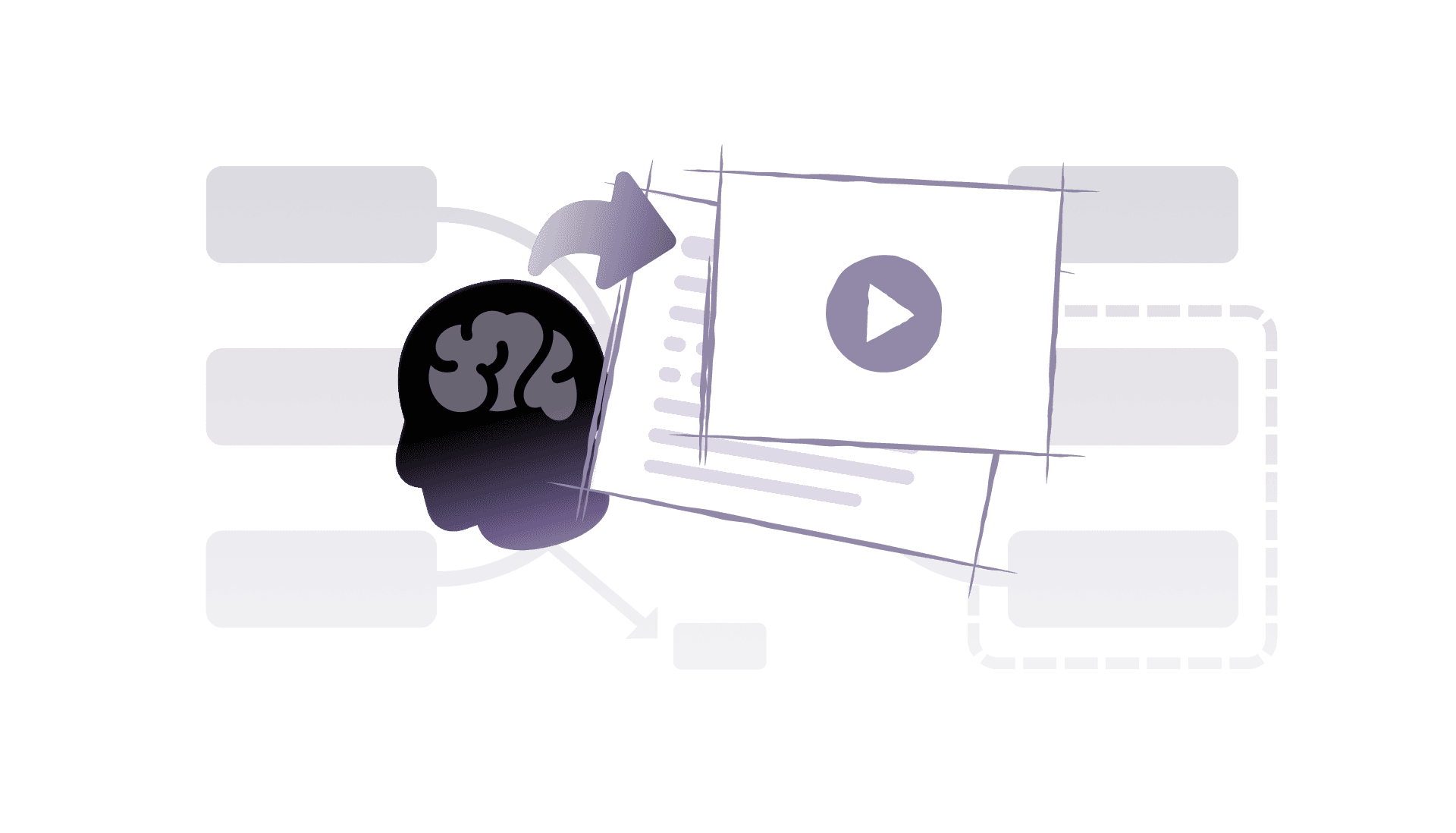
Use your NotebookLM mind map as a clear starting point for reports, presentations, and project plans.

Illustration of turning an extracted NotebookLM mind map into an actionable outline for reports and presentations.

Move Ideas Forward

Use your NotebookLM mind map as a clear starting point for reports, presentations, and project plans.

Illustration of turning an extracted NotebookLM mind map into an actionable outline for reports and presentations.

Move Ideas Forward

Use your NotebookLM mind map as a clear starting point for reports, presentations, and project plans.

Illustration of turning an extracted NotebookLM mind map into an actionable outline for reports and presentations.

Move Ideas Forward

Use your NotebookLM mind map as a clear starting point for reports, presentations, and project plans.

Illustration of turning an extracted NotebookLM mind map into an actionable outline for reports and presentations.

Move Ideas Forward

Use your NotebookLM mind map as a clear starting point for reports, presentations, and project plans.

Illustration of turning an extracted NotebookLM mind map into an actionable outline for reports and presentations.

Extracted NotebookLM mind maps fits various use cases
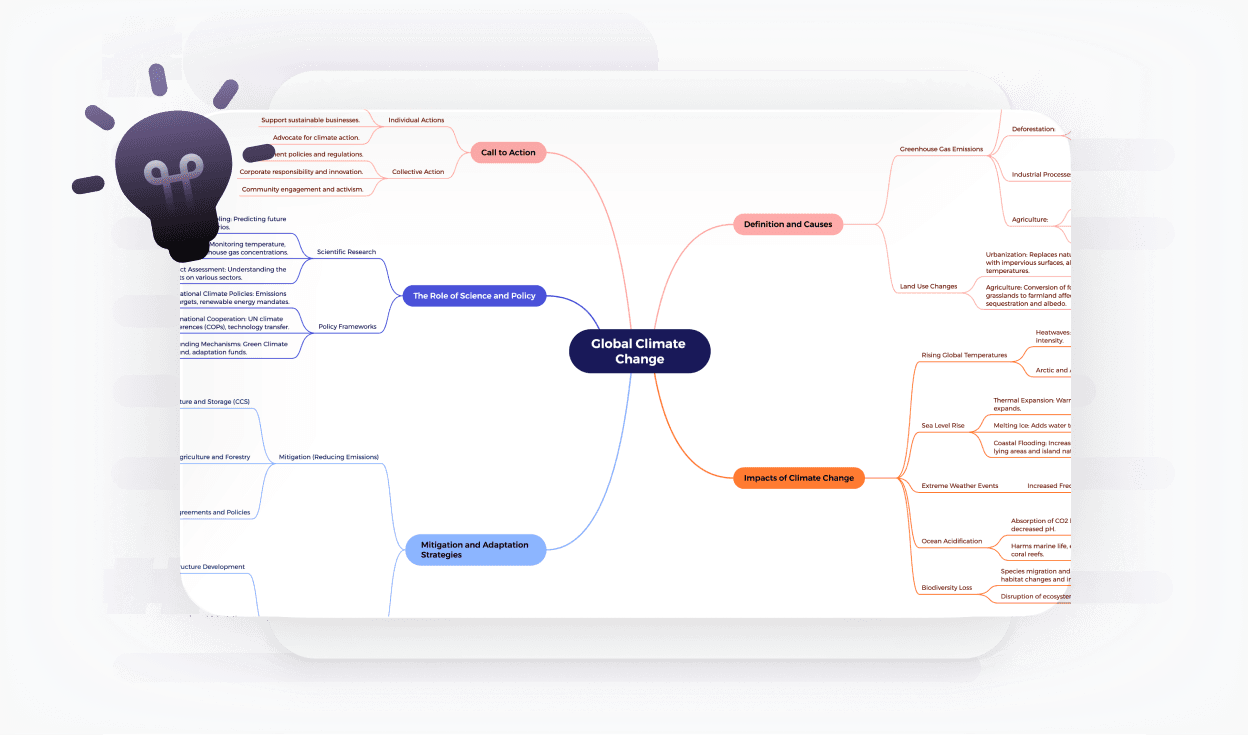
Topic Summaries

Let NotebookLM turn your sources and chats into a mind map, then refine the extracted version to highlight what matters most.

A refined NotebookLM mind map highlighting key topics extracted from multiple sources and chats.

Topic Summaries

Let NotebookLM turn your sources and chats into a mind map, then refine the extracted version to highlight what matters most.

A refined NotebookLM mind map highlighting key topics extracted from multiple sources and chats.

Topic Summaries

Let NotebookLM turn your sources and chats into a mind map, then refine the extracted version to highlight what matters most.

A refined NotebookLM mind map highlighting key topics extracted from multiple sources and chats.

Topic Summaries

Let NotebookLM turn your sources and chats into a mind map, then refine the extracted version to highlight what matters most.

A refined NotebookLM mind map highlighting key topics extracted from multiple sources and chats.

Topic Summaries

Let NotebookLM turn your sources and chats into a mind map, then refine the extracted version to highlight what matters most.

A refined NotebookLM mind map highlighting key topics extracted from multiple sources and chats.

Study & Review

Turn NotebookLM mind maps of lectures, papers, or chapters into editable maps you can reorganize and use as clear study guides.

A reorganized NotebookLM mind map designed for reviewing lectures, papers, and study materials.

Study & Review

Turn NotebookLM mind maps of lectures, papers, or chapters into editable maps you can reorganize and use as clear study guides.

A reorganized NotebookLM mind map designed for reviewing lectures, papers, and study materials.

Study & Review

Turn NotebookLM mind maps of lectures, papers, or chapters into editable maps you can reorganize and use as clear study guides.

A reorganized NotebookLM mind map designed for reviewing lectures, papers, and study materials.

Study & Review

Turn NotebookLM mind maps of lectures, papers, or chapters into editable maps you can reorganize and use as clear study guides.

A reorganized NotebookLM mind map designed for reviewing lectures, papers, and study materials.

Study & Review

Turn NotebookLM mind maps of lectures, papers, or chapters into editable maps you can reorganize and use as clear study guides.

A reorganized NotebookLM mind map designed for reviewing lectures, papers, and study materials.

Knowledge Consolidation

When NotebookLM combines mixed sources into a map, extract it into an editable format to merge concepts and build a coherent understanding.

A consolidated NotebookLM mind map combining mixed-source information into a clearer, editable structure.

Knowledge Consolidation

When NotebookLM combines mixed sources into a map, extract it into an editable format to merge concepts and build a coherent understanding.

A consolidated NotebookLM mind map combining mixed-source information into a clearer, editable structure.

Knowledge Consolidation

When NotebookLM combines mixed sources into a map, extract it into an editable format to merge concepts and build a coherent understanding.

A consolidated NotebookLM mind map combining mixed-source information into a clearer, editable structure.

Knowledge Consolidation

When NotebookLM combines mixed sources into a map, extract it into an editable format to merge concepts and build a coherent understanding.

A consolidated NotebookLM mind map combining mixed-source information into a clearer, editable structure.

Knowledge Consolidation

When NotebookLM combines mixed sources into a map, extract it into an editable format to merge concepts and build a coherent understanding.

A consolidated NotebookLM mind map combining mixed-source information into a clearer, editable structure.

Frequently asked questions

Frequently Asked Questions

Frequently Asked Questions

Frequently Asked Questions

Frequently Asked Questions

How to use NotebookLM mind map?

Use NotebookLM to generate a mind map from your sources or chats inside a notebook. Once the map is created, you can extract it and convert it here into an editable mind map for further use.

Whatโ€™s the best way to edit a NotebookLM mind map?

Use NotebookLM to generate and refine the initial mind map, then copy it as Markdown and paste it into this extractor.

Here, you can keep editing, restructuring, and sharing your map as your ideas evolve.

Whatโ€™s the best way to edit a NotebookLM mind map?

Use NotebookLM to generate and refine the initial mind map, then copy it as Markdown and paste it into this extractor.

Here, you can keep editing, restructuring, and sharing your map as your ideas evolve.

Whatโ€™s the best way to edit a NotebookLM mind map?

Use NotebookLM to generate and refine the initial mind map, then copy it as Markdown and paste it into this extractor.

Here, you can keep editing, restructuring, and sharing your map as your ideas evolve.

Whatโ€™s the best way to edit a NotebookLM mind map?

Use NotebookLM to generate and refine the initial mind map, then copy it as Markdown and paste it into this extractor.

Here, you can keep editing, restructuring, and sharing your map as your ideas evolve.

How to edit NotebookLM mind map?

NotebookLM mind maps are not directly editable once exported as PNG. To edit them, extract the full map structure, paste it into this NotebookLM mind map extractor, and then rearrange branches, rename topics, and add new ideas.

Whatโ€™s the best way to edit a NotebookLM mind map?

Use NotebookLM to generate and refine the initial mind map, then copy it as Markdown and paste it into this extractor.

Here, you can keep editing, restructuring, and sharing your map as your ideas evolve.

Whatโ€™s the best way to edit a NotebookLM mind map?

Use NotebookLM to generate and refine the initial mind map, then copy it as Markdown and paste it into this extractor.

Here, you can keep editing, restructuring, and sharing your map as your ideas evolve.

Whatโ€™s the best way to edit a NotebookLM mind map?

Use NotebookLM to generate and refine the initial mind map, then copy it as Markdown and paste it into this extractor.

Here, you can keep editing, restructuring, and sharing your map as your ideas evolve.

Whatโ€™s the best way to edit a NotebookLM mind map?

Use NotebookLM to generate and refine the initial mind map, then copy it as Markdown and paste it into this extractor.

Here, you can keep editing, restructuring, and sharing your map as your ideas evolve.

Whatโ€™s the best way to edit a NotebookLM mind map?

Use NotebookLM to generate a mind map from your sources or chats inside a notebook. Once the map is created, you can extract it and convert it here into an editable mind map for further use.

Whatโ€™s the best way to edit a NotebookLM mind map?

Use NotebookLM to generate and refine the initial mind map, then copy it as Markdown and paste it into this extractor.

Here, you can keep editing, restructuring, and sharing your map as your ideas evolve.

Whatโ€™s the best way to edit a NotebookLM mind map?

Use NotebookLM to generate and refine the initial mind map, then copy it as Markdown and paste it into this extractor.

Here, you can keep editing, restructuring, and sharing your map as your ideas evolve.

Whatโ€™s the best way to edit a NotebookLM mind map?

Use NotebookLM to generate and refine the initial mind map, then copy it as Markdown and paste it into this extractor.

Here, you can keep editing, restructuring, and sharing your map as your ideas evolve.

Whatโ€™s the best way to edit a NotebookLM mind map?

Use NotebookLM to generate and refine the initial mind map, then copy it as Markdown and paste it into this extractor.

Here, you can keep editing, restructuring, and sharing your map as your ideas evolve.

Is the NotebookLM mind map extractor free to use?

Yes. This NotebookLM mind map extractor is completely free to use.You can paste your NotebookLM mind map Markdown and generate an editable mind map without paying or signing up.

Is the NotebookLM mind map extractor free to use?

Yes. This NotebookLM mind map extractor is completely free to use.You can paste your NotebookLM mind map Markdown and generate an editable mind map without paying or signing up.

Is the NotebookLM mind map extractor free to use?

Yes. This NotebookLM mind map extractor is completely free to use.You can paste your NotebookLM mind map Markdown and generate an editable mind map without paying or signing up.

Is the NotebookLM mind map extractor free to use?

Yes. This NotebookLM mind map extractor is completely free to use.You can paste your NotebookLM mind map Markdown and generate an editable mind map without paying or signing up.

Is the NotebookLM mind map extractor free to use?

Yes. This NotebookLM mind map extractor is completely free to use.You can paste your NotebookLM mind map Markdown and generate an editable mind map without paying or signing up.

How do I export a mind map from NotebookLM?

In NotebookLM, generate a mind map in your notebook.

  1. Use a compatible Chrome extension to expand all branches and copy the mind map as Markdown.

  2. Paste the Markdown into the NotebookLM Mind Map Extractor on this page to turn it into an editable mind map.

How do I export a mind map from NotebookLM?

In NotebookLM, generate a mind map in your notebook.

  1. Use a compatible Chrome extension to expand all branches and copy the mind map as Markdown.

  2. Paste the Markdown into the NotebookLM Mind Map Extractor on this page to turn it into an editable mind map.

How do I export a mind map from NotebookLM?

In NotebookLM, generate a mind map in your notebook.

  1. Use a compatible Chrome extension to expand all branches and copy the mind map as Markdown.

  2. Paste the Markdown into the NotebookLM Mind Map Extractor on this page to turn it into an editable mind map.

How do I export a mind map from NotebookLM?

In NotebookLM, generate a mind map in your notebook.

  1. Use a compatible Chrome extension to expand all branches and copy the mind map as Markdown.

  2. Paste the Markdown into the NotebookLM Mind Map Extractor on this page to turn it into an editable mind map.

How do I export a mind map from NotebookLM?

In NotebookLM, generate a mind map in your notebook.

  1. Use a compatible Chrome extension to expand all branches and copy the mind map as Markdown.

  2. Paste the Markdown into the NotebookLM Mind Map Extractor on this page to turn it into an editable mind map.

How to share NotebookLM mind map?

In NotebookLM you can share mind maps mainly as images, which are hard to update. After extracting the mind map and turning it into an editable version on this page, you can share a link, export a file, or download an image or PDF for your team.

Whatโ€™s the best way to edit a NotebookLM mind map?

Use NotebookLM to generate and refine the initial mind map, then copy it as Markdown and paste it into this extractor.

Here, you can keep editing, restructuring, and sharing your map as your ideas evolve.

Whatโ€™s the best way to edit a NotebookLM mind map?

Use NotebookLM to generate and refine the initial mind map, then copy it as Markdown and paste it into this extractor.

Here, you can keep editing, restructuring, and sharing your map as your ideas evolve.

Whatโ€™s the best way to edit a NotebookLM mind map?

Use NotebookLM to generate and refine the initial mind map, then copy it as Markdown and paste it into this extractor.

Here, you can keep editing, restructuring, and sharing your map as your ideas evolve.

Whatโ€™s the best way to edit a NotebookLM mind map?

Use NotebookLM to generate and refine the initial mind map, then copy it as Markdown and paste it into this extractor.

Here, you can keep editing, restructuring, and sharing your map as your ideas evolve.

How to save NotebookLM mind map?

By default, NotebookLM lets you save mind maps as image files. If you want a version you can update later, extract the mind map into this tool and save it as an editable mind map file or export it again whenever your content changes.

Whatโ€™s the best way to edit a NotebookLM mind map?

Use NotebookLM to generate and refine the initial mind map, then copy it as Markdown and paste it into this extractor.

Here, you can keep editing, restructuring, and sharing your map as your ideas evolve.

Whatโ€™s the best way to edit a NotebookLM mind map?

Use NotebookLM to generate and refine the initial mind map, then copy it as Markdown and paste it into this extractor.

Here, you can keep editing, restructuring, and sharing your map as your ideas evolve.

Whatโ€™s the best way to edit a NotebookLM mind map?

Use NotebookLM to generate and refine the initial mind map, then copy it as Markdown and paste it into this extractor.

Here, you can keep editing, restructuring, and sharing your map as your ideas evolve.

Whatโ€™s the best way to edit a NotebookLM mind map?

Use NotebookLM to generate and refine the initial mind map, then copy it as Markdown and paste it into this extractor.

Here, you can keep editing, restructuring, and sharing your map as your ideas evolve.

NotebookLM mind map not available?

If you canโ€™t see the mind map option in NotebookLM, it may not be rolled out to your account or region yet, or the current notebook doesnโ€™t support that view. Once mind maps are available, you can use this extractor to turn them into editable maps instead of static images.

Whatโ€™s the best way to edit a NotebookLM mind map?

Use NotebookLM to generate and refine the initial mind map, then copy it as Markdown and paste it into this extractor.

Here, you can keep editing, restructuring, and sharing your map as your ideas evolve.

Whatโ€™s the best way to edit a NotebookLM mind map?

Use NotebookLM to generate and refine the initial mind map, then copy it as Markdown and paste it into this extractor.

Here, you can keep editing, restructuring, and sharing your map as your ideas evolve.

Whatโ€™s the best way to edit a NotebookLM mind map?

Use NotebookLM to generate and refine the initial mind map, then copy it as Markdown and paste it into this extractor.

Here, you can keep editing, restructuring, and sharing your map as your ideas evolve.

Whatโ€™s the best way to edit a NotebookLM mind map?

Use NotebookLM to generate and refine the initial mind map, then copy it as Markdown and paste it into this extractor.

Here, you can keep editing, restructuring, and sharing your map as your ideas evolve.

Do I need to install any softwar to use the extractor?

No additional software is required to use this page.You only need a browser and access to NotebookLM to generate and copy your mind map Markdown.

Do I need to install any softwar to use the extractor?

No additional software is required to use this page.You only need a browser and access to NotebookLM to generate and copy your mind map Markdown.

Do I need to install any softwar to use the extractor?

No additional software is required to use this page.You only need a browser and access to NotebookLM to generate and copy your mind map Markdown.

Do I need to install any softwar to use the extractor?

No additional software is required to use this page.You only need a browser and access to NotebookLM to generate and copy your mind map Markdown.

Do I need to install any softwar to use the extractor?

No additional software is required to use this page.You only need a browser and access to NotebookLM to generate and copy your mind map Markdown.

How do I export the generated mind map?

After your map is created, you can edit it and then export or share it in supported formats directly from the mind map interface.

How do I export the generated mind map?

After your map is created, you can edit it and then export or share it in supported formats directly from the mind map interface.

How do I export the generated mind map?

After your map is created, you can edit it and then export or share it in supported formats directly from the mind map interface.

How do I export the generated mind map?

After your map is created, you can edit it and then export or share it in supported formats directly from the mind map interface.

How do I export the generated mind map?

After your map is created, you can edit it and then export or share it in supported formats directly from the mind map interface.

Is there a size limit for NotebookLM mind maps?

Very large mind maps may take longer to generate, but most NotebookLM mind maps created from typical notes, articles, or documents will convert without issues.

Is there a size limit for NotebookLM mind maps?

Very large mind maps may take longer to generate, but most NotebookLM mind maps created from typical notes, articles, or documents will convert without issues.

Is there a size limit for NotebookLM mind maps?

Very large mind maps may take longer to generate, but most NotebookLM mind maps created from typical notes, articles, or documents will convert without issues.

Is there a size limit for NotebookLM mind maps?

Very large mind maps may take longer to generate, but most NotebookLM mind maps created from typical notes, articles, or documents will convert without issues.

Is there a size limit for NotebookLM mind maps?

Very large mind maps may take longer to generate, but most NotebookLM mind maps created from typical notes, articles, or documents will convert without issues.

Is my data secure?

Your pasted content is used only to generate the mind map.

Is my data secure?

Your pasted content is used only to generate the mind map.

Is my data secure?

Your pasted content is used only to generate the mind map.

Is my data secure?

Your pasted content is used only to generate the mind map.

Is my data secure?

Your pasted content is used only to generate the mind map.

Xmind logo

More than a NotebookLM mind map extractor

Xmind transforms text and AI-generated structures into dynamic visuals that make ideas clearer and easier to share. Convert NotebookLM mind maps and any text outline into visual maps you can continuously improve.

Xmind logo

More than a NotebookLM mind map extractor

Xmind transforms text and AI-generated structures into dynamic visuals that make ideas clearer and easier to share. Convert NotebookLM mind maps and any text outline into visual maps you can continuously improve.

Xmind logo

More than a NotebookLM mind map extractor

Xmind transforms text and AI-generated structures into dynamic visuals that make ideas clearer and easier to share. Convert NotebookLM mind maps and any text outline into visual maps you can continuously improve.

Xmind logo

More than a NotebookLM mind map extractor

Xmind transforms text and AI-generated structures into dynamic visuals that make ideas clearer and easier to share. Convert NotebookLM mind maps and any text outline into visual maps you can continuously improve.

Xmind logo

More than a NotebookLM mind map extractor

Xmind transforms text and AI-generated structures into dynamic visuals that make ideas clearer and easier to share. Convert NotebookLM mind maps and any text outline into visual maps you can continuously improve.