



Markdown to
Mind Map

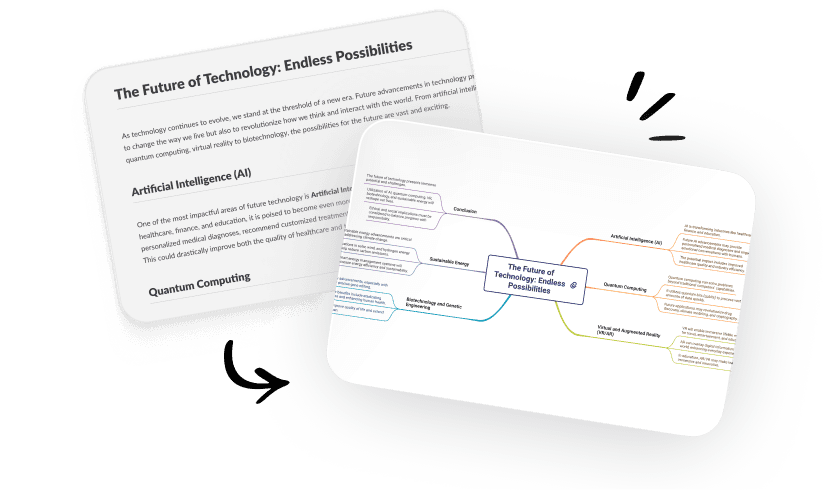
Convert Markdown to mind maps instantly online. No software needed. Upload markdown file to create and share maps.
How to Use Markdown to Mind Map?
Hear from our Xmind family

4.8/5

App Store

95%
User satisfaction rate

100M+
Users worldwide
Free Markdown to Mind Map Tool
Why Convert Markdown to Mind Map?
Markdown to Mind Map Fits Various Use Cases
Frequently asked questions
How to create a mind map in Markdown?
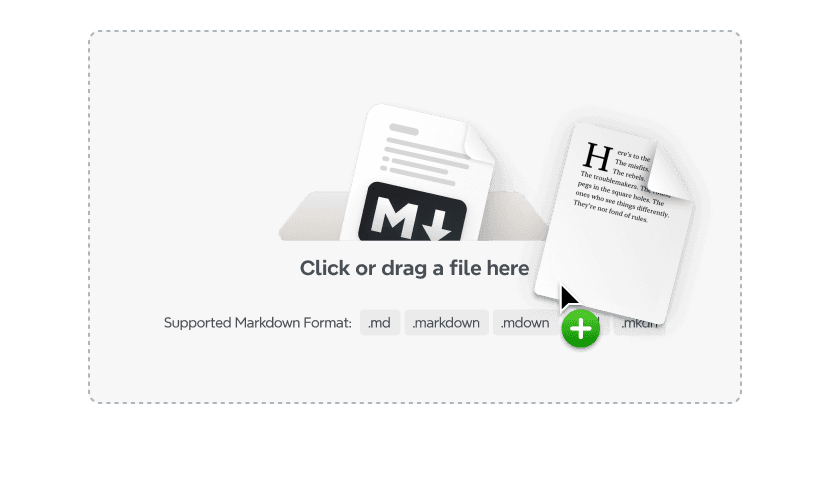
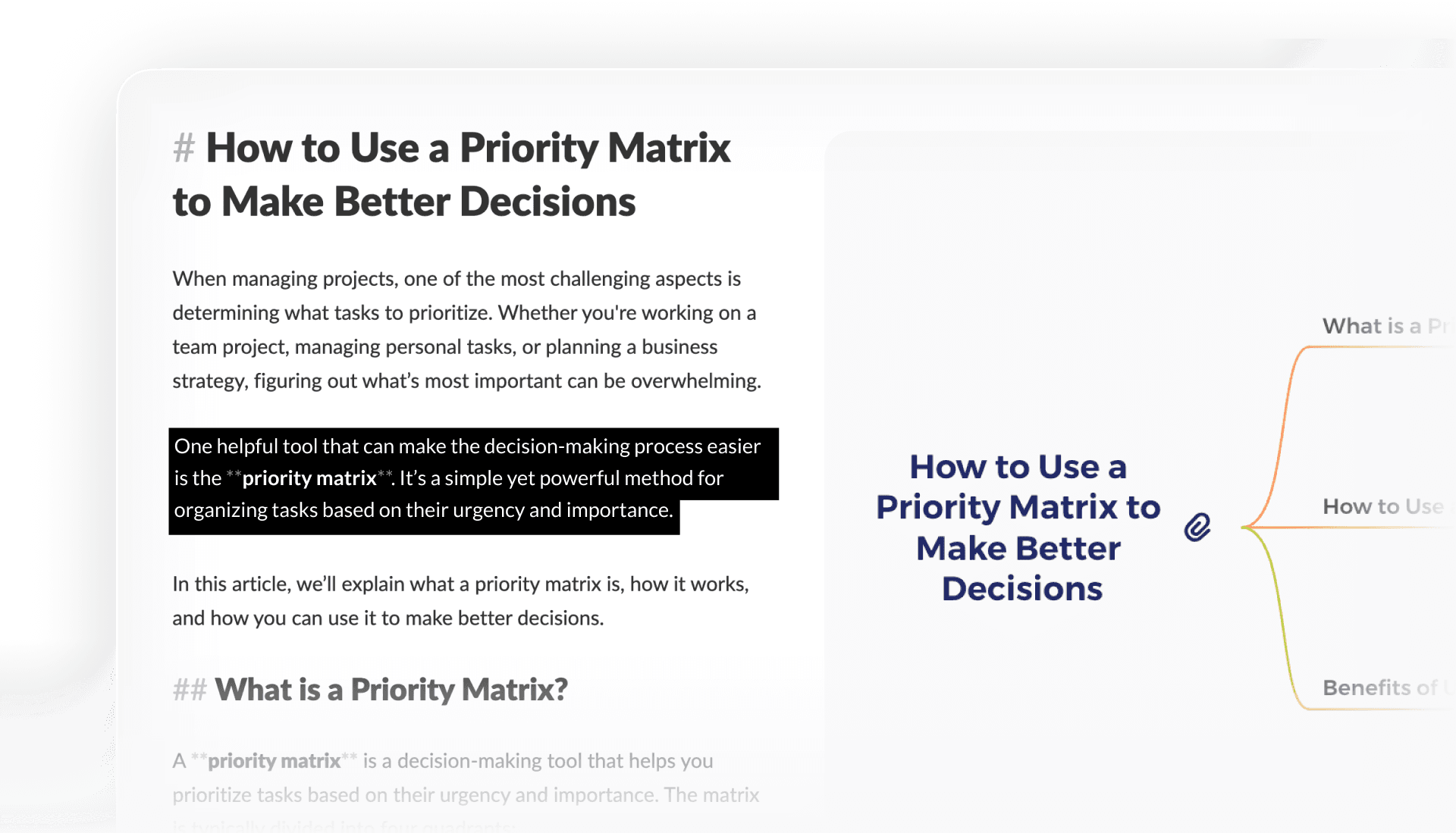
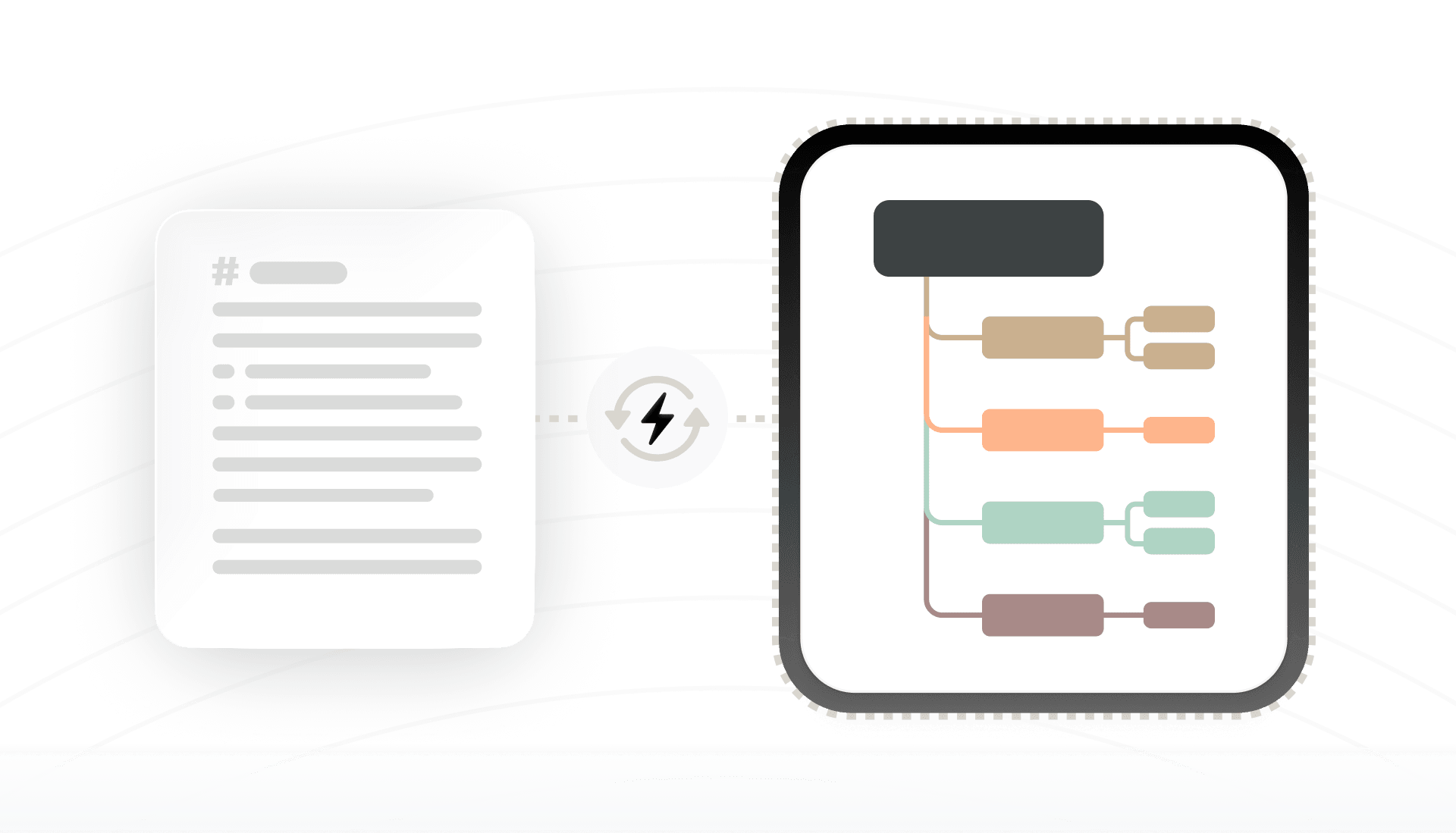
Paste your Markdown content or upload a markdown file, and the tool instantly turns it into a mind map you can edit, export, or share.
Is my data secure?
All uploads and conversions are handled securely. Your data is neither stored nor shared once the conversion process is completed.
Do I need to install any software or create an account to use the converter?
No installations or sign-ups are required. The entire process happens online, allowing you to transform Markdown outlines into visual mind maps without additional software.
Is there a file size limit for Markdown conversions?
Most files under typical usage limits will work. Large files may take a bit longer to process, but the tool handles both small and extensive Markdown documents effectively.
How do I export the mind map file?
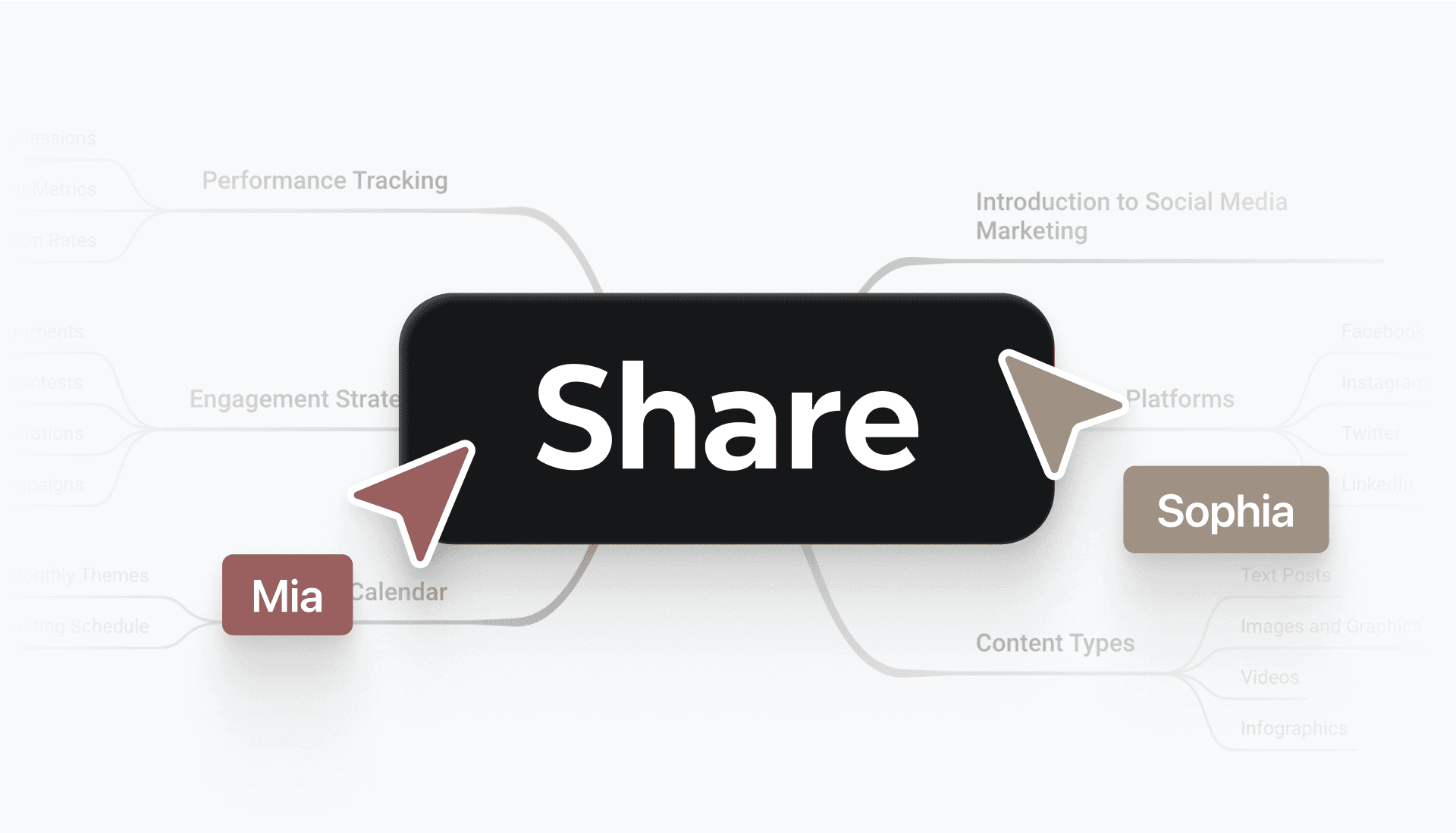
After conversion, you can export to Xmind format, image files, or other supported options, making it easy to share or integrate with existing workflows.
What‘s the best markdown to mind map tool?
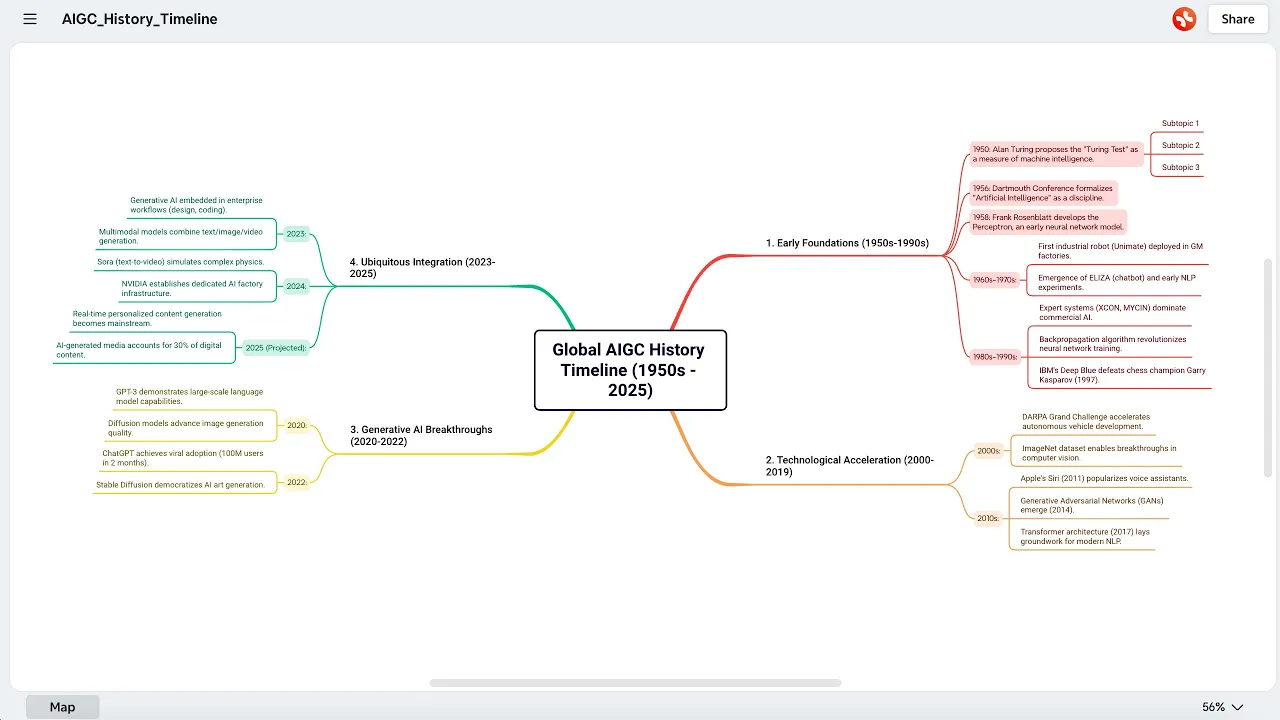
The best Markdown to Mind Map tool depends on what you need. Xmind provides a balanced option that combines accurate Markdown parsing with a clean, interactive map view you can edit and share online.




