Trusted by Fortune 500 and agile teams alike




Comparing distinctions between Xmind and Miro

Start fast with multiple structures
Starting on a blank canvas with Miro forces you to build frameworks from scratch. Xmind offers diverse built-in structures to organize your thoughts automatically, freeing you from the stress of planning layouts.
Manage your tasks more intuitively
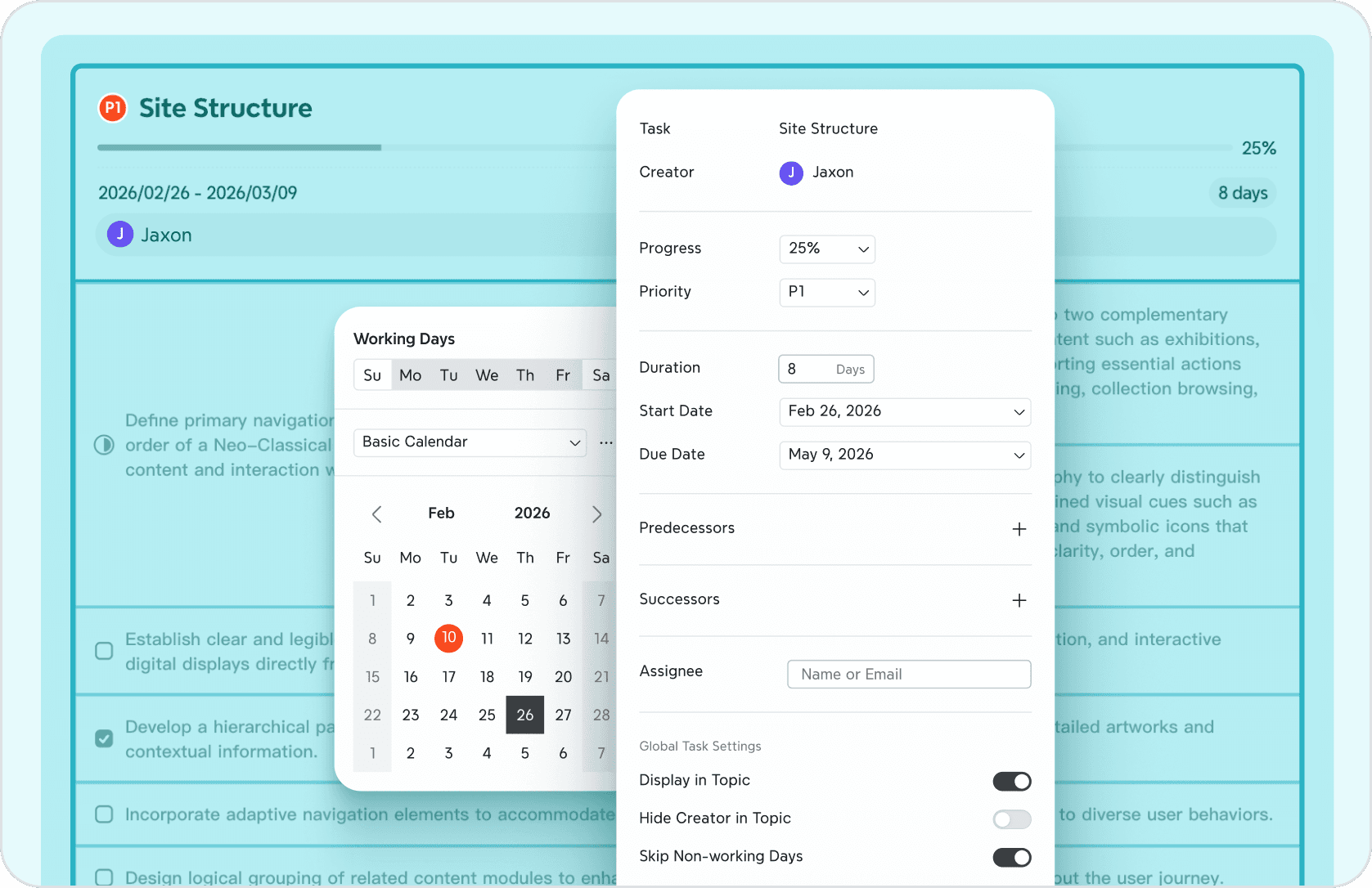
Miro treats tasks as scattered elements that require manual organization. Xmind integrates management directly into your structure. Simply add deadlines to any topic and instantly switch to Gantt Chart view—seamlessly transforming your brainstorming into a project timeline.
Export in more formats
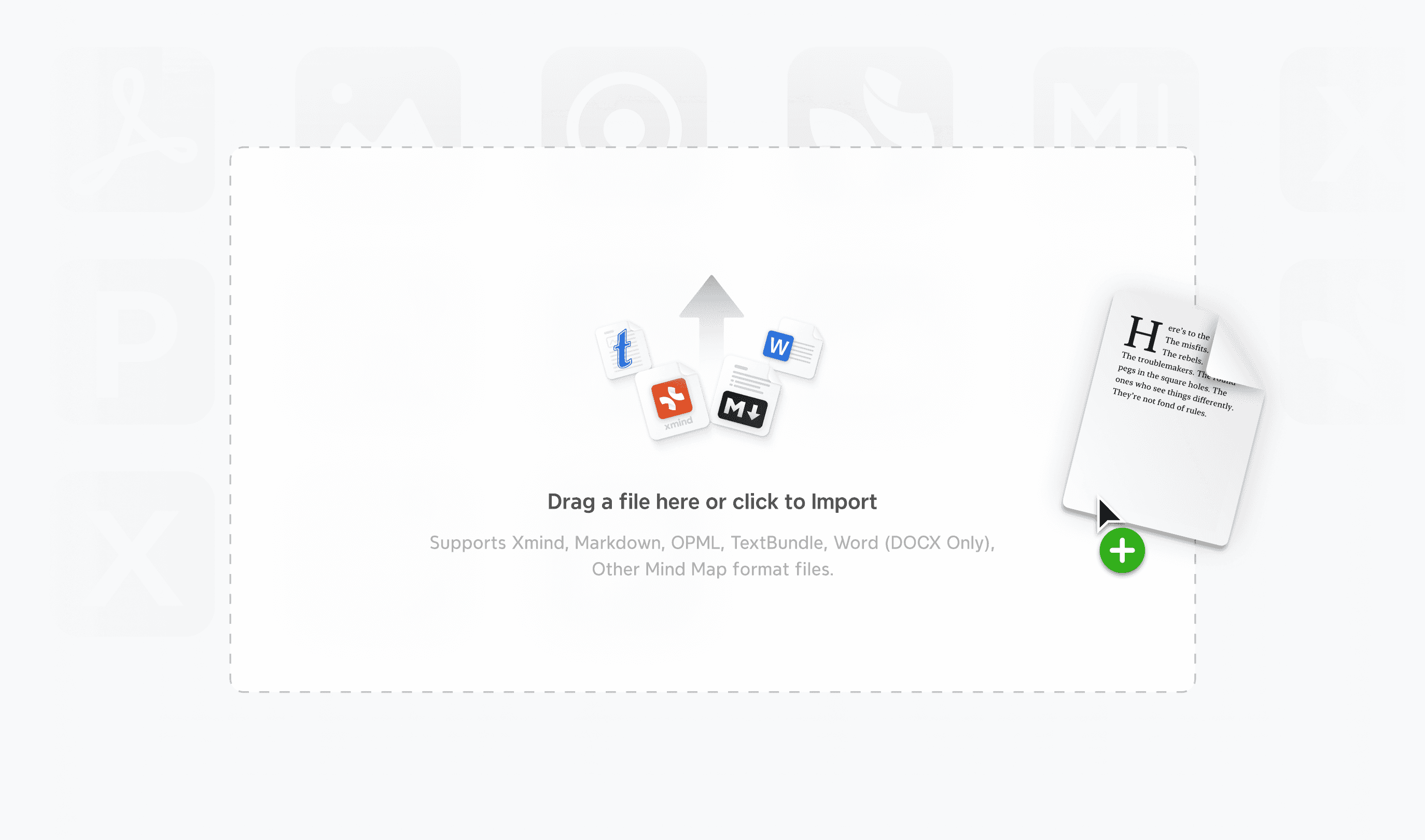
Escape the limits of static PDFs. Unlike Miro, Xmind empowers you with native exports to Markdown, Word, PowerPoint, and more—keeping your ideas structured and ready for instant use in other tools.
Spark new ideas with AI
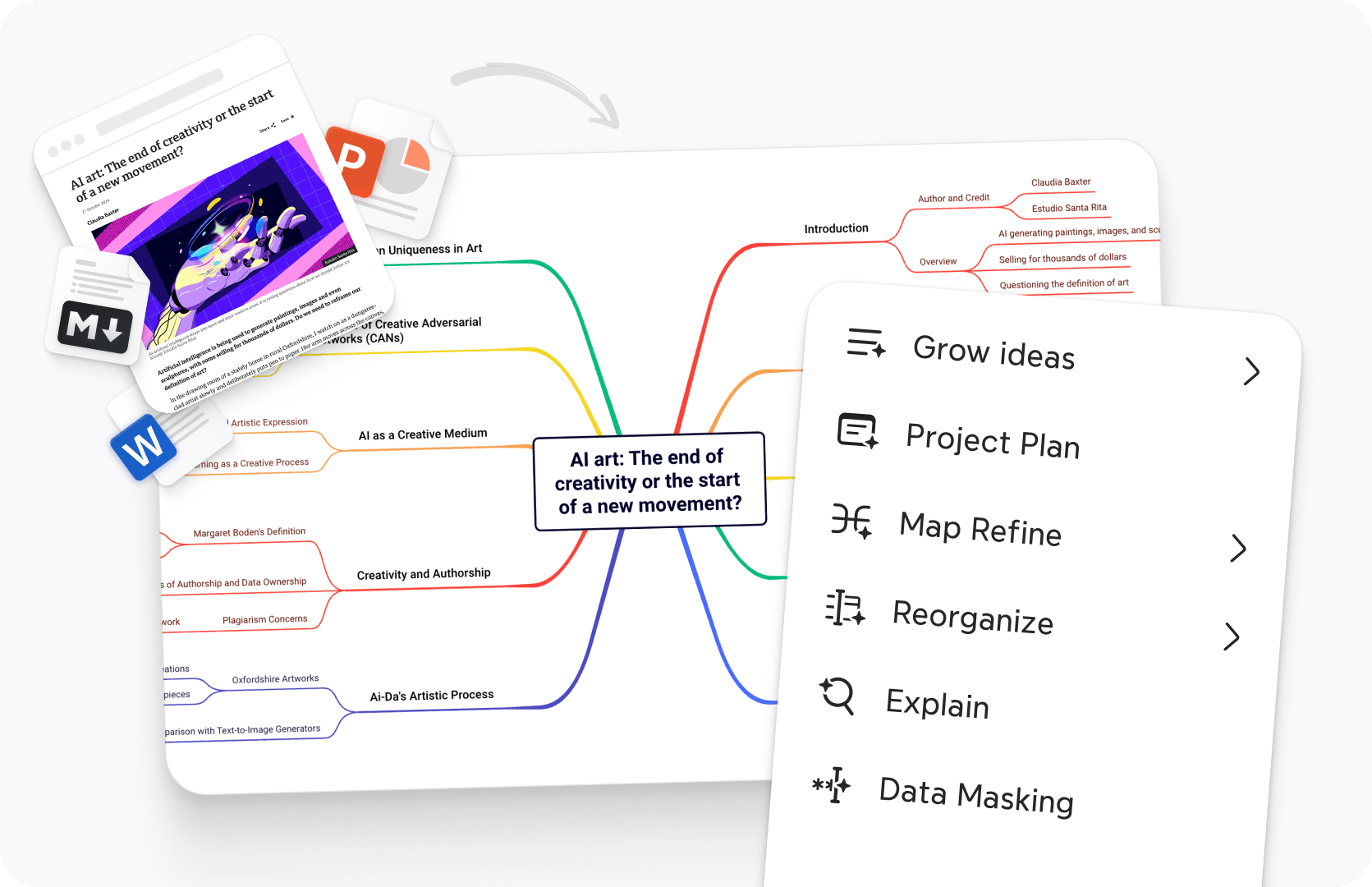
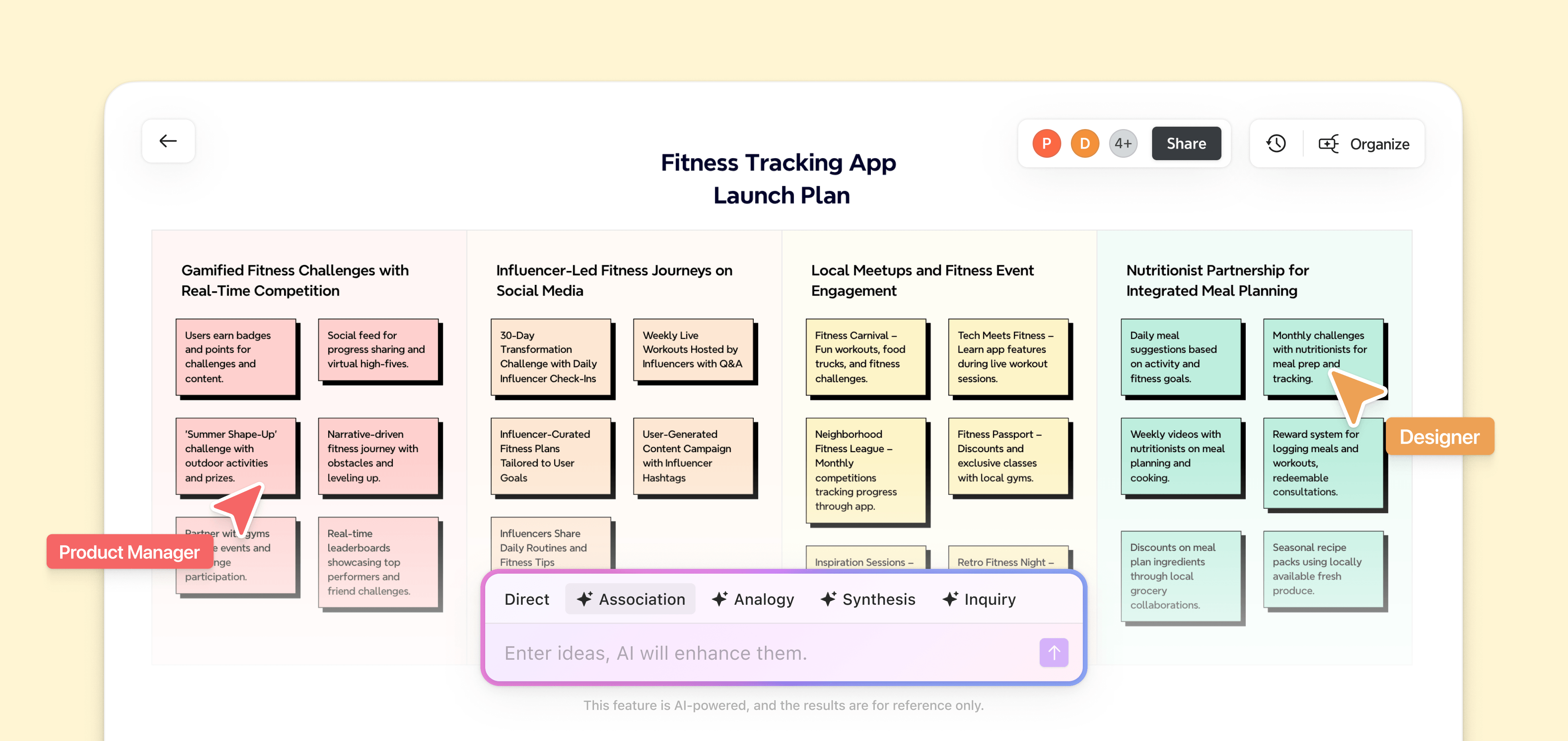
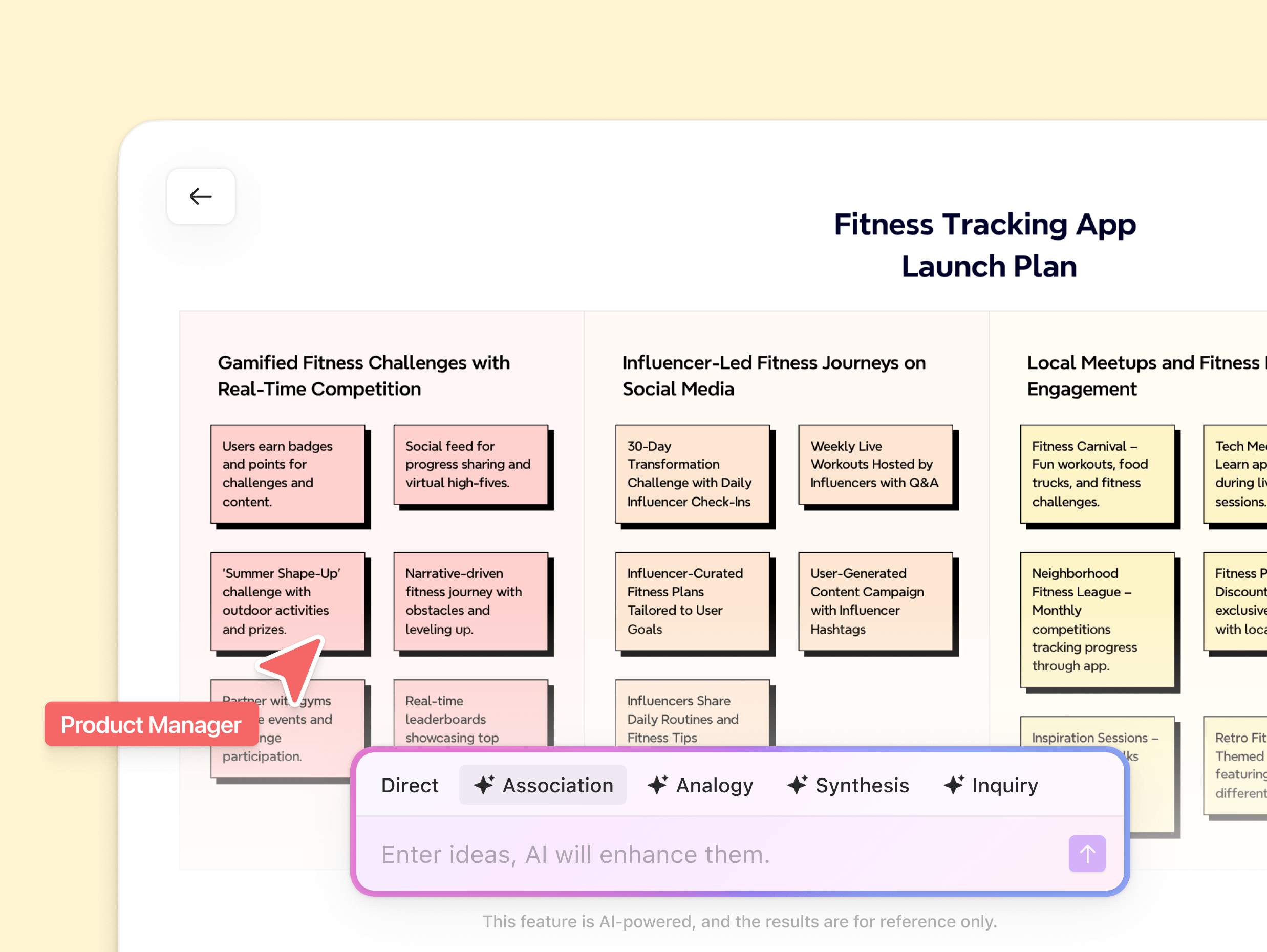
While Miro’s AI is excellent at sorting existing sticky notes, it often stops at organization. Xmind goes further to spark inspiration. It actively generates content, expanding simple keywords into comprehensive plans to help you break through mental blocks.
Xmind vs Miro at a glance
Xmind acts as a precision thinking engine that turns raw concepts into professional action. Miro provides a flexible digital wall for open-ended collaborative workshops.


From ideas to execution, all in one platform
From raw ideas to complex systems—Xmind adapts to your thinking and helps you move from ideas to execution.




No credit card required · Works on web, desktop, and mobile.
Join millions who think with Xmind

4.8/5

App Store

95%
User satisfaction rate

100M+
Users worldwide










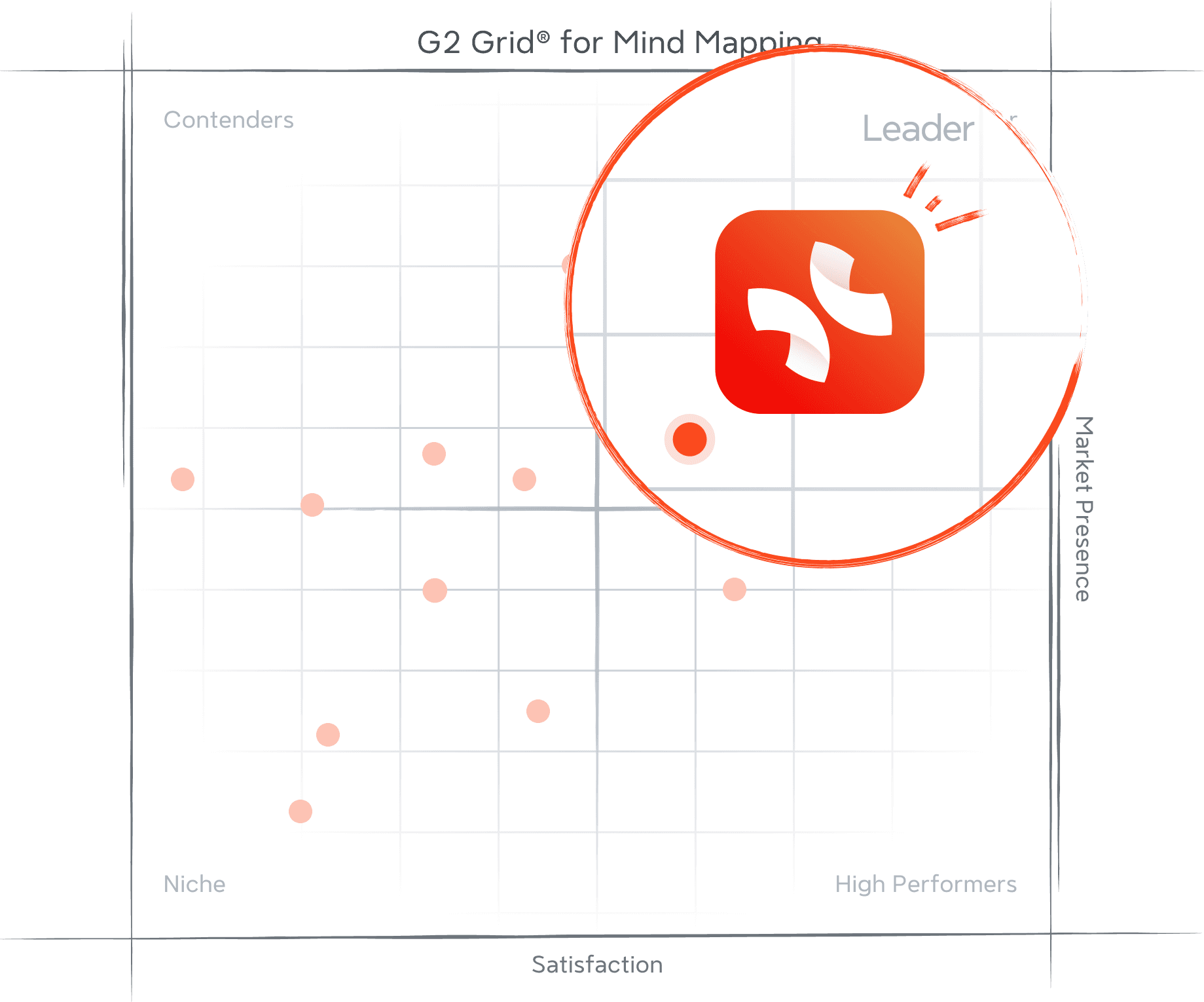
Recognized by G2 for what teams value most
These G2 awards reflect consistent recognition from real users—affirming our commitment to usability, performance, and product excellence across the board.







Frequently Asked Questions
Does Xmind work on mobile?
Xmind is available on both iOS and Android with full-featured mobile apps. Your work stays synced across desktop, mobile, and web, making it easy to capture and develop ideas anywhere.
Can I collaborate using Xmind?
Real-time collaboration is supported in Xmind, allowing multiple people to work on the same map simultaneously. Teams can brainstorm, edit, and share ideas together in a smooth, cross-platform workflow.
Is Xmind a good Miro alternative?
Xmind is purpose-built for mind mapping, brainstorming, and turning ideas into clear structures—fast. If you mainly use Miro for mapping thoughts, outlining plans, or organizing complex information, Xmind often feels lighter, more focused, and easier to use.

Visualize your ideas. Unlock your thinking power with Xmind.
Whether you’re studying, planning, or creating—Xmind helps you think in every direction.



