Xmind vs Trello

Xmind vs Trello

From task boards to an all-in-one workplace

From task boards to an all-in-one workplace

Trello is built for visual task tracking, while Xmind powers the entire journey from ideation to execution.

Trello is built for visual task tracking, while Xmind powers the entire journey from ideation to execution.

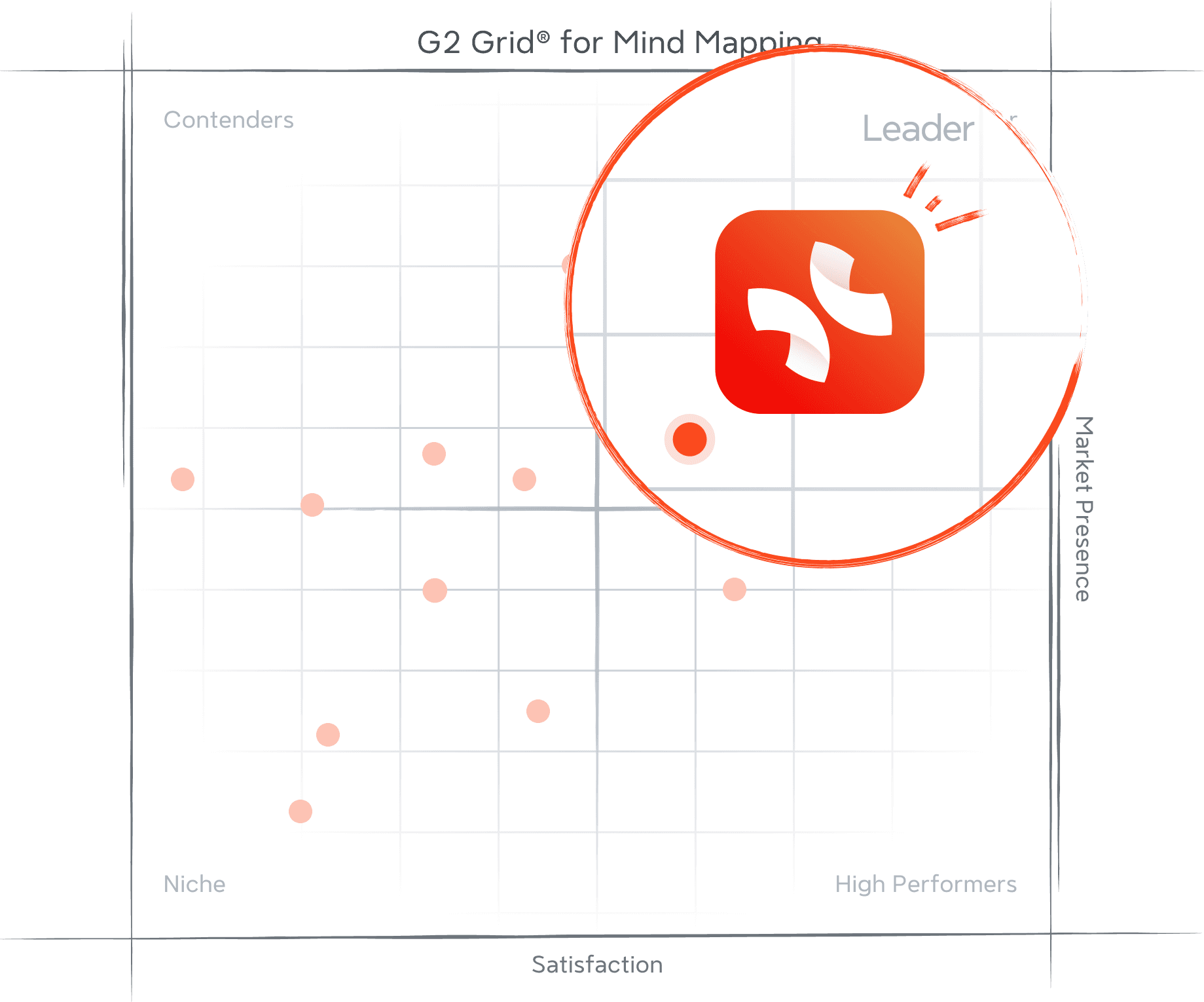
G2 Grid for Mind Mapping showing Xmind positioned as a leader with high satisfaction and strong market presence

Trusted by Fortune 500 and agile teams alike


Comparing distinctions between Xmind and Trello

Stronger idea structure

Trello is excellent once work is already defined and ready to track. Xmind is stronger earlier in the process, helping teams shape complex ideas, clarify relationships, and build structure before tasks are turned into cards.
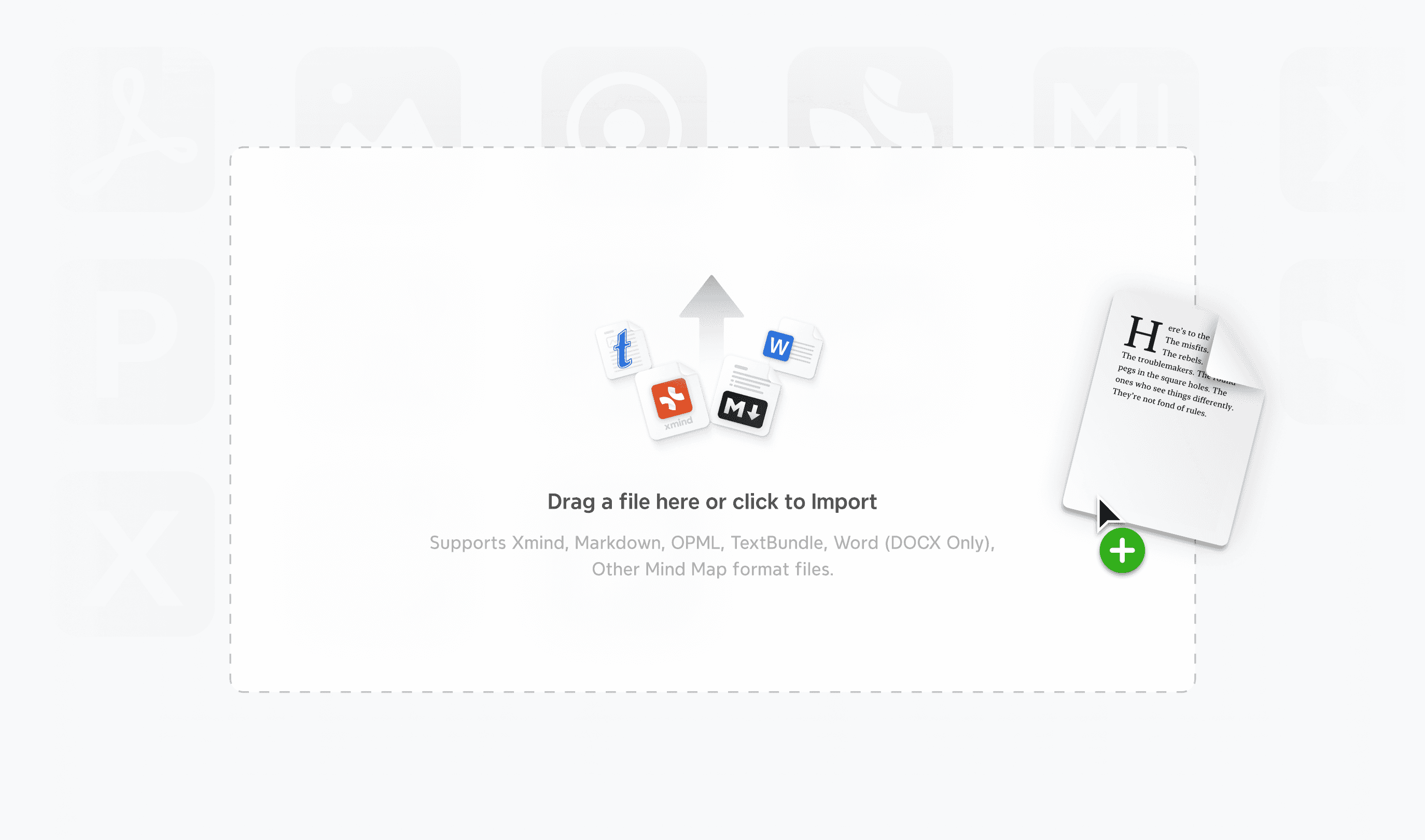
Xmind AI workspace showing documents, links, and imported files turned into a structured mind map

Smarter content import

Many projects begin with notes, documents, or rough research rather than ready-made tasks. Xmind helps turn source material into structured maps, while Trello is better suited to organizing work after that structure already exists.

Xmind mind maps synced across desktop, tablet, and mobile devices with integrations around the workspace

Cross-platform flexibility

Trello is highly accessible through its web-first project workflow. Xmind offers a more flexible experience across desktop, web, and mobile, which is especially helpful when teams move between brainstorming, editing, and planning in different environments.
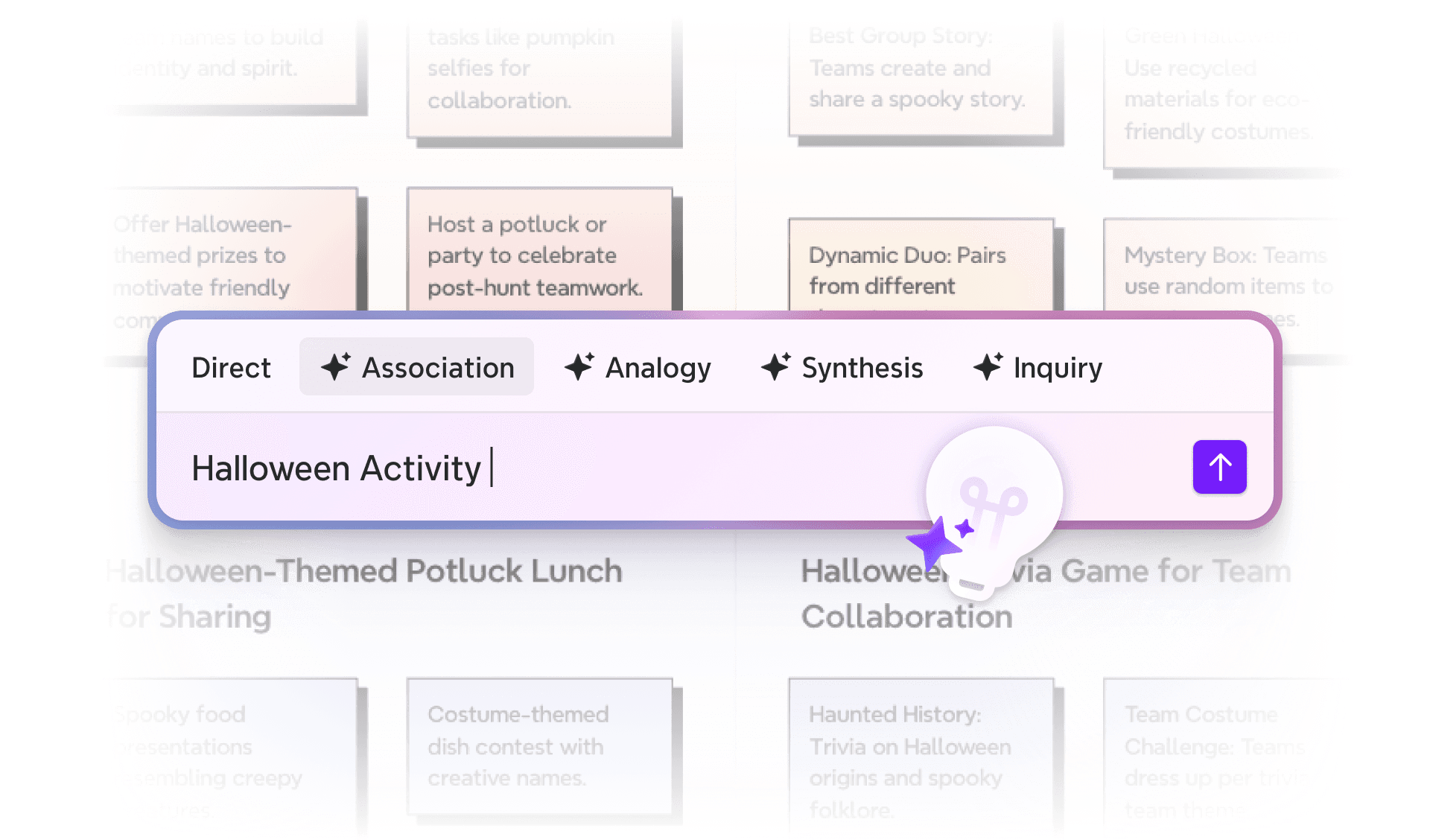
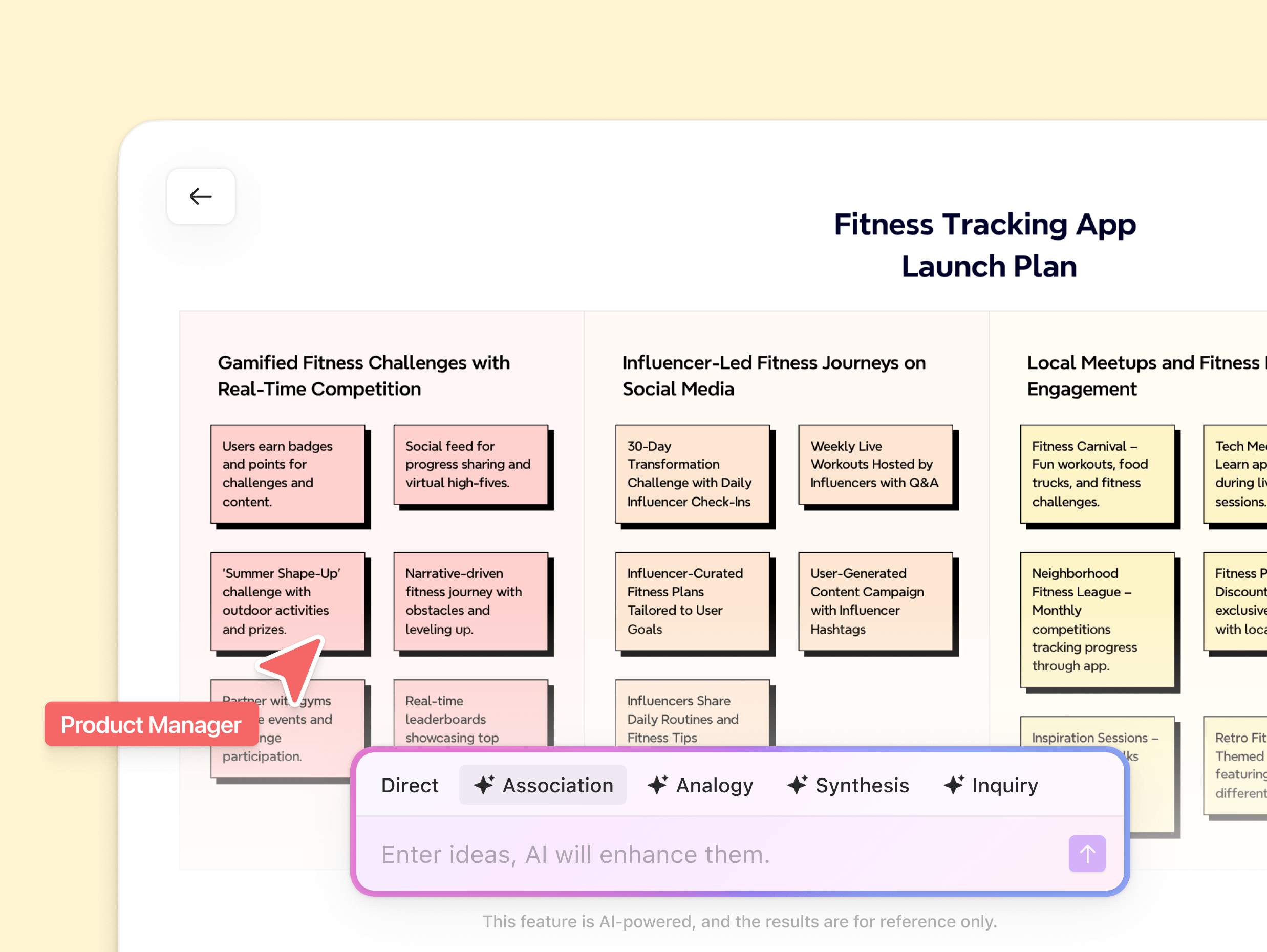
Xmind AI prompt bar showing multiple thinking modes for generating and refining ideas

AI for thought expansion

Trello’s AI features help teams organize and manage work inside boards. Xmind AI is more useful when the challenge is still thinking itself, expanding directions, refining branches, and shaping a clearer plan before execution starts.

Xmind vs Trello at a glance

Trello is a board-based work management tool for tracking tasks and team progress. Xmind is a structured-thinking platform for organizing ideas and execution.

Core value

Structured thinking & visual planning

Visual task & workflow management

Real-time collaboration

Orange circular badge with a dark check mark centered

ZEN focus mode

Orange circular badge with a dark check mark centered

Reorganize with AI

Orange circular badge with a dark check mark centered

AI brainstorming

Orange circular badge with a dark check mark centered

AI-generated to-do

Orange circular badge with a dark check mark centered

Gantt chart view

Orange circular badge with a dark check mark centered

Export formats

Multiple export formats

Limited export options

Cross-platform access

Orange circular badge with a dark check mark centered

Best for

Turning ideas into structured plans

Managing tasks and team workflows

Structured thinking, brainstorming, project management

Diagramming, process documentation

Orange circular badge with a dark check mark centered

Limited mobile

Orange circular badge with a dark check mark centered

Enterprise sharing

Orange circular badge with a dark check mark centered

Easy

Medium–High

Free + affordable subscription

Subscription-only

Core purpose
Native mind map
Multiple structures
AI brainstorming
Grow ideas with AI
AI-generated to-do
Gantt chart
Outline mode
Export in all formats
Real-time collaboration
Cross-platform
Pitch mode
Ease of use
Pricing

From ideas to execution, all in one platform

From raw ideas to complex systems—Xmind adapts to your thinking and helps you move from ideas to execution.


Brainstorming icon representing idea generation and early thinking in Xmind

Brainstorming

Learning icon representing knowledge organization and concept understanding in Xmind

Learning

Planning icon representing structured planning and project preparation in Xmind

Planning

Creating icon representing content creation and idea development in Xmind

Creating

Organizing icon representing structured organization of information in Xmind

Organizing

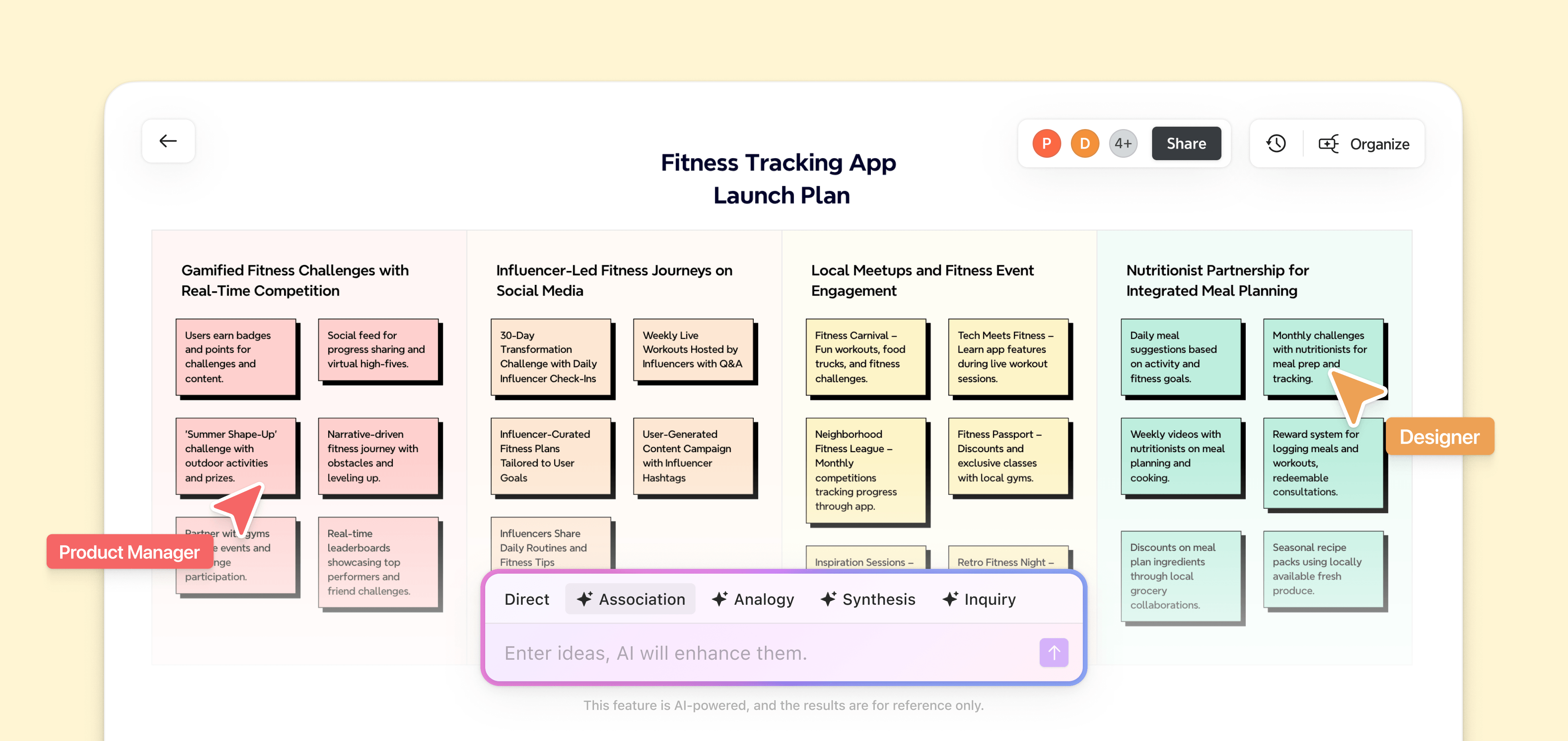
Xmind board showing a fitness tracking app launch plan with structured ideas, sticky notes, and AI-assisted brainstorming across multiple planning sections
Brainstorming icon representing idea generation and early thinking in Xmind

Brainstorming

Learning icon representing knowledge organization and concept understanding in Xmind

Learning

Planning icon representing structured planning and project preparation in Xmind

Planning

Creating icon representing content creation and idea development in Xmind

Creating

Organizing icon representing structured organization of information in Xmind

Organizing

Xmind board showing a fitness tracking app launch plan with structured ideas, sticky notes, and AI-assisted brainstorming across multiple planning sections
Brainstorming icon representing idea generation and early thinking in Xmind

Brainstorming

Learning icon representing knowledge organization and concept understanding in Xmind

Learning

Planning icon representing structured planning and project preparation in Xmind

Planning

Creating icon representing content creation and idea development in Xmind

Creating

Organizing icon representing structured organization of information in Xmind

Organizing

Xmind board showing a fitness tracking app launch plan with structured ideas, sticky notes, and AI-assisted brainstorming across multiple planning sections

No credit card required · Works on web, desktop, and mobile.

Join millions who think with Xmind

App Store logo

4.8/5

App Store rating of 4.8 out of 5 for Xmind

App Store

Xmind user satisfaction rate shown as 95 percent

95%

User satisfaction rate

Xmind used by over 100 million users worldwide

100M+

Users worldwide

Recognized by G2 for what teams value most

These G2 awards reflect consistent recognition from real users—affirming our commitment to usability, performance, and product excellence across the board.

G2 Spring 2025 badge recognizing Xmind for easiest setup
G2 Spring 2025 high performer badge for Xmind in small business category
G2 Summer 2025 badge recognizing Xmind as easiest admin tool
G2 Fall 2025 high performer badge awarded to Xmind
G2 Winter 2026 momentum leader badge for Xmind
G2 Winter 2026 best estimated ROI badge for Xmind in small business category
G2 milestone badge showing users love Xmind

Frequently Asked Questions

Is Xmind free to use?

Yes. Xmind offers a free plan that lets you create and view mind maps across devices. You can upgrade to a paid plan anytime to unlock advanced features like AI tools, project planning, and extended export options.

Does Xmind work on mobile?

Xmind is available on both iOS and Android with full-featured mobile apps. Your work stays synced across desktop, mobile, and web, making it easy to capture and develop ideas anywhere.

Can I collaborate using Xmind?

Real-time collaboration is supported in Xmind, allowing multiple people to work on the same map simultaneously. Teams can brainstorm, edit, and share ideas together in a smooth, cross-platform workflow.

Is Xmind a good Trello alternative?

Yes. Trello is strong for visual task tracking, but Xmind is a better alternative when teams need to organize thinking, map relationships, and build a clearer plan before moving into execution.

Xmind logo

Visualize your ideas. Unlock your thinking power with Xmind.

Whether you’re studying, planning, or creating—Xmind helps you think in every direction.