What is the Mindmap Gallery and how to use it?
Mindmap Gallery is a free service that allows Xmind users to share their mind maps with the world.
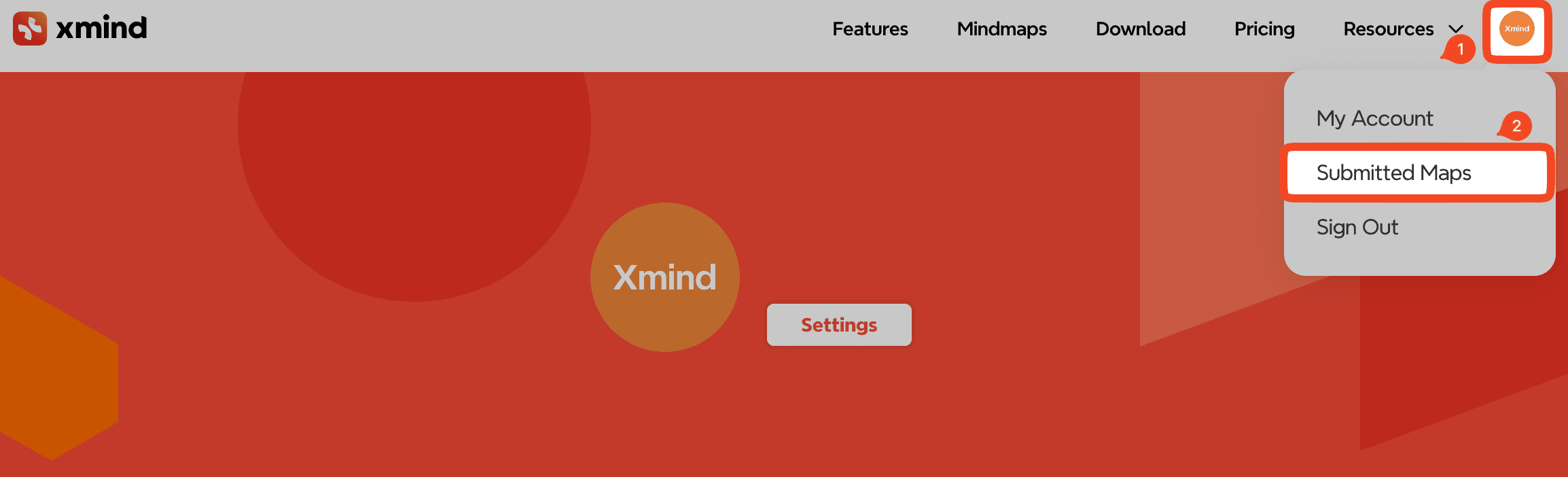
After uploading, your shared mind maps will appear under Submitted Maps when you sign in on our website.
How to Submit a Mind Map to the Gallery
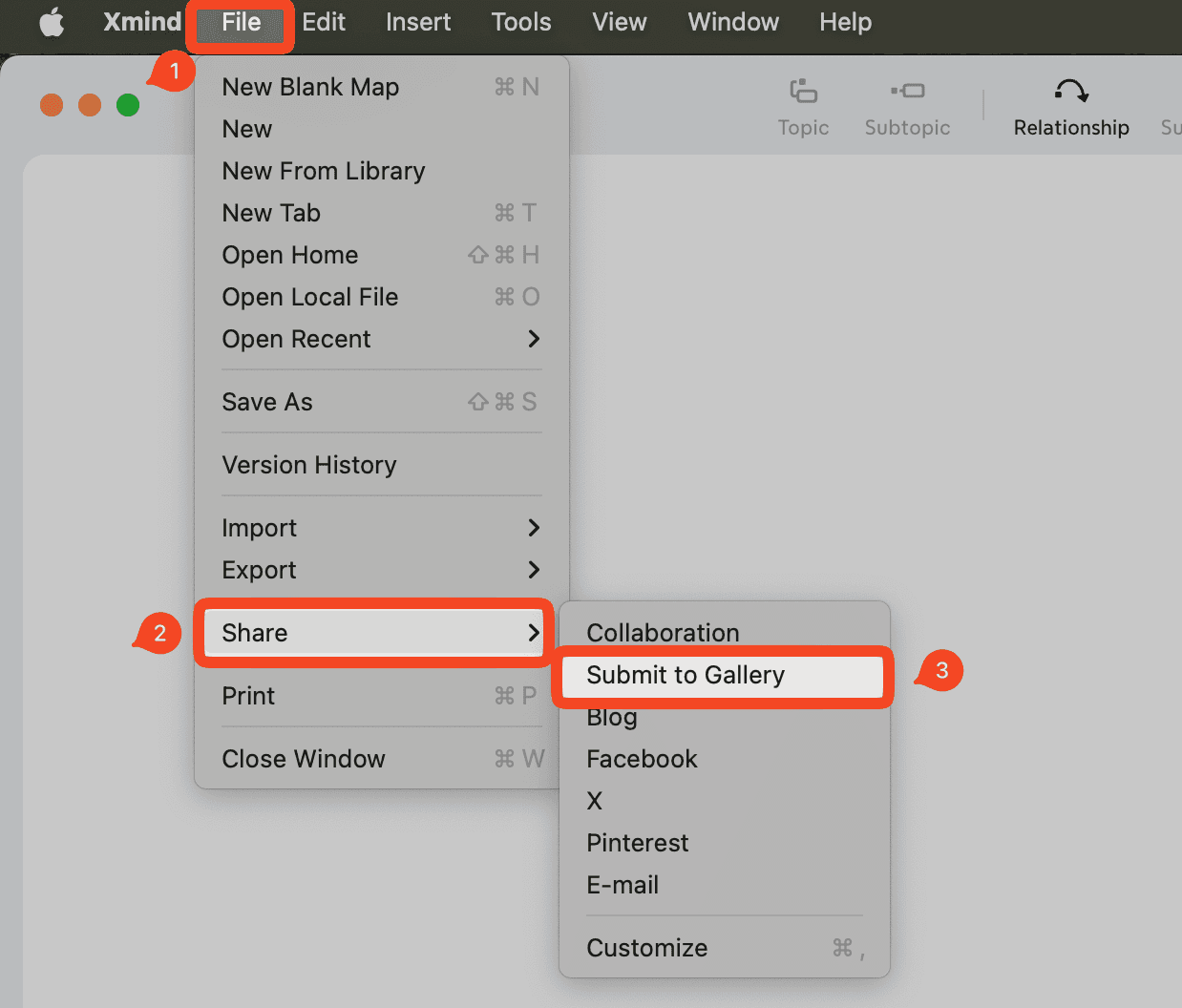
Open your mind map in Xmind.
Go to File → Share → Submit to Gallery.
In the pop-up window, choose whether to upload the Current Map or the Current File.
Choose how you want your mind map to be shared:
If you check “I agree this map can be displayed on Xmind Gallery and downloaded by other users,” a public link will be created.
If you leave it unchecked, your mind map will not be published publicly, and a private link will be generated instead.
Public vs. Private Links
Public link: The mind map will be published on the Gallery and can be found via search engines.
Private link: Only users with the direct link can access the mind map.
How to Delete a Mind Map from the Gallery
Sign in to your account at xmind.app/account.
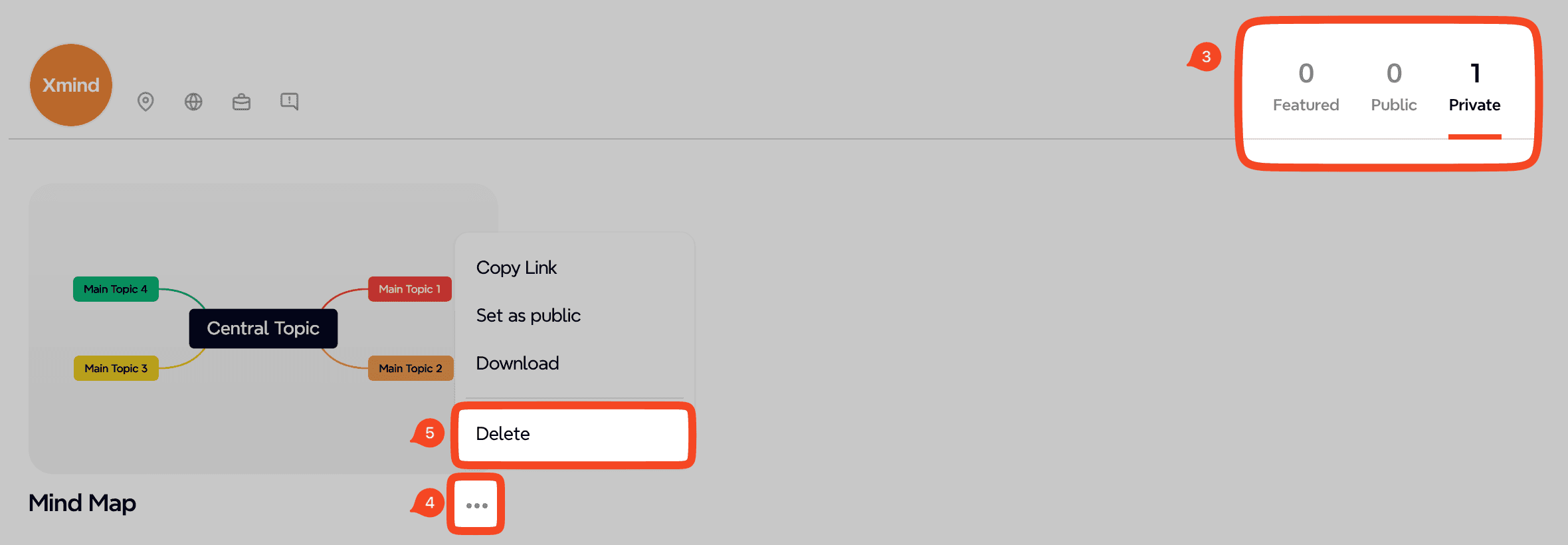
Go to Profile → Submitted Maps.
Locate the mind map you want to delete.
Click […] → Delete.