What's New in Xmind
What's New

in Xmind
Discover the latest features, improvements, and smarter ways to organize your ideas.
Feature highlights
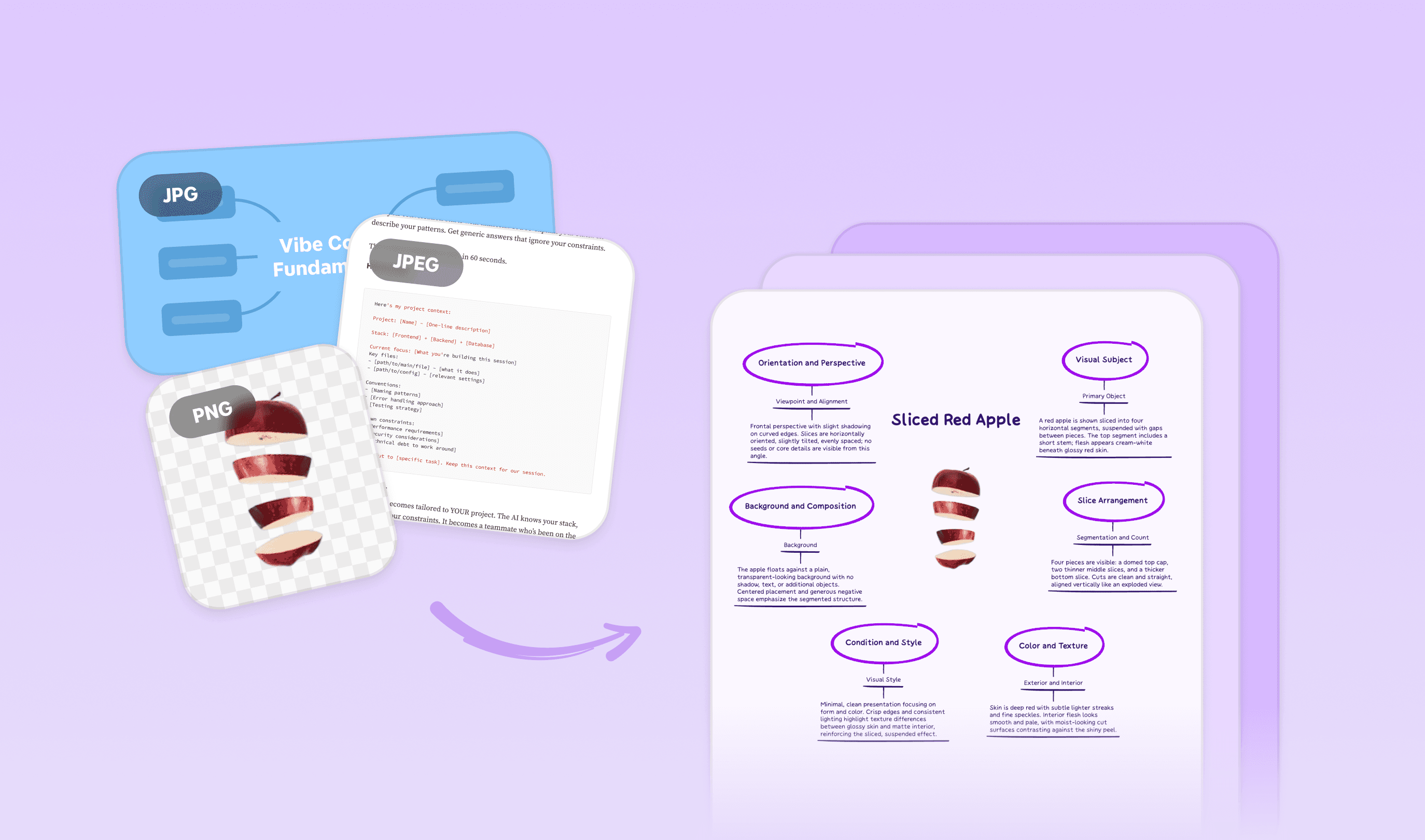
Image to Mind Map
Upload or snap a photo, your structured mind map builds itself.
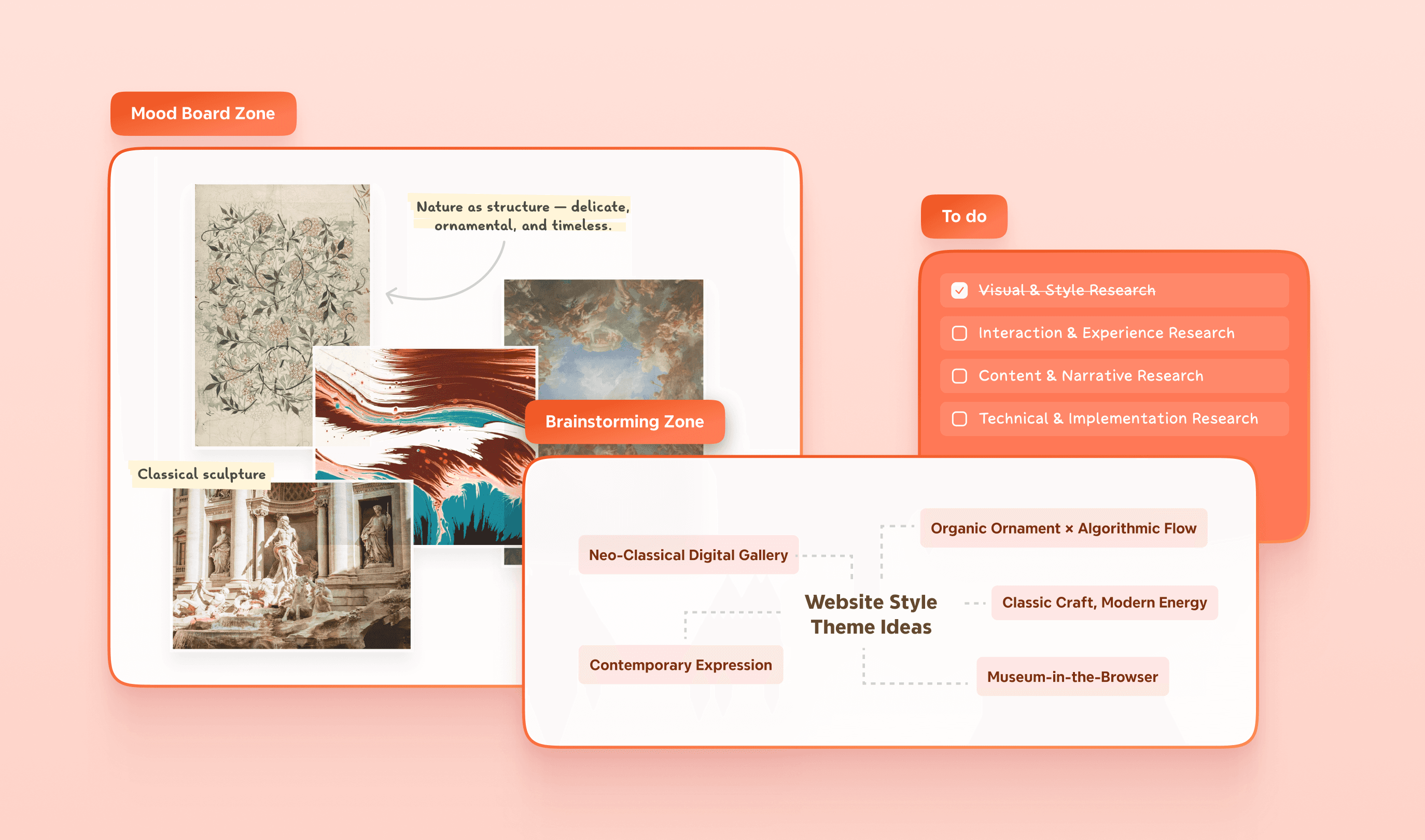
Zone
Zone in on what matters. Drag, drop, and reuse with ease.
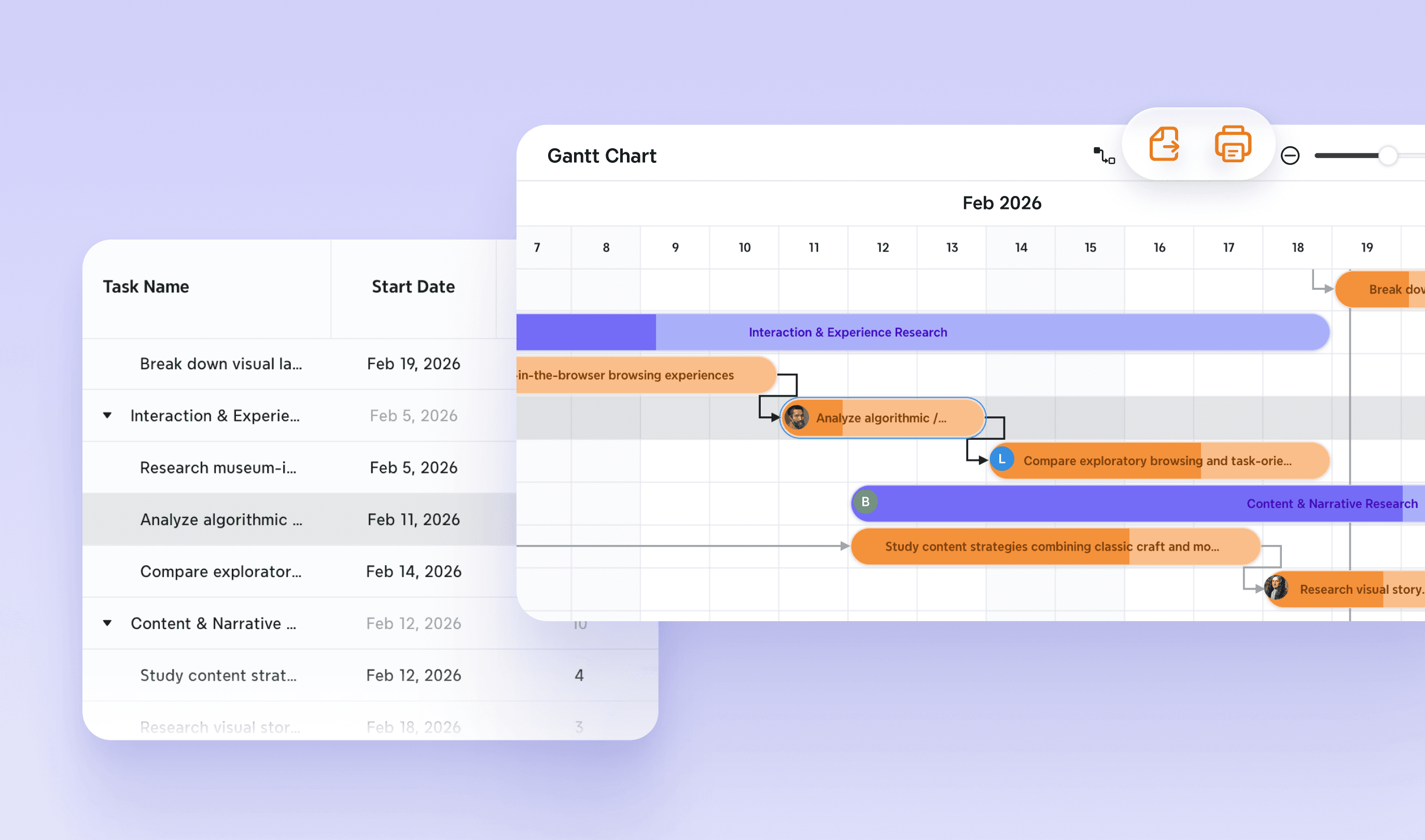
Gantt Chart 2.0
Plan faster with fewer clicks. Link tasks, set durations, and build timelines in one smooth flow.
Image to Mind Map
Upload or snap a photo, your structured mind map builds itself.
All updates
Mar 16, 2026
Capture anything. Turn it into ideas.
NEW FEATURE
Image to Mind Map
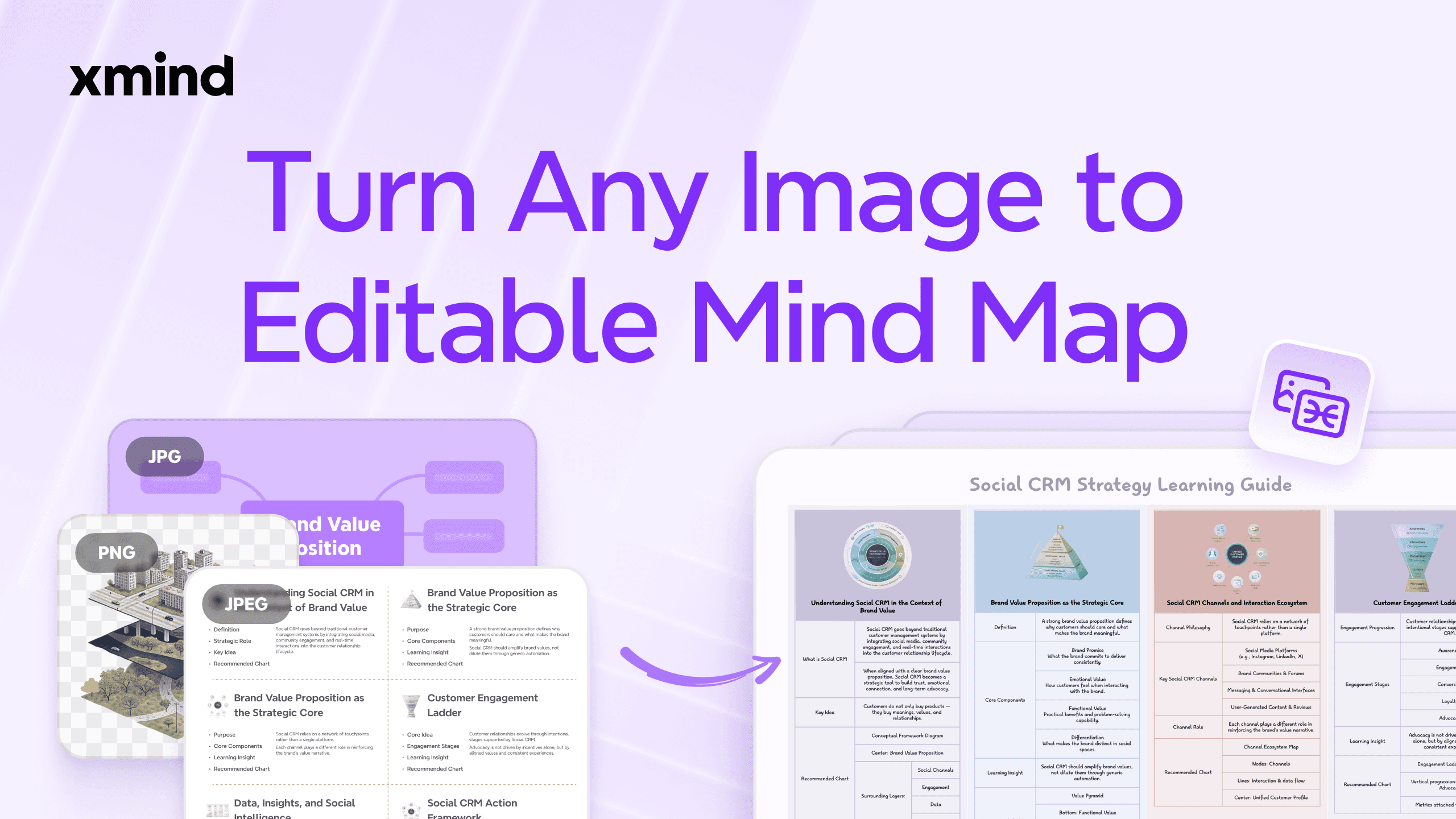
Image to Mind Map converts any screenshots, photos, and posters into structured, editable mind maps. Even images without text can be turned into knowledge-based mind maps, with key attributes and contextual information generated automatically.
Mar 16, 2026
Capture anything. Turn it into ideas.
NEW FEATURE
Image to Mind Map
Image to Mind Map converts any screenshots, photos, and posters into structured, editable mind maps. Even images without text can be turned into knowledge-based mind maps, with key attributes and contextual information generated automatically.
Mar 16, 2026
Capture anything. Turn it into ideas.
NEW FEATURE
Image to Mind Map
Image to Mind Map converts any screenshots, photos, and posters into structured, editable mind maps. Even images without text can be turned into knowledge-based mind maps, with key attributes and contextual information generated automatically.
Jan 22, 2026
Foundation Update: Focus with Zones, Plan with Ease
NEW FEATURE
Zone
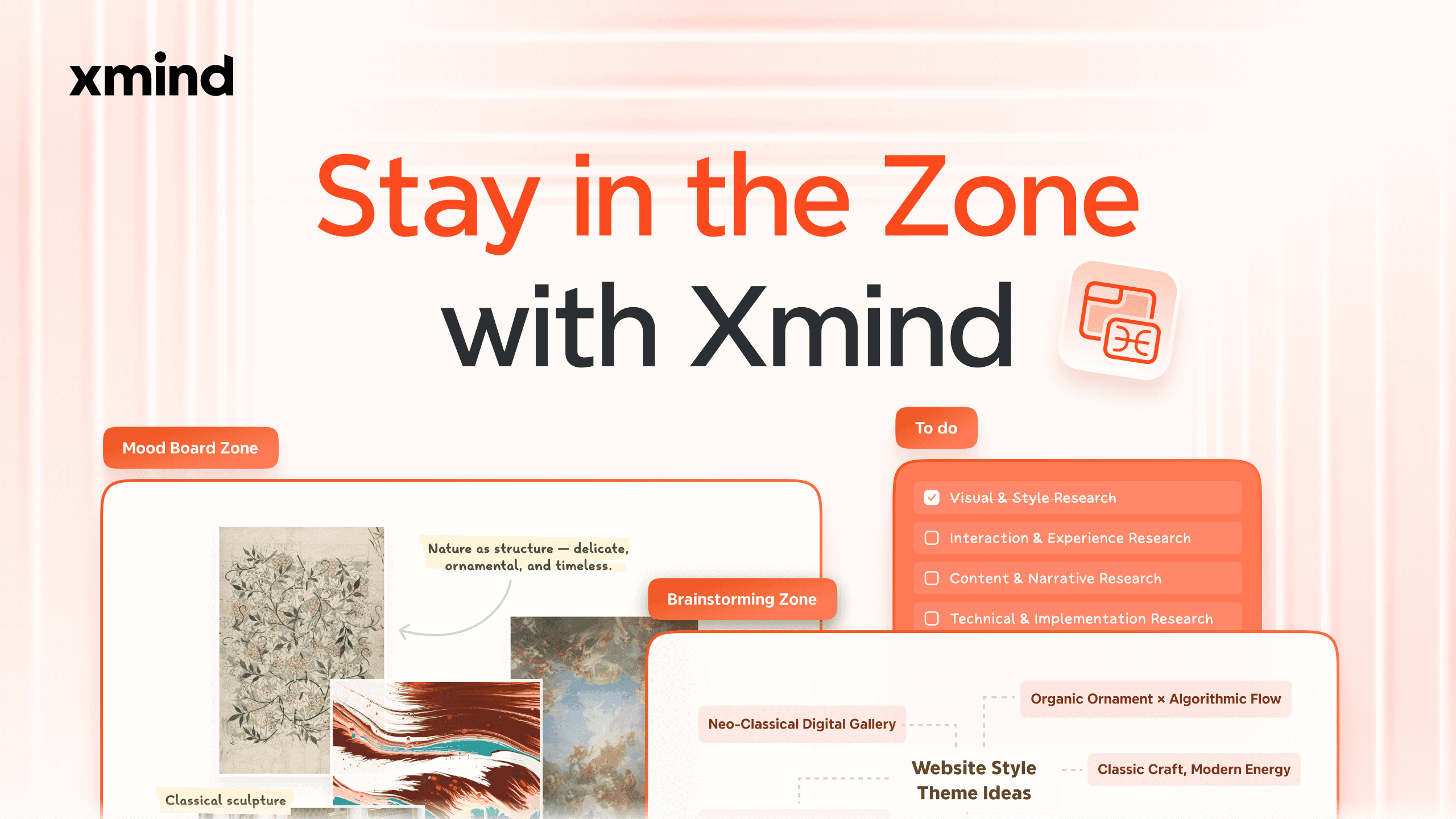
Zones let you define and manage a specific area within a mind map independently. You can move, copy, reuse, or refine a group of content without affecting the rest of the map, making complex structures easier to handle. Zones also double as visual layout and export boundaries. What you see is exactly what you print or export.
NEW FEATURE
Skip Non-working Days
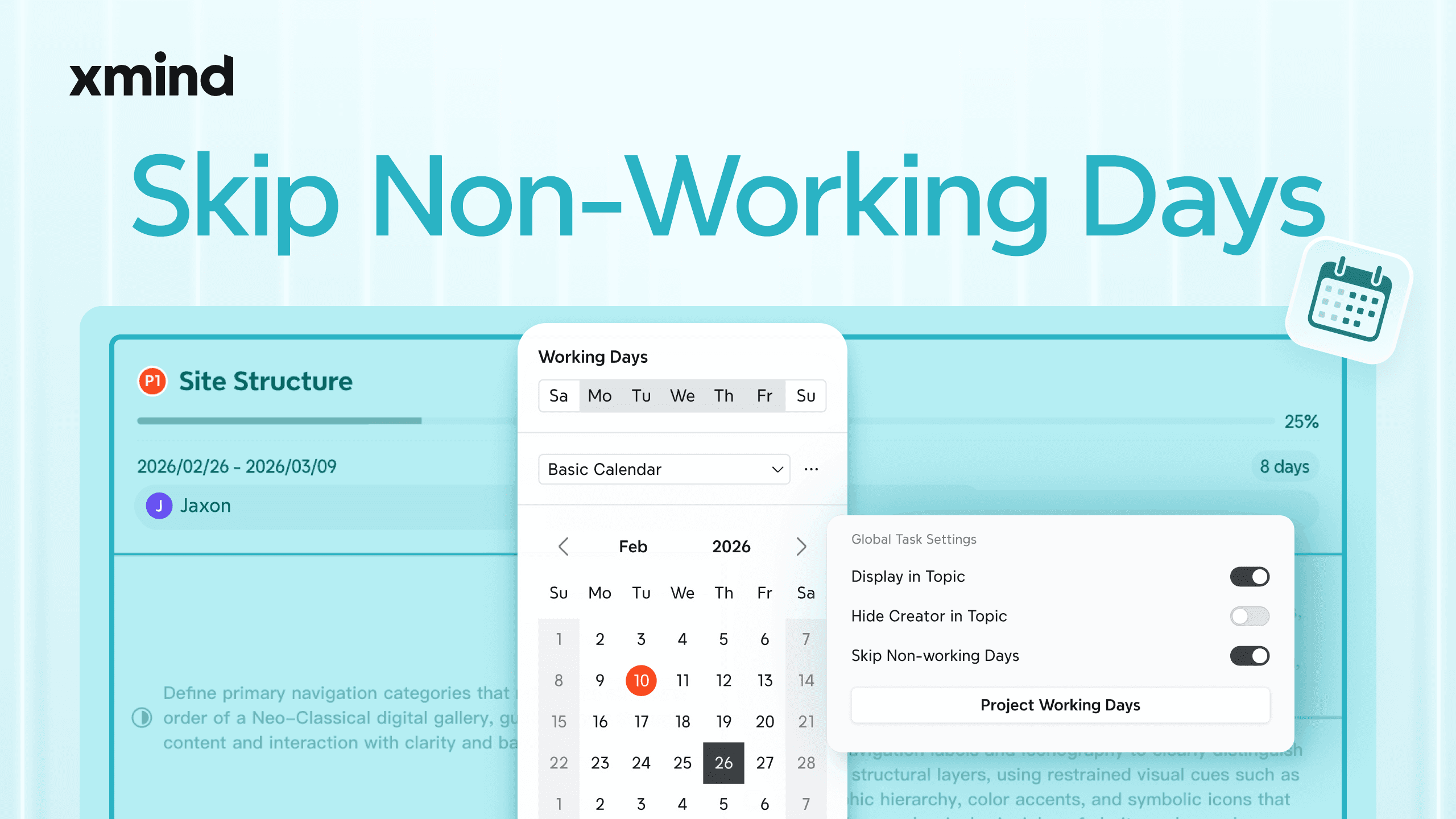
You can customize working days, holidays, and special exceptions for different regions, industries, or teams, and apply shared working-day templates across projects. Plan your project timelines based on how your team actually works, helping avoid misleading schedules and unrealistic deadlines.
IMPROVEMENT
Enhanced Gantt Chart
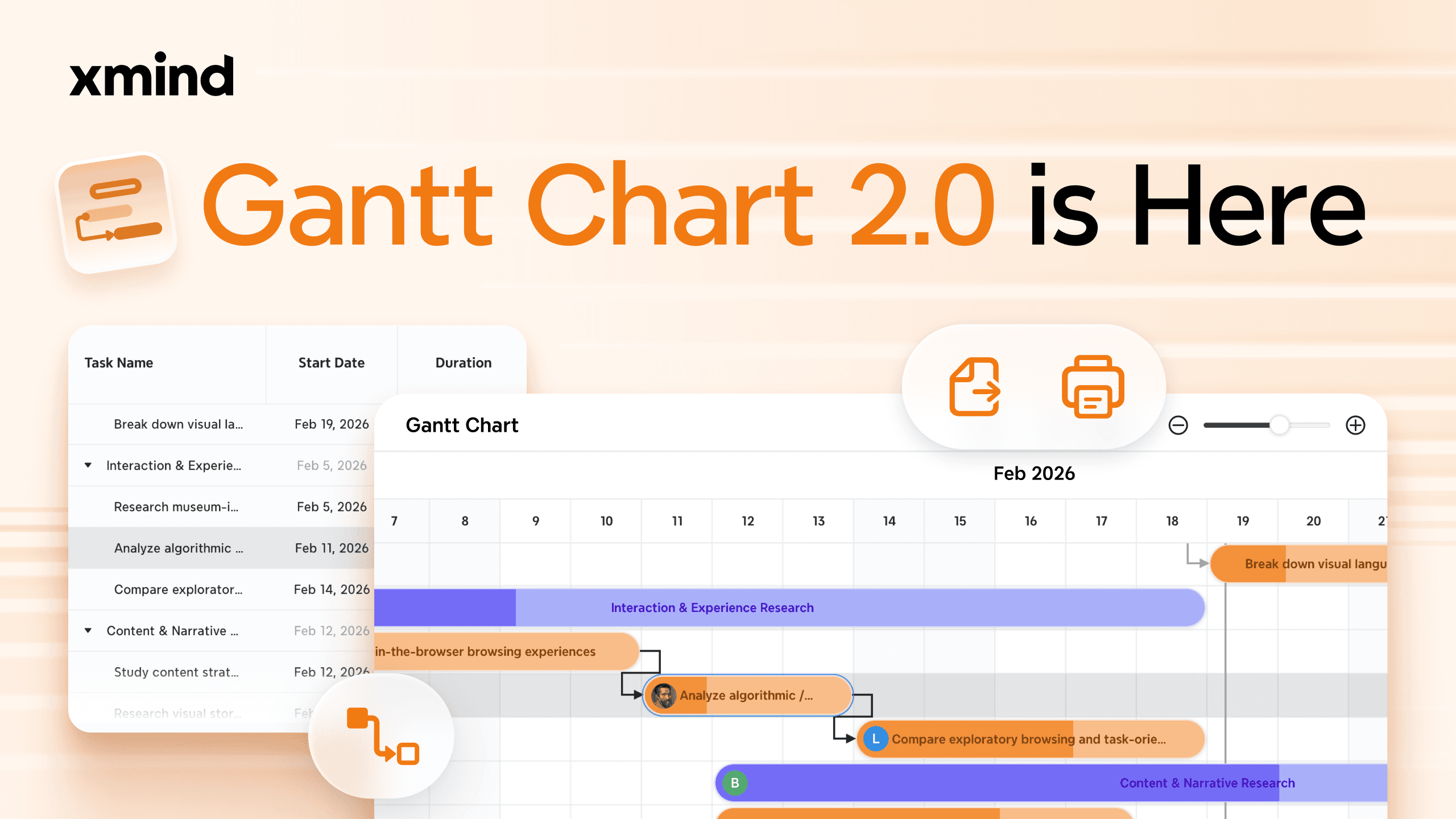
Instead of constantly switching between dates, durations, and dependencies, you can now plan tasks in one continuous flow and let the Gantt Chart follow along. Just define a start point and task durations. The system automatically calculates start and end dates.
IMPROVEMENT
Pitch Video
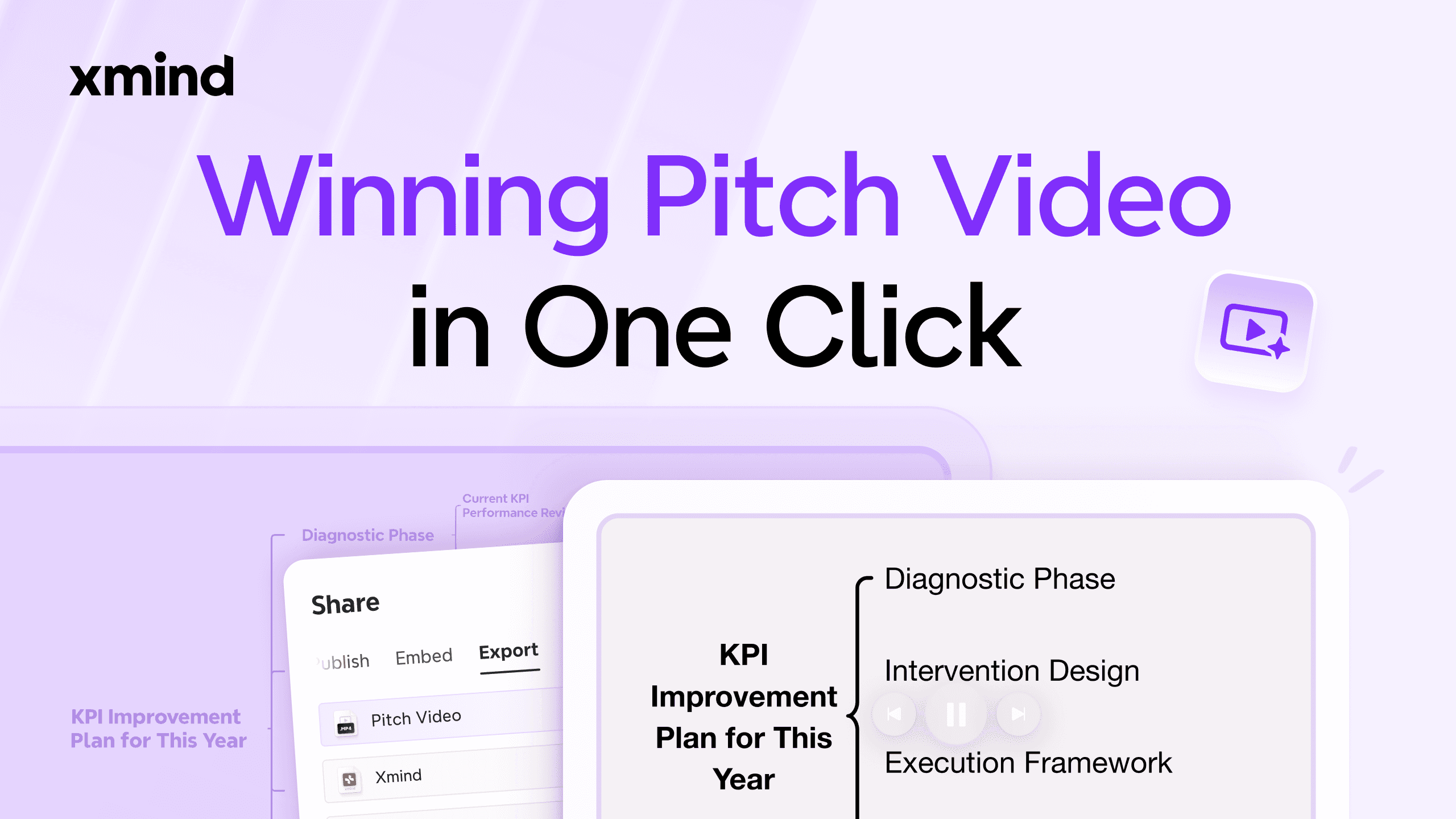
Pitch Video helps you quickly turn a mind map into a clear presentation video. AI automatically organizes content based on your idea and time limit, deciding what to highlight and how to pace it. This makes it easier to explain concepts, share proposals, or present ideas without manually building slides.
IMPROVEMENT
Make Image
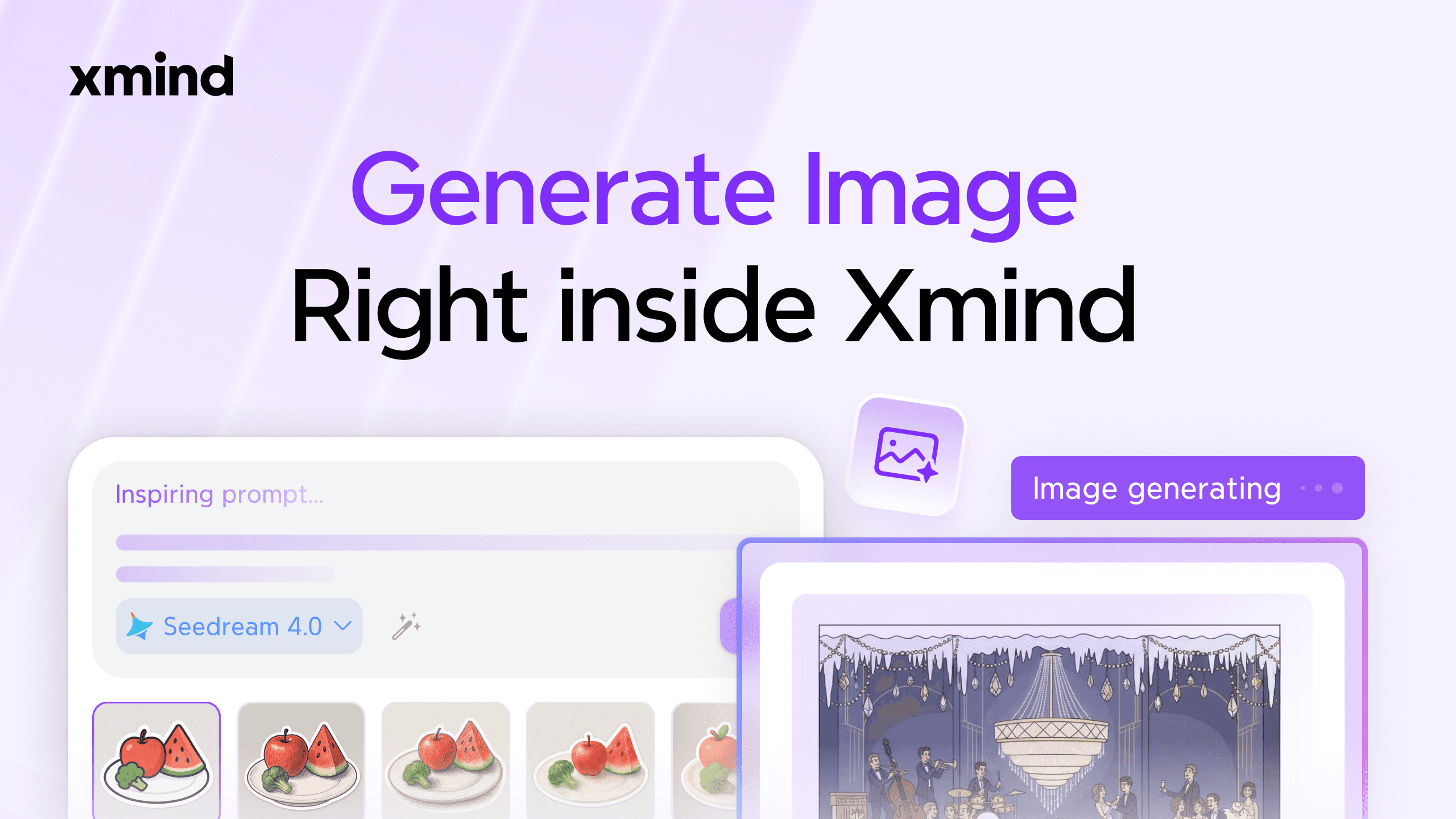
You can now generate vibrant stickers that perfectly match your topics directly within your mind map—no need to switch tools. AI understands your ideas and helps turn them into effective image-generation prompts. You can further fine-tune these prompts and switch between different image models and preset styles to fit your preferences.
Jan 22, 2026
Foundation Update: Focus with Zones, Plan with Ease
NEW FEATURE
Zone
Zones let you define and manage a specific area within a mind map independently. You can move, copy, reuse, or refine a group of content without affecting the rest of the map, making complex structures easier to handle. Zones also double as visual layout and export boundaries. What you see is exactly what you print or export.
NEW FEATURE
Skip Non-working Days
You can customize working days, holidays, and special exceptions for different regions, industries, or teams, and apply shared working-day templates across projects. Plan your project timelines based on how your team actually works, helping avoid misleading schedules and unrealistic deadlines.
IMPROVEMENT
Enhanced Gantt Chart
Instead of constantly switching between dates, durations, and dependencies, you can now plan tasks in one continuous flow and let the Gantt Chart follow along. Just define a start point and task durations. The system automatically calculates start and end dates.
IMPROVEMENT
Pitch Video
Pitch Video helps you quickly turn a mind map into a clear presentation video. AI automatically organizes content based on your idea and time limit, deciding what to highlight and how to pace it. This makes it easier to explain concepts, share proposals, or present ideas without manually building slides.
IMPROVEMENT
Make Image
You can now generate vibrant stickers that perfectly match your topics directly within your mind map—no need to switch tools. AI understands your ideas and helps turn them into effective image-generation prompts. You can further fine-tune these prompts and switch between different image models and preset styles to fit your preferences.
Jan 22, 2026
Foundation Update: Focus with Zones, Plan with Ease
NEW FEATURE
Zone
Zones let you define and manage a specific area within a mind map independently. You can move, copy, reuse, or refine a group of content without affecting the rest of the map, making complex structures easier to handle. Zones also double as visual layout and export boundaries. What you see is exactly what you print or export.
NEW FEATURE
Skip Non-working Days
You can customize working days, holidays, and special exceptions for different regions, industries, or teams, and apply shared working-day templates across projects. Plan your project timelines based on how your team actually works, helping avoid misleading schedules and unrealistic deadlines.
IMPROVEMENT
Enhanced Gantt Chart
Instead of constantly switching between dates, durations, and dependencies, you can now plan tasks in one continuous flow and let the Gantt Chart follow along. Just define a start point and task durations. The system automatically calculates start and end dates.
IMPROVEMENT
Pitch Video
Pitch Video helps you quickly turn a mind map into a clear presentation video. AI automatically organizes content based on your idea and time limit, deciding what to highlight and how to pace it. This makes it easier to explain concepts, share proposals, or present ideas without manually building slides.
IMPROVEMENT
Make Image
You can now generate vibrant stickers that perfectly match your topics directly within your mind map—no need to switch tools. AI understands your ideas and helps turn them into effective image-generation prompts. You can further fine-tune these prompts and switch between different image models and preset styles to fit your preferences.
Oct 22, 2025
Xmind V26: Light Way Project Management
NEW FEATURE
Gantt Chart
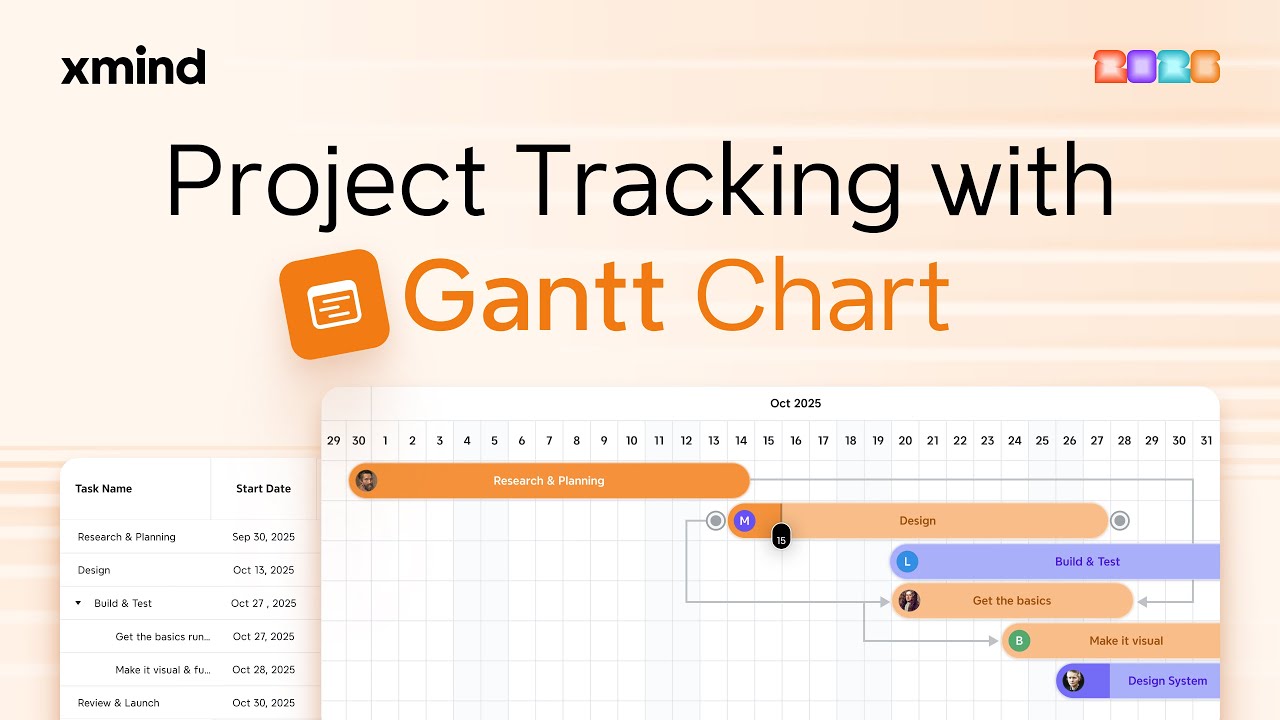
Visualize timelines, priorities, and task dependencies all at once without tool switching. See the full picture with every task clearly mapped and every deadline under control. Drag to adjust durations or dependencies. Click to edit task details. Fast. Smooth. Intuitive.
NEW FEATURE
AI Work Breakdown
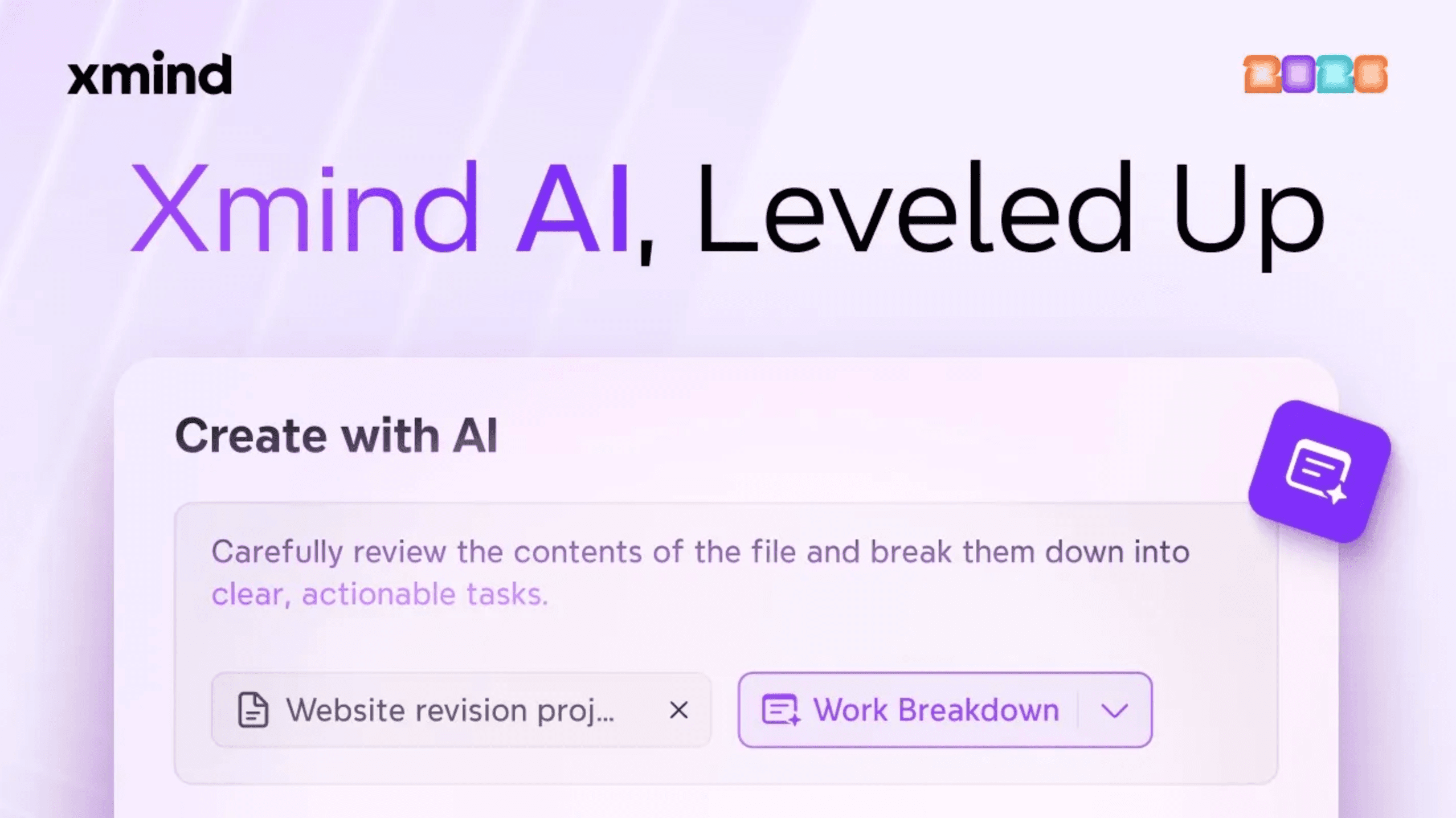
Whether you're exploring ideas, organizing information, or breaking down work, Xmind Al is always here to help - automatically turning any text, links, or documents into maps or breaking them into tasks and to-dos.
IMPROVEMENT
Task Enhancements
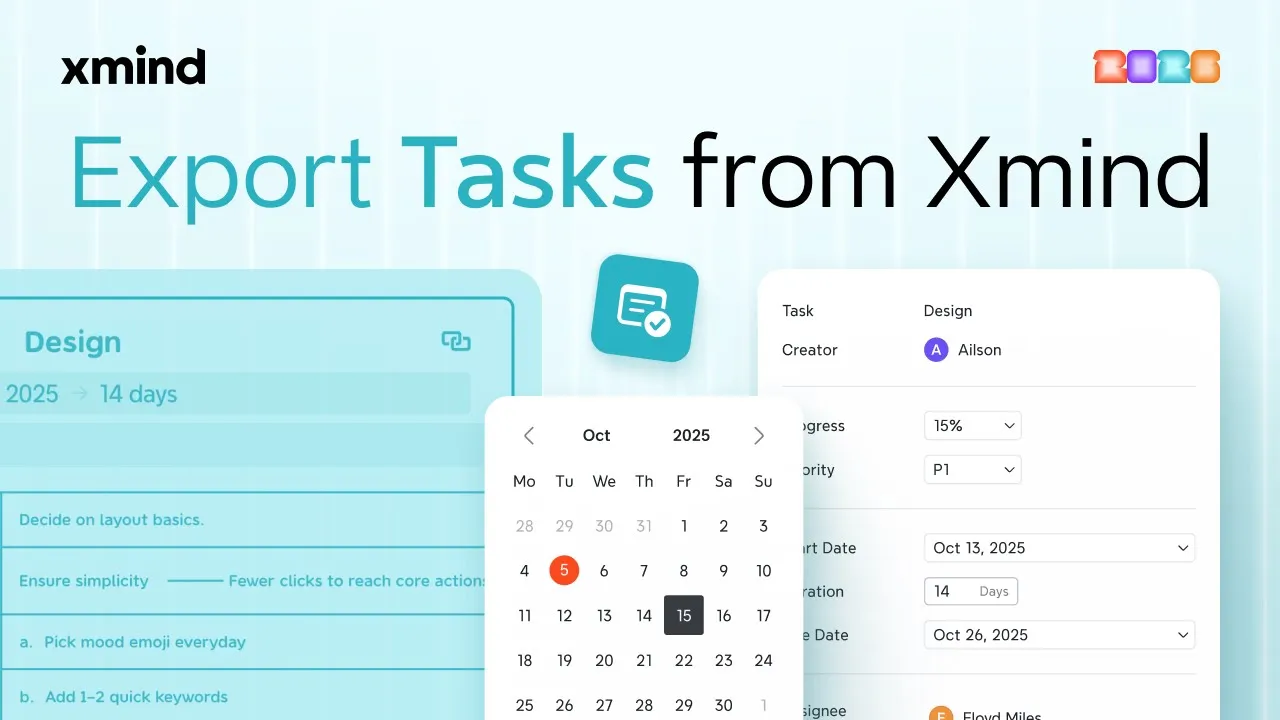
Tasks now support adding assignees and dependencies. Build task dependencies and assign them to teammates for clearer, smoother collaboration. Define them with details, and export to your favorite tools to keep things moving. Export tasks to CSV for Excel/Jira, or to ICS for calendar sync.
Oct 22, 2025
Xmind V26: Light Way Project Management
NEW FEATURE
Gantt Chart
Visualize timelines, priorities, and task dependencies all at once without tool switching. See the full picture with every task clearly mapped and every deadline under control. Drag to adjust durations or dependencies. Click to edit task details. Fast. Smooth. Intuitive.
NEW FEATURE
AI Work Breakdown
Whether you're exploring ideas, organizing information, or breaking down work, Xmind Al is always here to help - automatically turning any text, links, or documents into maps or breaking them into tasks and to-dos.
IMPROVEMENT
Task Enhancements
Tasks now support adding assignees and dependencies. Build task dependencies and assign them to teammates for clearer, smoother collaboration. Define them with details, and export to your favorite tools to keep things moving. Export tasks to CSV for Excel/Jira, or to ICS for calendar sync.
Oct 22, 2025
Xmind V26: Light Way Project Management
NEW FEATURE
Gantt Chart
Visualize timelines, priorities, and task dependencies all at once without tool switching. See the full picture with every task clearly mapped and every deadline under control. Drag to adjust durations or dependencies. Click to edit task details. Fast. Smooth. Intuitive.
NEW FEATURE
AI Work Breakdown
Whether you're exploring ideas, organizing information, or breaking down work, Xmind Al is always here to help - automatically turning any text, links, or documents into maps or breaking them into tasks and to-dos.
IMPROVEMENT
Task Enhancements
Tasks now support adding assignees and dependencies. Build task dependencies and assign them to teammates for clearer, smoother collaboration. Define them with details, and export to your favorite tools to keep things moving. Export tasks to CSV for Excel/Jira, or to ICS for calendar sync.
Load more
Resource guide