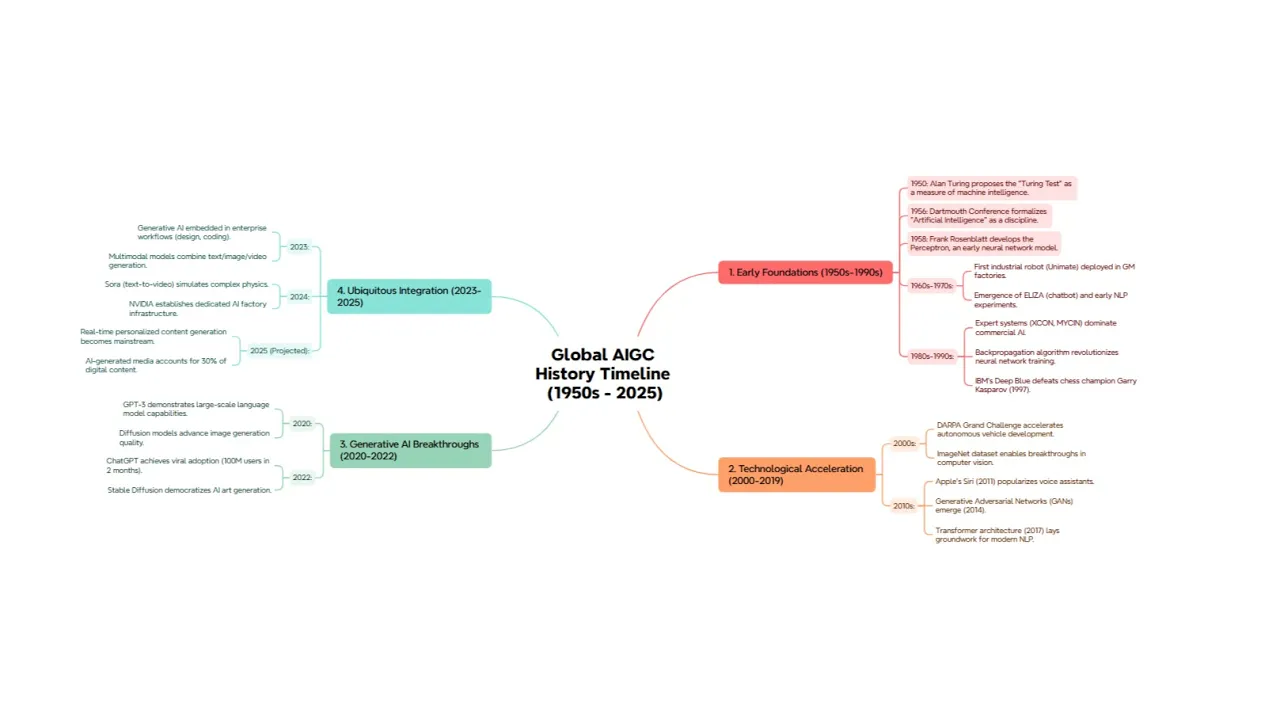




Textbundle to Mind Map


TextBundle to
Mind Map
Convert TextBundle files into structured mind maps instantly. No setup required. Upload your TextBundle file and transform outlines into visual mind maps.
How to use TextBundle to Mind Map?
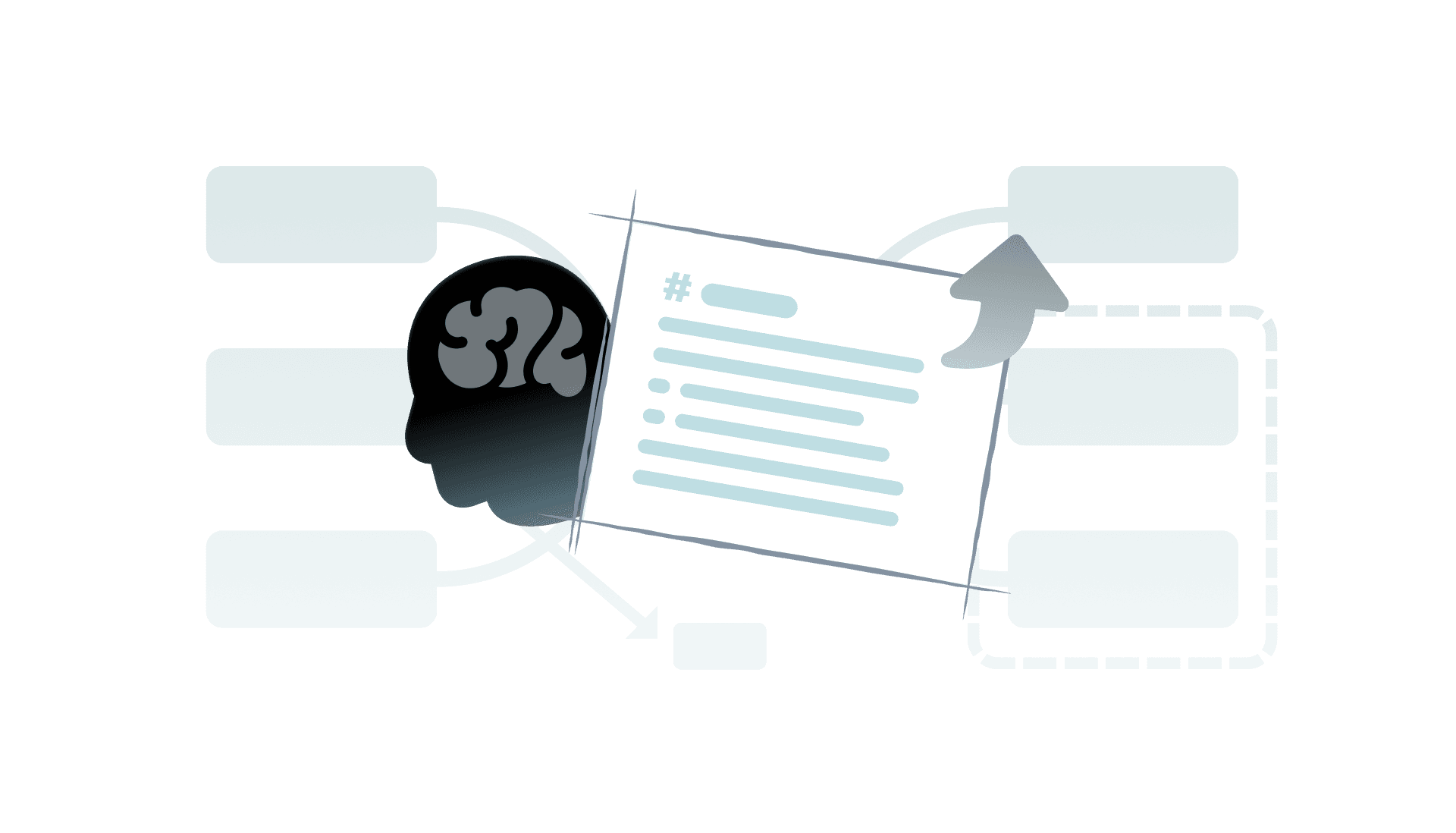
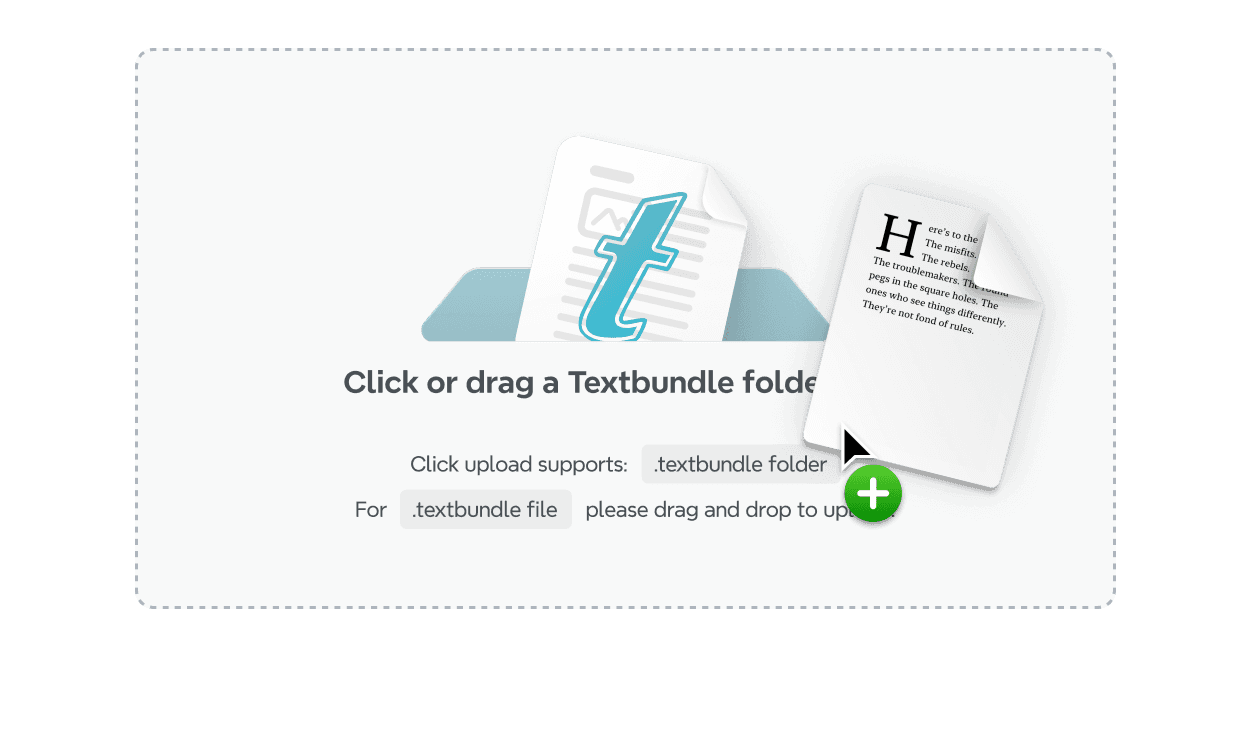
Upload File
Drag and drop your TextBundle file, or click to upload.
Step 1

Upload File
Drag and drop your TextBundle file, or click to upload.
Step 1

Upload File
Drag and drop your TextBundle file, or click to upload.
Step 1

Upload File
Drag and drop your TextBundle file, or click to upload.
Step 1

Upload File
Drag and drop your TextBundle file, or click to upload.
Step 1

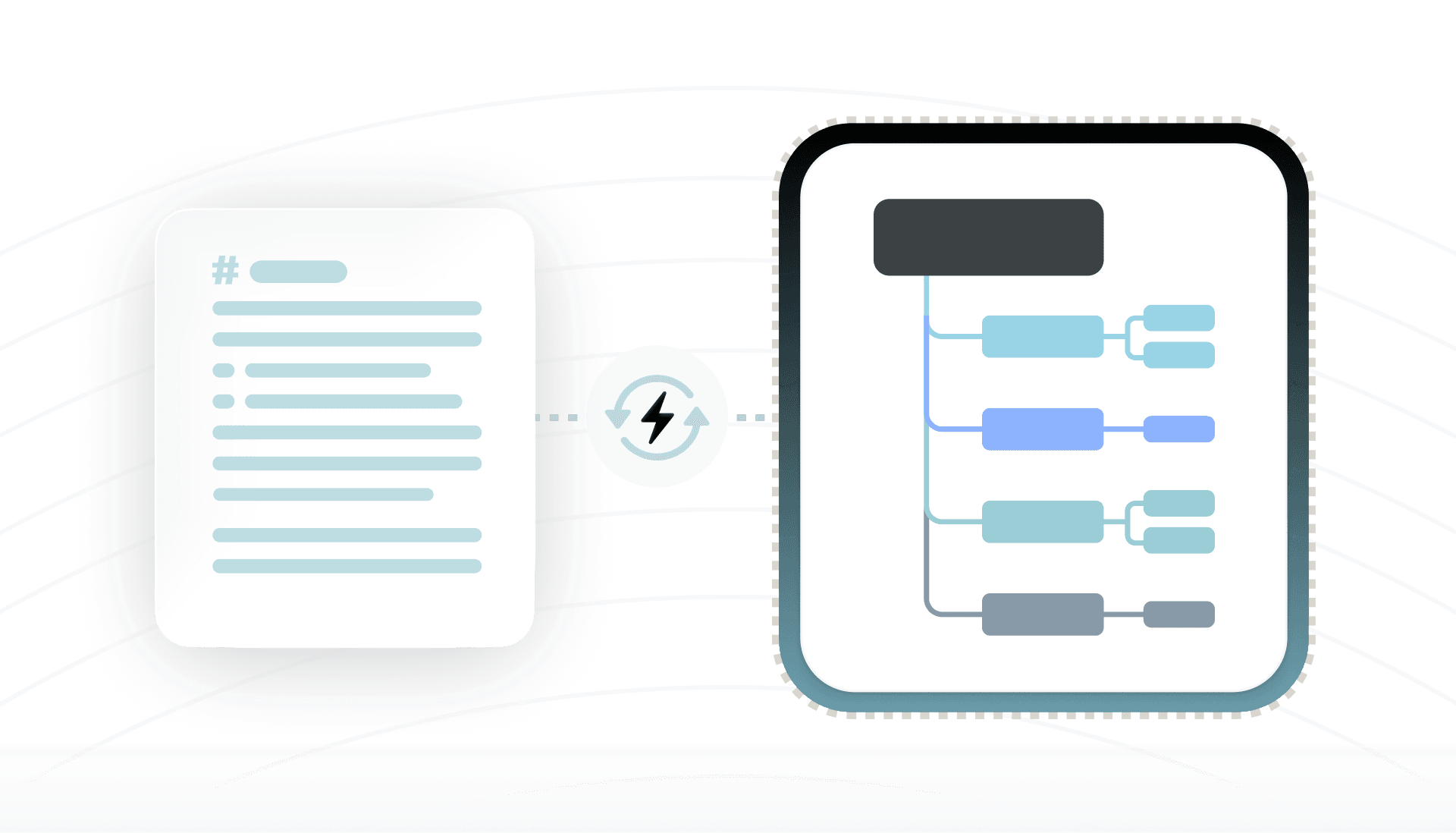
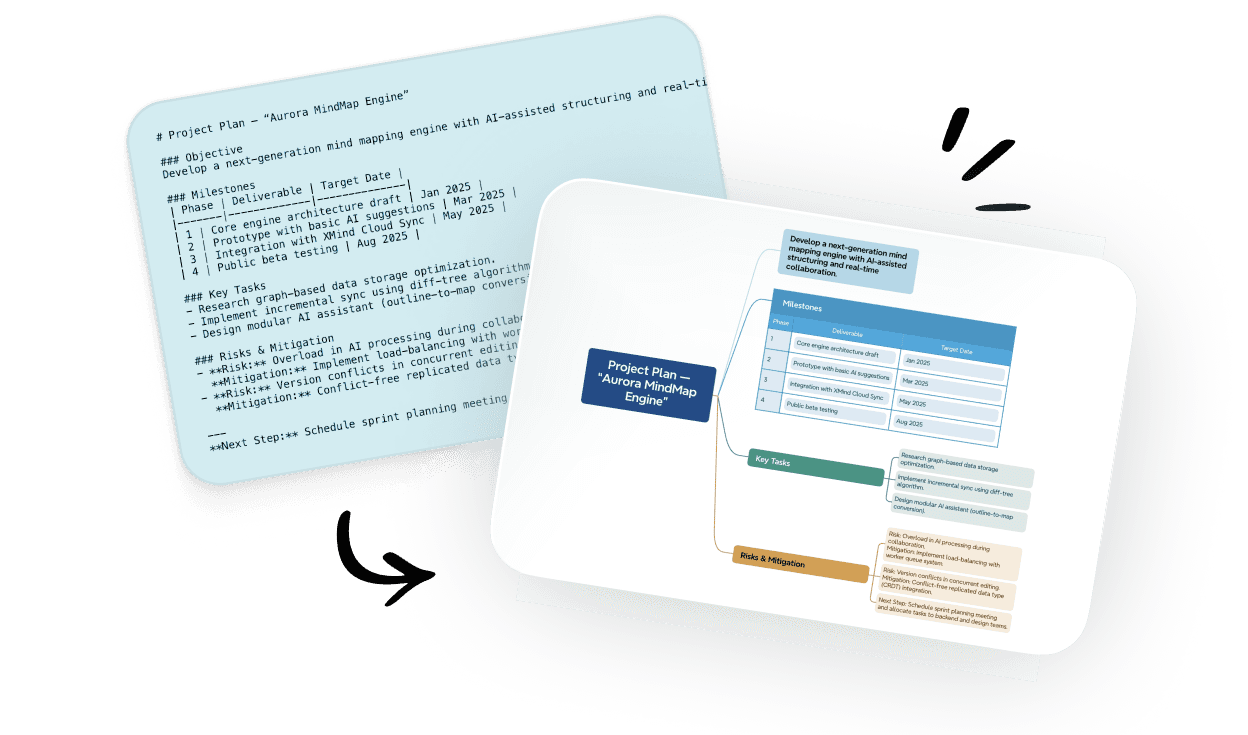
Convert
Convert files effortlessly into mind maps that make your notes easy to explore within seconds.
Step 2

Convert
Convert files effortlessly into mind maps that make your notes easy to explore within seconds.
Step 2

Convert
Convert files effortlessly into mind maps that make your notes easy to explore within seconds.
Step 2

Convert
Convert files effortlessly into mind maps that make your notes easy to explore within seconds.
Step 2

Convert
Convert files effortlessly into mind maps that make your notes easy to explore within seconds.
Step 2

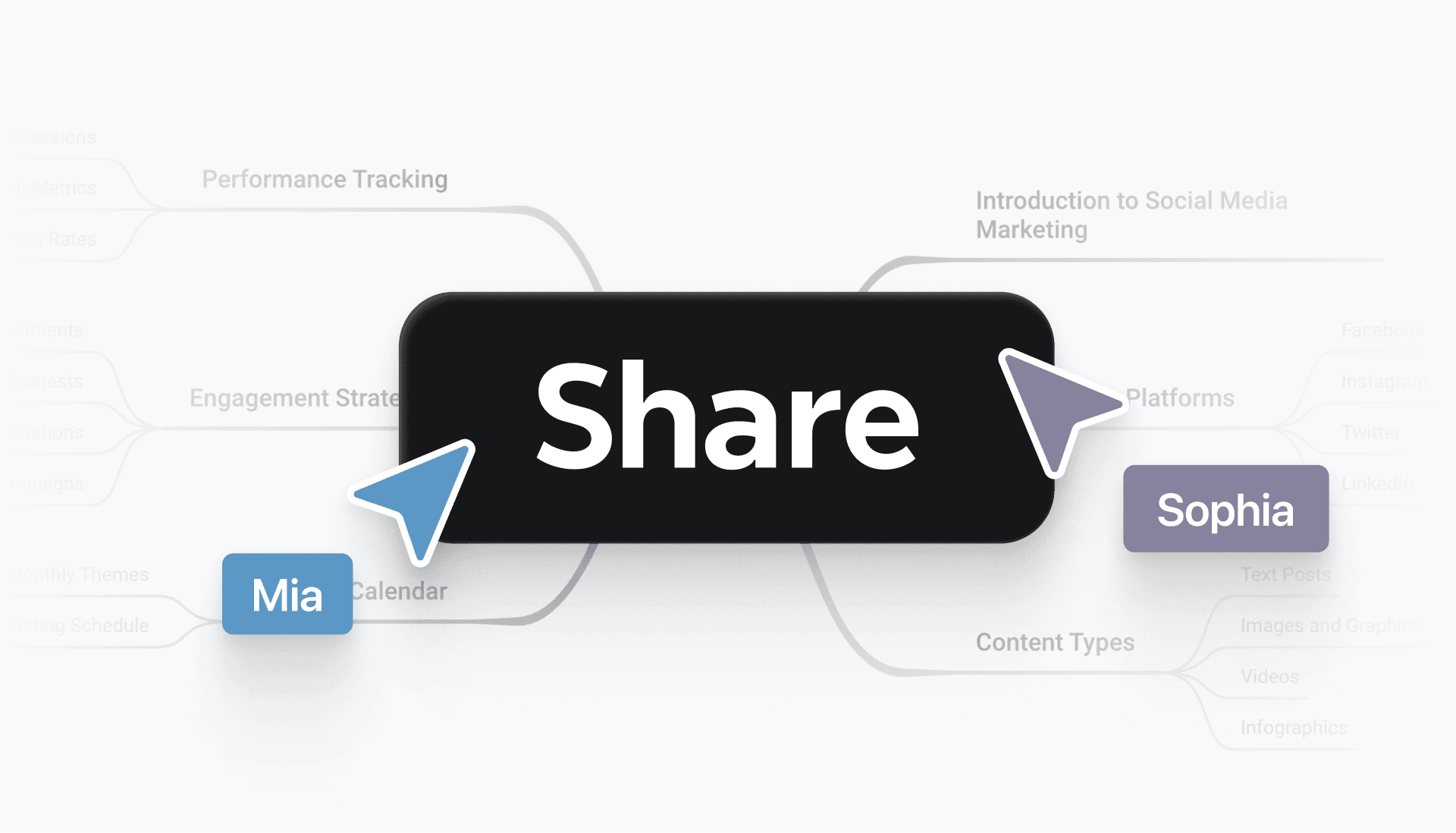
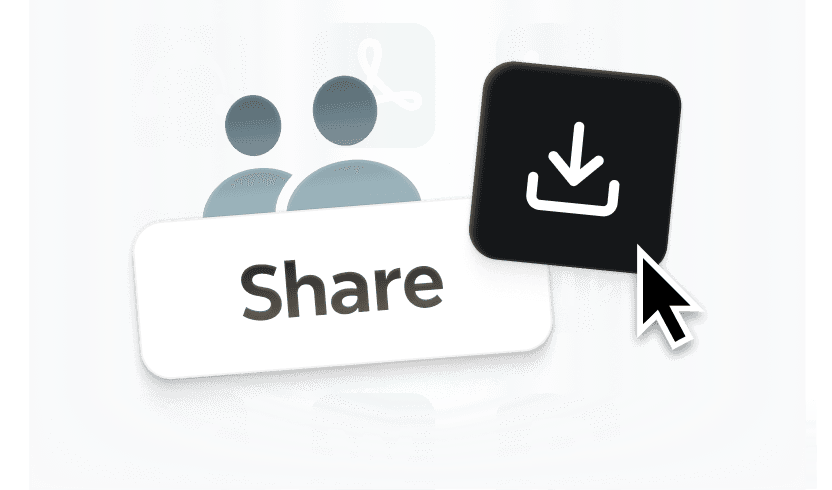
Download or Share
Export the map as PNG, PDF, or share it with collaborators via link.
Step 3

Download or Share
Export the map as PNG, PDF, or share it with collaborators via link.
Step 3

Download or Share
Export the map as PNG, PDF, or share it with collaborators via link.
Step 3

Download or Share
Export the map as PNG, PDF, or share it with collaborators via link.
Step 3

Download or Share
Export the map as PNG, PDF, or share it with collaborators via link.
Step 3

Hear from our Xmind family

4.8/5

App Store

95%
User satisfaction rate

100M+
Users worldwide
Free TextBundle to Mind Map tool

Why convert TextBundle to Mind Map?
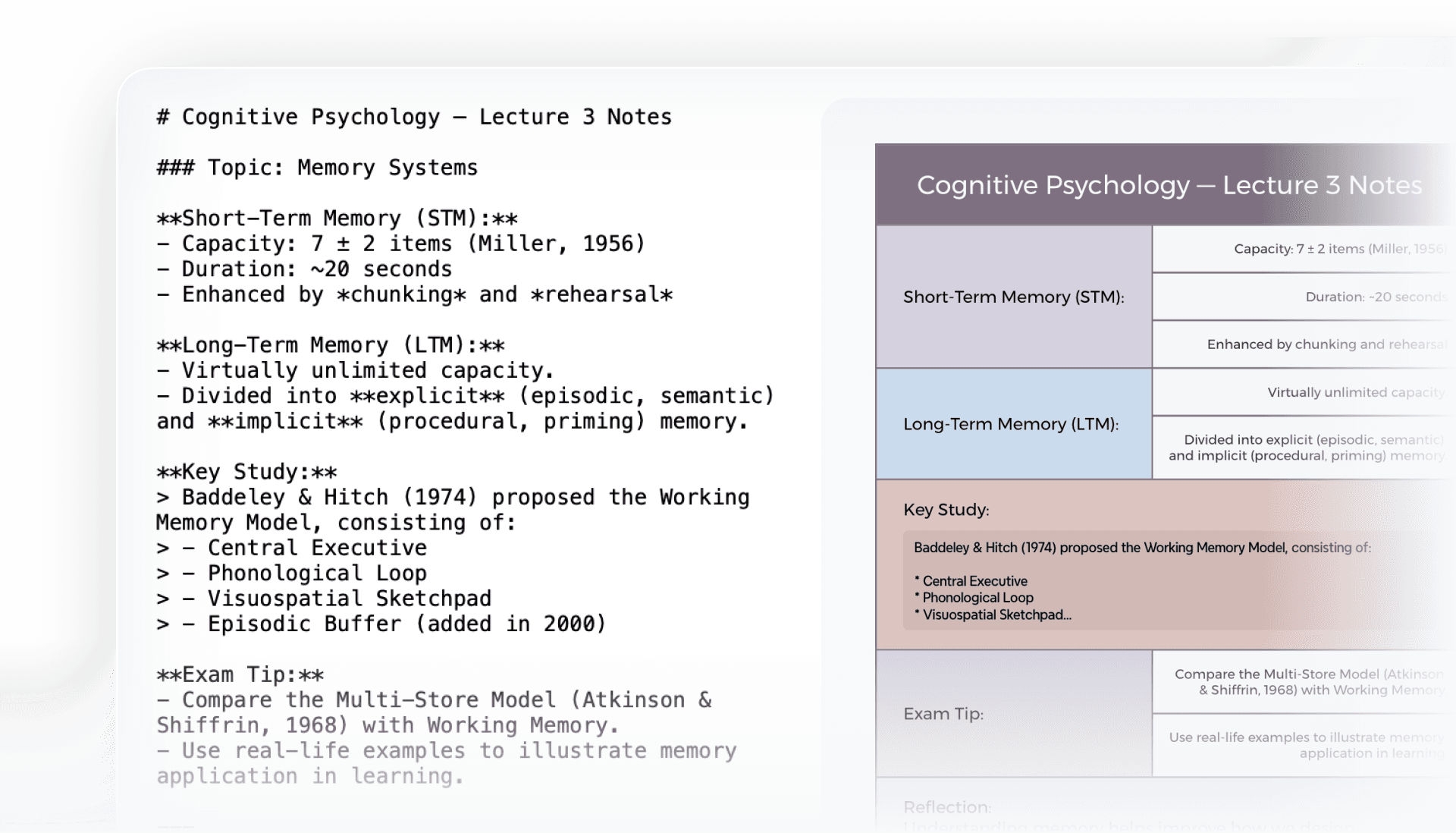
Better Focus
Keep text and embedded resources together in one structured view, so related content stays clear and accessible.

Better Focus
Keep text and embedded resources together in one structured view, so related content stays clear and accessible.

Better Focus
Keep text and embedded resources together in one structured view, so related content stays clear and accessible.

Better Focus
Keep text and embedded resources together in one structured view, so related content stays clear and accessible.

Better Focus
Keep text and embedded resources together in one structured view, so related content stays clear and accessible.

Clearer Understanding
Visual maps make bundled notes easier to follow and recall, helping you quickly connect sections, attachments, and ideas.

Clearer Understanding
Visual maps make bundled notes easier to follow and recall, helping you quickly connect sections, attachments, and ideas.

Clearer Understanding
Visual maps make bundled notes easier to follow and recall, helping you quickly connect sections, attachments, and ideas.

Clearer Understanding
Visual maps make bundled notes easier to follow and recall, helping you quickly connect sections, attachments, and ideas.

Clearer Understanding
Visual maps make bundled notes easier to follow and recall, helping you quickly connect sections, attachments, and ideas.

Organized Process
Keep text and embedded resources together in one structured view, so related content stays clear and accessible.

Organized Process
Keep text and embedded resources together in one structured view, so related content stays clear and accessible.

Organized Process
Keep text and embedded resources together in one structured view, so related content stays clear and accessible.

Organized Process
Keep text and embedded resources together in one structured view, so related content stays clear and accessible.

Organized Process
Keep text and embedded resources together in one structured view, so related content stays clear and accessible.

Seamless Sharing
Share mind maps instead of raw bundles, making it faster for teams or collaborators to review and align.

Seamless Sharing
Share mind maps instead of raw bundles, making it faster for teams or collaborators to review and align.

Seamless Sharing
Share mind maps instead of raw bundles, making it faster for teams or collaborators to review and align.

Seamless Sharing
Share mind maps instead of raw bundles, making it faster for teams or collaborators to review and align.

Seamless Sharing
Share mind maps instead of raw bundles, making it faster for teams or collaborators to review and align.

TextBundle to Mind Map fits various use cases
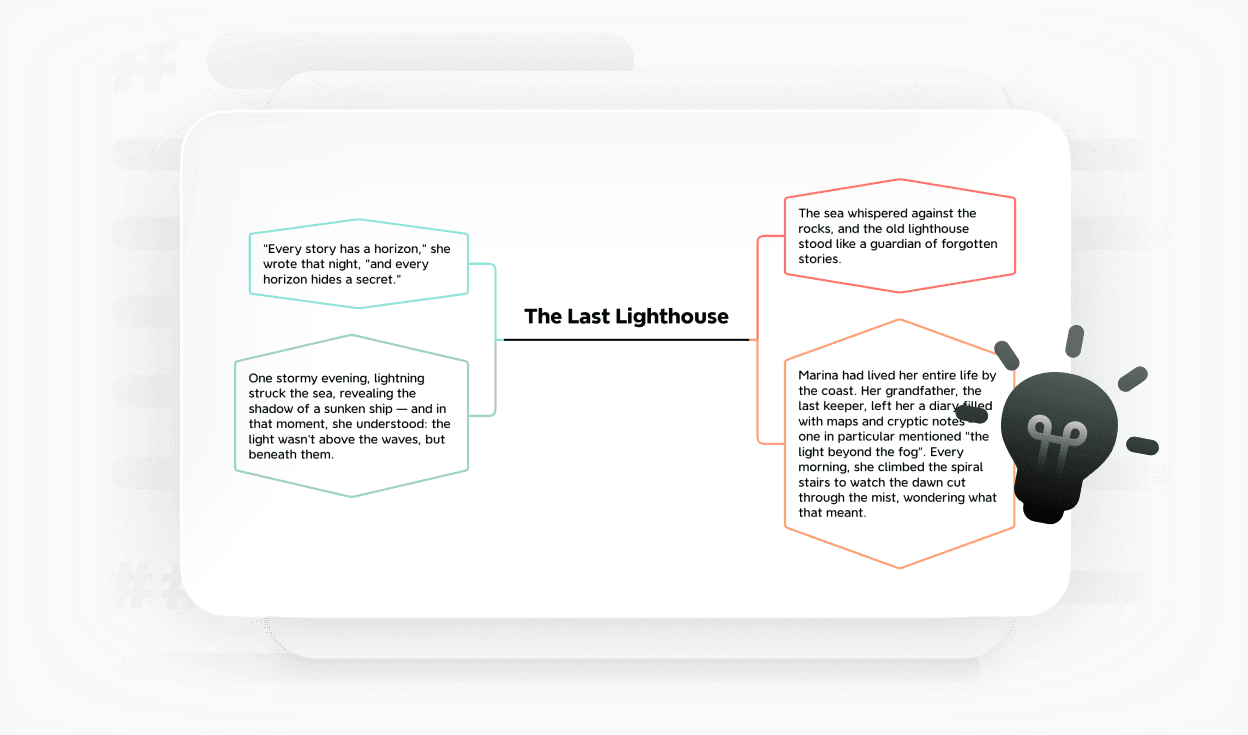
Creative Writing
Turn drafts into mind maps to plan stories and chapters more clearly.

Creative Writing
Turn drafts into mind maps to plan stories and chapters more clearly.

Creative Writing
Turn drafts into mind maps to plan stories and chapters more clearly.

Creative Writing
Turn drafts into mind maps to plan stories and chapters more clearly.

Creative Writing
Turn drafts into mind maps to plan stories and chapters more clearly.

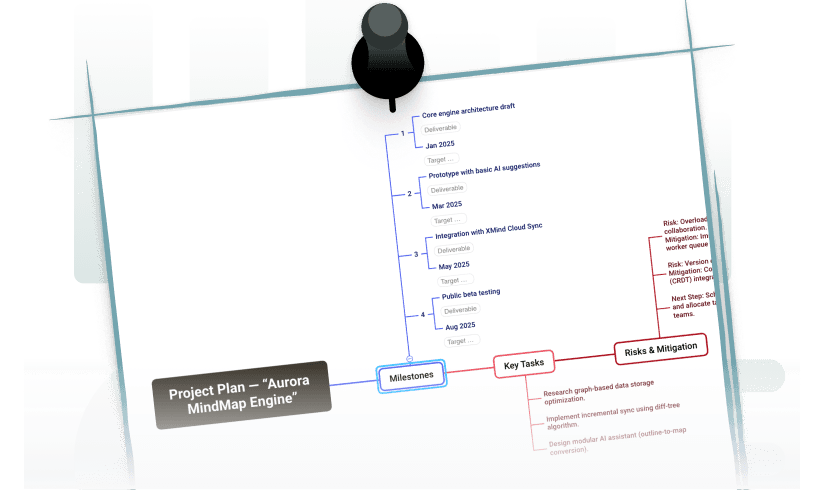
Project Planning
Convert outlines into visual maps to share and discuss with your team.

Project Planning
Convert outlines into visual maps to share and discuss with your team.

Project Planning
Convert outlines into visual maps to share and discuss with your team.

Project Planning
Convert outlines into visual maps to share and discuss with your team.

Project Planning
Convert outlines into visual maps to share and discuss with your team.

Research Notes
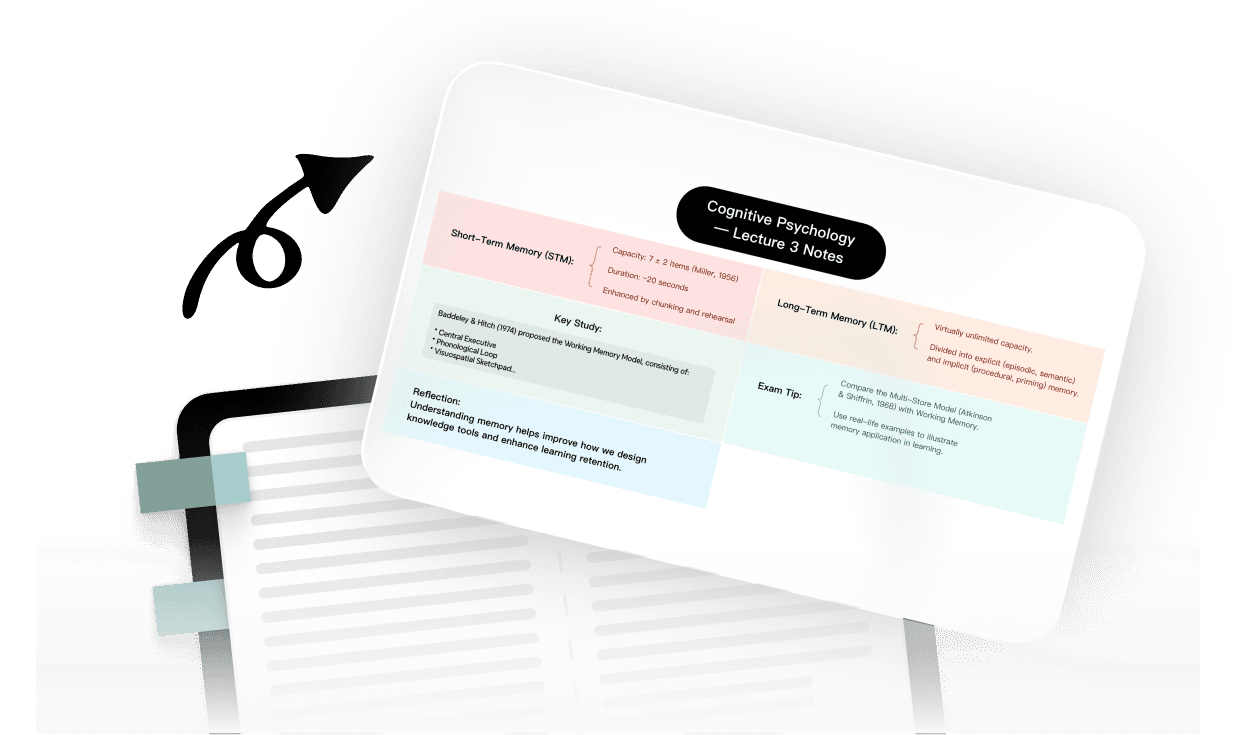
Map out study notes with text and images for easier review.

Research Notes
Map out study notes with text and images for easier review.

Research Notes
Map out study notes with text and images for easier review.

Research Notes
Map out study notes with text and images for easier review.

Research Notes
Map out study notes with text and images for easier review.

Frequently asked questions
How to convert a Textbundle file into a mind map?
Upload your TextBundle file and the tool converts the contained notes into a mind map automatically. The structure becomes visual, so you can scan and reorganize content quickly.
Is there a file size limit for TextBundle conversions?
Most TextBundle files convert without issue. Large bundles with many notes or assets may take longer, but the tool is built to handle both light and heavy projects.
How do I export or share the converted mind map?
You can export the map as an Xmind file, PDF, or image, or share it via link. This helps you present drafts and research visually across tools and teams.
Is the TextBundle to Mind Map tool free to use?
Yes. It’s free and works in the browser, with no software to install and no account needed. You can convert TextBundle notes into maps immediately.
Is my data secure?
Yes. Your files are processed securely, not stored after conversion, and never shared. Your notes and attachments remain private during the entire process.
Frequently asked questions
How to convert a Textbundle file into a mind map?
Upload your TextBundle file and the tool converts the contained notes into a mind map automatically. The structure becomes visual, so you can scan and reorganize content quickly.
Is there a file size limit for TextBundle conversions?
Most TextBundle files convert without issue. Large bundles with many notes or assets may take longer, but the tool is built to handle both light and heavy projects.
How do I export or share the converted mind map?
You can export the map as an Xmind file, PDF, or image, or share it via link. This helps you present drafts and research visually across tools and teams.
Is the TextBundle to Mind Map tool free to use?
Yes. It’s free and works in the browser, with no software to install and no account needed. You can convert TextBundle notes into maps immediately.
Is my data secure?
Yes. Your files are processed securely, not stored after conversion, and never shared. Your notes and attachments remain private during the entire process.
Frequently asked questions
How to convert a Textbundle file into a mind map?
Upload your TextBundle file and the tool converts the contained notes into a mind map automatically. The structure becomes visual, so you can scan and reorganize content quickly.
Is there a file size limit for TextBundle conversions?
Most TextBundle files convert without issue. Large bundles with many notes or assets may take longer, but the tool is built to handle both light and heavy projects.
How do I export or share the converted mind map?
You can export the map as an Xmind file, PDF, or image, or share it via link. This helps you present drafts and research visually across tools and teams.
Is the TextBundle to Mind Map tool free to use?
Yes. It’s free and works in the browser, with no software to install and no account needed. You can convert TextBundle notes into maps immediately.
Is my data secure?
Yes. Your files are processed securely, not stored after conversion, and never shared. Your notes and attachments remain private during the entire process.
Frequently asked questions
How to convert a Textbundle file into a mind map?
Upload your TextBundle file and the tool converts the contained notes into a mind map automatically. The structure becomes visual, so you can scan and reorganize content quickly.
Is there a file size limit for TextBundle conversions?
Most TextBundle files convert without issue. Large bundles with many notes or assets may take longer, but the tool is built to handle both light and heavy projects.
How do I export or share the converted mind map?
You can export the map as an Xmind file, PDF, or image, or share it via link. This helps you present drafts and research visually across tools and teams.
Is the TextBundle to Mind Map tool free to use?
Yes. It’s free and works in the browser, with no software to install and no account needed. You can convert TextBundle notes into maps immediately.
Is my data secure?
Yes. Your files are processed securely, not stored after conversion, and never shared. Your notes and attachments remain private during the entire process.
Frequently asked questions
How to convert a Textbundle file into a mind map?
Upload your TextBundle file and the tool converts the contained notes into a mind map automatically. The structure becomes visual, so you can scan and reorganize content quickly.
Is there a file size limit for TextBundle conversions?
Most TextBundle files convert without issue. Large bundles with many notes or assets may take longer, but the tool is built to handle both light and heavy projects.
How do I export or share the converted mind map?
You can export the map as an Xmind file, PDF, or image, or share it via link. This helps you present drafts and research visually across tools and teams.
Is the TextBundle to Mind Map tool free to use?
Yes. It’s free and works in the browser, with no software to install and no account needed. You can convert TextBundle notes into maps immediately.
Is my data secure?
Yes. Your files are processed securely, not stored after conversion, and never shared. Your notes and attachments remain private during the entire process.


More Than a Textbundle to Mind Map Tool
Xmind expands the value of Textbundle, using AI to merge text and resources into structured maps that support writing, research, and professional workflows. Explore your bundled notes visually.

More Than a Textbundle to Mind Map Tool
Xmind expands the value of Textbundle, using AI to merge text and resources into structured maps that support writing, research, and professional workflows. Explore your bundled notes visually.

More Than a Textbundle to Mind Map Tool
Xmind expands the value of Textbundle, using AI to merge text and resources into structured maps that support writing, research, and professional workflows. Explore your bundled notes visually.

More Than a Textbundle to Mind Map Tool
Xmind expands the value of Textbundle, using AI to merge text and resources into structured maps that support writing, research, and professional workflows. Explore your bundled notes visually.

More Than a Textbundle to Mind Map Tool
Xmind expands the value of Textbundle, using AI to merge text and resources into structured maps that support writing, research, and professional workflows. Explore your bundled notes visually.