
How to make a brace map in 3 simple steps?
One click to start
Type the main object, concept, or topic on the left side as your starting point.
Step 1
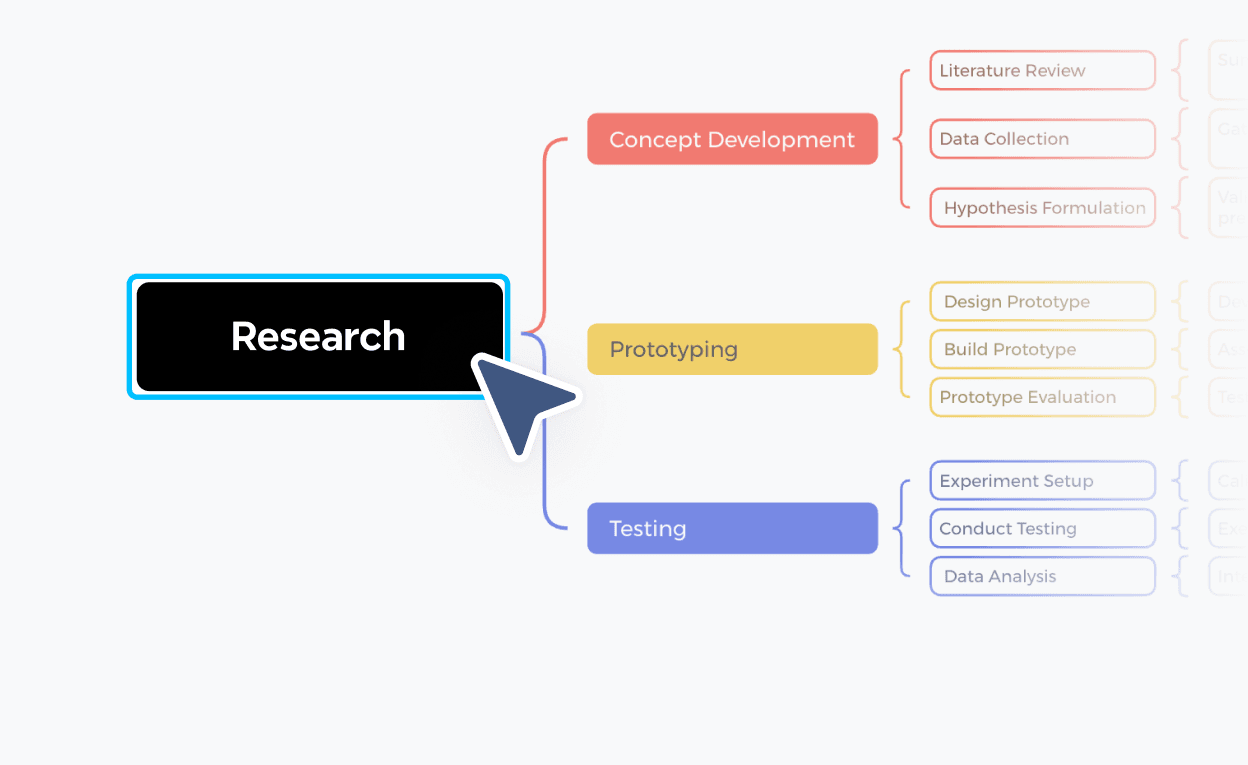

Refine and share
Adjust labels, reorganize parts, then save, share, or export your brace map when it's ready.
Step 3

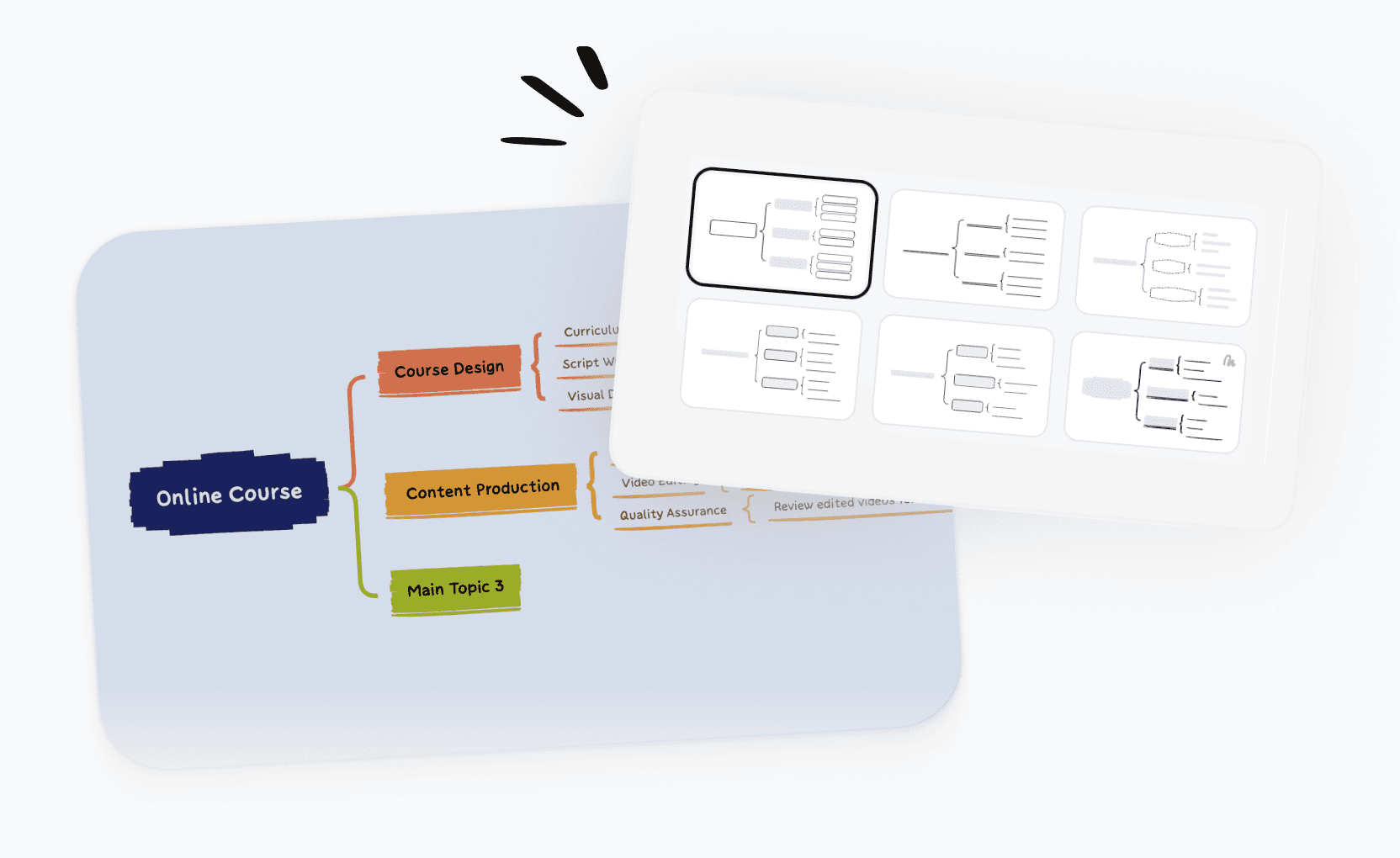
Brace map templates for every need
Start faster with ready-to-use brace map templates built for students, teachers, and professionals. Pick a template and customize it in seconds.
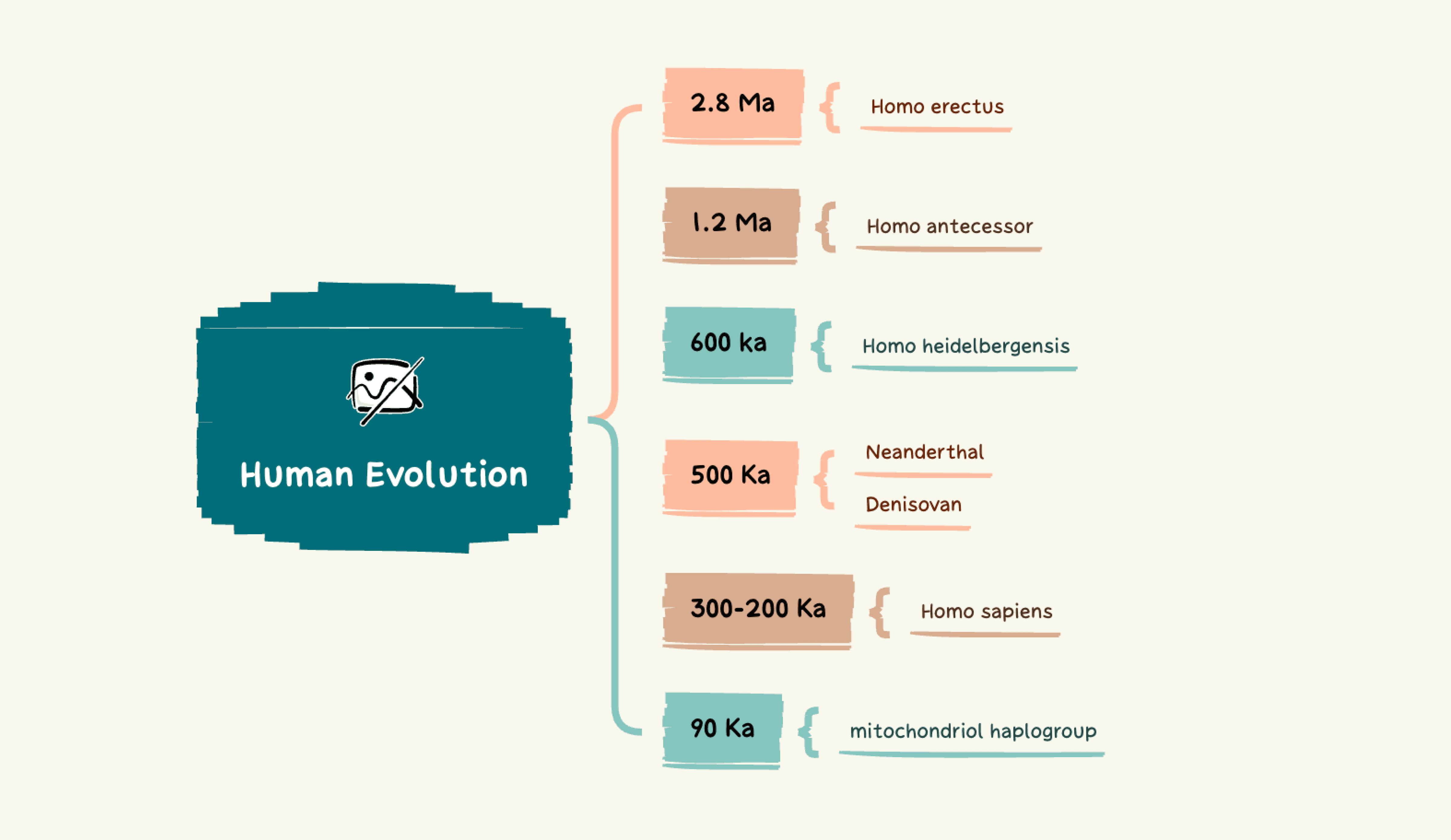
Evolution analysis template
A structured breakdown of the key evolutionary factors and milestones that shaped human development, useful for academic research and science education.
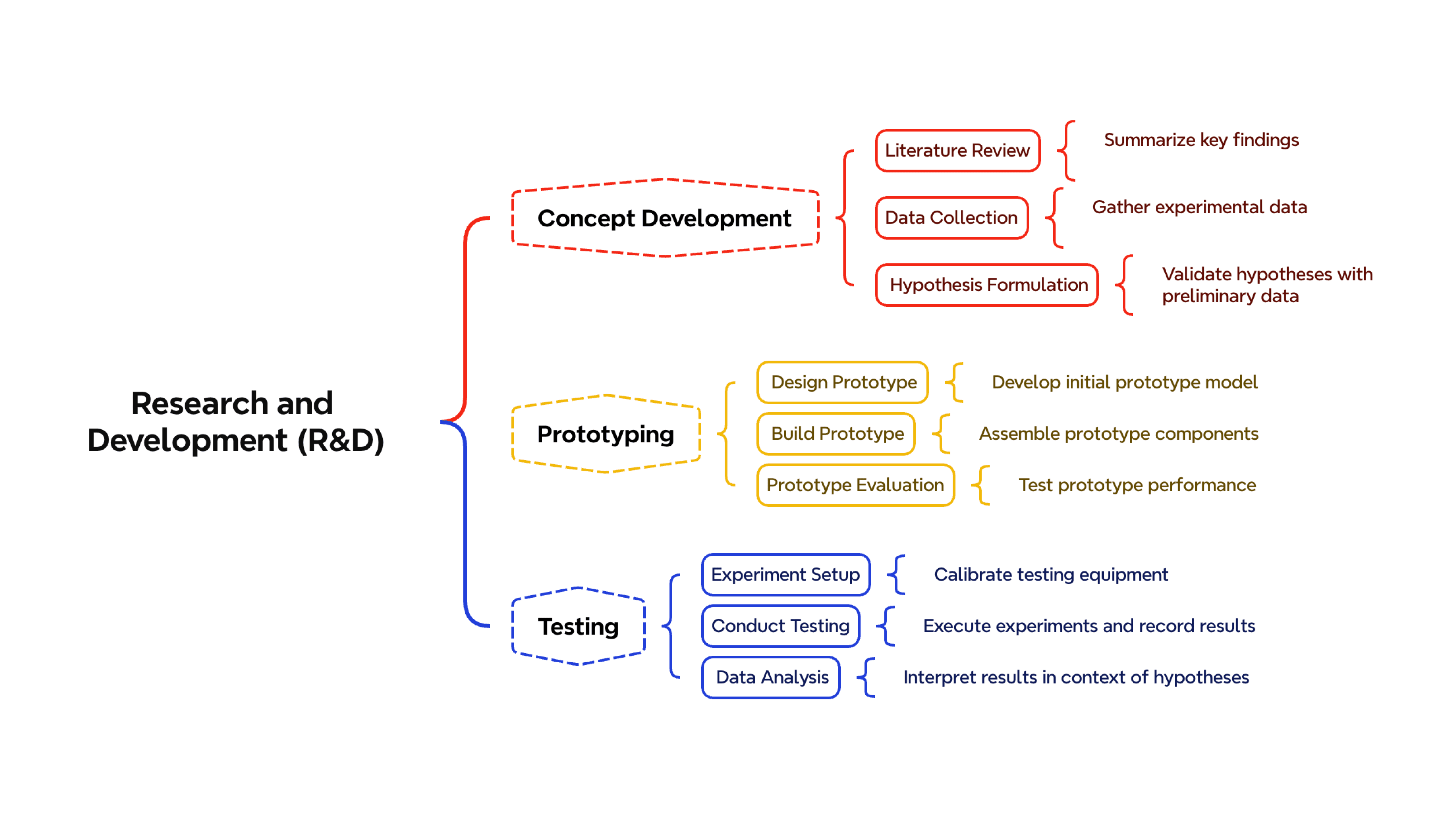
R&D process analysis template
Map the root causes of stalled research phases—from concept to prototype to testing—and identify where development broke down.
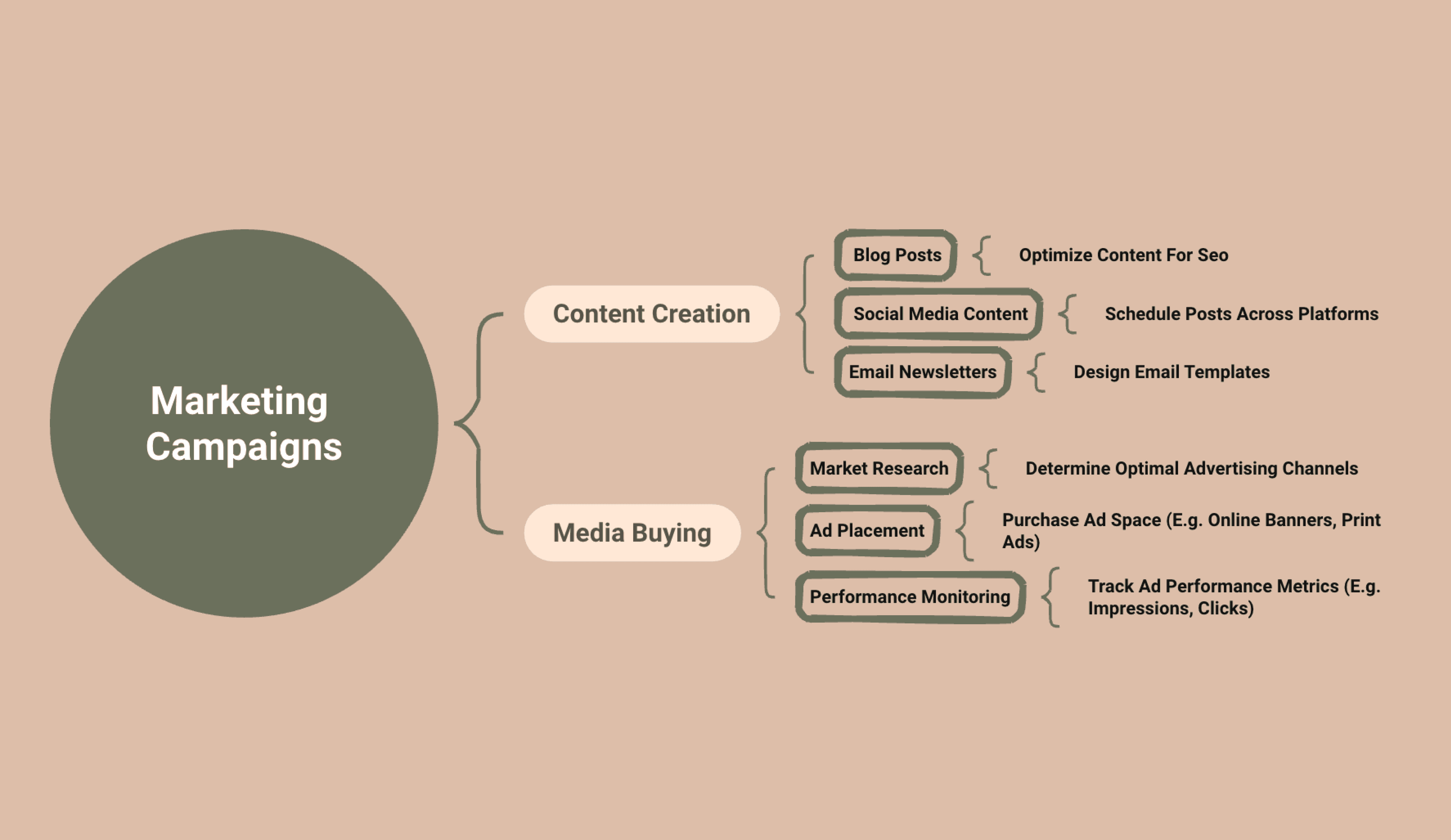
Marketing campaign template
Analyze why a campaign underdelivered by mapping causes across content creation, media buying, audience targeting, and messaging
What is a brace map?
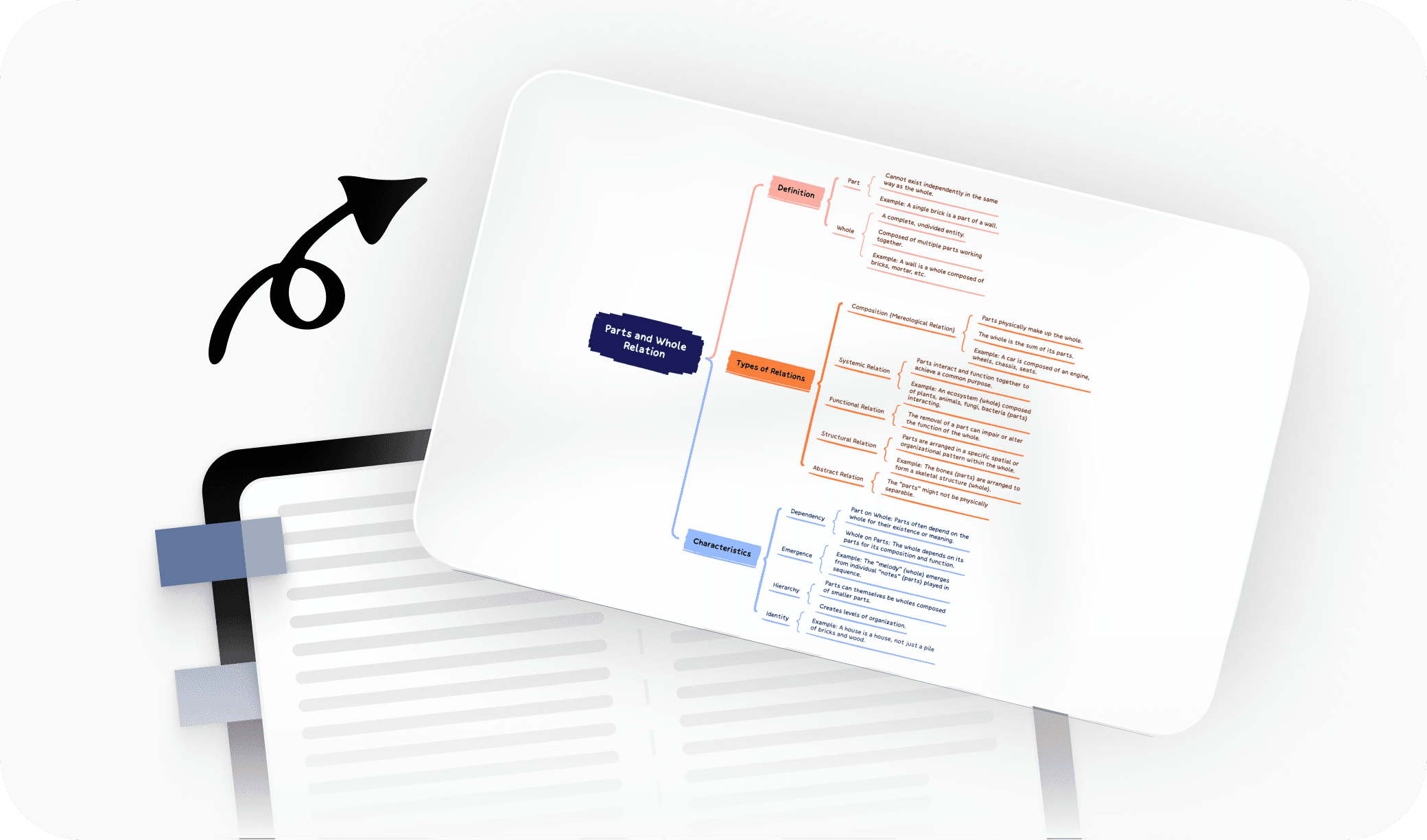
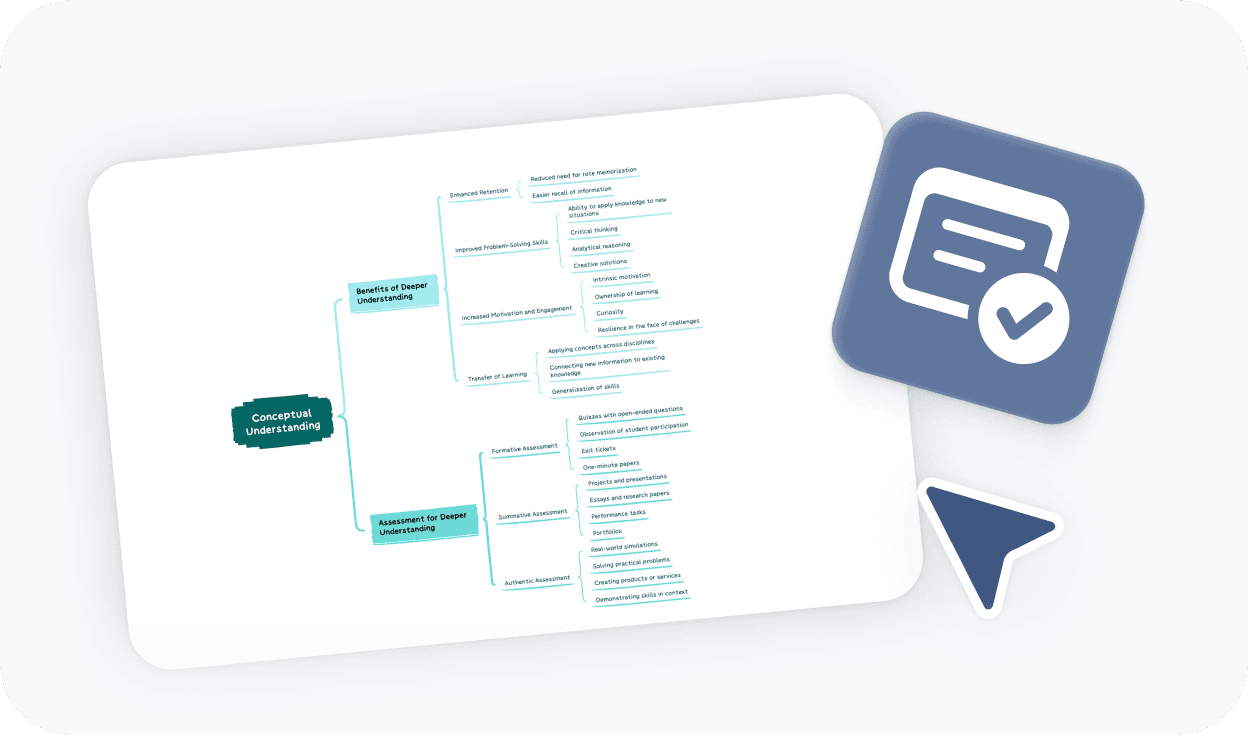
A brace map is a visual thinking tool that breaks down a whole into its parts. It places the main topic on the left, with braces expanding to the right to show components and sub-components. It's especially useful for analyzing physical objects, studying complex systems, and structuring written work.
More than just a free online brace map maker

AI-powered suggestions
Get intelligent ideas for parts, sub-components, and even full brace map generation from a single topic.

Beautiful & Intuitive interface
Enjoy a clean, distraction-free experience that keeps the focus on your thinking.

Free to start, Powerful features
Access core brace map tools for free, with advanced options available when you need them.

Flexible structure & depth
Expand your brace map to as many levels as your topic requires, with full control over layout and labels.

Easy sharing & export
Share your brace map with a link or export to PDF, PNG, or Xmind format.
Trusted by millions worldwide

4.8/5

App Store

95%
User satisfaction rate

100M+
Users worldwide
Explore other free online tools



Is this brace map maker free to use?
Yes. You can start using this brace map maker for free and create brace maps directly in your browser. No payment or account is required to get started.
Do I need to sign up to create a brace map?
No. You can create a brace map and export it to PDF, PNG, or Xmind format without signing up. An account is only required if you want to save your work online or access it later across devices.
How to make a brace map?
To make a brace map, start by entering the whole object or concept on the left. Then add braces to break it into its main parts. Keep expanding each part into sub-parts until your diagram reflects the full structure. You can adjust labels and layout at any point before exporting or sharing.
Can I export and share my brace map?
Yes. You can export your brace map to PDF, PNG, or Xmind format without signing up. If you want to generate a shareable link or save your brace map online for future access, a free account is required.
What is the best online brace map maker?
The best online brace map maker depends on what you need. If you want a tool that's fast to start, requires no downloads, and supports multi-level part-whole structures, Xmind's free brace map maker is a strong option. It also includes AI-powered suggestions and export options that go beyond basic diagramming tools.
Is this brace map maker suitable for beginners?
Yes. This brace map maker is designed to be beginner-friendly. You can start from a blank canvas or use a template, and the interface guides you through building your diagram without any prior experience.
How is a brace map different from a mind map?
A brace map and a mind map are both visual tools, but they serve different purposes. A brace map shows part-whole relationships—breaking a single object or concept into its physical or structural components. A mind map is better suited for open-ended brainstorming, where ideas radiate outward from a central topic in multiple directions.
Can I use this brace map maker instead of Google Docs or Microsoft Word?
Yes. If you've been making brace maps in Google Docs or Microsoft Word using tables or text formatting, this tool is a much faster alternative. It's built specifically for brace map structure, so you don't have to work around document formatting constraints to get the layout right.




