
How to make a fishbone diagram in 3 simple steps?

Fishbone diagram templates for every need
Start your root cause analysis faster with ready-to-use fishbone diagram templates. Pick a template and customize it in seconds.
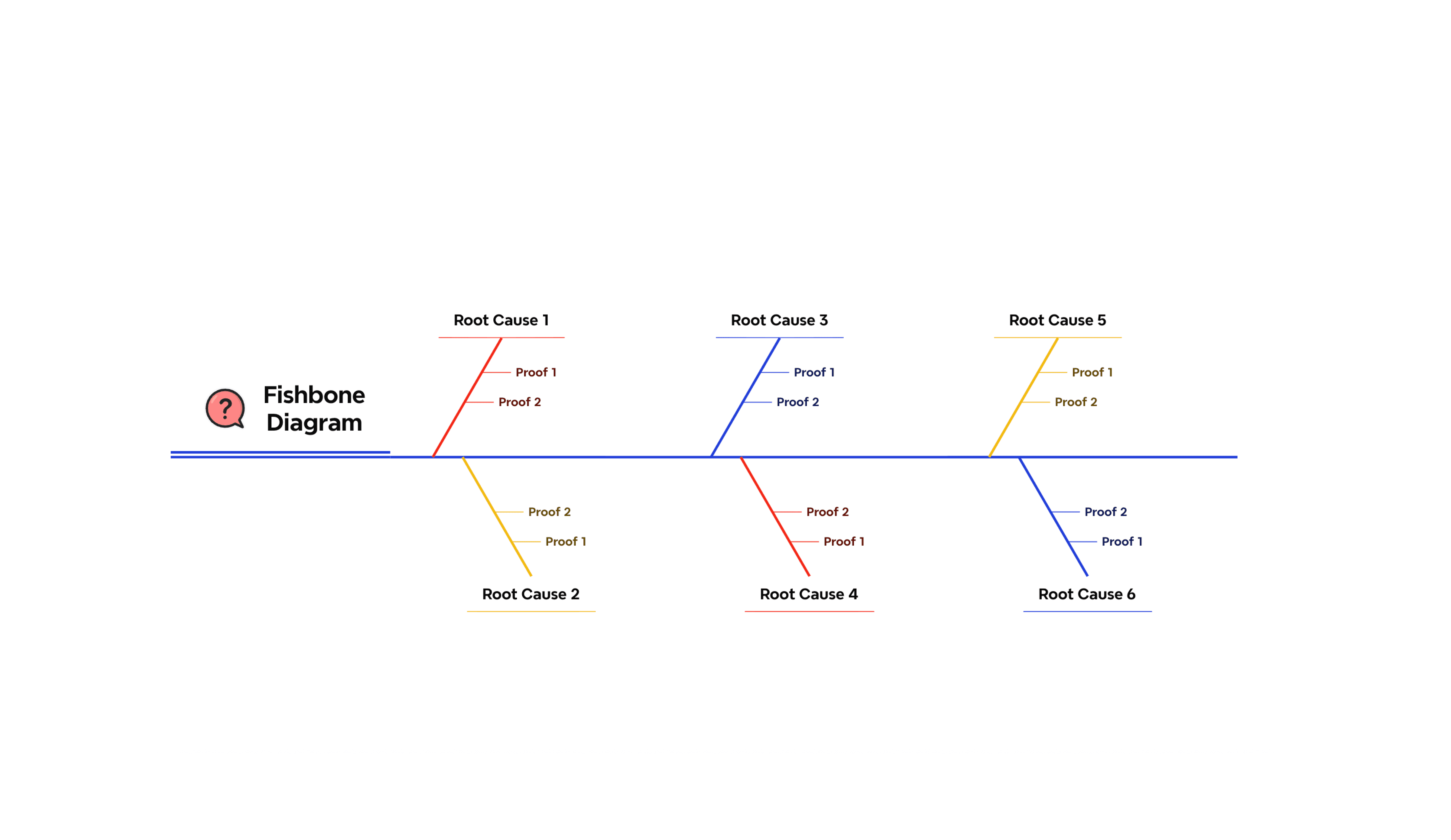
Root cause analysis template
A structured fishbone diagram for organizing potential causes and supporting evidence, built for systematic problem-solving across any team or process.
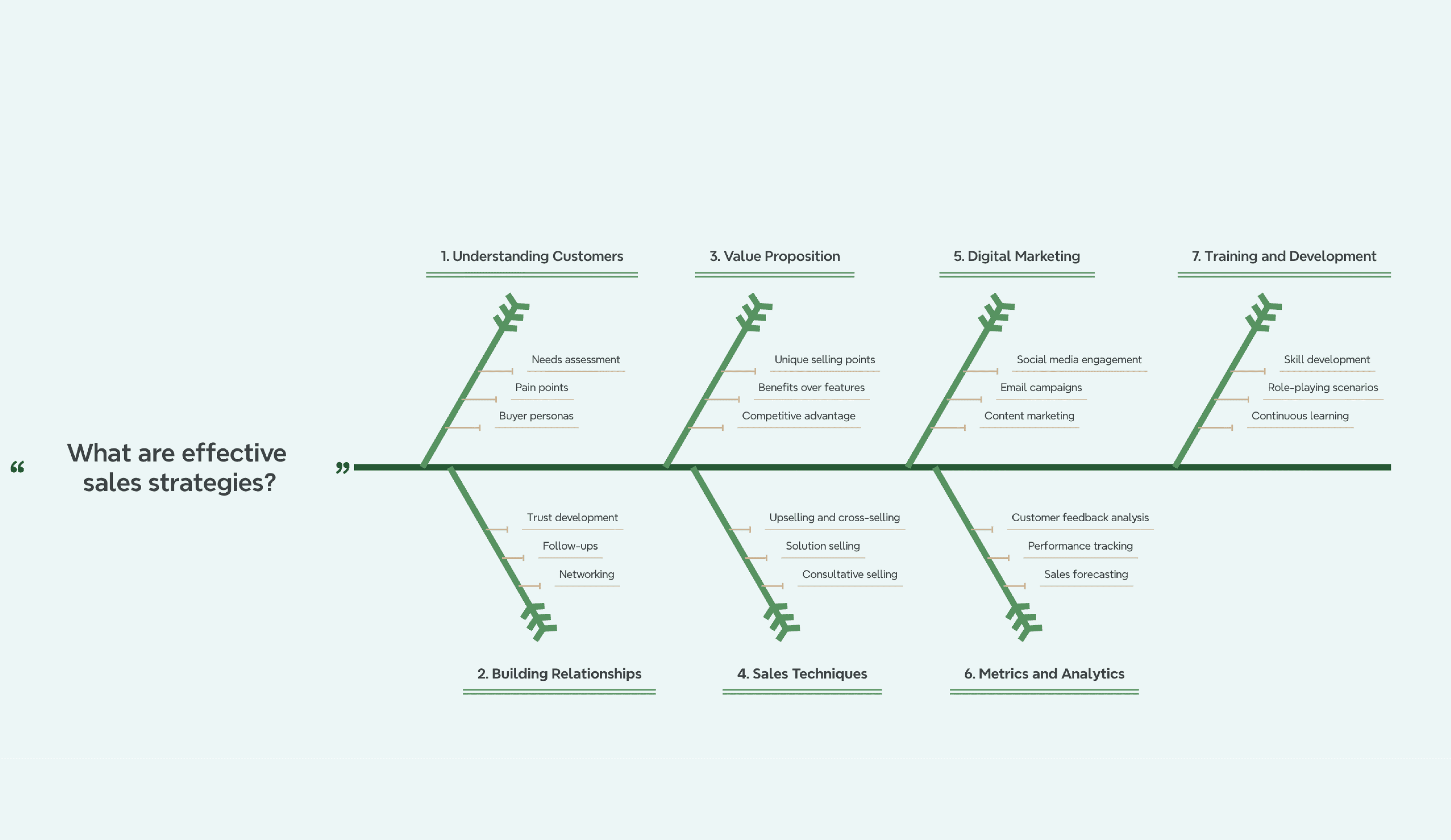
Sales performance fishbone template
Diagnose why sales outcomes are falling short by mapping causes across customer understanding, relationship-building, and digital marketing execution.
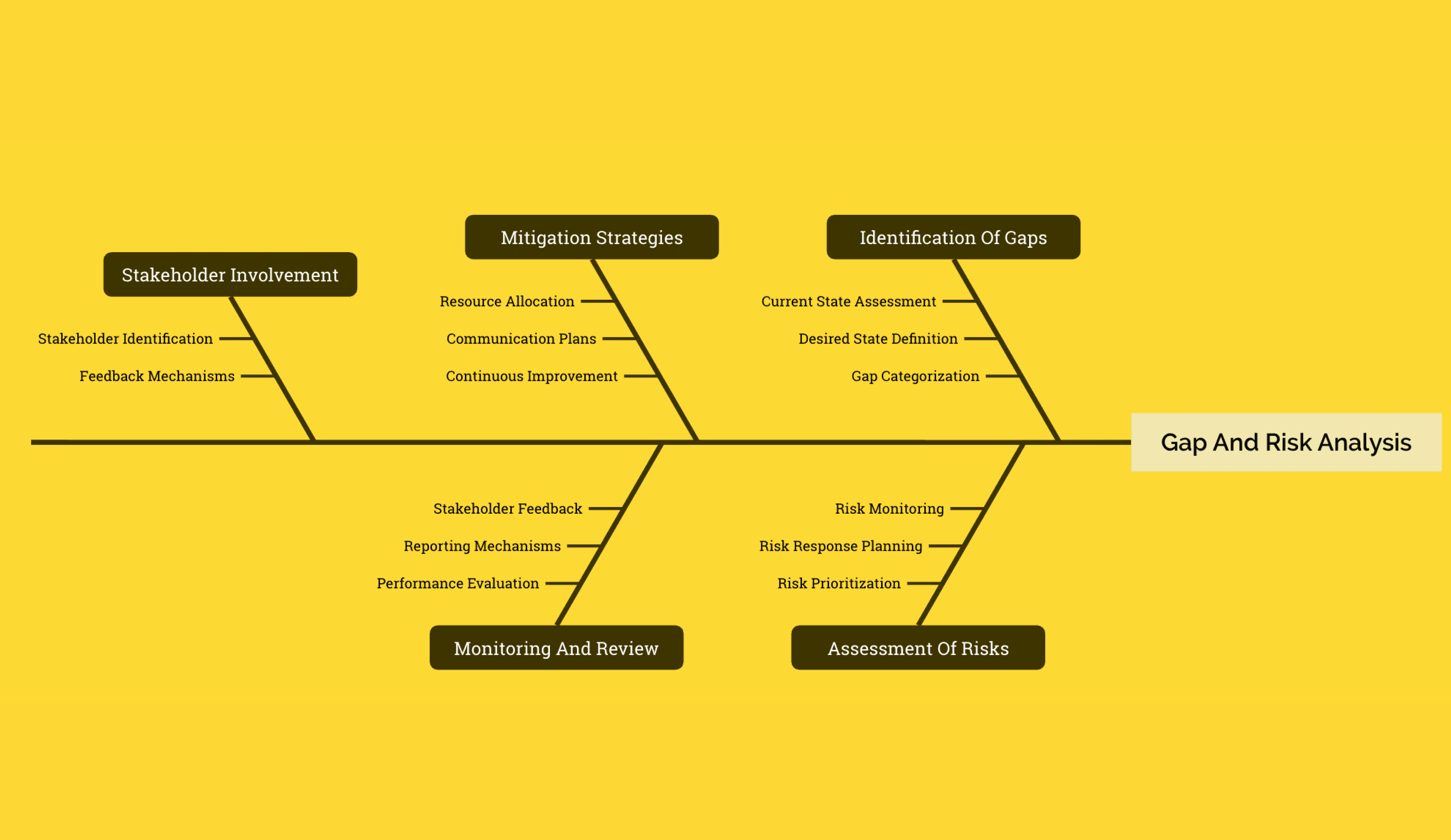
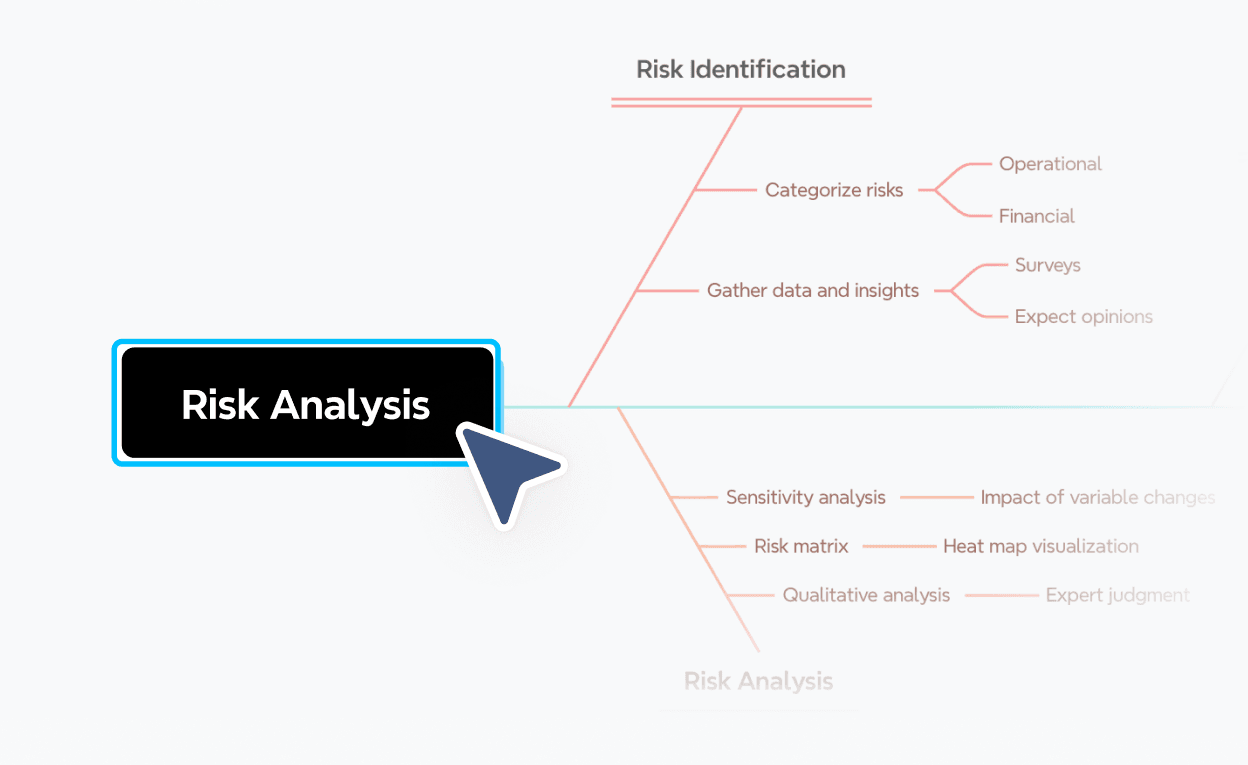
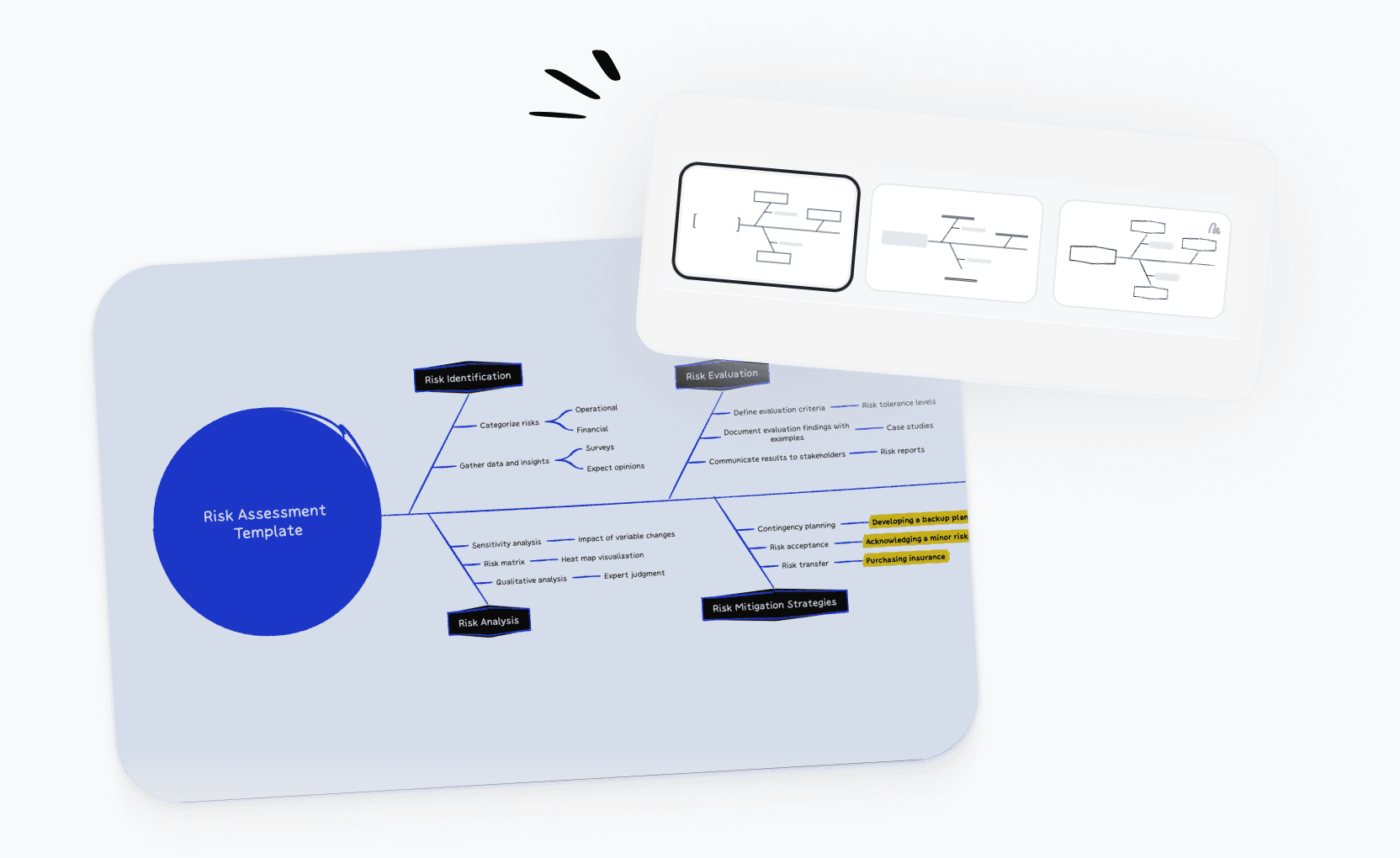
Risk analysis
Map the root causes driving identified risks, with structured branches for stakeholder gaps, process vulnerabilities, and mitigation opportunities.
What is a fishbone diagram?
A fishbone diagram is a visual tool for identifying the root causes of a problem. Also called an Ishikawa diagram or cause-and-effect diagram, it places the problem at the head of the diagram and organizes potential causes into categories along branching bones. It's widely used in quality control, operations, and project management to move beyond symptoms and find what's actually driving an issue.
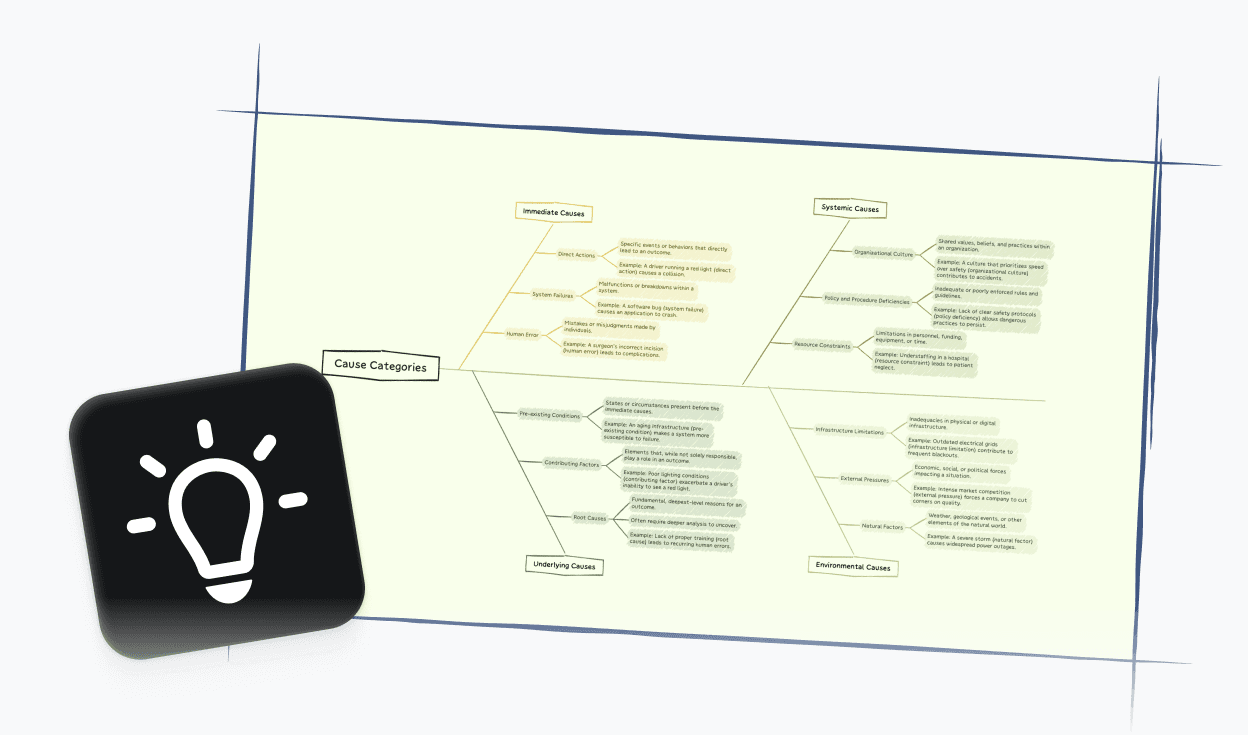
More than just a free online fishbone diagram maker

AI-powered suggestions
Get intelligent cause categories and contributing factors generated instantly from your problem statement.

Beautiful & Intuitive interface
Build clear, well-structured fishbone diagrams without fighting the tool—just focus on the analysis.

Free to start, Powerful features
Access core fishbone diagramming tools for free, with advanced options available when you need them.

Flexible cause structures
Add as many cause levels as your analysis requires, with full support for multi-branch and nested cause trees.

Easy sharing & export
Share your fishbone diagram with a link or export to PDF, PNG, or Xmind format.
Trusted by millions worldwide

4.8/5

App Store

95%
User satisfaction rate

100M+
Users worldwide
Explore other free online tools
Is this fishbone diagram maker free to use?
Yes. You can start using this fishbone diagram maker for free and create fishbone diagrams directly in your browser. No payment or account is required to get started.
Do I need to sign up to create a fishbone diagram?
No. You can create a fishbone diagram and export it to PDF, PNG, or Xmind format without signing up. An account is only required if you want to save your work online or access it later across devices.
How do I make a fishbone diagram?
To make a fishbone diagram, start by entering your problem or effect at the head of the diagram. Then add cause categories as the main branches—common ones include People, Process, Equipment, Material, Measurement, and Environment. Under each category, add the specific contributing factors you've identified. Keep drilling down until causes are specific enough to act on.
Can I export and share my fishbone diagram?
Yes. You can export your fishbone diagram to PDF, PNG, or Xmind format without signing up. If you want to generate a shareable link or save your diagram online for future access, a free account is required.
What is the best online fishbone diagram maker?
The best online fishbone diagram maker depends on your use case. If you need a tool that's fast to set up, supports multi-level cause structures, and produces clean output for reports and presentations, Xmind's free fishbone diagram maker is a strong option. It also includes AI-powered cause suggestions and works directly in your browser with no download needed.
Is this fishbone diagram maker suitable for beginners?
Yes. This fishbone diagram maker is designed to be beginner-friendly. You can start from a blank canvas or use a template, and the interface makes it easy to add cause categories and branches without any prior experience.
How is a fishbone diagram different from a mind map?
A fishbone diagram and a mind map are both visual tools, but they serve different purposes. A fishbone diagram is specifically designed for root cause analysis—it structures causes around a defined problem and organizes them into categories. A mind map is better suited for open-ended brainstorming and idea exploration, where there's no single problem to investigate.




