

How to make a logic chart in 3 simple steps?
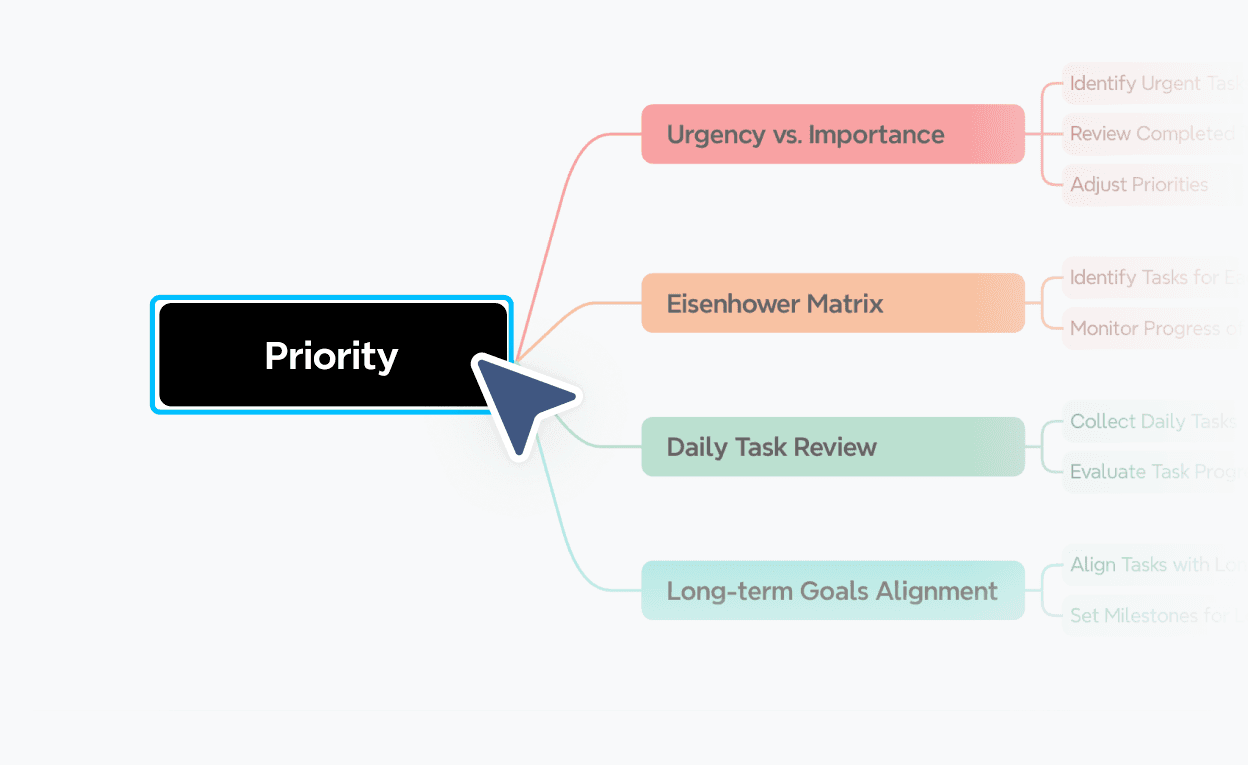


Logic chart maker templates for every need
Get started faster with ready-to-use logic chart templates for decision-making, process mapping, troubleshooting, and more. Pick a template and customize it in seconds.
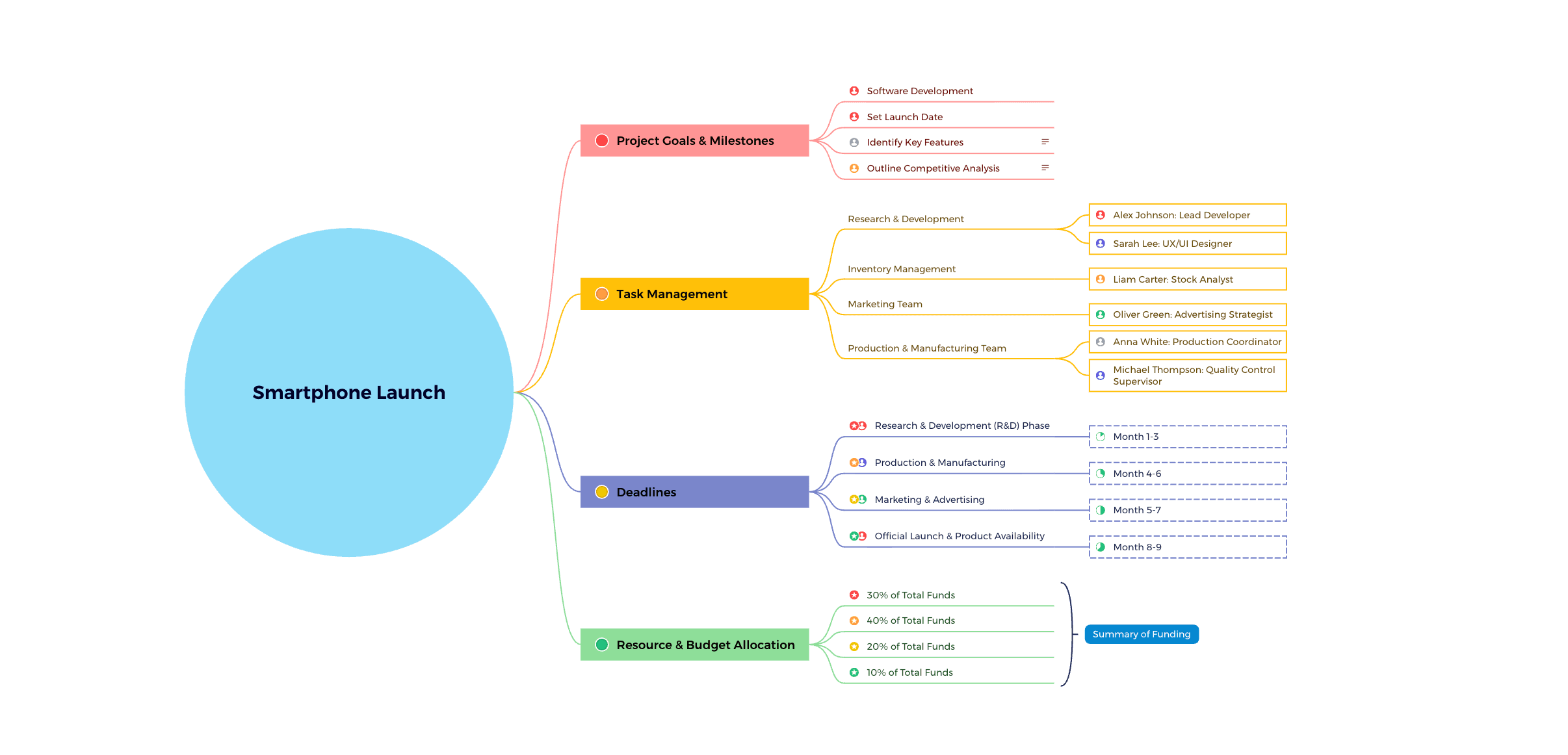
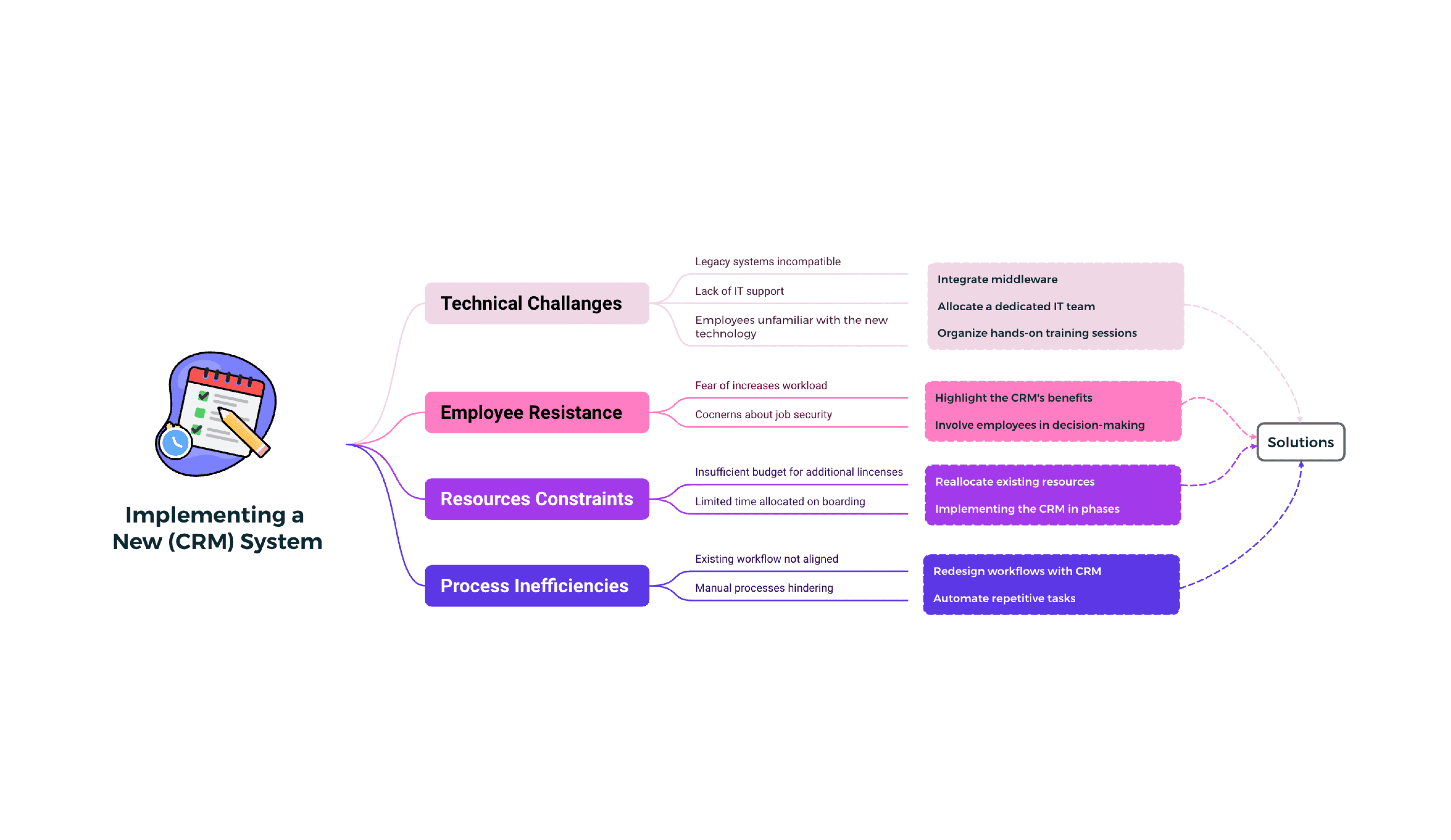

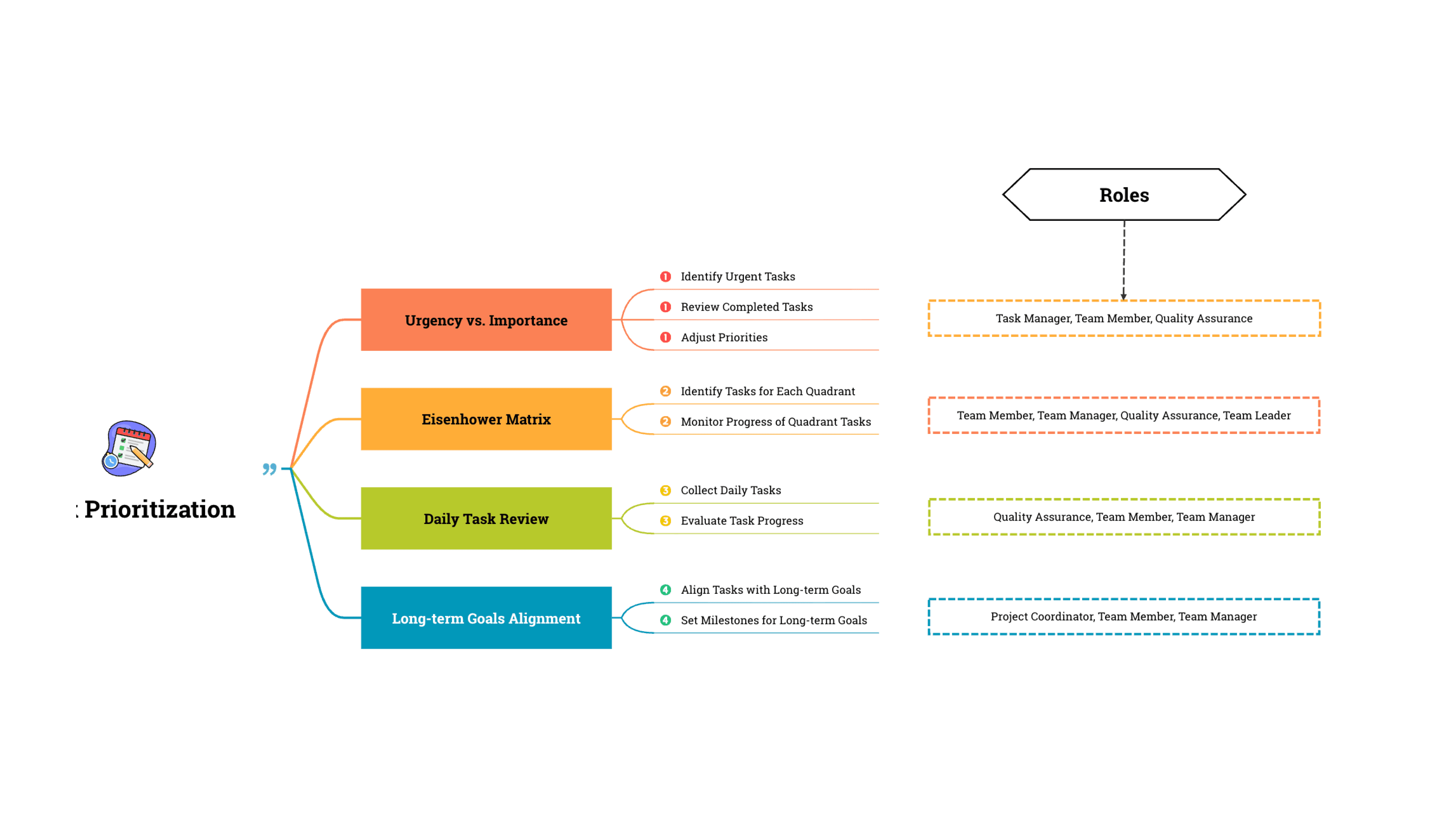



What is a logic chart?
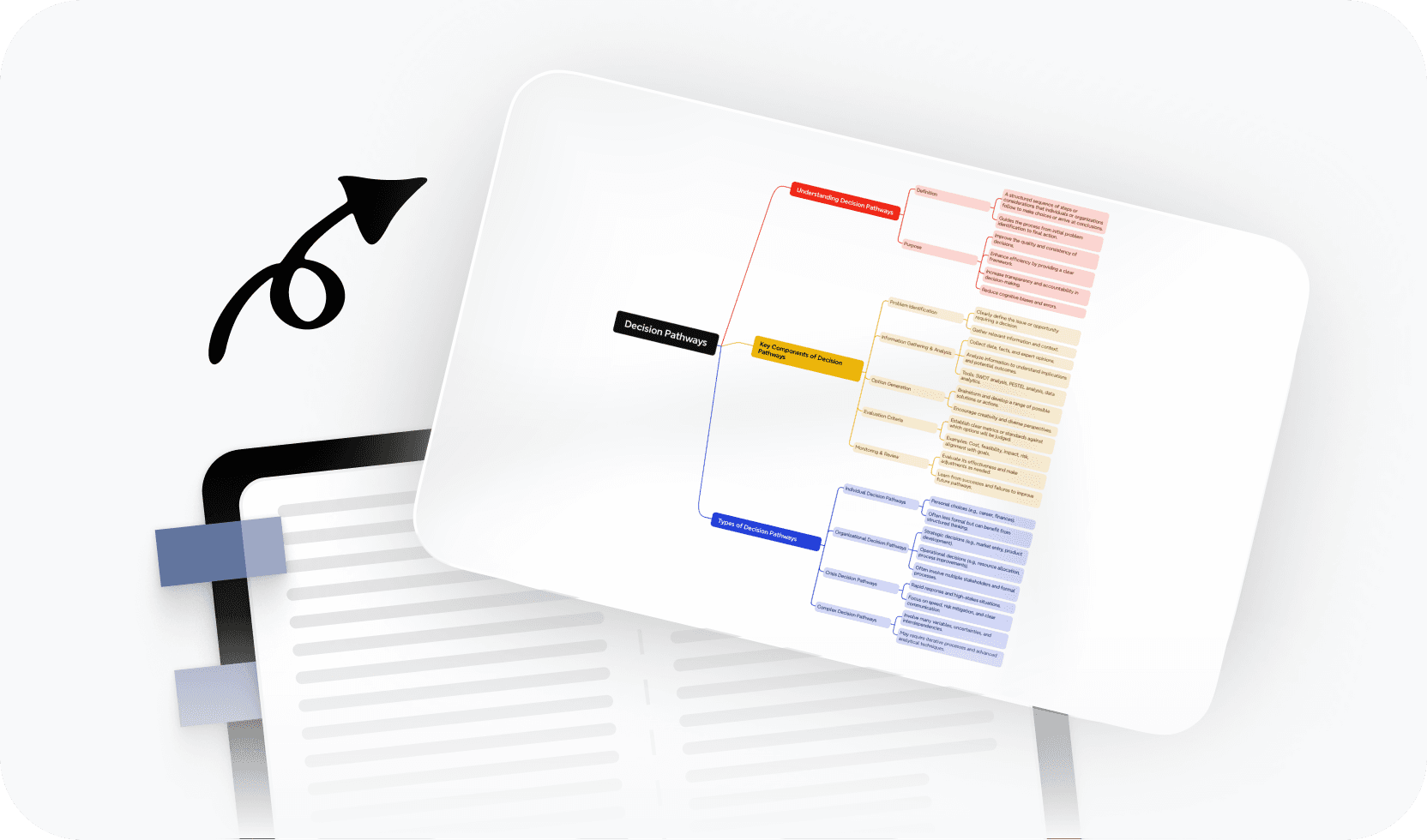
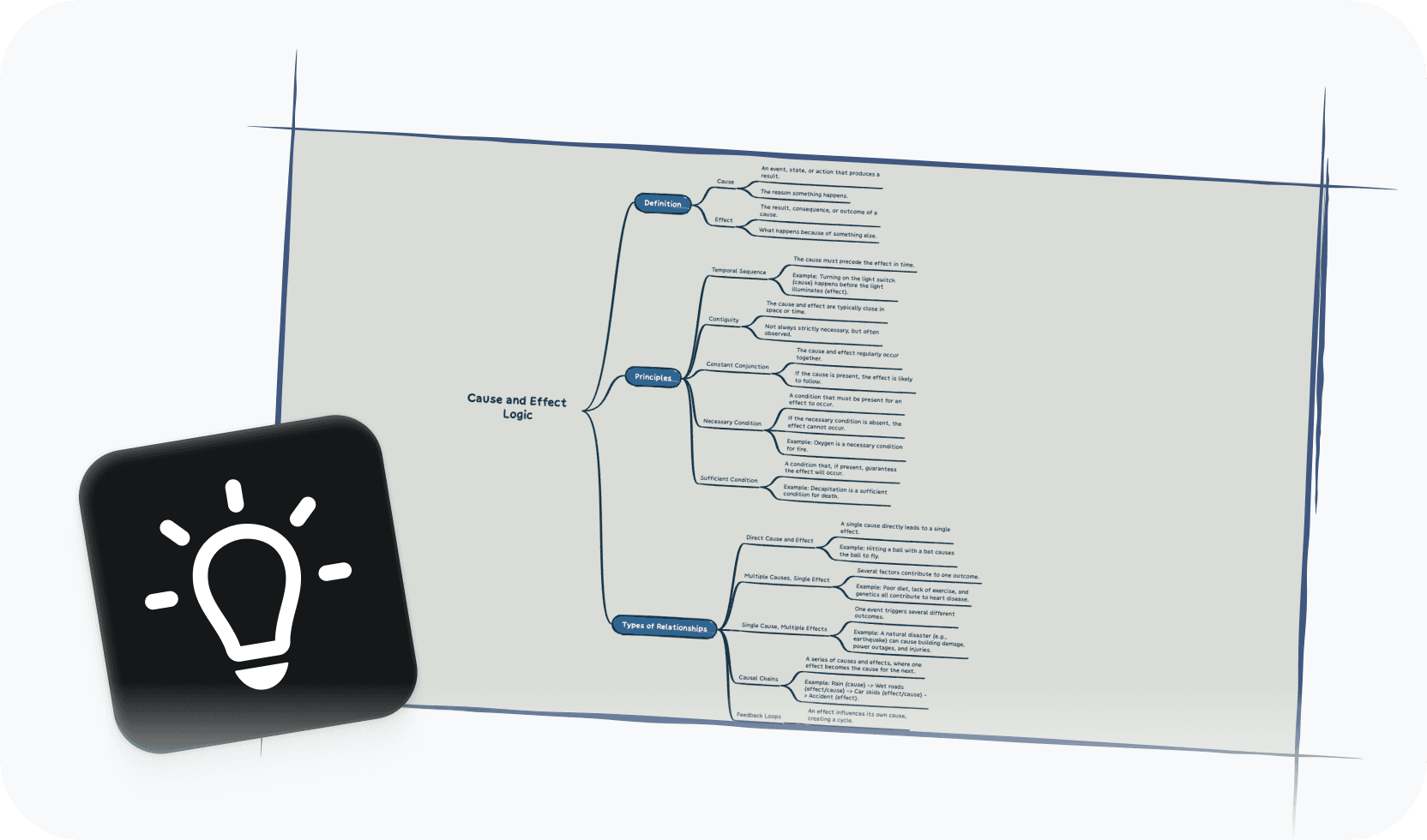
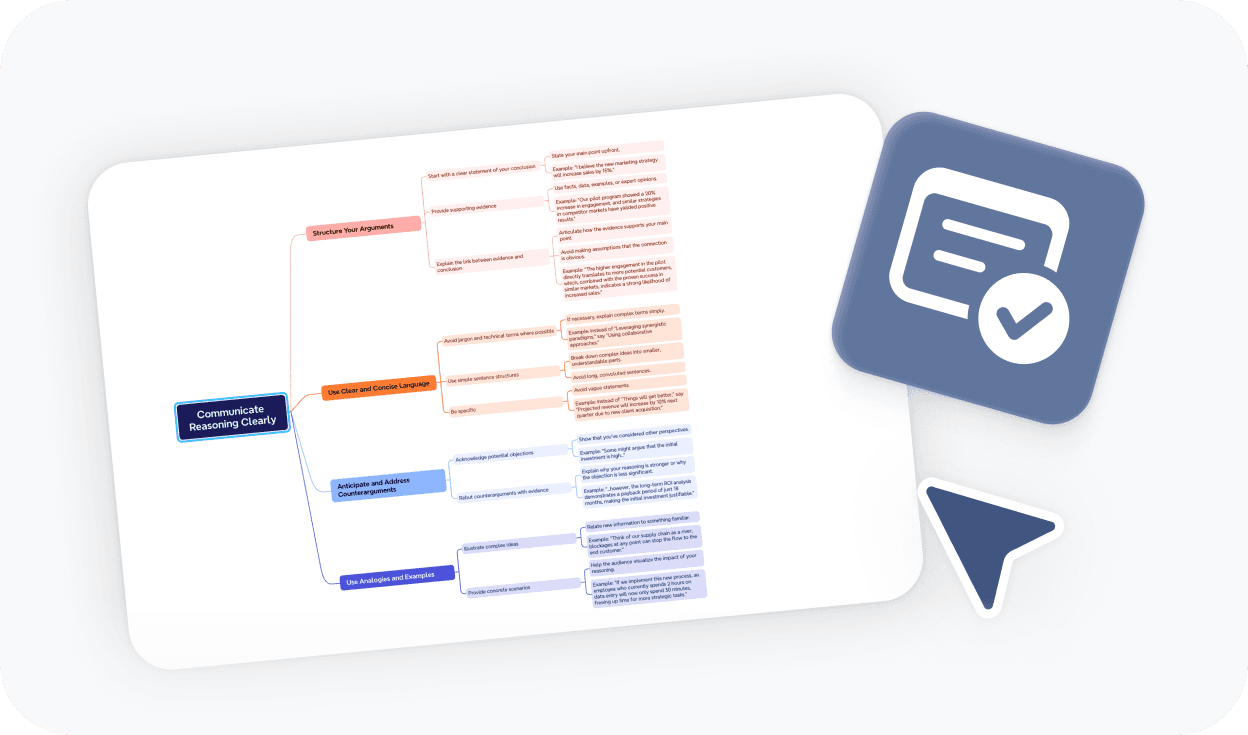
A logic chart is a visual representation of logical relationships and decision pathways. It maps out how conditions connect to outcomes, making it easier to follow complex reasoning, document processes, and communicate decisions in a clear, structured format. Logic charts are widely used in software development, business analysis, education, and strategic planning.
More than just a free online logic chart maker

AI-powered suggestions
Get intelligent ideas for decision branches, logic paths, and even full chart generation to speed up your thinking.

Beautiful & Intuitive interface
Enjoy a clean, distraction-free canvas that makes building logic charts fast and enjoyable.

Free to start, Powerful features
Access core logic chart tools for free, with advanced options available when you need more.

Flexible logic structures
Go beyond simple flowcharts with multi-branch decision trees, nested conditions, and custom layout styles.

Easy sharing & export
Share your logic chart with a link or export to PDF, PNG, or Xmind format in one click.
Trusted by millions worldwide

4.8/5

App Store

95%
User satisfaction rate

100M+
Users worldwide
Explore other free online tools




Is this logic chart maker free to use?
Yes. You can start using this logic chart maker for free and build logic charts directly in your browser—no downloads, no payment required. Free access includes the core tools you need to create and edit logic charts.
Do I need to sign up to create a logic chart?
No. You can create a logic chart and export it without signing up. An account is only required if you want to save your work online or generate a shareable link to access your chart across devices later.
How do I make a logic chart?
To make a logic chart, start by defining your first decision point or condition. Add branches for each possible outcome, then connect them to the next decisions or end states. Xmind keeps your layout clean as your logic grows. When you're done, export or share your chart directly from the editor.
Can I export and share my logic chart?
Yes. You can export your logic chart to PDF, PNG, or Xmind format without signing up. To generate a shareable link or save your chart online for future access, a free account is required.
What is the best online logic chart maker?
The best online logic chart maker depends on your use case. If you need a tool that combines a clean editor with AI-powered suggestions, flexible branching structures, and easy export—all without installing software—Xmind's logic chart maker is a strong choice. It works directly in your browser and is free to start.
Is this logic chart maker suitable for beginners?
Yes. This logic chart maker is designed for users at any level. You can start from a blank canvas or use a template to build your first logic chart in minutes. No diagram experience is required.
What's the difference between a logic chart and a flowchart?
A flowchart is a general term for any diagram showing a process as a sequence of steps. A logic chart specifically focuses on decision logic—mapping conditions, if-then relationships, and branching outcomes. Logic charts are especially useful when the goal is to clarify reasoning or document rule-based decision flows, rather than just sequence steps.
Can I use this logic chart maker for team collaboration?
Yes. You can share your logic chart with teammates using a shareable link (requires a free account). This makes it easy to review decision flows together, gather feedback, and keep everyone aligned on the logic—whether you're working remotely or in the same room.




