
How to make a matrix in 3 simple steps?
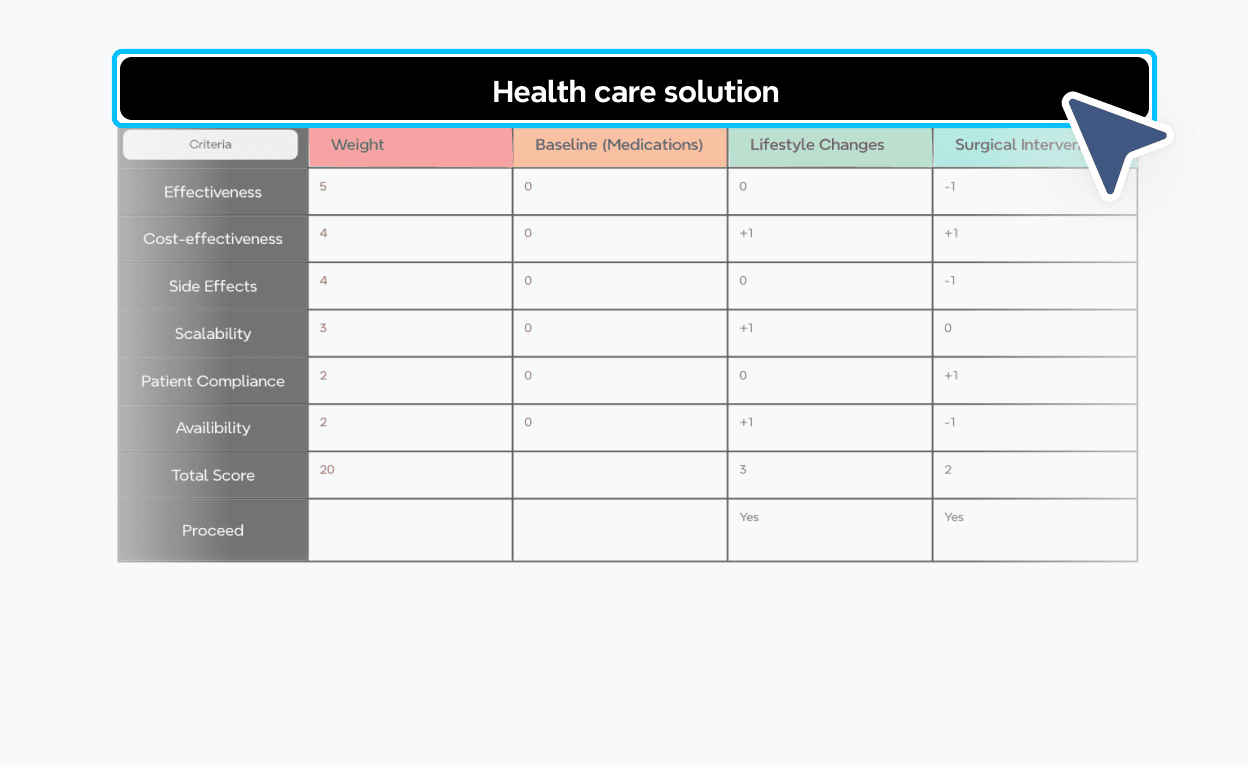
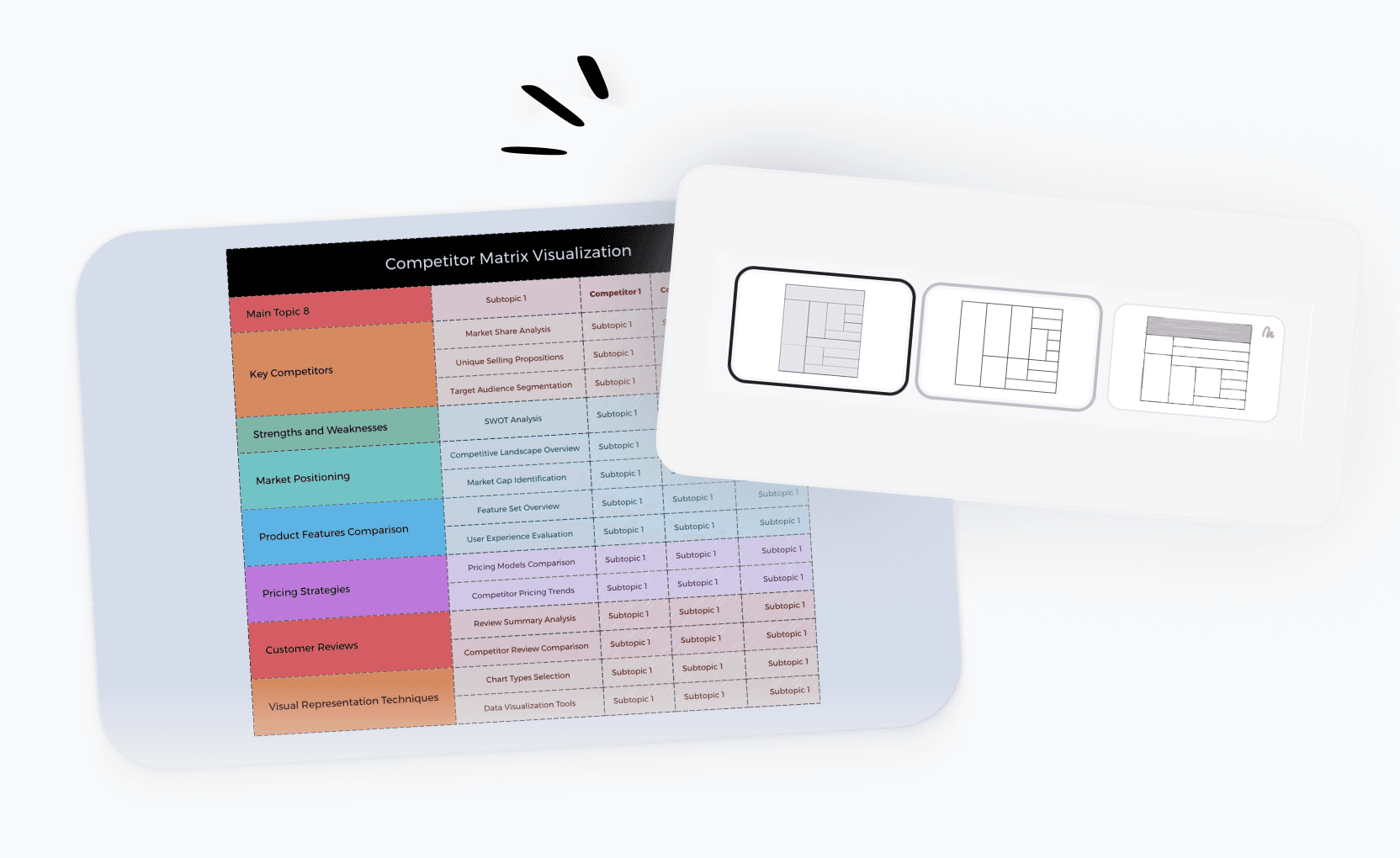

Matrix maker templates for every need
Get started faster with ready-to-use matrix templates for prioritization, competitor analysis, decision-making, and strategic planning. Pick any template and customize it in seconds.
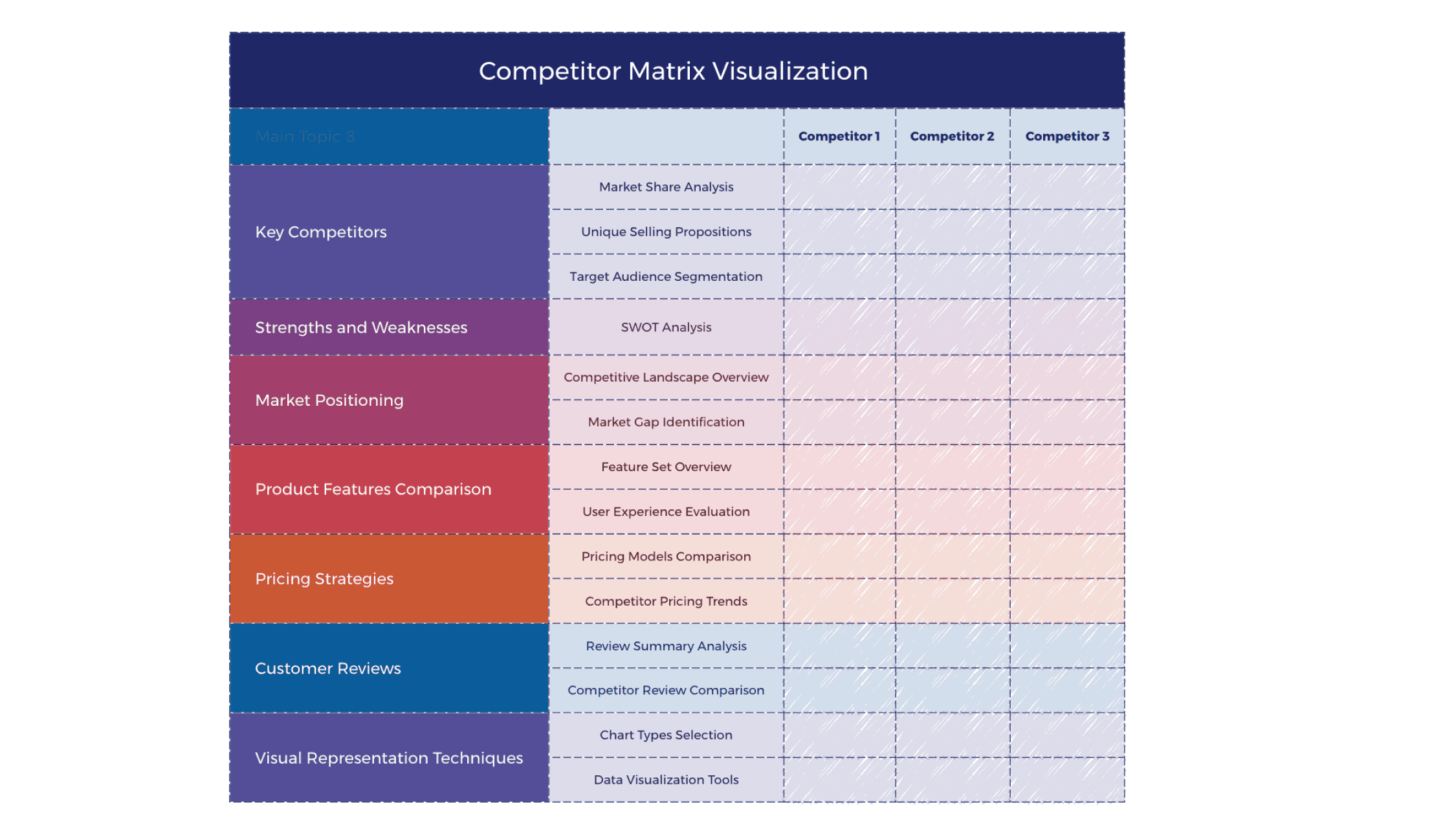
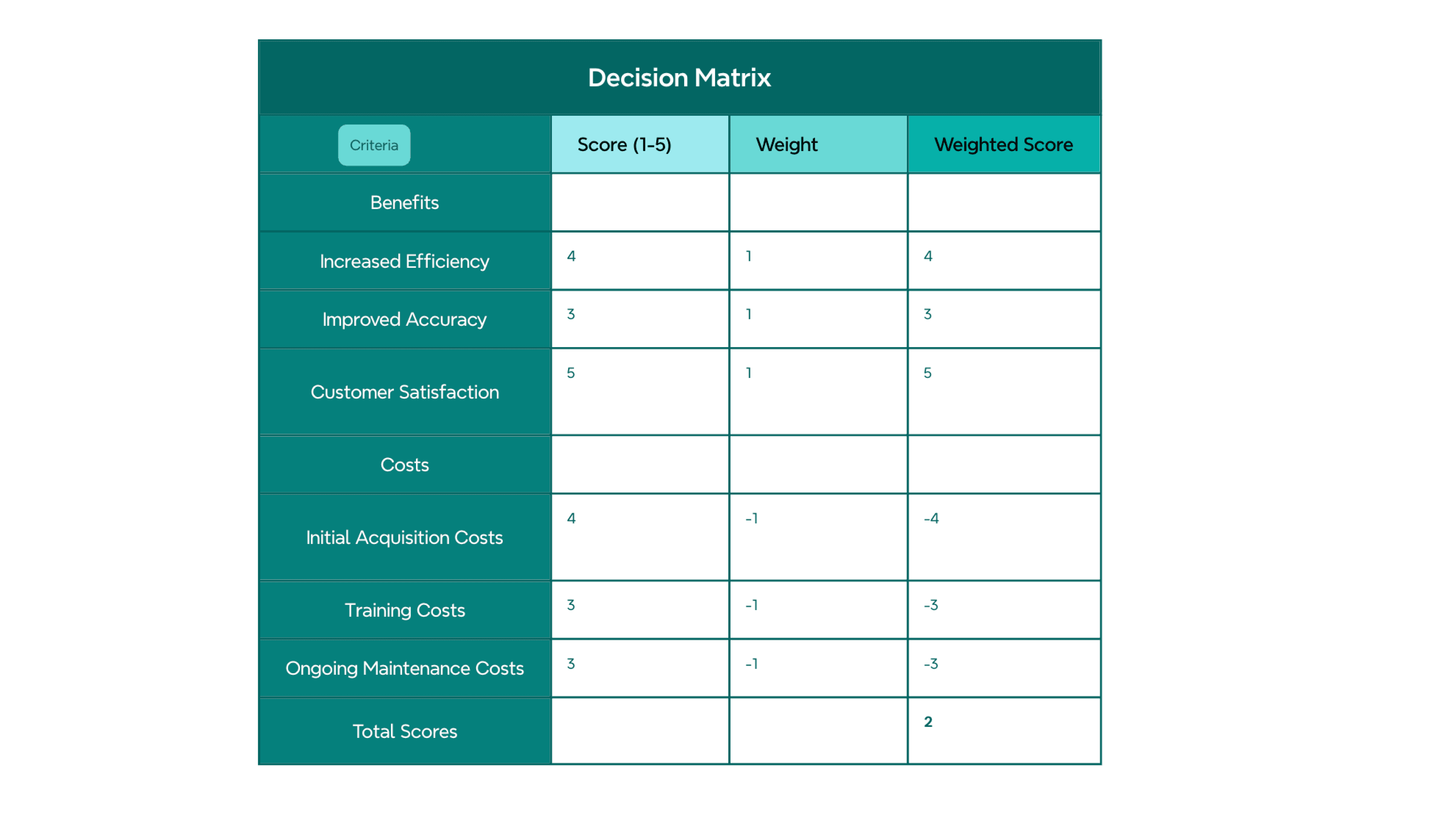
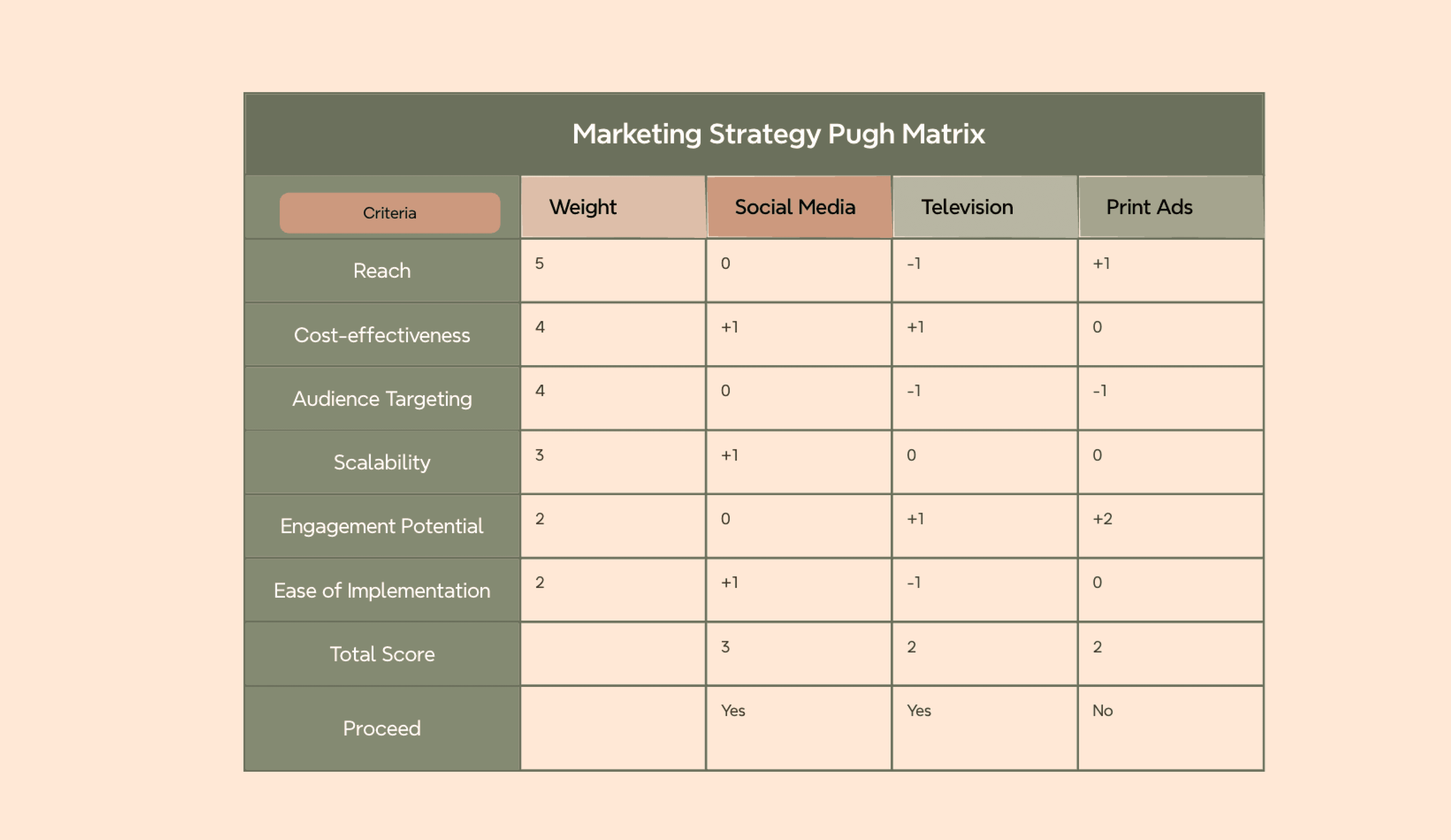
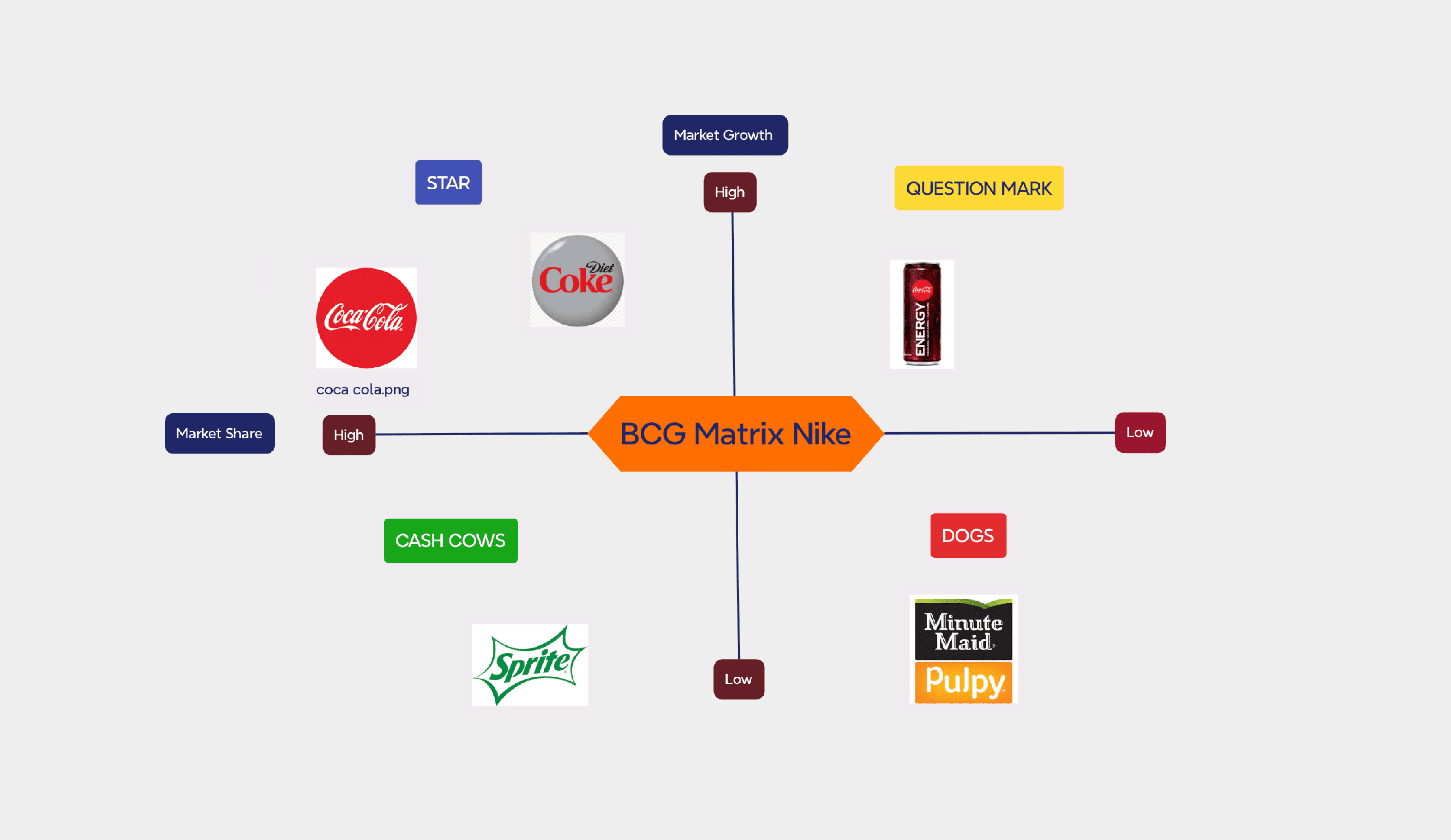
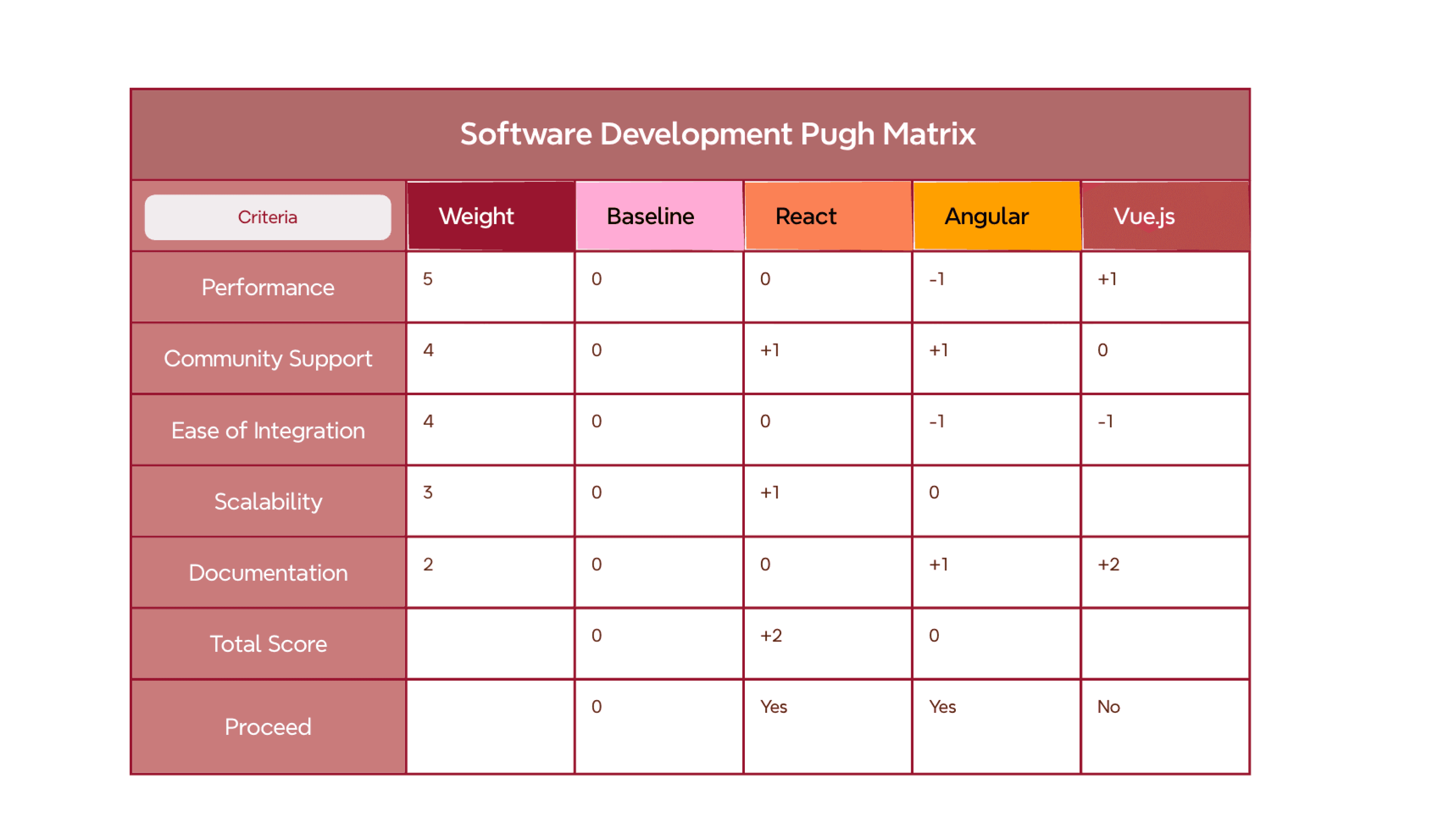


What is a matrix diagram?
A matrix diagram is a structured grid that maps relationships between two sets of variables. It helps you compare options, assign priorities, and identify patterns across multiple dimensions at a glance. From the Eisenhower matrix to stakeholder maps, it's one of the most versatile tools for structured decision-making in business, project management, and strategy.
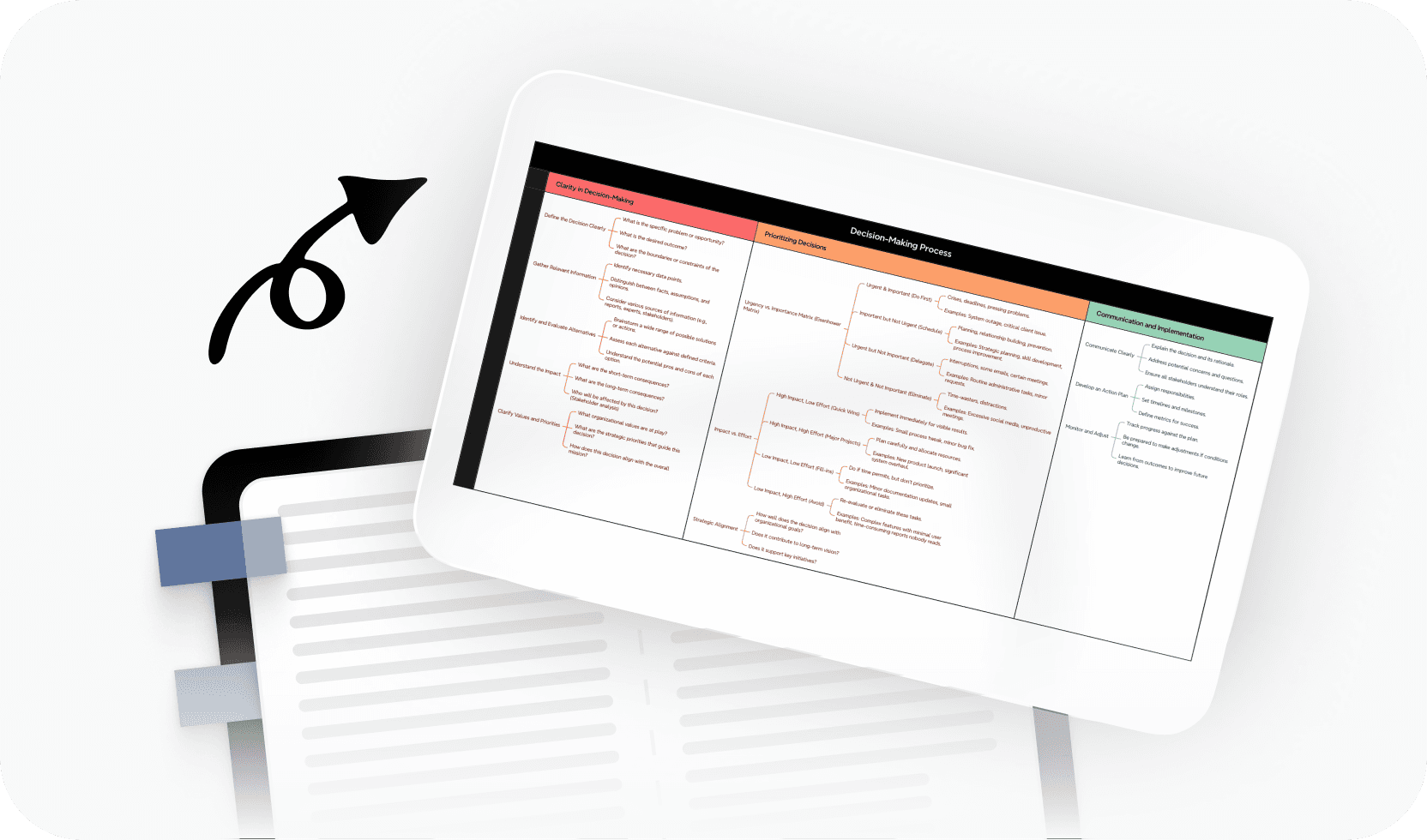
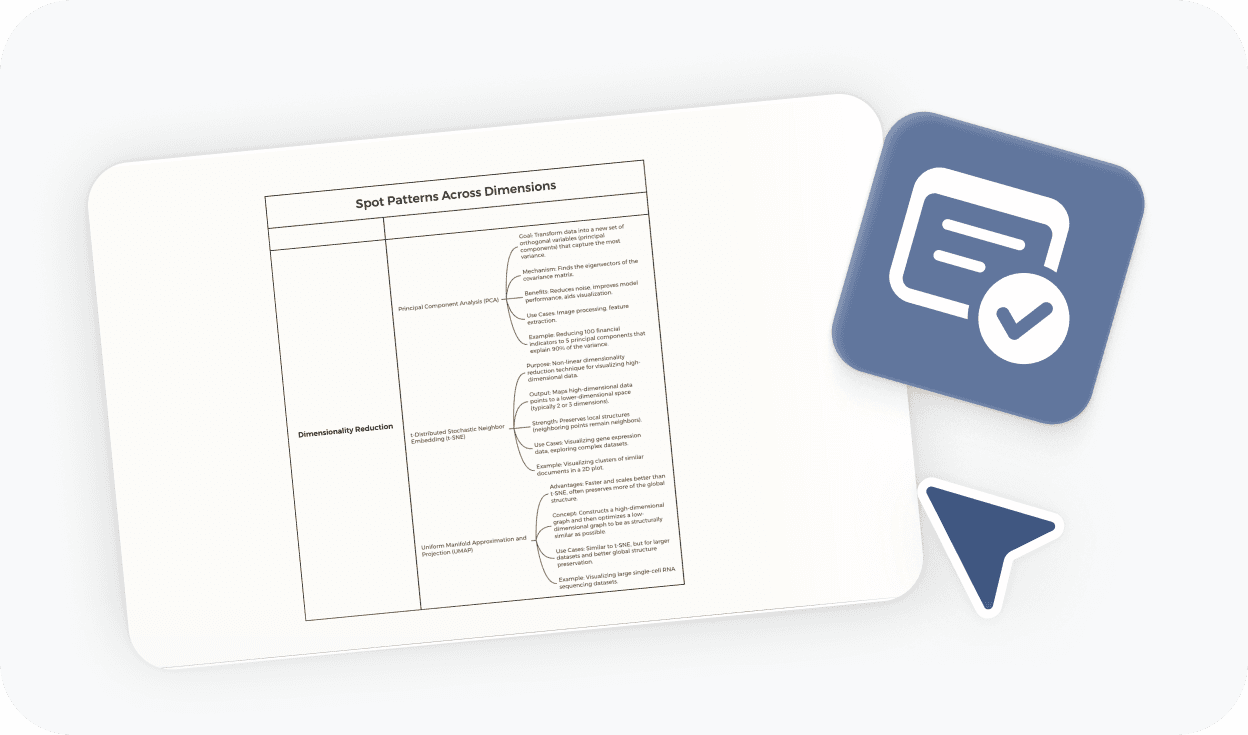
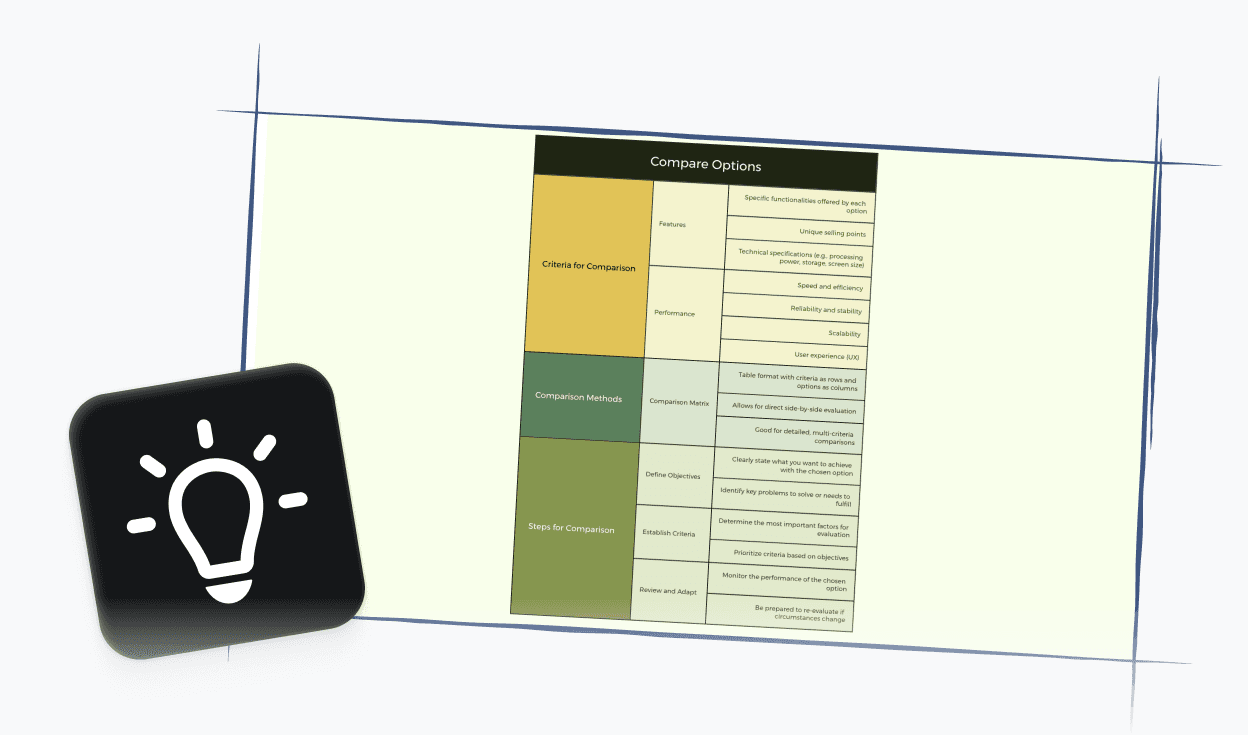
More than just a free online matrix maker

AI-powered suggestions
Get intelligent ideas for matrix labels, item placement, and structure to speed up your analysis.

Beautiful & Intuitive interface
Enjoy a clean, distraction-free experience that keeps your focus on the decisions that matter.

Free to start, Powerful features
Access core matrix-making tools for free, with advanced options available when you need them.

Flexible matrix structures
Build 2×2 priority matrices, multi-row comparison grids, or custom layouts — all in one tool.

Easy sharing & export
Share your matrix with a link or export it to PDF, PNG, or Xmind format in one click.
Trusted by millions worldwide

4.8/5

App Store

95%
User satisfaction rate

100M+
Users worldwide
Level up your matrix making skill



Explore other free online tools


Is this matrix maker free to use?
Yes. You can start using this matrix maker for free and create matrix diagrams directly in your browser. No payment or account required to get started.
Do I need to sign up to create a matrix?
No. You can create and export your matrix without signing up. An account is only required if you want to save your work online or generate a shareable link to access it later.
How do I create a matrix diagram?
To create a matrix, start by defining the two dimensions you want to compare. For example: urgency and importance, or impact and effort. Then add your items into the appropriate cells or quadrants. Xmind keeps the layout structured as you work, so you can focus on the analysis rather than the formatting.
Can I export and share my matrix?
Yes. You can export your matrix to PDF, PNG, or Xmind format without signing up. If you want to generate a shareable link or save your work online for later access, you'll need to create a free account.
What is the best online matrix maker?
The best online matrix maker depends on your use case. If you need a tool that works instantly in the browser, supports flexible matrix structures (from 2×2 priority grids to multi-row comparison tables), and lets you export without jumping through hoops, Xmind's matrix maker is a strong choice. It's free to start and designed for both individual and team use.
Is this matrix maker suitable for beginners?
Yes. This matrix maker is beginner-friendly. You can start from a blank canvas or choose a pre-built template like the Eisenhower matrix or the impact vs. effort grid. No design skills or prior experience needed.
Can I use this matrix maker for team collaboration?
Yes. Once you've created a matrix, you can export it to share with your team or generate a shareable link (free account required for link sharing). PDF and PNG exports make it easy to include matrices in presentations, reports, or project documents.




