

How to make an org chart in 3 simple steps?


Org chart maker templates for every need
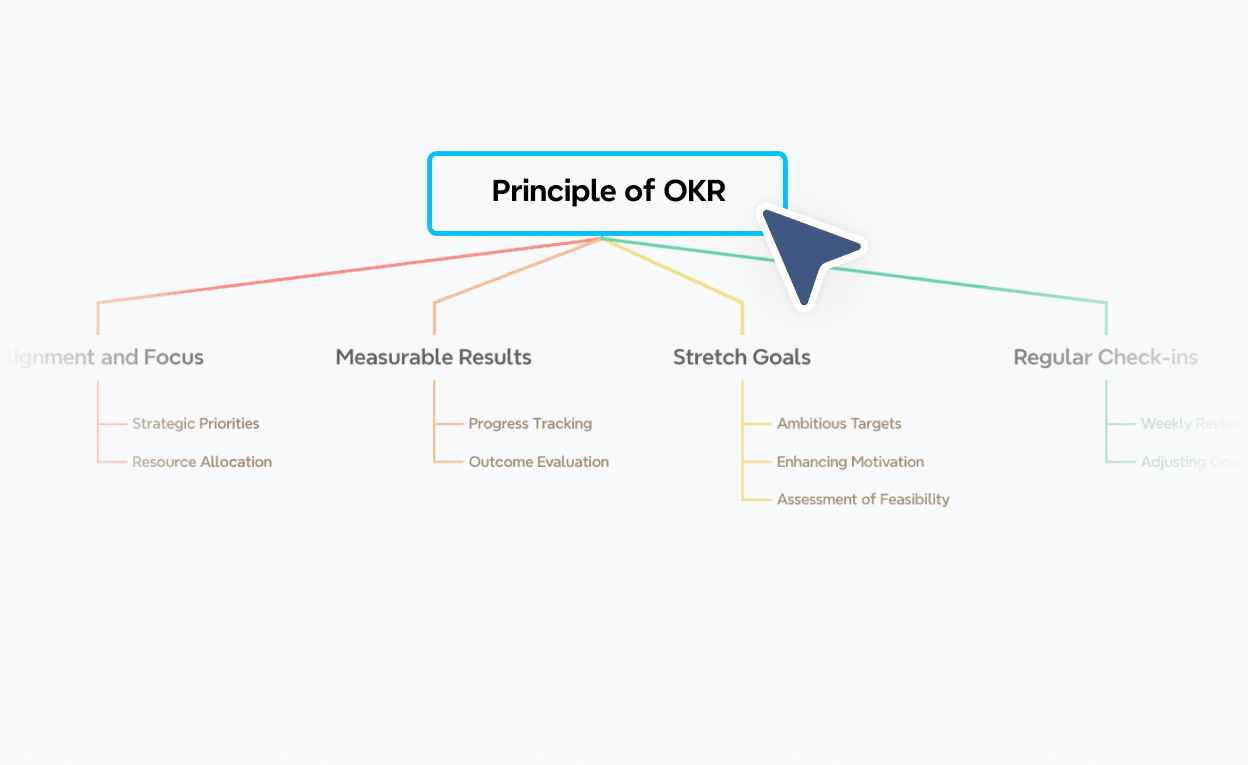
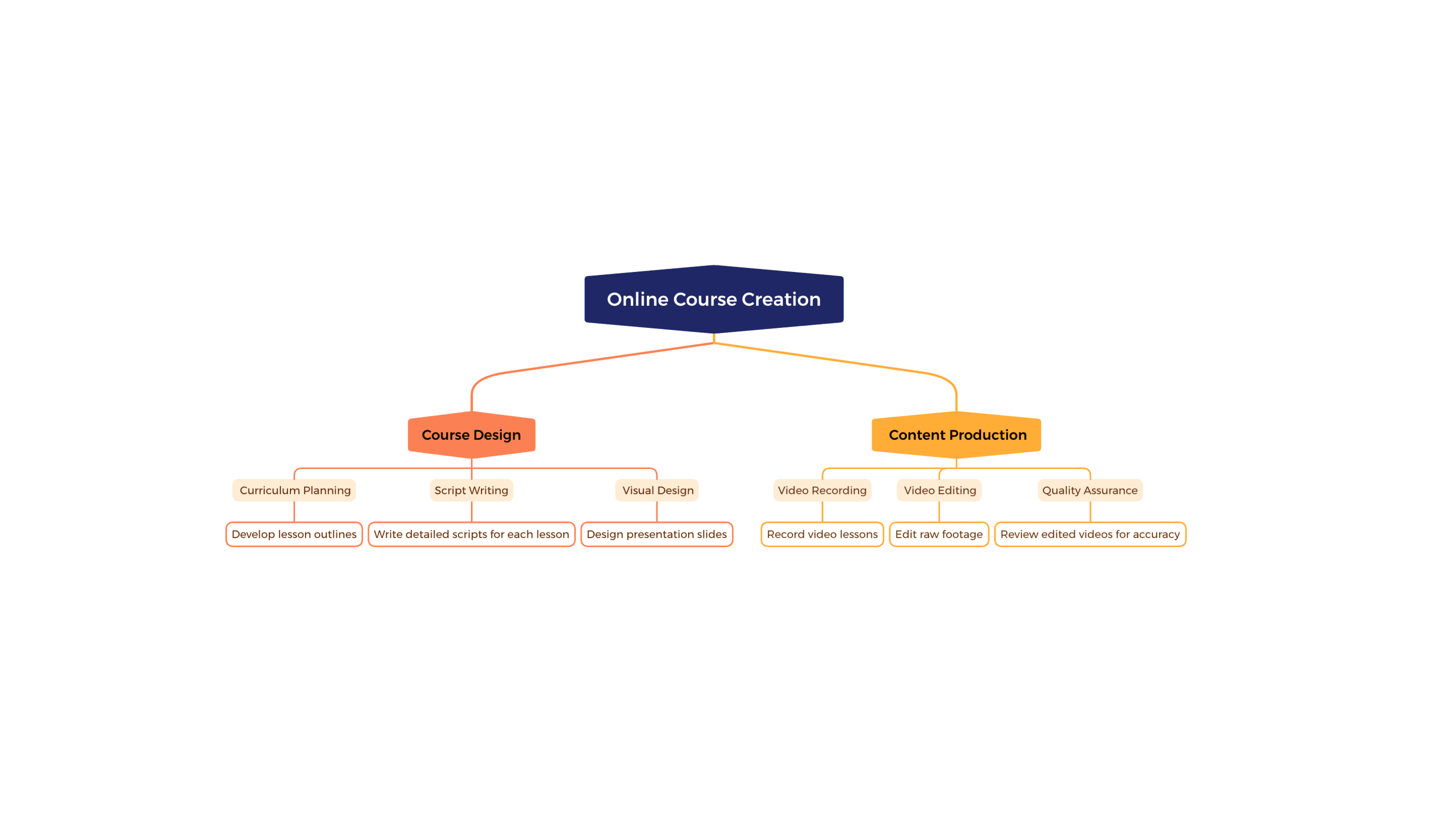
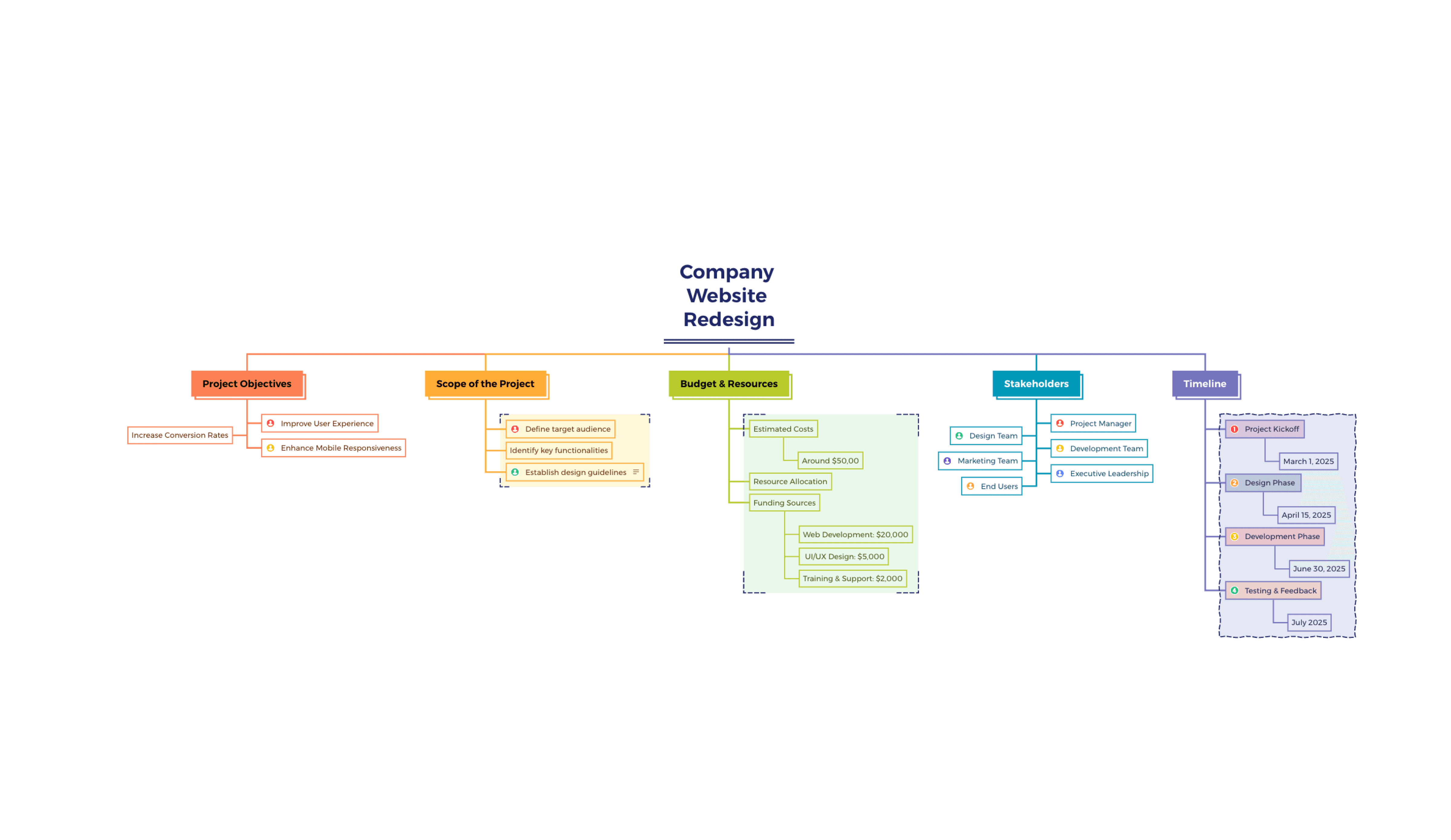
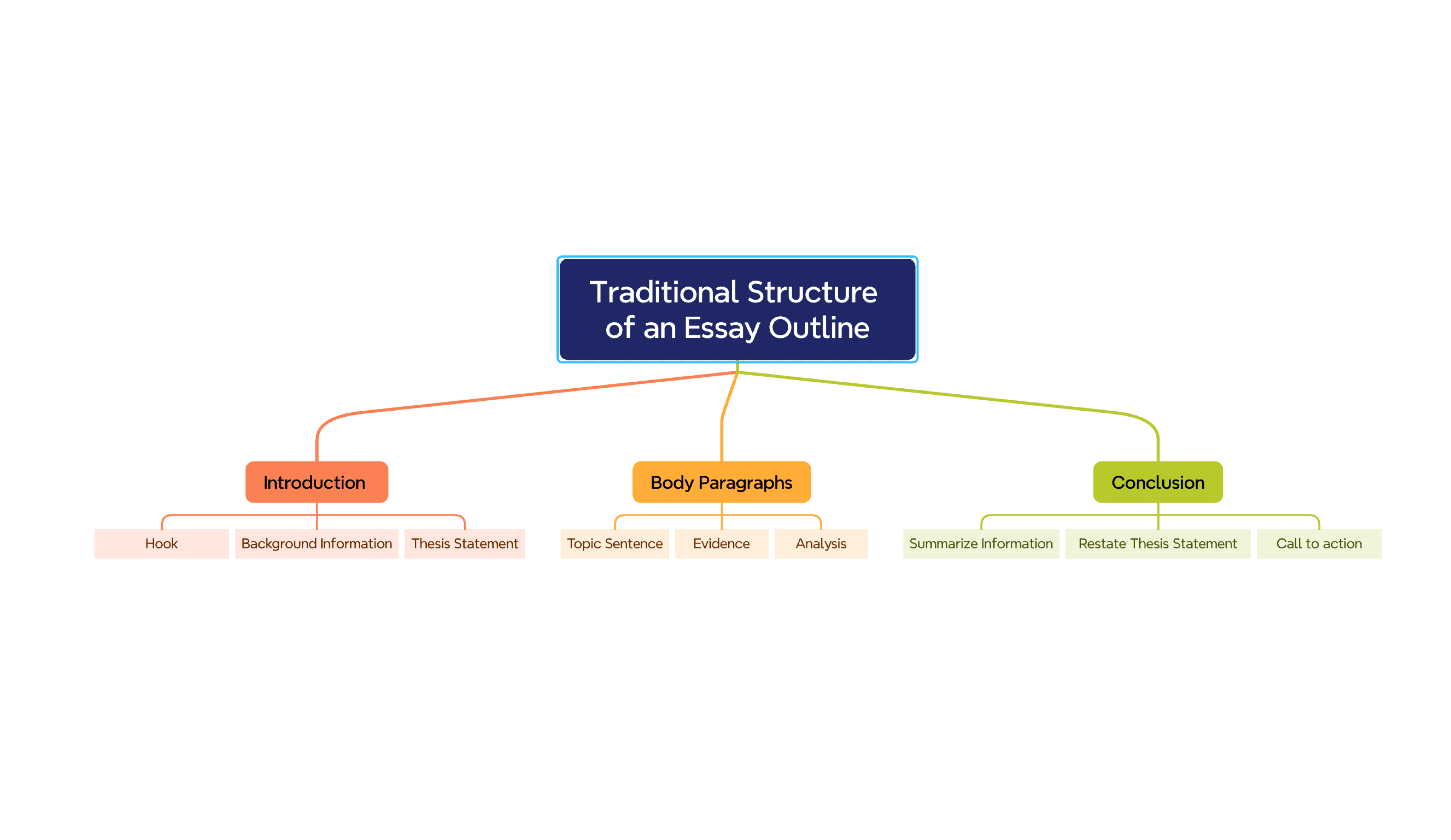
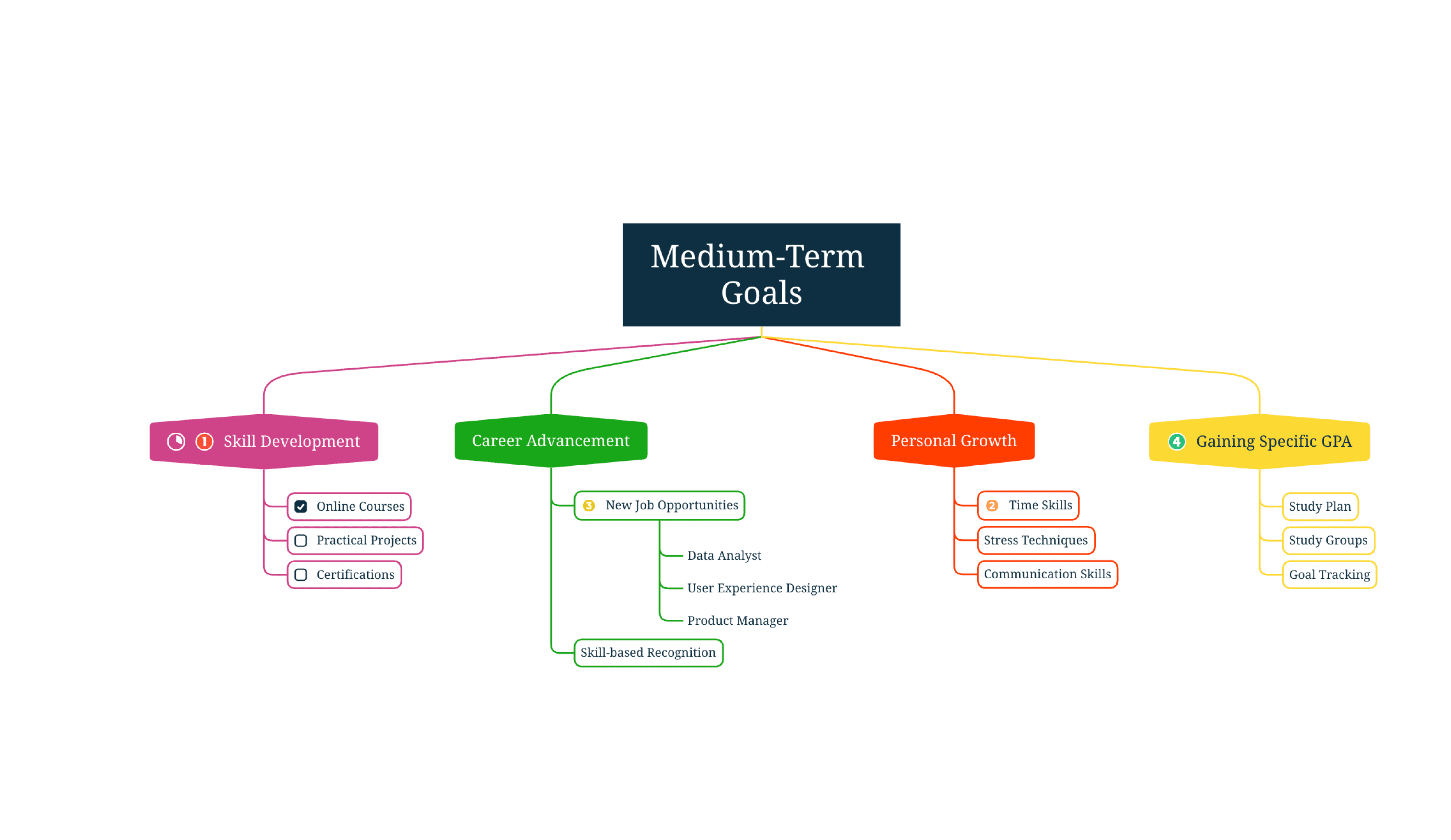
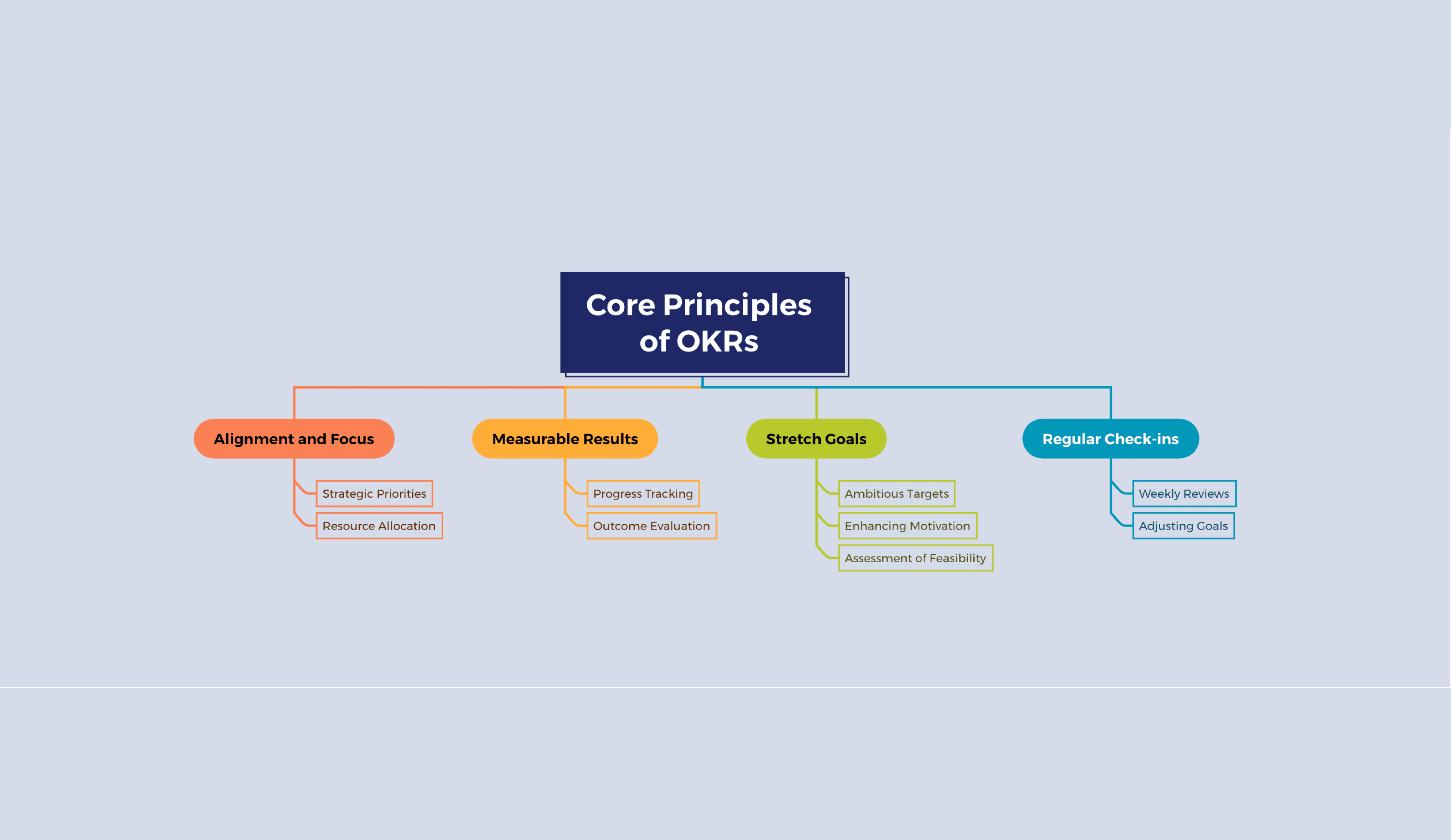
Start faster with ready-to-use templates covering team structures, project roles, and organizational planning. Pick one, customize the names, and share in minutes.


What is an org chart?
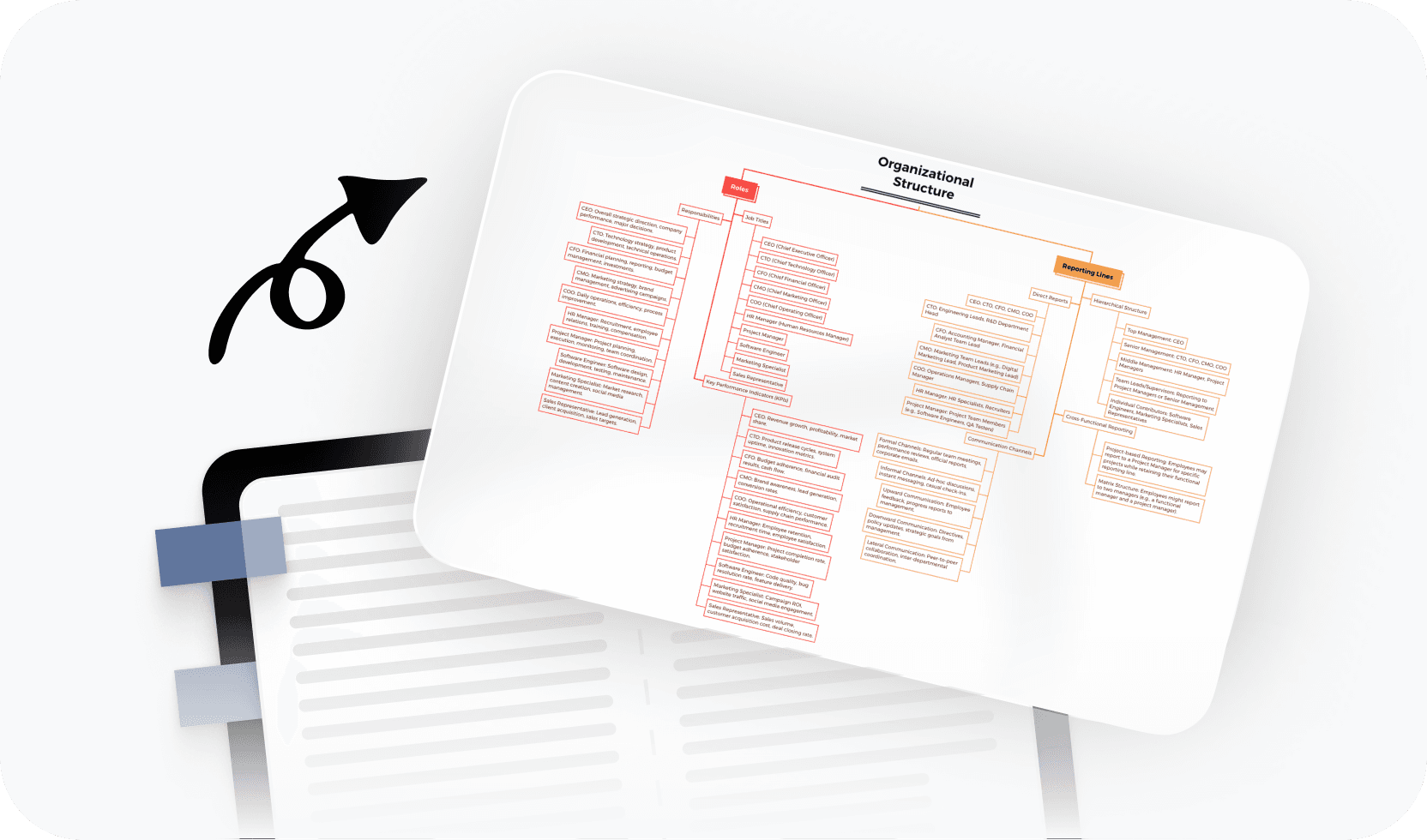
An org chart is a visual diagram that shows the structure and hierarchy of an organization. It maps out reporting relationships, roles, and team composition — making it easy for anyone to understand how a company or team is organized. Use it to document your current structure, plan a reorg, or help new hires get up to speed quickly.
More than just a free online org chart maker

AI-powered suggestions
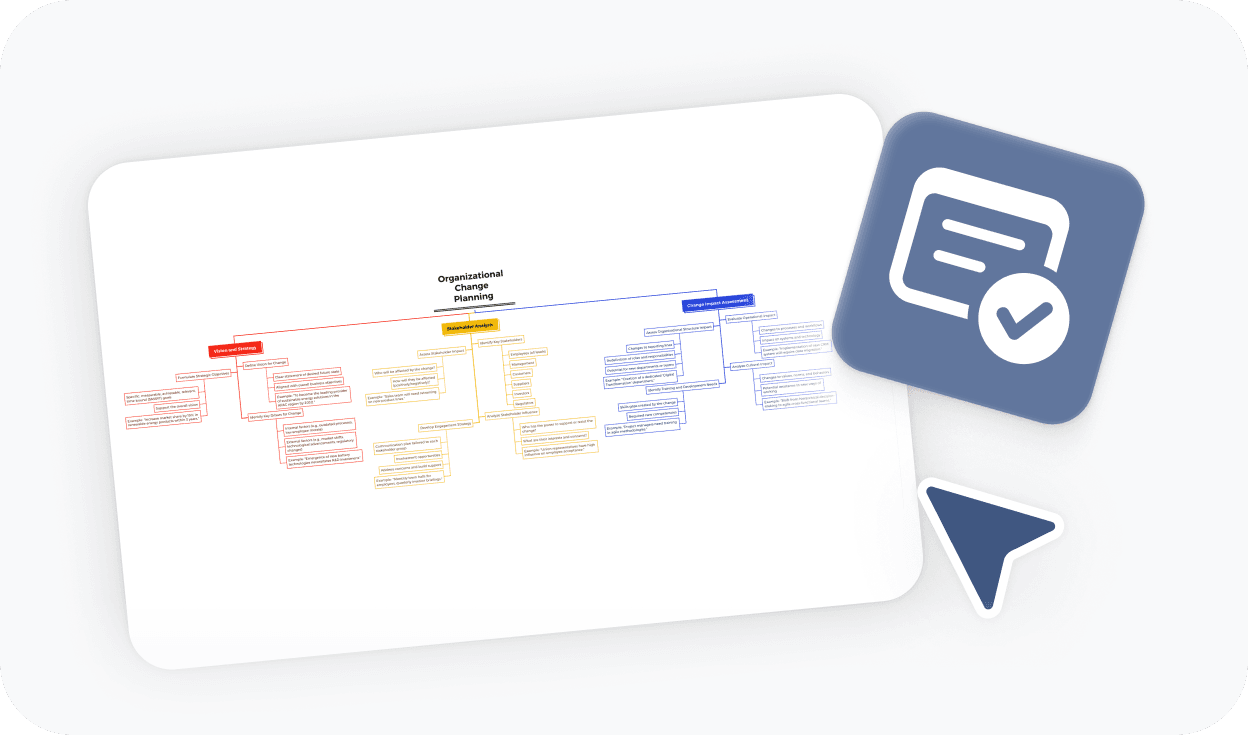
Generate org chart structures with AI assistance, or get help filling in roles, titles, and reporting levels automatically.

Beautiful & Intuitive interface
Build clean, professional org charts in a workspace that feels effortless to use, even for first-timers.

Free to start, Powerful features
Access all the core tools you need to make an org chart for free, with advanced options available when you need them.

Flexible hierarchy layouts
Visualize flat structures, deep hierarchies, or matrix reporting lines with layout options that adapt to your organization's shape.

Easy sharing & export
Share your org chart with a link or export to PDF, PNG, or Xmind format for reports, decks, and documentation.
Trusted by millions worldwide

4.8/5

App Store

95%
User satisfaction rate

100M+
Users worldwide
Explore other free online tools


Is this org chart maker free to use?
Yes. You can start using this org chart maker for free and build your org chart directly in your browser — no download or payment required. Free access includes all the core tools you need to create and export a complete org chart.
Do I need to sign up to make an org chart?
No. You can create and export your org chart without signing up. An account is only needed if you want to save your work online, access it across devices, or generate a shareable link for your team.
How do I make an org chart with this tool?
To make an org chart, start by adding the top-level role or leader as the root node. Then expand the hierarchy by adding direct reports beneath it, and continue building out sub-teams from there. You can rename roles, reorder nodes, and adjust the layout at any time. When you're done, export your org chart as a PDF, PNG, or Xmind file.
Can I export and share my org chart?
Yes. You can export your org chart to PDF, PNG, or Xmind format without signing up. If you want to share your chart via a link or save it to access later across devices, you'll need to create a free account.
What is the best online org chart maker?
The best online org chart maker depends on your needs. If you want a tool that's free, fast to start, and produces clean exportable charts without installing anything, Xmind's org chart maker is a strong choice. It handles hierarchies of any size and lets you export or share when you're ready — no templates or subscriptions required to get started.
Can I use this to make an org chart like I would in Word or Excel?
Yes. If you've been making org charts manually in Word, Excel, or PowerPoint, this tool is a faster and cleaner alternative. You don't need to draw and align boxes by hand — the hierarchy structure formats automatically as you add roles. The result is easier to update and produces a more polished visual than most office-based workarounds.
Is this org chart maker suitable for beginners?
Yes. You don't need any design or diagramming experience to get started. The editor is intuitive — add a role, expand the hierarchy, and your org chart takes shape automatically. You can start from a blank canvas or use one of the available templates.
Can I use this for large or complex org charts?
Yes. Xmind's org chart maker handles both small team structures and large, multi-level organizational hierarchies. You can build deep reporting chains, add sub-teams at multiple levels, and the layout stays clean as your chart grows.




