
How to make a timeline in 3 simple steps?
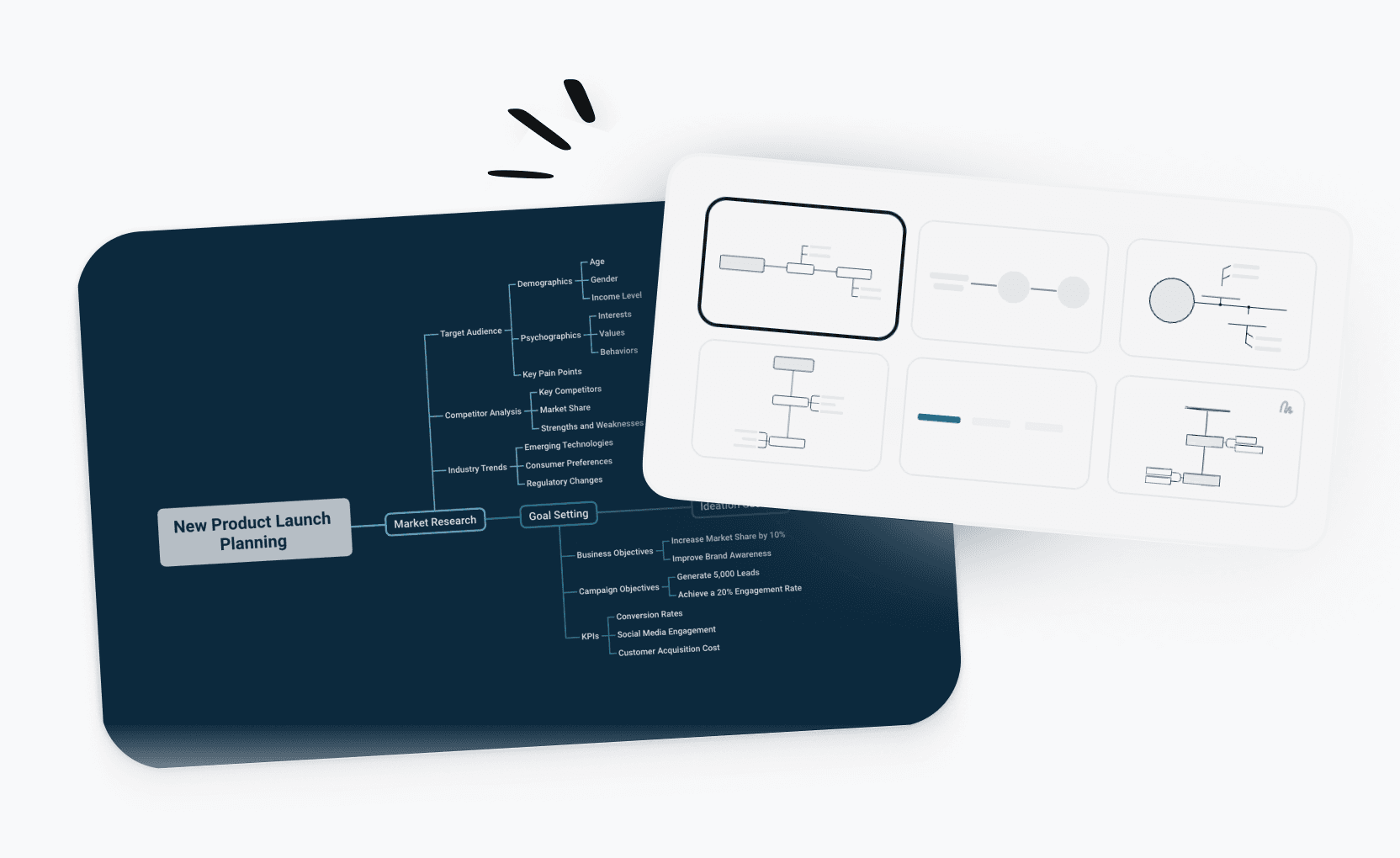
Timeline maker templates for every need
Start faster with ready-to-use timeline templates for launches, events, research, and more. Pick a template and customize it in minutes.
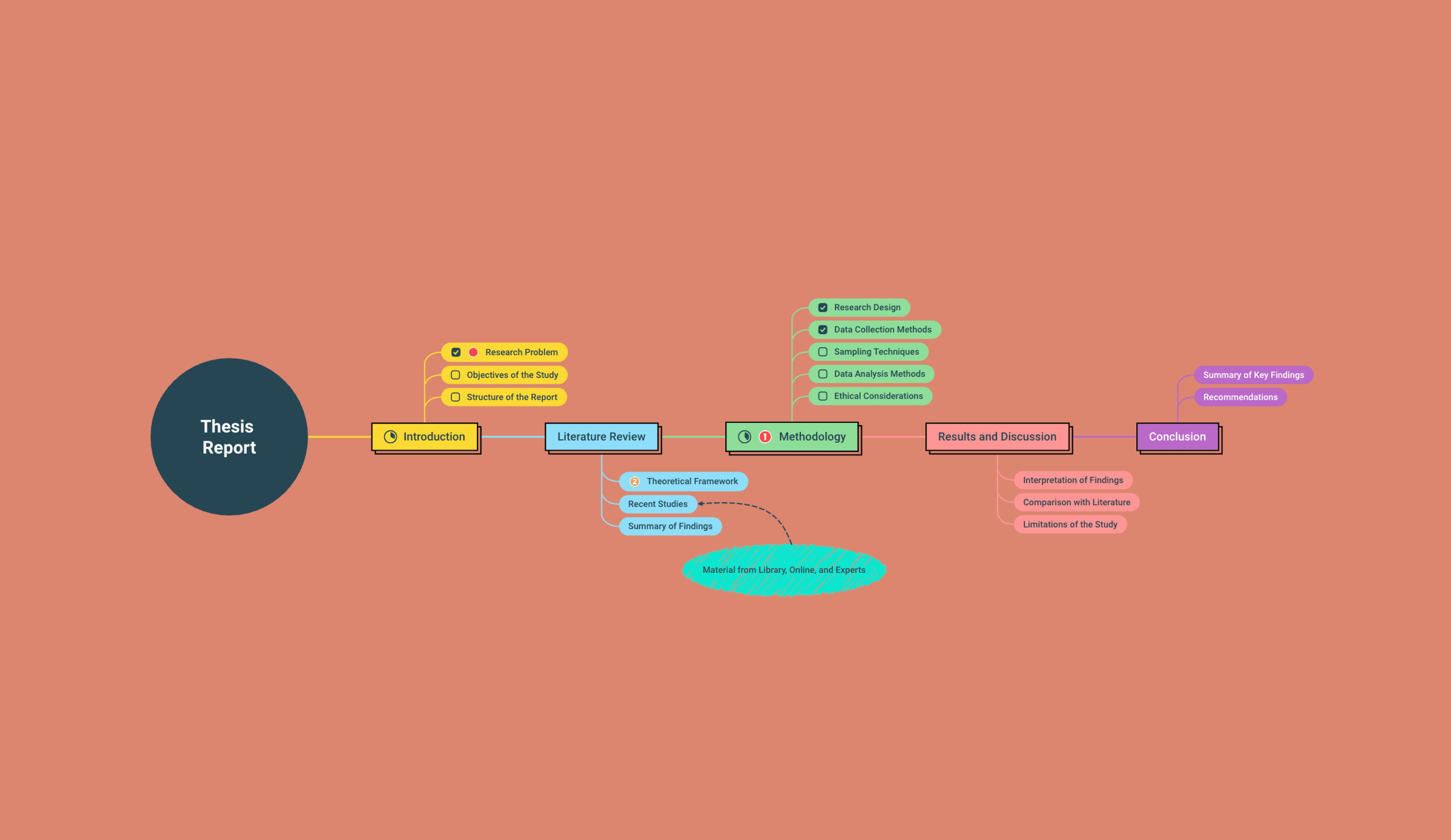
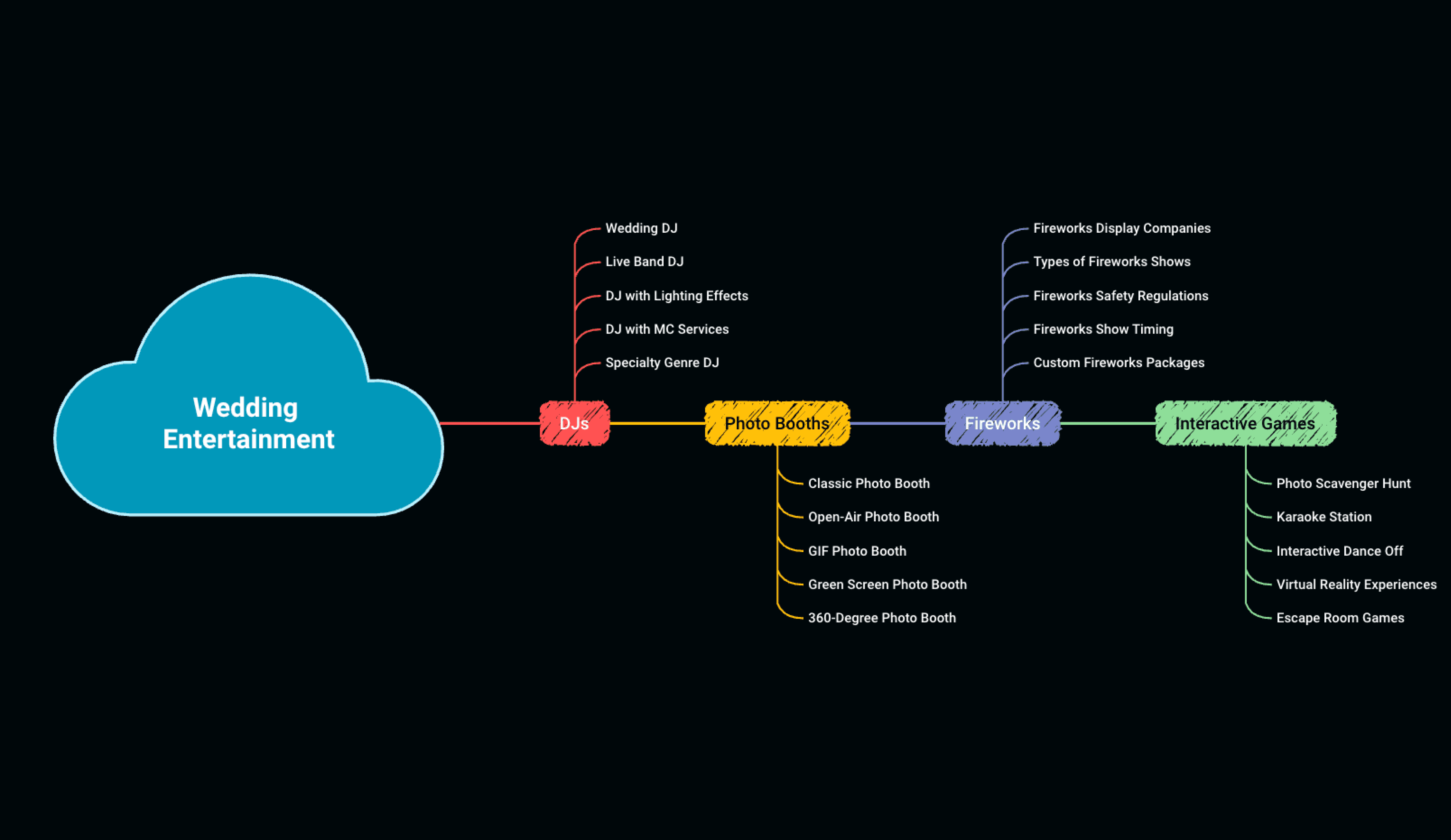
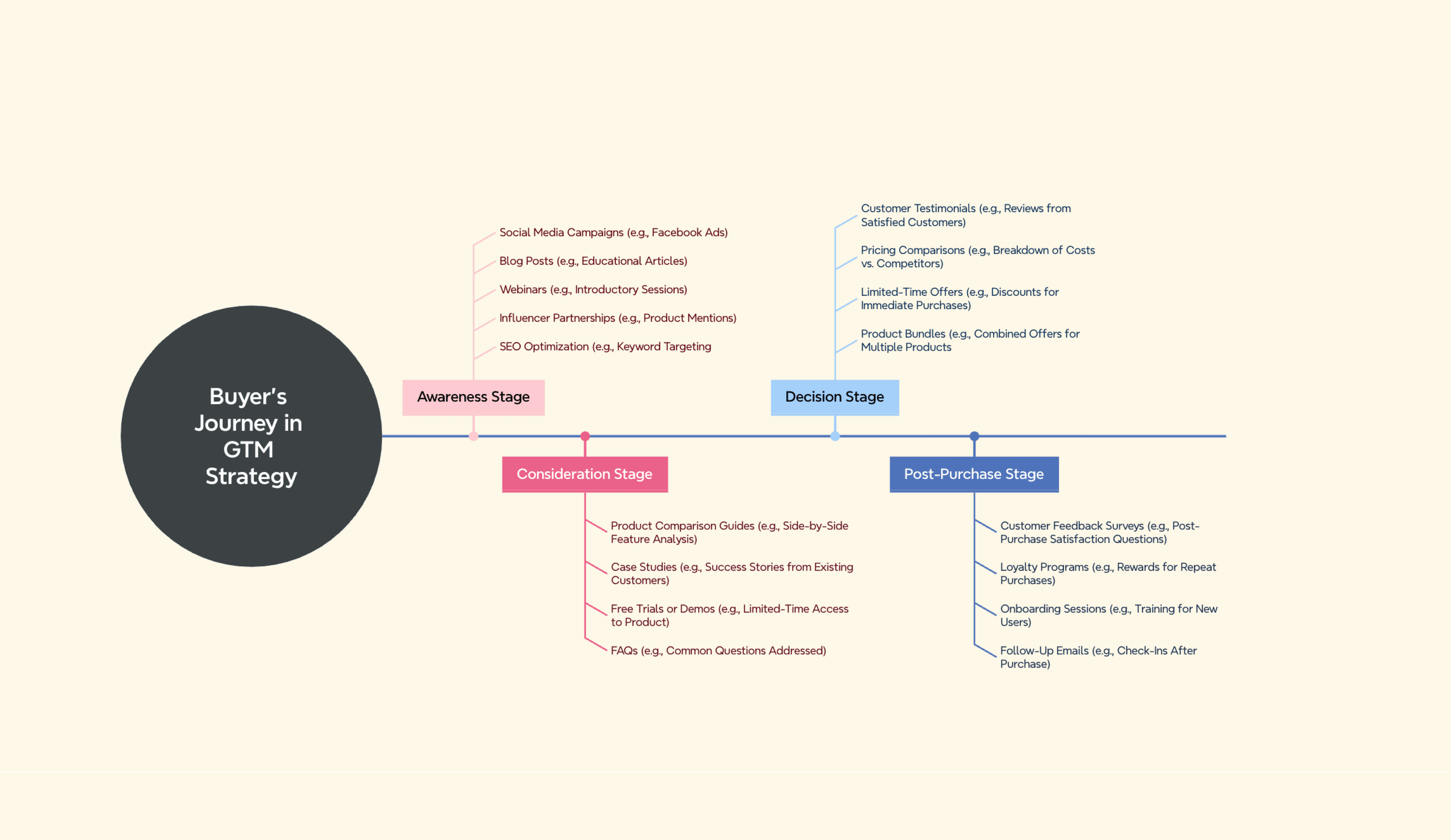
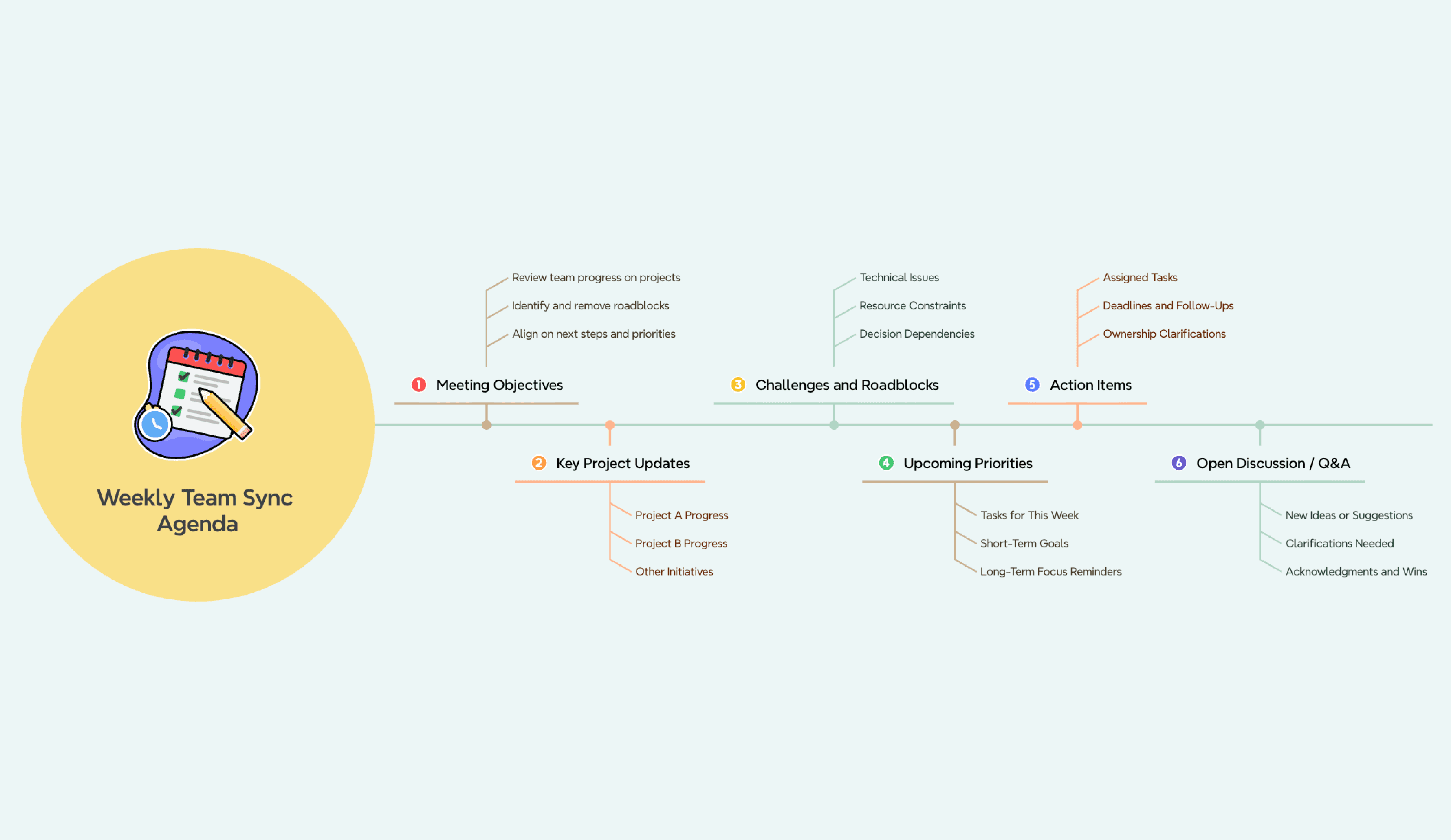
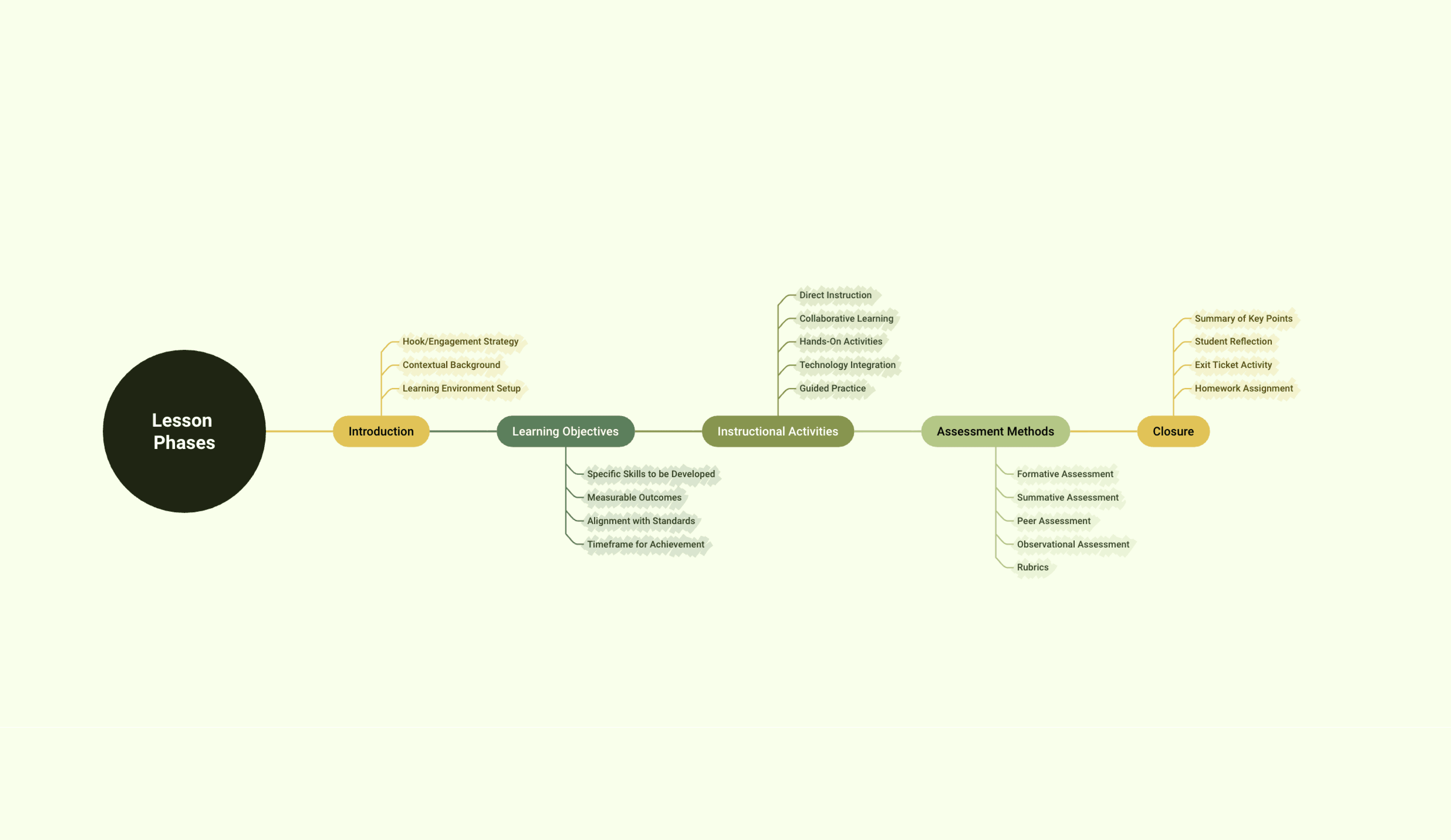


What is a timeline?
A timeline is a visual representation of events arranged in chronological order. It maps when things happened—or will happen—along a clear linear axis, making it easy to understand sequences, plan ahead, and communicate progress. Timelines are used in project management, education, product planning, and historical research.
More than just a free online timeline maker

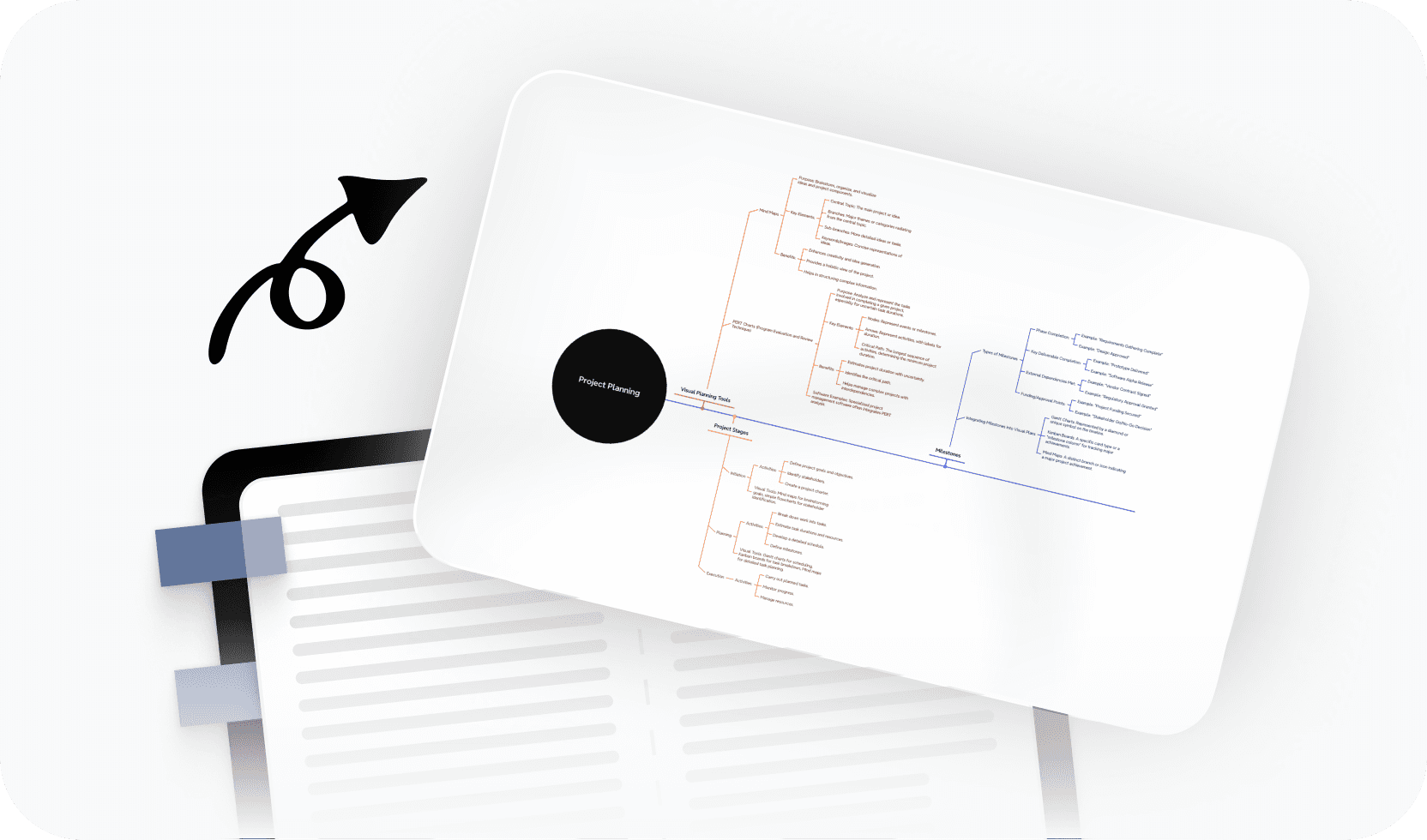
AI-powered suggestions
Get intelligent help building your timeline faster, from event ideas to structure and sequencing.

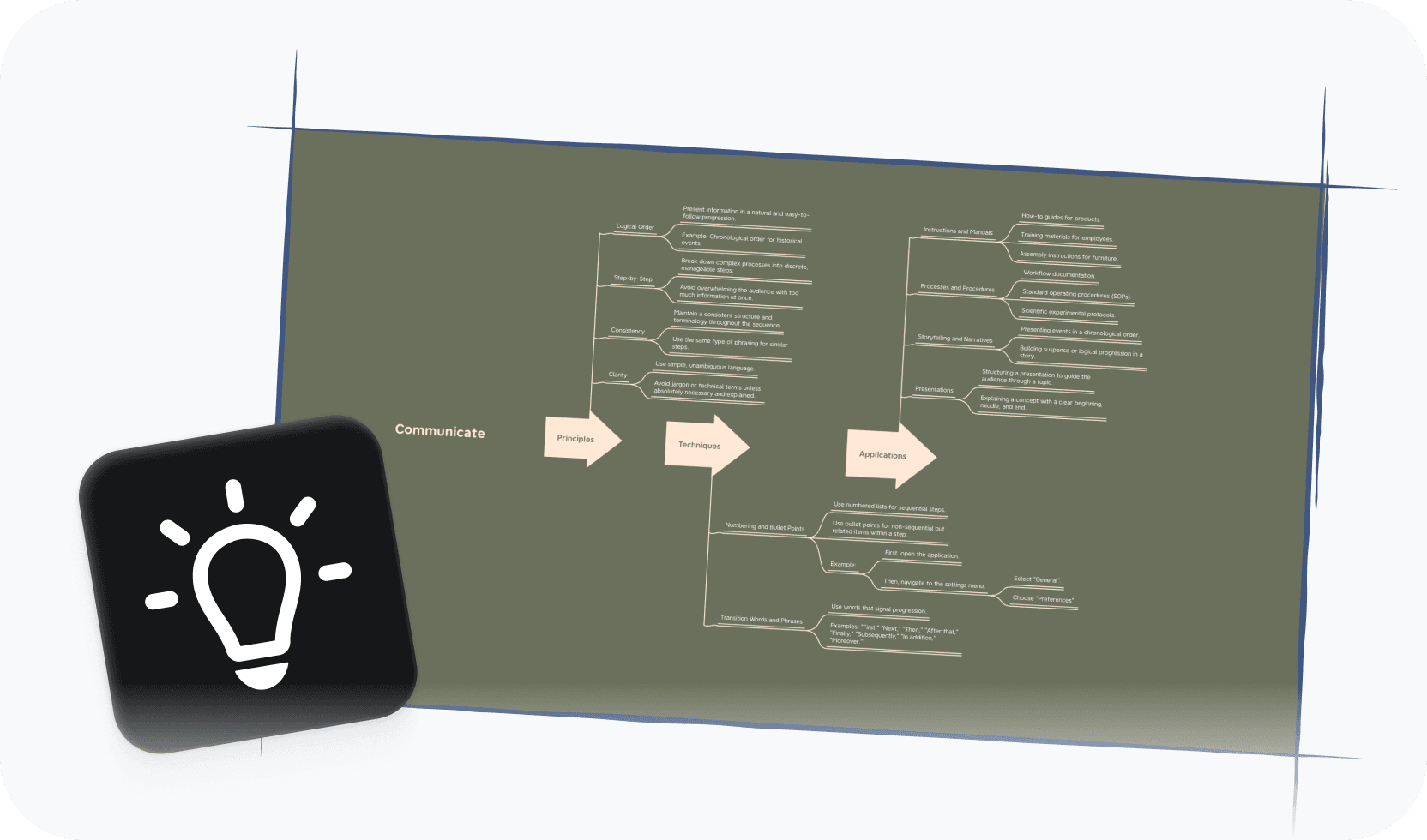
Beautiful & Intuitive interface
Enjoy a clean, distraction-free editor that makes placing events and milestones feel effortless.

Free to start, Powerful features
Access essential timeline tools for free, with advanced options available when you need them.

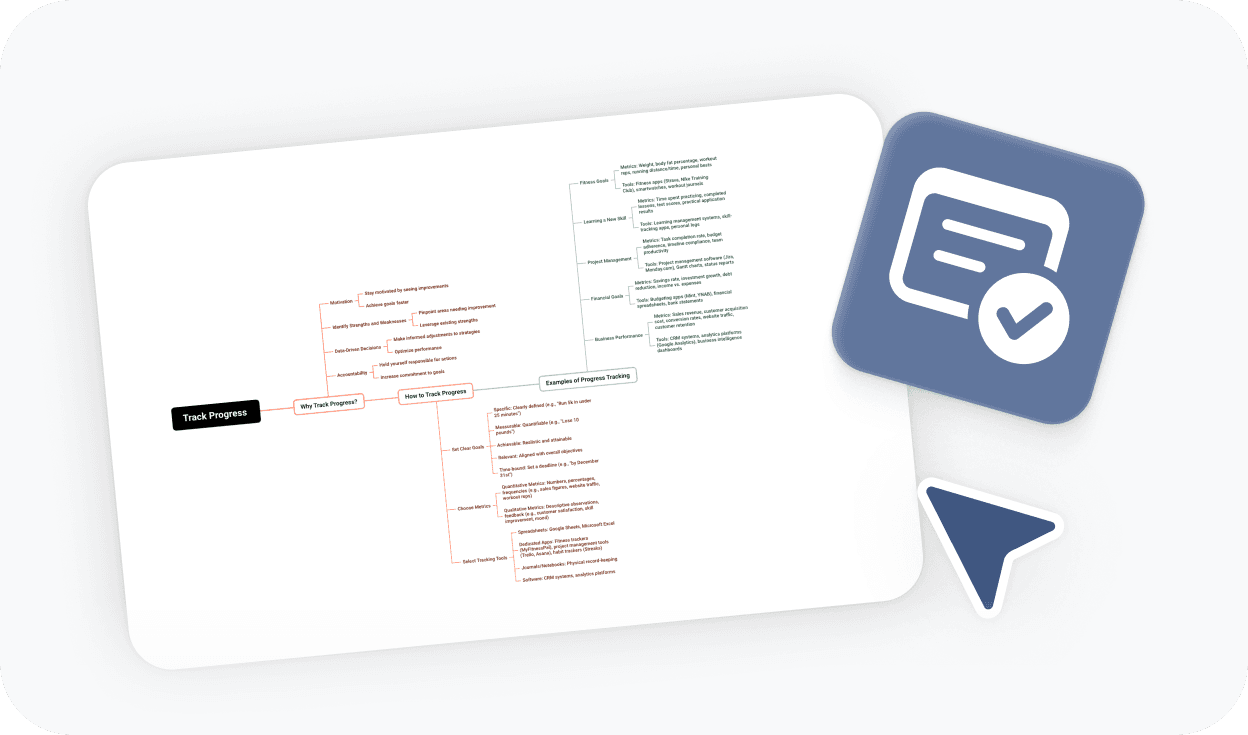
Flexible layouts and time scales
Switch between horizontal and vertical views, and scale your timeline from days to decades.

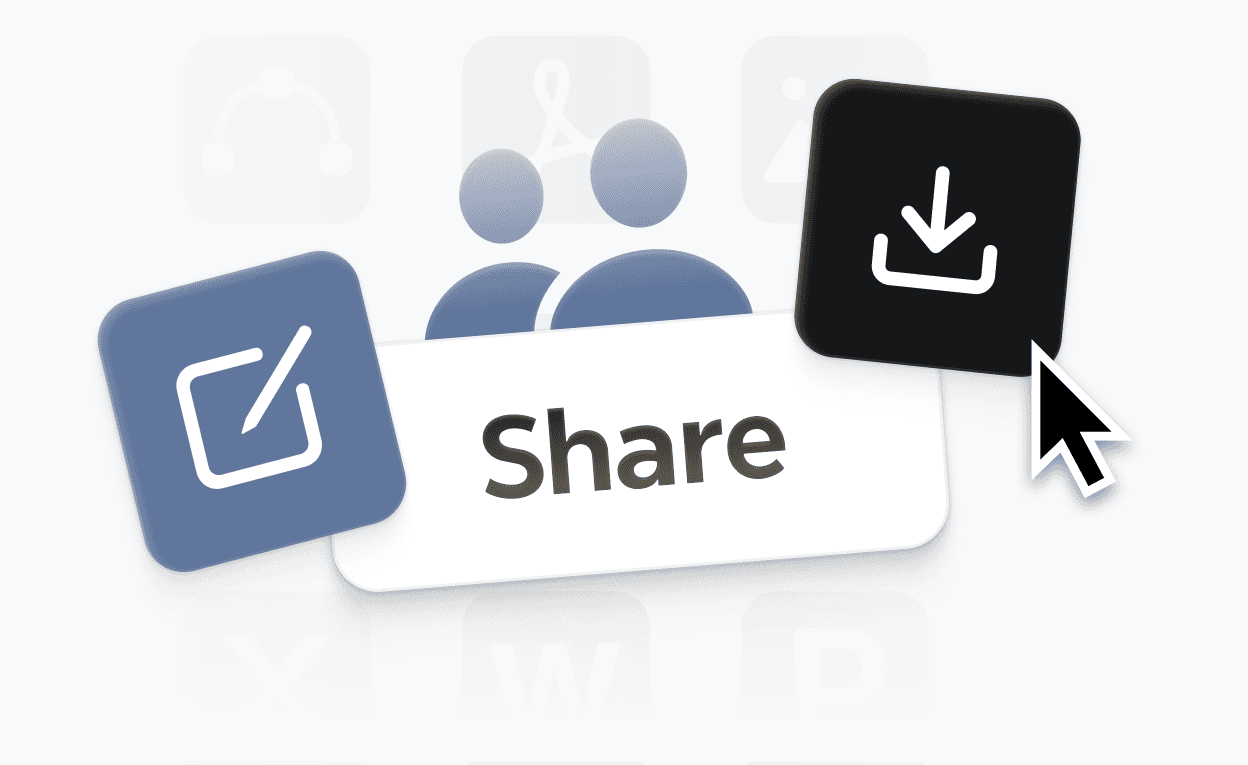
Easy sharing & export
Export your timeline to PDF or PNG, or share it with a link directly from the editor.
Trusted by millions worldwide

4.8/5

App Store

95%
User satisfaction rate

100M+
Users worldwide
Explore other free online tools
Is this timeline maker free to use?
Yes. You can start using this timeline maker for free and create timelines directly in your browser—no download or payment required. Free access includes the core tools you need to build, edit, and export a clean timeline.
Do I need to sign up to create a timeline?
No. You can create a timeline without signing up. You can also export your finished timeline as a PDF or PNG without an account. An account is only required if you want to save your work online, access it across devices, or generate a shareable link.
How do I make a timeline with this tool?
To make a timeline, start by entering your first event or milestone to anchor the sequence. Then add events in order, adjusting dates and labels as you go. Xmind keeps the layout organized automatically, so you can focus on the content. When you're done, export or share your timeline directly from the editor.
Can I export and share my timeline?
Yes. You can export your timeline as a PDF, PNG, or Xmind file without signing up. If you want to generate a shareable link or save your timeline online to access it later, you'll need a free account.
What is the best free timeline maker online?
The best free timeline maker depends on what you need. If you want a tool that lets you start instantly in your browser—no downloads, no complicated setup—and still produces a clean, exportable result, Xmind is a strong option. It handles everything from simple project schedules to multi-phase historical timelines, and the free tier covers the core features most users need.
How does this compare to making a timeline in PowerPoint or Google Slides?
Building timelines in PowerPoint or Google Slides is possible, but formatting is manual and fragile—moving one element often breaks the layout. This timeline maker is purpose-built for the task, so adding events, adjusting dates, and exporting a clean result takes a fraction of the time.
Is this timeline maker suitable for students and teachers?
Yes. It works well for classroom use—students can build history timelines, biography timelines, or project schedules without needing an account or software installation. Teachers can use it to present chronological content visually or assign it as a research presentation tool.
What kinds of timelines can I create?
You can create project timelines, historical timelines, product roadmaps, biography timelines, marketing campaign schedules, and research phase timelines. The editor is flexible enough to handle anything from a single-day event sequence to a multi-year chronology.




