
How to make a tree chart in 3 simple steps?

Tree chart maker templates for every need
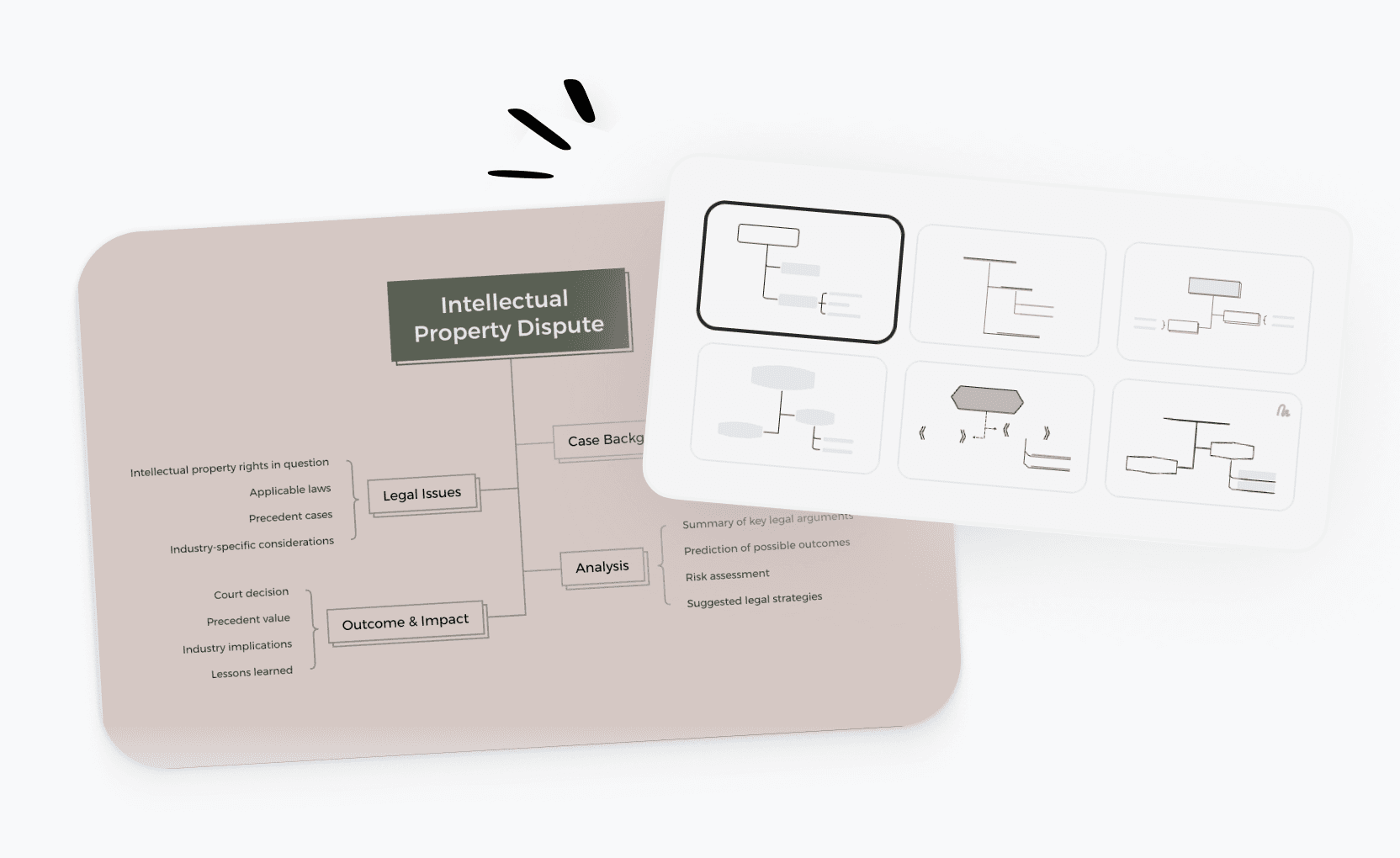
Start faster with ready-to-use tree chart templates built for business planning, legal analysis, project management, and more. Pick a template and customize it in minutes.
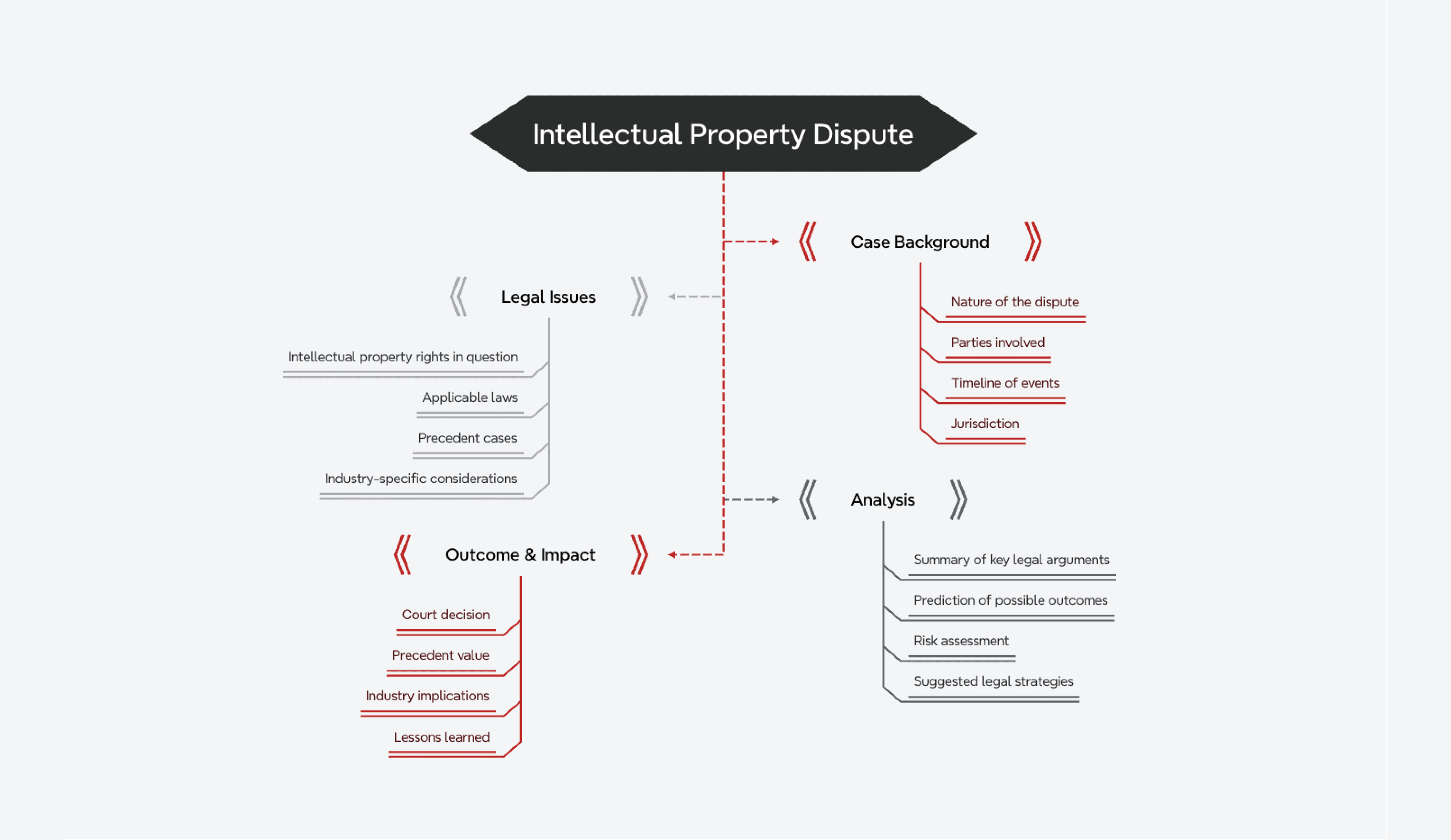
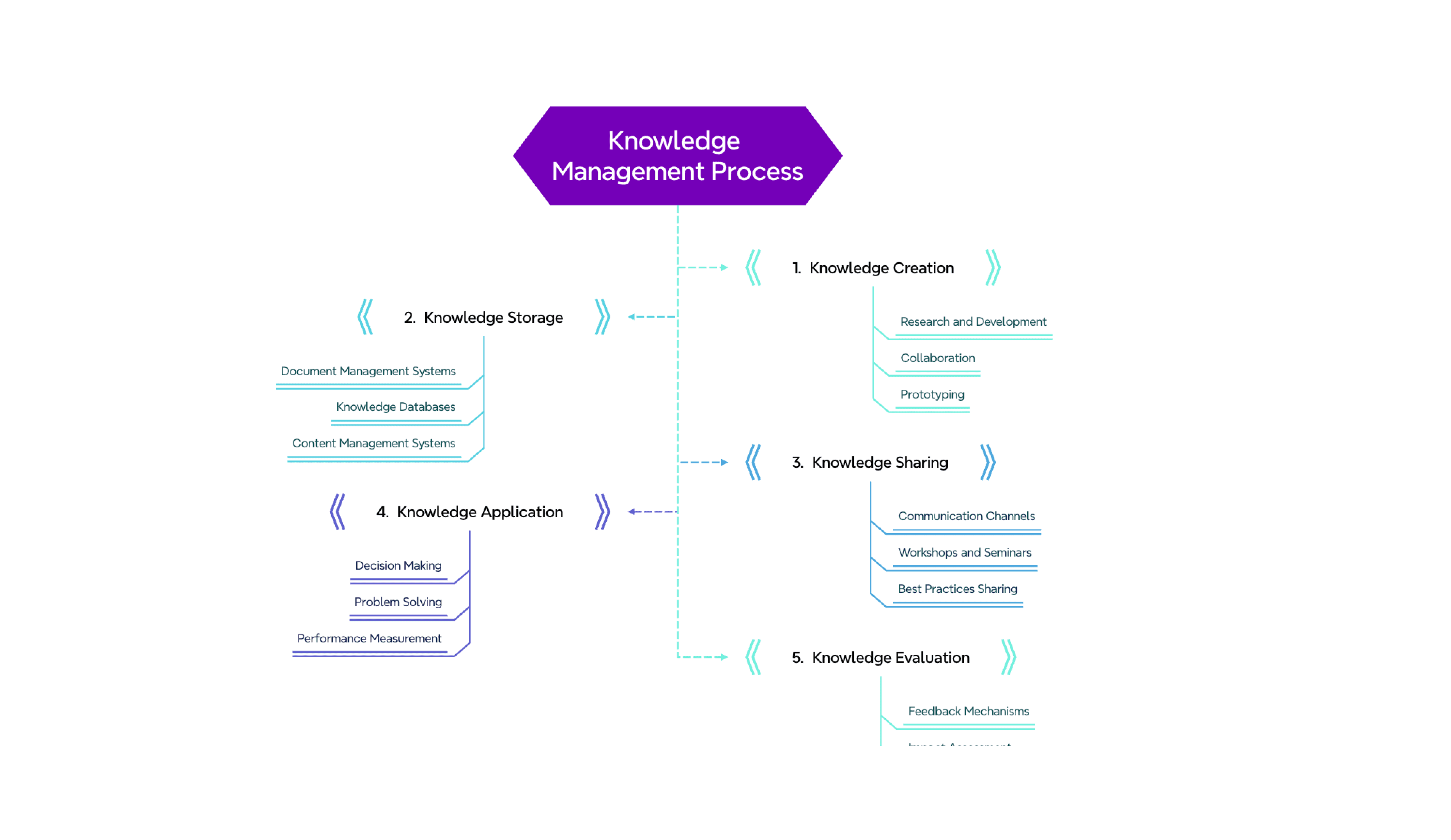
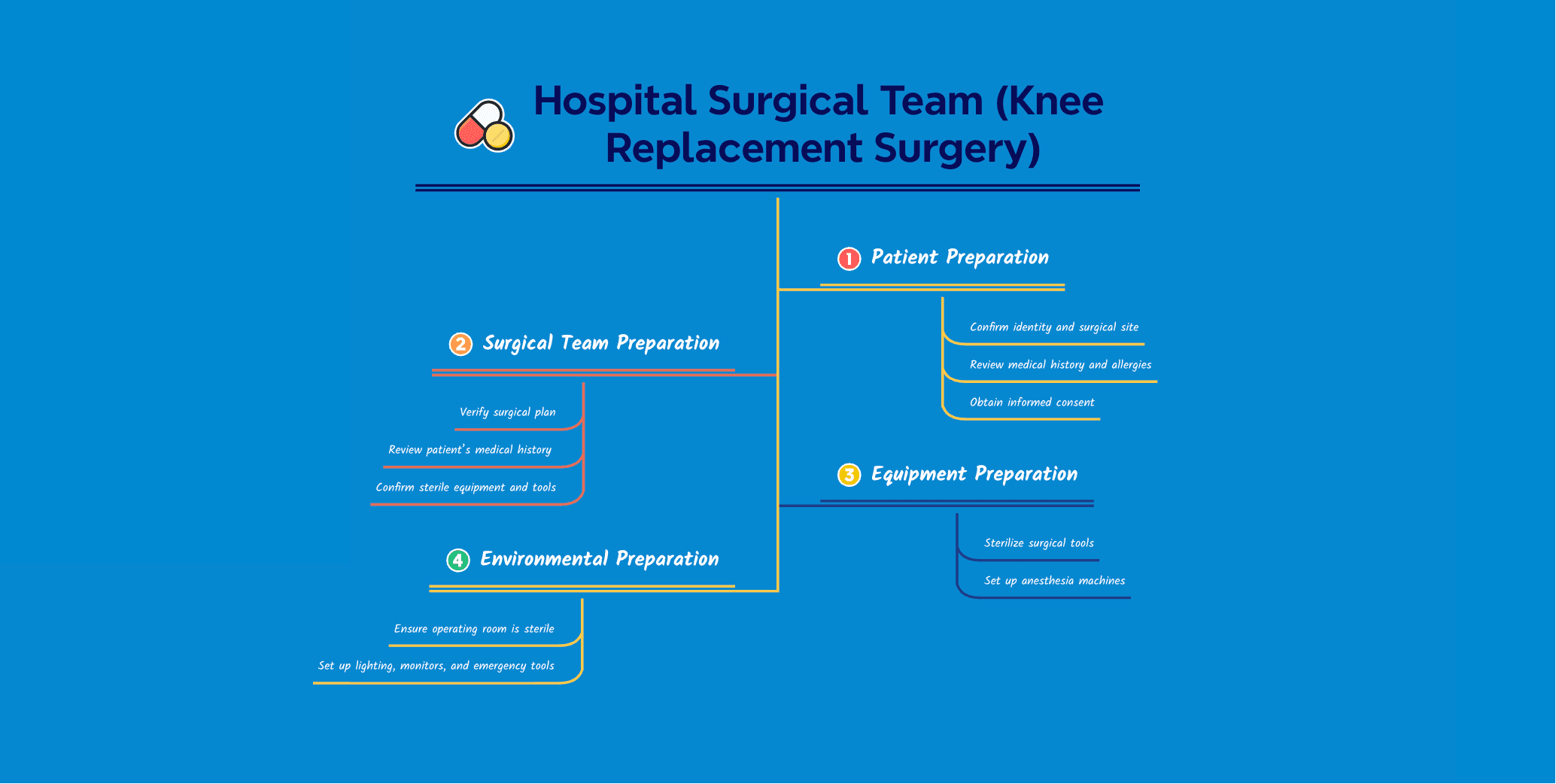
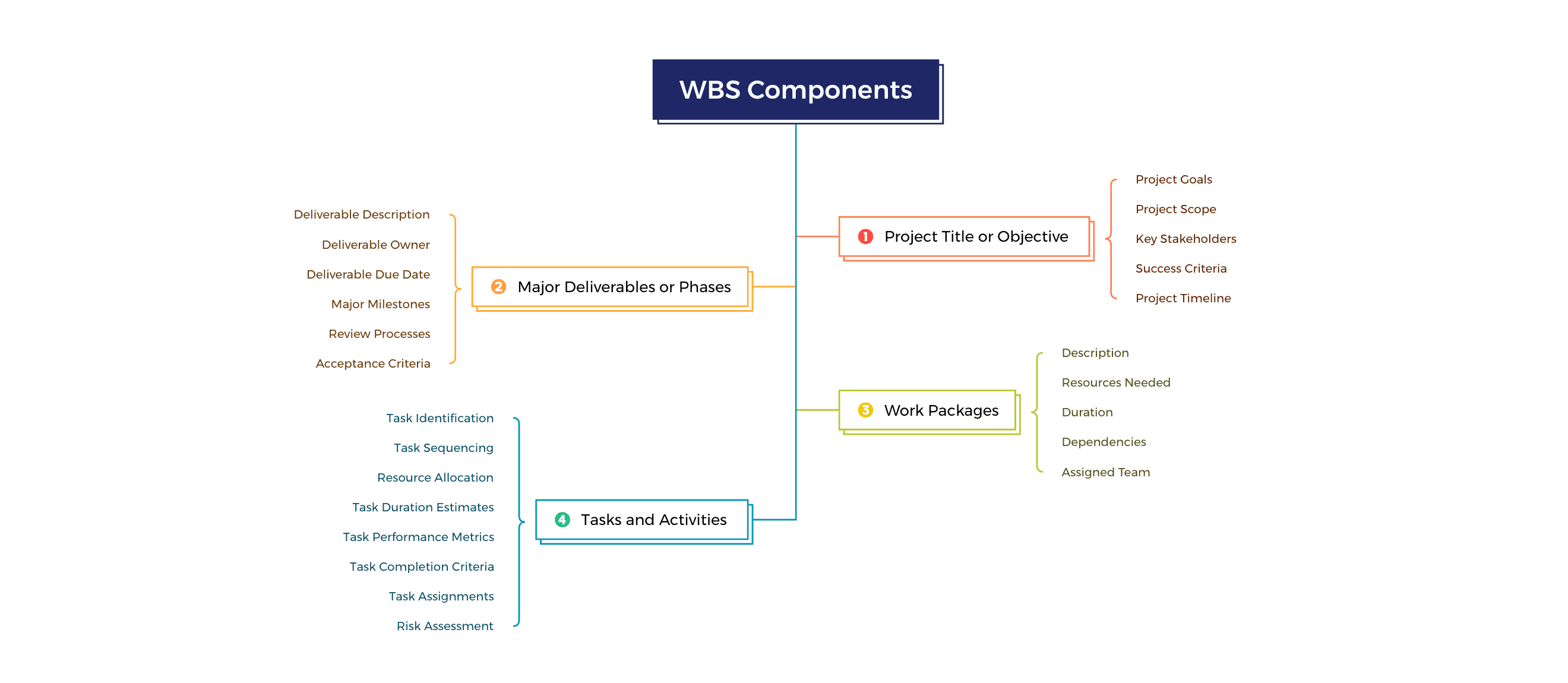


What is a tree chart?
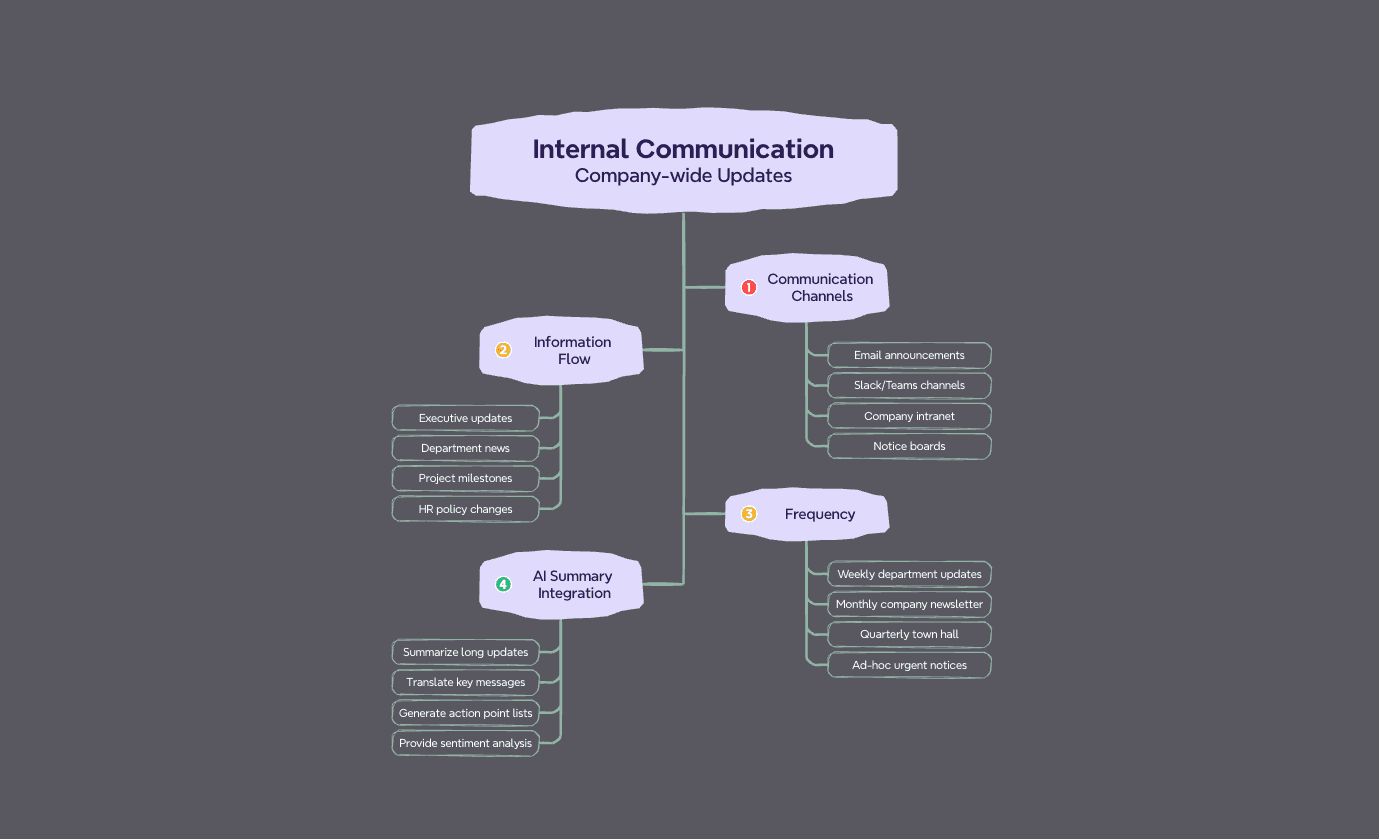
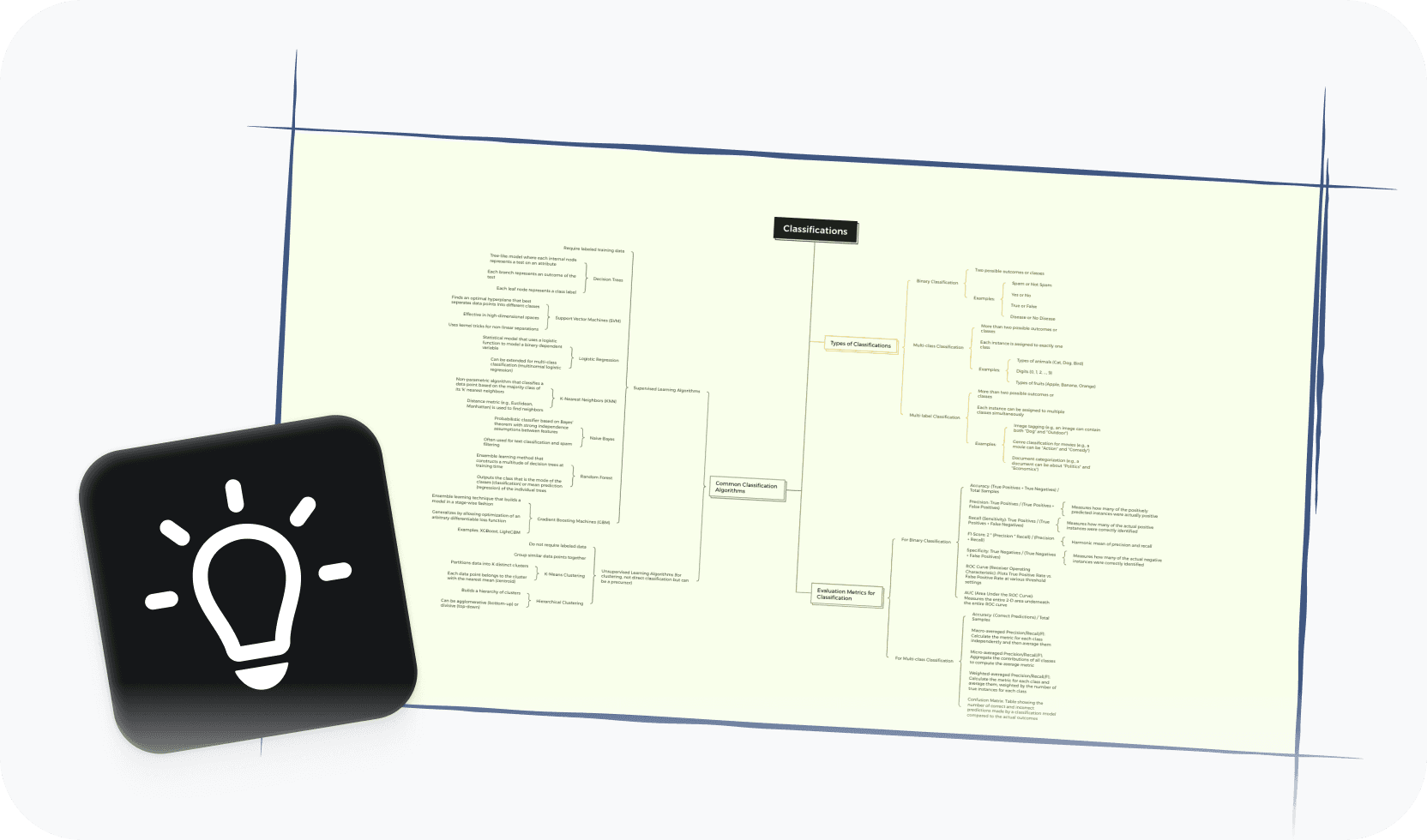
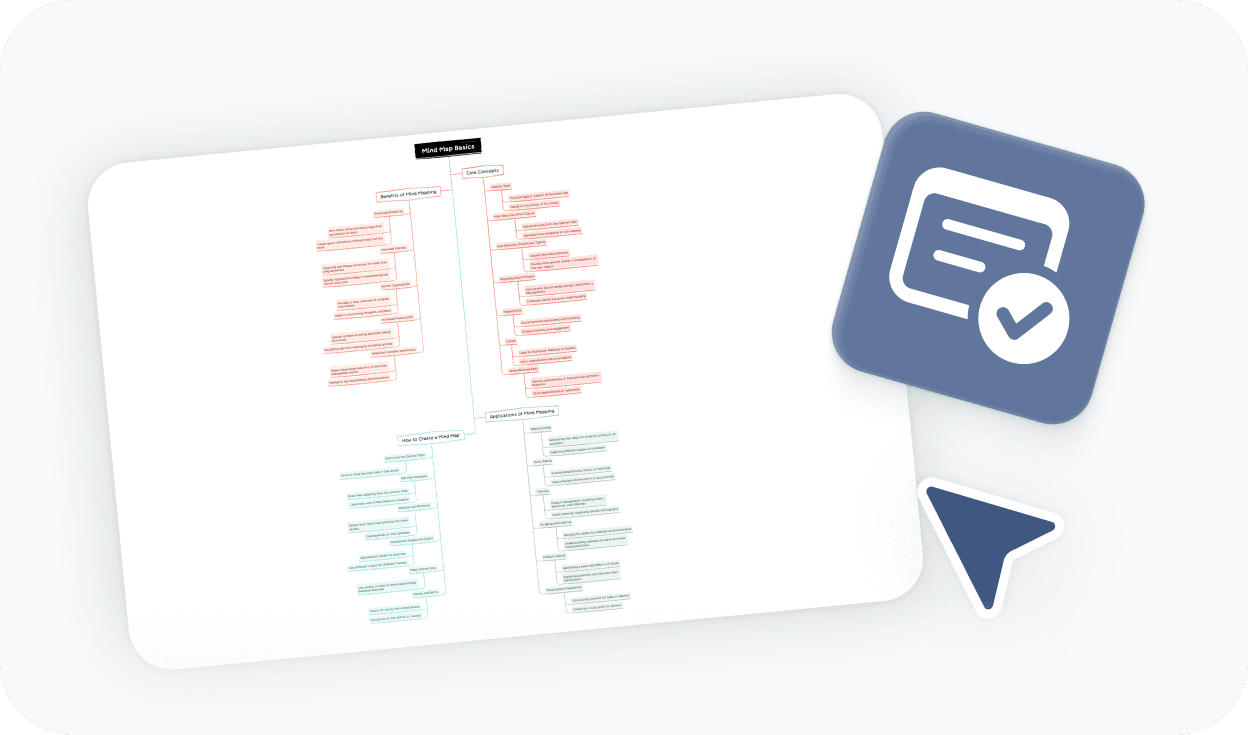
A tree chart is a hierarchical diagram that branches from a single root to show classifications, relationships, or structures at multiple levels. It's commonly used to map family trees, organize knowledge, and visualize any system where items have clear parent-child relationships. Whether you're tracking ancestry or planning a project structure, a tree chart makes complex hierarchies easy to read and navigate.

More than just a free online tree chart maker

AI-powered suggestions
Get intelligent ideas for branches, node labels, and full tree generation—so your chart builds itself as you think.

Beautiful & Intuitive interface
Enjoy a clean, distraction-free canvas designed to keep your focus on structure, not the tool.

Free to start, Powerful features
Access essential tree chart tools for free, with advanced options available when your needs grow.

Flexible hierarchy layouts
Build top-down trees, left-right structures, or multi-branch hierarchies—and switch layouts without rebuilding from scratch.

Easy sharing & export
Share your tree chart with a link or export to PDF, PNG, or Xmind format for any audience.
Trusted by millions worldwide

4.8/5

App Store

95%
User satisfaction rate

100M+
Users worldwide
Explore other free online tools




Is this tree chart maker free to use?
Yes. You can start using this tree chart maker for free and build tree charts directly in your browser—no payment required. Free access includes the core tools you need to create, edit, and export your chart.
Do I need to sign up to create a tree chart?
No. You can create and export a tree chart without signing up. An account is only required if you want to save your work online, access it across devices, or generate a shareable link.
How do I make a tree chart?
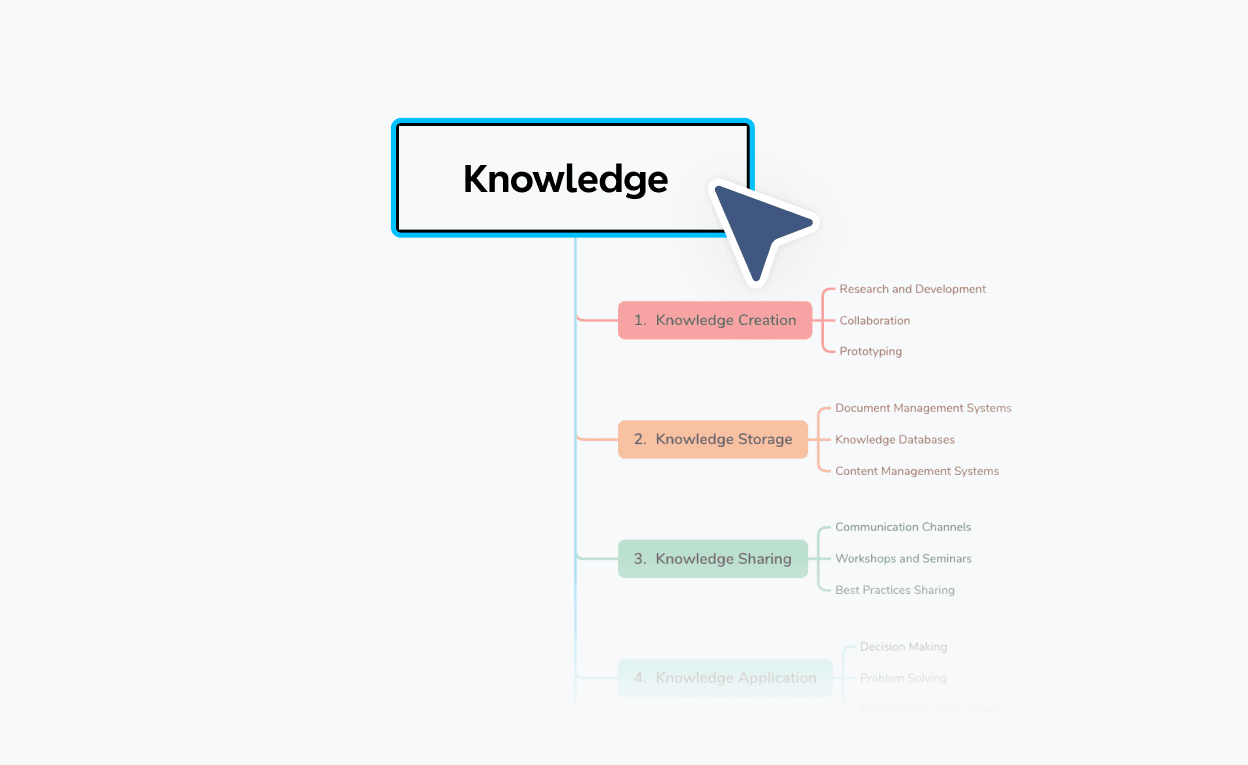
To make a tree chart, start by entering your root node—the top-level category, ancestor, or starting concept. Then add child nodes branching outward at each level to represent relationships or sub-categories. Use Xmind's layout tools to adjust structure, and export or share your chart when it's complete.
Can I export and share my tree chart?
Yes. You can export your tree chart to PDF, PNG, or Xmind format without signing up. A sign-up is only required to save your work online or generate a shareable link for others to view.
What is the best online tree chart maker?
The best online tree chart maker depends on what you're building. If you need a tool that handles multi-level hierarchies cleanly, supports family trees and classification structures, and lets you export without signing up, Xmind's tree chart maker is a strong choice. It's free to start, works in your browser, and includes AI-powered features for faster building.
Can I use this to make a family tree?
Yes. The tree chart maker works well for family trees. Start with a root ancestor, branch out by generation, and add names, dates, or relationships at each node. You can also start from the family tree template to save time.
Is this tree chart maker suitable for beginners?
Yes. The tool is designed to be easy to use from the start. You can begin with a blank canvas or choose a template, and the layout adjusts automatically as you add nodes—no design experience needed.
How is a tree chart different from an org chart?
Both are hierarchical diagrams, but they serve different purposes. An org chart is specifically for showing organizational reporting structures—roles, teams, and management lines. A tree chart is more general: it can represent any hierarchy, from family lineages and biological classifications to decision flows and knowledge breakdowns.




