How to make a tree table in 3 simple steps?
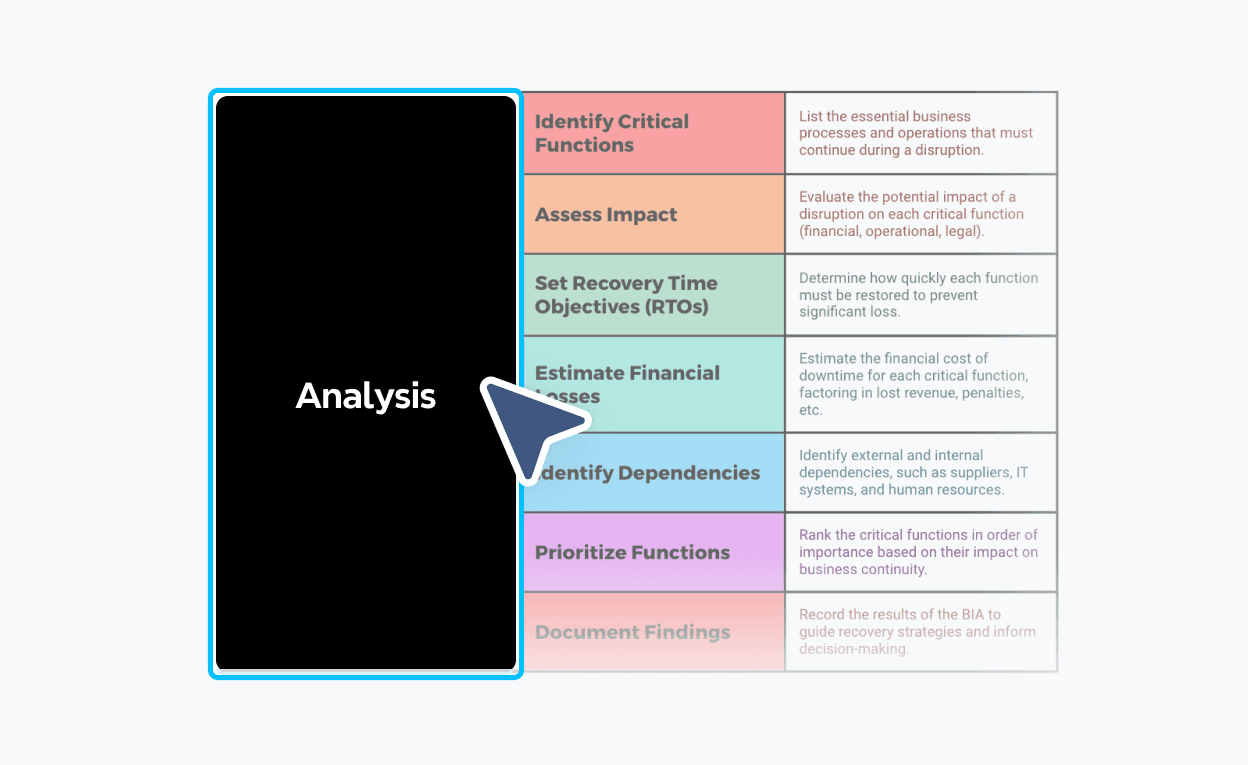
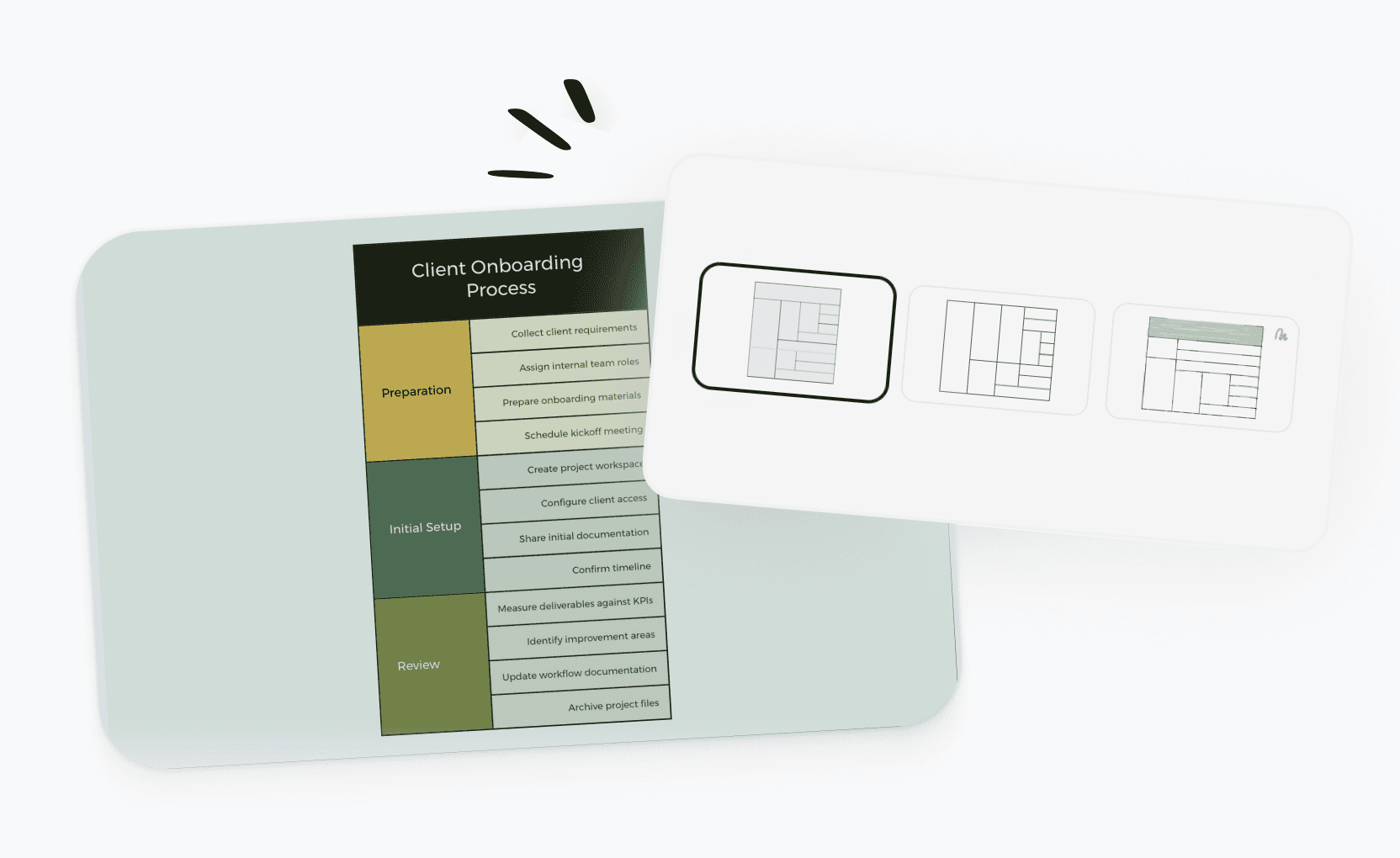

Tree table templates for every need
Get started faster with ready-to-use tree table templates for project planning, budgeting, curriculum design, and more. Pick any template and customize it to fit your needs.
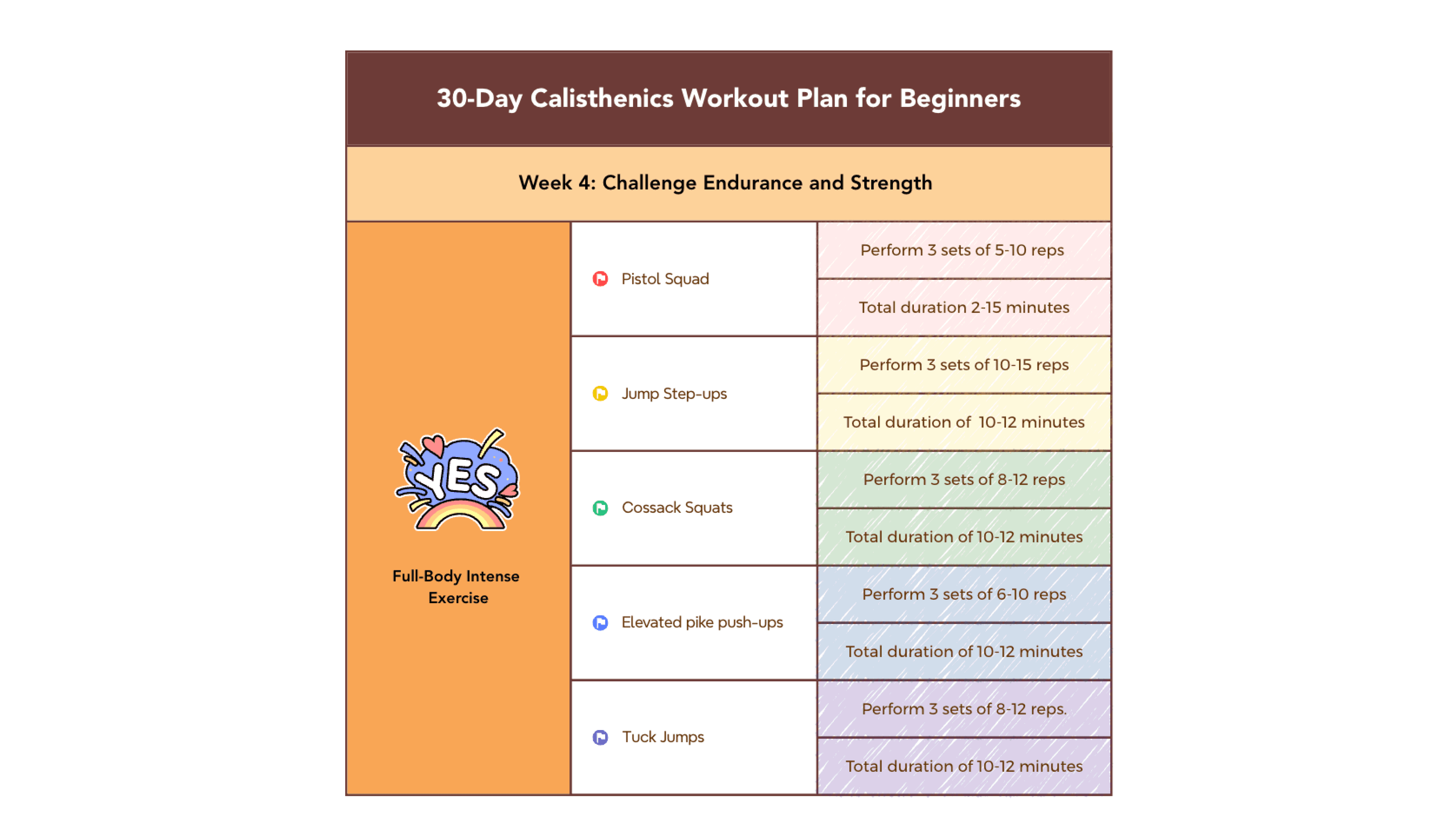
Workout plan template
Organize a weekly training program by day and exercise type, with sets, reps, and intensity tracked at every level.
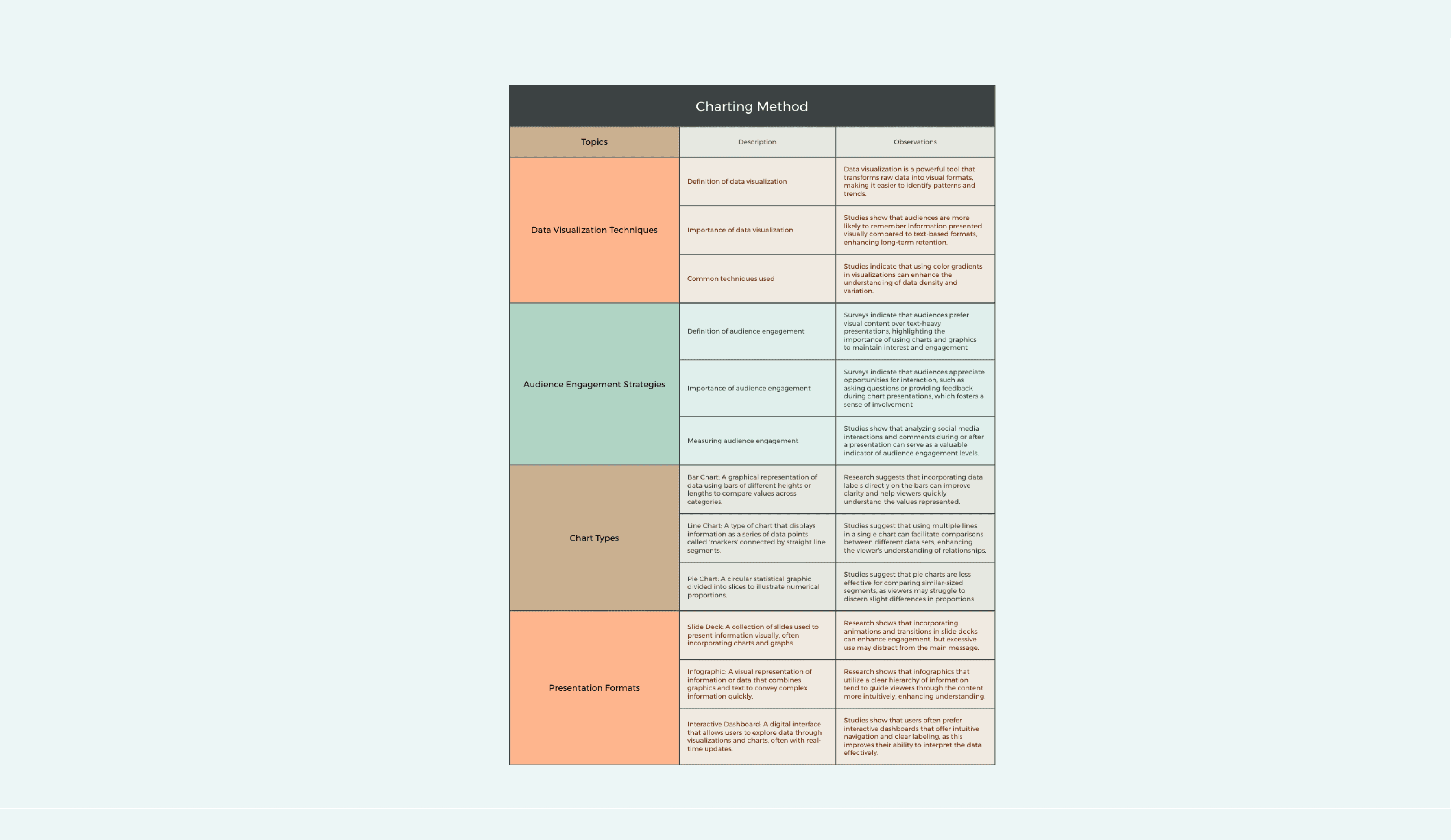
Charting method template
Break down data visualization techniques and audience engagement strategies by category, with method details and use cases captured per row.
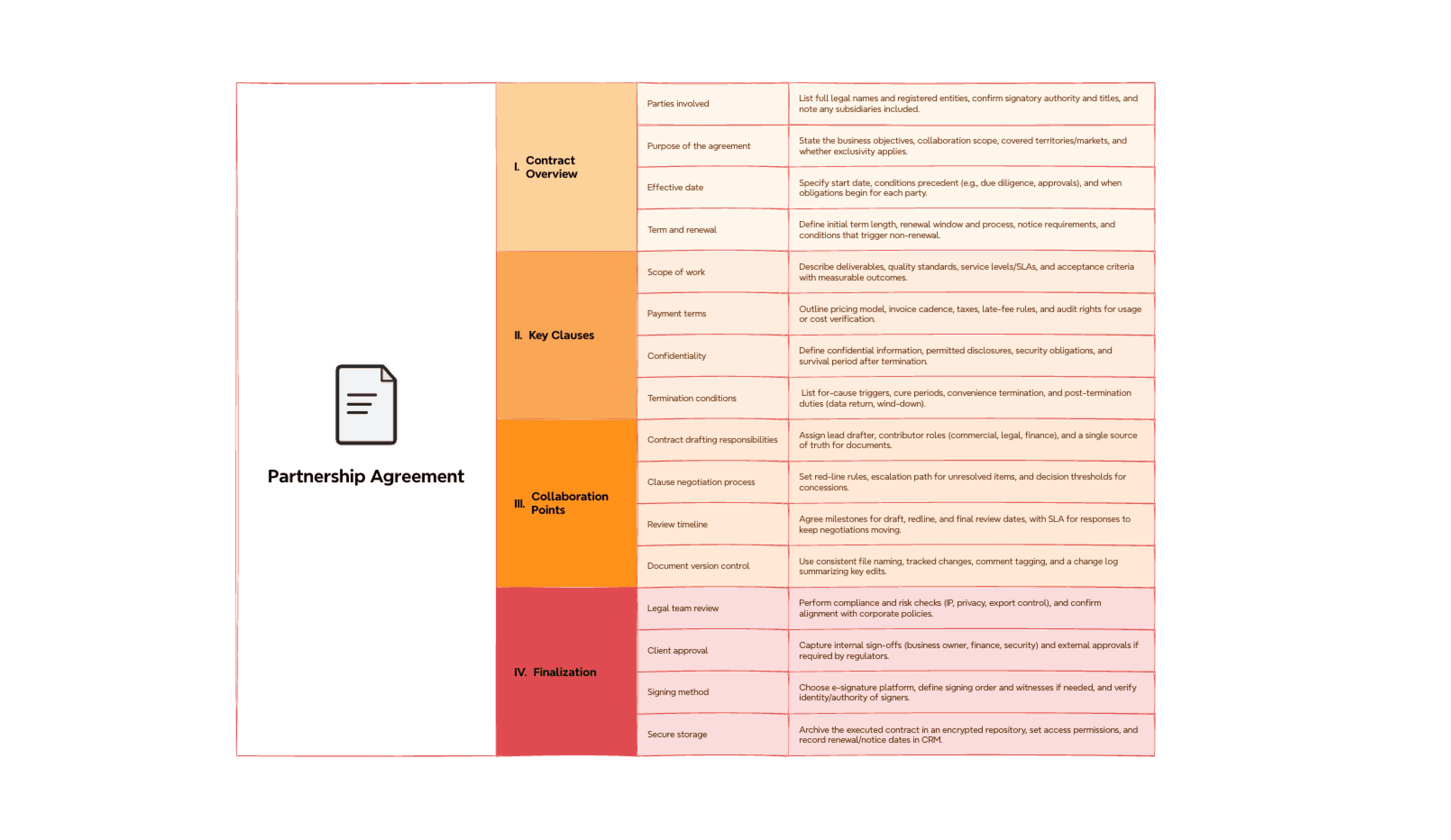
Partnership agreement template
Outline key contract clauses, collaboration terms, and finalization steps with status and ownership tracked across all agreement sections.
What is a tree table?
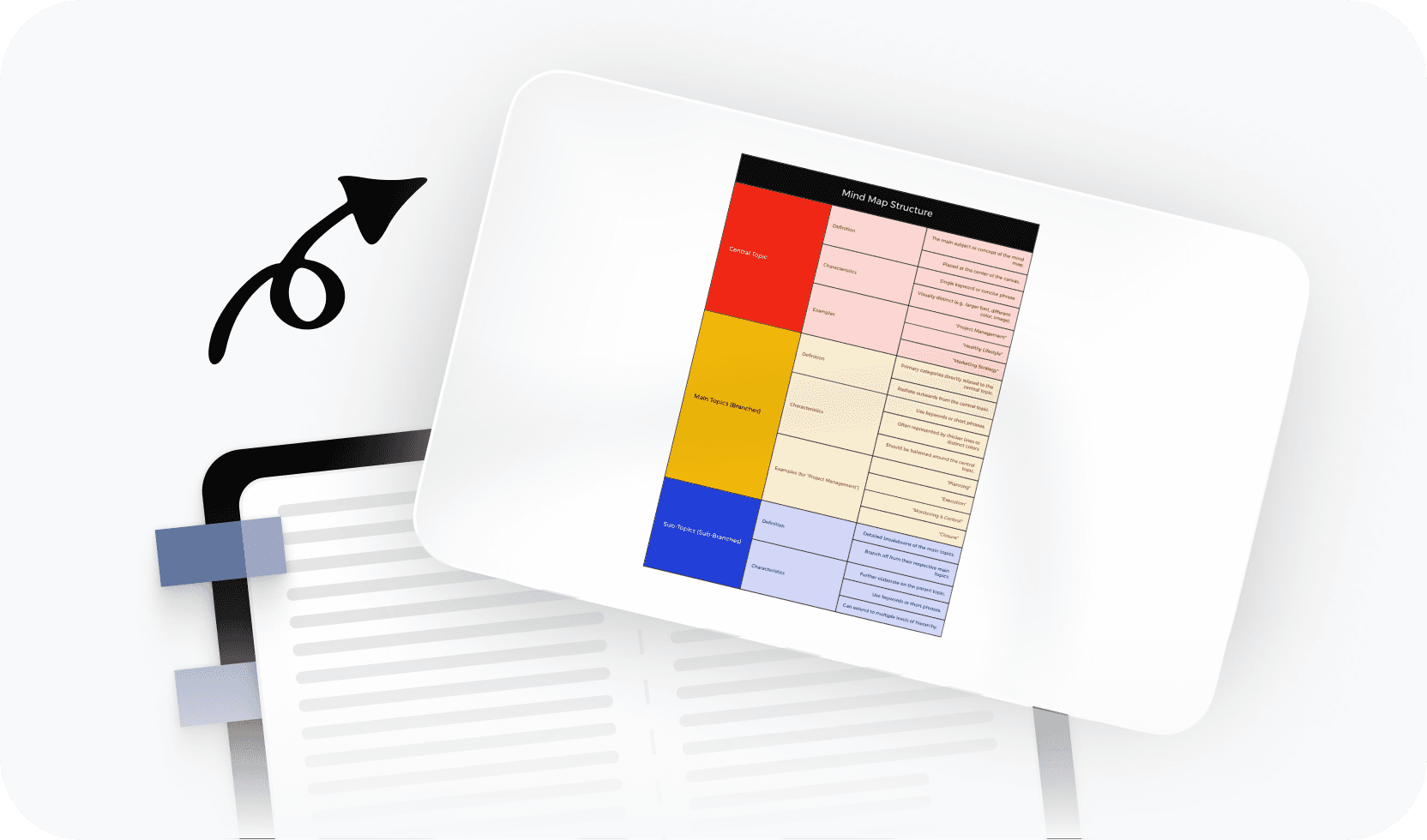
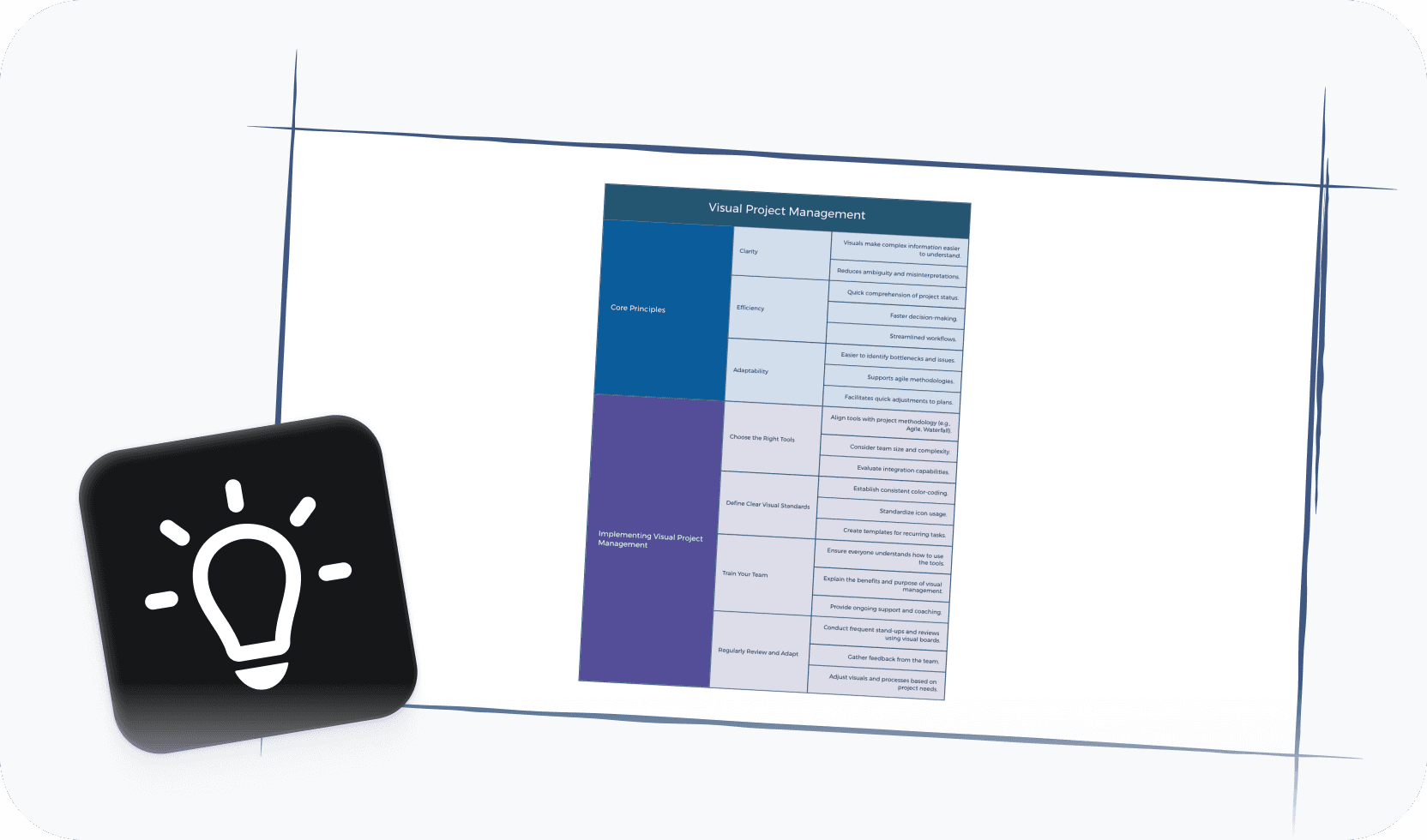
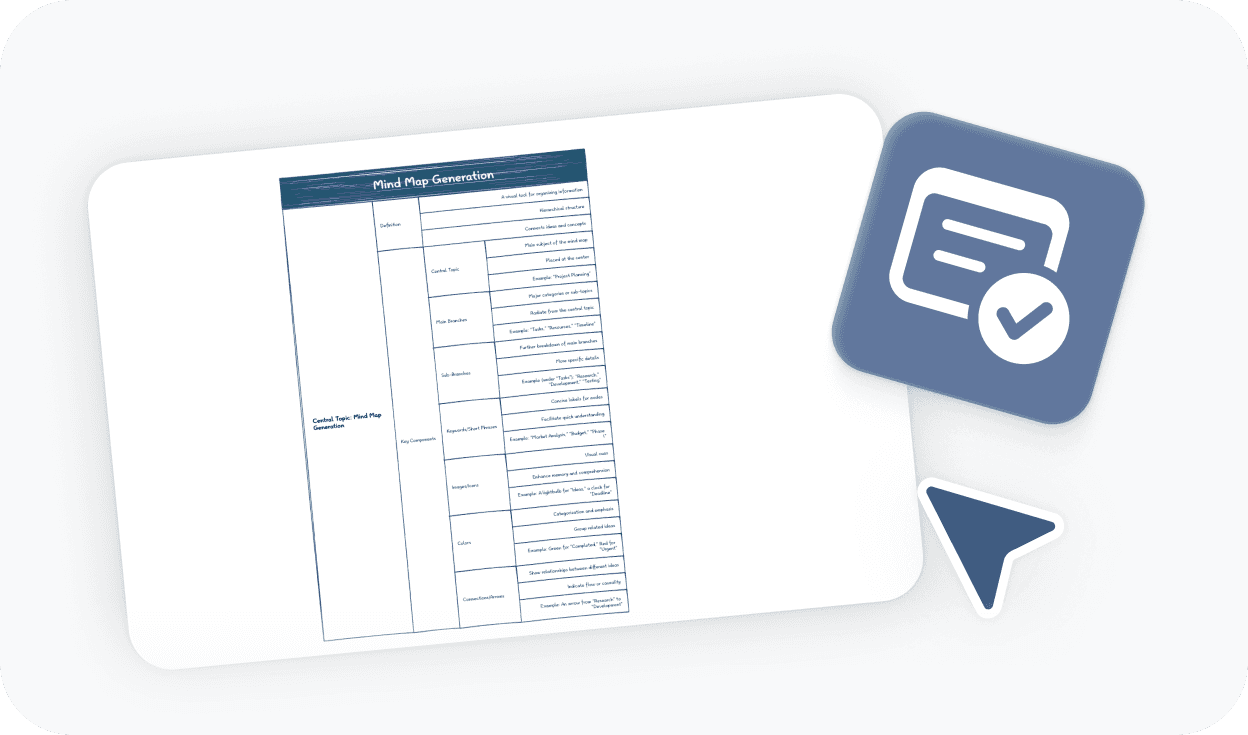
A tree table combines a hierarchical tree structure with data columns, letting you organize information in parent-child relationships while capturing detailed attributes for each item — all in one view. It goes beyond a plain tree diagram by adding the data richness of a table, and beyond a flat spreadsheet by showing the relationships between rows. Tree tables are widely used in project management, product planning, budget analysis, and curriculum design.
More than just a free online tree table maker

AI-powered suggestions
Let AI help you build out your tree structure, suggest column attributes, and populate rows based on your topic.

Beautiful & Intuitive interface
Work in a clean, distraction-free editor that makes building complex hierarchies feel effortless.

Free to start, Powerful features
Access essential tree table tools for free, with advanced options available when you need them.

Flexible structure & columns
Add rows, and columns, then collapse, expand, or reorder to keep your view manageable.

Easy sharing & export
Share your tree table with a link or export to PDF, PNG, or Xmind format in seconds.
Trusted by millions worldwide

4.8/5

App Store

95%
User satisfaction rate

100M+
Users worldwide
Explore other free online tools


Is this tree table maker free to use?
Yes. You can start using this tree table maker for free and build tree tables directly in your browser. No payment or subscription is required to get started. Free access includes the core editor and essential features for creating and editing tree tables.
Do I need to sign up to create a tree table?
No. You can create and export a tree table without signing up. An account is only required if you want to save your work online, access it later across devices, or generate a shareable link. If you just need a quick export, you can skip sign-up entirely.
How do I create a tree table?
To create a tree table, start by defining your top-level categories — these become your root rows. Then add child rows beneath each parent to build out the hierarchy. Use the column headers to track attributes like status, owner, date, or any other data relevant to your structure. As your table grows, you can collapse and expand branches to keep the view manageable.
Can I export and share my tree table?
Yes. You can export your tree table to PDF, PNG, or Xmind format without signing up. If you want to share it via a live link or access your work across devices, you'll need to create a free Xmind account. Exporting and downloading locally never requires a sign-up.
What is the best online tree table maker?
The best online tree table maker depends on what you're building. If you need a tool that combines hierarchical structure with flexible data columns — and works directly in your browser without installation — Xmind's tree table maker is a strong choice. It supports multi-level hierarchies, customizable columns, and clean export options, making it well-suited for work breakdown structures, product planning, budget breakdowns, and curriculum design.
Is this tree table maker suitable for beginners?
Yes. This tree table maker is designed to be approachable for users at any level. You can start from a blank canvas or use a ready-made template to get structured immediately. The interface guides you through building parent-child rows and adding column data without requiring any technical knowledge.




