Xmind Pro/Premium
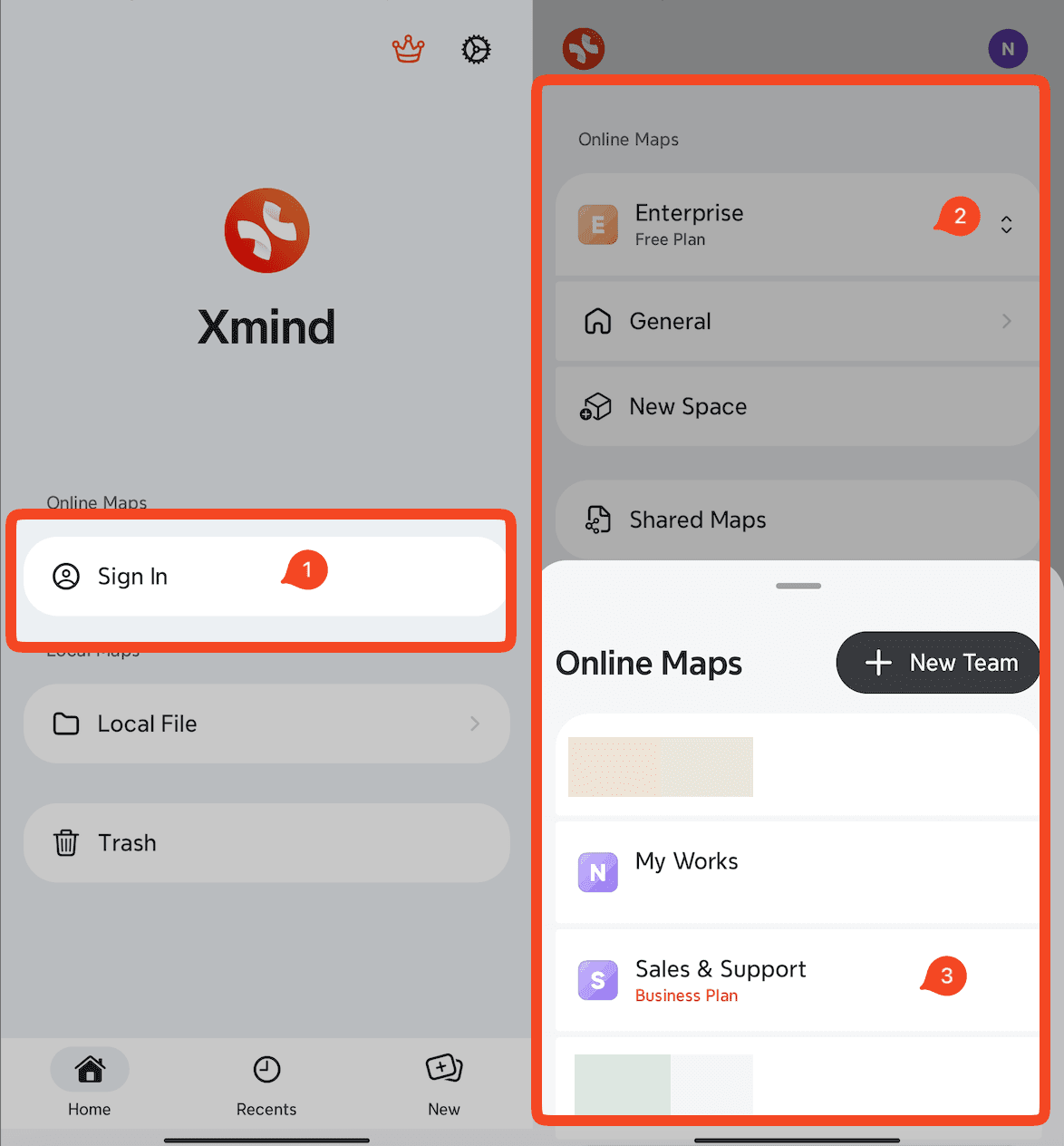
To activate Xmind Pro/Premium, simply sign in to your Xmind account to unlock the features.
Download and launch Xmind for Android.
Go to Settings → Sign In and log in with your account.
Select where to create your mind map:
Cloud files: Go to My Works → All Maps.
Local files: Go to Local File.
Xmind Business
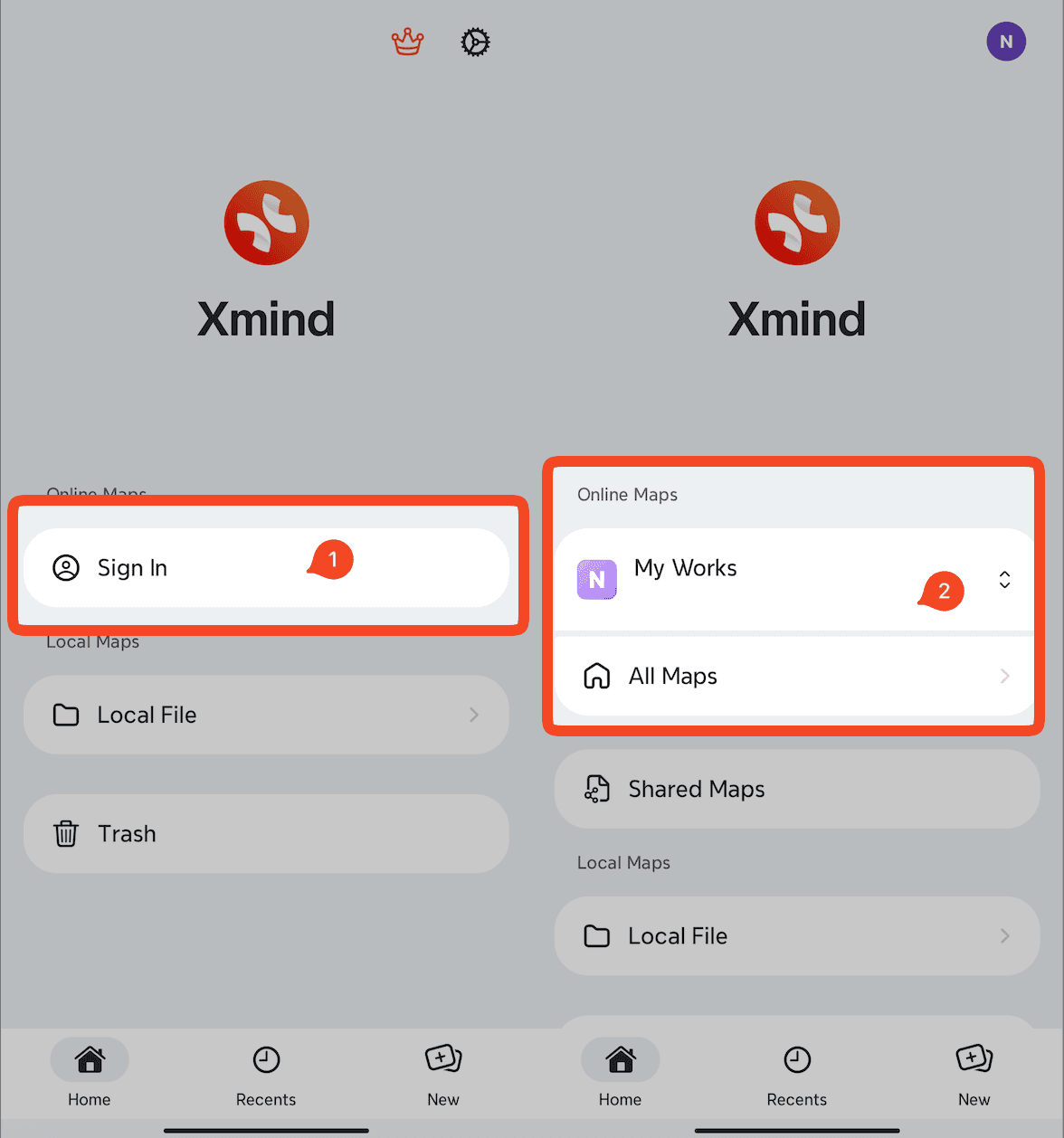
For Xmind Business, please go to your team space and create/edit a mind map.
Launch Xmind for Android.
Click Sign In and log in with your account.
Navigate to 「≡」→ Team Space to create or open a team mind map.