Xmind Pro/Premium
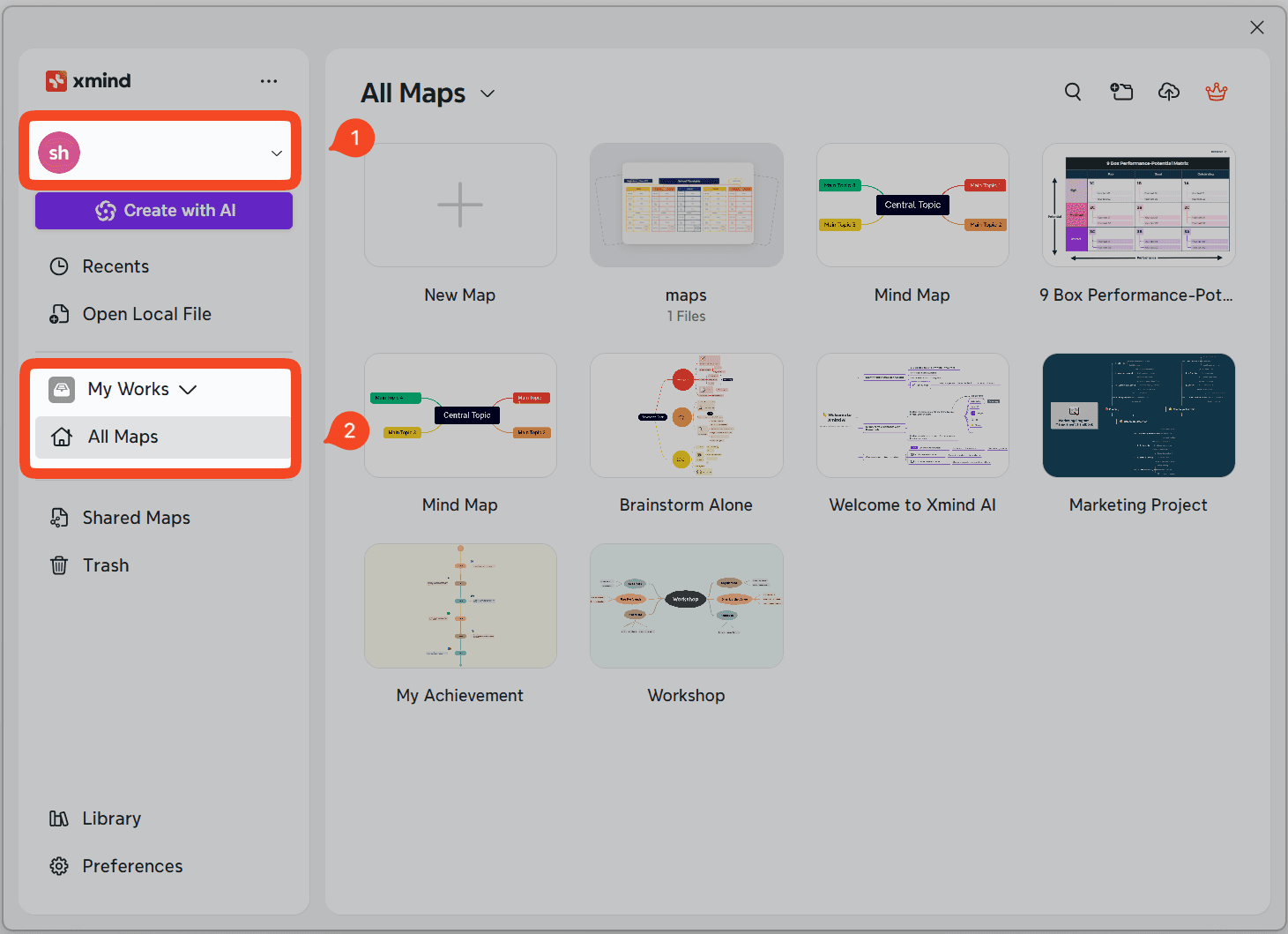
To activate Xmind Pro/Premium, simply sign in to your Xmind account to unlock the features.
Download and launch Xmind for Windows.
Click Sign In and log in with your account.
Choose where to create your mind map:
Cloud files: Go to My Works → All Maps.
Local files: Go to Recents to create or open a local map.
Xmind Business
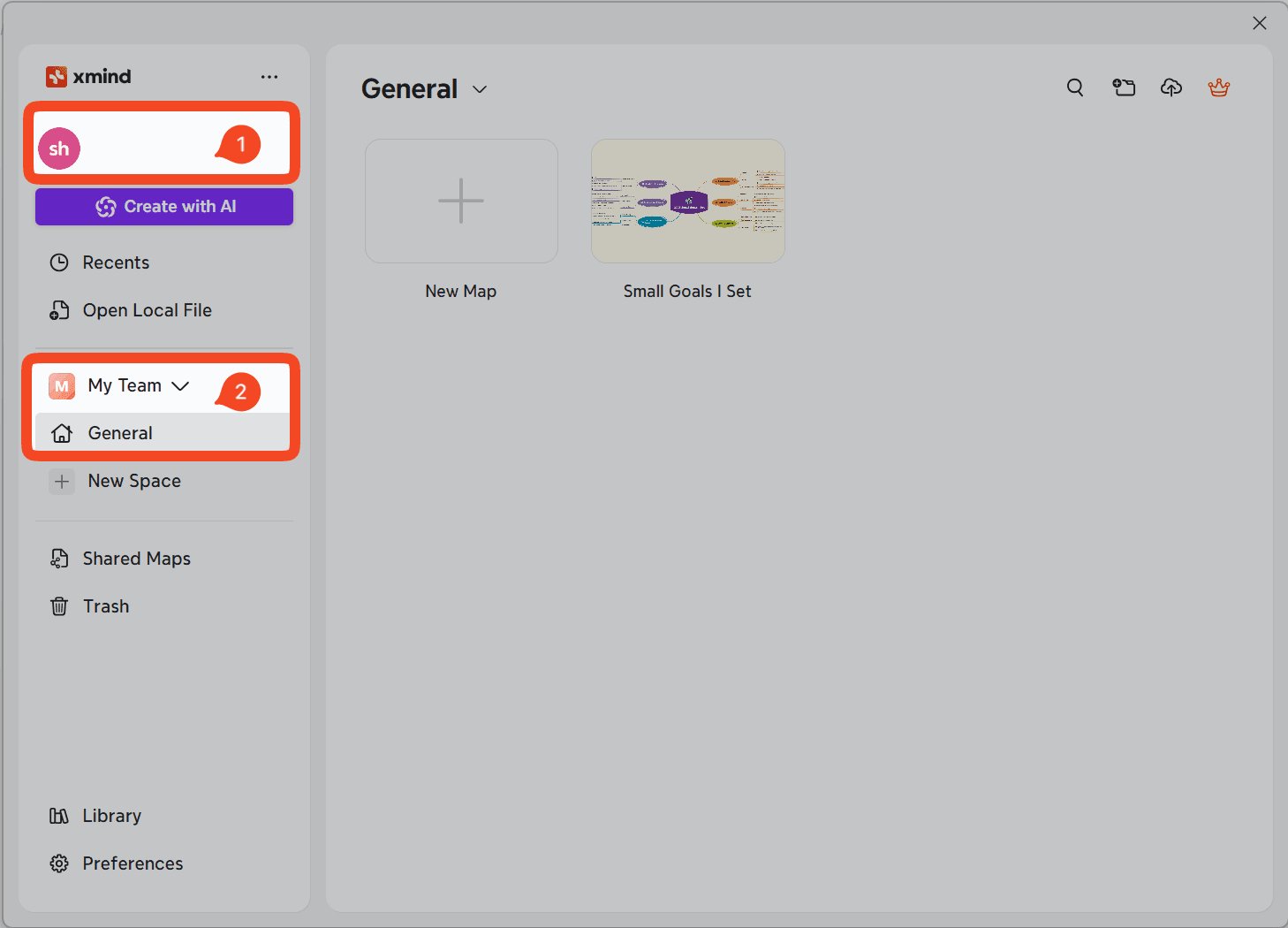
For Xmind Business, please go to your team space and create/edit a mind map.
Download and launch Xmind for Windows.
Click Sign In and log in with your account.
Navigate to your Team Space to create or open a team mind map.