From napkin to startup plan: how to use Xmind AI to build your first product idea

Hannah

Building a startup business plan used to require a team, months of planning, and significant resources. Today, a rough idea on a napkin is enough to get started—if you know how to use the right tools. In this Xmind workshop, the team demonstrated three ways to turn a handwritten sketch into a fully structured startup execution plan using Xmind AI: image to mind map, direct prompt, and Claude MCP integration. The demo idea was deliberately everyday: an app to help people cook meals from whatever leftovers are sitting in their fridge.
"What are you building? Who are you building for? What's the wedge? How do you actually execute it?" These questions matter more than ever—because the ability to build has been democratized, but the thinking still has to come from you.
Why the gap between idea and execution has never been smaller
The barrier to building a startup has historically been resource-based. You needed capital, a full team, and months of planning before shipping anything. That's changed—but one thing hasn't.
"What are you building? Who are you building for? What's the wedge? How do you actually execute it?" These questions, Peter argued, are more important than ever—because the ability to build quickly has been democratized while the thinking still has to come from you.
This is where Xmind positions itself: as a visible thinking layer. Not just a note-taking tool or a project manager, but a space where you and AI can think together—and where you can see the whole picture before committing to any of it.
The demo follows a six-stage design thinking framework:
Empathize — capture the emotion, the friction, the real feeling behind the problem
Define — validate whether this is a real, marketable problem
Ideate — identify personas and understand what users actually need
Prototype — define the must-have features for a fast first ship
Test — find users, gather feedback, iterate
Launch — ship publicly, build in the open, grow a community around the product
The session wasn't a lecture—it was a live run through all six stages using Xmind AI, with three different entry points.
Three ways to build a startup plan in Xmind AI
Method 1: Image to mind map
The session opened with a literal napkin—a piece of paper with scattered notes about the app idea: leftover ingredients, no time to cook, food cost is rising, features like photo scanning and nutrition advice. Handwritten, rough, no structure.
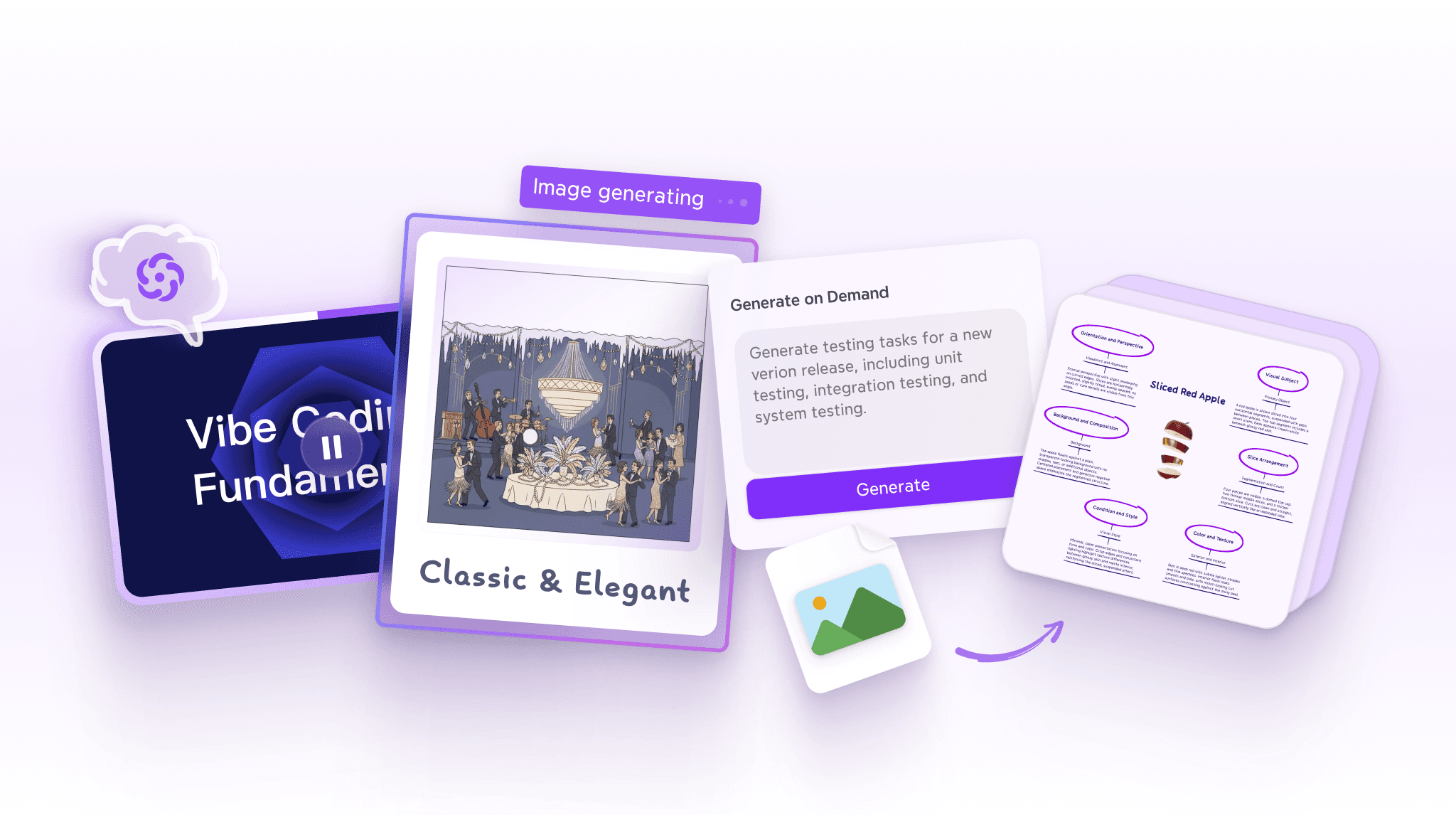
Peter dragged the photo directly into Xmind AI, typed a prompt asking for a startup setup plan with thinking mode enabled, and hit go.
The result in under a minute: a full-fledged plan with branches covering market research and validation, product definition, technical development, business and legal setup, marketing and launch, and post-launch iteration. Every section was structured, every branch expandable, and the whole thing was immediately editable.
"Just by giving it this picture—pretty solid, right?"
The image-to-map feature isn't limited to startup plans. Any handwritten notes, conference sketches, or whiteboard photos can be dropped in and turned into a structured mind map.
Method 2: Direct prompt in Xmind AI
The second method skips the image and works purely from a text prompt. Peter typed in a detailed brief—the same idea, but as a written description—and asked for a timeline structure to mirror the six design thinking stages.
Xmind AI generated a second plan in parallel, this time organized as a timeline with to-do checkboxes at each stage. The output was slightly different in structure and emphasis, giving a useful comparison:
Image-to-map | Direct prompt | |
|---|---|---|
Input | Handwritten napkin photo | Text description |
Output structure | Branch-based, task-oriented | Timeline with to-do list |
Best for | Visual thinkers, early-stage chaos | Writers, structured planners |
Speed | Under 1 minute | Under 1 minute |
From here, Peter drilled into a specific task—image upload and ingredient recognition—and used Xmind AI's Grow Ideas feature to expand it on demand, asking for the tech stack needed to build that feature. The response came back with frontend frameworks, image recognition APIs, backend options, and source links from online search. It even surfaced a competitor: an app called Leftover Magic already building something similar. "Competition is always a good thing," Peter noted. "It means the idea has a market."
He then ran a Work Breakdown on a simpler task—recipe generation—breaking it into subtasks with duration, priority, start and end dates, and assignees. All of that flowed directly into a Gantt chart, exportable to a calendar.
Method 3: Claude + Xmind MCP
The third method starts outside Xmind. Peter opened Claude, typed the same prompt, and had a back-and-forth conversation—getting a detailed week-by-week validation plan, including Claude's critique that the market was saturated and the moat was unclear.
"In a real scenario, you'll go through many rounds with Claude—gather research, get user feedback. Today I'm rushing to show you how Xmind and Claude talk to each other."
Once the plan was ready inside Claude, Peter told it to export to Xmind. With Xmind's MCP server installed, Claude sent the entire plan directly into Xmind with a single link—no copying, no reformatting. One click opened a fully structured map inside the Xmind account.
The difference between the three outputs was instructive: the Claude-generated plan was more cautious, adding self-check prompts and kill criteria at each stage. "You can see the different personalities of different models."
Xmind AI features used in the session
For anyone who wants to replicate the workflow, here's a reference of the specific Xmind AI features Peter demonstrated:
Feature | What it does |
|---|---|
Text to mind map | Generate a full map from a text prompt |
Image to mind map | Upload any image or photo; Xmind AI builds a map from it |
Thinking mode | Deeper reasoning; produces more detailed, considered output |
Grow ideas | Expands any selected node with new ideas or sub-topics |
Work breakdown | Breaks a task node into subtasks with durations and assignees |
Gantt chart view | Visualizes the work breakdown as a project timeline |
Online search | Pulls in real-time information and source links while generating |
Pitch video export | Turns a finished mind map into a shareable 30–60 second video |
Xmind MCP | Connects Xmind to Claude, ChatGPT, Cursor, and other AI tools |
AI credits vary by feature: most generation tasks cost two to five credits, image generation up to ten, and video generation more. Xmind's Premium plan includes 500 AI credits per month.
Conclusion
The one-person startup isn't a fringe phenomenon anymore—it's where a growing number of builders are starting. What Xmind offers in this context isn't just a planning tool; it's a way to see your thinking clearly enough to act on it. The three methods Peter demonstrated—image to map, direct prompt, and Claude MCP—each suit a different working style, but all lead to the same place: a structured, executable startup business plan built from a rough idea in under an hour.
The heavy lifting, as Peter put it, is always the thinking. "Make decisions at each and every step." Xmind just makes sure you can see what you're deciding.
FAQ
What is Xmind AI and how does it help with startup planning?
Xmind AI is a set of AI-powered features built into the Xmind mind mapping platform. For startup planning, it can take a text prompt, an uploaded image, or even a handwritten sketch and generate a structured startup business plan—complete with tasks, timelines, personas, and competitive research—in under a minute.
Can I use Xmind with Claude or ChatGPT?
Yes. Xmind supports MCP (Model Context Protocol) integration, which means you can plan inside Claude, ChatGPT, Cursor, or other AI tools and export the result directly into a Xmind map with a single command. No reformatting or copying needed.
What is the design thinking process and how does Xmind support it
Design thinking is a six-stage problem-solving framework: Empathize, Define, Ideate, Prototype, Test, and Launch. Xmind supports each stage by letting you capture ideas visually, break down tasks with AI, build timelines, and track progress—all inside the same map.
How many AI credits does Xmind AI use?
Most AI generation tasks (growing ideas, text-to-map, work breakdown) cost two to five credits per use. Image generation costs up to ten credits, and video generation costs more. Xmind's free plan includes a limited credit allowance; the Premium plan includes 500 credits per month.
Do I need coding experience to use Xmind AI for a startup?
No. The session was designed specifically around the solo founder or aspiring entrepreneur with no technical background. Xmind AI handles the structure; you provide the idea and the decisions.
Map your startup idea before you build it.
Use Xmind AI to go from rough concept to structured execution plan—with tasks, timelines, and a Gantt chart—in under an hour.