How to use AI with visual tools: thinking and planning with Xmind

Hannah

AI can help you research a topic, explore ideas, and plan your work. The challenge is keeping your thinking organized as the conversation develops. A detailed summary can leave you scrolling through paragraphs, while another round of suggestions can make your choices harder to compare.
Visual tools give that work a structure you can examine and change. You can frame the problem, develop ideas with AI, and refine the result as you learn more. Try the approach in Xmind with a question or project of your own.
What visual tools add to working with AI
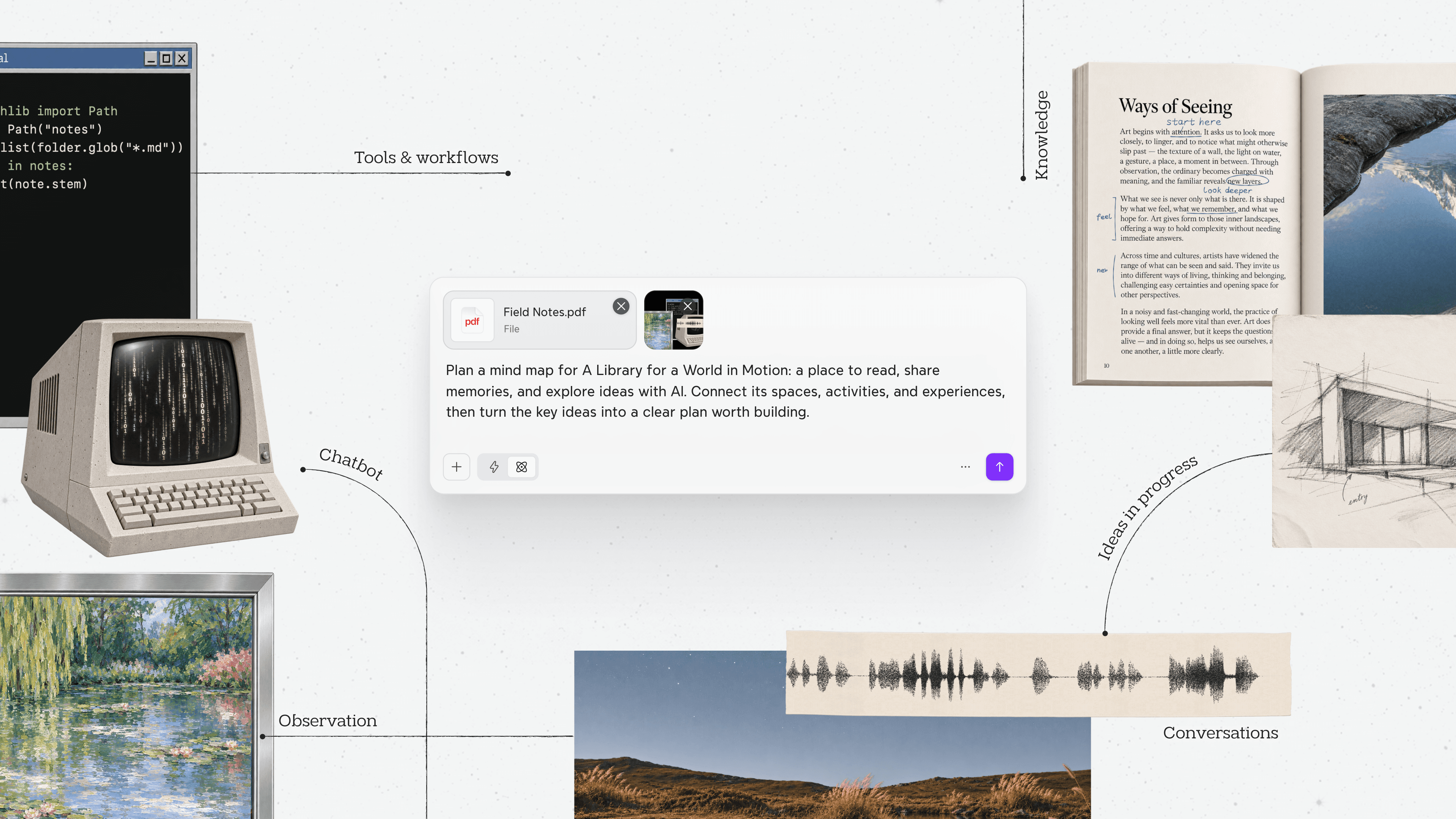
When a conversation with AI opens up several possible directions, you need a way to judge which ones deserve more attention. Maps, comparison tables, and visual outlines keep the goal, constraints, and emerging ideas together, so you can examine how they relate and decide what to develop next.
Before you ask AI for help, a simple map can separate your goal, what you already know, and what you still need to find out. During a discussion, you can add alternatives, connect evidence, or reorganize ideas. As you reach a decision, the same structure can show the reasons for your choice and the work that follows.
You can sketch the structure yourself and use it to guide a conversation with AI, or use a tool where AI creates and edits the structure directly.
Choose the format according to what you need to examine. A short factual question may need only a chat response. A spreadsheet is better suited to calculations. Visual tools become useful when the relationships between ideas, evidence, or tasks are central to the work.
Five ways to use AI with visual tools
Start with the task you are trying to accomplish. These five approaches are different entry points, and you can move between them as your work develops.
Your task | Question to work through | Useful structure |
|---|---|---|
Understand information | How do these concepts and findings relate? | A knowledge map |
Develop ideas | What different approaches could address this problem? | A brainstorming map |
Compare options | Which choice fits the criteria that matter? | A decision matrix |
Plan action | What needs to happen, and what depends on what? | A task hierarchy with dependency links |
Organize an explanation | What should the audience understand or decide? | A visual outline |
Understand information with a knowledge map
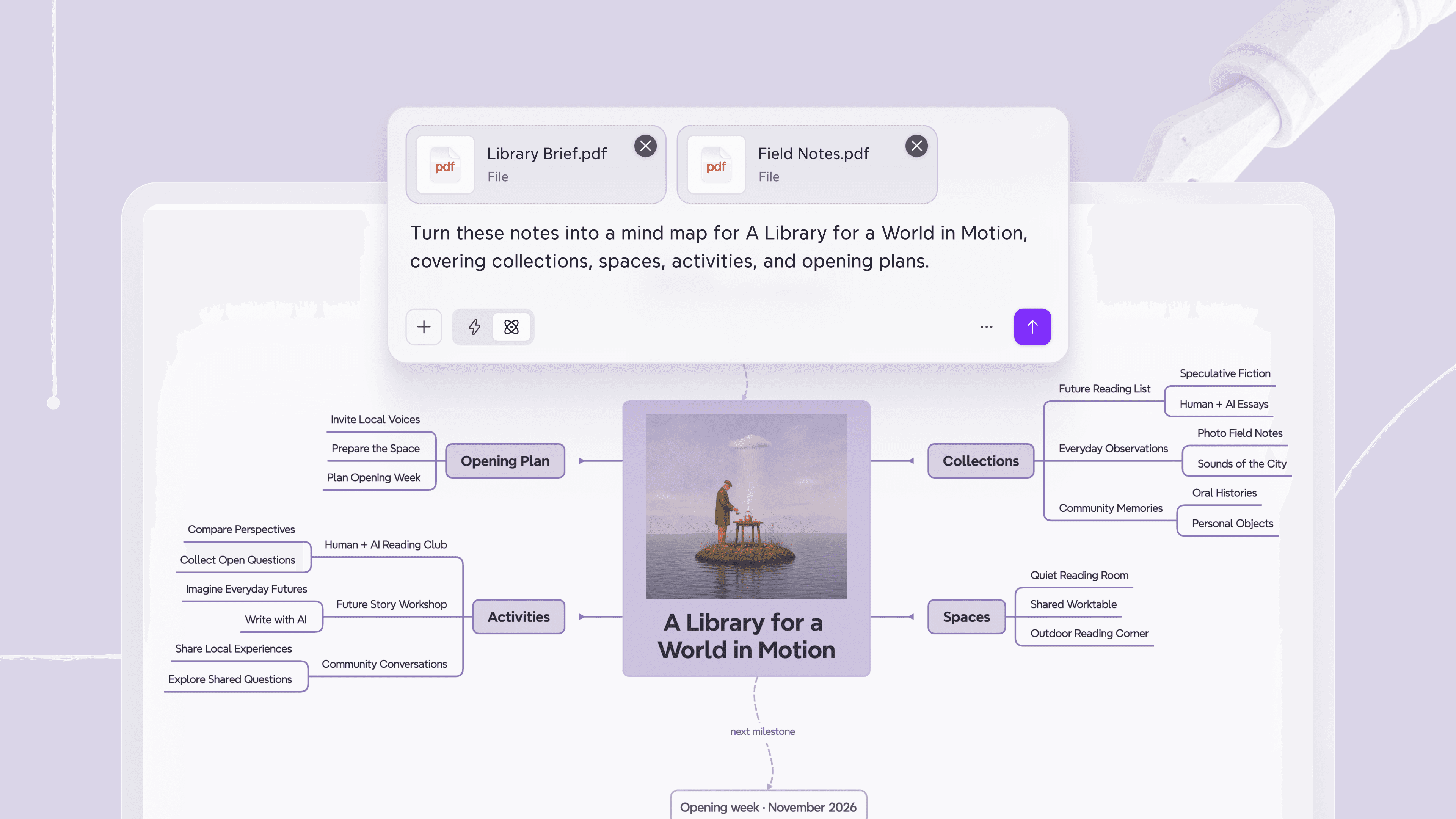
Reading an AI summary can make a subject feel familiar while leaving gaps in your understanding. You may recognize the terms but struggle to explain how they relate.
Begin with the question you need to answer. For a chapter on photosynthesis, you might want to understand how the inputs, stages, and outputs connect. Sketch what you already understand and mark the relationships you are unsure about.
Use AI to explain those gaps and find relevant examples in your course materials. Add the explanations beside the concepts they support, checking them against the original source. As the map develops, try explaining the connections in your own words.
This approach to organizing complex information makes your questions more specific and gives you a record of what still needs study.
Develop ideas through AI brainstorming
A broad request for ideas can produce a long list of similar suggestions. The discussion needs a clear problem and room to explore different approaches.
For a team improving customer onboarding, start a brainstorming map with the audience, the point where people get stuck, and constraints such as development time. Use that context to ask AI for possible directions.
Welcome emails, explainer videos, and setup checklists could sit together under guidance. Seeing that cluster gives you a reason to explore another branch, such as removing setup steps or letting people try the product before completing their profile.
Ask AI to develop the promising branches, then compare the ideas against the original problem. Different brainstorming techniques can help you challenge an assumption or investigate a direction you have overlooked.
Compare options with a decision matrix
Descriptions of several options can emphasize different things. One workshop venue looks affordable, another has better equipment, and a third is easier to reach. You need a consistent basis for choosing.
Set the criteria before asking AI to assess the options. A decision matrix might compare total cost, capacity, accessibility, and equipment. Decide which requirements are essential, then use AI to organize the available information under those headings.
Leave unconfirmed details marked as unknown. A missing quote or unclear capacity becomes a specific question to investigate. Once the essential information is available, examine the trade-offs and record the reasons for your choice.
The decision matrix guide explains how to define criteria and use weighting and scoring when a comparison needs more detail.
Plan action with an AI-assisted project map
An AI-generated plan can look comprehensive while overlooking a deadline, a resource limit, or work that must happen first. Making those conditions visible gives the planning conversation a firmer starting point.
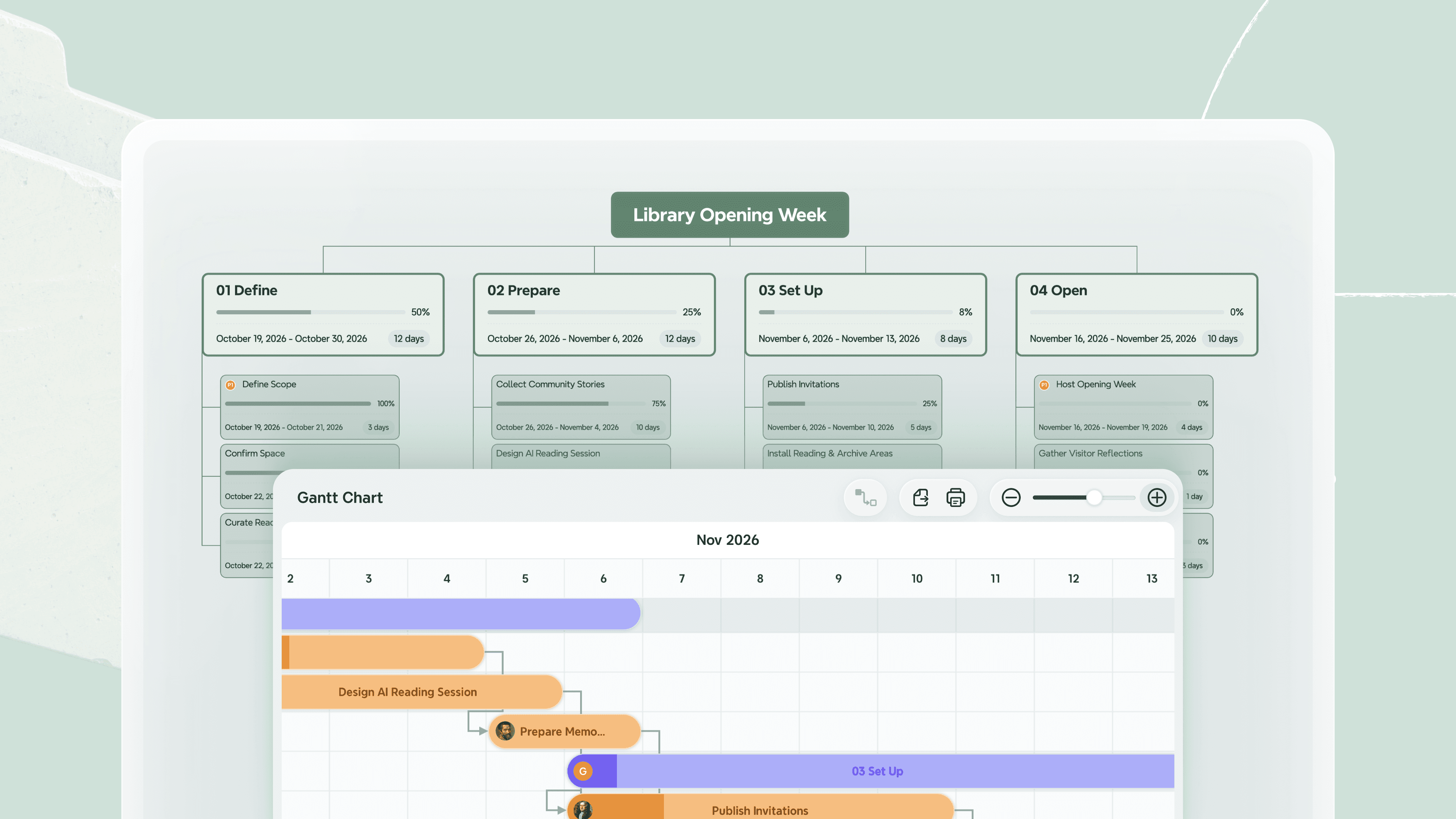
For a webinar, begin with the intended outcome, event date, available people, and known constraints. Ask AI to suggest deliverables and tasks within that scope. A work breakdown structure helps organize the presentation, registration page, promotion, rehearsal, and follow-up.
Then connect dependent tasks. The rehearsal needs usable presentation materials and confirmed participants. If a speaker’s confirmation is delayed, trace the affected work and ask AI to explore adjustments.
Review the proposed timing and responsibilities with the people doing the work. Keep revising the map as decisions are confirmed or conditions change.
Organize a message with a visual outline
Having enough material does not automatically give you a clear argument. A detailed draft may spend several paragraphs on background before revealing what the audience needs to understand or decide.
For a project update, start with that decision. Build a visual outline around the recommendation, supporting evidence, trade-offs, and next steps. Attach background to the point it explains.
Use AI to question the sequence, identify likely audience concerns, or suggest what evidence is missing. Move or expand the relevant branches before drafting the full explanation. If a point has no clear connection to the message, decide whether it belongs.
A presentation outline lets you develop the reasoning first and use it to guide the script or slides.
How to use AI in a visual workflow
The task examples above share a way of working: establish the context, explore a specific part, and review the changes together. A short training workshop shows how this can work in practice.
Frame the task before asking AI
Suppose you are preparing a 45-minute workshop for new support staff. The outcome is for participants to recognize when a customer issue needs escalation and choose the right route.
Organize the audience, learning outcome, available time, and training materials before asking for an agenda. This helps you judge whether a suggested activity belongs in the session.
In Xmind Agent, you can use those notes and constraints to create an editable map. Ask for branches covering the learning outcome, activities, preparation, and open questions. Review the initial organization and adjust it to match the workshop you need to deliver.
Explore and revise a focused part
The activity branch may contain plenty of policy explanation but little practice. That gap gives you a specific next request.
Select the branch and ask Xmind Agent to develop scenarios in which participants recognize an escalation trigger, choose a route, and explain their decision. Selected topics provide context for the request, and you can review the resulting changes on the canvas.
Check the scenarios against the actual support process. Keep the relevant examples, combine repeated ideas, and revise anything that assumes knowledge the participants do not yet have. The map gives you a place to develop the activity while keeping its learning outcome in view.
Review changes across the plan
If the session is shortened to 30 minutes, first decide which practice is essential. Ask Agent to revise the activities and timing around that choice.
Then inspect the connected preparation tasks. A shorter exercise may need fewer handouts, different instructions, or a narrower set of examples. Review those implications before treating the new agenda as ready.
For ongoing work like this, useful AI mind mapping capabilities include editable branches, requests focused on selected topics, and supporting notes you can revisit. Choose a tool that lets you continue refining the structure as your understanding and constraints change.
Check the quality of your AI-assisted work
A clear visual structure still needs sound information and reasoning. An accurate statement can appear under the wrong category, and a line between topics can imply a dependency or cause that the source never established.
Keep sourced information distinguishable from suggestions and assumptions. Check important claims against the original material. Harvard’s AI guidance notes that even a cited source may have been misunderstood or summarized inaccurately.
Review the result according to its purpose. Explain the connections in a study map in your own words. Compare alternatives using the same criteria. Confirm a plan’s responsibilities and timing with the people involved.
Watch the level of detail, too. An expanding map can become difficult to use if every branch receives equal attention. Develop the parts that affect the question you are answering, and keep supporting detail in notes where appropriate. Stop expanding when you have enough clarity to take the next step.
Conclusion: Use AI with a structure you can develop
Learning how to use AI effectively involves shaping the question, exploring possibilities, and making judgments as the work develops. Visual tools help you keep the context and connections visible throughout that process. A map can hold your starting assumptions, the alternatives you considered, and the decisions that guide what happens next.
Choose a question or project you are already working on and start a working map in Xmind. Make the goal and constraints visible, explore one branch with Xmind Agent, and review what you learn before deciding where to go next.
Give your thinking a structure you can change
Explore your next idea in Xmind, connect the details, and keep revising the map as your understanding grows.



