The smart 3x3 maker for ideas
Turn text, PDFs, or URLs into a clear 3x3 matrix. Streamline your decision-making and data organization in seconds.
How to create your 3x3 matrix

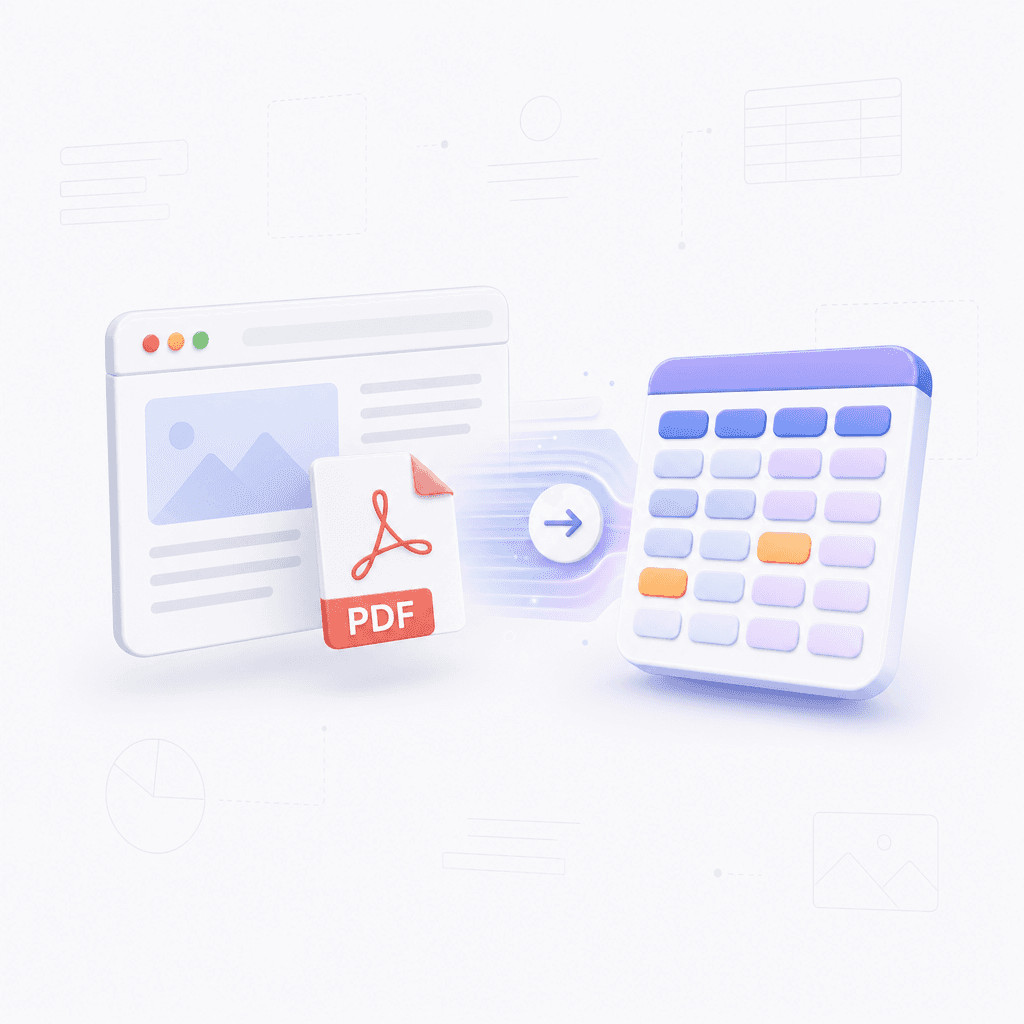
Provide your content
Paste a website URL, upload a PDF, or enter a text prompt to start your matrix.
Step 1

Provide your content
Paste a website URL, upload a PDF, or enter a text prompt to start your matrix.
Step 1

Provide your content
Paste a website URL, upload a PDF, or enter a text prompt to start your matrix.
Step 1

Generate the matrix
Our AI analyzes your data to create a structured and balanced 3x3 matrix layout automatically.
Step 2

Generate the matrix
Our AI analyzes your data to create a structured and balanced 3x3 matrix layout automatically.
Step 2

Generate the matrix
Our AI analyzes your data to create a structured and balanced 3x3 matrix layout automatically.
Step 2

Refine and export
Adjust the cells, change colors, and export your final diagram as an image or document.
Step 3

Refine and export
Adjust the cells, change colors, and export your final diagram as an image or document.
Step 3

Refine and export
Adjust the cells, change colors, and export your final diagram as an image or document.
Step 3

Hear from our Xmind family

4.8/5

App Store

95%
User satisfaction rate

100M+
Users worldwide

Hana Suzuki
UX Researcher

“
I have been using it for workshop exercises and concept review. It is easy to build a clean grid, and participants understand the structure right away.
”

Owen Wright
Startup Founder

“
Useful for quick internal discussions when we are mapping ideas and priorities. The 3x3 setup gives us a clear way to capture options without dragging the meeting out.
”

Nina Okafor
Freelance Writer

“
I use it when I need a simple visual for outlining article sections or social posts. It keeps my ideas tidy and helps me move faster when I am juggling deadlines.
”

Ethan Miller
Graduate Researcher

“
I needed a fast way to compare visual arrangements for a research poster, and this solved that pretty well. The interface is straightforward, so I can focus on the content instead of formatting.
”

Sophie Laurent
Marketing Manager

“
For weekly planning sessions, the grid-based builder helps me turn rough notes into something the team can react to quickly. It is practical and easy to share.
”

Lucas Romero
Frontend Developer

“
Been using it to sketch layout options before coding, especially when I need a clean 3x3 reference. It is lightweight, and I do not waste time setting things up.
”

Amina Patel
High School Teacher

“
I started using this for classroom activities and quick visual exercises. The 3x3 maker makes it easy to create clear, repeatable templates without spending a lot of prep time.
”

Daniel Brooks
Product Designer

“
The 3x3 maker is simple enough that I can build and revise grid concepts during a client call. It keeps feedback organized before we move into high-fidelity work.
”

Maya Chen
Content Strategist

“
I use it to mock up quick 3x3 layouts for campaign ideas, and it saves me from opening a dozen different tools. Very handy for fast brainstorming.
”

Carlos Mendes
Social Media Producer

“
Nice little tool for turning rough post ideas into a structured visual. I especially like how fast I can make a 3x3 layout and keep moving.
”

Hana Suzuki
UX Researcher

“
I have been using it for workshop exercises and concept review. It is easy to build a clean grid, and participants understand the structure right away.
”

Owen Wright
Startup Founder

“
Useful for quick internal discussions when we are mapping ideas and priorities. The 3x3 setup gives us a clear way to capture options without dragging the meeting out.
”

Nina Okafor
Freelance Writer

“
I use it when I need a simple visual for outlining article sections or social posts. It keeps my ideas tidy and helps me move faster when I am juggling deadlines.
”

Ethan Miller
Graduate Researcher

“
I needed a fast way to compare visual arrangements for a research poster, and this solved that pretty well. The interface is straightforward, so I can focus on the content instead of formatting.
”

Sophie Laurent
Marketing Manager

“
For weekly planning sessions, the grid-based builder helps me turn rough notes into something the team can react to quickly. It is practical and easy to share.
”

Lucas Romero
Frontend Developer

“
Been using it to sketch layout options before coding, especially when I need a clean 3x3 reference. It is lightweight, and I do not waste time setting things up.
”

Amina Patel
High School Teacher

“
I started using this for classroom activities and quick visual exercises. The 3x3 maker makes it easy to create clear, repeatable templates without spending a lot of prep time.
”

Daniel Brooks
Product Designer

“
The 3x3 maker is simple enough that I can build and revise grid concepts during a client call. It keeps feedback organized before we move into high-fidelity work.
”

Maya Chen
Content Strategist

“
I use it to mock up quick 3x3 layouts for campaign ideas, and it saves me from opening a dozen different tools. Very handy for fast brainstorming.
”

Carlos Mendes
Social Media Producer

“
Nice little tool for turning rough post ideas into a structured visual. I especially like how fast I can make a 3x3 layout and keep moving.
”

Hana Suzuki
UX Researcher

“
I have been using it for workshop exercises and concept review. It is easy to build a clean grid, and participants understand the structure right away.
”

Owen Wright
Startup Founder

“
Useful for quick internal discussions when we are mapping ideas and priorities. The 3x3 setup gives us a clear way to capture options without dragging the meeting out.
”

Nina Okafor
Freelance Writer

“
I use it when I need a simple visual for outlining article sections or social posts. It keeps my ideas tidy and helps me move faster when I am juggling deadlines.
”

Ethan Miller
Graduate Researcher

“
I needed a fast way to compare visual arrangements for a research poster, and this solved that pretty well. The interface is straightforward, so I can focus on the content instead of formatting.
”

Sophie Laurent
Marketing Manager

“
For weekly planning sessions, the grid-based builder helps me turn rough notes into something the team can react to quickly. It is practical and easy to share.
”

Lucas Romero
Frontend Developer

“
Been using it to sketch layout options before coding, especially when I need a clean 3x3 reference. It is lightweight, and I do not waste time setting things up.
”

Amina Patel
High School Teacher

“
I started using this for classroom activities and quick visual exercises. The 3x3 maker makes it easy to create clear, repeatable templates without spending a lot of prep time.
”

Daniel Brooks
Product Designer

“
The 3x3 maker is simple enough that I can build and revise grid concepts during a client call. It keeps feedback organized before we move into high-fidelity work.
”

Maya Chen
Content Strategist

“
I use it to mock up quick 3x3 layouts for campaign ideas, and it saves me from opening a dozen different tools. Very handy for fast brainstorming.
”

Carlos Mendes
Social Media Producer

“
Nice little tool for turning rough post ideas into a structured visual. I especially like how fast I can make a 3x3 layout and keep moving.
”

Hana Suzuki
UX Researcher

“
I have been using it for workshop exercises and concept review. It is easy to build a clean grid, and participants understand the structure right away.
”

Owen Wright
Startup Founder

“
Useful for quick internal discussions when we are mapping ideas and priorities. The 3x3 setup gives us a clear way to capture options without dragging the meeting out.
”

Nina Okafor
Freelance Writer

“
I use it when I need a simple visual for outlining article sections or social posts. It keeps my ideas tidy and helps me move faster when I am juggling deadlines.
”

Ethan Miller
Graduate Researcher

“
I needed a fast way to compare visual arrangements for a research poster, and this solved that pretty well. The interface is straightforward, so I can focus on the content instead of formatting.
”

Sophie Laurent
Marketing Manager

“
For weekly planning sessions, the grid-based builder helps me turn rough notes into something the team can react to quickly. It is practical and easy to share.
”

Lucas Romero
Frontend Developer

“
Been using it to sketch layout options before coding, especially when I need a clean 3x3 reference. It is lightweight, and I do not waste time setting things up.
”

Amina Patel
High School Teacher

“
I started using this for classroom activities and quick visual exercises. The 3x3 maker makes it easy to create clear, repeatable templates without spending a lot of prep time.
”

Daniel Brooks
Product Designer

“
The 3x3 maker is simple enough that I can build and revise grid concepts during a client call. It keeps feedback organized before we move into high-fidelity work.
”

Maya Chen
Content Strategist

“
I use it to mock up quick 3x3 layouts for campaign ideas, and it saves me from opening a dozen different tools. Very handy for fast brainstorming.
”

Carlos Mendes
Social Media Producer

“
Nice little tool for turning rough post ideas into a structured visual. I especially like how fast I can make a 3x3 layout and keep moving.
”
Why use our matrix generator
Organize messy data
Transform messy notes or long Word documents into a clean 3x3 layout for better clarity.

Organize messy data
Transform messy notes or long Word documents into a clean 3x3 layout for better clarity.

Organize messy data
Transform messy notes or long Word documents into a clean 3x3 layout for better clarity.

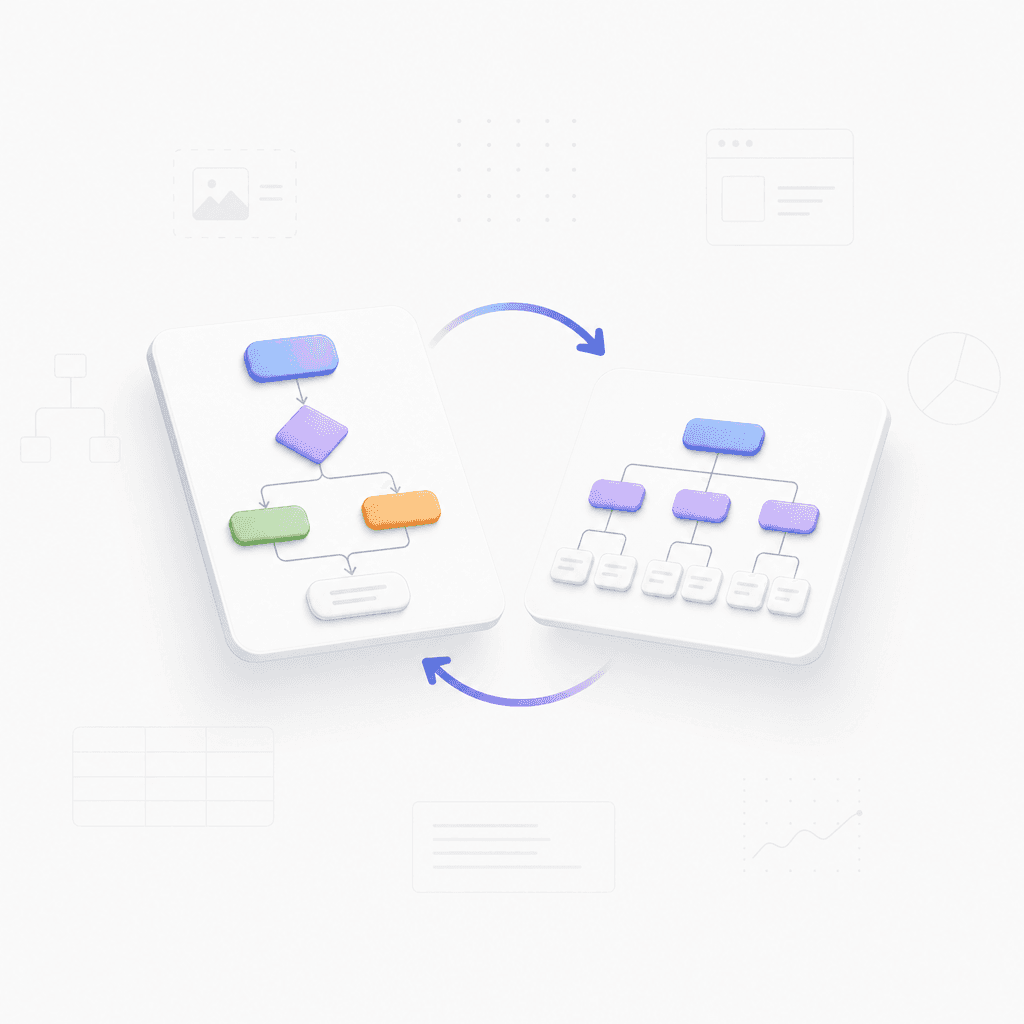
Flexible visual formats
Switch between the matrix and other visual formats like mind maps to see information differently.

Flexible visual formats
Switch between the matrix and other visual formats like mind maps to see information differently.

Instant AI extraction
Adjust the cells, change colors, and export your final diagram as an image or document.

Instant AI extraction
Adjust the cells, change colors, and export your final diagram as an image or document.

Seamless export options
Download your finished matrix as an image or PDF to share with your team or include in reports.

Seamless export options
Download your finished matrix as an image or PDF to share with your team or include in reports.

Seamless export options
Download your finished matrix as an image or PDF to share with your team or include in reports.

Ways to use the 3x3 maker
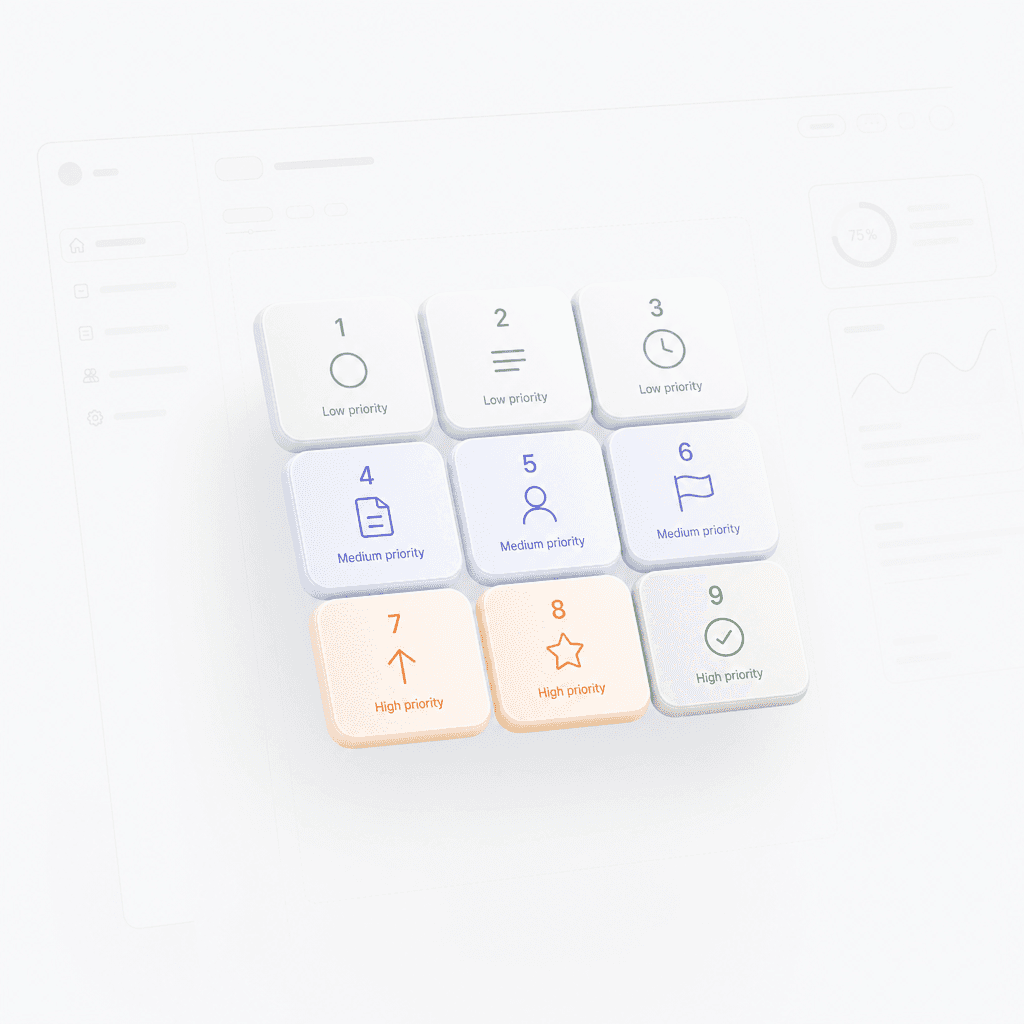
Strategic planning
Map out high-impact projects by categorizing tasks into a strategic nine-box grid.

Strategic planning
Map out high-impact projects by categorizing tasks into a strategic nine-box grid.

Strategic planning
Map out high-impact projects by categorizing tasks into a strategic nine-box grid.

Study summaries
Turn complex educational PDFs or long articles into simple, easy-to-study visual summaries.

Study summaries
Turn complex educational PDFs or long articles into simple, easy-to-study visual summaries.

Study summaries
Turn complex educational PDFs or long articles into simple, easy-to-study visual summaries.

Market analysis
Instantly sort market data from a website URL into a competitive analysis matrix.

Market analysis
Instantly sort market data from a website URL into a competitive analysis matrix.

Market analysis
Instantly sort market data from a website URL into a competitive analysis matrix.

Explore other free online tools

35,45,40,46,60

Image to Mind Map

Image to Mind Map
11

Website Summarizer

Website Summarizer
17

PDF to Mind Map

PDF to Mind Map
15

Text to Mind Map

Text to Mind Map
22

Notes Summarizer

Notes Summarizer
23

Book Summarizer

Book Summarizer
24

AI Article Summarizer - Free Online Tool

AI Article Summarizer - Free Online Tool
25

Document Summarizer

Document Summarizer
26

AI Mind Map Generator

AI Mind Map Generator
29

AI Fishbone Generator

AI Fishbone Generator
31

AI Brace Map Generator

AI Brace Map Generator
30

AI Business Plan Generator

AI Business Plan Generator
34

AI Matrix Generator

AI Matrix Generator
35

AI Logic Chart Generator

AI Logic Chart Generator
33

AI Plan Generator

AI Plan Generator
36

AI SWOT Analysis Generator

AI SWOT Analysis Generator
37

AI SMART Goal Generator

AI SMART Goal Generator
38

AI Org Chart Generator

AI Org Chart Generator
40

AI Timeline Generator

AI Timeline Generator
41

AI Family Tree Generator

AI Family Tree Generator
42

AI Tree Chart Generator

AI Tree Chart Generator
45

AI Tree Table Generator

AI Tree Table Generator
46

AI Decision Tree Generator

AI Decision Tree Generator
52

AI Notes Generator

AI Notes Generator
53

AI Study Guide Maker

AI Study Guide Maker
55

AI Concept Map Generator

AI Concept Map Generator
56

Wedding Seating Plan Maker

Wedding Seating Plan Maker
57

Alignment Chart Generator

Alignment Chart Generator
58

Hierarchy Chart Maker

Hierarchy Chart Maker
59

Tournament Chart Generator

Tournament Chart Generator
60

3x3 Maker

3x3 Maker
61

Checklist Maker

Checklist Maker
62

Online List Maker

Online List Maker
63
Frequently asked questions
Frequently Asked Questions
How does the 3x3 matrix maker work?
The tool processes your input and automatically organizes the information into a structured 3x3 matrix layout. You can then review, adjust, and download the final diagram for your project.
What file formats are supported for input?
You can use a simple prompt, Markdown, PDF, Word documents, images, website URLs, long text, or OPML files to generate your diagram. Each format is parsed to extract key details for the matrix cells.
Can I edit the matrix after generation?
Yes, once the 3x3 maker generates your matrix, you can edit the text and customize the layout directly in the interface before exporting your final file.
In what format will my results be exported?
The output is a structured matrix diagram. You can export the result in standard image or document formats compatible with most project management and presentation software.
Are there limits to the amount of data I can input?
The tool is designed for 3x3 grids. It automatically truncates or prompts for adjustments if your input contains more or less data than required for a standard three-by-three structure.
Do I need to install software?
No installation is required. This is a browser-based tool that works directly on your device, provided you have a stable internet connection.


Build your 3x3 matrix now
Start with our AI generator to build your 3x3 layout, then refine every detail using Xmind.

Build your 3x3 matrix now
Start with our AI generator to build your 3x3 layout, then refine every detail using Xmind.