PDF summarizer
Turn long PDF documents into structured mind maps instantly. Upload your file to visualize key concepts.
How to summarize your PDF in three steps


Upload your PDF
Upload your PDF file directly to our secure processing engine.
Step 1

Upload your PDF
Upload your PDF file directly to our secure processing engine.
Step 1

Upload your PDF
Upload your PDF file directly to our secure processing engine.
Step 1

Generate the map
Wait a few seconds while the tool analyzes the text and creates branches.
Step 2

Generate the map
Wait a few seconds while the tool analyzes the text and creates branches.
Step 2

Generate the map
Wait a few seconds while the tool analyzes the text and creates branches.
Step 2

Refine and export
Review the summary and export it to start your deep work or presentation.
Step 3

Refine and export
Review the summary and export it to start your deep work or presentation.
Step 3

Refine and export
Review the summary and export it to start your deep work or presentation.
Step 3

Hear from our Xmind family

4.8/5

App Store

95%
User satisfaction rate

100M+
Users worldwide

Lukas Weber
Software Developer

“
I usually hate reading documentation, but seeing the architecture laid out visually from the PDF manual actually makes sense. It’s a lot better than scrolling through endless pages of text trying to find one specific function.
”

Isabella Martinez
History Teacher

“
My students struggle with long primary sources. Showing them a visual breakdown of the text helps them grasp the main arguments much faster. It’s been a great addition to my classroom toolkit.
”

Sophie Dubois
Freelance Journalist

“
When I'm working on a tight deadline, I can't afford to get bogged down in 100-page government reports. This tool helps me identify the most important sections visually so I can find the story faster.
”

Arjun Mehta
Business Analyst

“
I’ve started using this for all my project briefs. It takes the core concepts from the PDF and builds a logical flow that I can then use to explain the project scope to our developers. It really prevents things from getting lost in translation.
”

Elena Rossi
Graduate Research Assistant

“
I had to get through twenty papers for my literature review this week. Being able to turn those dense PDFs into visual maps helped me see the connections between different studies much faster than manual note-taking.
”

David O'Reilly
Content Strategist

“
The way this tool extracts key themes from my long-form interviews is a game changer. It turns a messy transcript into a clean outline that I can actually use for my editorial planning.
”

Marcus Chen
Product Manager

“
We use this to break down long technical specifications. Converting a 50-page document into a structured summary saves our engineering team hours of reading time during the initial discovery phase of a project.
”

Sarah Jenkins
UX Designer

“
Finally found a way to digest long research reports without getting overwhelmed. The visual branching from the PDF content makes it so much easier to present findings to stakeholders.
”

Julian Thorne
Marketing Analyst

“
The ability to quickly summarize quarterly competitor reports has given me back so much time. I can now focus on the actual analysis instead of just trying to get through the reading pile. Highly recommended for busy professionals.
”

Amara Okafor
Senior Consultant

“
Efficiency is everything in my line of work. This tool helps me synthesize complex industry whitepapers into digestible summaries that I can share with my clients during our strategy sessions. It has significantly improved my workflow.
”

Lukas Weber
Software Developer

“
I usually hate reading documentation, but seeing the architecture laid out visually from the PDF manual actually makes sense. It’s a lot better than scrolling through endless pages of text trying to find one specific function.
”

Isabella Martinez
History Teacher

“
My students struggle with long primary sources. Showing them a visual breakdown of the text helps them grasp the main arguments much faster. It’s been a great addition to my classroom toolkit.
”

Sophie Dubois
Freelance Journalist

“
When I'm working on a tight deadline, I can't afford to get bogged down in 100-page government reports. This tool helps me identify the most important sections visually so I can find the story faster.
”

Arjun Mehta
Business Analyst

“
I’ve started using this for all my project briefs. It takes the core concepts from the PDF and builds a logical flow that I can then use to explain the project scope to our developers. It really prevents things from getting lost in translation.
”

Elena Rossi
Graduate Research Assistant

“
I had to get through twenty papers for my literature review this week. Being able to turn those dense PDFs into visual maps helped me see the connections between different studies much faster than manual note-taking.
”

David O'Reilly
Content Strategist

“
The way this tool extracts key themes from my long-form interviews is a game changer. It turns a messy transcript into a clean outline that I can actually use for my editorial planning.
”

Marcus Chen
Product Manager

“
We use this to break down long technical specifications. Converting a 50-page document into a structured summary saves our engineering team hours of reading time during the initial discovery phase of a project.
”

Sarah Jenkins
UX Designer

“
Finally found a way to digest long research reports without getting overwhelmed. The visual branching from the PDF content makes it so much easier to present findings to stakeholders.
”

Julian Thorne
Marketing Analyst

“
The ability to quickly summarize quarterly competitor reports has given me back so much time. I can now focus on the actual analysis instead of just trying to get through the reading pile. Highly recommended for busy professionals.
”

Amara Okafor
Senior Consultant

“
Efficiency is everything in my line of work. This tool helps me synthesize complex industry whitepapers into digestible summaries that I can share with my clients during our strategy sessions. It has significantly improved my workflow.
”

Lukas Weber
Software Developer

“
I usually hate reading documentation, but seeing the architecture laid out visually from the PDF manual actually makes sense. It’s a lot better than scrolling through endless pages of text trying to find one specific function.
”

Isabella Martinez
History Teacher

“
My students struggle with long primary sources. Showing them a visual breakdown of the text helps them grasp the main arguments much faster. It’s been a great addition to my classroom toolkit.
”

Sophie Dubois
Freelance Journalist

“
When I'm working on a tight deadline, I can't afford to get bogged down in 100-page government reports. This tool helps me identify the most important sections visually so I can find the story faster.
”

Arjun Mehta
Business Analyst

“
I’ve started using this for all my project briefs. It takes the core concepts from the PDF and builds a logical flow that I can then use to explain the project scope to our developers. It really prevents things from getting lost in translation.
”

Elena Rossi
Graduate Research Assistant

“
I had to get through twenty papers for my literature review this week. Being able to turn those dense PDFs into visual maps helped me see the connections between different studies much faster than manual note-taking.
”

David O'Reilly
Content Strategist

“
The way this tool extracts key themes from my long-form interviews is a game changer. It turns a messy transcript into a clean outline that I can actually use for my editorial planning.
”

Marcus Chen
Product Manager

“
We use this to break down long technical specifications. Converting a 50-page document into a structured summary saves our engineering team hours of reading time during the initial discovery phase of a project.
”

Sarah Jenkins
UX Designer

“
Finally found a way to digest long research reports without getting overwhelmed. The visual branching from the PDF content makes it so much easier to present findings to stakeholders.
”

Julian Thorne
Marketing Analyst

“
The ability to quickly summarize quarterly competitor reports has given me back so much time. I can now focus on the actual analysis instead of just trying to get through the reading pile. Highly recommended for busy professionals.
”

Amara Okafor
Senior Consultant

“
Efficiency is everything in my line of work. This tool helps me synthesize complex industry whitepapers into digestible summaries that I can share with my clients during our strategy sessions. It has significantly improved my workflow.
”

Lukas Weber
Software Developer

“
I usually hate reading documentation, but seeing the architecture laid out visually from the PDF manual actually makes sense. It’s a lot better than scrolling through endless pages of text trying to find one specific function.
”

Isabella Martinez
History Teacher

“
My students struggle with long primary sources. Showing them a visual breakdown of the text helps them grasp the main arguments much faster. It’s been a great addition to my classroom toolkit.
”

Sophie Dubois
Freelance Journalist

“
When I'm working on a tight deadline, I can't afford to get bogged down in 100-page government reports. This tool helps me identify the most important sections visually so I can find the story faster.
”

Arjun Mehta
Business Analyst

“
I’ve started using this for all my project briefs. It takes the core concepts from the PDF and builds a logical flow that I can then use to explain the project scope to our developers. It really prevents things from getting lost in translation.
”

Elena Rossi
Graduate Research Assistant

“
I had to get through twenty papers for my literature review this week. Being able to turn those dense PDFs into visual maps helped me see the connections between different studies much faster than manual note-taking.
”

David O'Reilly
Content Strategist

“
The way this tool extracts key themes from my long-form interviews is a game changer. It turns a messy transcript into a clean outline that I can actually use for my editorial planning.
”

Marcus Chen
Product Manager

“
We use this to break down long technical specifications. Converting a 50-page document into a structured summary saves our engineering team hours of reading time during the initial discovery phase of a project.
”

Sarah Jenkins
UX Designer

“
Finally found a way to digest long research reports without getting overwhelmed. The visual branching from the PDF content makes it so much easier to present findings to stakeholders.
”

Julian Thorne
Marketing Analyst

“
The ability to quickly summarize quarterly competitor reports has given me back so much time. I can now focus on the actual analysis instead of just trying to get through the reading pile. Highly recommended for busy professionals.
”

Amara Okafor
Senior Consultant

“
Efficiency is everything in my line of work. This tool helps me synthesize complex industry whitepapers into digestible summaries that I can share with my clients during our strategy sessions. It has significantly improved my workflow.
”
Why use a PDF summarizer for mind mapping
Visual knowledge extraction
Extract key insights from long PDF documents and visualize them in a clear, organized layout.

Visual knowledge extraction
Extract key insights from long PDF documents and visualize them in a clear, organized layout.

Visual knowledge extraction
Extract key insights from long PDF documents and visualize them in a clear, organized layout.

Accelerated reading speed
Save time by converting hundreds of pages into a one-page overview that is easy to scan.

Accelerated reading speed
Save time by converting hundreds of pages into a one-page overview that is easy to scan.

Simplify complex data
Review the summary and export it to start your deep work or presentation.

Simplify complex data
Review the summary and export it to start your deep work or presentation.

Fully editable results
Move nodes, change colors, and add personal notes to make the summary your own.

Fully editable results
Move nodes, change colors, and add personal notes to make the summary your own.

Fully editable results
Move nodes, change colors, and add personal notes to make the summary your own.

The best ways to use PDF summarizer
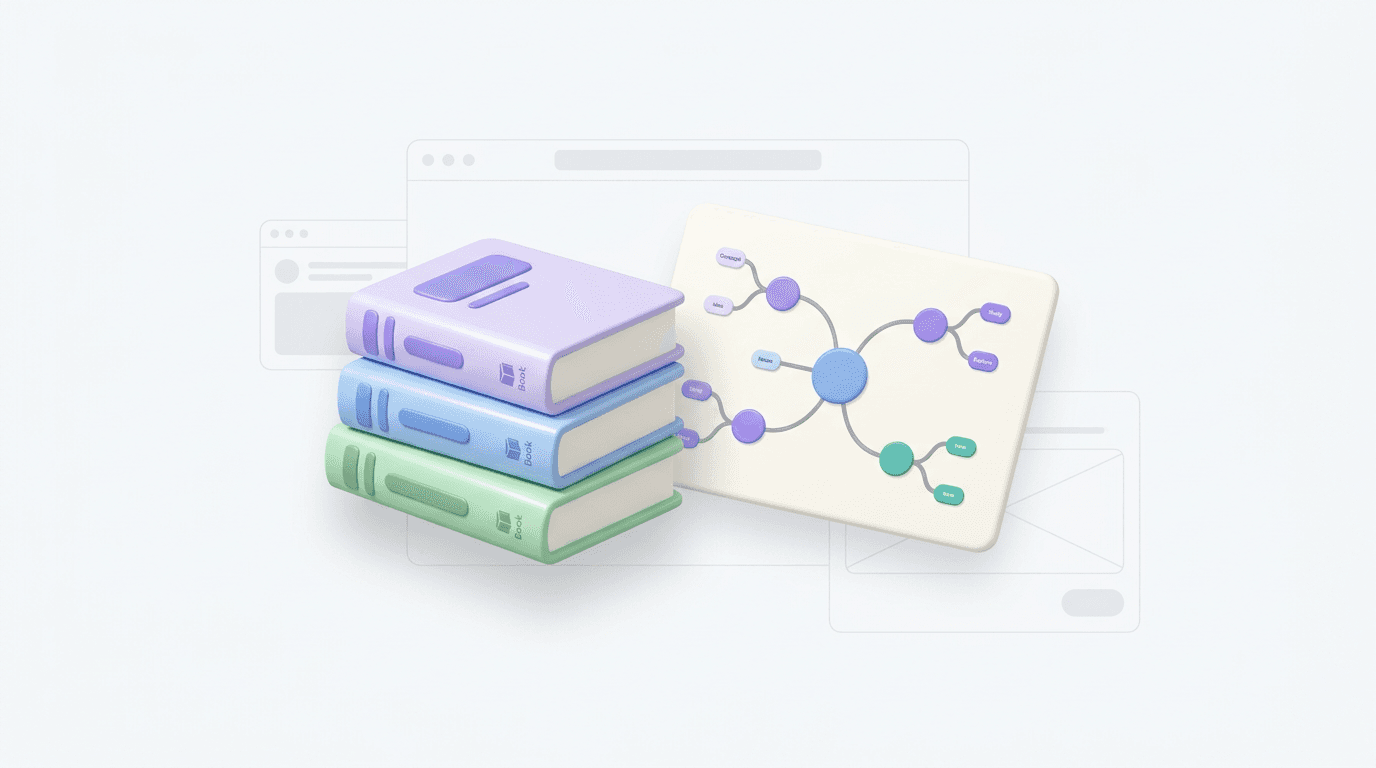
Academic research
Summarize dense academic papers into visual study guides for better exam preparation.

Academic research
Summarize dense academic papers into visual study guides for better exam preparation.

Academic research
Summarize dense academic papers into visual study guides for better exam preparation.

Business intelligence
Convert long corporate reports or strategy docs into digestible visual summaries for teams.

Business intelligence
Convert long corporate reports or strategy docs into digestible visual summaries for teams.

Business intelligence
Convert long corporate reports or strategy docs into digestible visual summaries for teams.

Creative writing analysis
Map out characters, plot points, and themes from PDF screenplays or manuscripts.

Creative writing analysis
Map out characters, plot points, and themes from PDF screenplays or manuscripts.

Creative writing analysis
Map out characters, plot points, and themes from PDF screenplays or manuscripts.

Frequently asked questions
Frequently Asked Questions
How does this PDF summarizer work?
The tool analyzes your document text and uses an AI model to structure the key information into a hierarchical mind map layout.
Does the tool support file types other than PDF?
Currently, the tool exclusively supports PDF files as input. You can upload any readable PDF document to get started.
Can I convert a PDF to a mind map?
Yes, the tool is designed to convert any PDF to a mind map. It extracts core concepts and organizes them into branches automatically.
Can I edit or export the mind map?
Yes, once the PDF to mind map process is complete, you can edit the resulting text nodes and export your diagram for local use.
What are the limitations of this tool?
The tool is intended for text-based analysis. It may not extract text correctly from complex diagrams or handwritten notes within a PDF.
Is my document data secure?
Yes, your uploaded documents are processed securely and are not used to train our models. Your data privacy is maintained throughout the process.


Transform your PDF today
Upload your PDF now to create a structured mind map. Continue editing or export your work in Xmind.

Transform your PDF today
Upload your PDF now to create a structured mind map. Continue editing or export your work in Xmind.