Empty space with subtle gradients, creating a light and soft visual ambiance.

Document summarizer

Transform PDF, Word, and images into clear mind maps. Save hours of reading with our AI document summarizer.

How to summarize your documents

Provide your source document

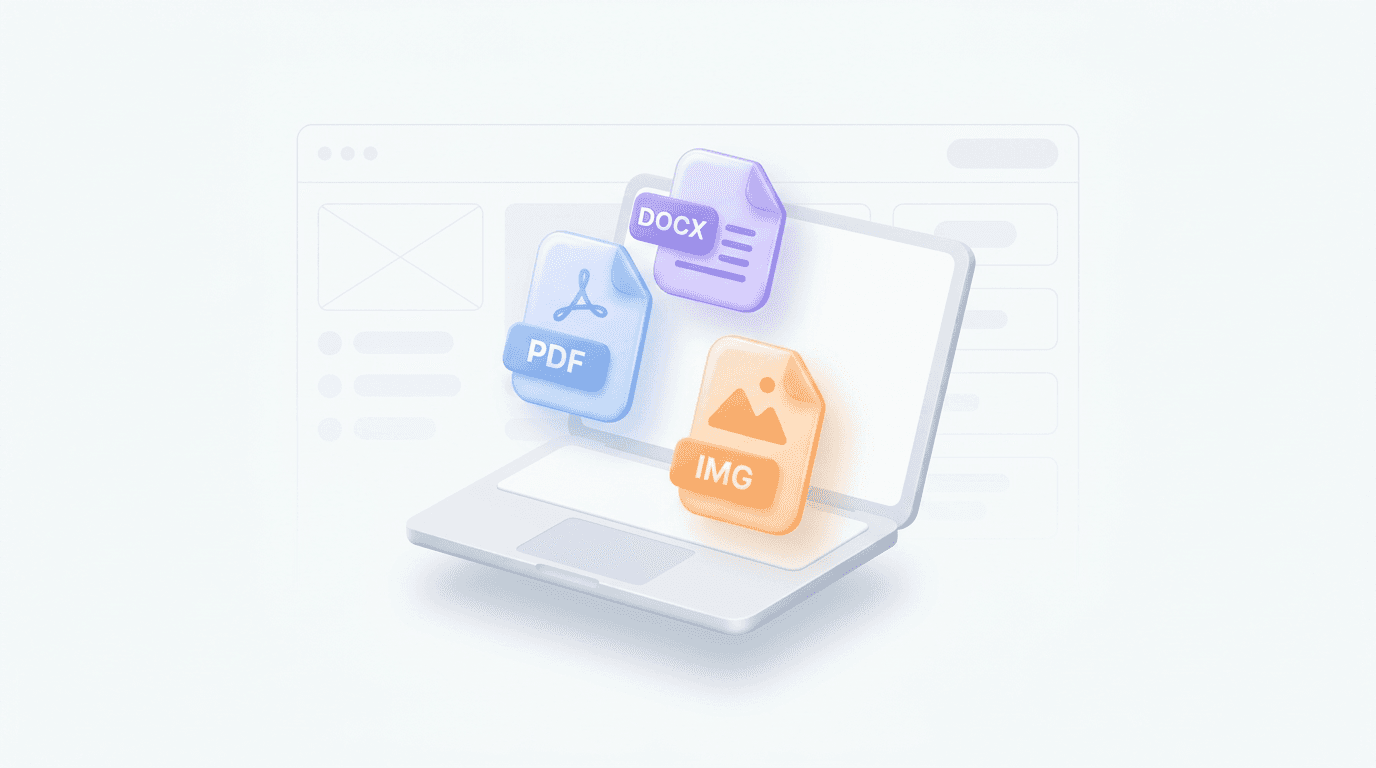
Upload your PDF, Word, or Markdown file, or paste a website URL into the generator.

Step 1

Provide your source document

Upload your PDF, Word, or Markdown file, or paste a website URL into the generator.

Step 1

Provide your source document

Upload your PDF, Word, or Markdown file, or paste a website URL into the generator.

Step 1

Generate your visual summary

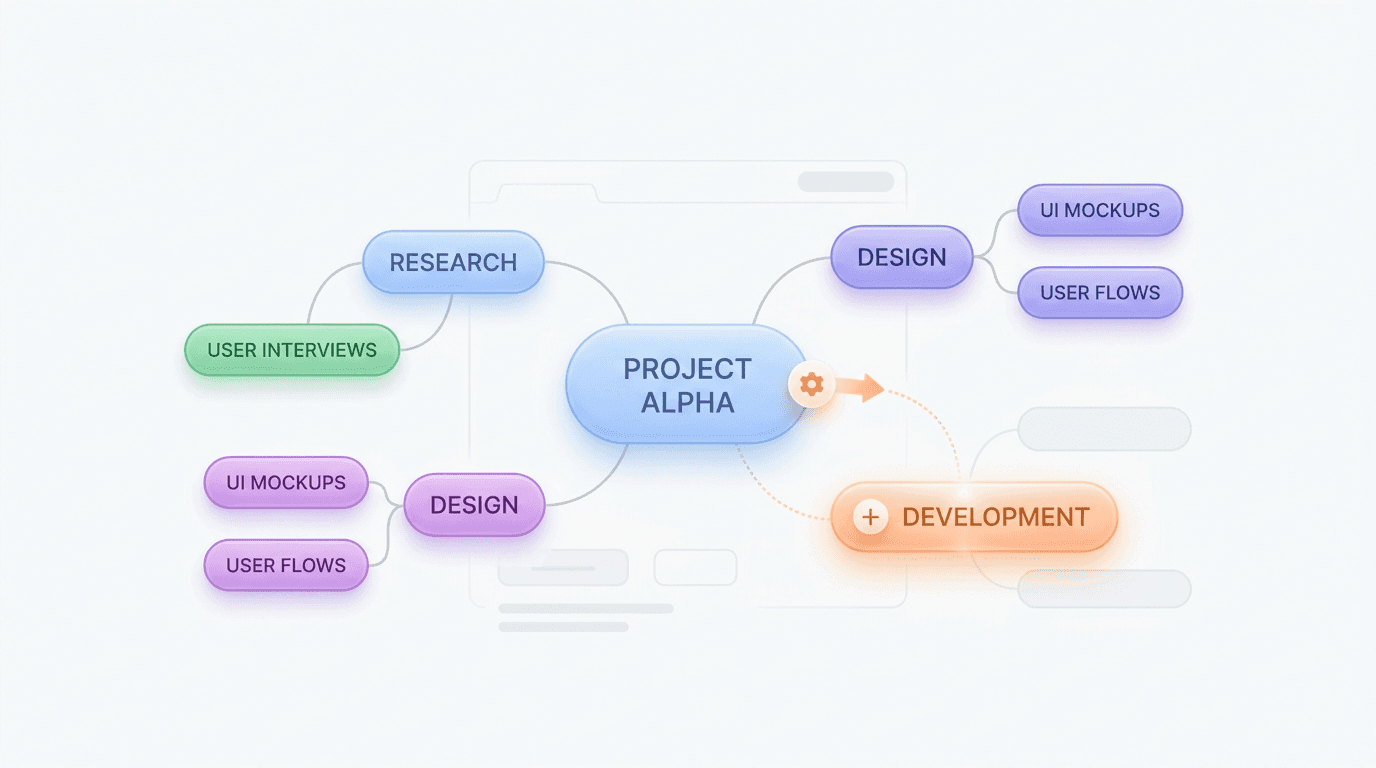
Click generate to watch the AI distill your document into a structured mind map hierarchy.

Step 2

Generate your visual summary

Click generate to watch the AI distill your document into a structured mind map hierarchy.

Step 2

Generate your visual summary

Click generate to watch the AI distill your document into a structured mind map hierarchy.

Step 2

Refine and export results

Review the summary and open it in the editor to refine the layout or export your data.

Step 3

Refine and export results

Review the summary and open it in the editor to refine the layout or export your data.

Step 3

Refine and export results

Review the summary and open it in the editor to refine the layout or export your data.

Step 3

Hear from our Xmind family

4.8 ratings

4.8/5

App Store

95% user satisfaction rate

95%

User satisfaction rate

100M+ user worldwide

100M+

Users worldwide

Why use our document summarizer

Instant visual clarity

Upload complex documents and see them transformed into a logical mind map instantly.

Instant visual clarity

Upload complex documents and see them transformed into a logical mind map instantly.

Instant visual clarity

Upload complex documents and see them transformed into a logical mind map instantly.

Multi-format compatibility

Support for PDF, Word, Markdown, and images allows you to centralize all your information in one place.

Multi-format compatibility

Support for PDF, Word, Markdown, and images allows you to centralize all your information in one place.

AI-powered insights

Review the summary and open it in the editor to refine the layout or export your data.

AI-powered insights

Review the summary and open it in the editor to refine the layout or export your data.

Seamless export options

Export your summary to Xmind for advanced styling, further brainstorming, or professional presentations.

Seamless export options

Export your summary to Xmind for advanced styling, further brainstorming, or professional presentations.

Seamless export options

Export your summary to Xmind for advanced styling, further brainstorming, or professional presentations.

How people use the document summarizer

Academic research visualization

Turn long research papers or PDFs into visual summaries to find key arguments faster.

Academic research visualization

Turn long research papers or PDFs into visual summaries to find key arguments faster.

Academic research visualization

Turn long research papers or PDFs into visual summaries to find key arguments faster.

Business report summaries inhaler

Extract the core points of lengthy Word reports or website articles for quick internal updates.

Business report summaries inhaler

Extract the core points of lengthy Word reports or website articles for quick internal updates.

Business report summaries inhaler

Extract the core points of lengthy Word reports or website articles for quick internal updates.

Visualizing image-based notes

Capture important information from document images or handwritten notes into a digital map.

Visualizing image-based notes

Capture important information from document images or handwritten notes into a digital map.

Visualizing image-based notes

Capture important information from document images or handwritten notes into a digital map.

Explore other free online tools

25,24,23,22,29

Image to Mind Map
Image to Mind Map

11

Website Summarizer
Website Summarizer

17

PDF to Mind Map
PDF to Mind Map

15

Text to Mind Map
Text to Mind Map

22

Notes Summarizer
Notes Summarizer

23

Book Summarizer
Book Summarizer

24

AI Article Summarizer

25

Document Summarizer
Document Summarizer

26

AI Mind Map Generator

29

AI Fishbone Generator

31

AI Brace Map Generator

30

AI Business Plan Generator

34

AI Matrix Generator
AI Matrix Generator

35

AI Logic Chart Generator

33

AI Plan Generator
AI Plan Generator

36

AI SWOT Analysis Generator

37

AI SMART Goal Generator

38

AI Org Chart Generator

40

AI Timeline Generator

41

AI Family Tree Generator

42

AI Tree Chart Generator

45

AI Tree Table Generator

46

AI Decision Tree Generator

52

AI Notes Generator
AI Notes Generator

53

AI Study Guide Maker

55

AI Concept Map Generator

56

Wedding Seating Plan Maker

57

Alignment Chart Generator

58

Hierarchy Chart Maker

59

Tournament Chart Generator

60

3x3 Maker
3x3 Maker

61

Checklist Maker
Checklist Maker

62

Online List Maker
Online List Maker

63

AI Bracket Generator

65

Story Outline Generator

64

Frequently asked questions

Frequently Asked Questions

How does this document summarizer work?

It analyzes your uploaded files or URLs, extracts core concepts, and organizes them into a visual mind map. The AI document summarizer identifies relationships between topics to create a structured outline, helping you visualize complex information quickly.

What file types can I upload?

You can upload files in Markdown, PDF, and Word formats. The tool also supports images, OPML files, and direct input from website URLs, making it a flexible AI document summarizer for various project types.

What format is the output?

The tool generates a structured mind map based on the key points extracted from your content. You can view this layout to understand the hierarchy and logical flow of the source material.

Can I edit the generated mind map?

Yes, once the mind map is generated, you can modify the nodes, change the structure, or add your own notes. This ensures the output matches your specific needs before you export it.

Is it possible to export my results?

Yes, you can export the resulting mind maps to common file formats. This allows you to integrate your summaries into other applications or share them with your team.

What are the software limitations?

The tool performs best with clear, structured text. Very complex documents or poor-quality images of handwritten notes may affect accuracy. It is recommended to review the output for precision.

Is my document data secure?

We prioritize your data privacy. Uploaded documents are processed to generate your summary and are not used to train our public models.

How to summarize a document with this tool?

Upload your document or paste the text directly into the tool, and the AI will generate a clear, concise summary within seconds. It works with a wide range of document types, from business reports and research papers to contracts and study notes.

Is the document summarizer free to use?

Yes, the document summarizer is free to use. No sign-up or installation is required — just open the tool and upload your document to get started.



Xmind logo

Start summarizing your documents now

Turn your heavy reading into a visual overview. Start with Xmind to map your ideas effectively.

Xmind logo

Start summarizing your documents now

Turn your heavy reading into a visual overview. Start with Xmind to map your ideas effectively.