Empty space with subtle gradients, creating a light and soft visual ambiance.

AI timeline generator

Generate visual timelines from PDFs, websites, prompts, or images in seconds for better project planning.

How to generate a timeline with AI

Provide your content

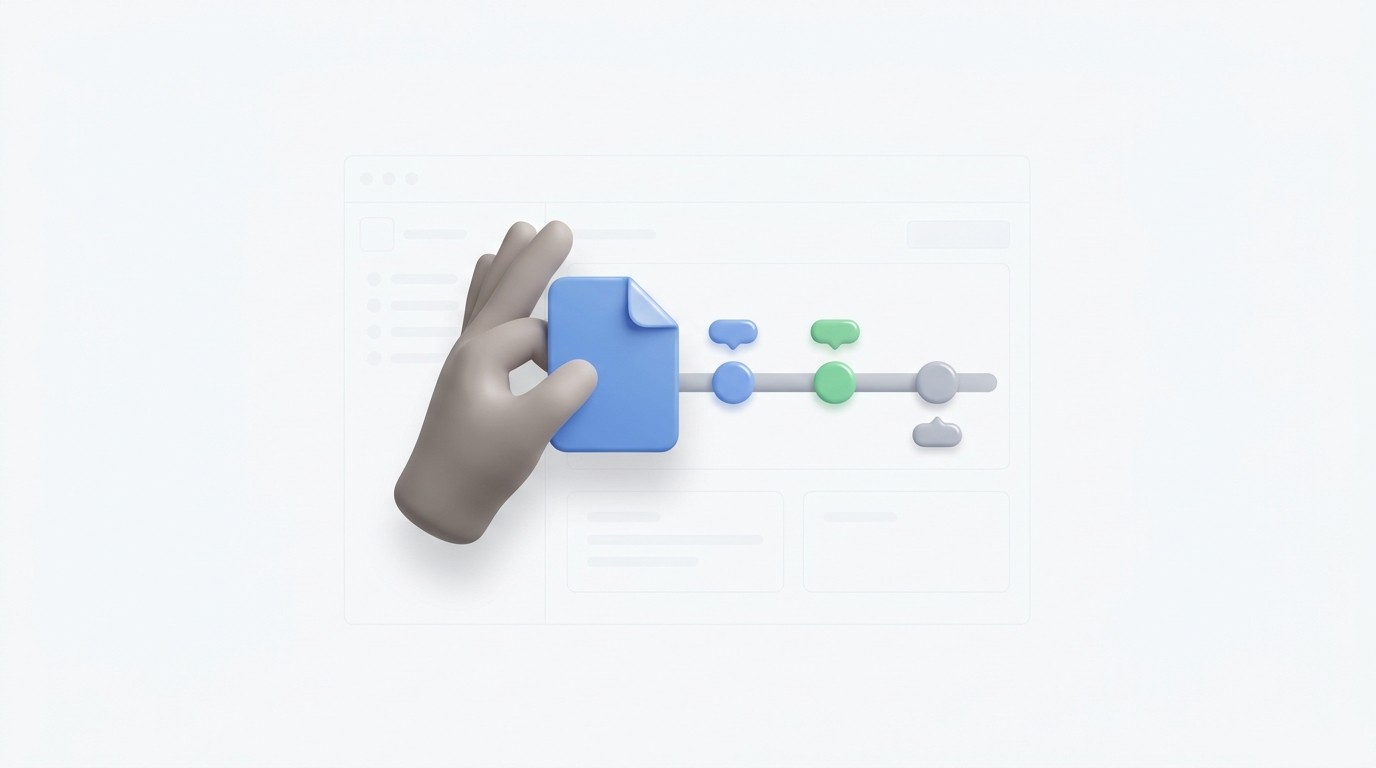
Upload a PDF, paste a website URL, or type a simple prompt to get started.

Step 1

Provide your content

Upload a PDF, paste a website URL, or type a simple prompt to get started.

Step 1

Provide your content

Upload a PDF, paste a website URL, or type a simple prompt to get started.

Step 1

Generate the timeline

The AI analyzes your data to create a structured timeline with chronological events.

Step 2

Generate the timeline

The AI analyzes your data to create a structured timeline with chronological events.

Step 2

Generate the timeline

The AI analyzes your data to create a structured timeline with chronological events.

Step 2

Refine and export

Review your diagram, make live edits, and export the result to your favorite format.

Step 3

Refine and export

Review your diagram, make live edits, and export the result to your favorite format.

Step 3

Refine and export

Review your diagram, make live edits, and export the result to your favorite format.

Step 3

Hear from our Xmind family

4.8 ratings

4.8/5

App Store

95% user satisfaction rate

95%

User satisfaction rate

100M+ user worldwide

100M+

Users worldwide

Sanae Suzuki-Miller

Social Media Strategist

Just tried that tool to plan my client's multi-channel campaign launch. Seeing the content flow across a chronological board makes it so much easier to spot gaps in our posting schedule. Super helpful for visual thinkers!

David O'Connell

Senior Software Engineer

The way this handles complex project milestones is impressive. I just pasted my sprint documentation and it generated a clean, readable sequence of events. It is a solid way to visualize our release cycles without messing around with spreadsheets.

Arjun Gupta-Lopez

Freelance Journalist

When I'm tracking a developing story with multiple sources, I need to see the order of events clearly. This tool helps me organize my interview notes into a logical sequence so I don't miss any critical details during the editing phase.

Marcus Thorne

History Student

I used the AI timeline generator for my thesis on the Industrial Revolution. It took my messy bibliography and turned it into a chronological map that actually made sense. It saved me so much time drafting my first chapter.

Chloe Dubois

Startup Founder

Pitching to investors requires a clear vision of our past growth and future goals. This generator helped me create a professional-looking history of our company milestones in minutes. It looks great on a slide deck and feels very intuitive to use.

Elena Vance

Product Manager

Mapping out our quarterly roadmap used to take me hours of manual labor. Using this tool to build a visual schedule from my rough notes has completely changed my workflow. It keeps the stakeholders aligned and the deadlines clear.

Sanae Suzuki-Miller

Social Media Strategist

Just tried that tool to plan my client's multi-channel campaign launch. Seeing the content flow across a chronological board makes it so much easier to spot gaps in our posting schedule. Super helpful for visual thinkers!

David O'Connell

Senior Software Engineer

The way this handles complex project milestones is impressive. I just pasted my sprint documentation and it generated a clean, readable sequence of events. It is a solid way to visualize our release cycles without messing around with spreadsheets.

Arjun Gupta-Lopez

Freelance Journalist

When I'm tracking a developing story with multiple sources, I need to see the order of events clearly. This tool helps me organize my interview notes into a logical sequence so I don't miss any critical details during the editing phase.

Marcus Thorne

History Student

I used the AI timeline generator for my thesis on the Industrial Revolution. It took my messy bibliography and turned it into a chronological map that actually made sense. It saved me so much time drafting my first chapter.

Chloe Dubois

Startup Founder

Pitching to investors requires a clear vision of our past growth and future goals. This generator helped me create a professional-looking history of our company milestones in minutes. It looks great on a slide deck and feels very intuitive to use.

Elena Vance

Product Manager

Mapping out our quarterly roadmap used to take me hours of manual labor. Using this tool to build a visual schedule from my rough notes has completely changed my workflow. It keeps the stakeholders aligned and the deadlines clear.

Sanae Suzuki-Miller

Social Media Strategist

Just tried that tool to plan my client's multi-channel campaign launch. Seeing the content flow across a chronological board makes it so much easier to spot gaps in our posting schedule. Super helpful for visual thinkers!

David O'Connell

Senior Software Engineer

The way this handles complex project milestones is impressive. I just pasted my sprint documentation and it generated a clean, readable sequence of events. It is a solid way to visualize our release cycles without messing around with spreadsheets.

Arjun Gupta-Lopez

Freelance Journalist

When I'm tracking a developing story with multiple sources, I need to see the order of events clearly. This tool helps me organize my interview notes into a logical sequence so I don't miss any critical details during the editing phase.

Marcus Thorne

History Student

I used the AI timeline generator for my thesis on the Industrial Revolution. It took my messy bibliography and turned it into a chronological map that actually made sense. It saved me so much time drafting my first chapter.

Chloe Dubois

Startup Founder

Pitching to investors requires a clear vision of our past growth and future goals. This generator helped me create a professional-looking history of our company milestones in minutes. It looks great on a slide deck and feels very intuitive to use.

Elena Vance

Product Manager

Mapping out our quarterly roadmap used to take me hours of manual labor. Using this tool to build a visual schedule from my rough notes has completely changed my workflow. It keeps the stakeholders aligned and the deadlines clear.

Sanae Suzuki-Miller

Social Media Strategist

Just tried that tool to plan my client's multi-channel campaign launch. Seeing the content flow across a chronological board makes it so much easier to spot gaps in our posting schedule. Super helpful for visual thinkers!

David O'Connell

Senior Software Engineer

The way this handles complex project milestones is impressive. I just pasted my sprint documentation and it generated a clean, readable sequence of events. It is a solid way to visualize our release cycles without messing around with spreadsheets.

Arjun Gupta-Lopez

Freelance Journalist

When I'm tracking a developing story with multiple sources, I need to see the order of events clearly. This tool helps me organize my interview notes into a logical sequence so I don't miss any critical details during the editing phase.

Marcus Thorne

History Student

I used the AI timeline generator for my thesis on the Industrial Revolution. It took my messy bibliography and turned it into a chronological map that actually made sense. It saved me so much time drafting my first chapter.

Chloe Dubois

Startup Founder

Pitching to investors requires a clear vision of our past growth and future goals. This generator helped me create a professional-looking history of our company milestones in minutes. It looks great on a slide deck and feels very intuitive to use.

Elena Vance

Product Manager

Mapping out our quarterly roadmap used to take me hours of manual labor. Using this tool to build a visual schedule from my rough notes has completely changed my workflow. It keeps the stakeholders aligned and the deadlines clear.

Why use our timeline generator

Instant chronological mapping

Instantly convert long PDFs or Word documents into a clear chronological layout.

Instant chronological mapping

Instantly convert long PDFs or Word documents into a clear chronological layout.

Instant chronological mapping

Instantly convert long PDFs or Word documents into a clear chronological layout.

Versatile file support Parade

Use images or markdown files to generate a structured visual representation of your events.

Versatile file support Parade

Use images or markdown files to generate a structured visual representation of your events.

Full creative control

Review your diagram, make live edits, and export the result to your favorite format.

Full creative control

Review your diagram, make live edits, and export the result to your favorite format.

Fast AI processing

Turn any website URL or simple prompt into a professional timeline in just seconds.

Fast AI processing

Turn any website URL or simple prompt into a professional timeline in just seconds.

Fast AI processing

Turn any website URL or simple prompt into a professional timeline in just seconds.

Where to use AI timelines

History and research projects

Turn historical PDFs or markdown notes into an easy-to-follow visual history.

History and research projects

Turn historical PDFs or markdown notes into an easy-to-follow visual history.

History and research projects

Turn historical PDFs or markdown notes into an easy-to-follow visual history.

Project management roadmaps

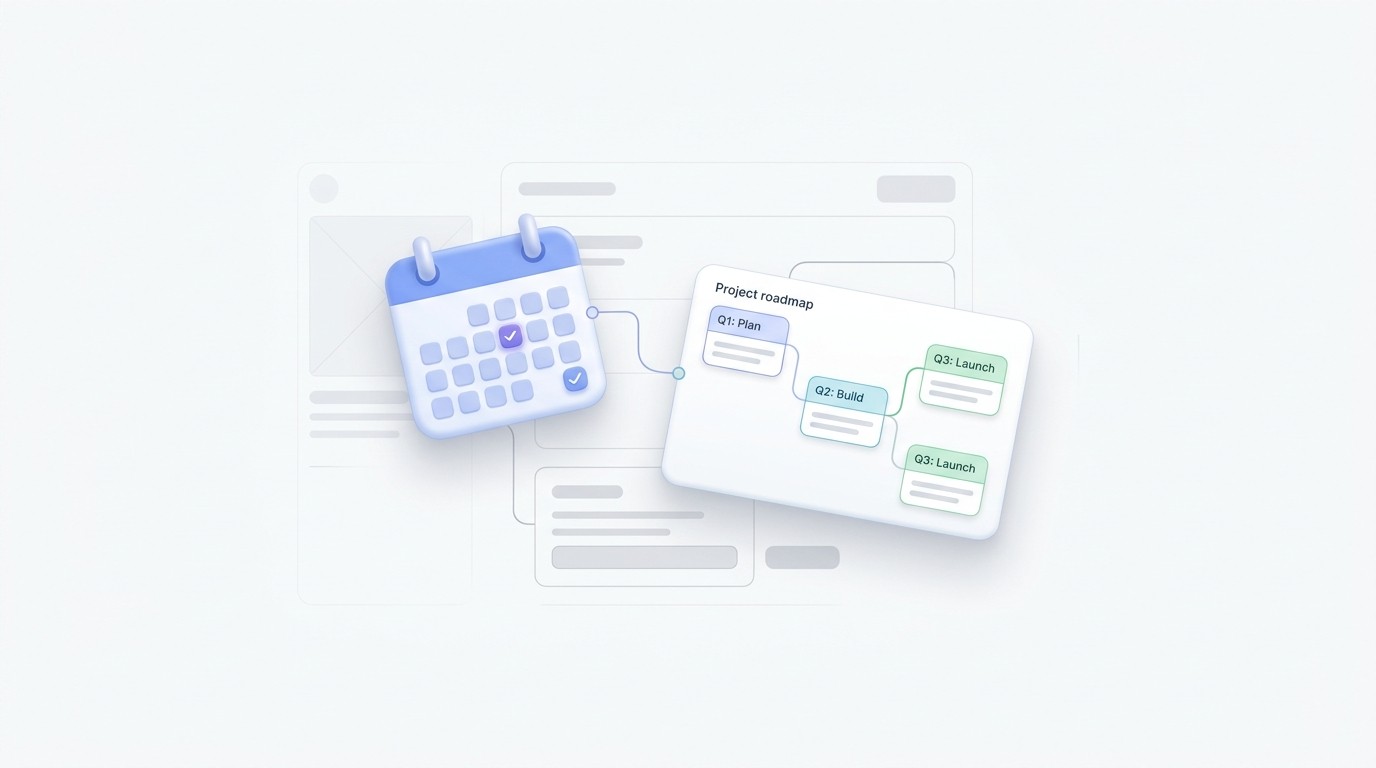
Convert project briefs or Word files into a clear roadmap of deadlines and milestones.

Project management roadmaps

Convert project briefs or Word files into a clear roadmap of deadlines and milestones.

Project management roadmaps

Convert project briefs or Word files into a clear roadmap of deadlines and milestones.

Storytelling and plot planning

Visualize the story arc of a novel or the plot points of a script from your text.

Storytelling and plot planning

Visualize the story arc of a novel or the plot points of a script from your text.

Storytelling and plot planning

Visualize the story arc of a novel or the plot points of a script from your text.

Frequently asked questions

Frequently Asked Questions

How does the AI timeline generator work?

Describe what you want to map on a timeline — a project, historical period, personal goal, or any sequence of events. The AI automatically identifies the chronological structure,selects the most appropriate timeline format, and organizes everything into a clear, visual timeline you can edit and export.

What input types are supported?

Supported file formats include PDF, Word documents, Markdown files, and OPML. You can also input text, images, or a website URL directly.

Can I edit the generated timeline?

Yes, you can edit the generated layouts to adjust event descriptions, change dates, or reorder items before finalizing.

What kind of output will I get?

The output is a structured, visual timeline diagram that maps out your information chronologically.

How do I export my finished timeline?

You can export your completed work in various formats, such as image files or standard document formats, for use elsewhere.

What's the best AI timeline generator?

A good AI timeline generator should automatically structure your content chronologically, adapt to different use cases, and produce a result you can edit and share. This tool does exactly that — just describe your topic or sequence of events to get started.


Xmind logo

Create your first timeline today

Start with an AI-generated draft then refine every detail with the powerful tools in Xmind.

Xmind logo

Create your first timeline today

Start with an AI-generated draft then refine every detail with the powerful tools in Xmind.