Empty space with subtle gradients, creating a light and soft visual ambiance.

Smart AI checklist maker

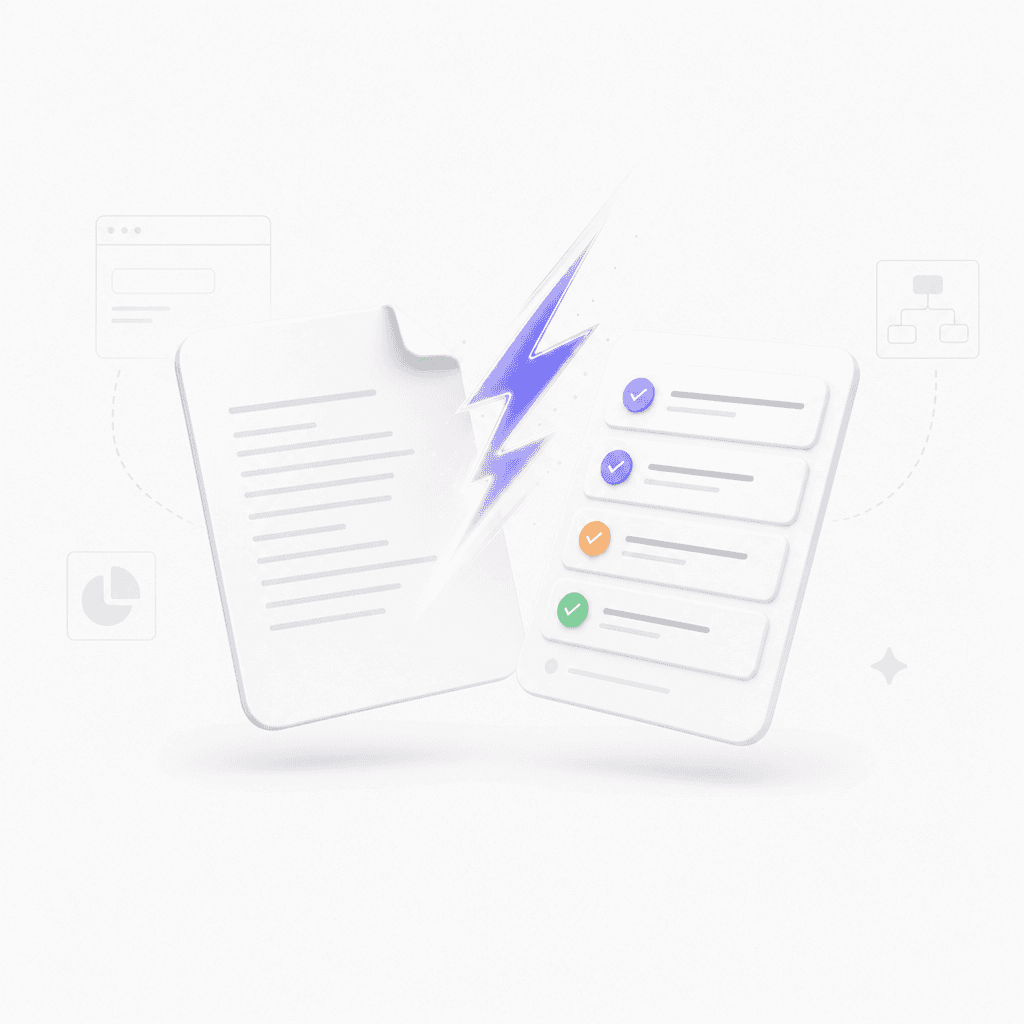
Turn prompts, documents, images, or URLs into structured, visual checklists in seconds.

How to create your checklist
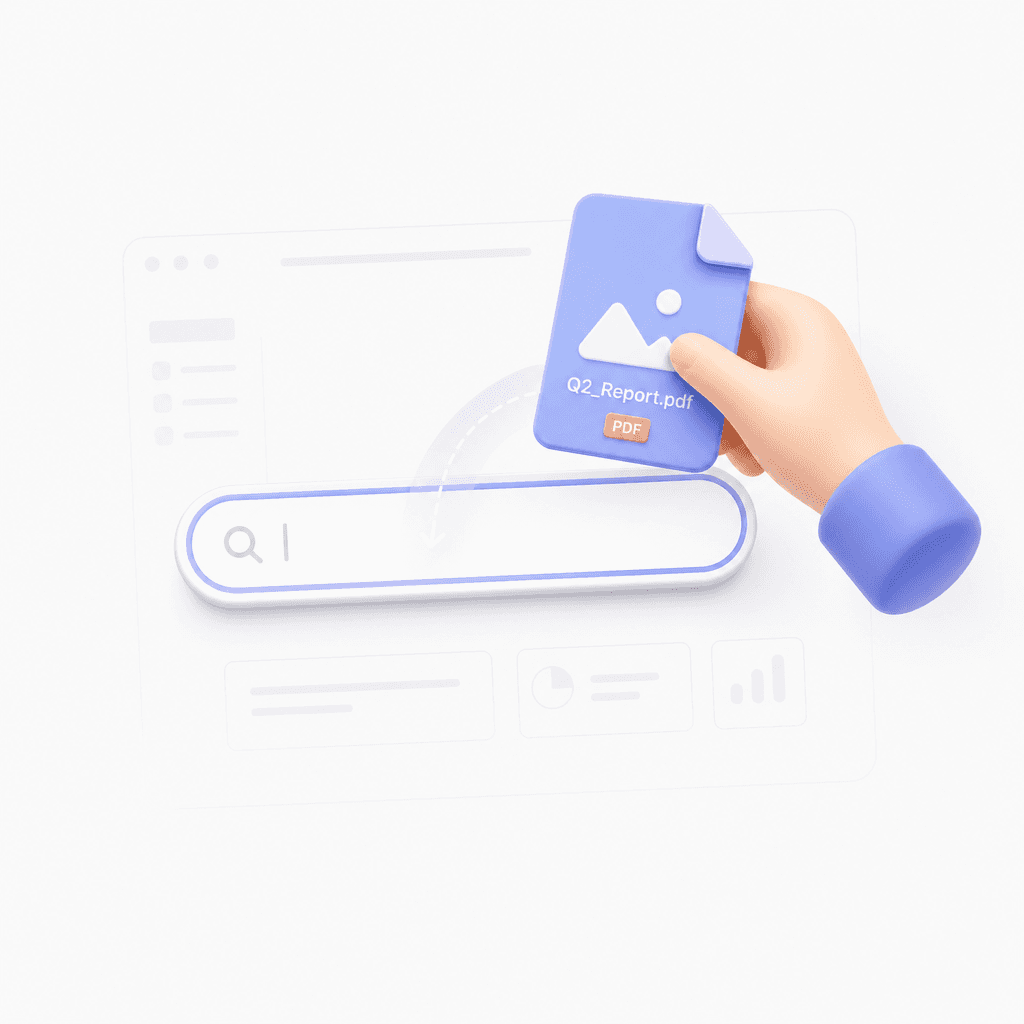
Provide your source

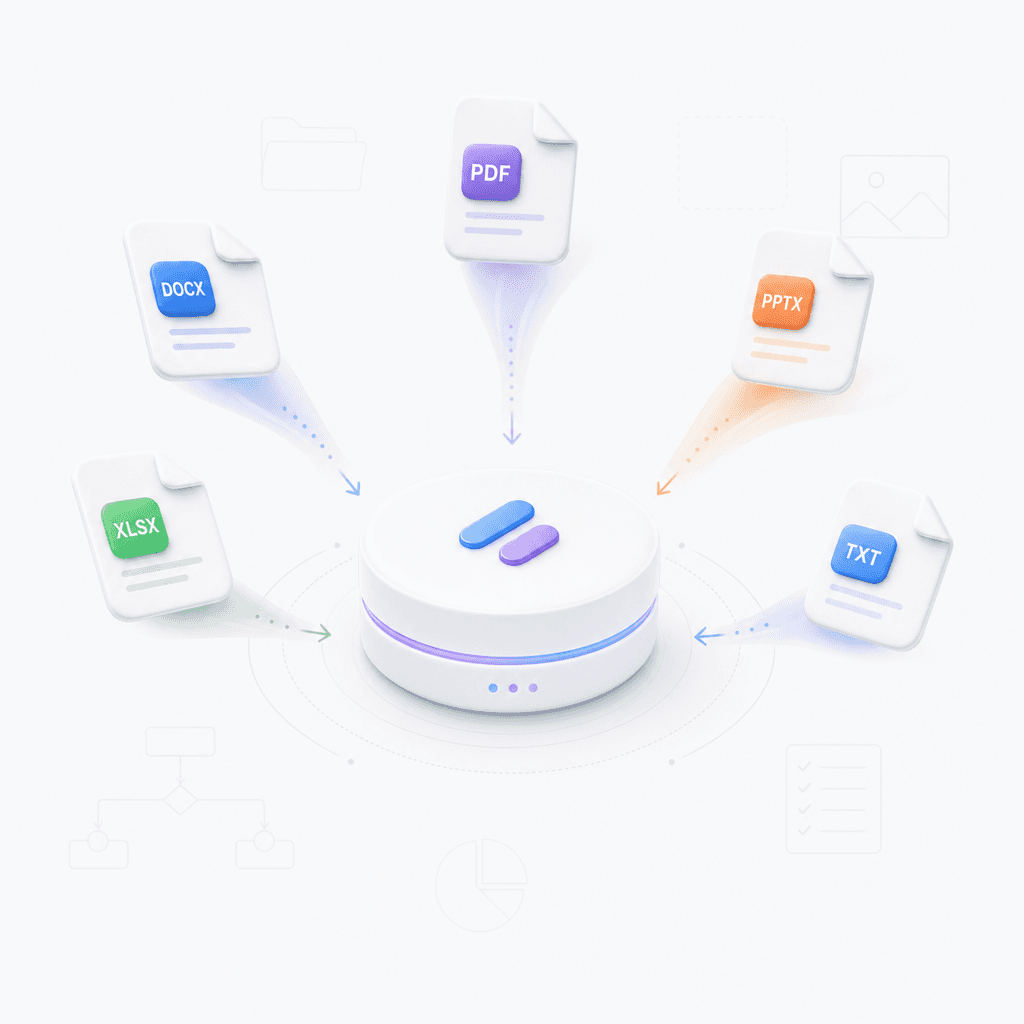
Paste a URL, upload a file like a PDF or Word doc, or type a simple prompt.

Step 1

Provide your source

Paste a URL, upload a file like a PDF or Word doc, or type a simple prompt.

Step 1

Provide your source

Paste a URL, upload a file like a PDF or Word doc, or type a simple prompt.

Step 1

Generate the checklist

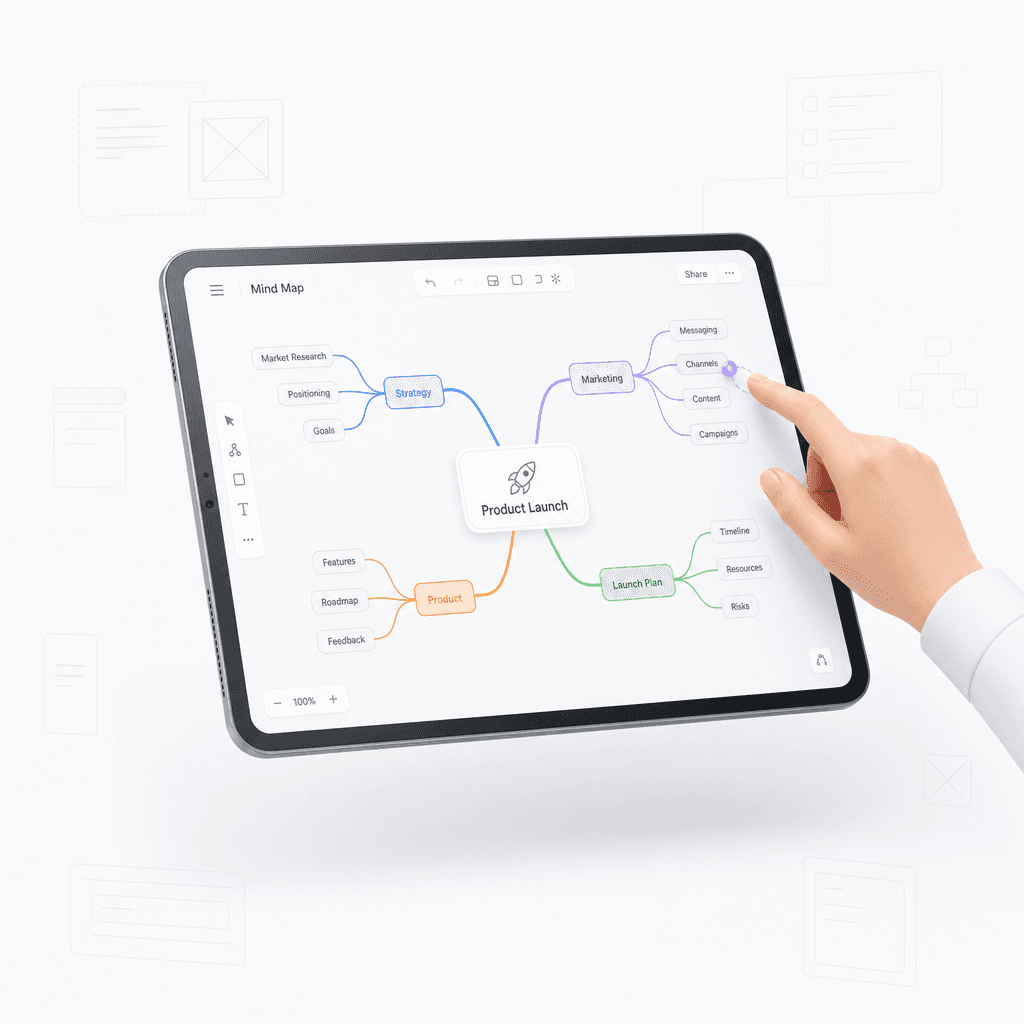
Click generate to watch the AI organize your information into a clear mind map checklist.

Step 2

Generate the checklist

Click generate to watch the AI organize your information into a clear mind map checklist.

Step 2

Generate the checklist

Click generate to watch the AI organize your information into a clear mind map checklist.

Step 2

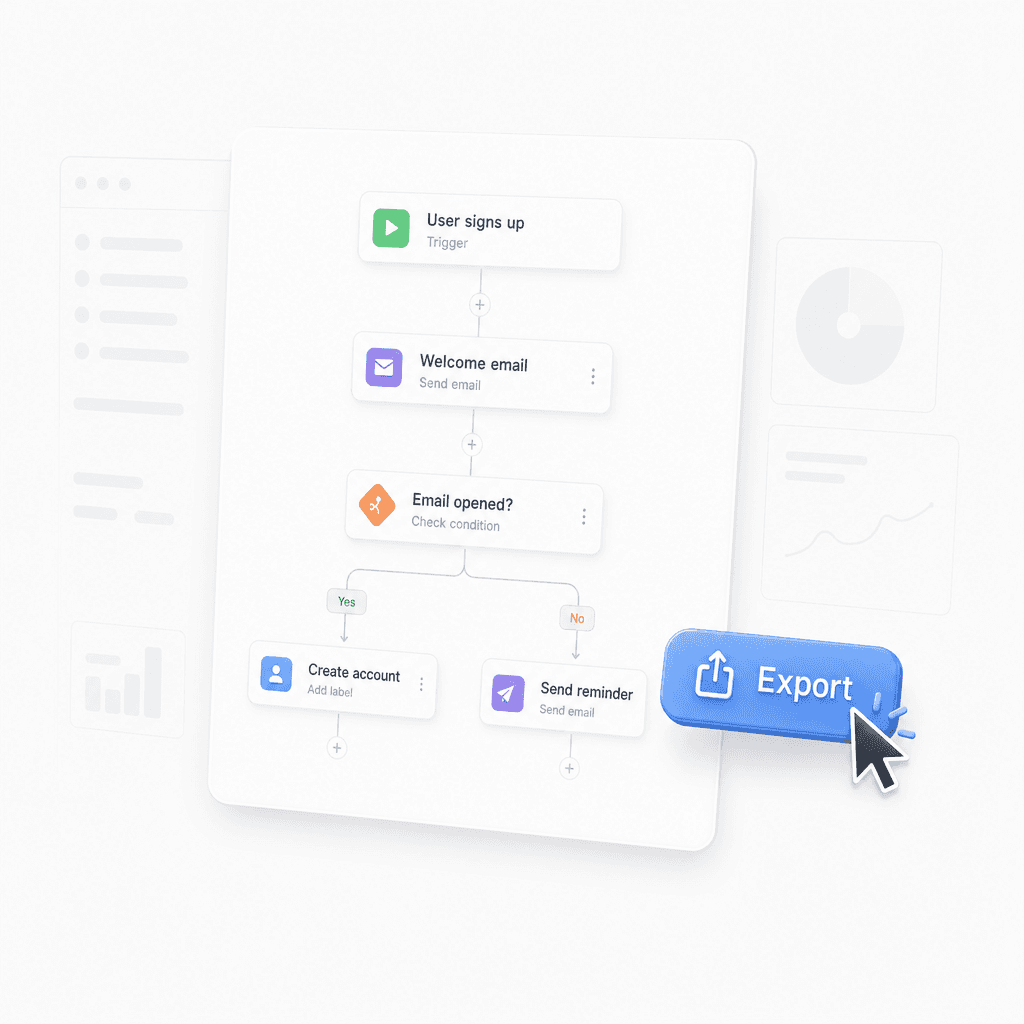
Refine and export

Drag branches to reorganize, add details, and export your final list for any project.

Step 3

Refine and export

Drag branches to reorganize, add details, and export your final list for any project.

Step 3

Refine and export

Drag branches to reorganize, add details, and export your final list for any project.

Step 3

Hear from our Xmind family

4.8 ratings

4.8/5

App Store

95% user satisfaction rate

95%

User satisfaction rate

100M+ user worldwide

100M+

Users worldwide

Marco Silva

Marketing Coordinator

The checklist setup is straightforward, and that matters when I am juggling email drafts, social posts, and event tasks. It helps me stay on top of small details that used to get missed.

Hannah O'Neill

Journalist

I use it for interview prep, fact checking, and post-draft edits. Having everything in one checklist keeps my deadline work much more organized.

Noah Bennett

Startup Founder

My days move fast, so having a quick way to create task lists for meetings and follow-ups makes a real difference. It is one of the few tools I open every day.

Priya Nair

Research Analyst

It has been helpful for tracking data review steps and keeping my research process consistent. I also like that I can reuse the same list instead of rebuilding it each time.

Carlos Rivera

Freelance Designer

For client projects, I needed something lightweight to map out revisions, exports, and final delivery. This gives me a clean checklist without feeling like another heavy project tool.

Lena Fischer

Teacher

I use it to organize lesson prep and grading tasks, and it saves me from keeping everything in my head. The structure is easy enough that I actually stick with it.

Ethan Patel

Frontend Developer

I keep a small checklist for bug fixes and release tasks, and it has cut down the number of things I forget. Simple, but genuinely useful in day-to-day work.

Sofia Martinez

Product Manager

Our team uses it for launch prep, and the shared checklists make handoffs much cleaner. It is especially useful when multiple people need to stay aligned on the same priorities.

Daniel Brooks

Graduate Student

It helps me break big assignments into smaller steps, which makes thesis work feel a lot less overwhelming. I use it every morning before I start writing.

Maya Chen

Content Strategist

I started using this for campaign planning, and it keeps my weekly tasks from slipping through the cracks. I like how fast I can turn rough notes into a simple checklist.

Marco Silva

Marketing Coordinator

The checklist setup is straightforward, and that matters when I am juggling email drafts, social posts, and event tasks. It helps me stay on top of small details that used to get missed.

Hannah O'Neill

Journalist

I use it for interview prep, fact checking, and post-draft edits. Having everything in one checklist keeps my deadline work much more organized.

Noah Bennett

Startup Founder

My days move fast, so having a quick way to create task lists for meetings and follow-ups makes a real difference. It is one of the few tools I open every day.

Priya Nair

Research Analyst

It has been helpful for tracking data review steps and keeping my research process consistent. I also like that I can reuse the same list instead of rebuilding it each time.

Carlos Rivera

Freelance Designer

For client projects, I needed something lightweight to map out revisions, exports, and final delivery. This gives me a clean checklist without feeling like another heavy project tool.

Lena Fischer

Teacher

I use it to organize lesson prep and grading tasks, and it saves me from keeping everything in my head. The structure is easy enough that I actually stick with it.

Ethan Patel

Frontend Developer

I keep a small checklist for bug fixes and release tasks, and it has cut down the number of things I forget. Simple, but genuinely useful in day-to-day work.

Sofia Martinez

Product Manager

Our team uses it for launch prep, and the shared checklists make handoffs much cleaner. It is especially useful when multiple people need to stay aligned on the same priorities.

Daniel Brooks

Graduate Student

It helps me break big assignments into smaller steps, which makes thesis work feel a lot less overwhelming. I use it every morning before I start writing.

Maya Chen

Content Strategist

I started using this for campaign planning, and it keeps my weekly tasks from slipping through the cracks. I like how fast I can turn rough notes into a simple checklist.

Marco Silva

Marketing Coordinator

The checklist setup is straightforward, and that matters when I am juggling email drafts, social posts, and event tasks. It helps me stay on top of small details that used to get missed.

Hannah O'Neill

Journalist

I use it for interview prep, fact checking, and post-draft edits. Having everything in one checklist keeps my deadline work much more organized.

Noah Bennett

Startup Founder

My days move fast, so having a quick way to create task lists for meetings and follow-ups makes a real difference. It is one of the few tools I open every day.

Priya Nair

Research Analyst

It has been helpful for tracking data review steps and keeping my research process consistent. I also like that I can reuse the same list instead of rebuilding it each time.

Carlos Rivera

Freelance Designer

For client projects, I needed something lightweight to map out revisions, exports, and final delivery. This gives me a clean checklist without feeling like another heavy project tool.

Lena Fischer

Teacher

I use it to organize lesson prep and grading tasks, and it saves me from keeping everything in my head. The structure is easy enough that I actually stick with it.

Ethan Patel

Frontend Developer

I keep a small checklist for bug fixes and release tasks, and it has cut down the number of things I forget. Simple, but genuinely useful in day-to-day work.

Sofia Martinez

Product Manager

Our team uses it for launch prep, and the shared checklists make handoffs much cleaner. It is especially useful when multiple people need to stay aligned on the same priorities.

Daniel Brooks

Graduate Student

It helps me break big assignments into smaller steps, which makes thesis work feel a lot less overwhelming. I use it every morning before I start writing.

Maya Chen

Content Strategist

I started using this for campaign planning, and it keeps my weekly tasks from slipping through the cracks. I like how fast I can turn rough notes into a simple checklist.

Marco Silva

Marketing Coordinator

The checklist setup is straightforward, and that matters when I am juggling email drafts, social posts, and event tasks. It helps me stay on top of small details that used to get missed.

Hannah O'Neill

Journalist

I use it for interview prep, fact checking, and post-draft edits. Having everything in one checklist keeps my deadline work much more organized.

Noah Bennett

Startup Founder

My days move fast, so having a quick way to create task lists for meetings and follow-ups makes a real difference. It is one of the few tools I open every day.

Priya Nair

Research Analyst

It has been helpful for tracking data review steps and keeping my research process consistent. I also like that I can reuse the same list instead of rebuilding it each time.

Carlos Rivera

Freelance Designer

For client projects, I needed something lightweight to map out revisions, exports, and final delivery. This gives me a clean checklist without feeling like another heavy project tool.

Lena Fischer

Teacher

I use it to organize lesson prep and grading tasks, and it saves me from keeping everything in my head. The structure is easy enough that I actually stick with it.

Ethan Patel

Frontend Developer

I keep a small checklist for bug fixes and release tasks, and it has cut down the number of things I forget. Simple, but genuinely useful in day-to-day work.

Sofia Martinez

Product Manager

Our team uses it for launch prep, and the shared checklists make handoffs much cleaner. It is especially useful when multiple people need to stay aligned on the same priorities.

Daniel Brooks

Graduate Student

It helps me break big assignments into smaller steps, which makes thesis work feel a lot less overwhelming. I use it every morning before I start writing.

Maya Chen

Content Strategist

I started using this for campaign planning, and it keeps my weekly tasks from slipping through the cracks. I like how fast I can turn rough notes into a simple checklist.

Why use our checklist maker

Instant AI generation

Transform long documents or complex prompts into structured checklists instantly using AI.

Instant AI generation

Transform long documents or complex prompts into structured checklists instantly using AI.

Instant AI generation

Transform long documents or complex prompts into structured checklists instantly using AI.

Visual task mapping

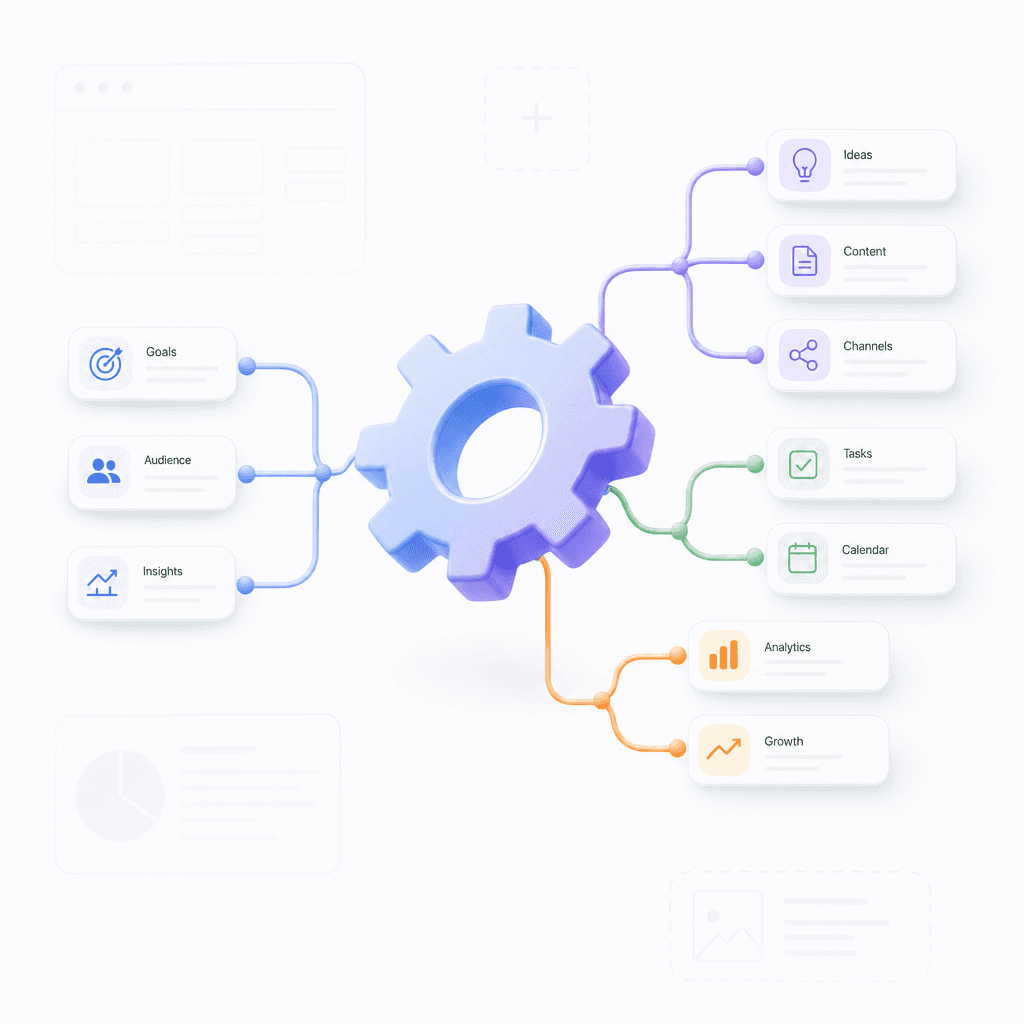
View your tasks as a mind map to see how different steps connect and overlap visually.

Visual task mapping

View your tasks as a mind map to see how different steps connect and overlap visually.

Flexible file support

Drag branches to reorganize, add details, and export your final list for any project.

Flexible file support

Drag branches to reorganize, add details, and export your final list for any project.

Easy editing and export

Refine your checklist, add personal notes, and export your map to various professional formats.

Easy editing and export

Refine your checklist, add personal notes, and export your map to various professional formats.

Easy editing and export

Refine your checklist, add personal notes, and export your map to various professional formats.

Use cases for visual checklists

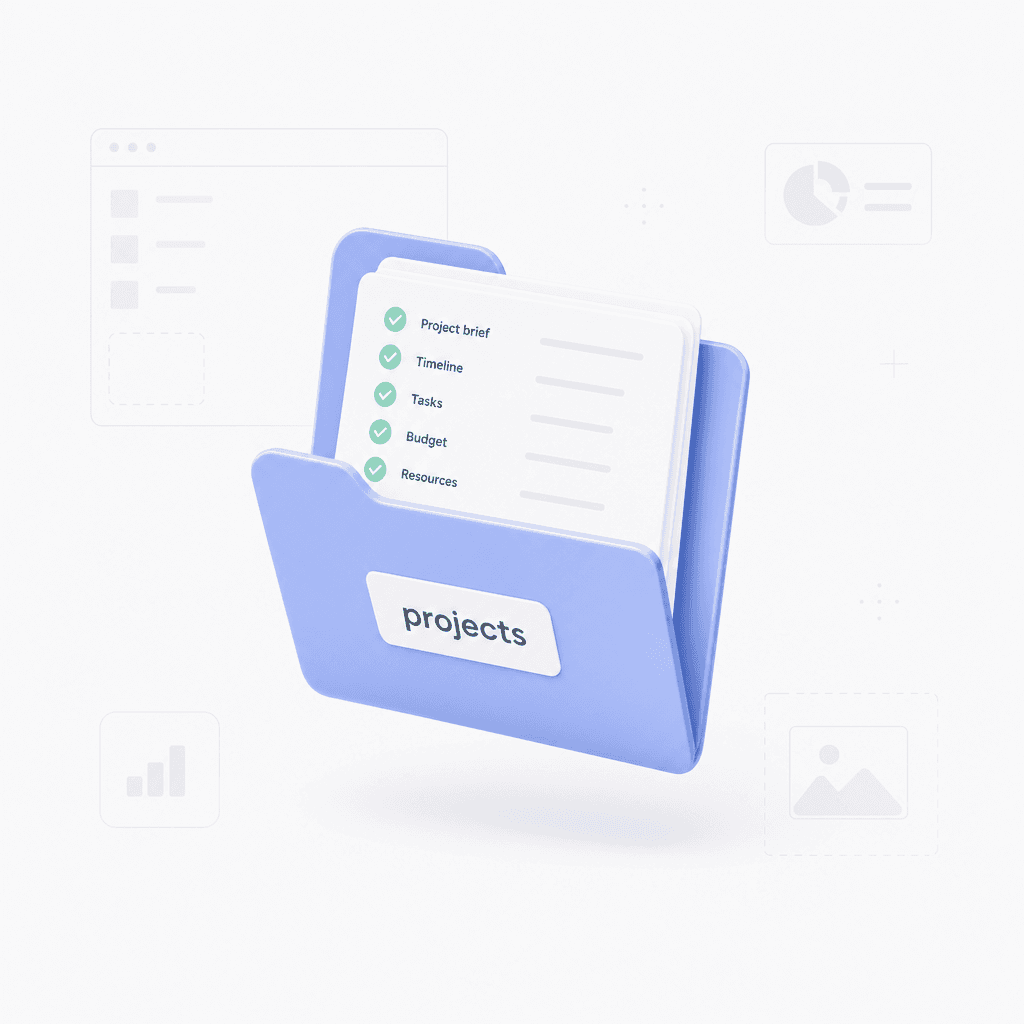
Project planning

Upload project briefs or meeting notes to create a comprehensive list of actionable items.

Project planning

Upload project briefs or meeting notes to create a comprehensive list of actionable items.

Project planning

Upload project briefs or meeting notes to create a comprehensive list of actionable items.

Study and research

Paste an article URL or upload a textbook PDF to extract key learning objectives and topics.

Study and research

Paste an article URL or upload a textbook PDF to extract key learning objectives and topics.

Study and research

Paste an article URL or upload a textbook PDF to extract key learning objectives and topics.

Daily productivity

Turn simple prompts into detailed step-by-step guides for any daily task or workflow.

Daily productivity

Turn simple prompts into detailed step-by-step guides for any daily task or workflow.

Daily productivity

Turn simple prompts into detailed step-by-step guides for any daily task or workflow.

Explore other free online tools

Frequently asked questions

Frequently Asked Questions

What file types does this tool support?

You can input text via simple prompts, long text, or by importing files like PDF, Word, Markdown, and OPML. You can also paste a URL or upload an image to generate your workflow.

How does this checklist maker work?

Our checklist maker processes your input and automatically organizes it into a structured mind map format for better visualization.

Can I edit the generated output?

Yes, you can edit the generated mind map directly to adjust tasks or move branches before finalizing your checklist.

How can I export my checklist?

Once you are satisfied with the mind map, you can export it to standard formats for use in other project management applications.

What input is best for the best results?

The tool analyzes the content provided to create hierarchy. For best results, ensure your input text includes clear steps or a logical structure.

Do I need to install software?

No, this is a web-based utility. You do not need to install complex software to generate your mind maps and checklists.


Xmind logo

Create your checklist today

Start your project with a clear plan. Try our checklist maker now and continue refining in Xmind.

Xmind logo

Create your checklist today

Start your project with a clear plan. Try our checklist maker now and continue refining in Xmind.