Empty space with subtle gradients, creating a light and soft visual ambiance.

AI alignment chart generator

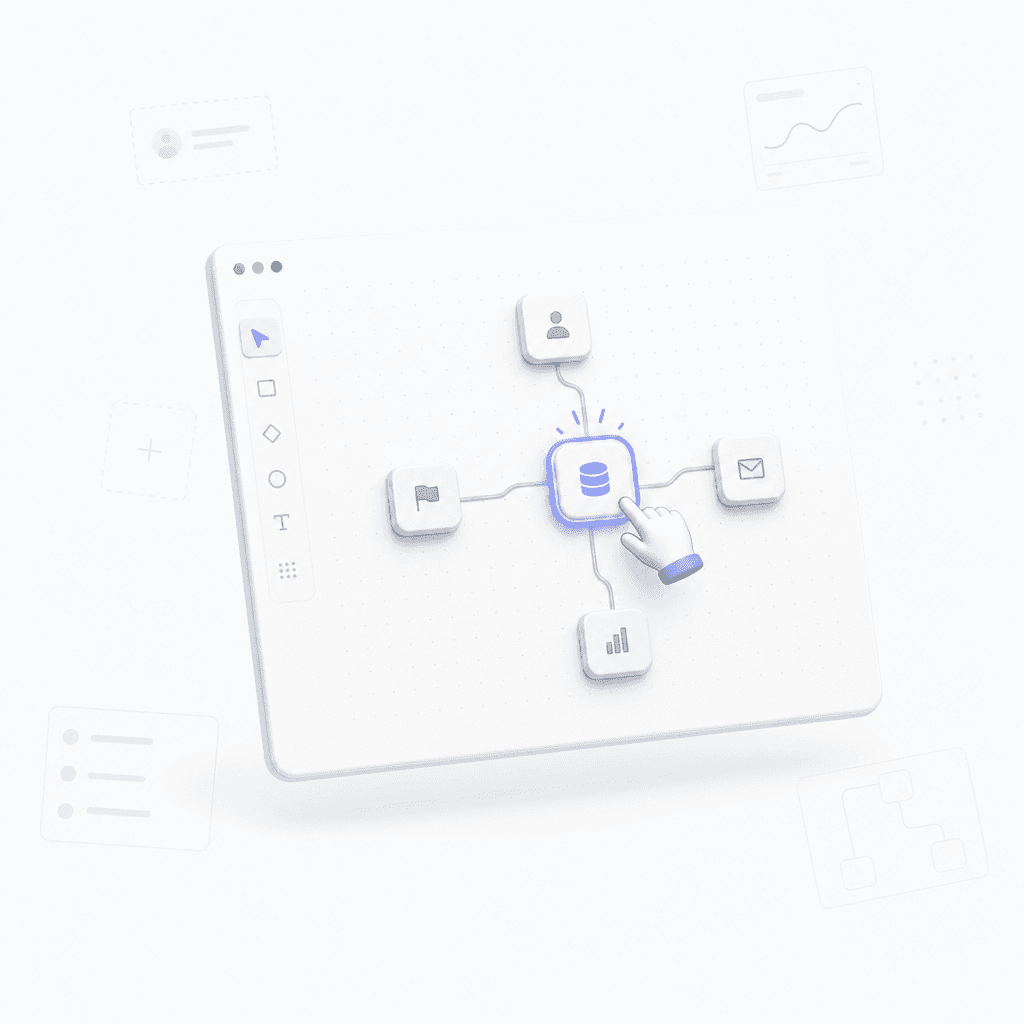
Turn any prompt into a structured alignment chart. Categorize characters, ideas, or items into a mind map layout.

How to create your alignment chart

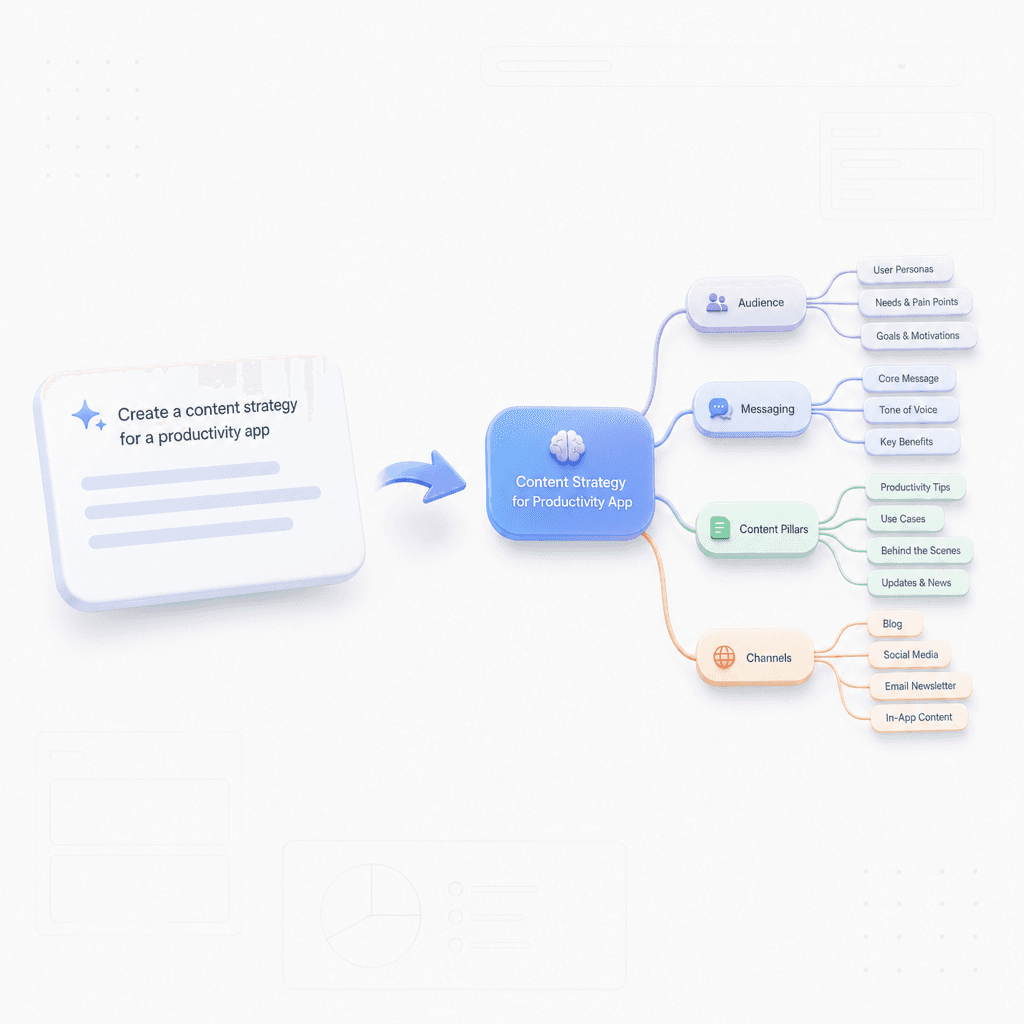
Enter your prompt

Enter a simple prompt describing the characters or items you want to categorize.

Step 1

Enter your prompt

Enter a simple prompt describing the characters or items you want to categorize.

Step 1

Enter your prompt

Enter a simple prompt describing the characters or items you want to categorize.

Step 1

Generate the chart

The AI organizes your input into a logical alignment chart mind map.

Step 2

Generate the chart

The AI organizes your input into a logical alignment chart mind map.

Step 2

Generate the chart

The AI organizes your input into a logical alignment chart mind map.

Step 2

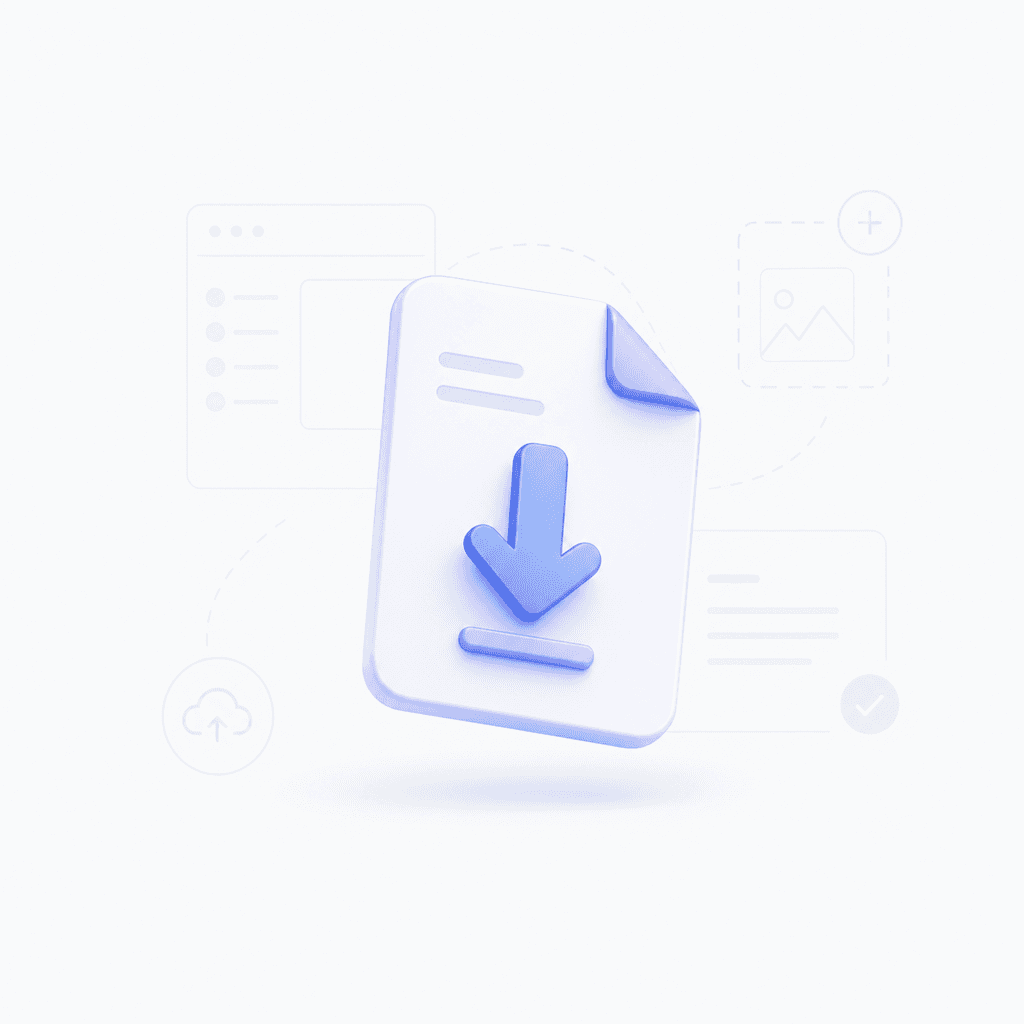
Refine and export

Refine the relationships, edit labels, and export your final diagram.

Step 3

Refine and export

Refine the relationships, edit labels, and export your final diagram.

Step 3

Refine and export

Refine the relationships, edit labels, and export your final diagram.

Step 3

Hear from our Xmind family

4.8 ratings

4.8/5

App Store

95% user satisfaction rate

95%

User satisfaction rate

100M+ user worldwide

100M+

Users worldwide

Marcus Silva

Startup Founder

During our early product sessions, this made it easier to capture where the team actually agreed versus where we were just guessing. I can see using it often for planning.

Ava Thompson

Freelance Writer

I used it while outlining article angles, and it helped me see which topics were too close together. Small tool, but it saved me time.

Daniel Foster

Data Analyst

I needed a quick way to compare stakeholder views for a report, and the alignment chart made the patterns obvious. It was cleaner than trying to explain it in text.

Priya Nair

Marketing Manager

For campaign planning, this helped me organize ideas by priority without a long meeting. I ended up sharing the chart directly in Slack.

Noah Kim

UX Designer

I was using it to map out design opinions with my team, and the visual made disagreements easier to talk through. It felt surprisingly useful in workshop sessions.

Grace O'Neill

High School Teacher

I made a few alignment charts for classroom debates, and the students got into it right away. It was simpler than making templates from scratch.

Liam Patel

Frontend Developer

Nice little tool for sorting features by impact and effort without opening a spreadsheet. I used it in a team retro and it was easy to share.

Sofia Martinez

Product Manager

We used the chart generator during a roadmap workshop, and it helped us settle on priorities faster. I liked that it kept everyone on the same page.

Ethan Brooks

Graduate Student

I was comparing theory positions for a paper, and this saved me from building the chart in slides by hand. Pretty handy for quick class presentations.

Maya Chen

Content Strategist

I used it to turn a messy brainstorm into a simple alignment chart for our launch ideas. It made team discussions a lot quicker.

Marcus Silva

Startup Founder

During our early product sessions, this made it easier to capture where the team actually agreed versus where we were just guessing. I can see using it often for planning.

Ava Thompson

Freelance Writer

I used it while outlining article angles, and it helped me see which topics were too close together. Small tool, but it saved me time.

Daniel Foster

Data Analyst

I needed a quick way to compare stakeholder views for a report, and the alignment chart made the patterns obvious. It was cleaner than trying to explain it in text.

Priya Nair

Marketing Manager

For campaign planning, this helped me organize ideas by priority without a long meeting. I ended up sharing the chart directly in Slack.

Noah Kim

UX Designer

I was using it to map out design opinions with my team, and the visual made disagreements easier to talk through. It felt surprisingly useful in workshop sessions.

Grace O'Neill

High School Teacher

I made a few alignment charts for classroom debates, and the students got into it right away. It was simpler than making templates from scratch.

Liam Patel

Frontend Developer

Nice little tool for sorting features by impact and effort without opening a spreadsheet. I used it in a team retro and it was easy to share.

Sofia Martinez

Product Manager

We used the chart generator during a roadmap workshop, and it helped us settle on priorities faster. I liked that it kept everyone on the same page.

Ethan Brooks

Graduate Student

I was comparing theory positions for a paper, and this saved me from building the chart in slides by hand. Pretty handy for quick class presentations.

Maya Chen

Content Strategist

I used it to turn a messy brainstorm into a simple alignment chart for our launch ideas. It made team discussions a lot quicker.

Marcus Silva

Startup Founder

During our early product sessions, this made it easier to capture where the team actually agreed versus where we were just guessing. I can see using it often for planning.

Ava Thompson

Freelance Writer

I used it while outlining article angles, and it helped me see which topics were too close together. Small tool, but it saved me time.

Daniel Foster

Data Analyst

I needed a quick way to compare stakeholder views for a report, and the alignment chart made the patterns obvious. It was cleaner than trying to explain it in text.

Priya Nair

Marketing Manager

For campaign planning, this helped me organize ideas by priority without a long meeting. I ended up sharing the chart directly in Slack.

Noah Kim

UX Designer

I was using it to map out design opinions with my team, and the visual made disagreements easier to talk through. It felt surprisingly useful in workshop sessions.

Grace O'Neill

High School Teacher

I made a few alignment charts for classroom debates, and the students got into it right away. It was simpler than making templates from scratch.

Liam Patel

Frontend Developer

Nice little tool for sorting features by impact and effort without opening a spreadsheet. I used it in a team retro and it was easy to share.

Sofia Martinez

Product Manager

We used the chart generator during a roadmap workshop, and it helped us settle on priorities faster. I liked that it kept everyone on the same page.

Ethan Brooks

Graduate Student

I was comparing theory positions for a paper, and this saved me from building the chart in slides by hand. Pretty handy for quick class presentations.

Maya Chen

Content Strategist

I used it to turn a messy brainstorm into a simple alignment chart for our launch ideas. It made team discussions a lot quicker.

Marcus Silva

Startup Founder

During our early product sessions, this made it easier to capture where the team actually agreed versus where we were just guessing. I can see using it often for planning.

Ava Thompson

Freelance Writer

I used it while outlining article angles, and it helped me see which topics were too close together. Small tool, but it saved me time.

Daniel Foster

Data Analyst

I needed a quick way to compare stakeholder views for a report, and the alignment chart made the patterns obvious. It was cleaner than trying to explain it in text.

Priya Nair

Marketing Manager

For campaign planning, this helped me organize ideas by priority without a long meeting. I ended up sharing the chart directly in Slack.

Noah Kim

UX Designer

I was using it to map out design opinions with my team, and the visual made disagreements easier to talk through. It felt surprisingly useful in workshop sessions.

Grace O'Neill

High School Teacher

I made a few alignment charts for classroom debates, and the students got into it right away. It was simpler than making templates from scratch.

Liam Patel

Frontend Developer

Nice little tool for sorting features by impact and effort without opening a spreadsheet. I used it in a team retro and it was easy to share.

Sofia Martinez

Product Manager

We used the chart generator during a roadmap workshop, and it helped us settle on priorities faster. I liked that it kept everyone on the same page.

Ethan Brooks

Graduate Student

I was comparing theory positions for a paper, and this saved me from building the chart in slides by hand. Pretty handy for quick class presentations.

Maya Chen

Content Strategist

I used it to turn a messy brainstorm into a simple alignment chart for our launch ideas. It made team discussions a lot quicker.

Why use our alignment chart tool

Instant generation

Instantly transform a simple prompt into a structured alignment chart without manual formatting.

Instant generation

Instantly transform a simple prompt into a structured alignment chart without manual formatting.

Instant generation

Instantly transform a simple prompt into a structured alignment chart without manual formatting.

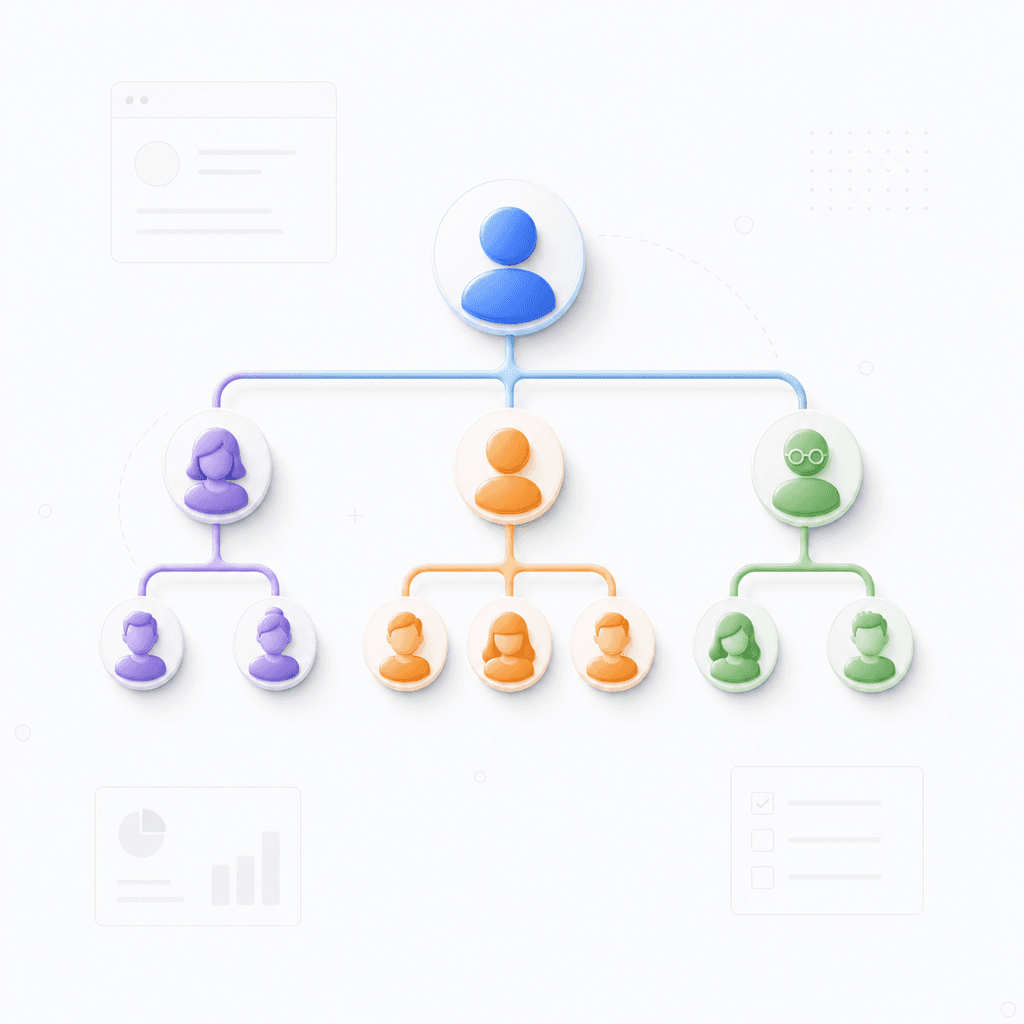
Flexible editing

Adjust categories, swap characters, and refine your chart using a flexible mind map interface.

Flexible editing

Adjust categories, swap characters, and refine your chart using a flexible mind map interface.

Deep categorization

Refine the relationships, edit labels, and export your final diagram.

Deep categorization

Refine the relationships, edit labels, and export your final diagram.

Easy export options

Download your completed alignment chart as an image or document to share with your community.

Easy export options

Download your completed alignment chart as an image or document to share with your community.

Easy export options

Download your completed alignment chart as an image or document to share with your community.

Ways to use your alignment chart

Pop culture analysis

Quickly sort characters from your favorite show into a moral alignment grid.

Pop culture analysis

Quickly sort characters from your favorite show into a moral alignment grid.

Pop culture analysis

Quickly sort characters from your favorite show into a moral alignment grid.

Character development

Develop deep internal logic for your story characters by mapping their worldviews.

Character development

Develop deep internal logic for your story characters by mapping their worldviews.

Character development

Develop deep internal logic for your story characters by mapping their worldviews.

Social media engagement

Create engaging social media content by visualizing community debates in a chart.

Social media engagement

Create engaging social media content by visualizing community debates in a chart.

Social media engagement

Create engaging social media content by visualizing community debates in a chart.

Explore other free online tools

Frequently asked questions

Frequently Asked Questions

How does this alignment chart generator work?

This alignment chart generator converts your text prompts into structured visual maps. Simply enter your topic or list of items, and the AI analyzes the relationships to generate a hierarchical mind map layout.

What input formats are supported?

Currently, the tool exclusively accepts simple, text-based prompts. You can input keywords, project themes, or lists to define the central node and sub-categories of your diagram.

What output format does the tool provide?

The tool outputs professional-grade mind maps. These diagrams are designed to show connections and branches clearly, making them ideal for brainstorming or organizing complex information.

Can I edit or export the mind map?

Yes, once the mind map is generated, you can adjust the layout and branches as needed. Export options are available in common formats, allowing you to save or embed your chart in other documents.

What are the limitations of the tool?

The tool is best suited for conceptual mapping and data classification. While it excels at organizing ideas, it may require manual refinement for diagrams involving highly specific technical taxonomies.

Is my data private when using this tool?

All data entered is processed securely to create your diagrams. We do not use your inputs to train public AI models, ensuring your brainstorming content remains private.


Xmind logo

Make your alignment chart now

Turn your creative ideas into a professional diagram. Start building with Xmind today.

Xmind logo

Make your alignment chart now

Turn your creative ideas into a professional diagram. Start building with Xmind today.