Empty space with subtle gradients, creating a light and soft visual ambiance.

Smart online notes maker

Transform simple prompts into structured mind maps instantly with our intelligent online notes maker.

How to create visual notes in seconds
Enter your prompt

Enter a topic or a short prompt into the input field to tell the AI what you need to cover.

Step 1

Enter your prompt

Enter a topic or a short prompt into the input field to tell the AI what you need to cover.

Step 1

Enter your prompt

Enter a topic or a short prompt into the input field to tell the AI what you need to cover.

Step 1

Generate your map

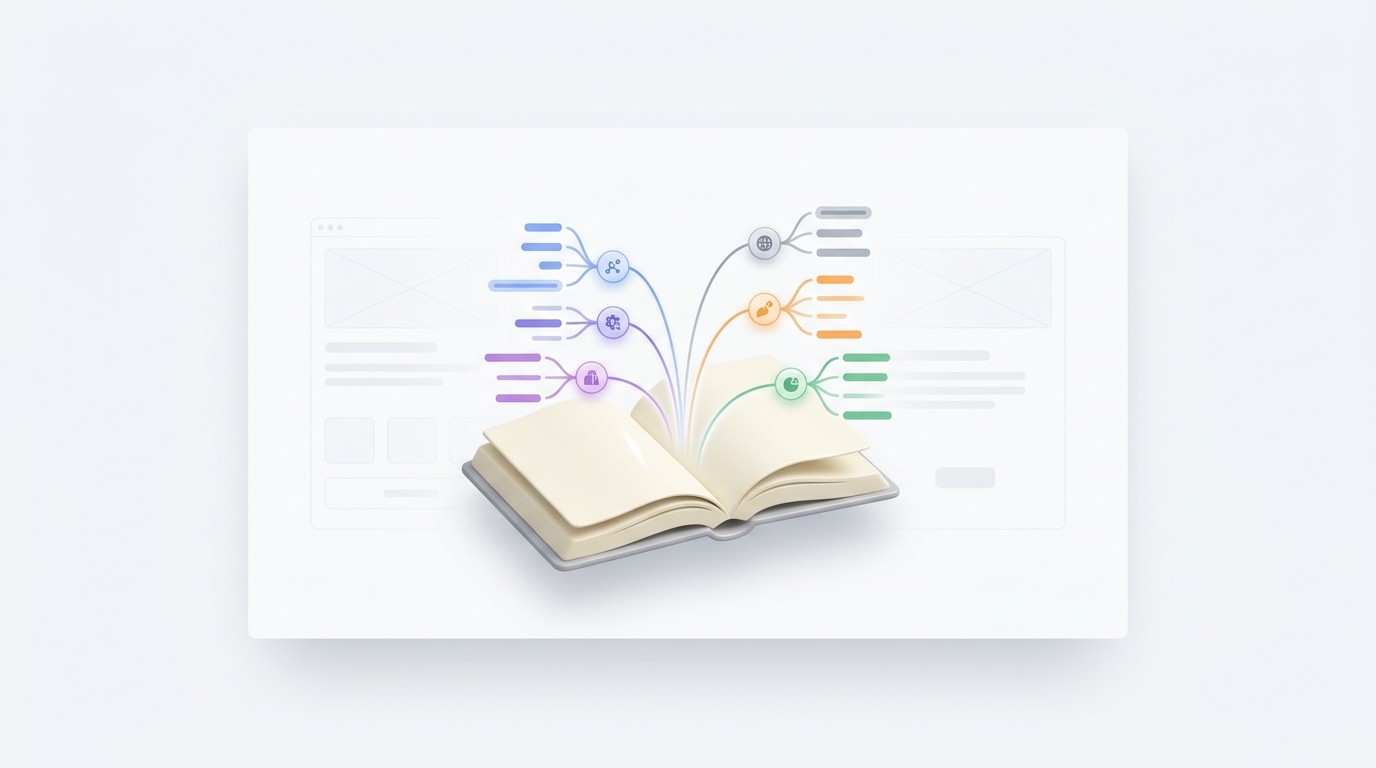
The generator builds a detailed mind map, organizing key concepts into clear, connected branches.

Step 2

Generate your map

The generator builds a detailed mind map, organizing key concepts into clear, connected branches.

Step 2

Generate your map

The generator builds a detailed mind map, organizing key concepts into clear, connected branches.

Step 2

Refine and save

Review your visual notes, add your own insights, and export the file for future study.

Step 3

Refine and save

Review your visual notes, add your own insights, and export the file for future study.

Step 3

Refine and save

Review your visual notes, add your own insights, and export the file for future study.

Step 3

Hear from our Xmind family

4.8 ratings

4.8/5

App Store

95% user satisfaction rate

95%

User satisfaction rate

100M+ user worldwide

100M+

Users worldwide

Amara Okafor

Startup Founder

Building a company requires capturing ideas at all hours. This online notes maker works perfectly across my devices, ensuring I never lose a thought during my commute or late-night sessions. It's become an essential part of my toolkit.

Yuki Tanaka

Data Analyst Junior

I use it to keep track of SQL snippets and complex logic I use daily. The search function is fast, which is exactly what I need when I’m in the middle of a deep dive.

Marcus Thorne

Journalism Student

Recording interviews and taking notes simultaneously used to be a mess. Now I just keep a tab open and everything saves instantly. It’s a lifesaver for my long-form assignments and keeps my drafts organized.

Sofia Rodriguez

UIUX Designer

I usually prefer sketching, but for organizing user feedback, this digital workspace is excellent. The layout options allow me to categorize qualitative data visually, which helps tremendously during the synthesis phase of my design projects.

David O'Connor

High School Teacher

I’ve started using this to prep my lesson plans and share study guides with my students. It’s very user-friendly, even for those who aren't particularly tech-savvy. Great for the classroom.

Chloe Dupont

Marketing Consultant

As a freelancer, staying organized across multiple client projects is tough. This tool helps me keep my research and strategy briefs in one accessible place. It has definitely improved my daily workflow and professional organization.

Sarah Jenkins

Product Manager

Finally found a digital notepad that doesn't overcomplicate things with unnecessary features. I can jump in, jot down meeting minutes, and share them with my engineers in seconds. Simple and effective.

Arjun Mehta

Content Strategist

Transitioned our team’s brainstorming sessions to this platform last month. The real-time syncing has significantly reduced the friction in our creative process. It is a solid tool for anyone managing high-volume content calendars.

Elena Fischer

Graduate Research Assistant

I needed a reliable online notes maker for my thesis literature review. What I like most is how easily I can organize different sources without the interface getting cluttered or slowing down my browser.

Lucas Moretti

Full-Stack Developer

Been using this for my technical documentation lately. It is much cleaner than my old setup and the markdown support is actually intuitive. Highly recommended for devs.

Amara Okafor

Startup Founder

Building a company requires capturing ideas at all hours. This online notes maker works perfectly across my devices, ensuring I never lose a thought during my commute or late-night sessions. It's become an essential part of my toolkit.

Yuki Tanaka

Data Analyst Junior

I use it to keep track of SQL snippets and complex logic I use daily. The search function is fast, which is exactly what I need when I’m in the middle of a deep dive.

Marcus Thorne

Journalism Student

Recording interviews and taking notes simultaneously used to be a mess. Now I just keep a tab open and everything saves instantly. It’s a lifesaver for my long-form assignments and keeps my drafts organized.

Sofia Rodriguez

UIUX Designer

I usually prefer sketching, but for organizing user feedback, this digital workspace is excellent. The layout options allow me to categorize qualitative data visually, which helps tremendously during the synthesis phase of my design projects.

David O'Connor

High School Teacher

I’ve started using this to prep my lesson plans and share study guides with my students. It’s very user-friendly, even for those who aren't particularly tech-savvy. Great for the classroom.

Chloe Dupont

Marketing Consultant

As a freelancer, staying organized across multiple client projects is tough. This tool helps me keep my research and strategy briefs in one accessible place. It has definitely improved my daily workflow and professional organization.

Sarah Jenkins

Product Manager

Finally found a digital notepad that doesn't overcomplicate things with unnecessary features. I can jump in, jot down meeting minutes, and share them with my engineers in seconds. Simple and effective.

Arjun Mehta

Content Strategist

Transitioned our team’s brainstorming sessions to this platform last month. The real-time syncing has significantly reduced the friction in our creative process. It is a solid tool for anyone managing high-volume content calendars.

Elena Fischer

Graduate Research Assistant

I needed a reliable online notes maker for my thesis literature review. What I like most is how easily I can organize different sources without the interface getting cluttered or slowing down my browser.

Lucas Moretti

Full-Stack Developer

Been using this for my technical documentation lately. It is much cleaner than my old setup and the markdown support is actually intuitive. Highly recommended for devs.

Amara Okafor

Startup Founder

Building a company requires capturing ideas at all hours. This online notes maker works perfectly across my devices, ensuring I never lose a thought during my commute or late-night sessions. It's become an essential part of my toolkit.

Yuki Tanaka

Data Analyst Junior

I use it to keep track of SQL snippets and complex logic I use daily. The search function is fast, which is exactly what I need when I’m in the middle of a deep dive.

Marcus Thorne

Journalism Student

Recording interviews and taking notes simultaneously used to be a mess. Now I just keep a tab open and everything saves instantly. It’s a lifesaver for my long-form assignments and keeps my drafts organized.

Sofia Rodriguez

UIUX Designer

I usually prefer sketching, but for organizing user feedback, this digital workspace is excellent. The layout options allow me to categorize qualitative data visually, which helps tremendously during the synthesis phase of my design projects.

David O'Connor

High School Teacher

I’ve started using this to prep my lesson plans and share study guides with my students. It’s very user-friendly, even for those who aren't particularly tech-savvy. Great for the classroom.

Chloe Dupont

Marketing Consultant

As a freelancer, staying organized across multiple client projects is tough. This tool helps me keep my research and strategy briefs in one accessible place. It has definitely improved my daily workflow and professional organization.

Sarah Jenkins

Product Manager

Finally found a digital notepad that doesn't overcomplicate things with unnecessary features. I can jump in, jot down meeting minutes, and share them with my engineers in seconds. Simple and effective.

Arjun Mehta

Content Strategist

Transitioned our team’s brainstorming sessions to this platform last month. The real-time syncing has significantly reduced the friction in our creative process. It is a solid tool for anyone managing high-volume content calendars.

Elena Fischer

Graduate Research Assistant

I needed a reliable online notes maker for my thesis literature review. What I like most is how easily I can organize different sources without the interface getting cluttered or slowing down my browser.

Lucas Moretti

Full-Stack Developer

Been using this for my technical documentation lately. It is much cleaner than my old setup and the markdown support is actually intuitive. Highly recommended for devs.

Amara Okafor

Startup Founder

Building a company requires capturing ideas at all hours. This online notes maker works perfectly across my devices, ensuring I never lose a thought during my commute or late-night sessions. It's become an essential part of my toolkit.

Yuki Tanaka

Data Analyst Junior

I use it to keep track of SQL snippets and complex logic I use daily. The search function is fast, which is exactly what I need when I’m in the middle of a deep dive.

Marcus Thorne

Journalism Student

Recording interviews and taking notes simultaneously used to be a mess. Now I just keep a tab open and everything saves instantly. It’s a lifesaver for my long-form assignments and keeps my drafts organized.

Sofia Rodriguez

UIUX Designer

I usually prefer sketching, but for organizing user feedback, this digital workspace is excellent. The layout options allow me to categorize qualitative data visually, which helps tremendously during the synthesis phase of my design projects.

David O'Connor

High School Teacher

I’ve started using this to prep my lesson plans and share study guides with my students. It’s very user-friendly, even for those who aren't particularly tech-savvy. Great for the classroom.

Chloe Dupont

Marketing Consultant

As a freelancer, staying organized across multiple client projects is tough. This tool helps me keep my research and strategy briefs in one accessible place. It has definitely improved my daily workflow and professional organization.

Sarah Jenkins

Product Manager

Finally found a digital notepad that doesn't overcomplicate things with unnecessary features. I can jump in, jot down meeting minutes, and share them with my engineers in seconds. Simple and effective.

Arjun Mehta

Content Strategist

Transitioned our team’s brainstorming sessions to this platform last month. The real-time syncing has significantly reduced the friction in our creative process. It is a solid tool for anyone managing high-volume content calendars.

Elena Fischer

Graduate Research Assistant

I needed a reliable online notes maker for my thesis literature review. What I like most is how easily I can organize different sources without the interface getting cluttered or slowing down my browser.

Lucas Moretti

Full-Stack Developer

Been using this for my technical documentation lately. It is much cleaner than my old setup and the markdown support is actually intuitive. Highly recommended for devs.

Why use an AI notes maker

Instant visual brainstorming

Instantly transform a single sentence or prompt into a comprehensive visual overview of any topic.

Instant visual brainstorming

Instantly transform a single sentence or prompt into a comprehensive visual overview of any topic.

Instant visual brainstorming

Instantly transform a single sentence or prompt into a comprehensive visual overview of any topic.

Automated logical structure

Skip the manual typing. AI organizes your ideas into a logical hierarchy for better memory retention.

Automated logical structure

Skip the manual typing. AI organizes your ideas into a logical hierarchy for better memory retention.

Full creative control

Review your visual notes, add your own insights, and export the file for future study.

Full creative control

Review your visual notes, add your own insights, and export the file for future study.

Seamless export options

Download your mind maps as high-resolution images or PDFs to share with your team or classmates.

Seamless export options

Download your mind maps as high-resolution images or PDFs to share with your team or classmates.

Seamless export options

Download your mind maps as high-resolution images or PDFs to share with your team or classmates.

When to use visual note-taking

Exam preparation

Turn a single lecture topic into a complete study guide that shows how different concepts connect.

Exam preparation

Turn a single lecture topic into a complete study guide that shows how different concepts connect.

Exam preparation

Turn a single lecture topic into a complete study guide that shows how different concepts connect.

Project planning

Flesh out project ideas by generating sub-tasks and requirements from a basic goal description.

Project planning

Flesh out project ideas by generating sub-tasks and requirements from a basic goal description.

Project planning

Flesh out project ideas by generating sub-tasks and requirements from a basic goal description.

Content summarization

Summarize complex books or articles by inputting the main theme to see a birds-eye view of the content.

Content summarization

Summarize complex books or articles by inputting the main theme to see a birds-eye view of the content.

Content summarization

Summarize complex books or articles by inputting the main theme to see a birds-eye view of the content.

Frequently asked questions

Frequently Asked Questions

How does this AI notes generator work?

This online notes maker uses artificial intelligence to process your text prompts and automatically structure the information into a visual mind map.

What input formats are supported?

The tool currently supports simple text prompts. You provide a topic or set of criteria, and the AI generates a structured output based on that input.

In what format are the notes exported?

The output is generated as a visual mind map, which helps organize topics and sub-topics into a hierarchical layout.

Can I edit or export my notes?

You can adjust the content and structure of the mind map after it is generated to better suit your needs. Export options are available to save your notes for use in other applications.

Do I need to install software?

Yes, this online notes maker is designed to be accessible directly from your web browser, requiring no local software installation.

Are there any limitations to the AI output?

While the tool is effective for outlining and organizing information, it is best used as a starting point. Reviewing and refining the AI-generated content is recommended to ensure accuracy.


Xmind logo

Build better notes today

Start with a prompt and refine your ideas in Xmind for the perfect study or project guide.

Xmind logo

Build better notes today

Start with a prompt and refine your ideas in Xmind for the perfect study or project guide.