Empty space with subtle gradients, creating a light and soft visual ambiance.

Image to mind map generator

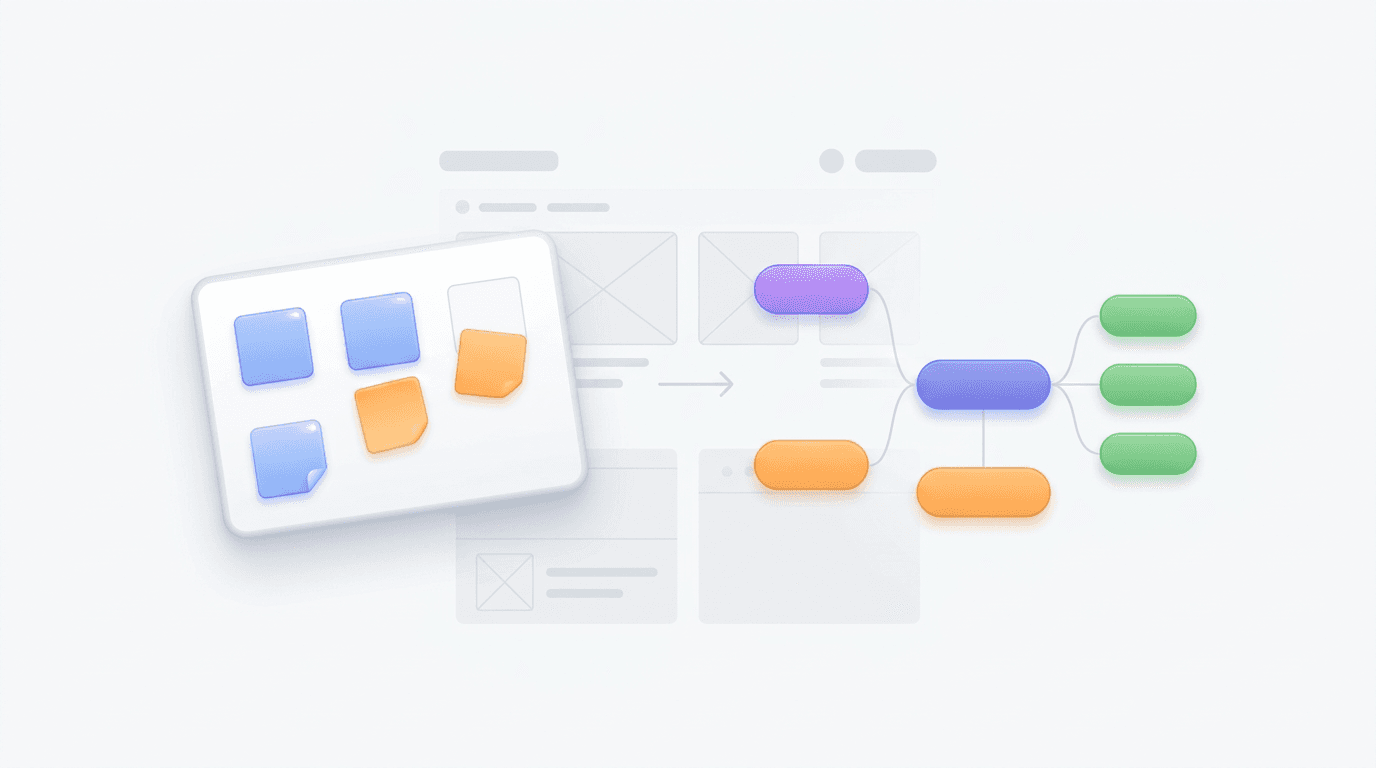
Convert your photos and screenshots into structured, editable mind maps instantly using AI.

How to generate your mind map
How to generate your mind map

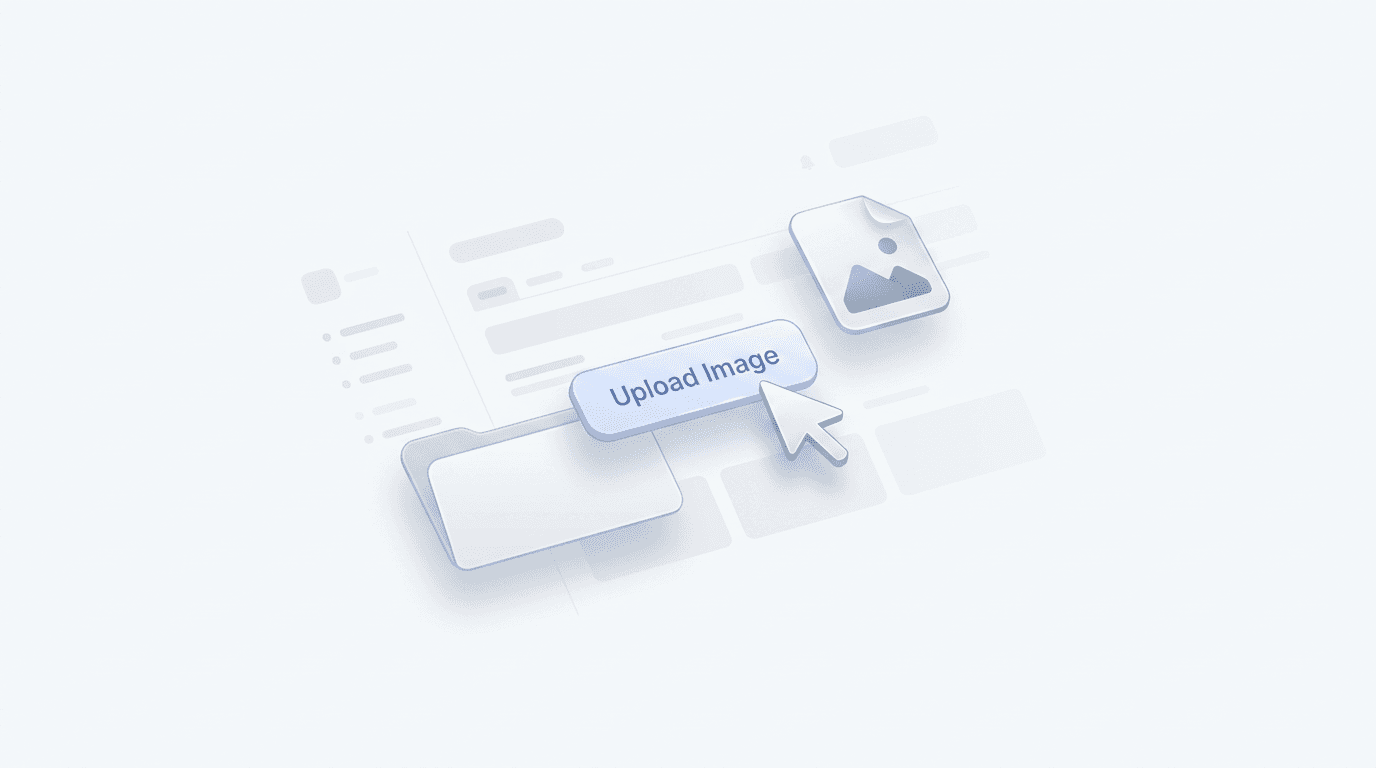
Upload your image

Upload your image file or screenshot to the generator to begin the analysis.

Step 1

Upload your image

Upload your image file or screenshot to the generator to begin the analysis.

Step 1

Upload your image

Upload your image file or screenshot to the generator to begin the analysis.

Step 1

Generate the map

Our tool identifies the hierarchy and key points to build your visual diagram.

Step 2

Generate the map

Our tool identifies the hierarchy and key points to build your visual diagram.

Step 2

Generate the map

Our tool identifies the hierarchy and key points to build your visual diagram.

Step 2

Refine and export

Refine the content, adjust the layout, and export your map for your projects.

Step 3

Refine and export

Refine the content, adjust the layout, and export your map for your projects.

Step 3

Refine and export

Refine the content, adjust the layout, and export your map for your projects.

Step 3

Hear from our Xmind family

4.8 ratings

4.8/5

App Store

95% user satisfaction rate

95%

User satisfaction rate

100M+ user worldwide

100M+

Users worldwide

Elena Rossi

UX Designer

Finally found a way to turn my messy whiteboard sketches into organized digital mind maps instantly. It saves me so much time during the early wireframing phase. Huge fan!

Sarah Jenkins-Lee

Senior Product Manager

We often brainstorm on physical boards during our sprints. Being able to convert those images into structured flowcharts and maps has significantly streamlined our hand-off process to the development team. It keeps the momentum going after the meeting ends.

David O'Connell

Research Assistant

I’ve been using this to digitize old archival sketches. It’s much faster than manual entry and helps me see connections between different data points that I might have missed otherwise. The layout it generates is very intuitive.

Amit Patel

Full Stack Developer

The accuracy of the text recognition when converting my flow diagrams is impressive. It handles my terrible handwriting surprisingly well and creates a clean, editable digital version in seconds.

Marcus Thorne

Content Strategist

I love how this handles complex diagrams. I can snap a picture of a magazine spread or a book page and it extracts the core themes into a visual map. It’s perfect for my research workflow.

Isabelle Dupont

Marketing Consultant

This tool has simplified my client discovery sessions. I can map out a brand's ecosystem on paper, upload the photo, and present a professional digital visualization to the client before I even leave the office. Highly recommended for any consultant.

Lars Jensen

History Student

I used to spend hours retyping my handwritten notes. Now I just take a photo and let the tool build the hierarchy for me. It’s been a total game changer for my exam prep this semester.

Elena Rossi

UX Designer

Finally found a way to turn my messy whiteboard sketches into organized digital mind maps instantly. It saves me so much time during the early wireframing phase. Huge fan!

Sarah Jenkins-Lee

Senior Product Manager

We often brainstorm on physical boards during our sprints. Being able to convert those images into structured flowcharts and maps has significantly streamlined our hand-off process to the development team. It keeps the momentum going after the meeting ends.

David O'Connell

Research Assistant

I’ve been using this to digitize old archival sketches. It’s much faster than manual entry and helps me see connections between different data points that I might have missed otherwise. The layout it generates is very intuitive.

Amit Patel

Full Stack Developer

The accuracy of the text recognition when converting my flow diagrams is impressive. It handles my terrible handwriting surprisingly well and creates a clean, editable digital version in seconds.

Marcus Thorne

Content Strategist

I love how this handles complex diagrams. I can snap a picture of a magazine spread or a book page and it extracts the core themes into a visual map. It’s perfect for my research workflow.

Isabelle Dupont

Marketing Consultant

This tool has simplified my client discovery sessions. I can map out a brand's ecosystem on paper, upload the photo, and present a professional digital visualization to the client before I even leave the office. Highly recommended for any consultant.

Lars Jensen

History Student

I used to spend hours retyping my handwritten notes. Now I just take a photo and let the tool build the hierarchy for me. It’s been a total game changer for my exam prep this semester.

Elena Rossi

UX Designer

Finally found a way to turn my messy whiteboard sketches into organized digital mind maps instantly. It saves me so much time during the early wireframing phase. Huge fan!

Sarah Jenkins-Lee

Senior Product Manager

We often brainstorm on physical boards during our sprints. Being able to convert those images into structured flowcharts and maps has significantly streamlined our hand-off process to the development team. It keeps the momentum going after the meeting ends.

David O'Connell

Research Assistant

I’ve been using this to digitize old archival sketches. It’s much faster than manual entry and helps me see connections between different data points that I might have missed otherwise. The layout it generates is very intuitive.

Amit Patel

Full Stack Developer

The accuracy of the text recognition when converting my flow diagrams is impressive. It handles my terrible handwriting surprisingly well and creates a clean, editable digital version in seconds.

Marcus Thorne

Content Strategist

I love how this handles complex diagrams. I can snap a picture of a magazine spread or a book page and it extracts the core themes into a visual map. It’s perfect for my research workflow.

Isabelle Dupont

Marketing Consultant

This tool has simplified my client discovery sessions. I can map out a brand's ecosystem on paper, upload the photo, and present a professional digital visualization to the client before I even leave the office. Highly recommended for any consultant.

Lars Jensen

History Student

I used to spend hours retyping my handwritten notes. Now I just take a photo and let the tool build the hierarchy for me. It’s been a total game changer for my exam prep this semester.

Elena Rossi

UX Designer

Finally found a way to turn my messy whiteboard sketches into organized digital mind maps instantly. It saves me so much time during the early wireframing phase. Huge fan!

Sarah Jenkins-Lee

Senior Product Manager

We often brainstorm on physical boards during our sprints. Being able to convert those images into structured flowcharts and maps has significantly streamlined our hand-off process to the development team. It keeps the momentum going after the meeting ends.

David O'Connell

Research Assistant

I’ve been using this to digitize old archival sketches. It’s much faster than manual entry and helps me see connections between different data points that I might have missed otherwise. The layout it generates is very intuitive.

Amit Patel

Full Stack Developer

The accuracy of the text recognition when converting my flow diagrams is impressive. It handles my terrible handwriting surprisingly well and creates a clean, editable digital version in seconds.

Marcus Thorne

Content Strategist

I love how this handles complex diagrams. I can snap a picture of a magazine spread or a book page and it extracts the core themes into a visual map. It’s perfect for my research workflow.

Isabelle Dupont

Marketing Consultant

This tool has simplified my client discovery sessions. I can map out a brand's ecosystem on paper, upload the photo, and present a professional digital visualization to the client before I even leave the office. Highly recommended for any consultant.

Lars Jensen

History Student

I used to spend hours retyping my handwritten notes. Now I just take a photo and let the tool build the hierarchy for me. It’s been a total game changer for my exam prep this semester.

Why use our image generator

Instant structural analysis

Turn complex photos or diagrams into structured nodes and branches automatically.

Instant structural analysis

Turn complex photos or diagrams into structured nodes and branches automatically.

Instant structural analysis

Turn complex photos or diagrams into structured nodes and branches automatically.

Effortless data extraction

Extract key concepts and hierarchy from your visual content without manual typing.

Effortless data extraction

Extract key concepts and hierarchy from your visual content without manual typing.

Flexible styling options

Refine the content, adjust the layout, and export your map for your projects.

Flexible styling options

Refine the content, adjust the layout, and export your map for your projects.

Fully editable results

Move nodes and add personal notes to perfect your generated diagram.

Fully editable results

Move nodes and add personal notes to perfect your generated diagram.

Fully editable results

Move nodes and add personal notes to perfect your generated diagram.

Common ways to use this tool

Meeting notes conversion

Turn snapshots of whiteboards into digital, organized maps for better team follow-up.

Meeting notes conversion

Turn snapshots of whiteboards into digital, organized maps for better team follow-up.

Meeting notes conversion

Turn snapshots of whiteboards into digital, organized maps for better team follow-up.

Study and research

Capture diagrams from textbooks and turn them into editable study guides.

Study and research

Capture diagrams from textbooks and turn them into editable study guides.

Study and research

Capture diagrams from textbooks and turn them into editable study guides.

Visual auditing

Analyze app screenshots or UI flows by converting them into logical structures.

Visual auditing

Analyze app screenshots or UI flows by converting them into logical structures.

Visual auditing

Analyze app screenshots or UI flows by converting them into logical structures.

Frequently asked questions

Frequently Asked Questions

How does the image to mind map tool work?

Our tool uses artificial intelligence to analyze visual text and layout in your file, then reorganizes that data into a structured hierarchy suitable for a mind map.

What file formats are supported?

You can upload standard image files, including JPG, PNG, and HEIC formats. The tool works best with clear, high-resolution text.

Can I edit the generated mind map?

Yes. Once the process is complete, you can manually adjust nodes, reorganize branches, and update text to refine the output according to your needs.

What format is the final mind map?

The final output is a structured mind map that you can further format or export into various standard document and image file types for your presentation or project.

What are the limitations of the tool?

Performance depends on text clarity and complexity. Highly dense or handwritten notes may require manual correction after the initial automated conversion is complete.

When should I use this tool?

Using an image to mind map converter is ideal for digitizing handwritten meeting notes, whiteboard drawings, or printed diagrams into an editable digital format.

Is my data secure?

Yes, your images are processed securely to generate your diagram and are not retained on our servers after your session ends.


Xmind logo

Create your mind map today

Upload your image now to create a mind map. Continue your work with advanced features in Xmind.

Xmind logo

Create your mind map today

Upload your image now to create a mind map. Continue your work with advanced features in Xmind.

AI SOP Generator