AI study guide maker
Convert PDFs, Word docs, and web links into interactive mind maps for better retention and faster revision.
How to create your study guide in three steps

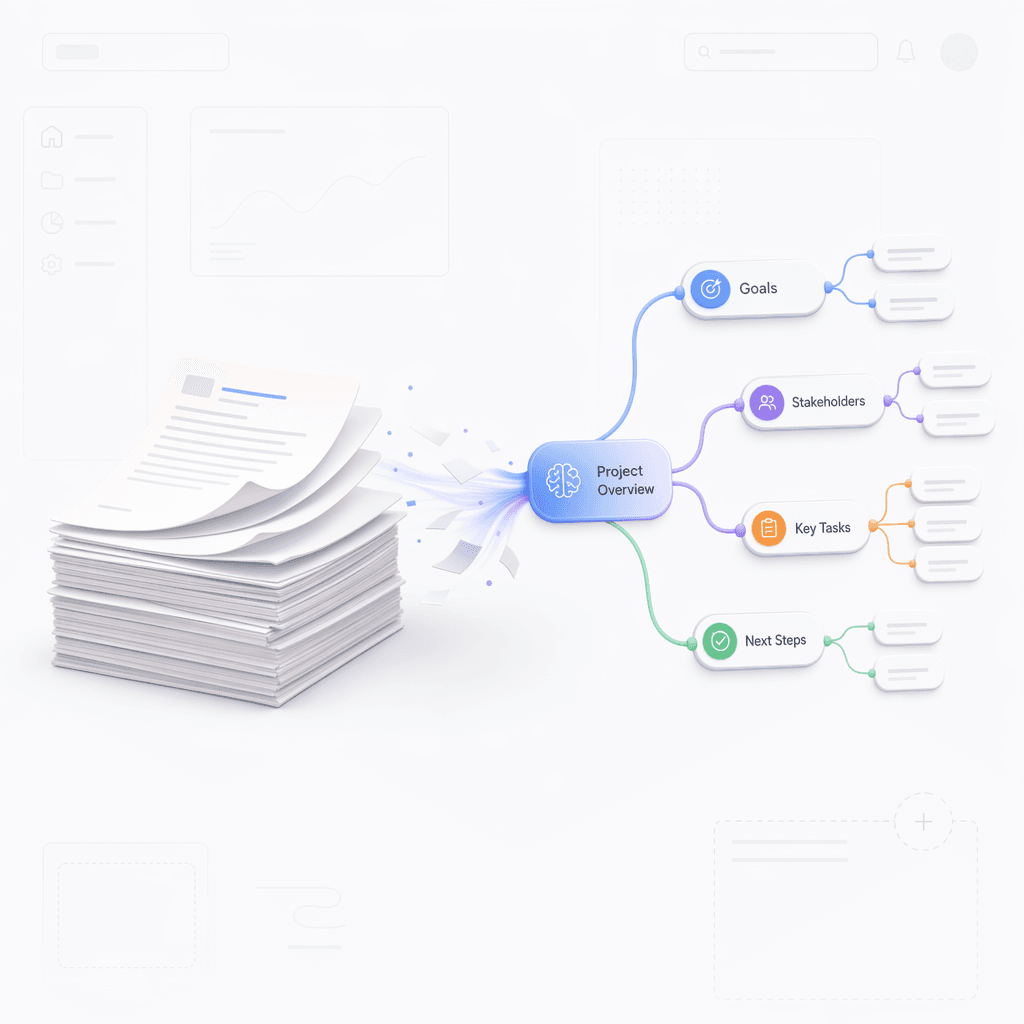
Provide your study material
Upload your files, paste long text, or enter a website URL into the generator.
Step 1

Provide your study material
Upload your files, paste long text, or enter a website URL into the generator.
Step 1

Provide your study material
Upload your files, paste long text, or enter a website URL into the generator.
Step 1

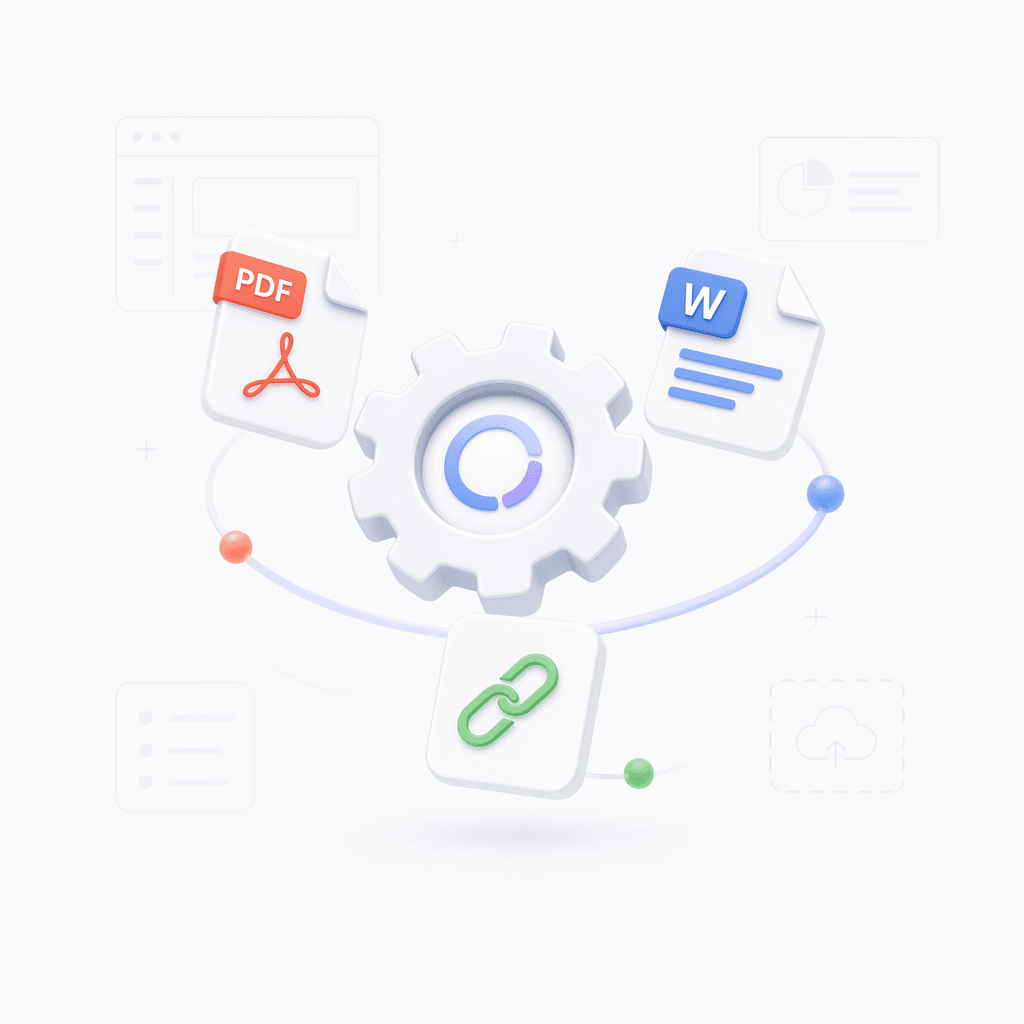
Generate the visual guide
The AI analyzes your content and builds a structured mind map of all key topics.
Step 2

Generate the visual guide
The AI analyzes your content and builds a structured mind map of all key topics.
Step 2

Generate the visual guide
The AI analyzes your content and builds a structured mind map of all key topics.
Step 2

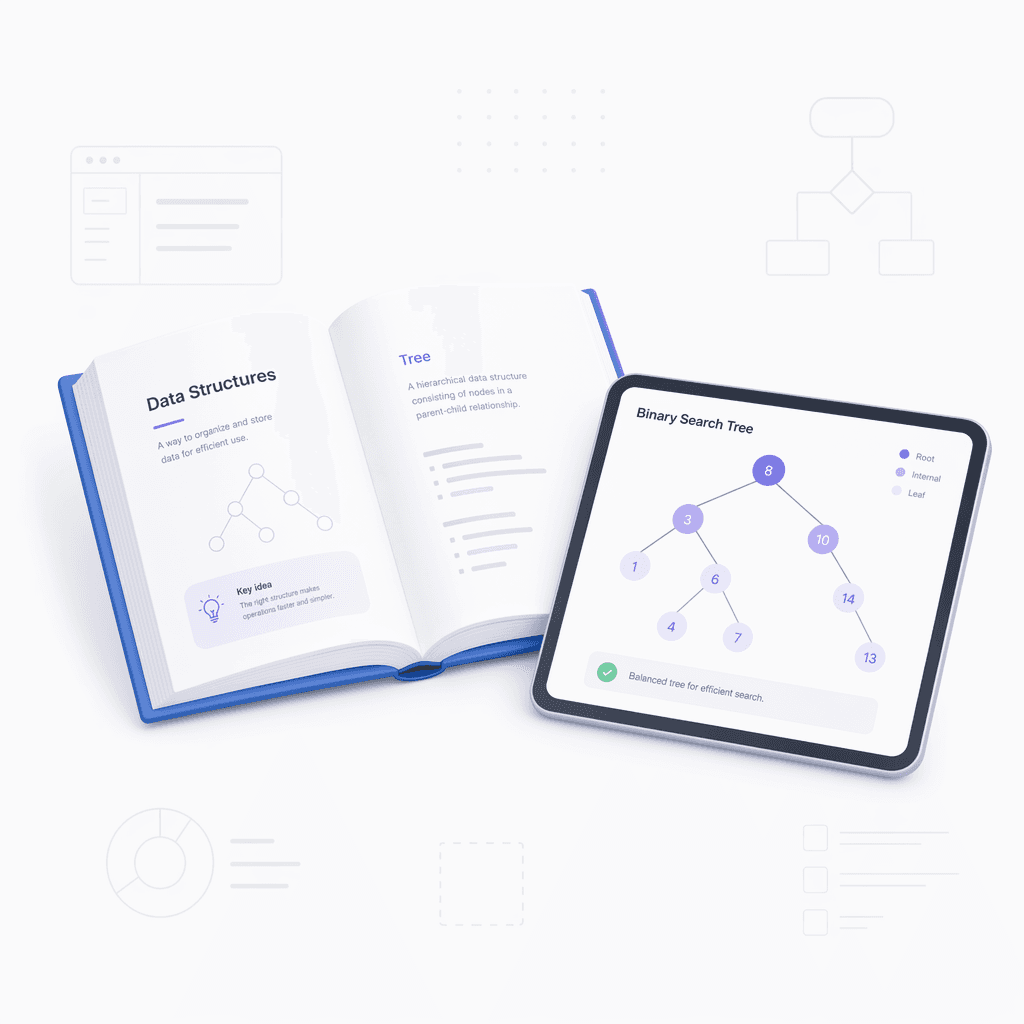
Refine and export
Refine the nodes, add your own notes, and export your guide for offline study.
Step 3

Refine and export
Refine the nodes, add your own notes, and export your guide for offline study.
Step 3

Refine and export
Refine the nodes, add your own notes, and export your guide for offline study.
Step 3

Hear from our Xmind family

4.8/5

App Store

95%
User satisfaction rate

100M+
Users worldwide

Jason Miller
Instructional Designer

“
It has become part of my workflow for making learner handouts and review materials. The output is clean enough to edit fast, which matters when I am working against a deadline.
”

Nina Romero
Freelance Writer

“
I use it to review source material before drafting articles. It is surprisingly helpful for spotting the main themes and building a quick reference sheet I can come back to later.
”

Hassan El-Amin
Research Analyst

“
For me, the biggest win is how it condenses long reading lists into manageable sections. I use it before meetings and exams when I need the main ideas quickly, not a full rewrite.
”

Olivia Carter
Undergraduate Student

“
I was spending too much time rewriting notes by hand. This made revision more manageable because I could go from messy class notes to a clear guide in a few minutes.
”

Marcus Lee
Product Manager

“
I like using it for internal training docs and new feature briefings. Turning long notes into a study guide makes it easier for the team to skim, review, and remember the key points.
”

Priya Shah
UX Designer

“
I used it while preparing for a certification exam, and it made the material feel less scattered. The way it groups topics helped me spot what I still needed to review.
”

Ethan Clarke
Software Developer

“
I am not a student anymore, but I use it to learn new frameworks faster. The summaries and quick quiz style prompts help me stay focused when I am cramming after work.
”

Sofia Nguyen
Content Strategist

“
It helps me organize research notes into something I can actually use later. I like that the study guide format keeps the main ideas clear without making everything feel overloaded.
”

Daniel Brooks
High School Teacher

“
I started using it to build review sheets for my classes, and it has made prep much faster. I still check everything myself, but it gives me a solid first draft.
”

Maya Patel
Graduate Student

“
I used it to turn a pile of lecture notes into a cleaner study outline. It saved me a lot of time before midterms, and the questions it generated were actually useful.
”

Jason Miller
Instructional Designer

“
It has become part of my workflow for making learner handouts and review materials. The output is clean enough to edit fast, which matters when I am working against a deadline.
”

Nina Romero
Freelance Writer

“
I use it to review source material before drafting articles. It is surprisingly helpful for spotting the main themes and building a quick reference sheet I can come back to later.
”

Hassan El-Amin
Research Analyst

“
For me, the biggest win is how it condenses long reading lists into manageable sections. I use it before meetings and exams when I need the main ideas quickly, not a full rewrite.
”

Olivia Carter
Undergraduate Student

“
I was spending too much time rewriting notes by hand. This made revision more manageable because I could go from messy class notes to a clear guide in a few minutes.
”

Marcus Lee
Product Manager

“
I like using it for internal training docs and new feature briefings. Turning long notes into a study guide makes it easier for the team to skim, review, and remember the key points.
”

Priya Shah
UX Designer

“
I used it while preparing for a certification exam, and it made the material feel less scattered. The way it groups topics helped me spot what I still needed to review.
”

Ethan Clarke
Software Developer

“
I am not a student anymore, but I use it to learn new frameworks faster. The summaries and quick quiz style prompts help me stay focused when I am cramming after work.
”

Sofia Nguyen
Content Strategist

“
It helps me organize research notes into something I can actually use later. I like that the study guide format keeps the main ideas clear without making everything feel overloaded.
”

Daniel Brooks
High School Teacher

“
I started using it to build review sheets for my classes, and it has made prep much faster. I still check everything myself, but it gives me a solid first draft.
”

Maya Patel
Graduate Student

“
I used it to turn a pile of lecture notes into a cleaner study outline. It saved me a lot of time before midterms, and the questions it generated were actually useful.
”

Jason Miller
Instructional Designer

“
It has become part of my workflow for making learner handouts and review materials. The output is clean enough to edit fast, which matters when I am working against a deadline.
”

Nina Romero
Freelance Writer

“
I use it to review source material before drafting articles. It is surprisingly helpful for spotting the main themes and building a quick reference sheet I can come back to later.
”

Hassan El-Amin
Research Analyst

“
For me, the biggest win is how it condenses long reading lists into manageable sections. I use it before meetings and exams when I need the main ideas quickly, not a full rewrite.
”

Olivia Carter
Undergraduate Student

“
I was spending too much time rewriting notes by hand. This made revision more manageable because I could go from messy class notes to a clear guide in a few minutes.
”

Marcus Lee
Product Manager

“
I like using it for internal training docs and new feature briefings. Turning long notes into a study guide makes it easier for the team to skim, review, and remember the key points.
”

Priya Shah
UX Designer

“
I used it while preparing for a certification exam, and it made the material feel less scattered. The way it groups topics helped me spot what I still needed to review.
”

Ethan Clarke
Software Developer

“
I am not a student anymore, but I use it to learn new frameworks faster. The summaries and quick quiz style prompts help me stay focused when I am cramming after work.
”

Sofia Nguyen
Content Strategist

“
It helps me organize research notes into something I can actually use later. I like that the study guide format keeps the main ideas clear without making everything feel overloaded.
”

Daniel Brooks
High School Teacher

“
I started using it to build review sheets for my classes, and it has made prep much faster. I still check everything myself, but it gives me a solid first draft.
”

Maya Patel
Graduate Student

“
I used it to turn a pile of lecture notes into a cleaner study outline. It saved me a lot of time before midterms, and the questions it generated were actually useful.
”

Jason Miller
Instructional Designer

“
It has become part of my workflow for making learner handouts and review materials. The output is clean enough to edit fast, which matters when I am working against a deadline.
”

Nina Romero
Freelance Writer

“
I use it to review source material before drafting articles. It is surprisingly helpful for spotting the main themes and building a quick reference sheet I can come back to later.
”

Hassan El-Amin
Research Analyst

“
For me, the biggest win is how it condenses long reading lists into manageable sections. I use it before meetings and exams when I need the main ideas quickly, not a full rewrite.
”

Olivia Carter
Undergraduate Student

“
I was spending too much time rewriting notes by hand. This made revision more manageable because I could go from messy class notes to a clear guide in a few minutes.
”

Marcus Lee
Product Manager

“
I like using it for internal training docs and new feature briefings. Turning long notes into a study guide makes it easier for the team to skim, review, and remember the key points.
”

Priya Shah
UX Designer

“
I used it while preparing for a certification exam, and it made the material feel less scattered. The way it groups topics helped me spot what I still needed to review.
”

Ethan Clarke
Software Developer

“
I am not a student anymore, but I use it to learn new frameworks faster. The summaries and quick quiz style prompts help me stay focused when I am cramming after work.
”

Sofia Nguyen
Content Strategist

“
It helps me organize research notes into something I can actually use later. I like that the study guide format keeps the main ideas clear without making everything feel overloaded.
”

Daniel Brooks
High School Teacher

“
I started using it to build review sheets for my classes, and it has made prep much faster. I still check everything myself, but it gives me a solid first draft.
”

Maya Patel
Graduate Student

“
I used it to turn a pile of lecture notes into a cleaner study outline. It saved me a lot of time before midterms, and the questions it generated were actually useful.
”
Study smarter with visual AI guides

Synthesize complex material
Transform hundreds of pages into a single, organized mind map for faster review.

Synthesize complex material
Transform hundreds of pages into a single, organized mind map for faster review.

Synthesize complex material
Transform hundreds of pages into a single, organized mind map for faster review.

Visual memory mapping
Identify key concepts and hierarchies automatically without manual note-taking.

Visual memory mapping
Identify key concepts and hierarchies automatically without manual note-taking.

Multi-format support
Refine the nodes, add your own notes, and export your guide for offline study.

Multi-format support
Refine the nodes, add your own notes, and export your guide for offline study.

Fully editable results
Adjust the generated map to fit your personal learning style and project needs.

Fully editable results
Adjust the generated map to fit your personal learning style and project needs.

Fully editable results
Adjust the generated map to fit your personal learning style and project needs.

Powering your academic success
Textbook summarization
Convert dense textbook chapters or research papers into clear, navigable visual summaries.

Textbook summarization
Convert dense textbook chapters or research papers into clear, navigable visual summaries.

Textbook summarization
Convert dense textbook chapters or research papers into clear, navigable visual summaries.

Web-based research guides
Turn long-form articles and online resource links into structured revision nodes.

Web-based research guides
Turn long-form articles and online resource links into structured revision nodes.

Web-based research guides
Turn long-form articles and online resource links into structured revision nodes.

Exam preparation maps
Upload your lecture transcripts or Word notes to visualize the connections between topics.

Exam preparation maps
Upload your lecture transcripts or Word notes to visualize the connections between topics.

Exam preparation maps
Upload your lecture transcripts or Word notes to visualize the connections between topics.

Explore other free online tools

29,22,23,26,25

Image to Mind Map

Image to Mind Map
11

Website Summarizer

Website Summarizer
17

PDF to Mind Map

PDF to Mind Map
15

Text to Mind Map

Text to Mind Map
22

Notes Summarizer

Notes Summarizer
23

Book Summarizer

Book Summarizer
24

Article Summarizer

Article Summarizer
25

Document Summarizer

Document Summarizer
26

AI Mind Map Generator

AI Mind Map Generator
29

AI Fishbone Generator

AI Fishbone Generator
31

AI Brace Map Generator

AI Brace Map Generator
30

AI Business Plan Generator

AI Business Plan Generator
34

AI Matrix Generator

AI Matrix Generator
35

AI Logic Chart Generator

AI Logic Chart Generator
33

AI Plan Generator

AI Plan Generator
36

AI SWOT Analysis Generator

AI SWOT Analysis Generator
37

AI SMART Goal Generator

AI SMART Goal Generator
38

AI Org Chart Generator

AI Org Chart Generator
40

AI Timeline Generator

AI Timeline Generator
41

AI Family Tree Generator

AI Family Tree Generator
42

AI Tree Chart Generator

AI Tree Chart Generator
45

AI Tree Table Generator

AI Tree Table Generator
46

AI Decision Tree Generator

AI Decision Tree Generator
52

AI Notes Generator

AI Notes Generator
53

AI Study Guide Maker

AI Study Guide Maker
55
Frequently asked questions
Frequently Asked Questions
How does this AI study guide maker work?
This AI Study Guide Maker processes your uploaded files or URLs, extracts key concepts, and organizes them into a structured visual mind map for easier learning.
What file types can I upload to the tool?
You can upload various formats including Word documents, PDFs, Markdown files, images, and long-form text. You can also provide a website URL for the tool to analyze.
What type of output does the tool provide?
The tool automatically converts your content into a mind map layout. This format helps you visualize connections between topics and simplifies complex information.
Can I edit the generated study map?
Yes, once the mind map is generated, you can manually edit, add, or rearrange branches to suit your specific study needs before saving.
How do I export my finished study guide?
Yes, you can export your finished study guides to common file formats like PDF or image files to print or view offline.
Are there limitations to the study guide output?
While the AI performs complex analysis quickly, it is best used for summarizing and organizing information. You should always review the output for accuracy, especially when working with highly technical or specialized subject matter.


Master your subjects today
Generate your first guide instantly and unlock advanced editing features in Xmind.

Master your subjects today
Generate your first guide instantly and unlock advanced editing features in Xmind.