Empty space with subtle gradients, creating a light and soft visual ambiance.

Wedding seating plan maker

Turn your guest list into a clear tree chart. Provide a simple prompt and generate a structured seating plan.

How to create your seating plan in seconds

Enter your guest details

Type a simple prompt describing your guest categories or specific table needs.

Step 1

Enter your guest details

Type a simple prompt describing your guest categories or specific table needs.

Step 1

Enter your guest details

Type a simple prompt describing your guest categories or specific table needs.

Step 1

Generate the seating chart

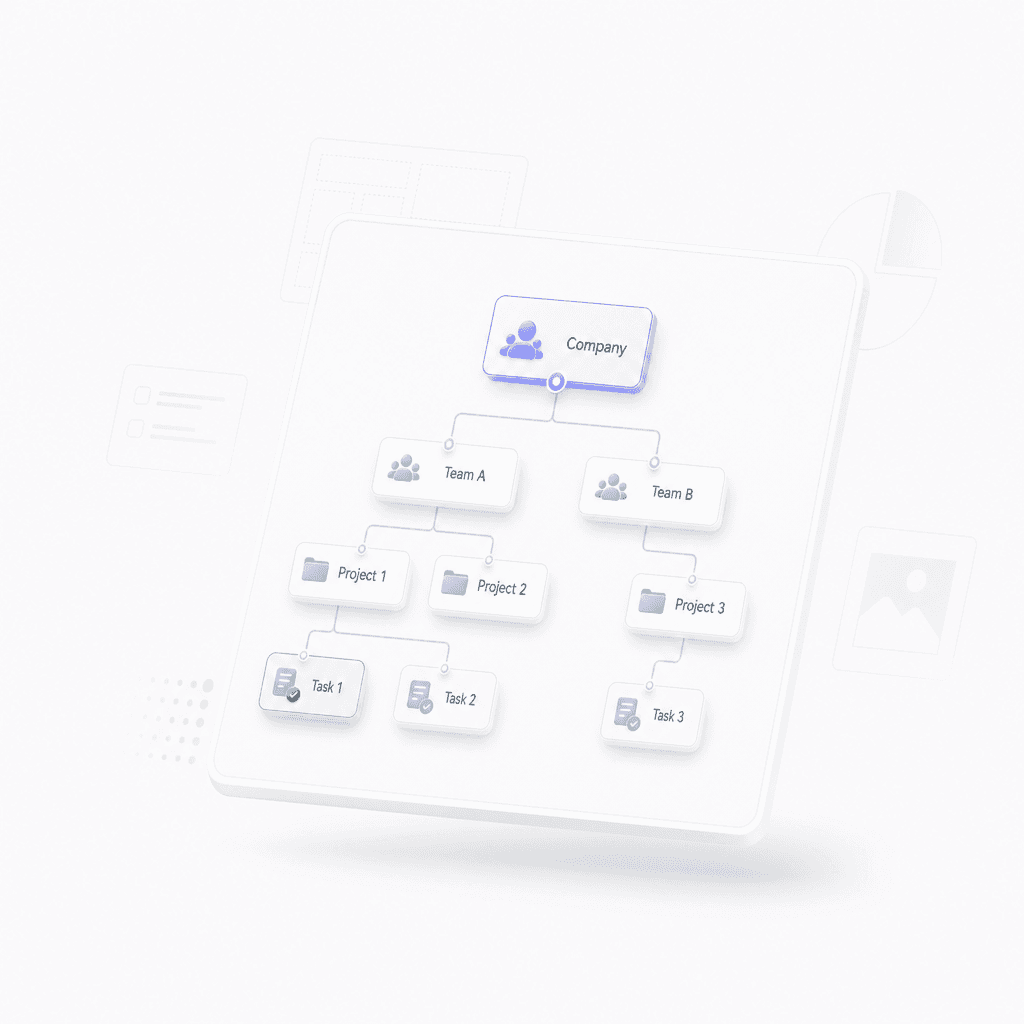
Watch as the tool turns your request into a structured tree chart seating plan.

Step 2

Generate the seating chart

Watch as the tool turns your request into a structured tree chart seating plan.

Step 2

Generate the seating chart

Watch as the tool turns your request into a structured tree chart seating plan.

Step 2

Refine and share

Refine the details and export the final layout for your venue or wedding planner.

Step 3

Refine and share

Refine the details and export the final layout for your venue or wedding planner.

Step 3

Refine and share

Refine the details and export the final layout for your venue or wedding planner.

Step 3

Hear from our Xmind family

4.8 ratings

4.8/5

App Store

95% user satisfaction rate

95%

User satisfaction rate

100M+ user worldwide

100M+

Users worldwide

Marco Silva

Startup Founder

We needed something simple for a small wedding guest list, and this handled it well. The drag and drop setup made last minute changes easy, which mattered a lot the week of the event.

Chloe Bennett

Journalist

I helped my best friend put together her seating plan, and the whole process felt less chaotic than using a spreadsheet. It was easy to spot conflicts and keep families together.

Owen Patel

Software Engineer

Pretty solid for building a wedding seating chart when you have a lot of moving parts. I liked that I could keep changing assignments without rebuilding the whole plan from scratch.

Natalie Price

Marketing Manager

I used it for a wedding project with a tight timeline, and it made guest organization much less stressful. The export option was especially useful when we shared the final plan with vendors.

Lucas Meyer

Freelance Designer

The visual layout was the main reason I stuck with it. I could see the table balance at a glance and adjust things before the stationery designer started printing.

Sofia Ahmed

High School Teacher

I helped my cousin with her reception seating chart, and this tool kept us sane. We could group relatives, friends, and coworkers without losing track of anyone.

Ethan Brooks

Product Manager

For our event team, the biggest win was how fast we could test different layouts. It cut down on back-and-forth with the couple and made final approvals much smoother.

Priya Shah

Content Strategist

I did not expect to like a seating planner this much, but it made arranging our wedding guests feel manageable. Being able to update names quickly was a huge help.

Daniel Ruiz

Graduate Student

I was helping my sister organize her reception and this made the seating chart so much easier to build. The table view helped us spot awkward placements before printing anything.

Maya Collins

Event Coordinator

I used it to map out a wedding seating plan for a client with a lot of family politics. Dragging guests around and keeping track of plus-ones saved me hours.

Marco Silva

Startup Founder

We needed something simple for a small wedding guest list, and this handled it well. The drag and drop setup made last minute changes easy, which mattered a lot the week of the event.

Chloe Bennett

Journalist

I helped my best friend put together her seating plan, and the whole process felt less chaotic than using a spreadsheet. It was easy to spot conflicts and keep families together.

Owen Patel

Software Engineer

Pretty solid for building a wedding seating chart when you have a lot of moving parts. I liked that I could keep changing assignments without rebuilding the whole plan from scratch.

Natalie Price

Marketing Manager

I used it for a wedding project with a tight timeline, and it made guest organization much less stressful. The export option was especially useful when we shared the final plan with vendors.

Lucas Meyer

Freelance Designer

The visual layout was the main reason I stuck with it. I could see the table balance at a glance and adjust things before the stationery designer started printing.

Sofia Ahmed

High School Teacher

I helped my cousin with her reception seating chart, and this tool kept us sane. We could group relatives, friends, and coworkers without losing track of anyone.

Ethan Brooks

Product Manager

For our event team, the biggest win was how fast we could test different layouts. It cut down on back-and-forth with the couple and made final approvals much smoother.

Priya Shah

Content Strategist

I did not expect to like a seating planner this much, but it made arranging our wedding guests feel manageable. Being able to update names quickly was a huge help.

Daniel Ruiz

Graduate Student

I was helping my sister organize her reception and this made the seating chart so much easier to build. The table view helped us spot awkward placements before printing anything.

Maya Collins

Event Coordinator

I used it to map out a wedding seating plan for a client with a lot of family politics. Dragging guests around and keeping track of plus-ones saved me hours.

Marco Silva

Startup Founder

We needed something simple for a small wedding guest list, and this handled it well. The drag and drop setup made last minute changes easy, which mattered a lot the week of the event.

Chloe Bennett

Journalist

I helped my best friend put together her seating plan, and the whole process felt less chaotic than using a spreadsheet. It was easy to spot conflicts and keep families together.

Owen Patel

Software Engineer

Pretty solid for building a wedding seating chart when you have a lot of moving parts. I liked that I could keep changing assignments without rebuilding the whole plan from scratch.

Natalie Price

Marketing Manager

I used it for a wedding project with a tight timeline, and it made guest organization much less stressful. The export option was especially useful when we shared the final plan with vendors.

Lucas Meyer

Freelance Designer

The visual layout was the main reason I stuck with it. I could see the table balance at a glance and adjust things before the stationery designer started printing.

Sofia Ahmed

High School Teacher

I helped my cousin with her reception seating chart, and this tool kept us sane. We could group relatives, friends, and coworkers without losing track of anyone.

Ethan Brooks

Product Manager

For our event team, the biggest win was how fast we could test different layouts. It cut down on back-and-forth with the couple and made final approvals much smoother.

Priya Shah

Content Strategist

I did not expect to like a seating planner this much, but it made arranging our wedding guests feel manageable. Being able to update names quickly was a huge help.

Daniel Ruiz

Graduate Student

I was helping my sister organize her reception and this made the seating chart so much easier to build. The table view helped us spot awkward placements before printing anything.

Maya Collins

Event Coordinator

I used it to map out a wedding seating plan for a client with a lot of family politics. Dragging guests around and keeping track of plus-ones saved me hours.

Marco Silva

Startup Founder

We needed something simple for a small wedding guest list, and this handled it well. The drag and drop setup made last minute changes easy, which mattered a lot the week of the event.

Chloe Bennett

Journalist

I helped my best friend put together her seating plan, and the whole process felt less chaotic than using a spreadsheet. It was easy to spot conflicts and keep families together.

Owen Patel

Software Engineer

Pretty solid for building a wedding seating chart when you have a lot of moving parts. I liked that I could keep changing assignments without rebuilding the whole plan from scratch.

Natalie Price

Marketing Manager

I used it for a wedding project with a tight timeline, and it made guest organization much less stressful. The export option was especially useful when we shared the final plan with vendors.

Lucas Meyer

Freelance Designer

The visual layout was the main reason I stuck with it. I could see the table balance at a glance and adjust things before the stationery designer started printing.

Sofia Ahmed

High School Teacher

I helped my cousin with her reception seating chart, and this tool kept us sane. We could group relatives, friends, and coworkers without losing track of anyone.

Ethan Brooks

Product Manager

For our event team, the biggest win was how fast we could test different layouts. It cut down on back-and-forth with the couple and made final approvals much smoother.

Priya Shah

Content Strategist

I did not expect to like a seating planner this much, but it made arranging our wedding guests feel manageable. Being able to update names quickly was a huge help.

Daniel Ruiz

Graduate Student

I was helping my sister organize her reception and this made the seating chart so much easier to build. The table view helped us spot awkward placements before printing anything.

Maya Collins

Event Coordinator

I used it to map out a wedding seating plan for a client with a lot of family politics. Dragging guests around and keeping track of plus-ones saved me hours.

Why use our wedding seating plan maker

Effortless guest grouping

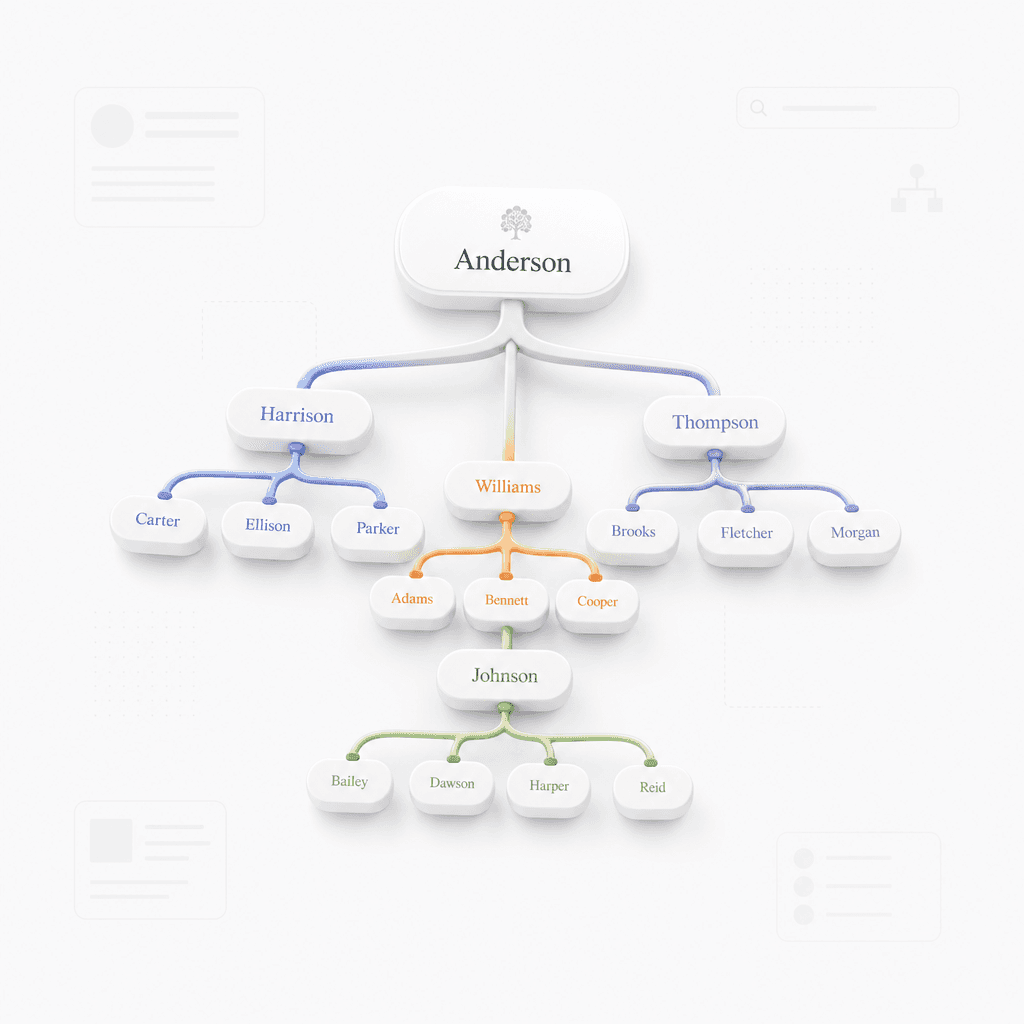
Arrange your guest list into organized table groups with a clear tree chart layout.

Effortless guest grouping

Arrange your guest list into organized table groups with a clear tree chart layout.

Effortless guest grouping

Arrange your guest list into organized table groups with a clear tree chart layout.

Prompt based generation

Simply describe your guest list or wedding party to generate a structured layout instantly.

Prompt based generation

Simply describe your guest list or wedding party to generate a structured layout instantly.

Total creative control

Refine the details and export the final layout for your venue or wedding planner.

Total creative control

Refine the details and export the final layout for your venue or wedding planner.

Polished export options

Export your seating chart for easy sharing with planners, venues, or printing.

Polished export options

Export your seating chart for easy sharing with planners, venues, or printing.

Polished export options

Export your seating chart for easy sharing with planners, venues, or printing.

Perfect for every wedding detail
Family group organization

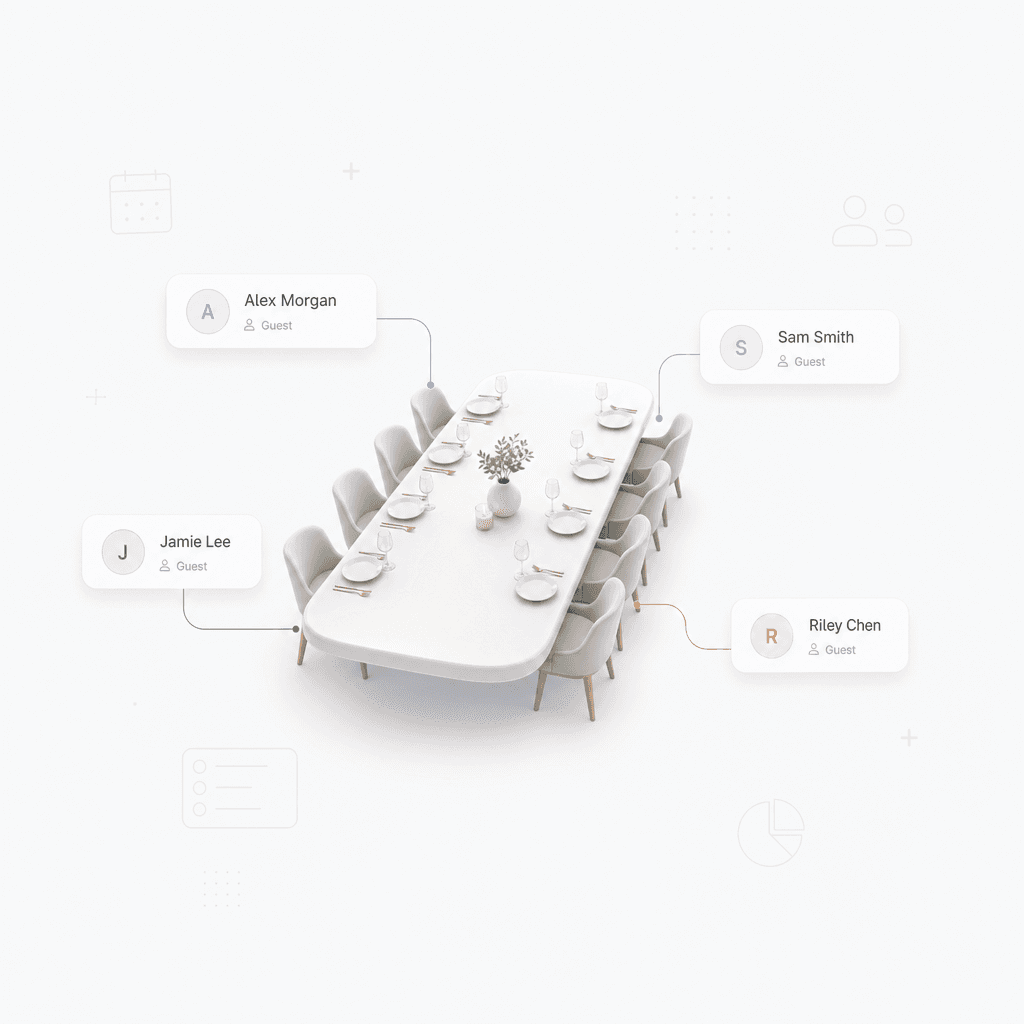
Organize guests by family branch to ensure everyone sits with people they know.

Family group organization

Organize guests by family branch to ensure everyone sits with people they know.

Family group organization

Organize guests by family branch to ensure everyone sits with people they know.

Social circle mapping

Quickly sort friends into social circles or common interests for a fun atmosphere.

Social circle mapping

Quickly sort friends into social circles or common interests for a fun atmosphere.

Social circle mapping

Quickly sort friends into social circles or common interests for a fun atmosphere.

Rehearsal dinner planning

Manage complex seating for large rehearsal dinners with a clear visual hierarchy.

Rehearsal dinner planning

Manage complex seating for large rehearsal dinners with a clear visual hierarchy.

Rehearsal dinner planning

Manage complex seating for large rehearsal dinners with a clear visual hierarchy.

Frequently asked questions

Frequently Asked Questions

How does this wedding seating plan maker work?

Enter your guest list and table requirements into the prompt box. The tool processes this information and generates a structured tree chart to visualize your arrangements.

Can I create a tree chart for my wedding layout?

Yes, you can create a clear layout using our wedding seating plan maker by inputting guest names and categories, which are then organized into a tree chart format.

What input formats are supported?

The tool currently supports simple text prompts. Provide your guest list in a list format, and ensure your grouping preferences are clearly stated for the best results.

In what format will my seating plan be generated?

The tool outputs a structured tree chart. This visual representation helps identify relationships between tables and guests effectively.

Can I edit the generated seating plan?

While the tool generates an initial draft, you can adjust the text prompt to refine the groupings or manually edit the resulting tree diagram if your software environment allows.

Are there any limitations to this tool?

The tool is designed for planning and visualization rather than venue-specific architectural modeling. It works best for organizing guest groups and priority seating.


Xmind logo

Create your seating plan now

Try the wedding seating plan maker today and polish your vision in Xmind.

Xmind logo

Create your seating plan now

Try the wedding seating plan maker today and polish your vision in Xmind.