Empty space with subtle gradients, creating a light and soft visual ambiance.

Hierarchy chart maker

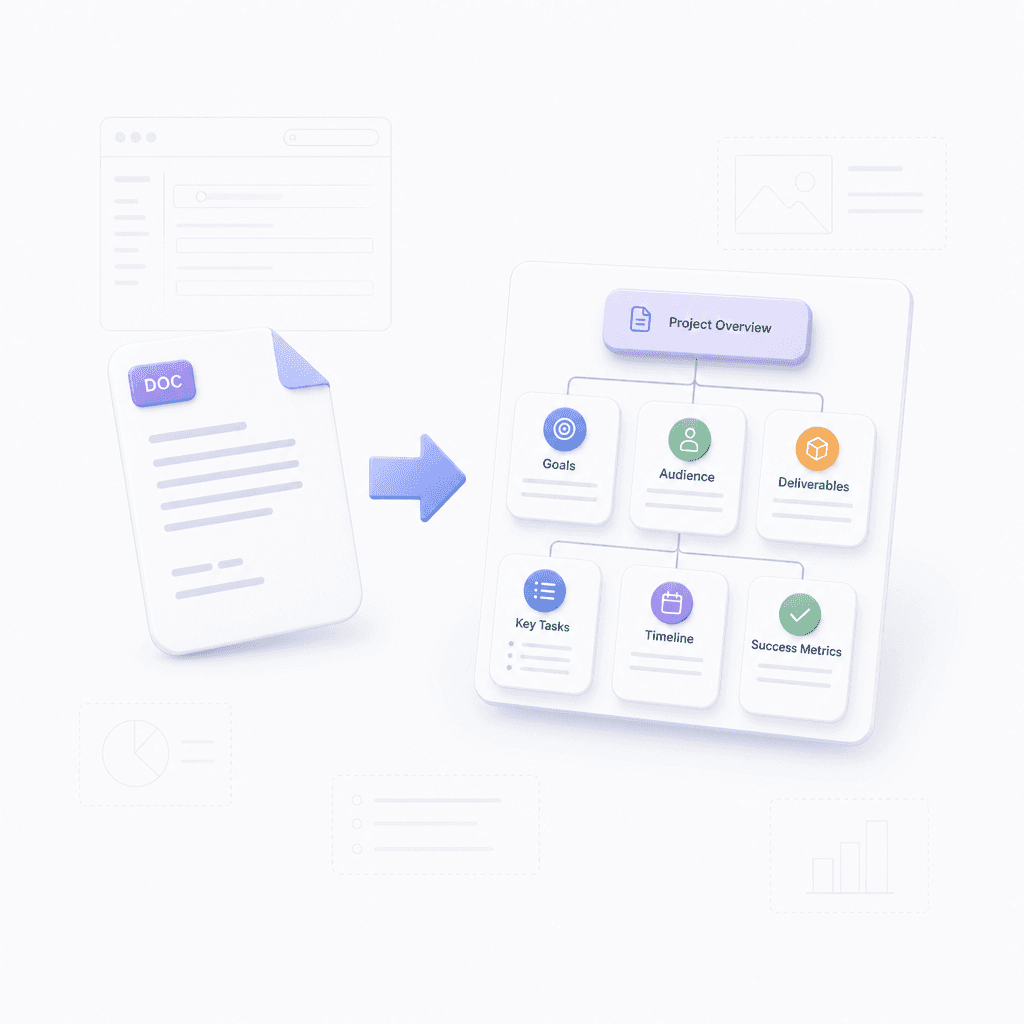
Convert PDF, Word, or text into professional hierarchy charts. Build clear organizational structures instantly.

Three steps to your official chart

Provide your source content

Upload a file like a PDF or Word doc, paste a URL, or simply type your structural data.

Step 1

Provide your source content

Upload a file like a PDF or Word doc, paste a URL, or simply type your structural data.

Step 1

Provide your source content

Upload a file like a PDF or Word doc, paste a URL, or simply type your structural data.

Step 1

Generate your chart

Click generate to see your text or document transformed into a structured hierarchy mind map.

Step 2

Generate your chart

Click generate to see your text or document transformed into a structured hierarchy mind map.

Step 2

Generate your chart

Click generate to see your text or document transformed into a structured hierarchy mind map.

Step 2

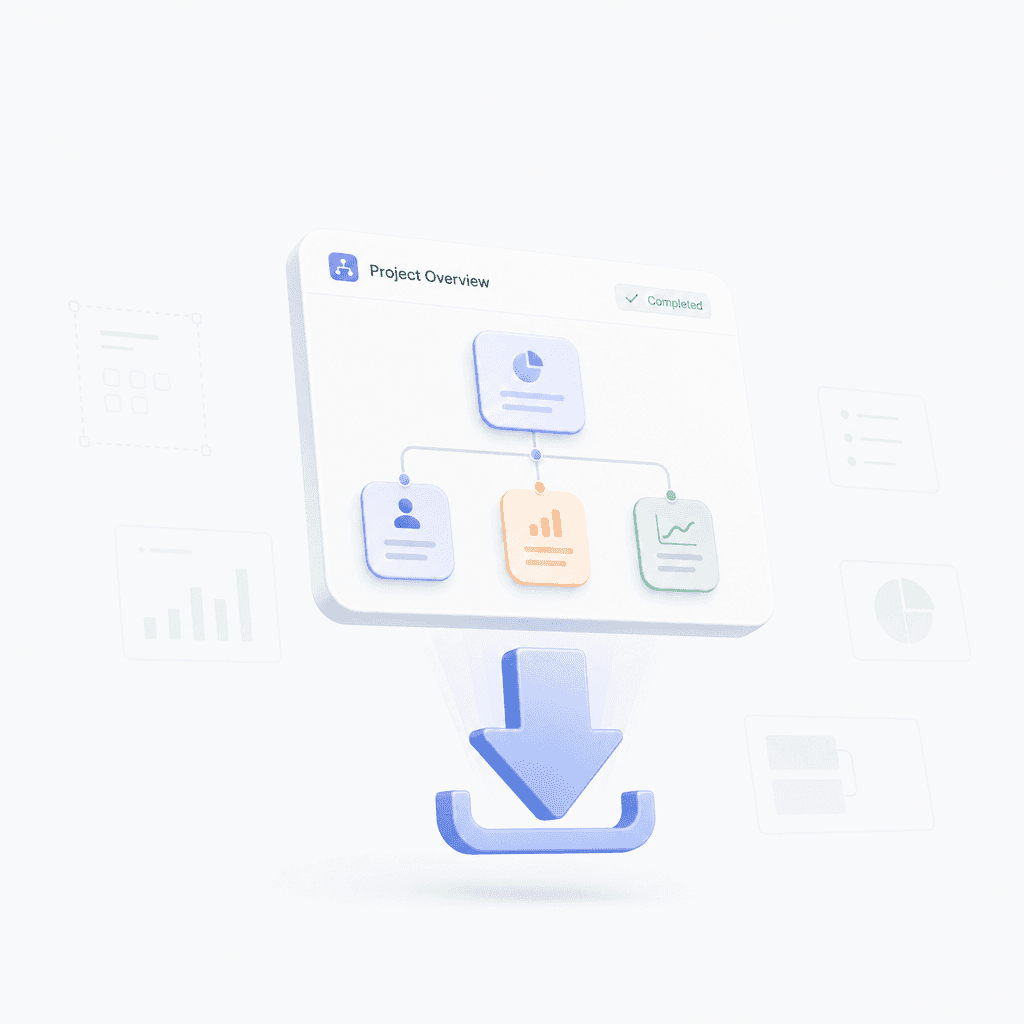
Refine and export

Adjust the layout, edit the details, and export your final chart as an image or document.

Step 3

Refine and export

Adjust the layout, edit the details, and export your final chart as an image or document.

Step 3

Refine and export

Adjust the layout, edit the details, and export your final chart as an image or document.

Step 3

Hear from our Xmind family

4.8 ratings

4.8/5

App Store

95% user satisfaction rate

95%

User satisfaction rate

100M+ user worldwide

100M+

Users worldwide

Marco Silva

Operations Consultant

I often need to document reporting structures for clients, and this tool has been reliable. It is straightforward to build, adjust, and share, which saves time during workshops and follow-up reviews.

Aisha Khan

Content Strategist

I made a simple hierarchy chart for our editorial workflow, and it kept the whole team aligned. Nice to have a visual that shows responsibilities without turning into a giant spreadsheet.

Liam Carter

Startup Founder

For a small team, it helped me visualize who reports to whom before hiring more people. That made it easier to spot where we needed stronger ownership.

Sofia Almeida

High School Teacher

I used it to show club leadership and committee roles to students and parents. It was much clearer than a text list, and I could update it quickly when things changed.

Owen Marshall

Research Analyst

I mostly needed something that could handle a lot of nested groups without becoming a mess. The layout options worked well, and the final chart was easy to export for my report.

Priya Nair

Marketing Lead

I built a department chart for our campaign team and shared it with leadership. It made approvals smoother because everyone could see the structure and reporting paths immediately.

Noah Bennett

Software Engineer

We use it for onboarding docs, and having a simple team map has cut down on confusion. Editing levels and roles is fast, which is all I really needed.

Elena Rossi

UX Designer

I was able to turn a messy team structure into a clean visual for our kickoff deck. It helped stakeholders understand who owns what without me having to explain it twice.

Jordan Patel

Graduate Student

I needed a quick way to show department relationships in my thesis, and this saved me a lot of time. The chart stayed readable even after I added several layers.

Maya Chen

Product Manager

I used the org chart builder to map our team structure before a reorg, and it made the conversation much easier. People could see reporting lines and open gaps at a glance.

Marco Silva

Operations Consultant

I often need to document reporting structures for clients, and this tool has been reliable. It is straightforward to build, adjust, and share, which saves time during workshops and follow-up reviews.

Aisha Khan

Content Strategist

I made a simple hierarchy chart for our editorial workflow, and it kept the whole team aligned. Nice to have a visual that shows responsibilities without turning into a giant spreadsheet.

Liam Carter

Startup Founder

For a small team, it helped me visualize who reports to whom before hiring more people. That made it easier to spot where we needed stronger ownership.

Sofia Almeida

High School Teacher

I used it to show club leadership and committee roles to students and parents. It was much clearer than a text list, and I could update it quickly when things changed.

Owen Marshall

Research Analyst

I mostly needed something that could handle a lot of nested groups without becoming a mess. The layout options worked well, and the final chart was easy to export for my report.

Priya Nair

Marketing Lead

I built a department chart for our campaign team and shared it with leadership. It made approvals smoother because everyone could see the structure and reporting paths immediately.

Noah Bennett

Software Engineer

We use it for onboarding docs, and having a simple team map has cut down on confusion. Editing levels and roles is fast, which is all I really needed.

Elena Rossi

UX Designer

I was able to turn a messy team structure into a clean visual for our kickoff deck. It helped stakeholders understand who owns what without me having to explain it twice.

Jordan Patel

Graduate Student

I needed a quick way to show department relationships in my thesis, and this saved me a lot of time. The chart stayed readable even after I added several layers.

Maya Chen

Product Manager

I used the org chart builder to map our team structure before a reorg, and it made the conversation much easier. People could see reporting lines and open gaps at a glance.

Marco Silva

Operations Consultant

I often need to document reporting structures for clients, and this tool has been reliable. It is straightforward to build, adjust, and share, which saves time during workshops and follow-up reviews.

Aisha Khan

Content Strategist

I made a simple hierarchy chart for our editorial workflow, and it kept the whole team aligned. Nice to have a visual that shows responsibilities without turning into a giant spreadsheet.

Liam Carter

Startup Founder

For a small team, it helped me visualize who reports to whom before hiring more people. That made it easier to spot where we needed stronger ownership.

Sofia Almeida

High School Teacher

I used it to show club leadership and committee roles to students and parents. It was much clearer than a text list, and I could update it quickly when things changed.

Owen Marshall

Research Analyst

I mostly needed something that could handle a lot of nested groups without becoming a mess. The layout options worked well, and the final chart was easy to export for my report.

Priya Nair

Marketing Lead

I built a department chart for our campaign team and shared it with leadership. It made approvals smoother because everyone could see the structure and reporting paths immediately.

Noah Bennett

Software Engineer

We use it for onboarding docs, and having a simple team map has cut down on confusion. Editing levels and roles is fast, which is all I really needed.

Elena Rossi

UX Designer

I was able to turn a messy team structure into a clean visual for our kickoff deck. It helped stakeholders understand who owns what without me having to explain it twice.

Jordan Patel

Graduate Student

I needed a quick way to show department relationships in my thesis, and this saved me a lot of time. The chart stayed readable even after I added several layers.

Maya Chen

Product Manager

I used the org chart builder to map our team structure before a reorg, and it made the conversation much easier. People could see reporting lines and open gaps at a glance.

Marco Silva

Operations Consultant

I often need to document reporting structures for clients, and this tool has been reliable. It is straightforward to build, adjust, and share, which saves time during workshops and follow-up reviews.

Aisha Khan

Content Strategist

I made a simple hierarchy chart for our editorial workflow, and it kept the whole team aligned. Nice to have a visual that shows responsibilities without turning into a giant spreadsheet.

Liam Carter

Startup Founder

For a small team, it helped me visualize who reports to whom before hiring more people. That made it easier to spot where we needed stronger ownership.

Sofia Almeida

High School Teacher

I used it to show club leadership and committee roles to students and parents. It was much clearer than a text list, and I could update it quickly when things changed.

Owen Marshall

Research Analyst

I mostly needed something that could handle a lot of nested groups without becoming a mess. The layout options worked well, and the final chart was easy to export for my report.

Priya Nair

Marketing Lead

I built a department chart for our campaign team and shared it with leadership. It made approvals smoother because everyone could see the structure and reporting paths immediately.

Noah Bennett

Software Engineer

We use it for onboarding docs, and having a simple team map has cut down on confusion. Editing levels and roles is fast, which is all I really needed.

Elena Rossi

UX Designer

I was able to turn a messy team structure into a clean visual for our kickoff deck. It helped stakeholders understand who owns what without me having to explain it twice.

Jordan Patel

Graduate Student

I needed a quick way to show department relationships in my thesis, and this saved me a lot of time. The chart stayed readable even after I added several layers.

Maya Chen

Product Manager

I used the org chart builder to map our team structure before a reorg, and it made the conversation much easier. People could see reporting lines and open gaps at a glance.

Why use our hierarchy chart maker

Visual clarity in seconds

Turn your complex organizational structures into clear visuals instantly with our smart generator.

Visual clarity in seconds

Turn your complex organizational structures into clear visuals instantly with our smart generator.

Visual clarity in seconds

Turn your complex organizational structures into clear visuals instantly with our smart generator.

Seamless file conversions

Import PDF, Word, or Markdown files and watch them transform into organized diagrams automatically.

Seamless file conversions

Import PDF, Word, or Markdown files and watch them transform into organized diagrams automatically.

Automatic text extraction

Adjust the layout, edit the details, and export your final chart as an image or document.

Automatic text extraction

Adjust the layout, edit the details, and export your final chart as an image or document.

Fully customizable layouts

Refine your chart with flexible layouts and styles to match your professional requirements.

Fully customizable layouts

Refine your chart with flexible layouts and styles to match your professional requirements.

Fully customizable layouts

Refine your chart with flexible layouts and styles to match your professional requirements.

Transform any data into structure
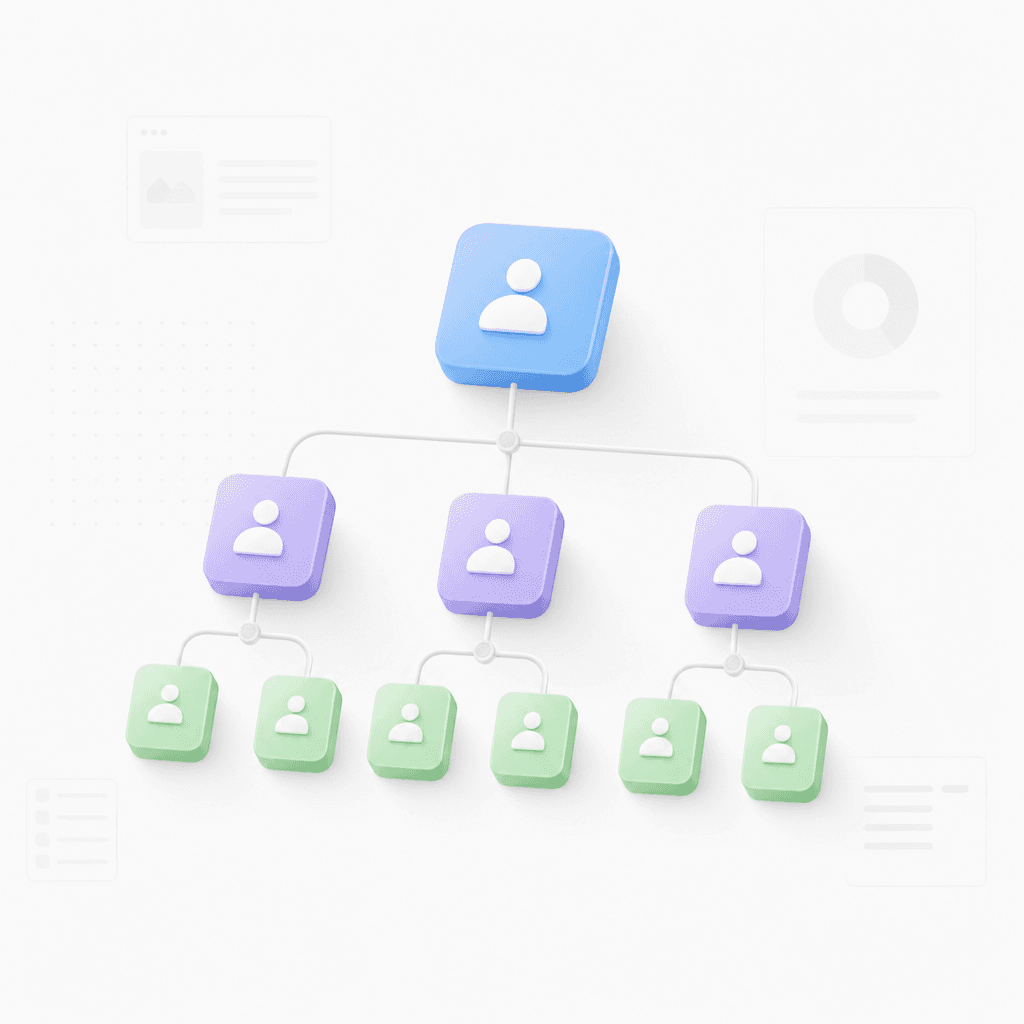
Company org charts

Convert employee lists or company data into a visual breakdown of departments and roles.

Company org charts

Convert employee lists or company data into a visual breakdown of departments and roles.

Company org charts

Convert employee lists or company data into a visual breakdown of departments and roles.

Academic document analysis roadmaps

Transform complex academic papers or technical PDFs into manageable hierarchical maps.

Academic document analysis roadmaps

Transform complex academic papers or technical PDFs into manageable hierarchical maps.

Academic document analysis roadmaps

Transform complex academic papers or technical PDFs into manageable hierarchical maps.

Sitemap and tech mapping

Map out website navigation or software architecture using URLs or simple text prompts.

Sitemap and tech mapping

Map out website navigation or software architecture using URLs or simple text prompts.

Sitemap and tech mapping

Map out website navigation or software architecture using URLs or simple text prompts.

Explore other free online tools

Frequently asked questions

Frequently Asked Questions

How does this hierarchy chart maker work?

Our tool analyzes your provided content and structures it into a visual mind map. It recognizes hierarchies and relationships to build the diagram automatically.

Which file formats does this tool support?

The tool supports diverse input types including Markdown, PDF, Word, images, website URLs, long text, and OPML files. You can also paste simple prompts to generate charts from scratch.

Can I edit the generated chart?

Yes, once the mind map is generated, you can rearrange branches, edit text, and customize the layout to better fit your specific requirements.

What output format does the tool provide?

This hierarchy chart maker generates mind maps based on your input. It is designed to visualize data in a structured, hierarchical format.

Is there an option to export my diagrams?

Yes, you can export your completed mind maps to save them locally or share them with your team in various common formats.

How can I get the best results?

For best results, keep your input organized. While complex data is supported, clear structure in your text or files helps the tool create more accurate and readable diagrams.

Xmind logo

Build your hierarchy chart now

Start creating for free. Export your diagrams or continue editing with professional tools in Xmind.

Xmind logo

Build your hierarchy chart now

Start creating for free. Export your diagrams or continue editing with professional tools in Xmind.