









Image to Mind Map
Image to Mind Map help you convert any photos into editable mind maps. Even images without text can be turned into knowledge-based mind maps.

How to Turn Images into Mind Maps
On Web
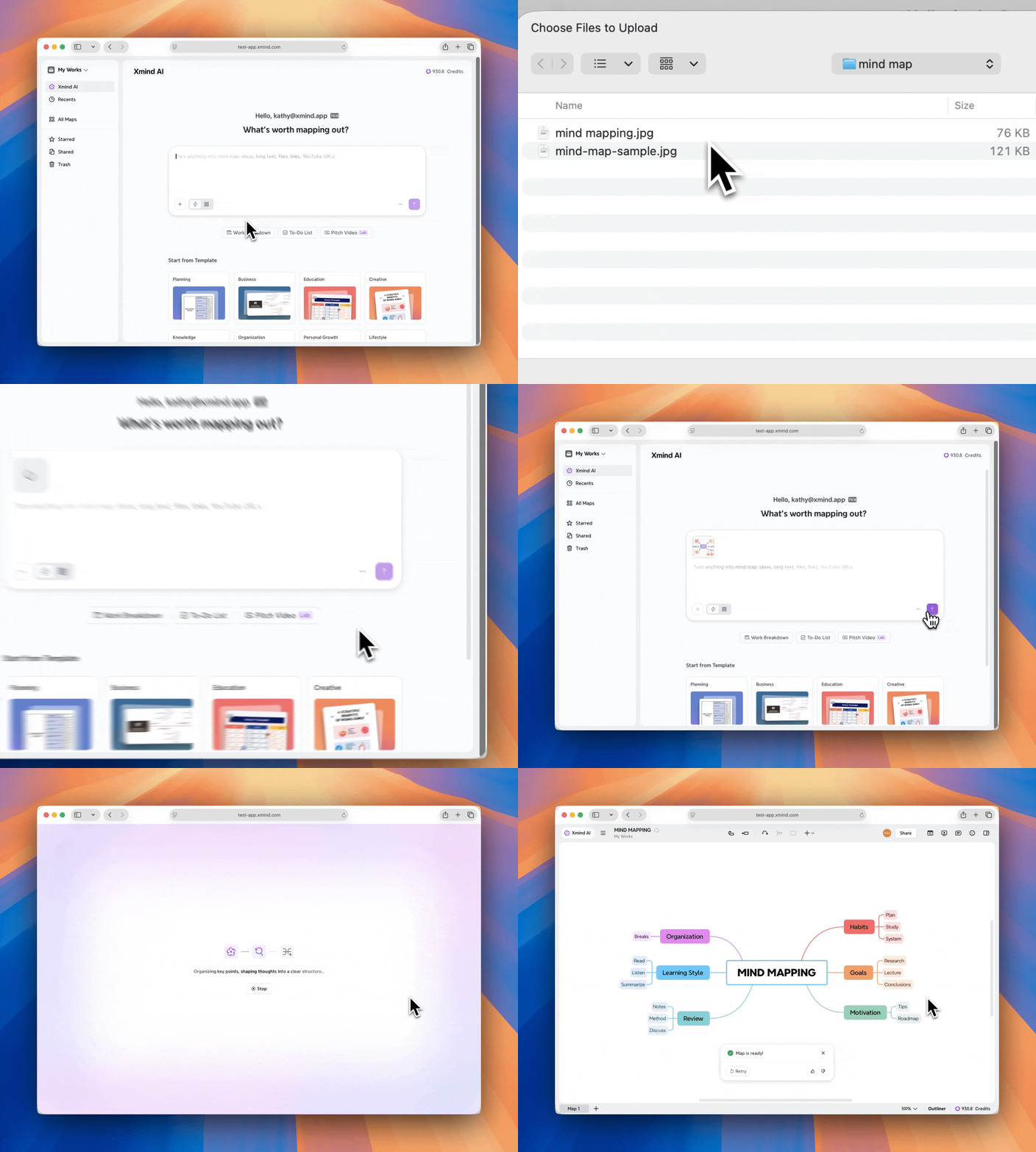
1️⃣ Go to Sidebar > Xmind AI, or navigate to Create New > Create with AI.

2️⃣ Upload an image attachment.
-
Supported formats: JPG, JPEG, PNG.
-
Maximum image size: 10 MB.
3️⃣ Click Generate, Xmind AI analyzes the image and automatically generates a structured mind map.
On iOS
1️⃣ There are two ways to enter images to mind maps on iOS.
- Pull down the screen and select Shoot
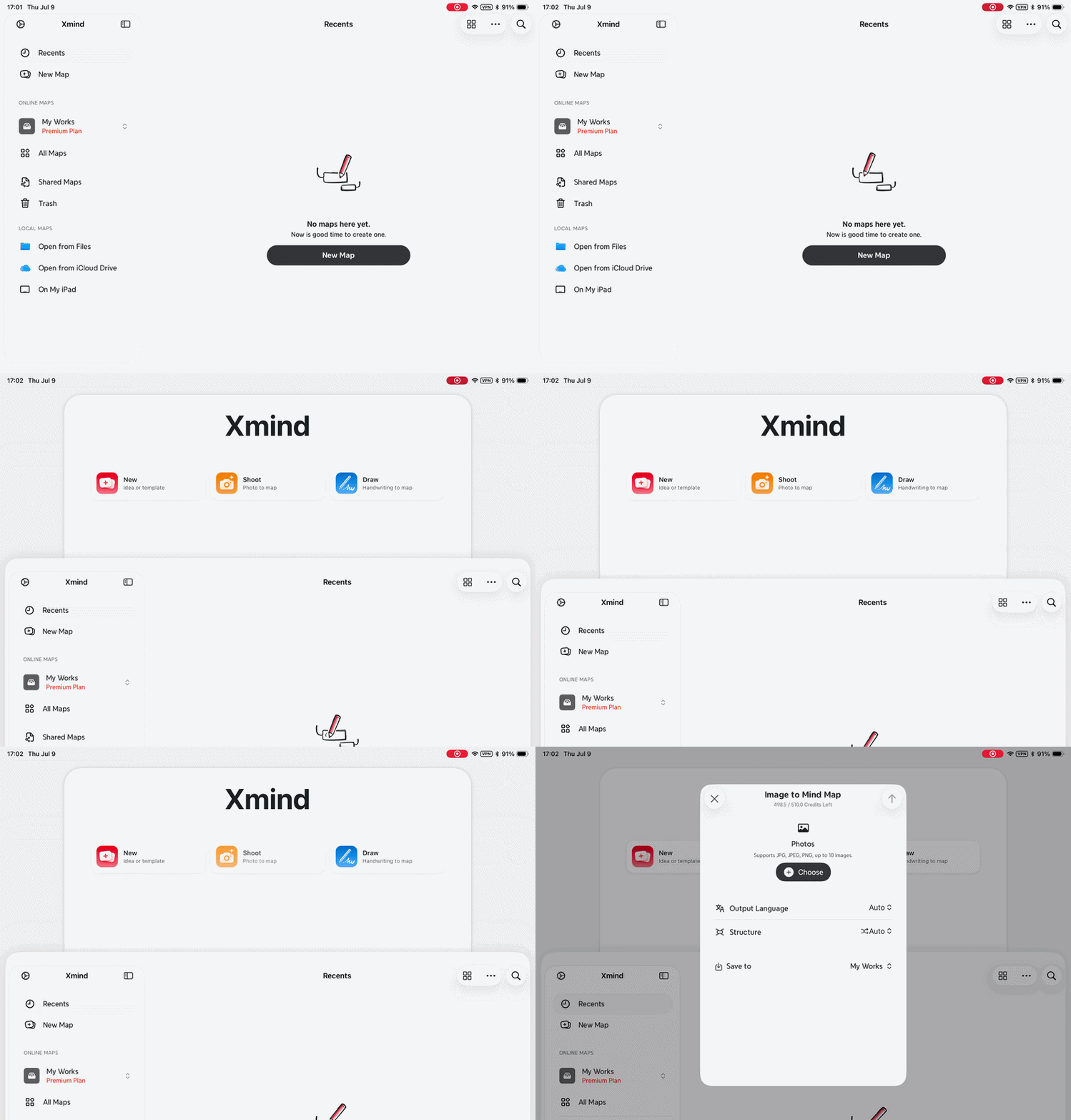
- Go to New > Xmind AI > Image to Mind Map
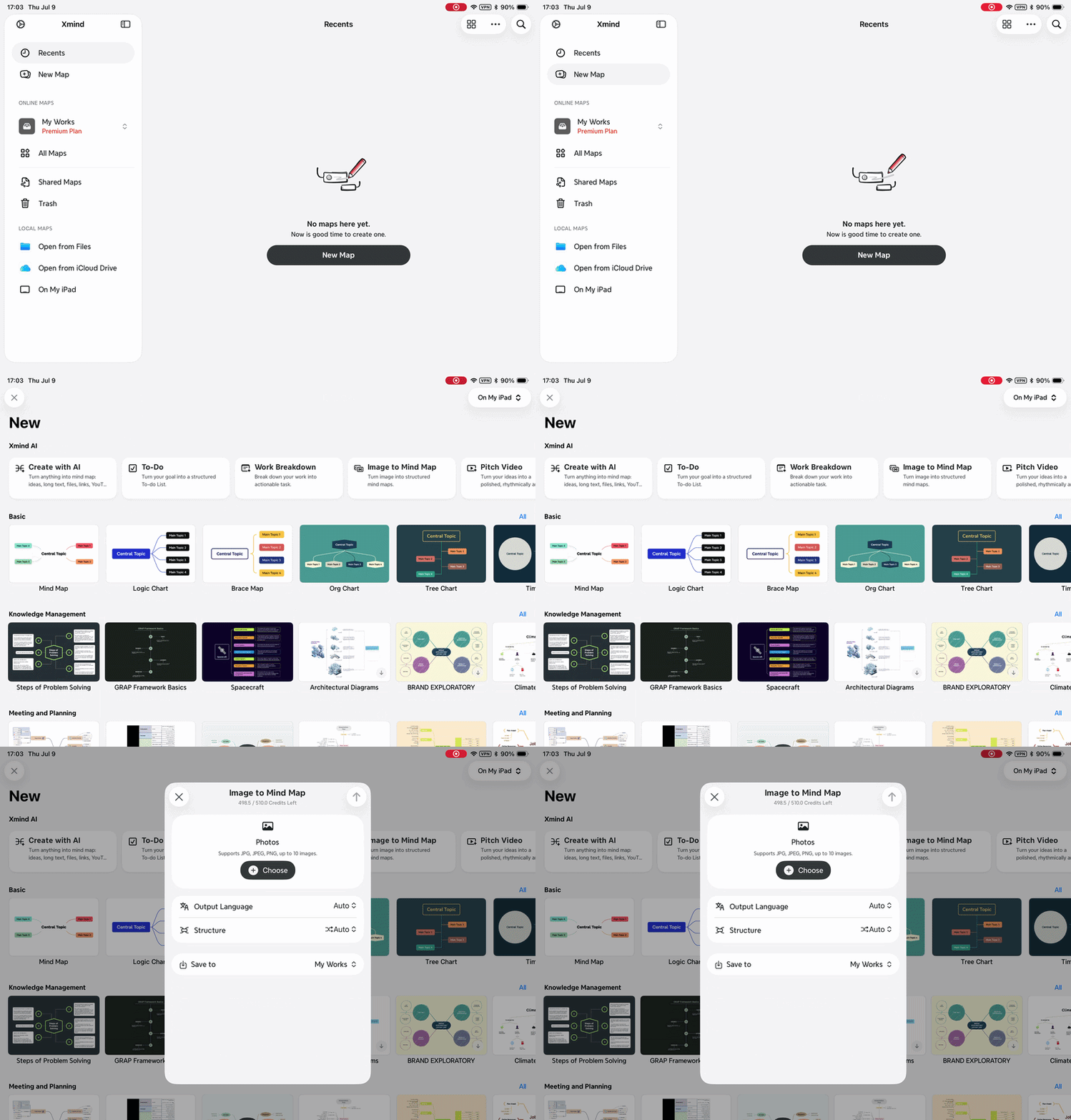
2️⃣ You can add images in one of the following ways:
-
Take a photo using the camera.
-
Upload from the photo library.
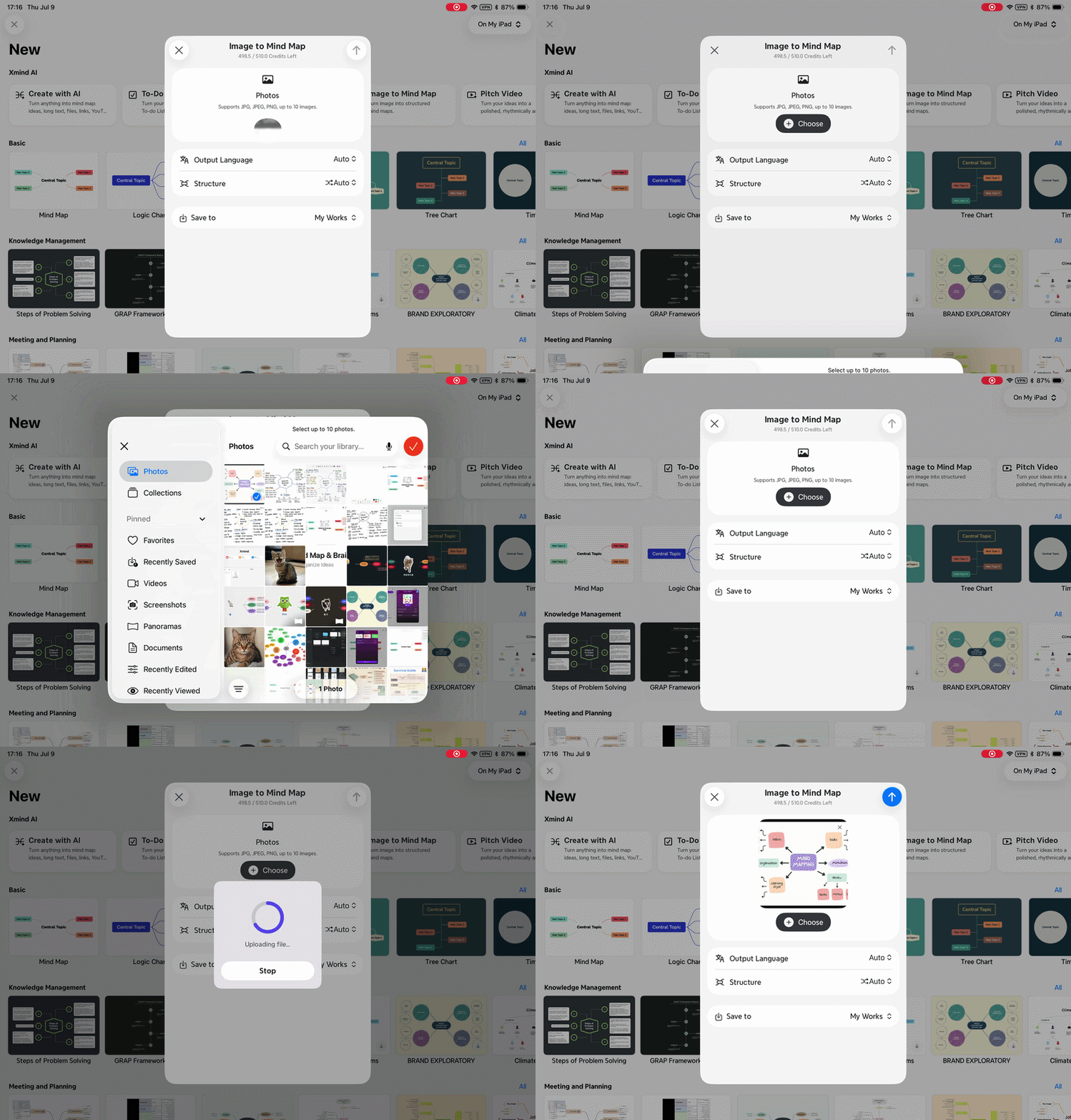
4️⃣ Choose the output language and save location.

5️⃣ Click Generate, the AI analyzes the images and automatically generates the mind map.
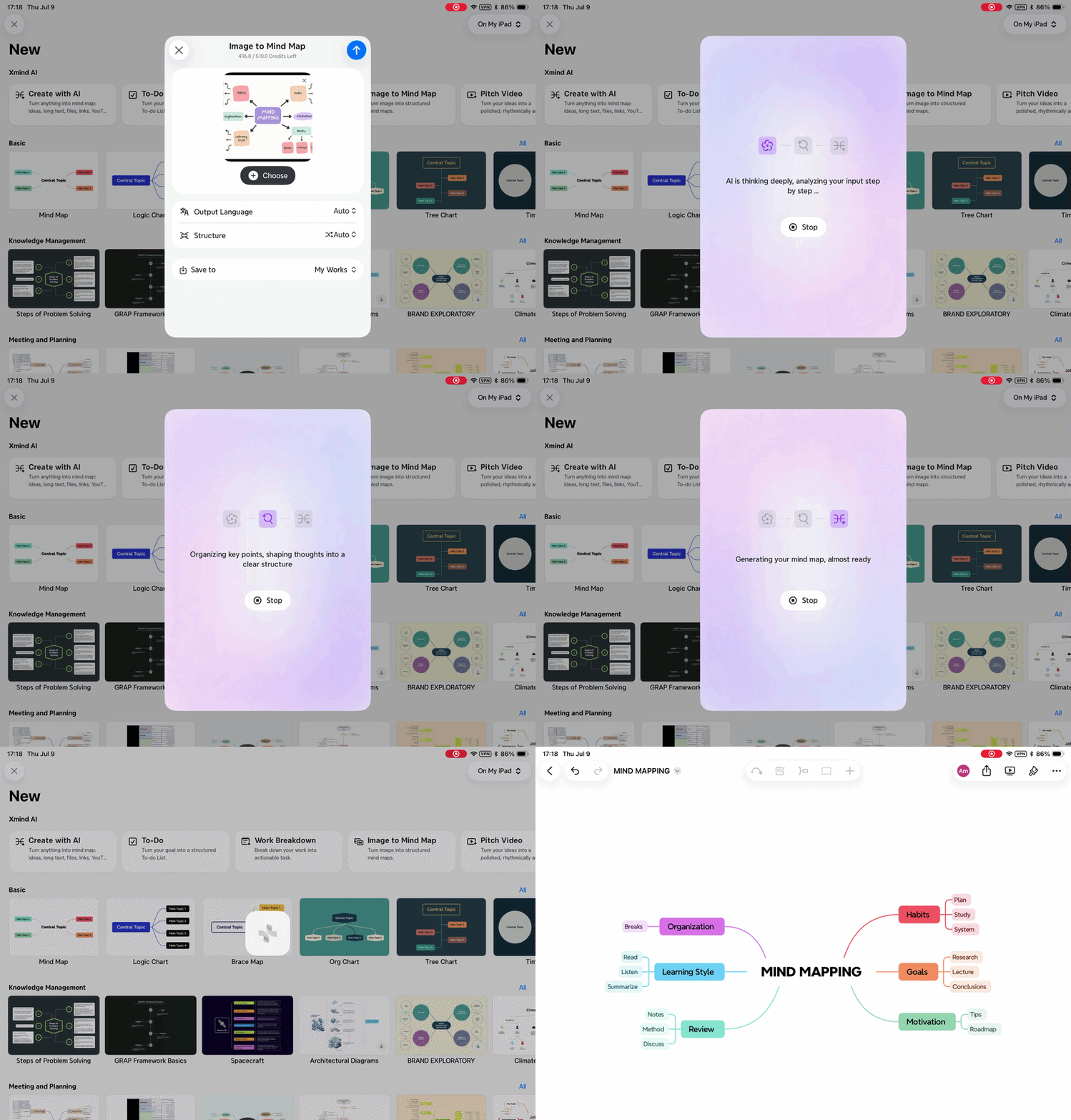
Images with Text vs Images without Text
Image to Mind Map uses AI to analyze the content of the image and generate structured topics.
-
For images with text, Xmind will extract the text and organize them into a structured mind map.
-
For images with single visual element, Xmind will analyze the visual element and converted it into a structured knowledge map.