








Difference between To-Do and Task
With the Xmind 2026 Annual Release, the task system has been redesigned to make it easier to manage actions visually. The previous Task and Planned Task features are now integrated into two clear systems: To-Do and Task. This change does not remove or downgrade any features. It’s designed to clarify how different types of work — from quick notes to full projects — can be better organized in Xmind.

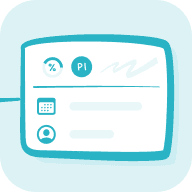
To-Do (Pro feature): Quick, lightweight task tracking
To-Do is designed for simple, personal tasks that help you take quick action while mapping ideas. It’s ideal for capturing daily to-dos, notes, and small goals inside your mind map.
Key features:
- Add checkboxes to topics to create lightweight task lists.
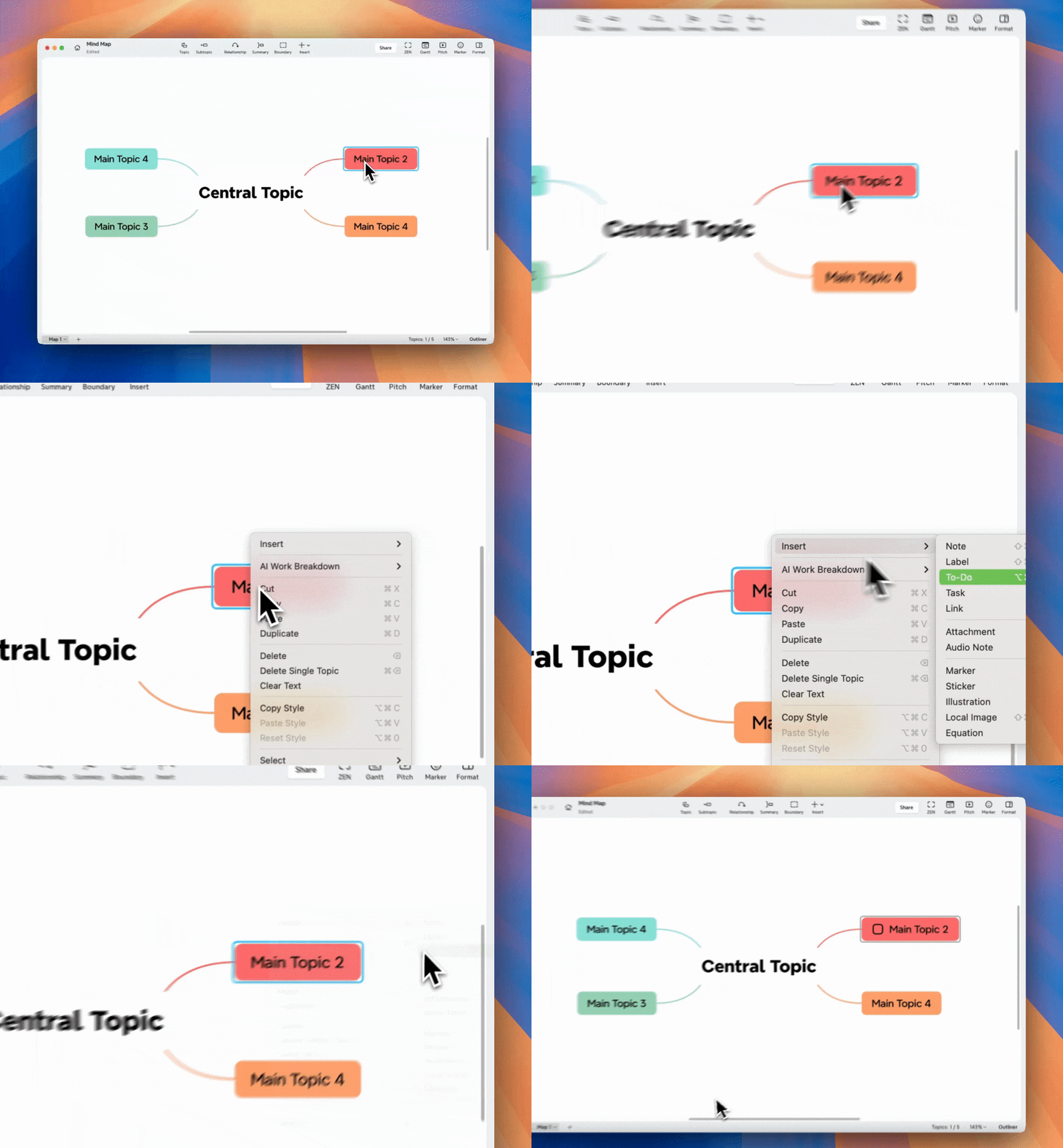
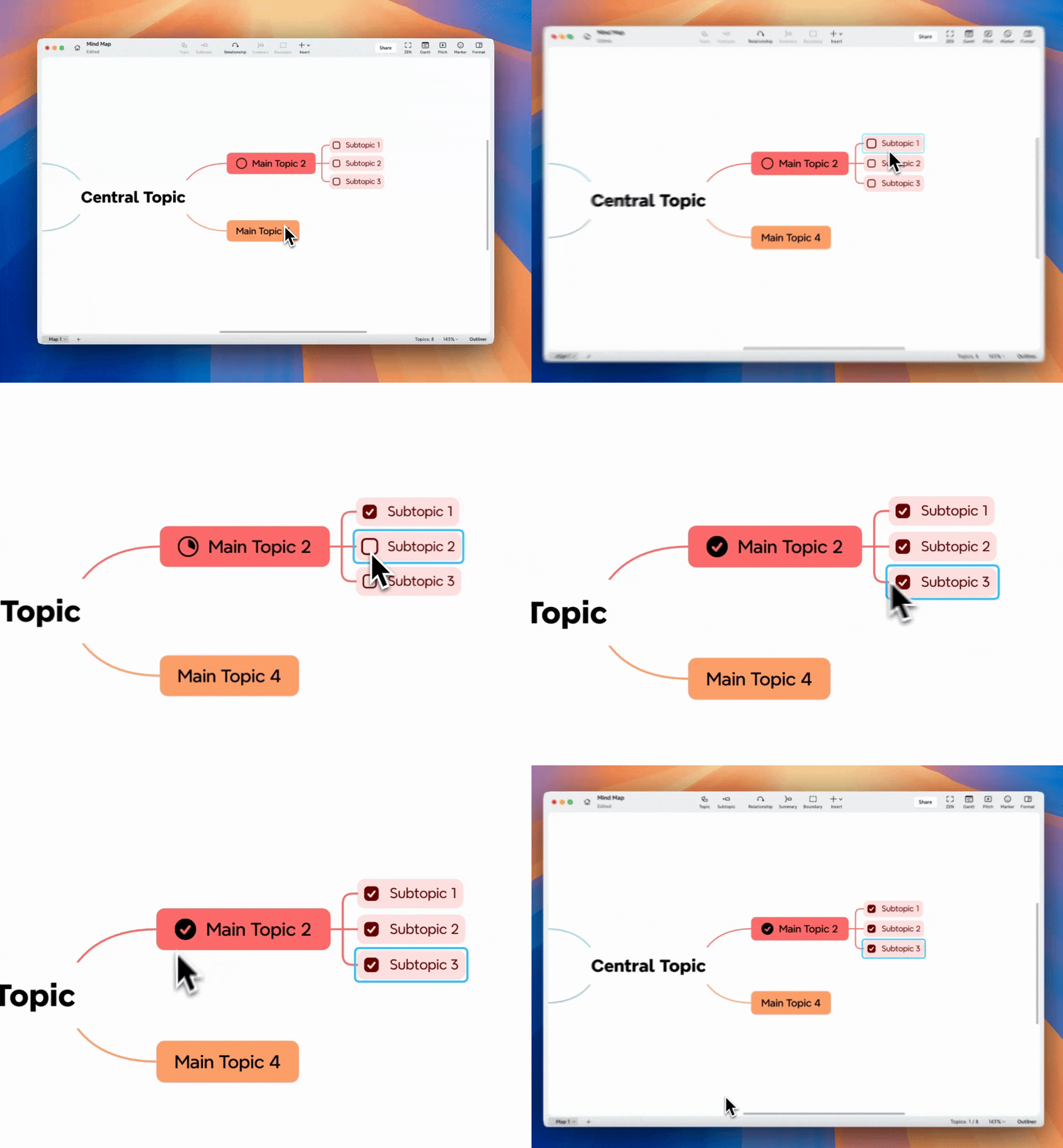
- Support for Sub To-Dos: when sub-items are added, progress appears as a circular indicator. As you check off each Sub To-Do, the main To-Do’s progress updates automatically.
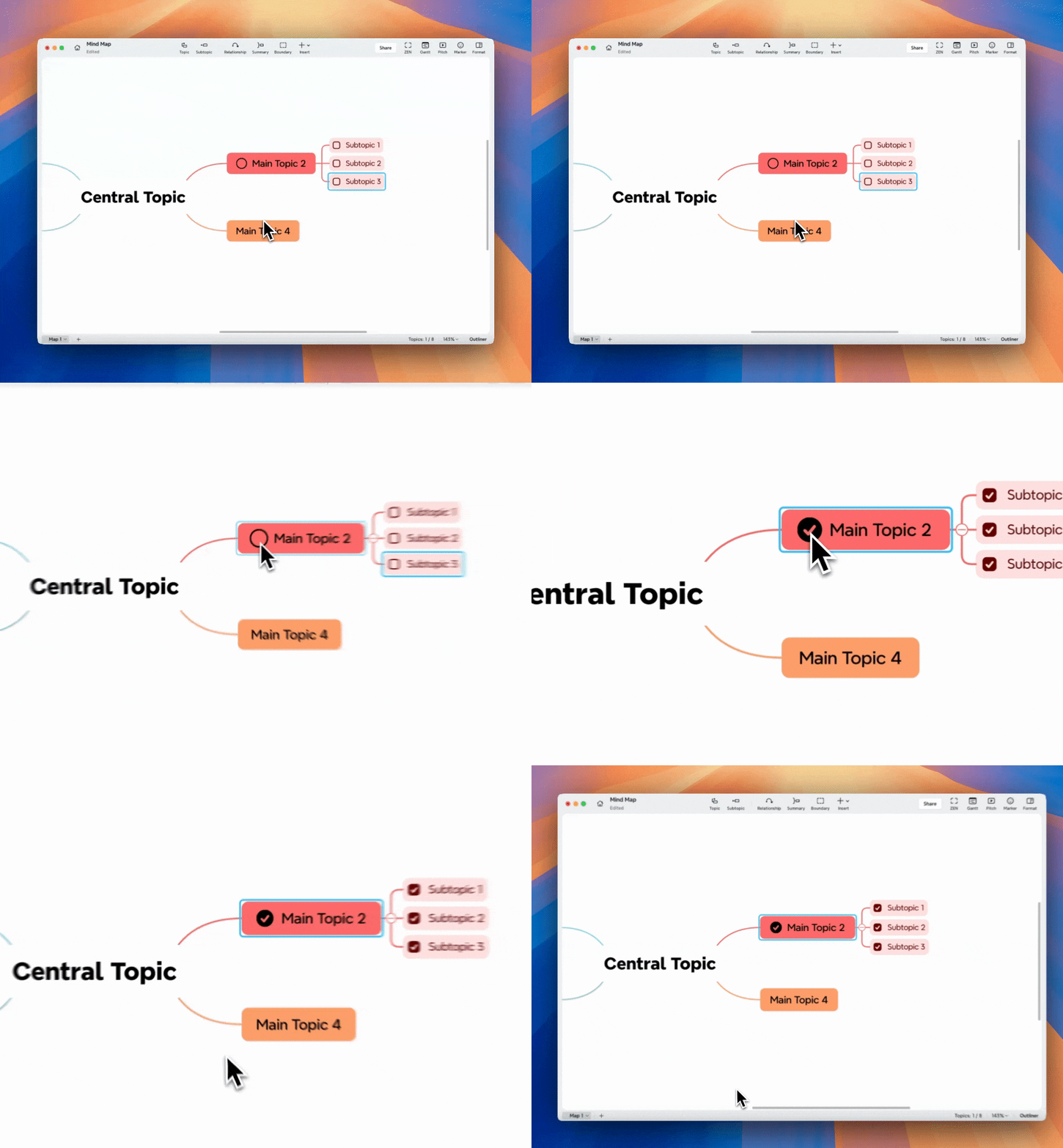
- The circular progress can also be manually checked to mark all sub-items as completed.
-
To-Do does not include deadlines, dependencies, or Gantt view synchronization.
-
You can select multiple topics and apply To-Do to all at once.
Use To-Do when you want to:
-
Capture ideas and quick reminders.
-
Track progress visually inside a map.
-
Keep your planning fast and lightweight.
Task (Premium feature): Structured, scalable project planning
Task is designed for users who need to plan and manage larger or time-based projects. It connects actions with structure, providing advanced management features while keeping the workflow visual.
Key features:
- Add deadlines, dependencies, and progress tracking.

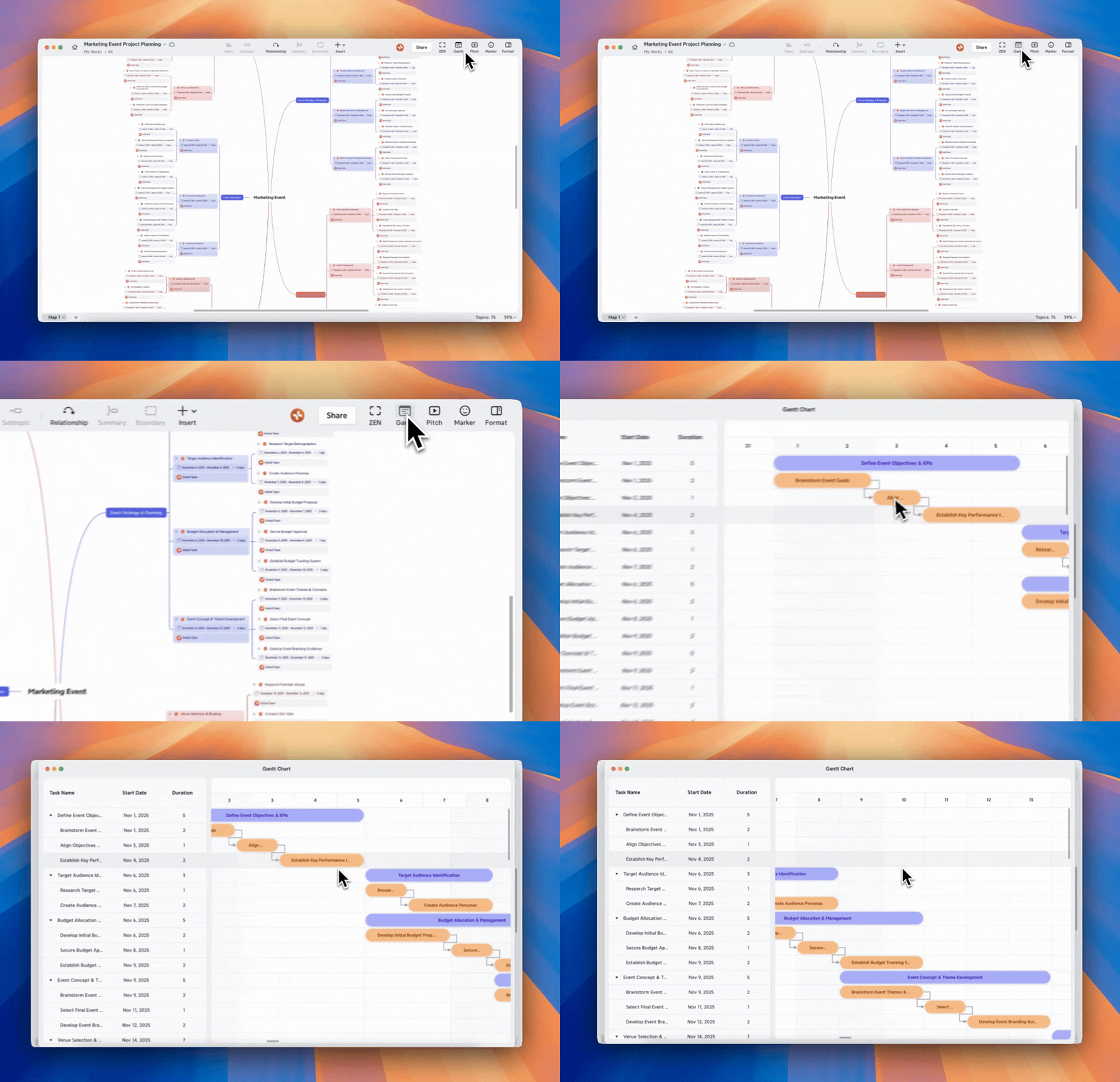
- Automatically syncs with the Gantt view for time-based project visualization.
-
Supports team or multi-phase planning with automatic status updates.
-
Keeps data consistent across views and topics.
Use Task when you want to:
-
Manage complex projects or milestones.
-
Plan tasks with time, dependency, or team dimensions.
-
Visualize schedules and track overall progress.
Quick comparison: To-Do vs Task

Tip
While many project management tools are complex, Xmind’s Task system is designed to stay lightweight and visual. You can think through ideas and manage progress in one space — without switching tools or losing flow.